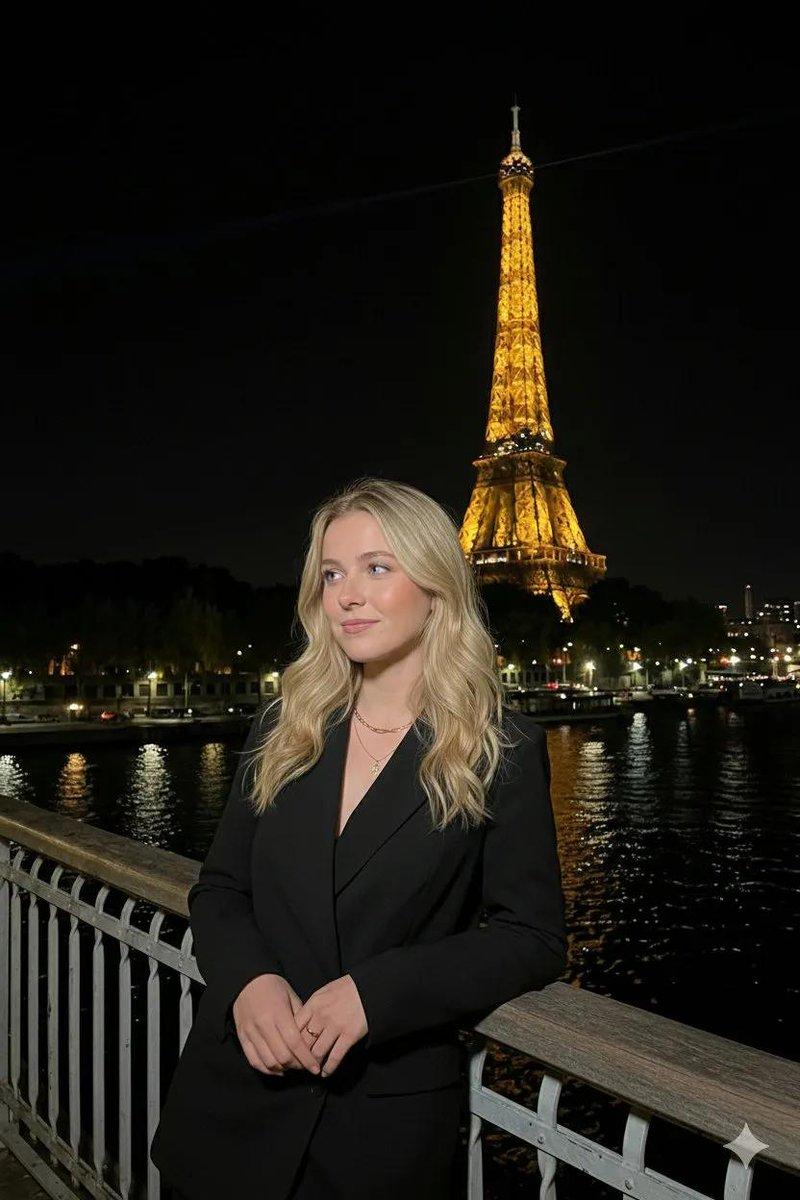
Kling 3 和 Seedance 2 的对比提示
Prompt
360度パノラマカメラ自撮り。カメラが反時計回りに回転し、スイーツショップの店内を撮影。その後、女性が様々なシーンでポーズをとり、衣装や小道具を変えている様子を表示。
- Category
- 创意图片
- Model
- seedance-2.0
- Creator
- RINONOYT
- Source ID
- 0e148e35-181c-4799-87cf-d48709b1d18c
- Published
- Mar 8, 2026
Views1
20
360度パノラマカメラ自撮り。カメラが反時計回りに回転し、スイーツショップの店内を撮影。その後、女性が様々なシーンでポーズをとり、衣装や小道具を変えている様子を表示。
Guide
"Kling 3 和 Seedance 2 的对比提示" AI image prompt for seedance-2.0 (创意图片). 一位用户分享了用于比较 Kling 3 和 Seedance 2 视频生成的提示词,并指出 Kling 3 误解了提示词中的“自拍”部分。该提示词描述了一个在糖果店内的 360…
The full copyable prompt and example visuals above are ready for AI image generation or one-click recreate in Picva.
Step 1
Review the example visuals, category, and full prompt text for "Kling 3 和 Seedance 2 的对比提示".
Step 2
Copy the prompt body from this page, or load it directly in Studio.
Step 3
Prefer seedance-2.0. If you switch models, keep subject and composition and tweak style terms.
Step 4
Recreate the look in Picva, or export into your workflow for editing and publishing.