18

She didn’t choose violence. Violence chose her. { "image_prompt": { "subje
Enlarge

She didn’t choose violence. Violence chose her. { "image_prompt": { "subje

Prompt
She didn’t choose violence. Violence chose her.

{
  "image_prompt": {
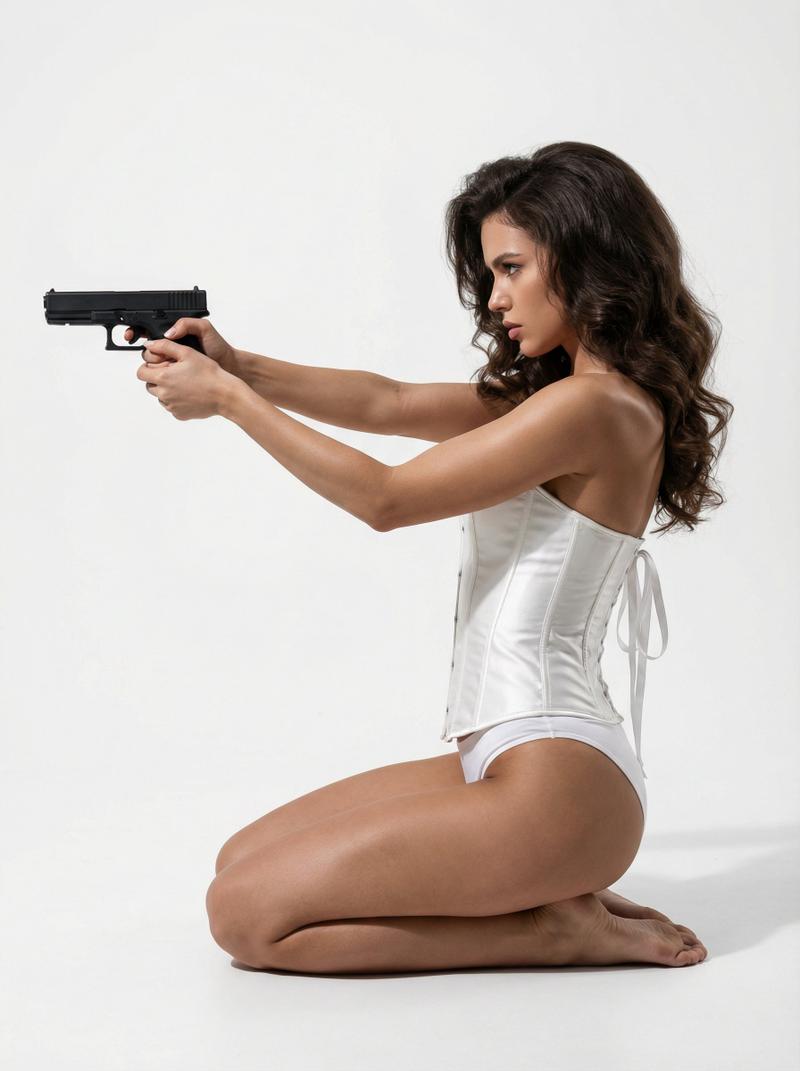
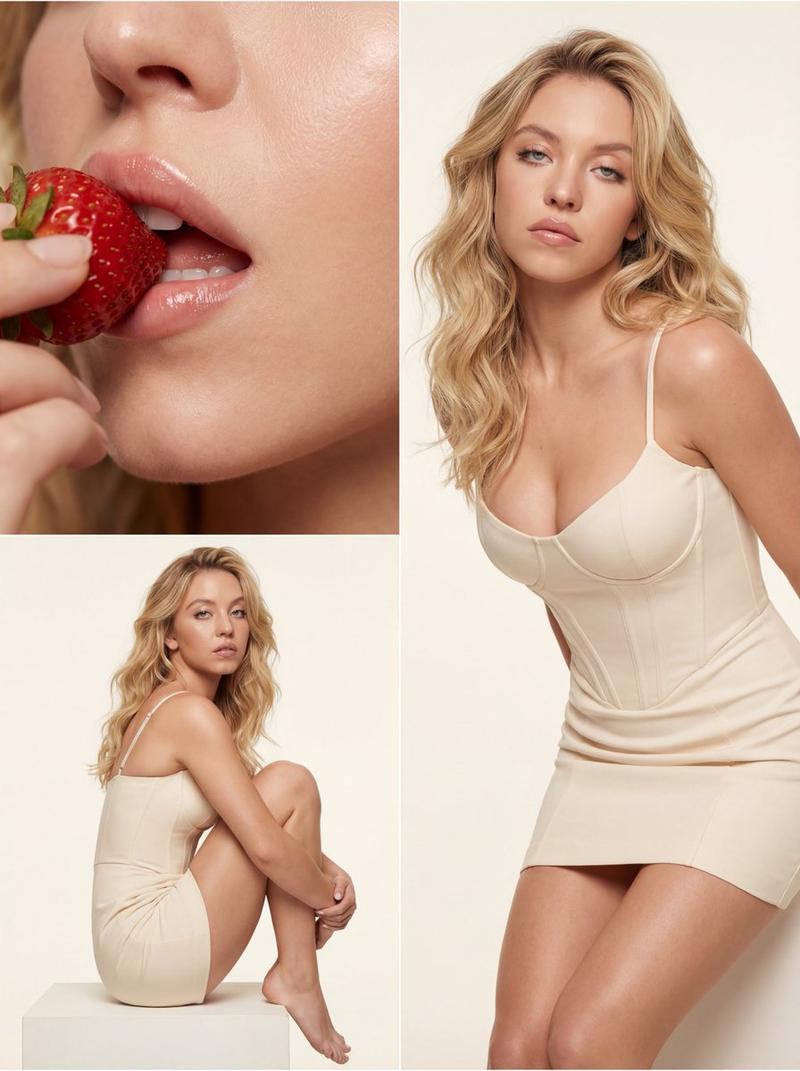
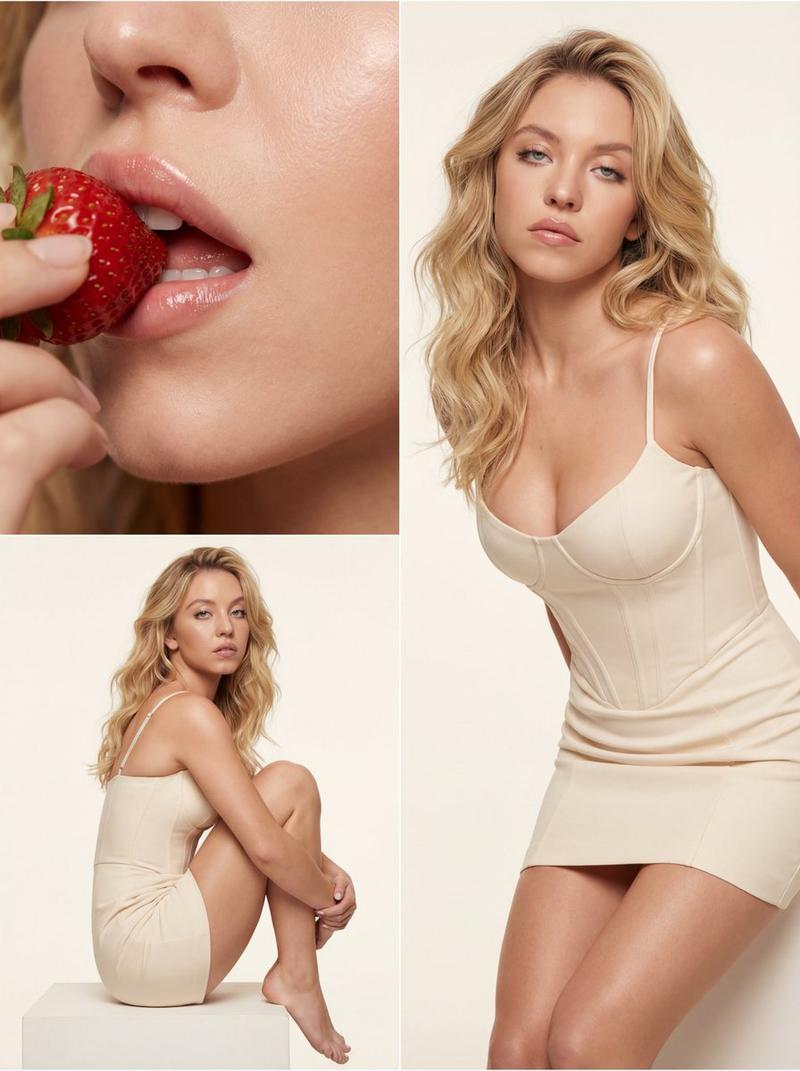
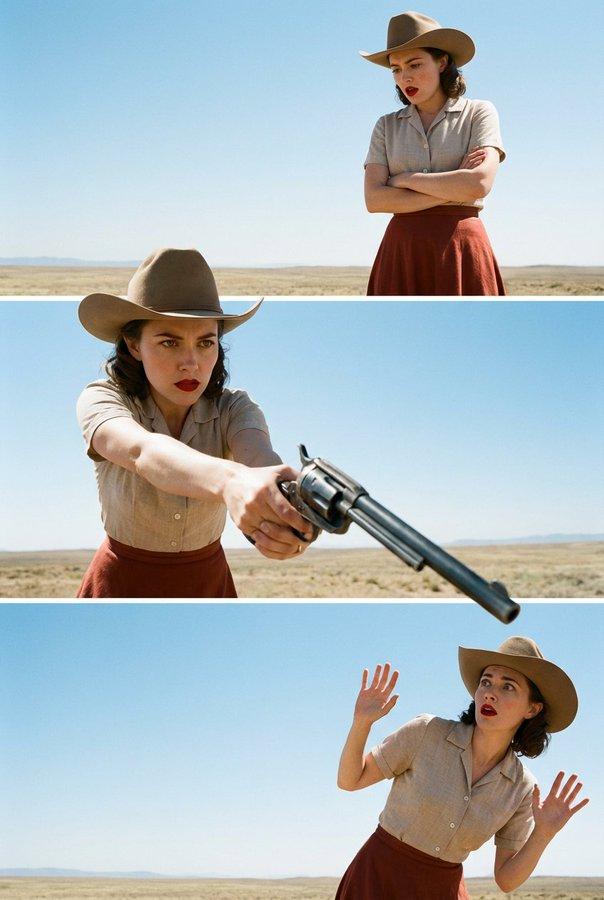
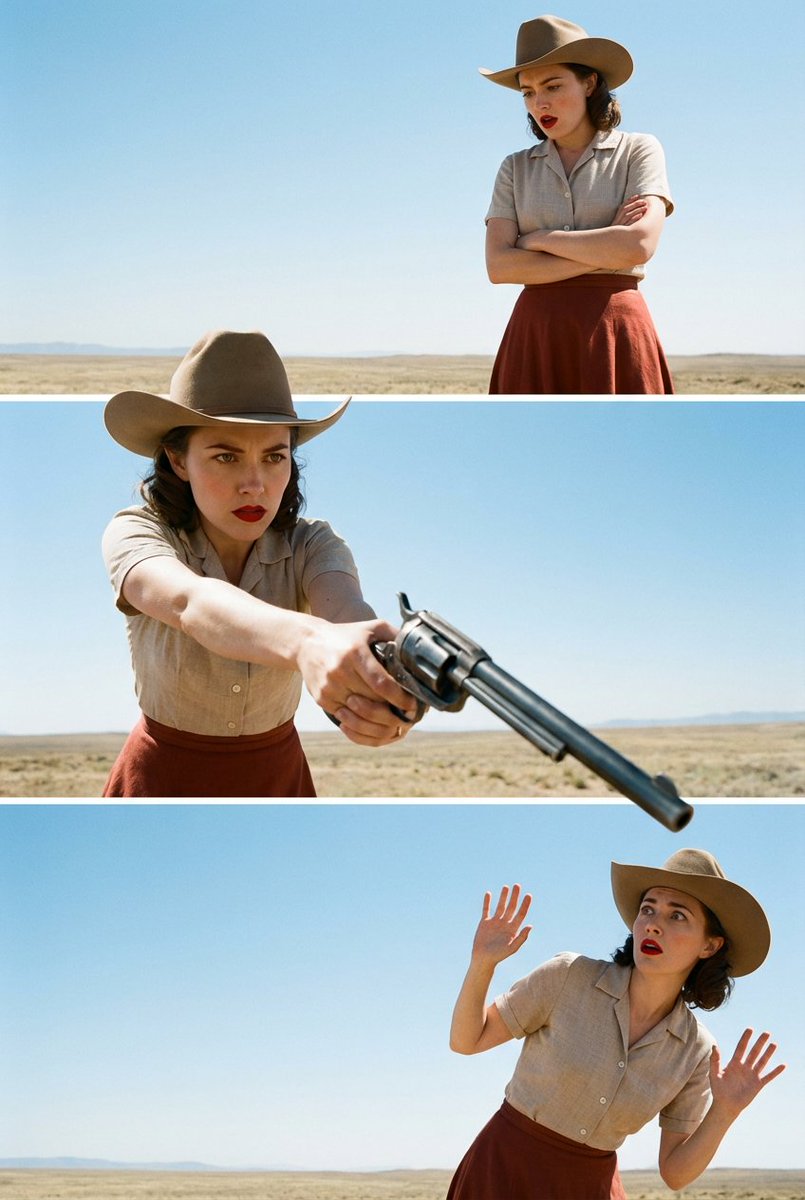
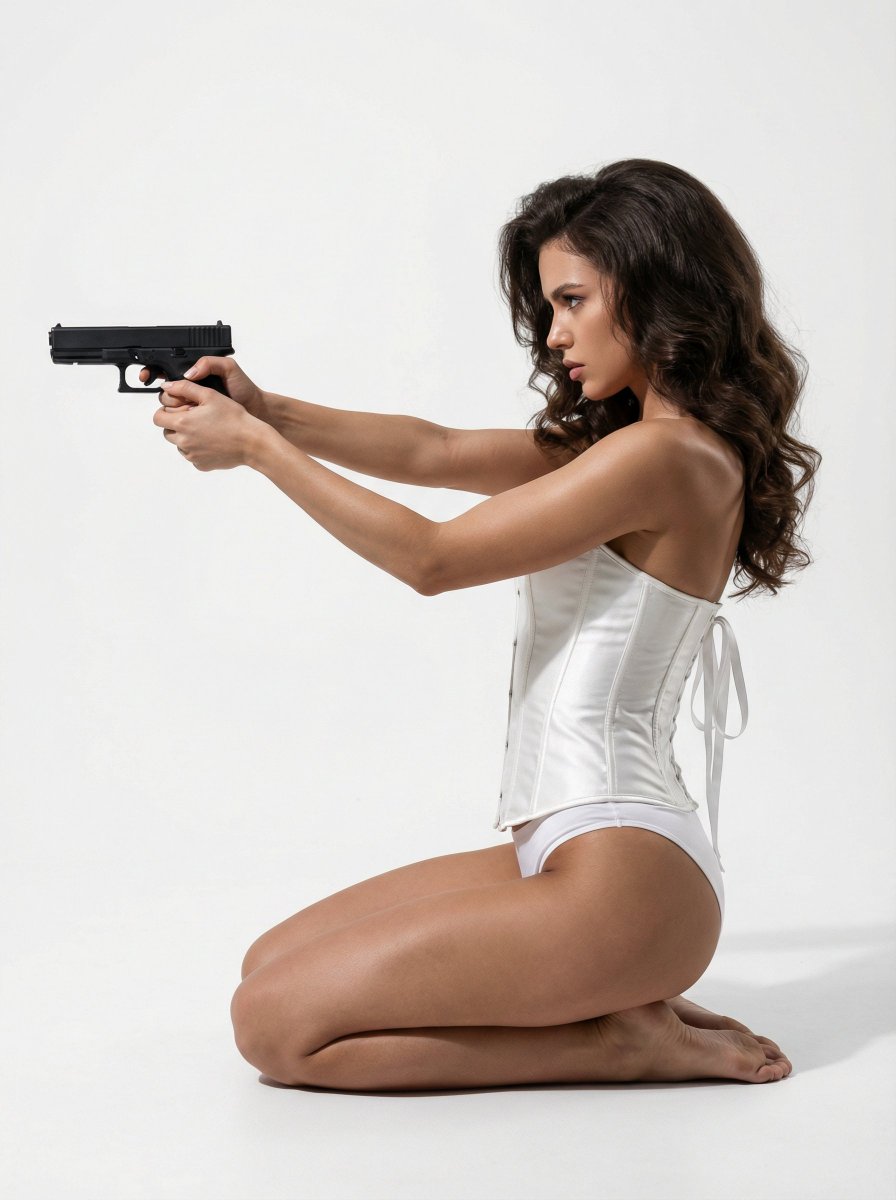
    "subject_description": "A fit young woman with voluminous, dark brunette wavy hair styled in a modern blowout. She is kneeling on the floor in a side-profile view, turning her torso slightly to aim.",
    "action": "Holding a sleek, modern black semi-automatic pistol with a two-handed grip, arms fully extended, aiming intently to the left. Intense, focused facial expression.",
    "attire": "A structured, modern white satin corset with intricate ribbon lacing down the spine, matching high-cut white bottoms. Barefoot.",
    "environment": "High-end minimalist photo studio, seamless bright white infinity background.",
    "lighting": "Professional cinematic studio lighting, soft rim lighting highlighting the muscle definition of the back and arms, soft shadows, high dynamic range (HDR).",
    "technical_specs": "Ultra-realistic, 8k resolution, razor-sharp focus, incredibly detailed skin texture and fabric weave, photorealistic, modern fashion editorial style, shot on Hasselblad X2D 100C, macro details, no film grain, clean and crisp aesthetic."
  }
}
Category
创意图片
Model
Nano Banana Pro
Creator
Pixshop
Views5
Source ID
27127b15-e38d-4bb7-a9c5-3c52ad1b765b
Published
Jan 10, 2026

Guide

About "She didn’t choose violence. Violence chose her. { "image_prompt": { "subje"

What is this prompt for?

"She didn’t choose violence. Violence chose her. { "image_prompt": { "subje" AI image prompt for Nano Banana Pro (创意图片). 创意图片 Copy it on Picva and recreate the…

The full copyable prompt and example visuals above are ready for AI image generation or one-click recreate in Picva.

How to use this prompt

  1. Step 1

    Open the prompt detail

    Review the example visuals, category, and full prompt text for "She didn’t choose violence. Violence chose her. { "image_prompt": { "subje".

  2. Step 2

    Copy the prompt

    Copy the prompt body from this page, or load it directly in Studio.

  3. Step 3

    Pick a model (Nano Banana Pro)

    Prefer Nano Banana Pro. If you switch models, keep subject and composition and tweak style terms.

  4. Step 4

    Generate and export

    Recreate the look in Picva, or export into your workflow for editing and publishing.

FAQ

What is the "She didn’t choose violence. Violence chose her. { "image_prompt": { "subje" prompt?
It is an AI image-generation prompt for Nano Banana Pro in the 创意图片 category. This page includes the full prompt text, example visuals, and a one-click recreate path in Picva.
How do I use this prompt to generate an image?
Copy the prompt from this page, or use Generate / Studio. Paste it into a compatible image model, or recreate the look in Picva with optional reference images.
Which model is this prompt for?
This page lists Nano Banana Pro. Most descriptive prompts also transfer to nearby image models such as GPT Image, Flux, or Midjourney with light style tweaks.
Can I use the result commercially?
You can usually copy the prompt for creation, but commercial use of the final image depends on the model terms, reference-image rights, and the generated content. Follow the source author and platform rules.