20

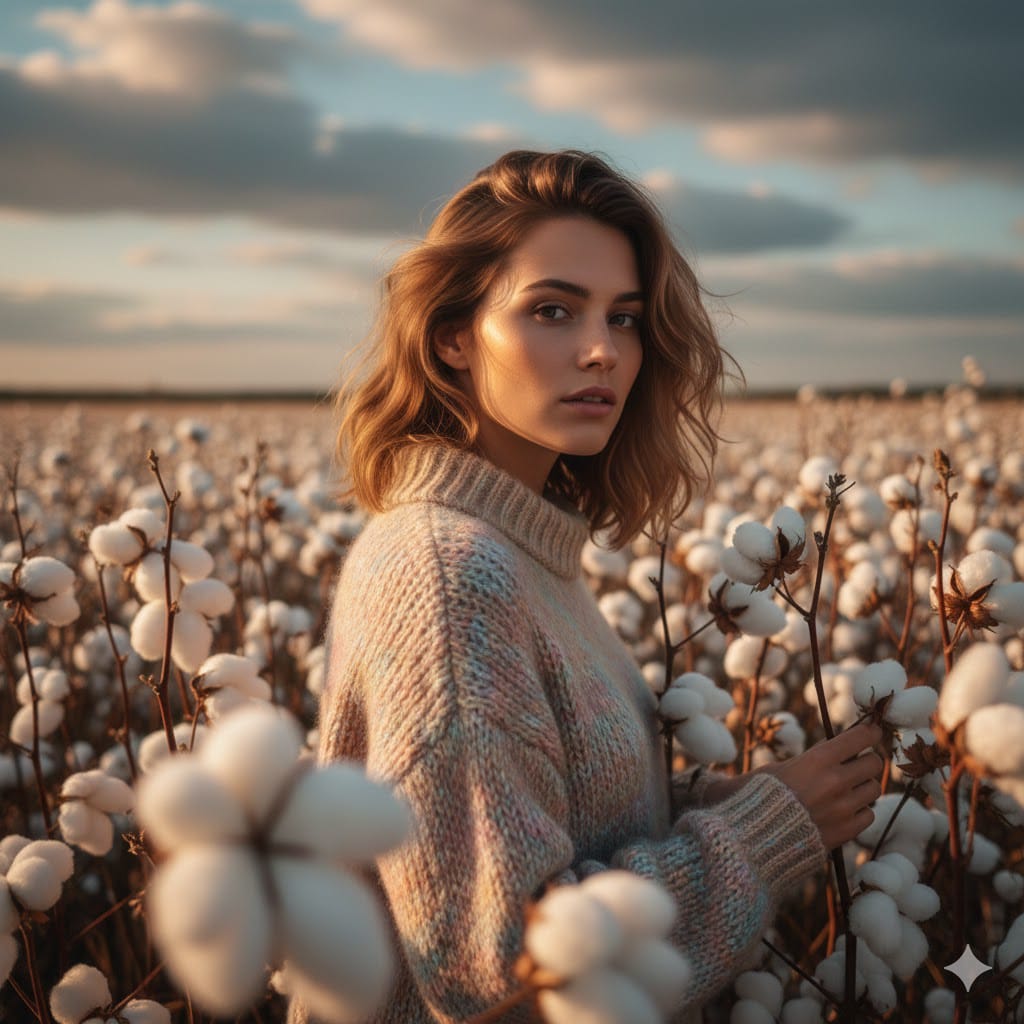
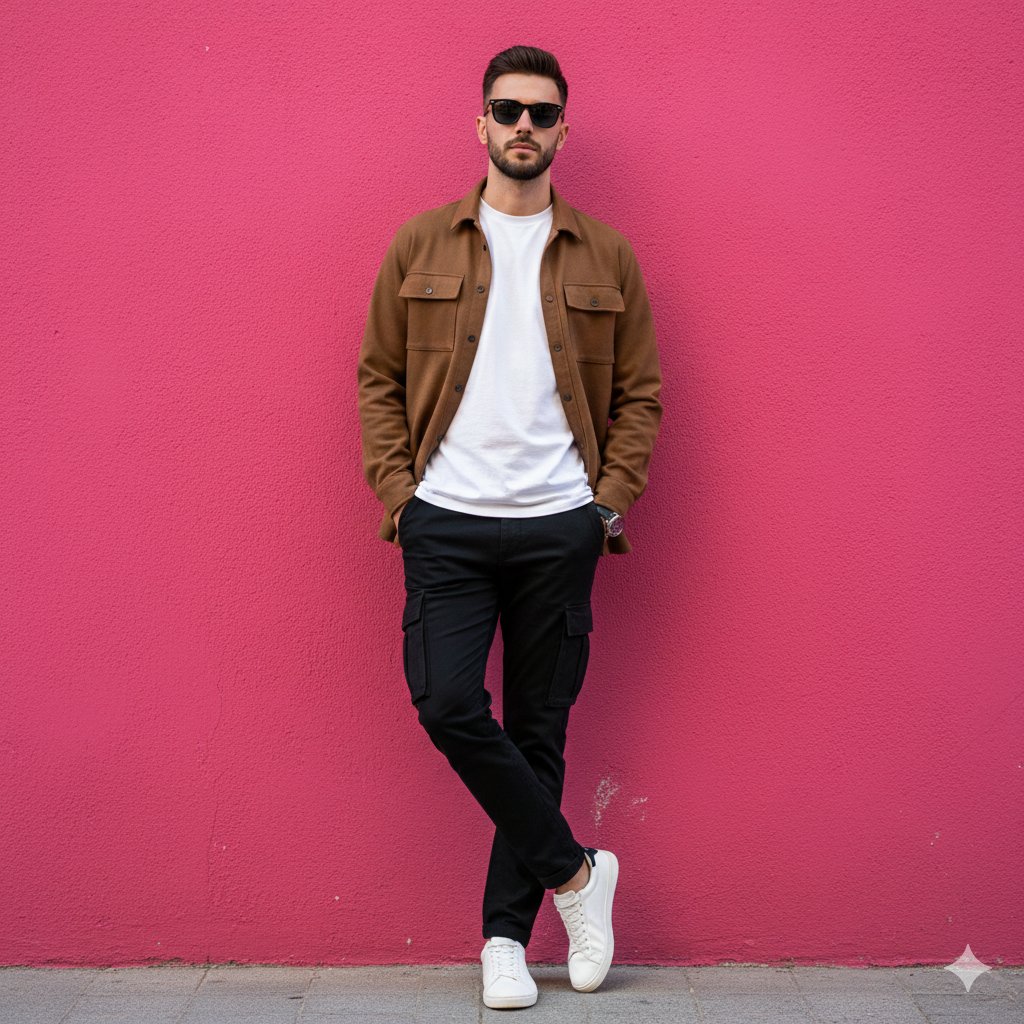
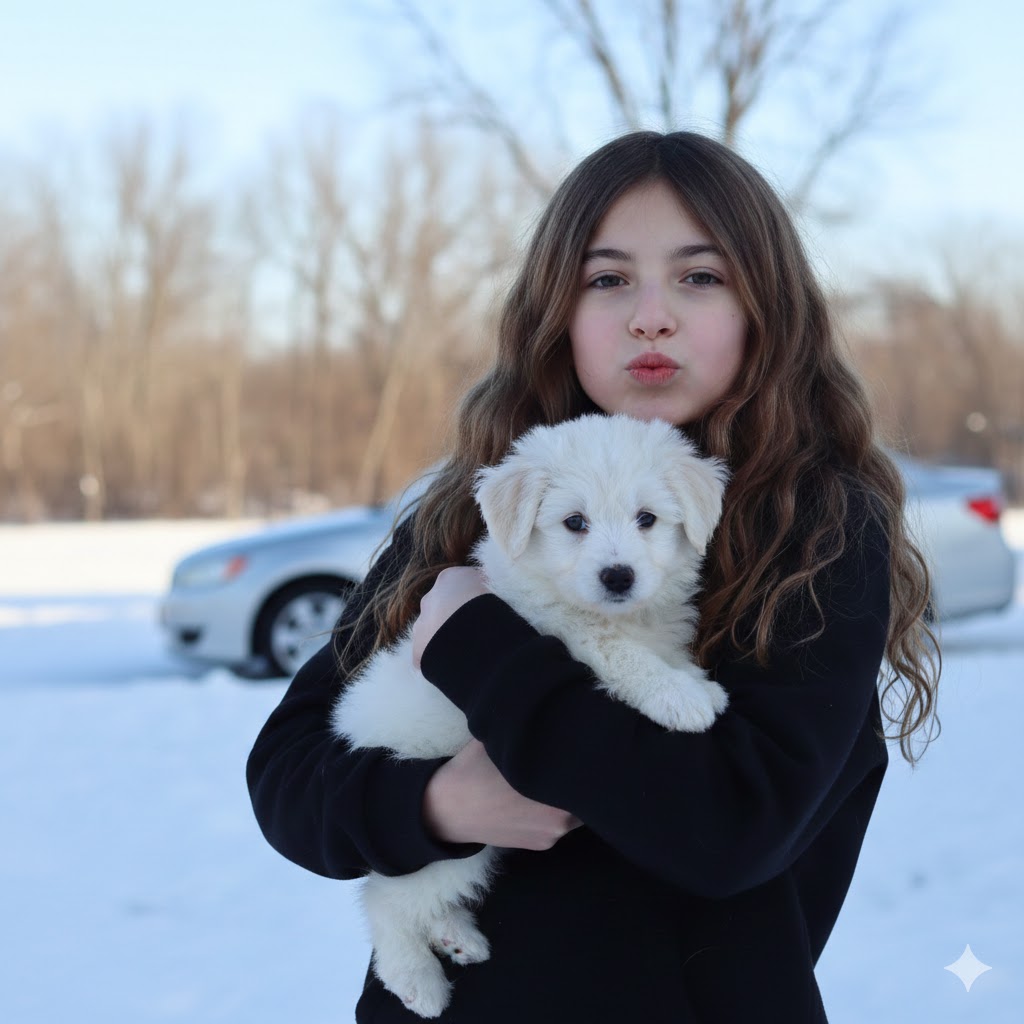
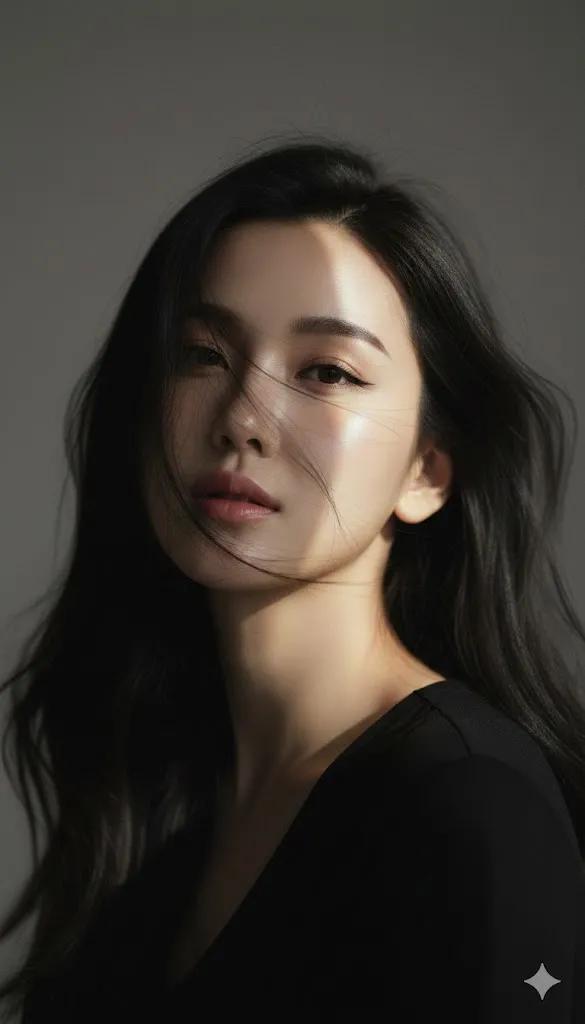
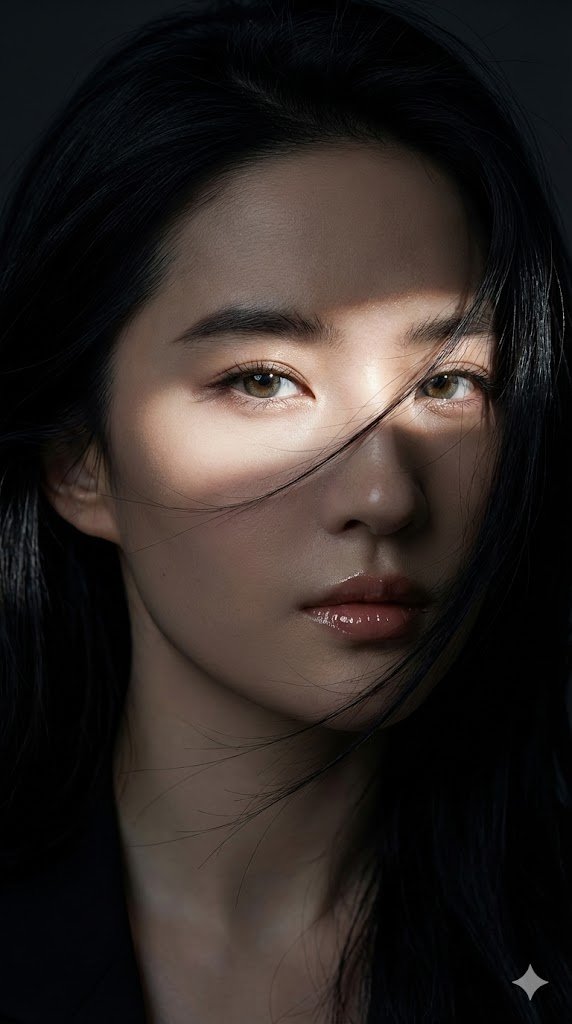
接着再来一波不同风格的美 一种超逼真的特写,深邃忧郁的美感 prompt 参考 from @ShreyaYadav___ Try with Google Ge
Enlarge

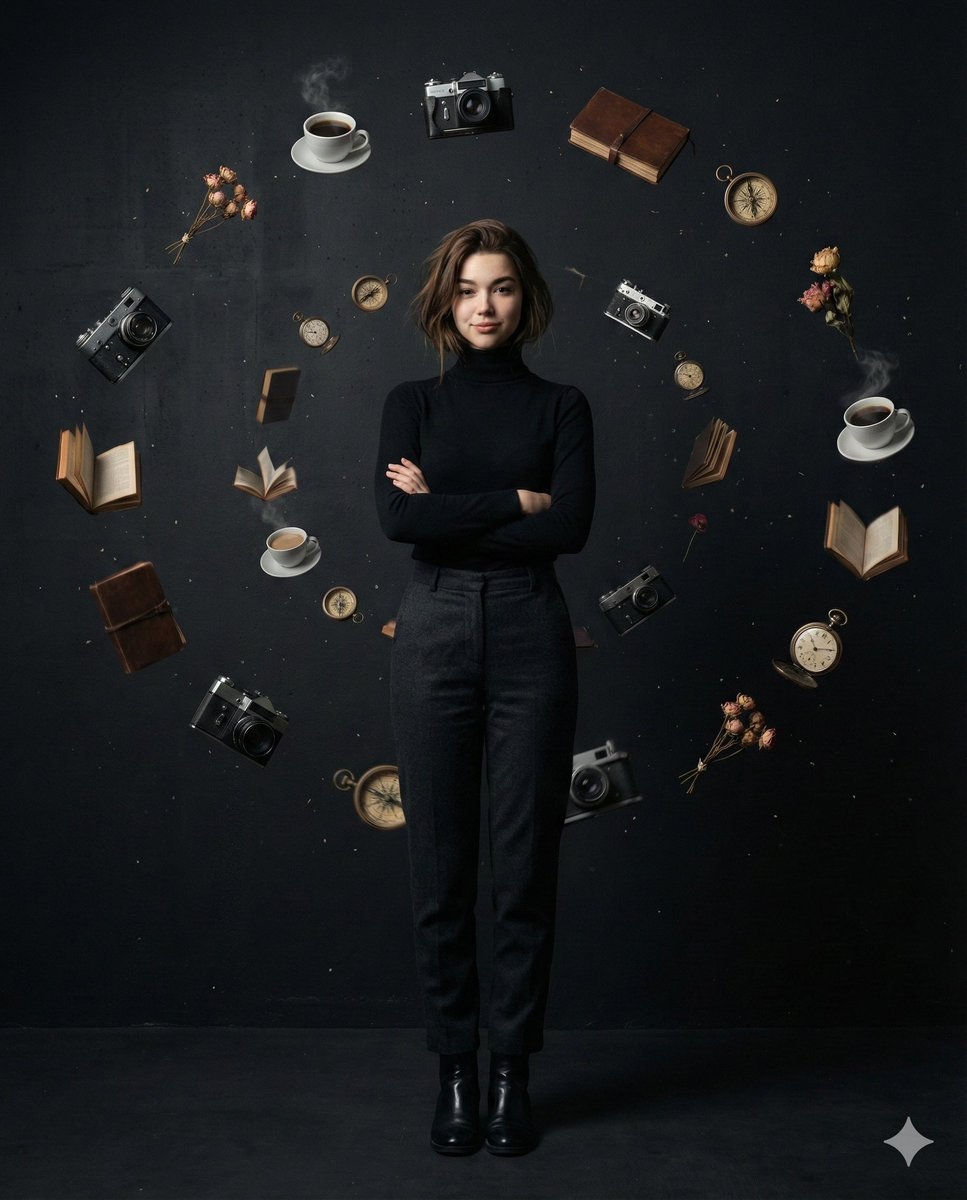
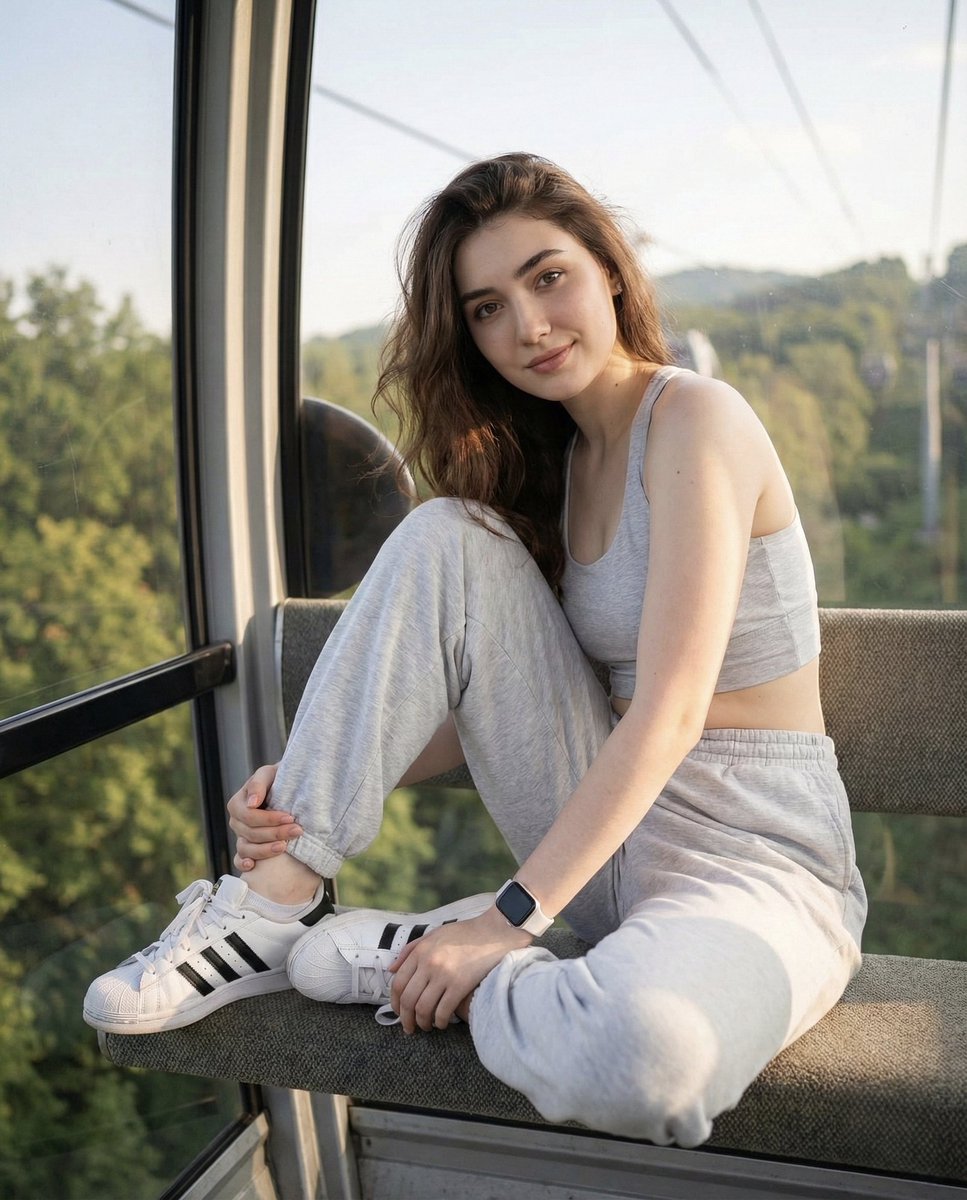
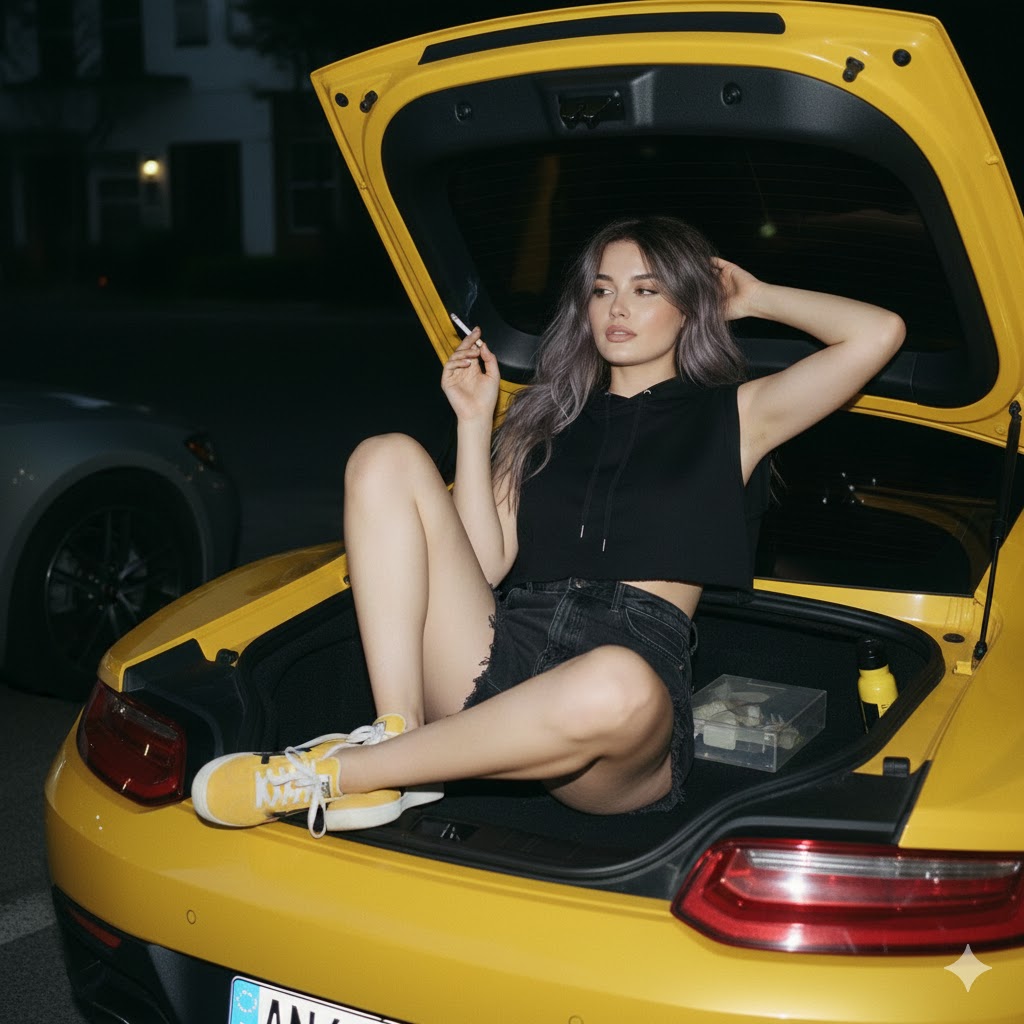
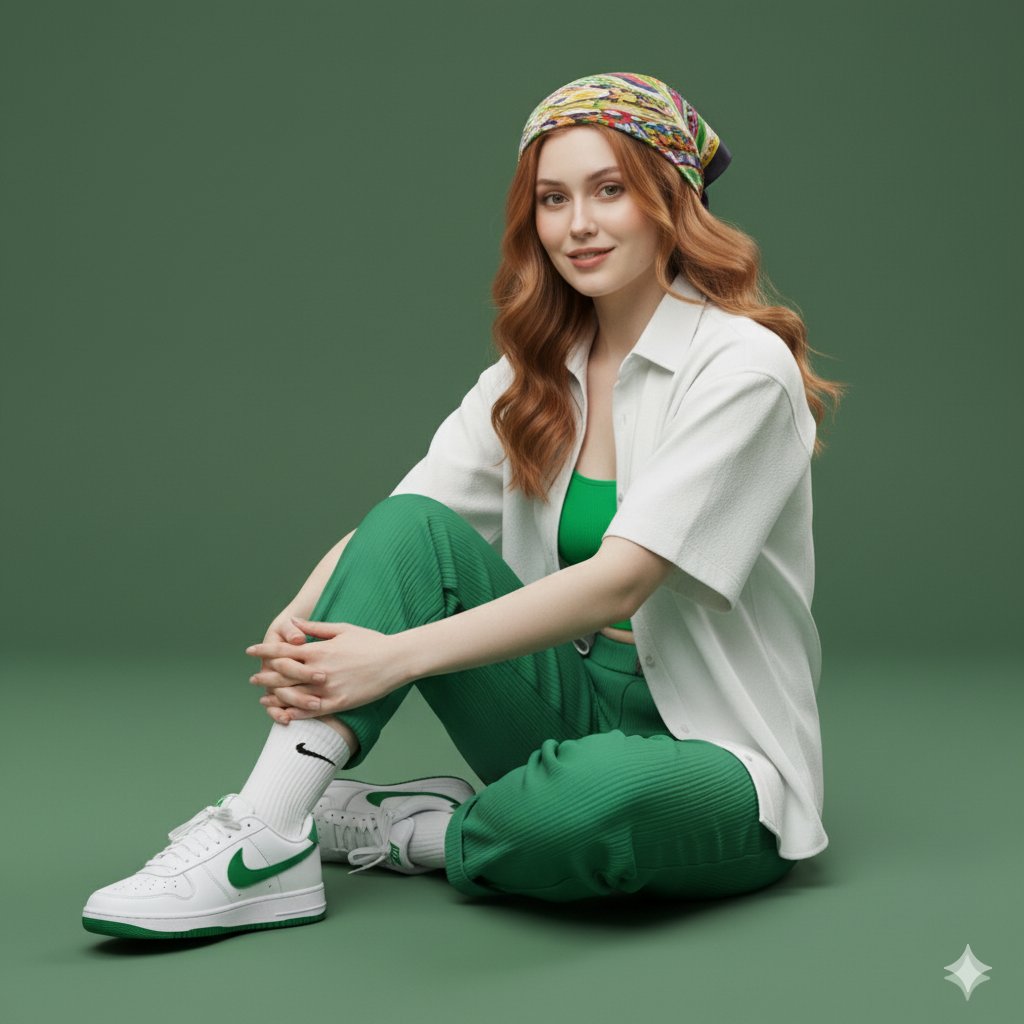
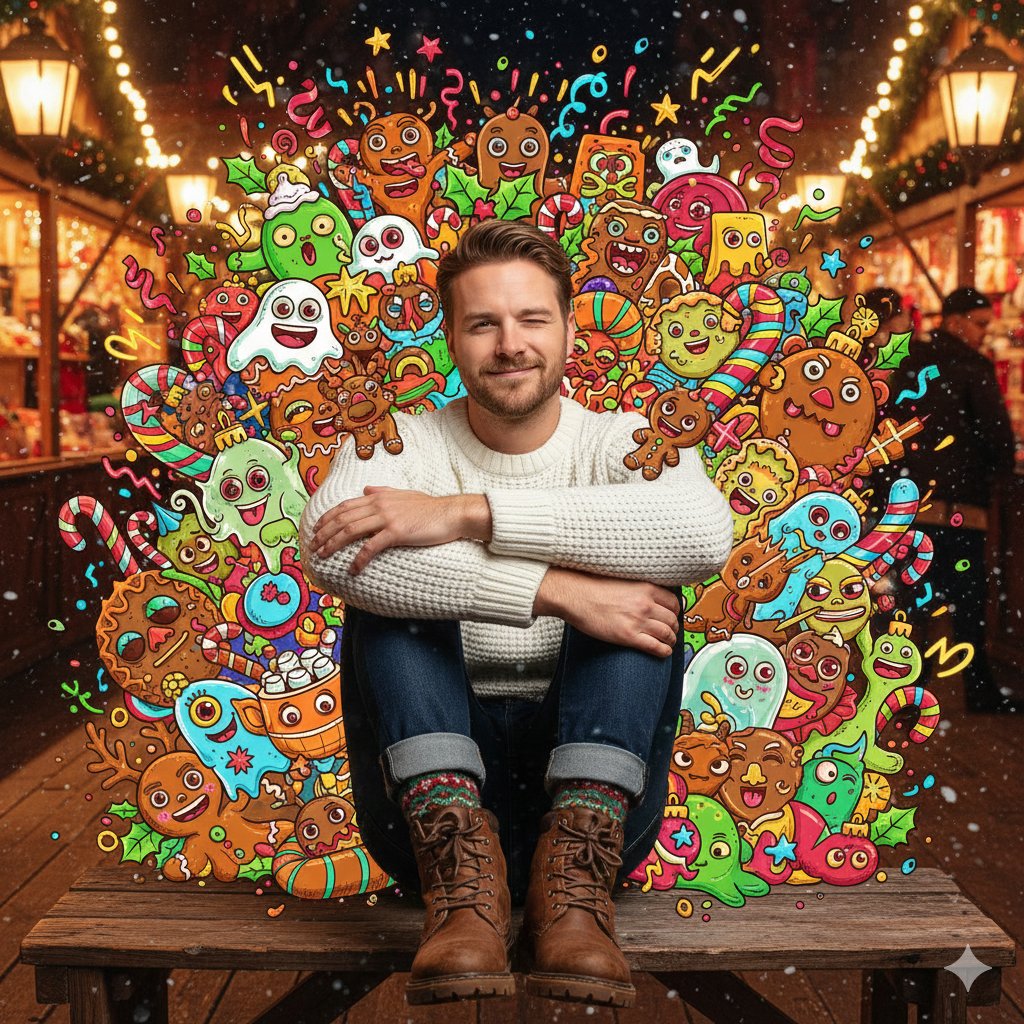
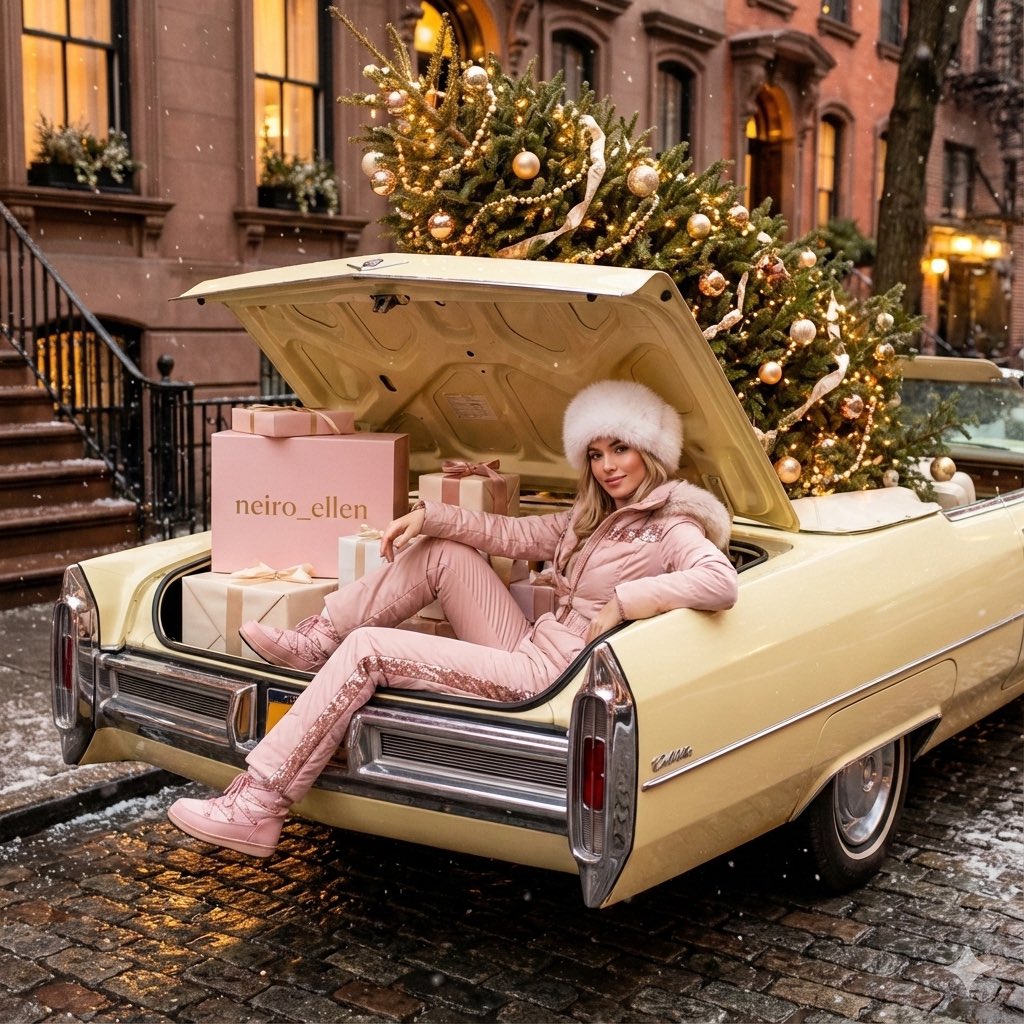
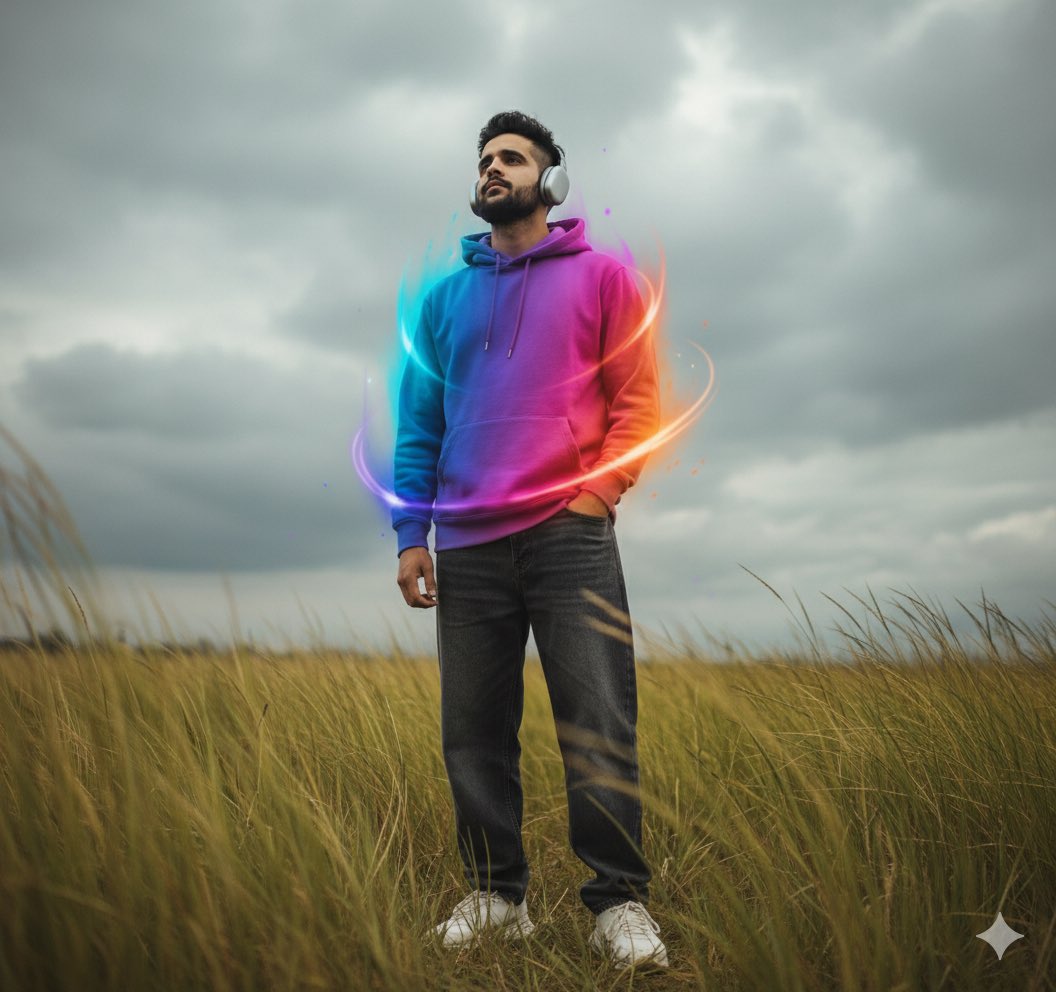
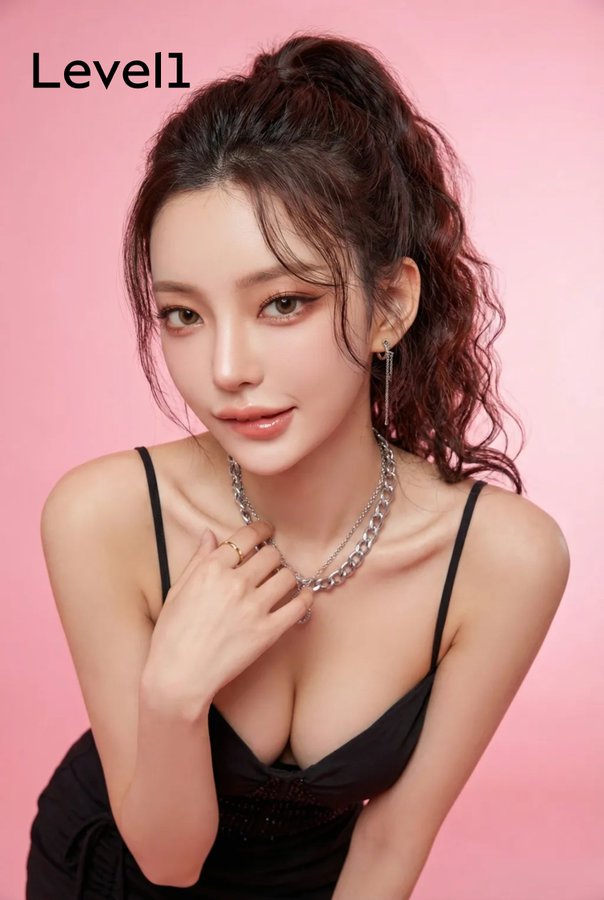
Example images

接着再来一波不同风格的美 一种超逼真的特写,深邃忧郁的美感 prompt 参考 from @ShreyaYadav___ Try with Google Ge

Prompt
接着再来一波不同风格的美
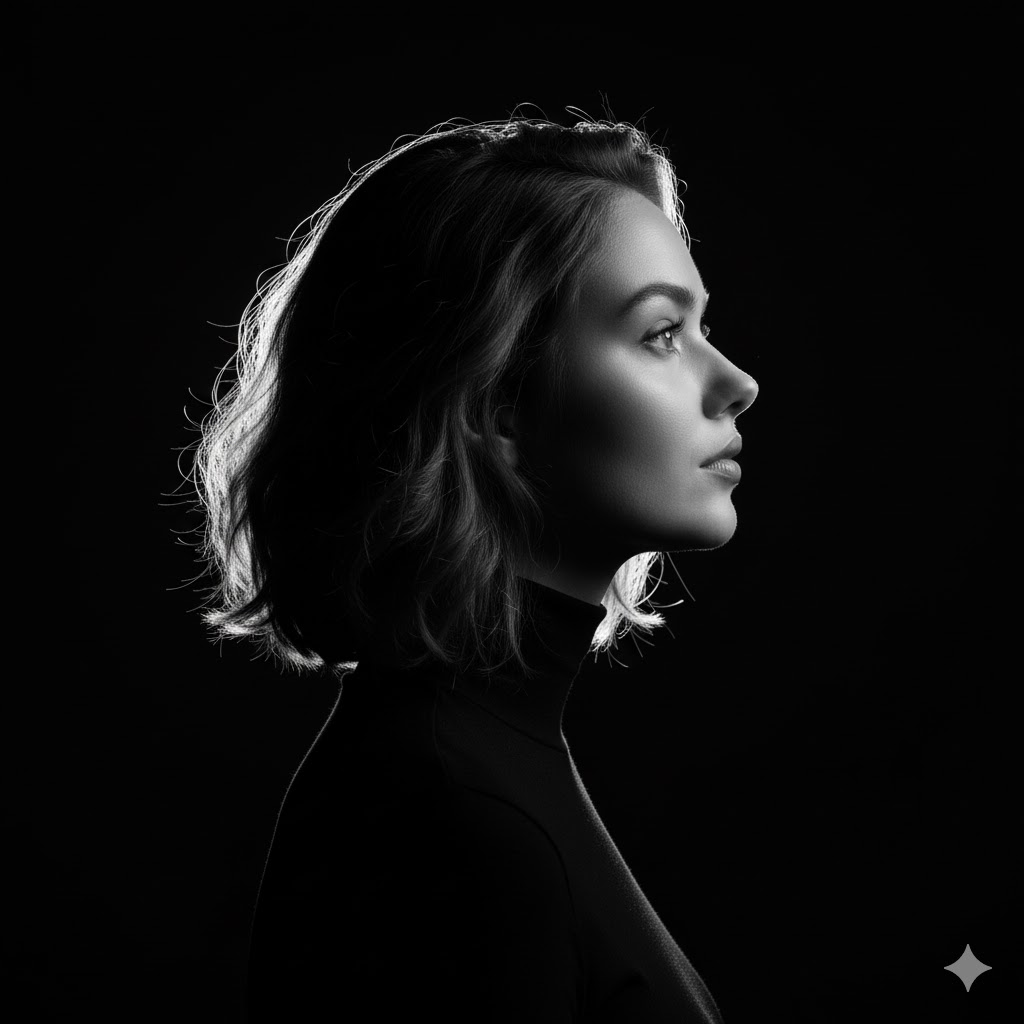
一种超逼真的特写,深邃忧郁的美感

prompt 参考 from @ShreyaYadav___

Try with Google Gemini ai Nano Banana 3.0

{

"style": "8K ultra-realistic close-up portrait",

"subject": {

"gender": "female",

"skin_tone": "fair",

"face_reference": "100% identical to the uploaded image",

"hair": {

"color": "black",

"movement": "windswept",

"details": "partially covering one eye"

},

"expression": {

"gaze": "elevated, intense",

"features": {

"irises": "light-colored, illuminated",

"cheekbones": "high and sharply defined",

"lips": "glossy"

}

}

},

"lighting": {

"type": "natural",

"direction": "sharp diagonal beam",

"effect": "illuminates gaze and facial structure",

"shadows": "deep, enveloping the rest of the face and background"

},

"mood": "dark, cinematic, editorial",

"resolution": "8K",

"camera": {

"shot_type": "close shot",

"focus": "extreme clarity on illuminated facial features"

}

}
Category
creative_scene
Model
Nano Banana Pro
Creator
Pixshop
Views10
Source ID
42e33229-ab9b-4ac7-b0c0-f69948d4ff23
Published
Jan 10, 2026

Guide

About "接着再来一波不同风格的美 一种超逼真的特写,深邃忧郁的美感 prompt 参考 from @ShreyaYadav___ Try with Google Ge"

What is this prompt for?

"接着再来一波不同风格的美 一种超逼真的特写,深邃忧郁的美感 prompt 参考 from @ShreyaYadav___ Try with Google Ge" AI image prompt for Nano Banana Pro (creative_scene). creative_scene Copy it…

The full copyable prompt and example visuals above are ready for AI image generation or one-click recreate in Picva.

How to use this prompt

  1. Step 1

    Open the prompt detail

    Review the example visuals, category, and full prompt text for "接着再来一波不同风格的美 一种超逼真的特写,深邃忧郁的美感 prompt 参考 from @ShreyaYadav___ Try with Google Ge".

  2. Step 2

    Copy the prompt

    Copy the prompt body from this page, or load it directly in Studio.

  3. Step 3

    Pick a model (Nano Banana Pro)

    Prefer Nano Banana Pro. If you switch models, keep subject and composition and tweak style terms.

  4. Step 4

    Generate and export

    Recreate the look in Picva, or export into your workflow for editing and publishing.

FAQ

What is the "接着再来一波不同风格的美 一种超逼真的特写,深邃忧郁的美感 prompt 参考 from @ShreyaYadav___ Try with Google Ge" prompt?
It is an AI image-generation prompt for Nano Banana Pro in the creative_scene category. This page includes the full prompt text, example visuals, and a one-click recreate path in Picva.
How do I use this prompt to generate an image?
Copy the prompt from this page, or use Generate / Studio. Paste it into a compatible image model, or recreate the look in Picva with optional reference images.
Which model is this prompt for?
This page lists Nano Banana Pro. Most descriptive prompts also transfer to nearby image models such as GPT Image, Flux, or Midjourney with light style tweaks.
Can I use the result commercially?
You can usually copy the prompt for creation, but commercial use of the final image depends on the model terms, reference-image rights, and the generated content. Follow the source author and platform rules.