18

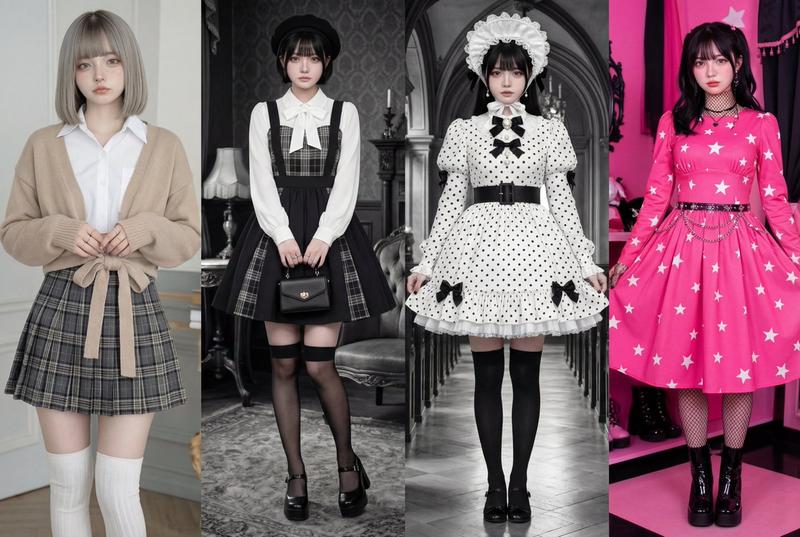
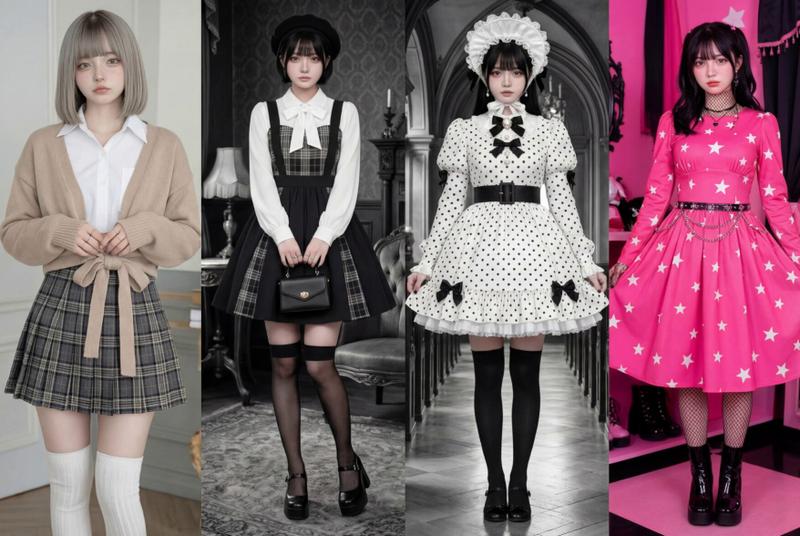
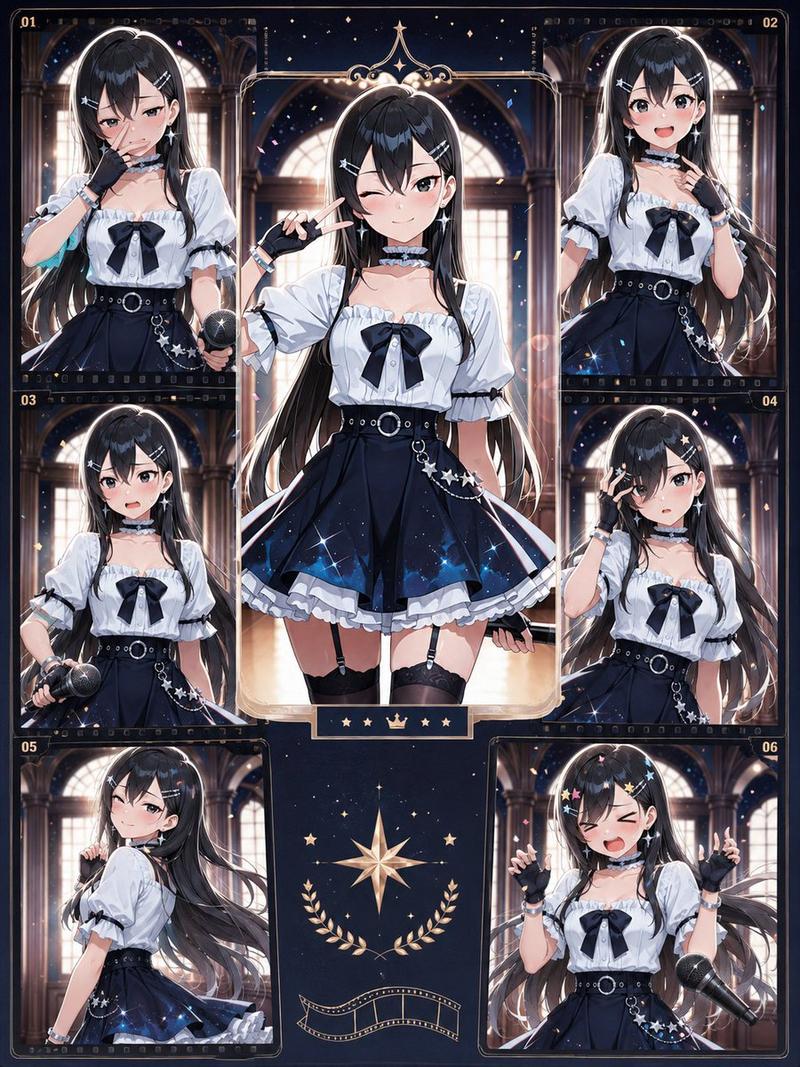
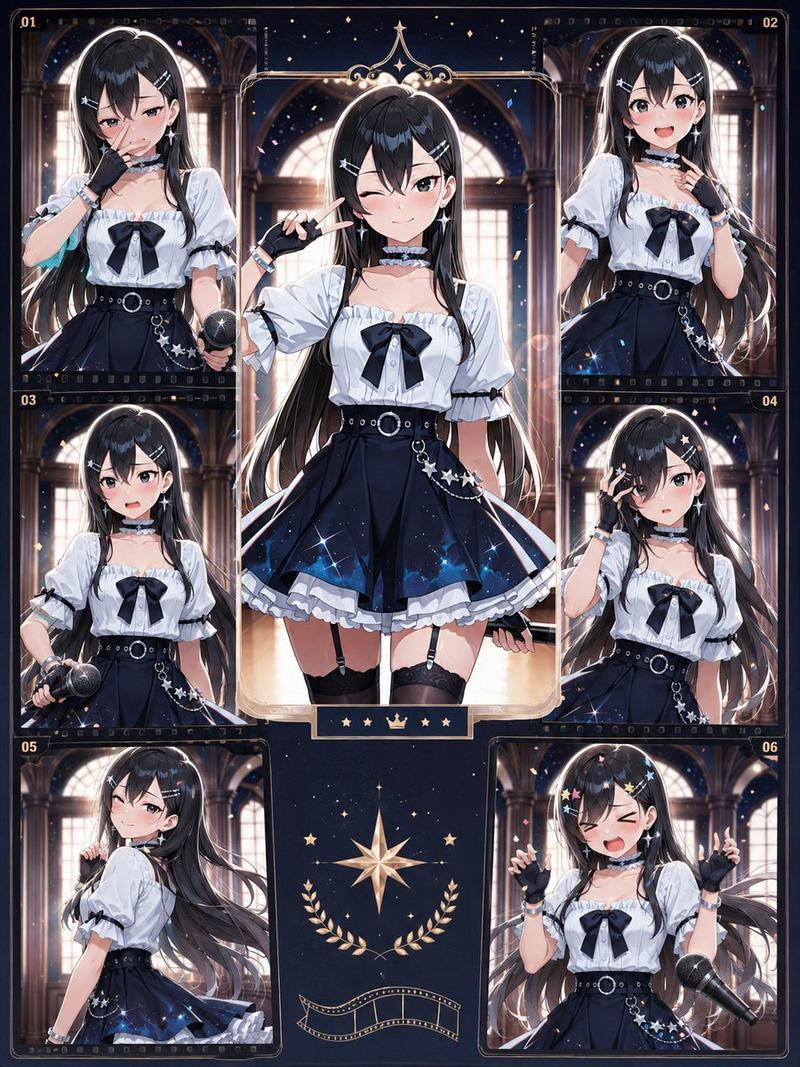
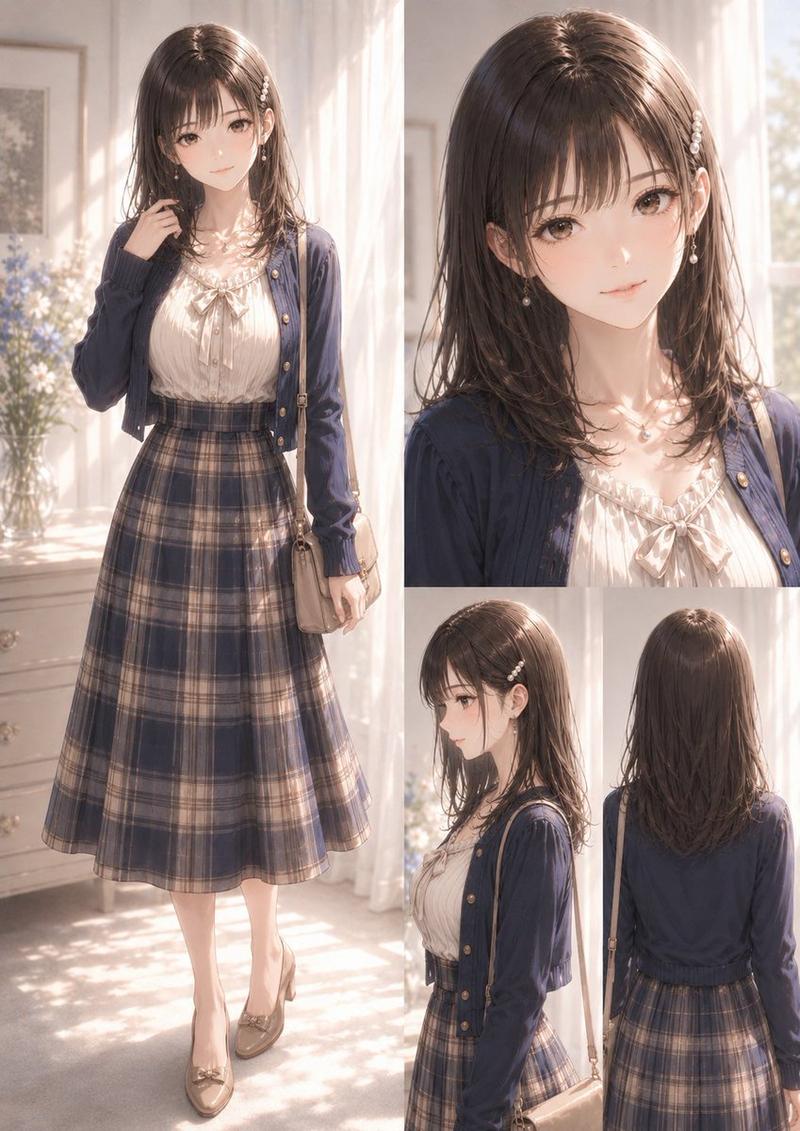
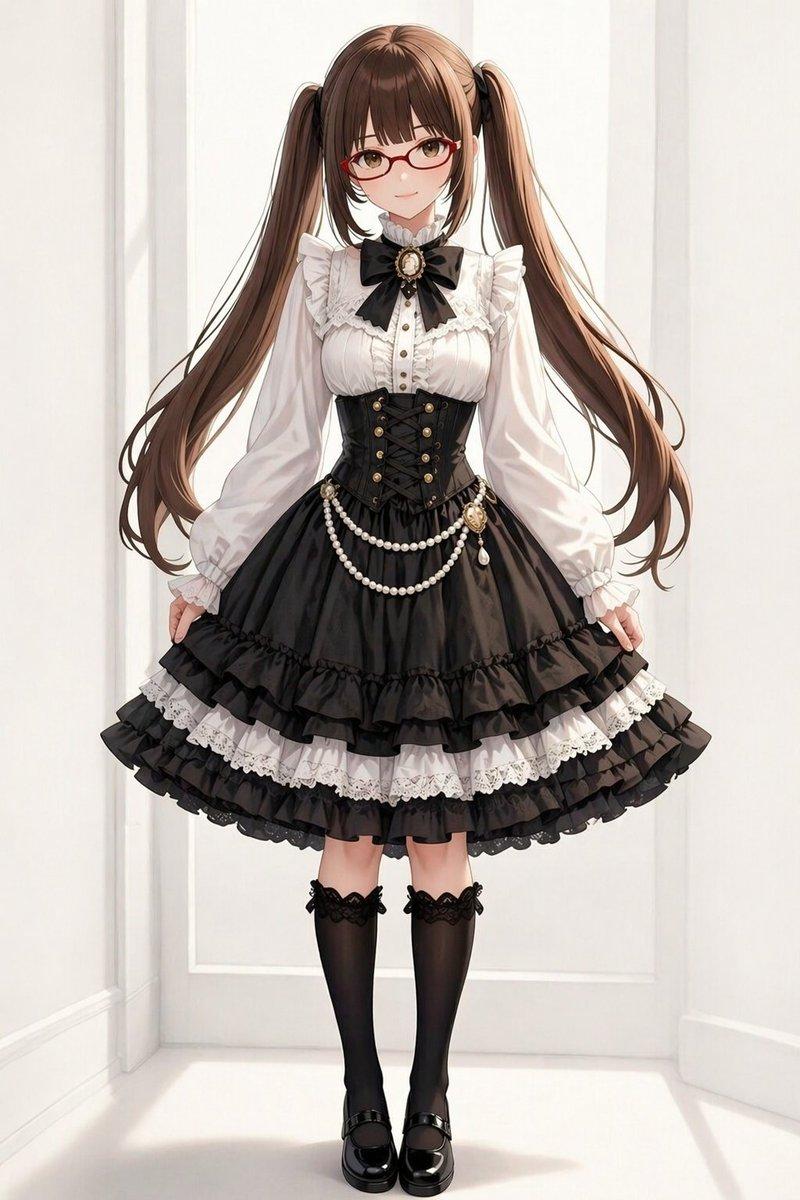
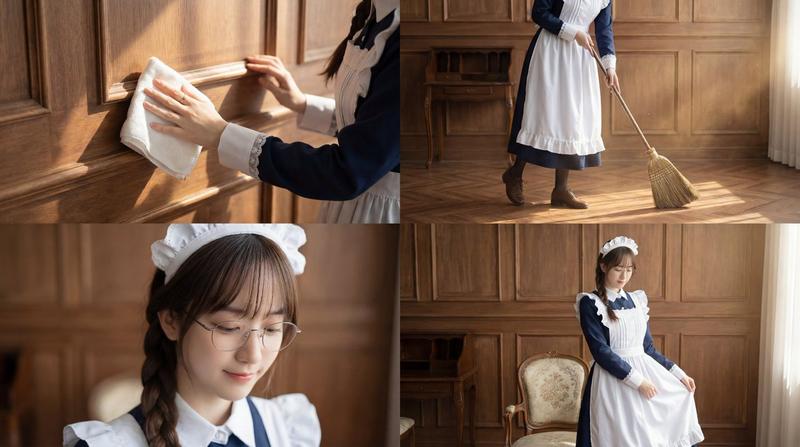
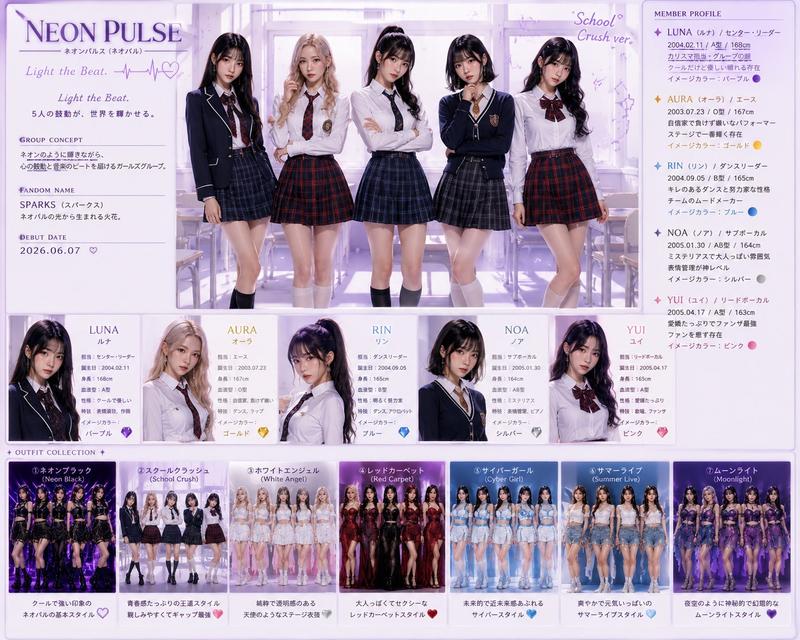
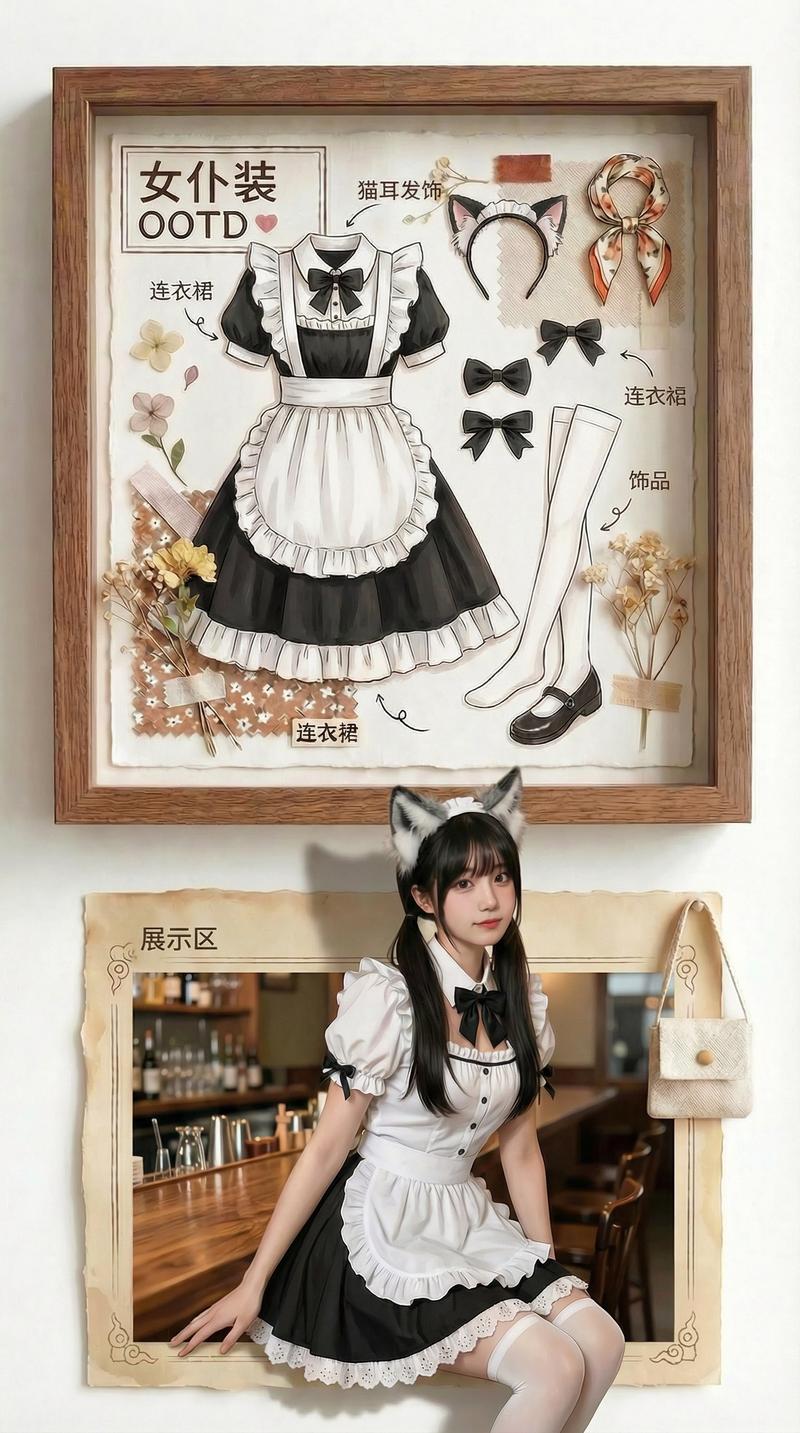
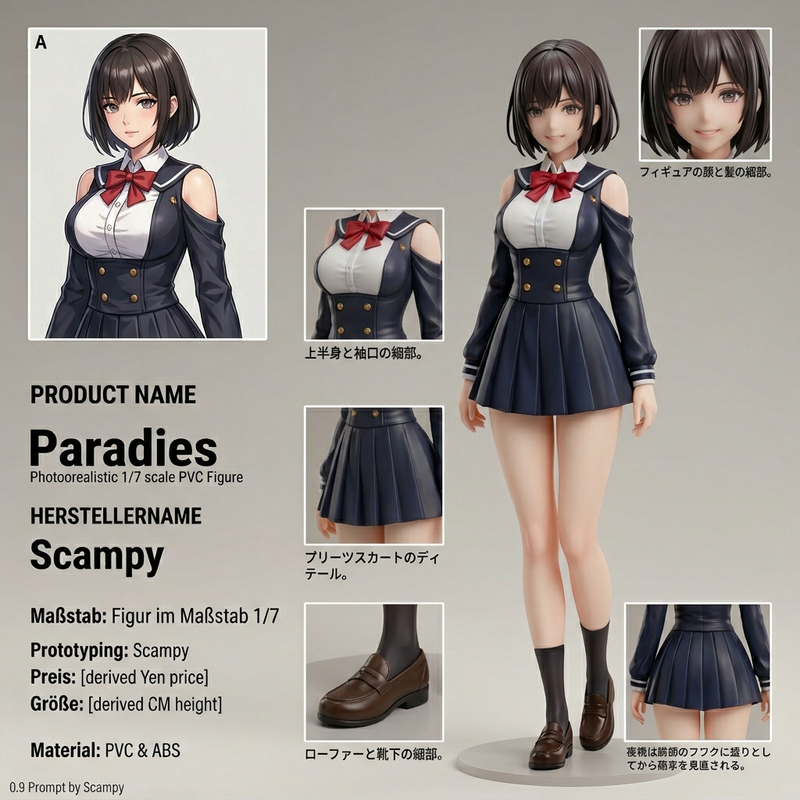
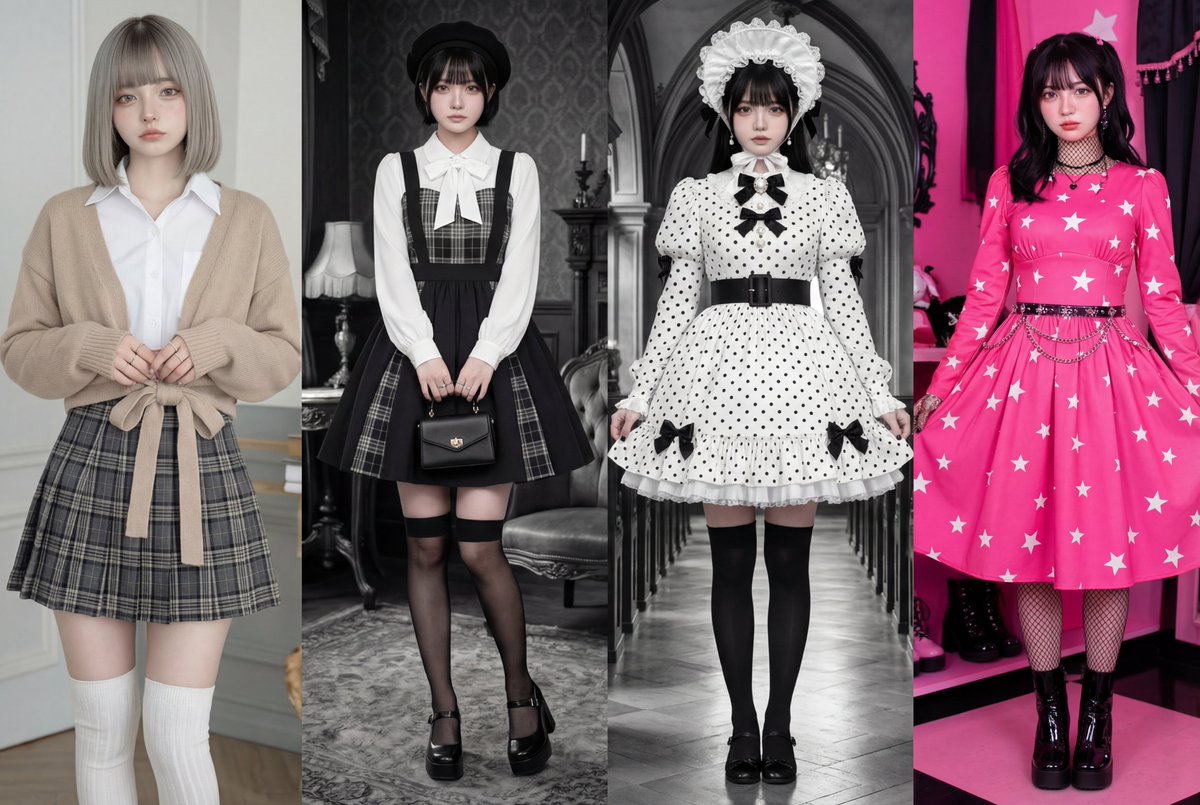
Nano Banana ProをAdobe Photoshop上で使ってみたら便利すぎました✨ 試したことは簡単で、画面を4等分してそれぞれに予め服装のプロンプ
Enlarge

Example images

Nano Banana ProをAdobe Photoshop上で使ってみたら便利すぎました✨ 試したことは簡単で、画面を4等分してそれぞれに予め服装のプロンプ

Prompt
Nano Banana ProをAdobe Photoshop上で使ってみたら便利すぎました✨

試したことは簡単で、画面を4等分してそれぞれに予め服装のプロンプトとモデルの顔を貼って、指示を出すだけです!(生成スピードはわずか10秒程度)

書き出した画像はアップスケールで仕上げています。
せっかくなのでKling O1で動画化。

ちなみにPhotoshop×AIの最大の魅力は画像生成画像をとことんAIと手で編集できるという点に尽きますね。
私は長年Photoshopユーザーなので最近Nano Banana Proが使えるようになってから積極的に使い始めてます!

【プロンプト】
画面を4等分にしてから4つの人物画像を使ってそれぞれのプロンプトを実行してください。シーンは服装の特徴に合わせたカラーでお願いします。
Category
创意图片
Model
Nano Banana Pro
Creator
Pixshop
Views6
Source ID
aa68cd3d-ead6-4ba4-8163-3c56cbda0ff6
Published
Jan 10, 2026

Guide

About "Nano Banana ProをAdobe Photoshop上で使ってみたら便利すぎました✨ 試したことは簡単で、画面を4等分してそれぞれに予め服装のプロンプ"

What is this prompt for?

"Nano Banana ProをAdobe Photoshop上で使ってみたら便利すぎました✨ 試したことは簡単で、画面を4等分してそれぞれに予め服装のプロンプ" AI image prompt for Nano Banana Pro (创意图片). 创意图片 Copy it on Picva and recrea…

The full copyable prompt and example visuals above are ready for AI image generation or one-click recreate in Picva.

How to use this prompt

  1. Step 1

    Open the prompt detail

    Review the example visuals, category, and full prompt text for "Nano Banana ProをAdobe Photoshop上で使ってみたら便利すぎました✨ 試したことは簡単で、画面を4等分してそれぞれに予め服装のプロンプ".

  2. Step 2

    Copy the prompt

    Copy the prompt body from this page, or load it directly in Studio.

  3. Step 3

    Pick a model (Nano Banana Pro)

    Prefer Nano Banana Pro. If you switch models, keep subject and composition and tweak style terms.

  4. Step 4

    Generate and export

    Recreate the look in Picva, or export into your workflow for editing and publishing.

FAQ

What is the "Nano Banana ProをAdobe Photoshop上で使ってみたら便利すぎました✨ 試したことは簡単で、画面を4等分してそれぞれに予め服装のプロンプ" prompt?
It is an AI image-generation prompt for Nano Banana Pro in the 创意图片 category. This page includes the full prompt text, example visuals, and a one-click recreate path in Picva.
How do I use this prompt to generate an image?
Copy the prompt from this page, or use Generate / Studio. Paste it into a compatible image model, or recreate the look in Picva with optional reference images.
Which model is this prompt for?
This page lists Nano Banana Pro. Most descriptive prompts also transfer to nearby image models such as GPT Image, Flux, or Midjourney with light style tweaks.
Can I use the result commercially?
You can usually copy the prompt for creation, but commercial use of the final image depends on the model terms, reference-image rights, and the generated content. Follow the source author and platform rules.