16

1. Open ChatGPT / Gemini 2. Upload Your Image 3. Prompt A hyper-realistic cinema
Enlarge

Example images

1. Open ChatGPT / Gemini 2. Upload Your Image 3. Prompt A hyper-realistic cinema

Prompt
1. Open ChatGPT / Gemini
2. Upload Your Image
3. Prompt

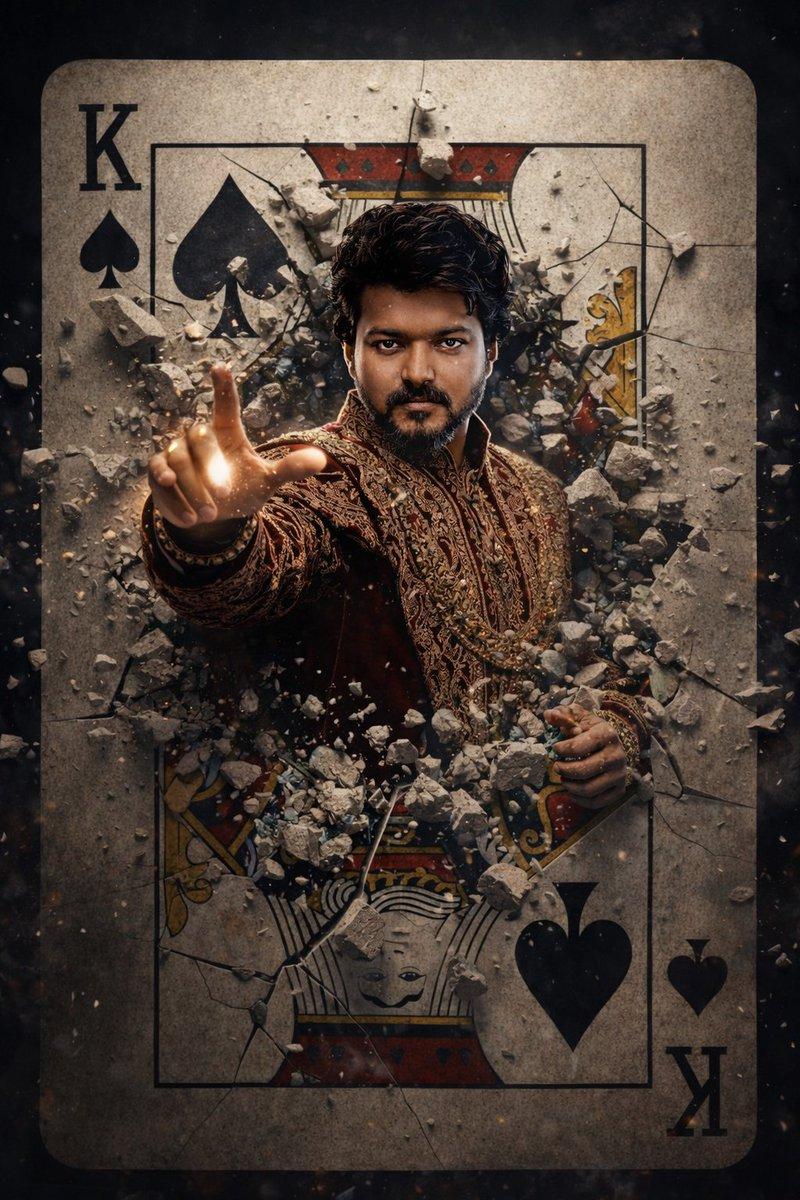
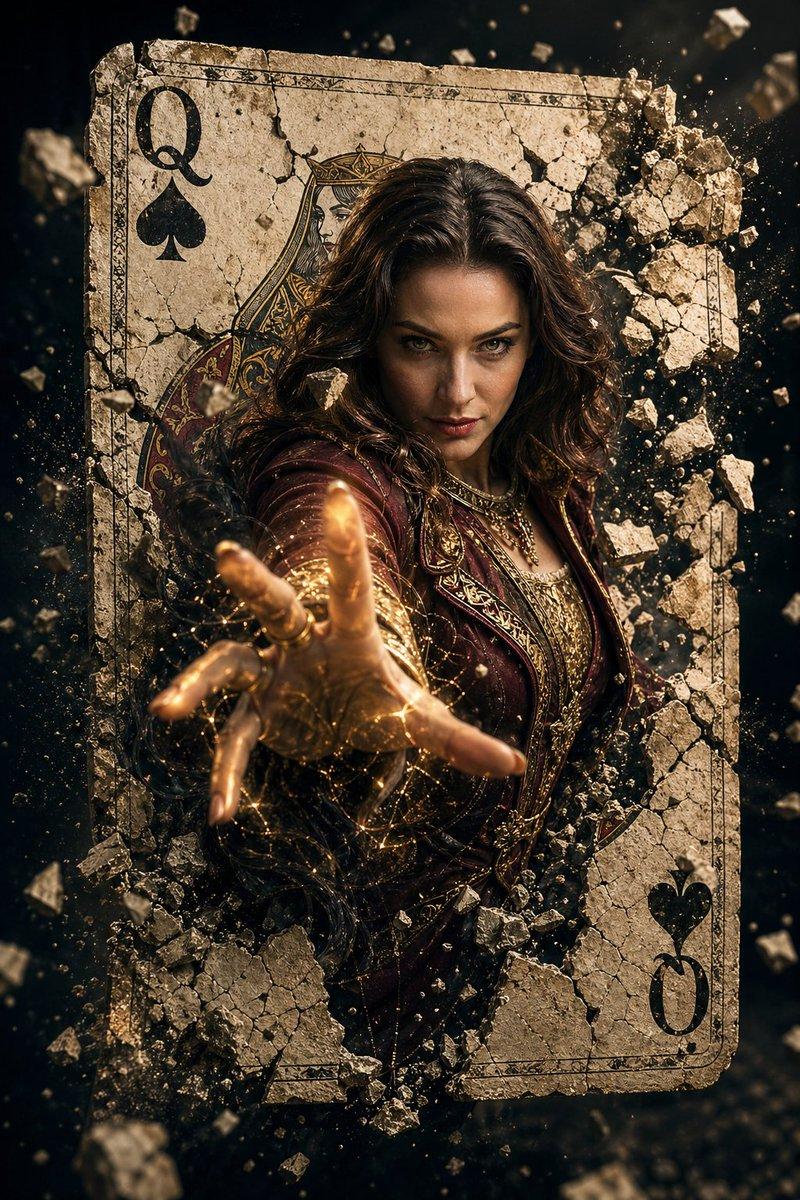
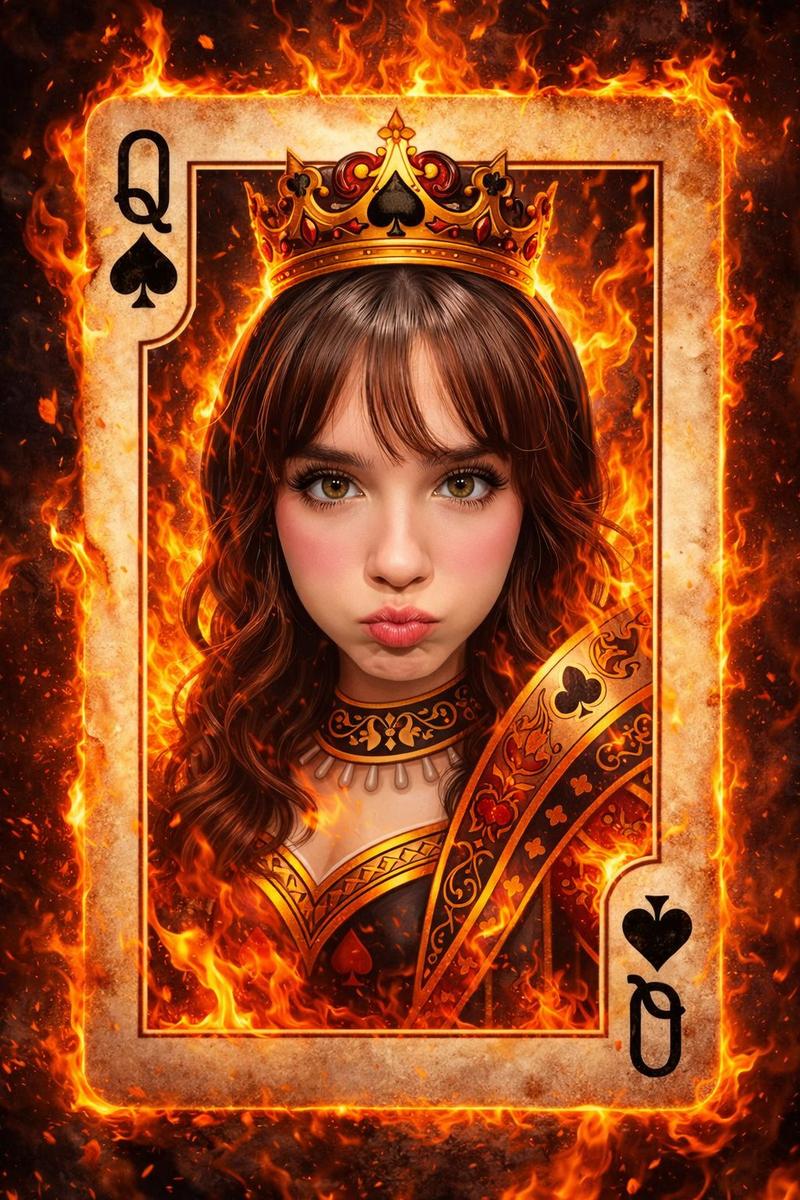
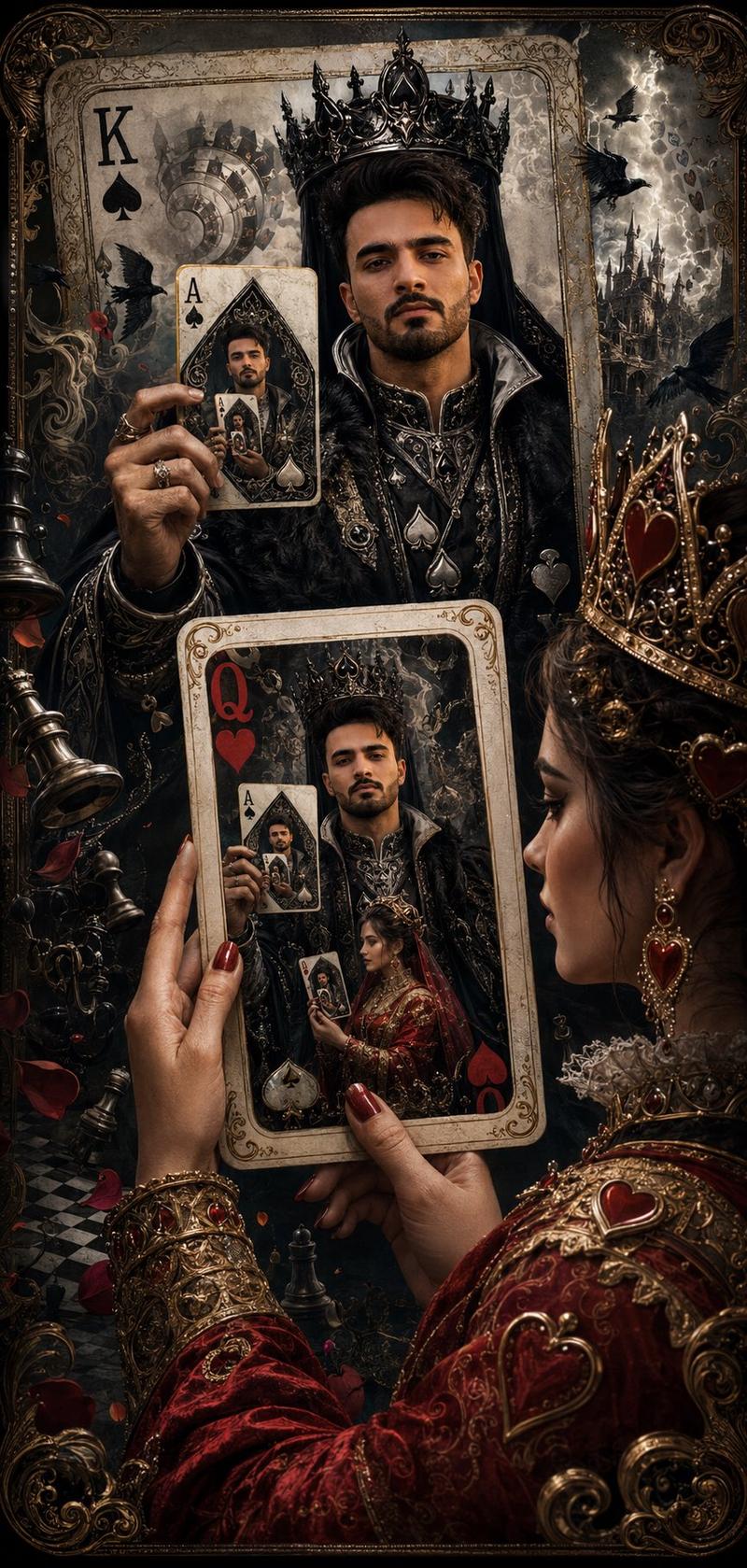
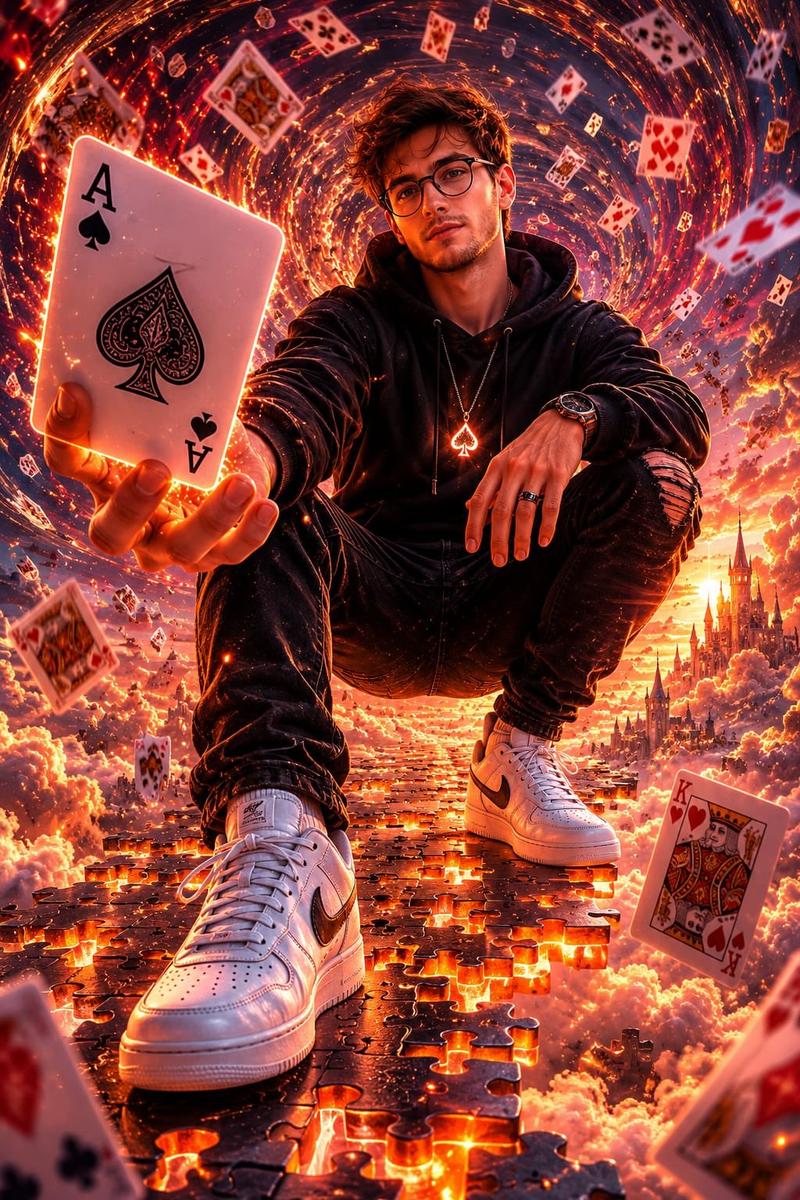
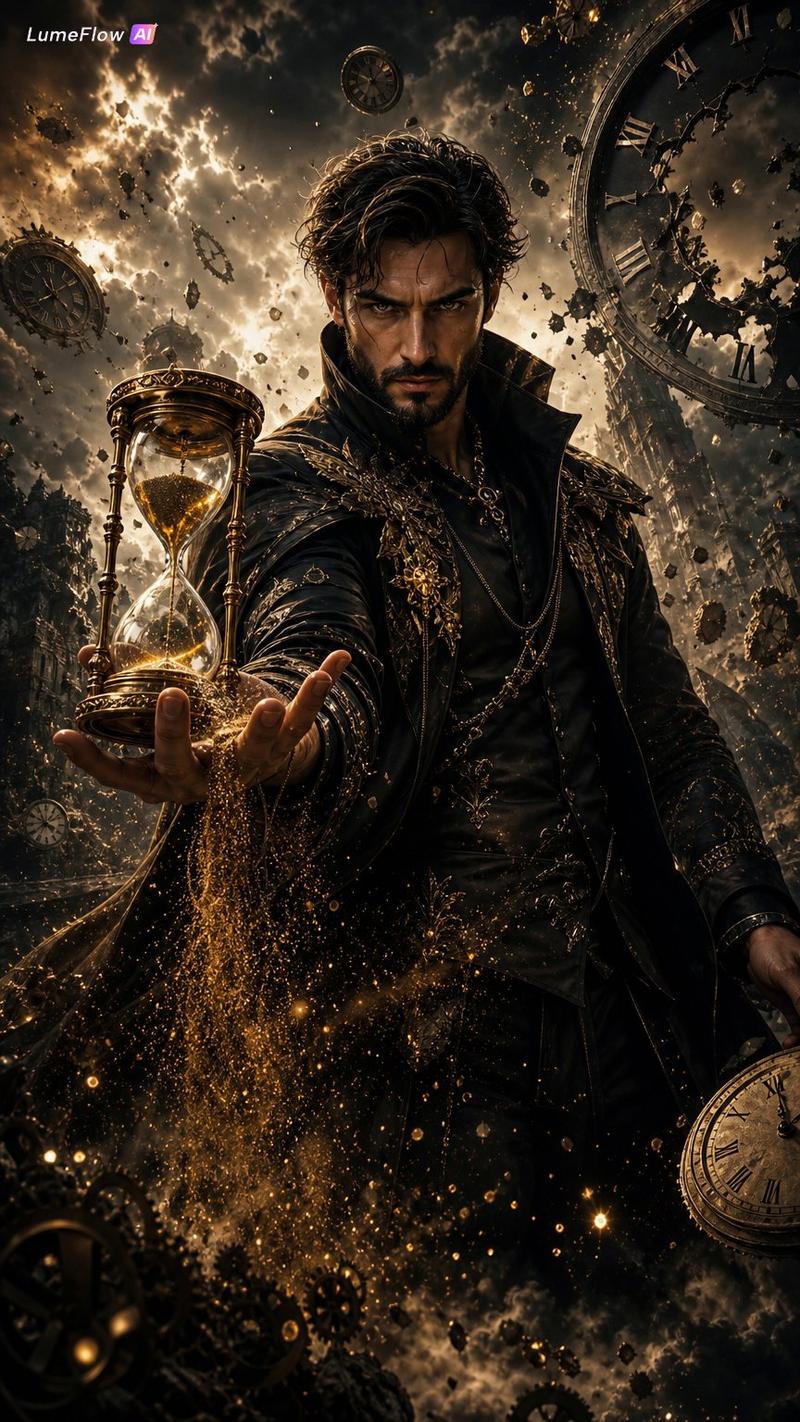
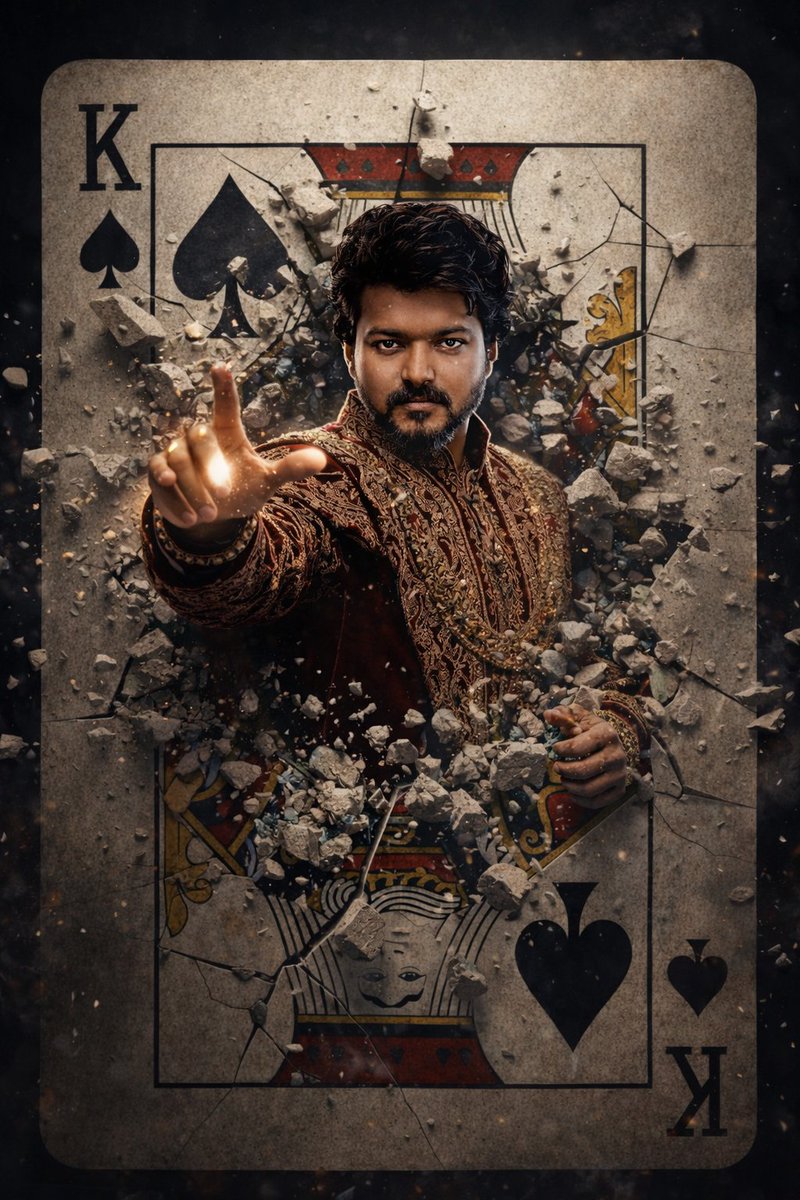
A hyper-realistic cinematic movie poster of a powerful male sorcerer with the same facial structure and likeness as the uploaded reference photo, bursting through a cracked King of Spades playing card.
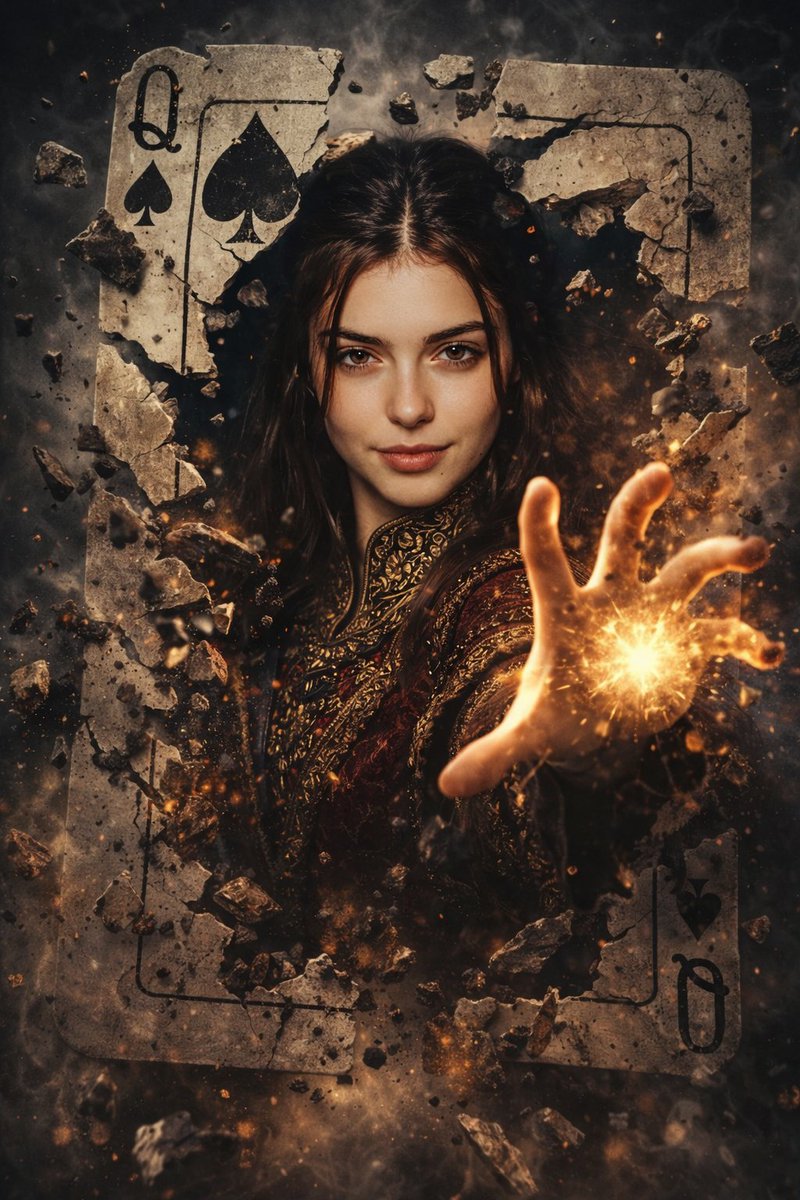
The card explodes outward with stone fragments, dust, and debris frozen mid-air.
He wears an ornate royal maroon and gold embroidered medieval fantasy jacket, rich fabric textures, intricate detailing, regal and mystical.
The sorcerer extends one hand forward toward the viewer, fingers glowing with intense magical energy, subtle golden sparks and dark arcane aura surrounding the hand.
Intense piercing gaze, confident and dominant expression, cinematic hero framing.
Dramatic chiaroscuro lighting, dark moody background, volumetric light rays, ultra-detailed textures, shallow cinematic depth of field.
Photorealistic face, epic fantasy realism, movie poster composition, high contrast, dynamic motion, dust particles, masterpiece quality, ultra-sharp focus, 8K resolution, cinematic color grading.
Category
creative_scene
Model
Nano Banana Pro
Creator
Pixshop
Views3
Source ID
f564051e-0571-42a7-8db6-a9d4980de5dc
Published
Jan 12, 2026

Guide

About "1. Open ChatGPT / Gemini 2. Upload Your Image 3. Prompt A hyper-realistic cinema"

What is this prompt for?

"1. Open ChatGPT / Gemini 2. Upload Your Image 3. Prompt A hyper-realistic cinema" AI image prompt for Nano Banana Pro (creative_scene). creative_scene Copy it…

The full copyable prompt and example visuals above are ready for AI image generation or one-click recreate in Picva.

How to use this prompt

  1. Step 1

    Open the prompt detail

    Review the example visuals, category, and full prompt text for "1. Open ChatGPT / Gemini 2. Upload Your Image 3. Prompt A hyper-realistic cinema".

  2. Step 2

    Copy the prompt

    Copy the prompt body from this page, or load it directly in Studio.

  3. Step 3

    Pick a model (Nano Banana Pro)

    Prefer Nano Banana Pro. If you switch models, keep subject and composition and tweak style terms.

  4. Step 4

    Generate and export

    Recreate the look in Picva, or export into your workflow for editing and publishing.

FAQ

What is the "1. Open ChatGPT / Gemini 2. Upload Your Image 3. Prompt A hyper-realistic cinema" prompt?
It is an AI image-generation prompt for Nano Banana Pro in the creative_scene category. This page includes the full prompt text, example visuals, and a one-click recreate path in Picva.
How do I use this prompt to generate an image?
Copy the prompt from this page, or use Generate / Studio. Paste it into a compatible image model, or recreate the look in Picva with optional reference images.
Which model is this prompt for?
This page lists Nano Banana Pro. Most descriptive prompts also transfer to nearby image models such as GPT Image, Flux, or Midjourney with light style tweaks.
Can I use the result commercially?
You can usually copy the prompt for creation, but commercial use of the final image depends on the model terms, reference-image rights, and the generated content. Follow the source author and platform rules.