18

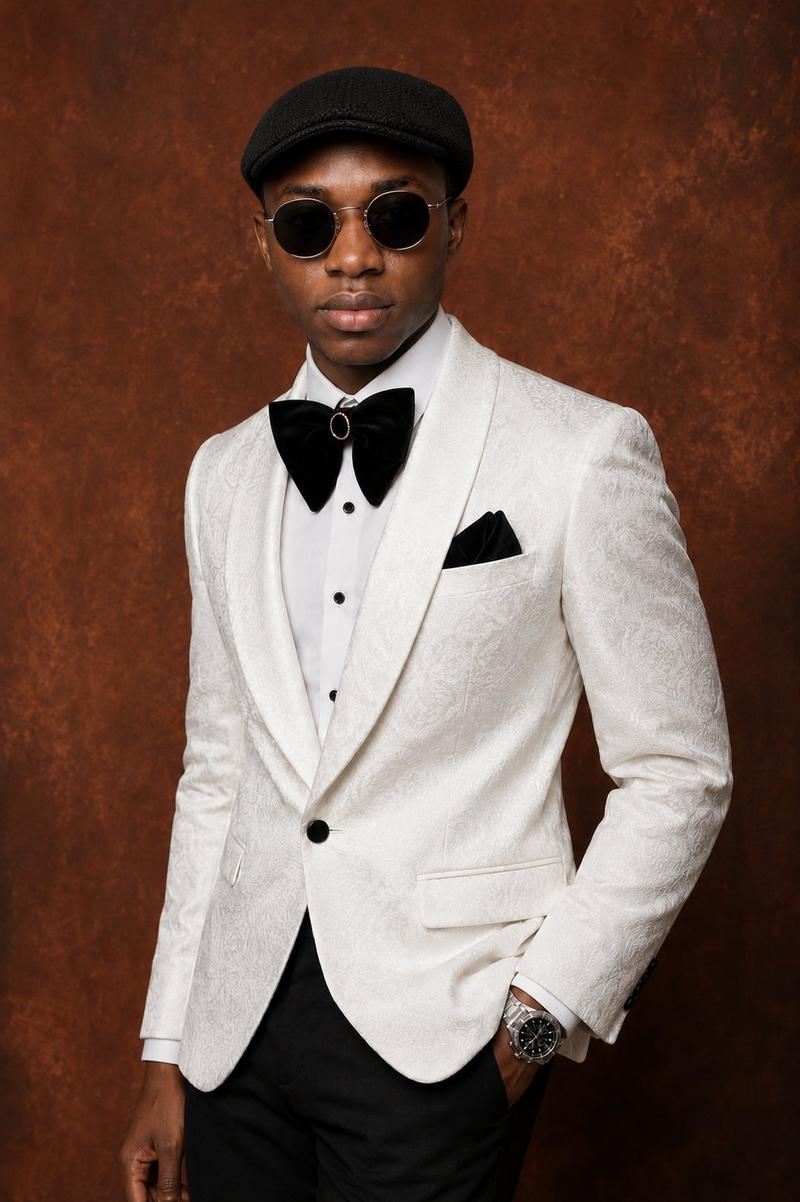
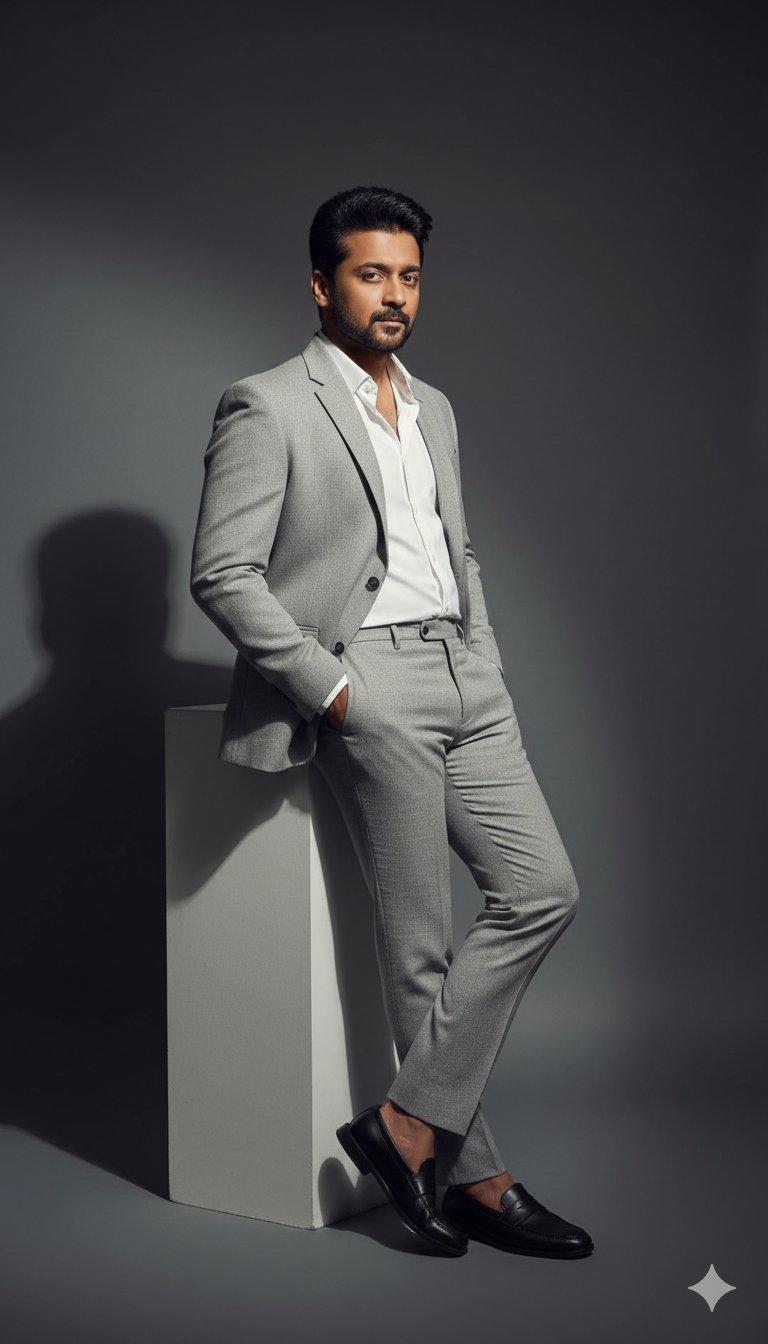
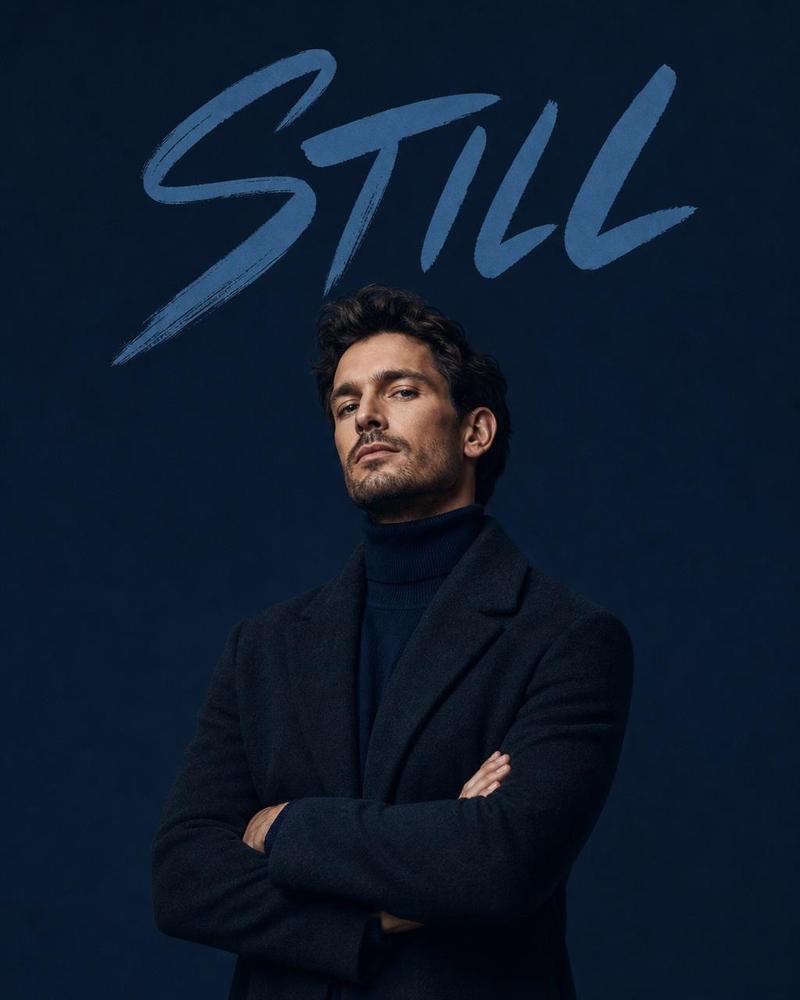
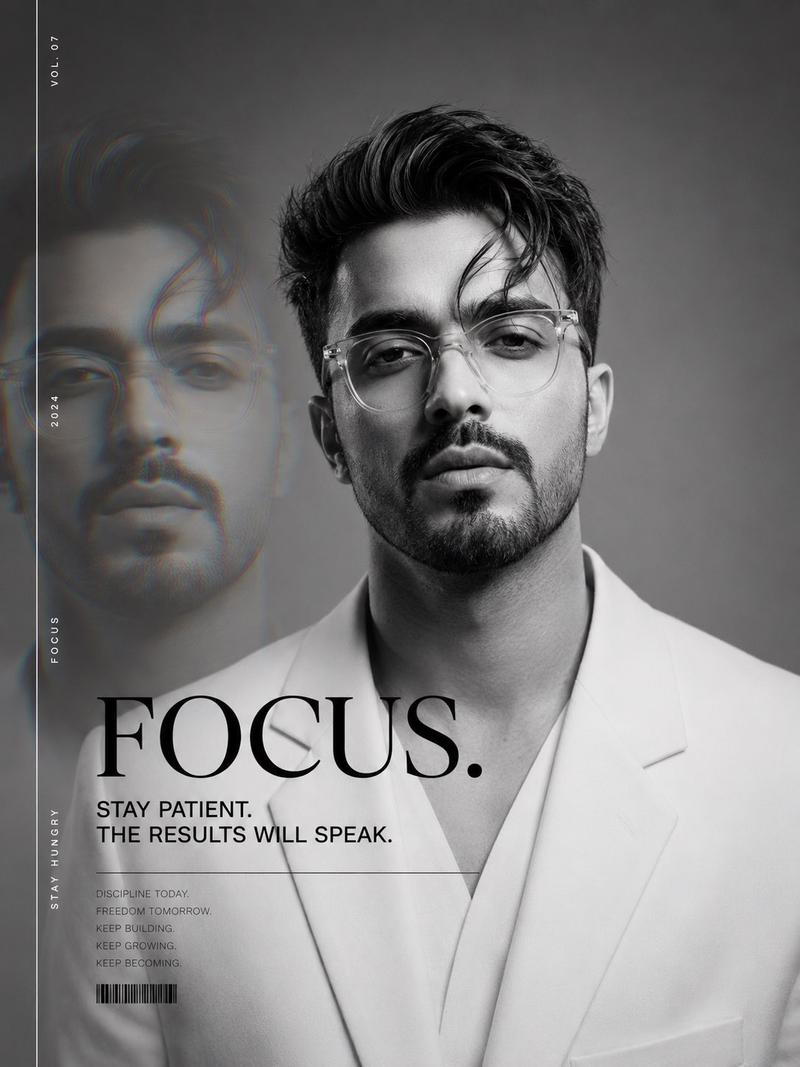
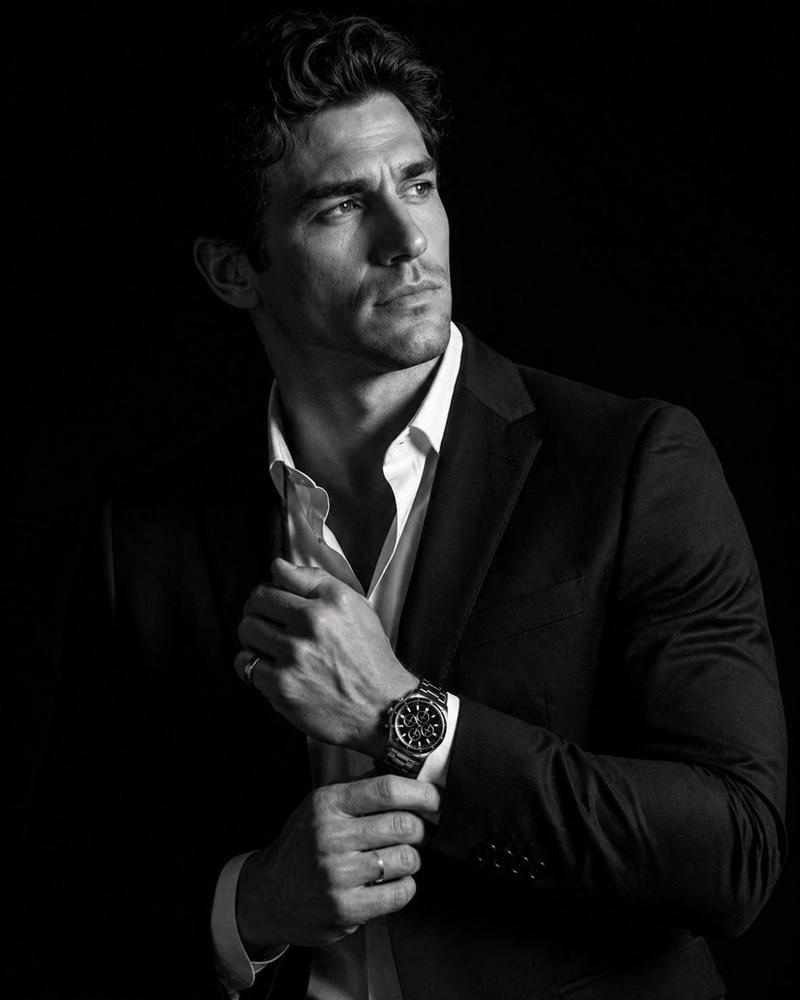
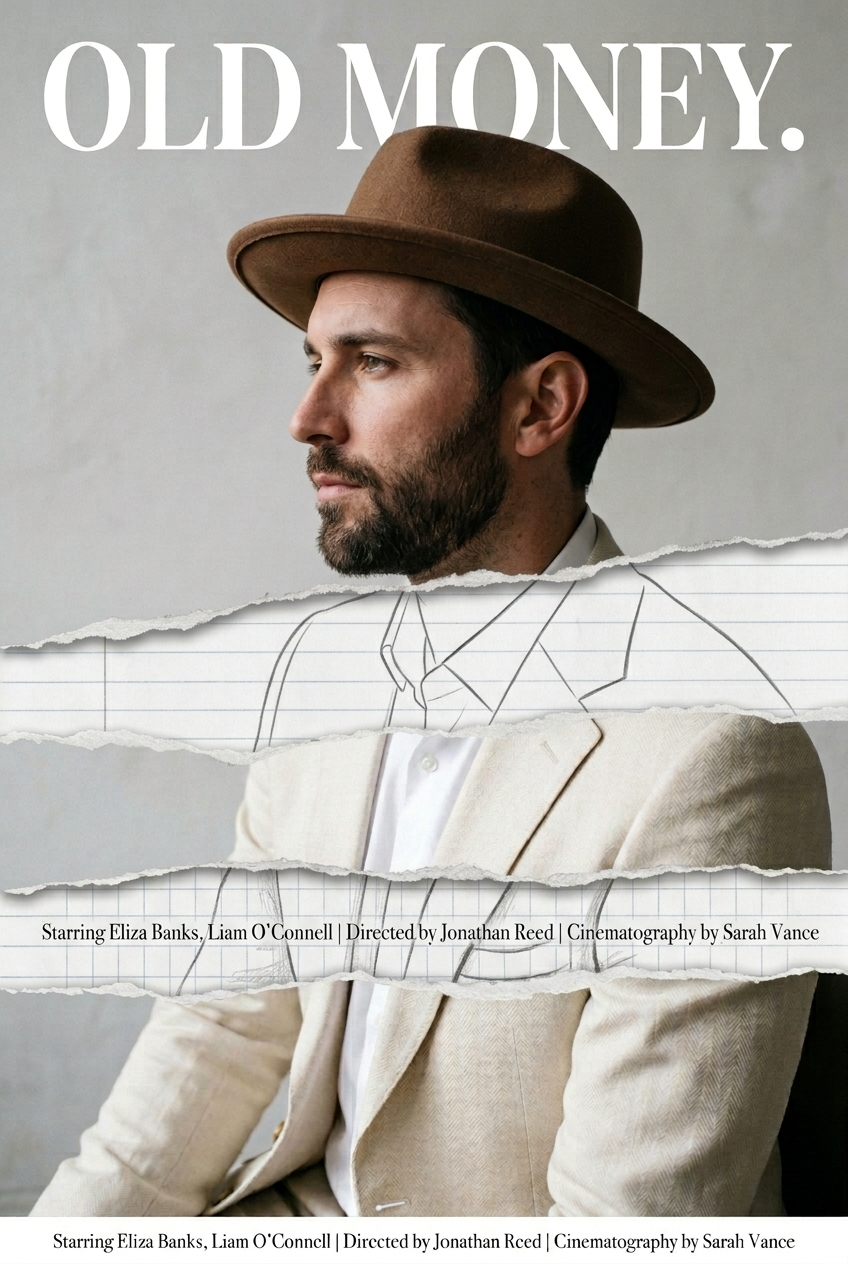
task: "edit-image: add widened torn-paper layered effect" base_image: use_refere
Enlarge

task: "edit-image: add widened torn-paper layered effect" base_image: use_refere

Prompt
task: "edit-image: add widened torn-paper layered effect"

base_image:
 use_reference_image: true
 preserve_everything:
 - character identity
 - facial features and expression
 - hairstyle and anatomy
 - outfit design and colors
 - background, lighting, composition
 - overall art style

rules:
 - Only modify the torn-paper interior areas.
 - Do not change pose, anatomy, proportions, clothing details, shading, or scene elements.

effects:
 - effect: "torn-paper-reveal"
 placement: "across chest height"
 description:
 - Add a wide, natural horizontal tear across the chest area.
 - The torn interior uses the style defined in `interior_style`.

 - effect: "torn-paper-reveal"
 placement: "lower abdomen height"
 description:
 - Add a wide horizontal tear across the lower abdomen.
 - The torn interior uses the style defined in `interior_style`.

interior_style:
 mode: "line-art"

 style_settings:
 line-art:
 palette: "monochrome"
 line_quality: "clean, crisp"
 paper: "notebook paper with subtle ruled lines"

 sumi-e:
 palette: "black ink tones"
 brush_texture: "soft bleeding edges"
 paper: "plain textured paper"

 figure-render:
 material: "PVC-like"
 shading: "semi-realistic highlights"
 paper: "plain smooth surface"

 colored-pencil:
 stroke_texture: "visible pencil grain"
 palette: "soft layered hues"
 paper: "rough sketchbook paper"

 watercolor:
 palette: "soft transparent pigments"
 blending: "smooth bleeding"
 edges: "soft contours"
 paper: "watercolor paper texture"

 pencil-drawing:
 graphite_texture: "visible pencil grain"
 shading: "smooth gradients"
 line_quality: "mixed sharp and soft"
 tone: "gray-scale"
 paper: "notebook paper with faint ruled lines"
Category
Brand & Logos
Model
Nano Banana 2
Views35
Source ID
1117
Published
Mar 20, 2026

Guide

About "task: "edit-image: add widened torn-paper layered effect" base_image: use_refere"

What is this prompt for?

"task: "edit-image: add widened torn-paper layered effect" base_image: use_refere" AI image prompt for Nano Banana 2 (Brand & Logos). task: "edit-image: add wi…

The full copyable prompt and example visuals above are ready for AI image generation or one-click recreate in Picva.

How to use this prompt

  1. Step 1

    Open the prompt detail

    Review the example visuals, category, and full prompt text for "task: "edit-image: add widened torn-paper layered effect" base_image: use_refere".

  2. Step 2

    Copy the prompt

    Copy the prompt body from this page, or load it directly in Studio.

  3. Step 3

    Pick a model (Nano Banana 2)

    Prefer Nano Banana 2. If you switch models, keep subject and composition and tweak style terms.

  4. Step 4

    Generate and export

    Recreate the look in Picva, or export into your workflow for editing and publishing.

FAQ

What is the "task: "edit-image: add widened torn-paper layered effect" base_image: use_refere" prompt?
It is an AI image-generation prompt for Nano Banana 2 in the Brand & Logos category. This page includes the full prompt text, example visuals, and a one-click recreate path in Picva.
How do I use this prompt to generate an image?
Copy the prompt from this page, or use Generate / Studio. Paste it into a compatible image model, or recreate the look in Picva with optional reference images.
Which model is this prompt for?
This page lists Nano Banana 2. Most descriptive prompts also transfer to nearby image models such as GPT Image, Flux, or Midjourney with light style tweaks.
Can I use the result commercially?
You can usually copy the prompt for creation, but commercial use of the final image depends on the model terms, reference-image rights, and the generated content. Follow the source author and platform rules.