20

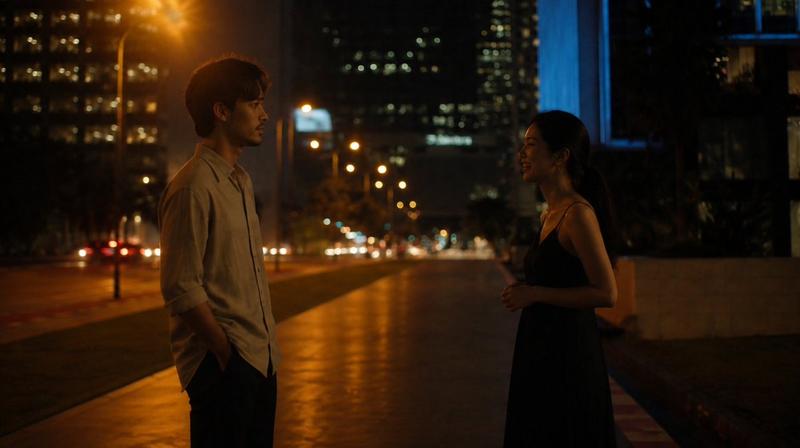
一张极具感官张力的 8K 夜景商业海报人像,聚焦于年轻女性在巨大城市地标前被强直闪切出的冷白面部与唇部高光瞬间。画面核心不是风景,而是“强闪打亮的脸”和“被压暗
Enlarge

一张极具感官张力的 8K 夜景商业海报人像,聚焦于年轻女性在巨大城市地标前被强直闪切出的冷白面部与唇部高光瞬间。画面核心不是风景,而是“强闪打亮的脸”和“被压暗

Prompt
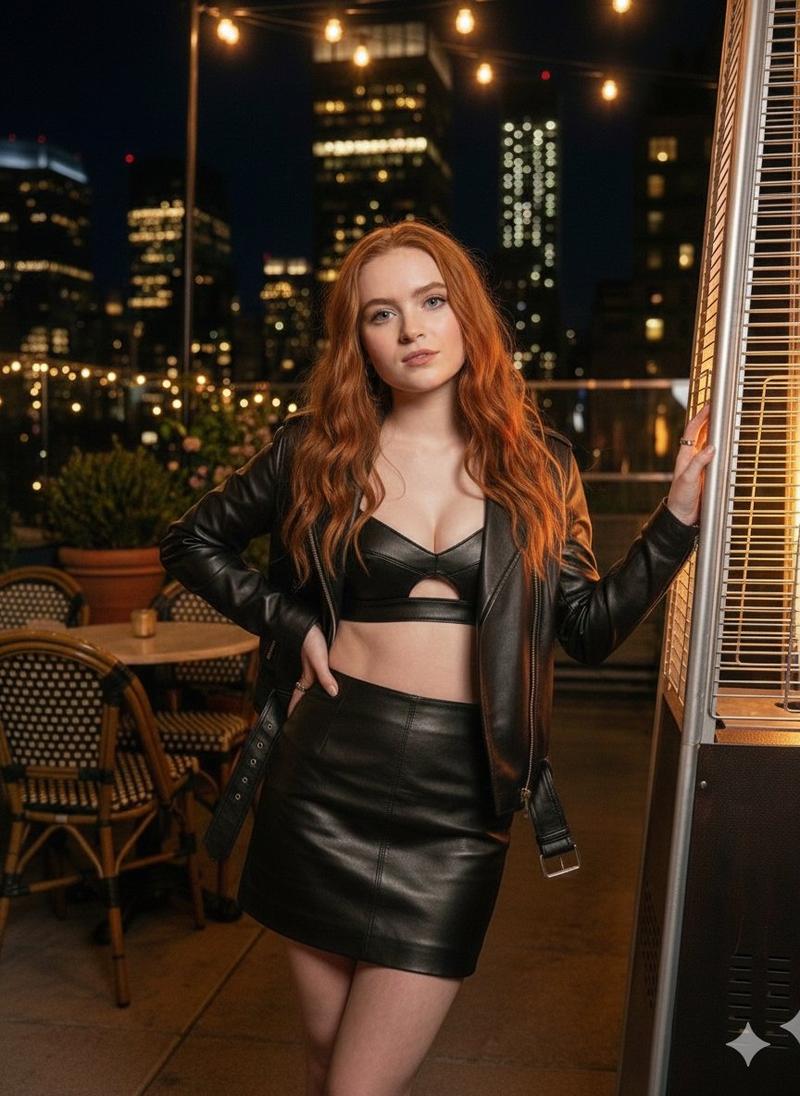
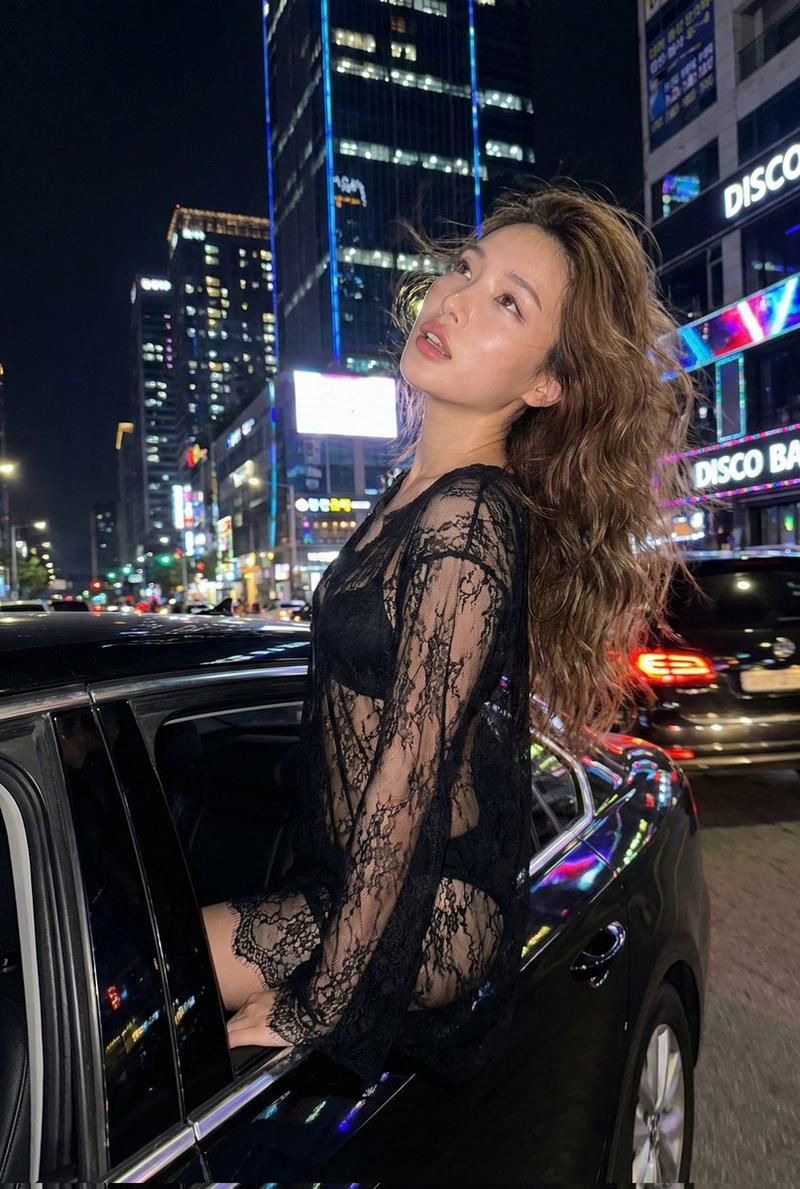
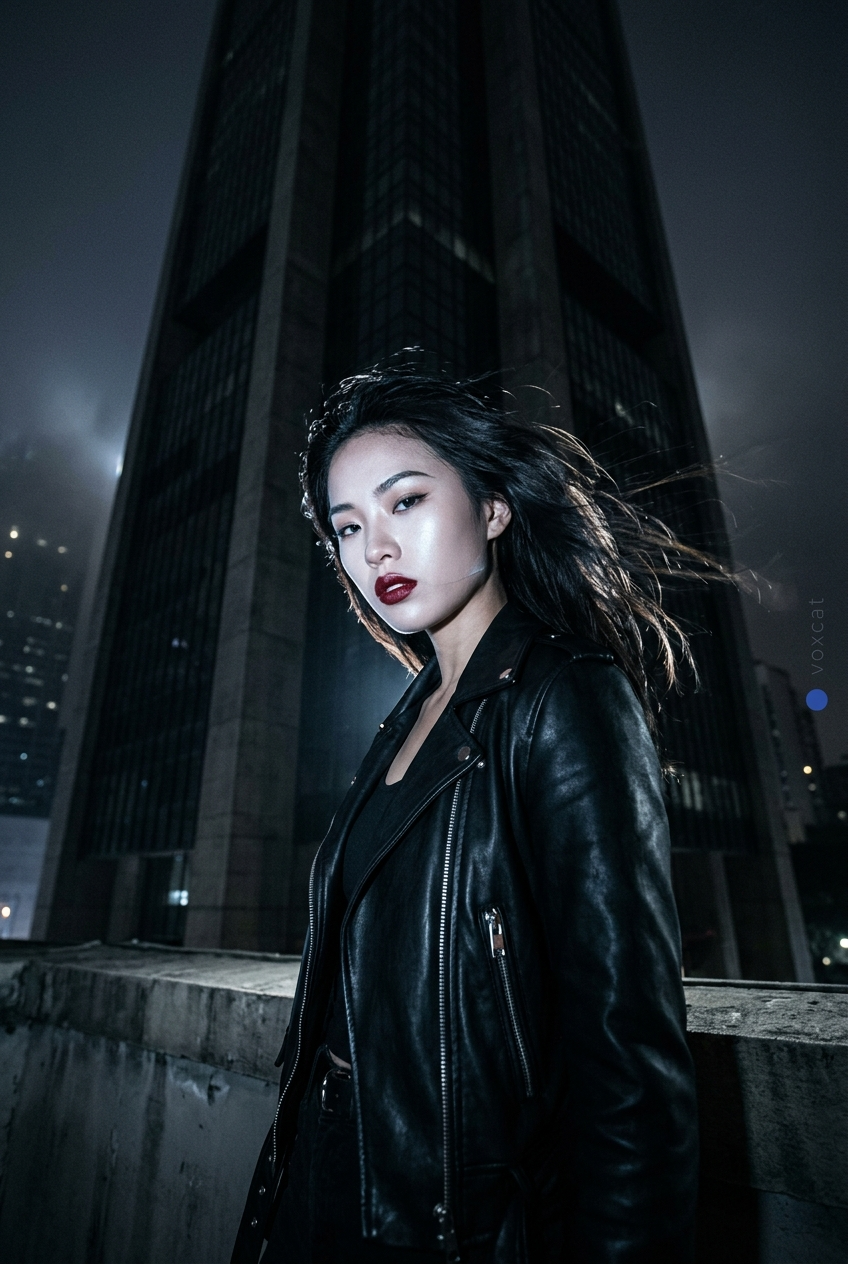
一张极具感官张力的 8K 夜景商业海报人像,聚焦于年轻女性在巨大城市地标前被强直闪切出的冷白面部与唇部高光瞬间。画面核心不是风景,而是“强闪打亮的脸”和“被压暗的巨型背景”之间的反差快感。

动态与构图:人物在夜风中轻微转身,发丝被吹起,镜头于低机位仰拍中定格她向下看来的瞬间。主体不一定贴满全画面,但脸、胸肩、腿部高光必须像刀一样从黑暗里切出来,形成巨大压迫感。

极致感官细节:重点刻画冷白皮在强闪下的伪发光质感、唇部的缎光反射、发丝边缘的利光、眼下与鼻梁被直闪击中的清晰高点、服装硬边与金属件的锐利反射。背景中的地标保持巨大、干净、压迫,但绝不抢脸。

光影氛围:主体使用强直闪,背景保留自然夜景暗部层次与月晕或雾气氛围,形成典型“直闪切主体 + 夜景压暗 + 高级冷感 glow”的商业海报逻辑。

画面右侧安全边距加入垂直极细"voxcat"(hairline超细、低对比暗灰蓝、字距略松、小到指甲盖大小,绝不抢主体),旁边一个青金石蓝小圆点(哑光、无发光、不像UI按钮),签名像版面设计细节而不是水印。

风格:冷感夜景商业海报,CCD 直闪成像语言,真实摄影,高锐度,高对比,压迫构图,人物强气场,不要霓虹杂乱,不要背景抢主,不要暖黄脏肤色
Category
UI & Interfaces
Model
Nano Banana 2
Views130
Source ID
1371
Published
Mar 29, 2026

Guide

About "一张极具感官张力的 8K 夜景商业海报人像,聚焦于年轻女性在巨大城市地标前被强直闪切出的冷白面部与唇部高光瞬间。画面核心不是风景,而是“强闪打亮的脸”和“被压暗"

What is this prompt for?

"一张极具感官张力的 8K 夜景商业海报人像,聚焦于年轻女性在巨大城市地标前被强直闪切出的冷白面部与唇部高光瞬间。画面核心不是风景,而是“强闪打亮的脸”和“被压暗" AI image prompt for Nano Banana 2 (UI & Interfaces). 一张极具感官张力的 8K 夜景商业海报人像,聚…

The full copyable prompt and example visuals above are ready for AI image generation or one-click recreate in Picva.

How to use this prompt

  1. Step 1

    Open the prompt detail

    Review the example visuals, category, and full prompt text for "一张极具感官张力的 8K 夜景商业海报人像,聚焦于年轻女性在巨大城市地标前被强直闪切出的冷白面部与唇部高光瞬间。画面核心不是风景,而是“强闪打亮的脸”和“被压暗".

  2. Step 2

    Copy the prompt

    Copy the prompt body from this page, or load it directly in Studio.

  3. Step 3

    Pick a model (Nano Banana 2)

    Prefer Nano Banana 2. If you switch models, keep subject and composition and tweak style terms.

  4. Step 4

    Generate and export

    Recreate the look in Picva, or export into your workflow for editing and publishing.

FAQ

What is the "一张极具感官张力的 8K 夜景商业海报人像,聚焦于年轻女性在巨大城市地标前被强直闪切出的冷白面部与唇部高光瞬间。画面核心不是风景,而是“强闪打亮的脸”和“被压暗" prompt?
It is an AI image-generation prompt for Nano Banana 2 in the UI & Interfaces category. This page includes the full prompt text, example visuals, and a one-click recreate path in Picva.
How do I use this prompt to generate an image?
Copy the prompt from this page, or use Generate / Studio. Paste it into a compatible image model, or recreate the look in Picva with optional reference images.
Which model is this prompt for?
This page lists Nano Banana 2. Most descriptive prompts also transfer to nearby image models such as GPT Image, Flux, or Midjourney with light style tweaks.
Can I use the result commercially?
You can usually copy the prompt for creation, but commercial use of the final image depends on the model terms, reference-image rights, and the generated content. Follow the source author and platform rules.