18

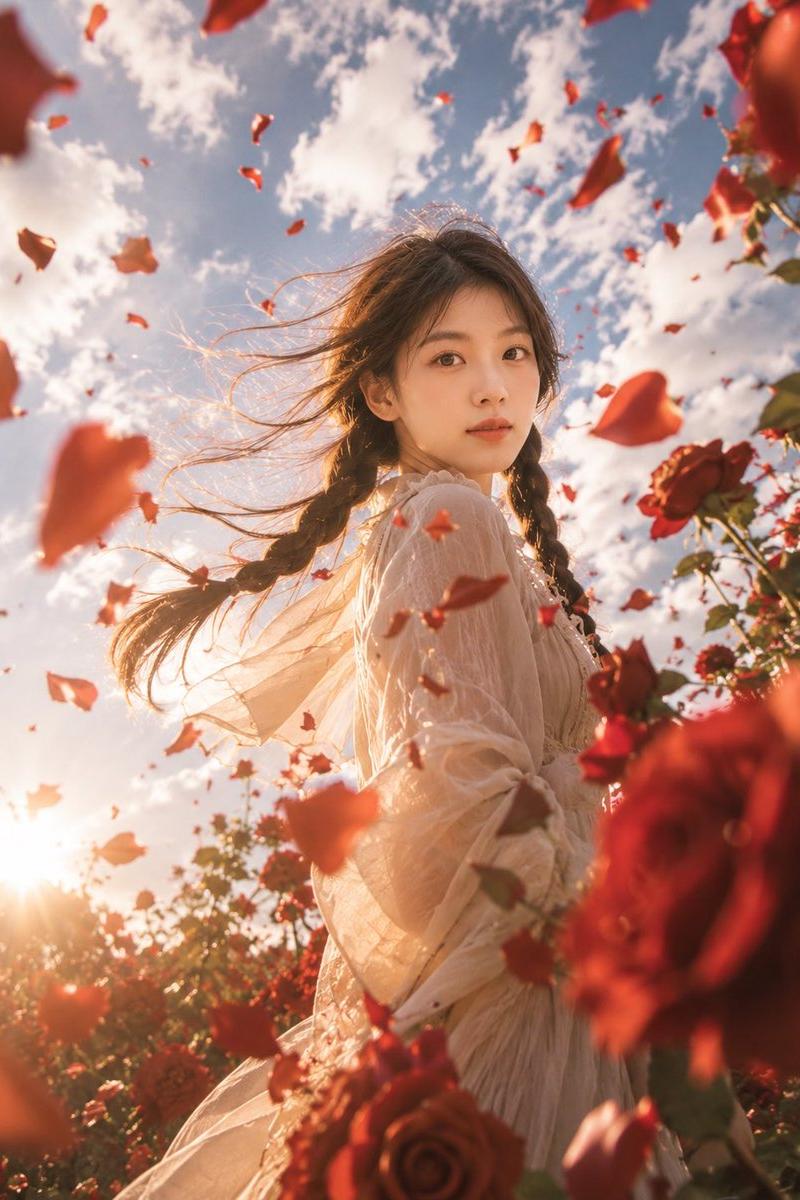
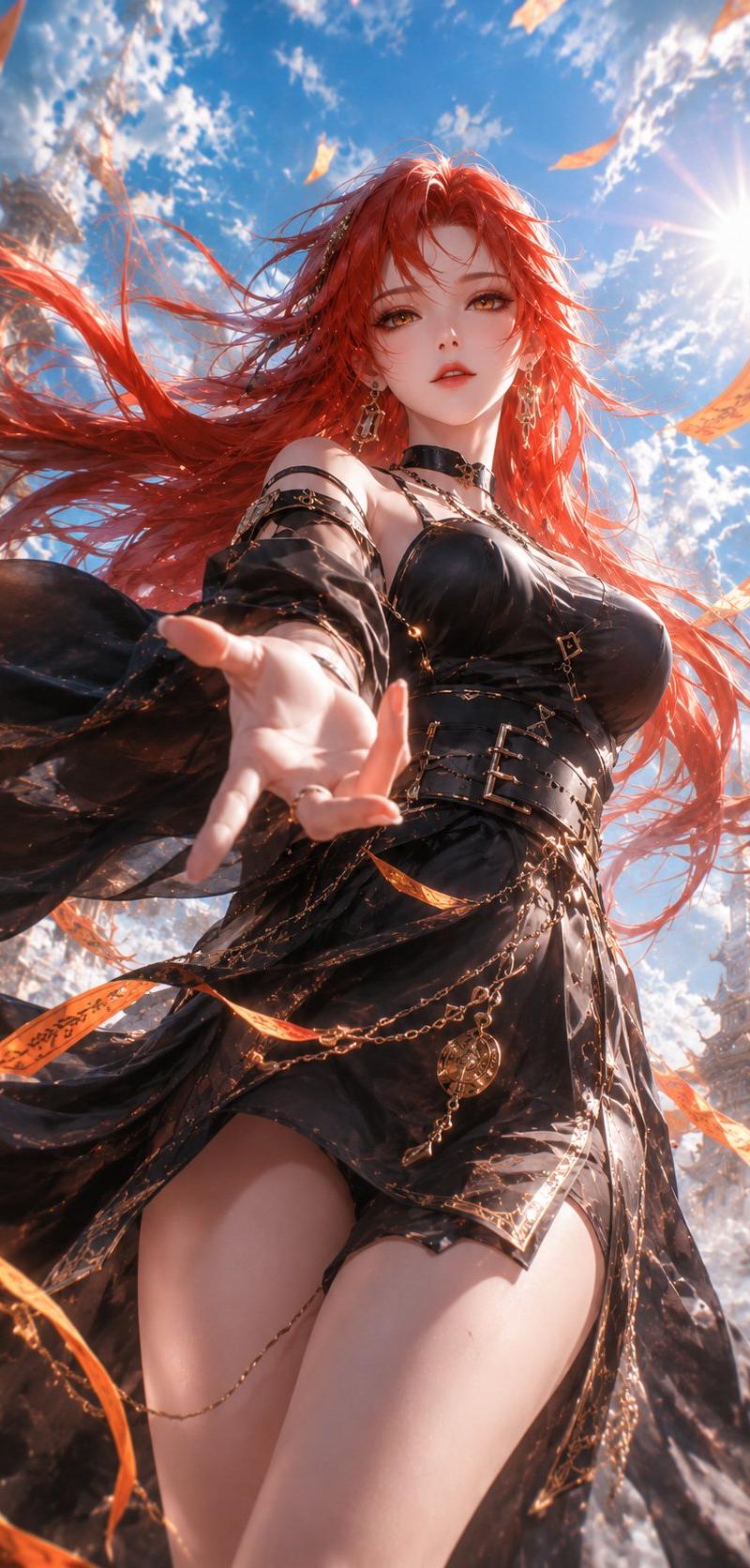
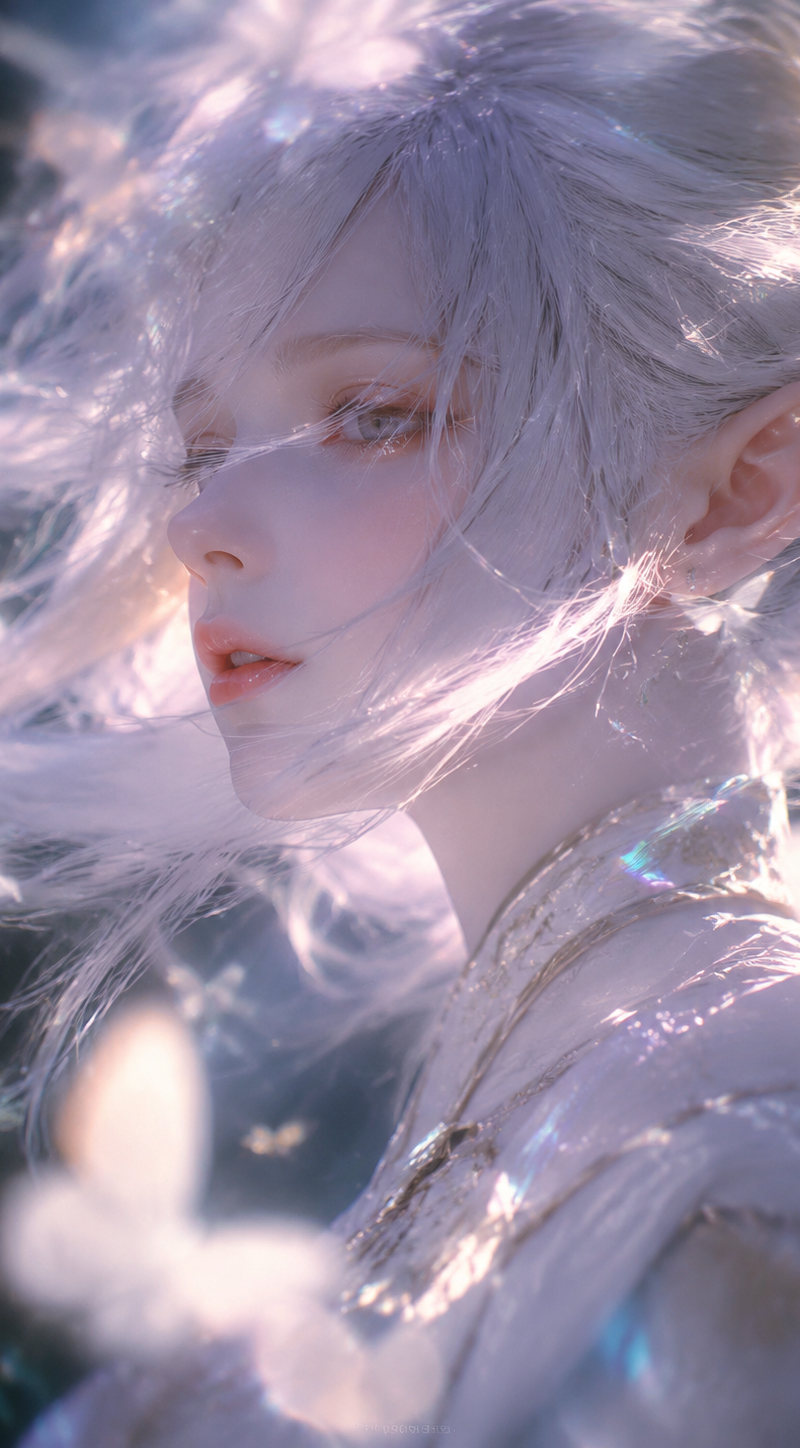
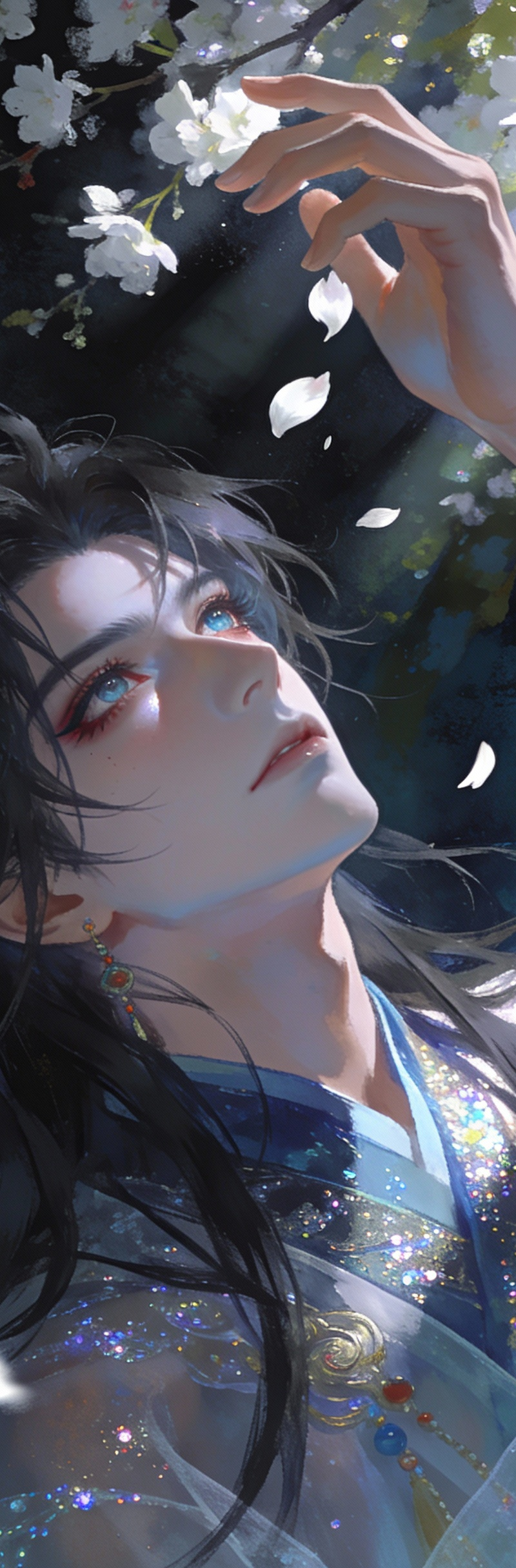
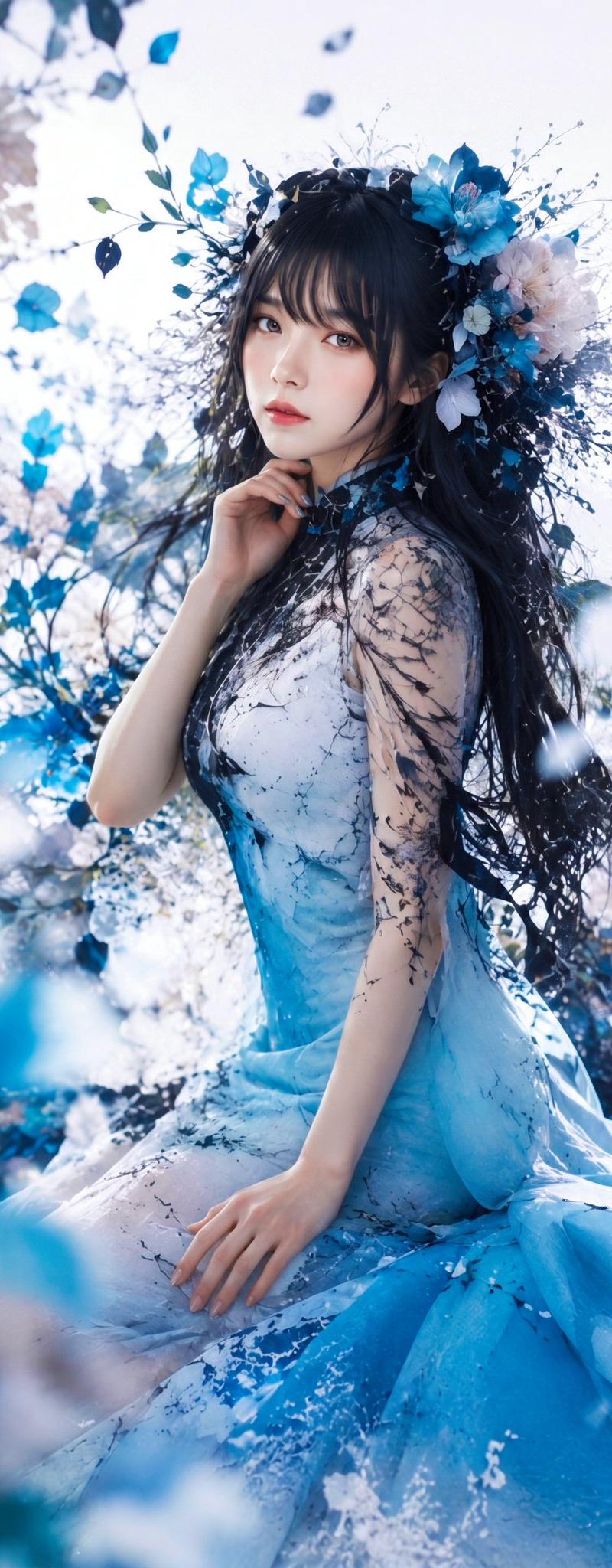
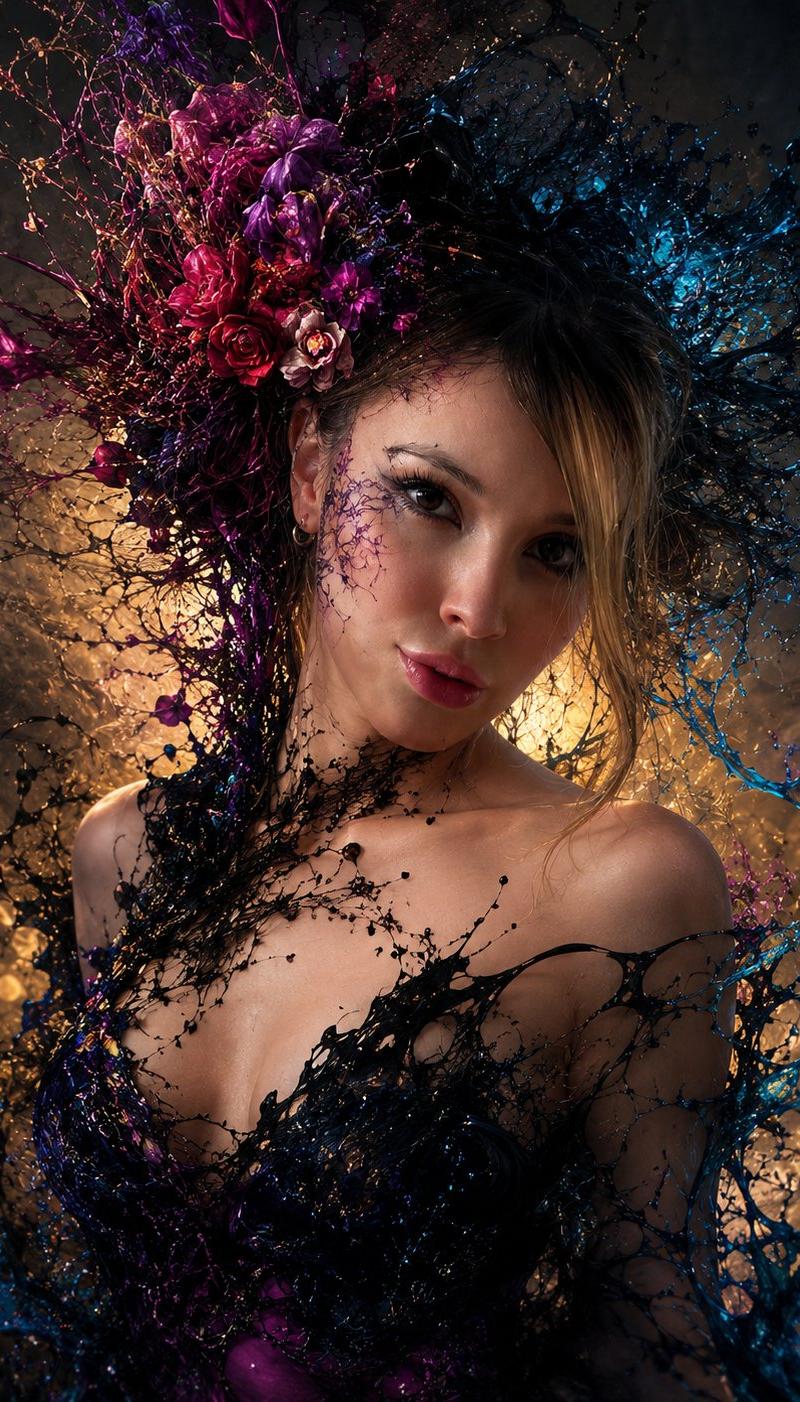
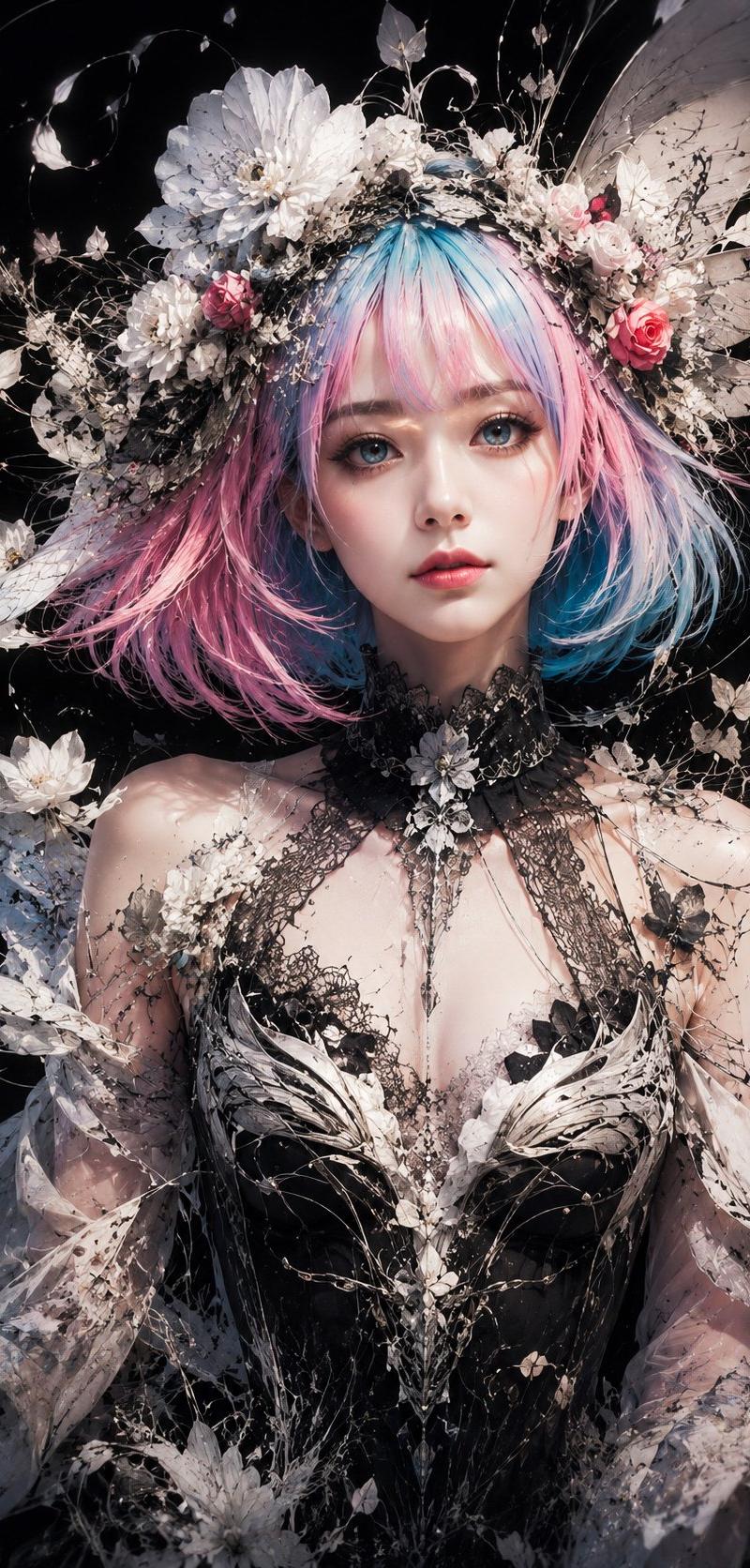
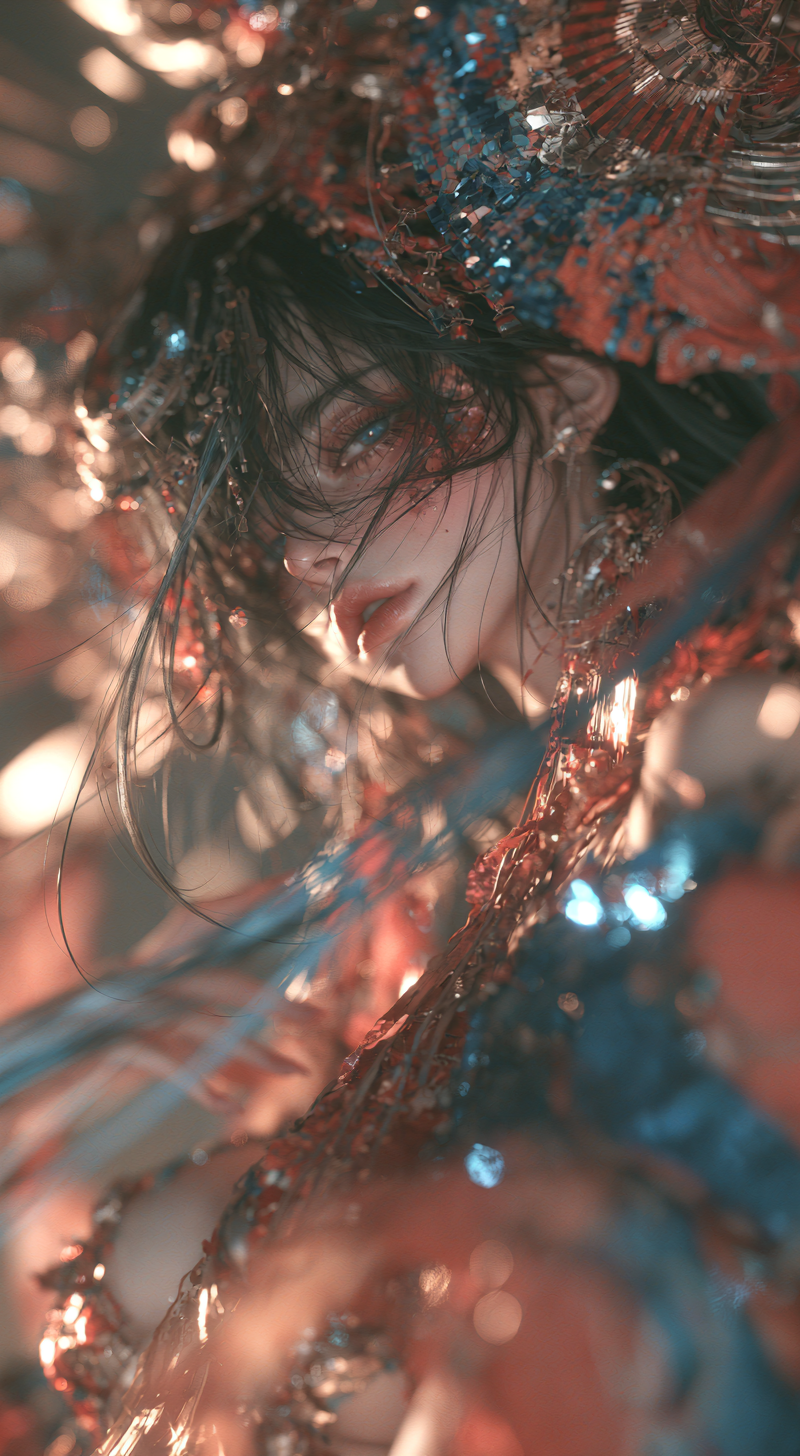
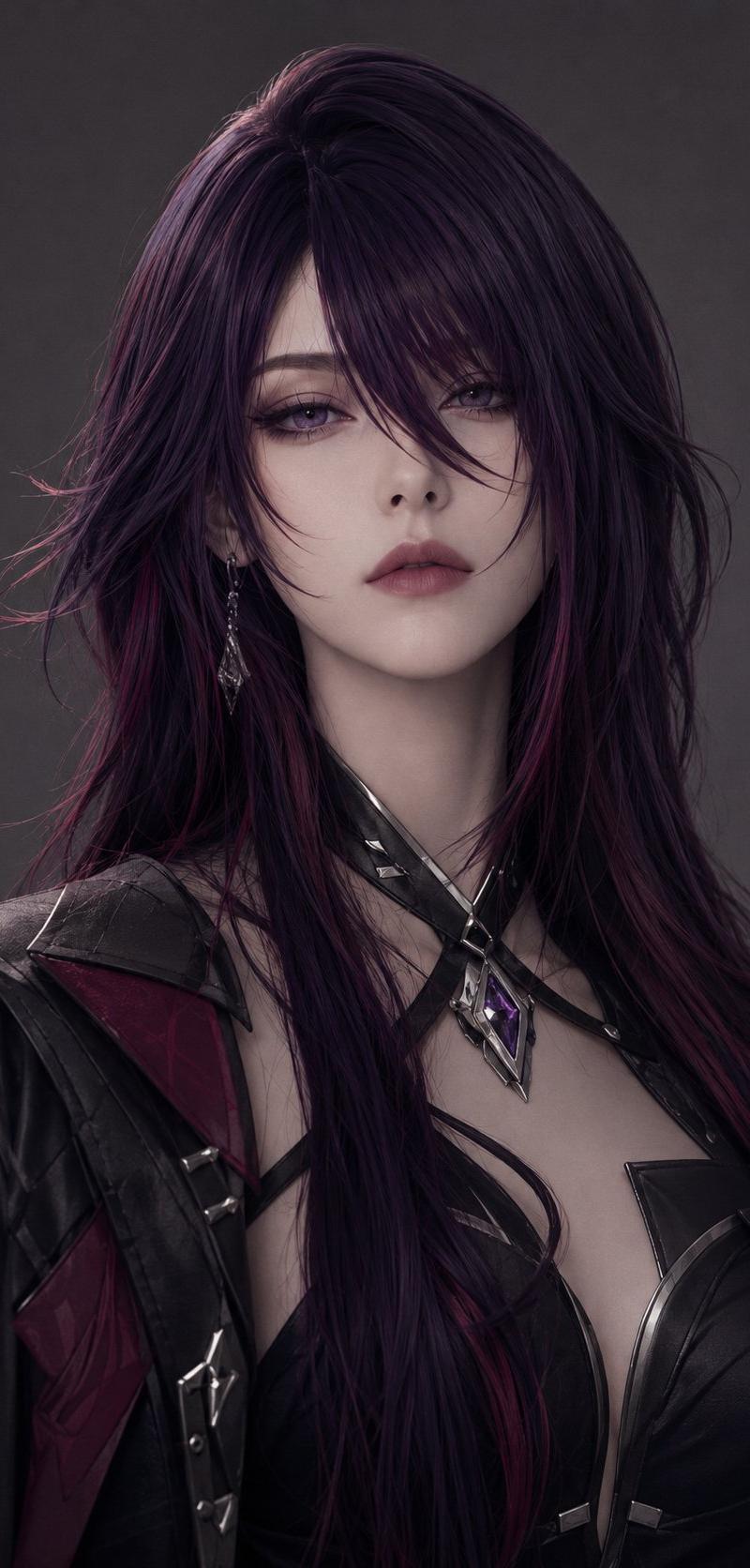
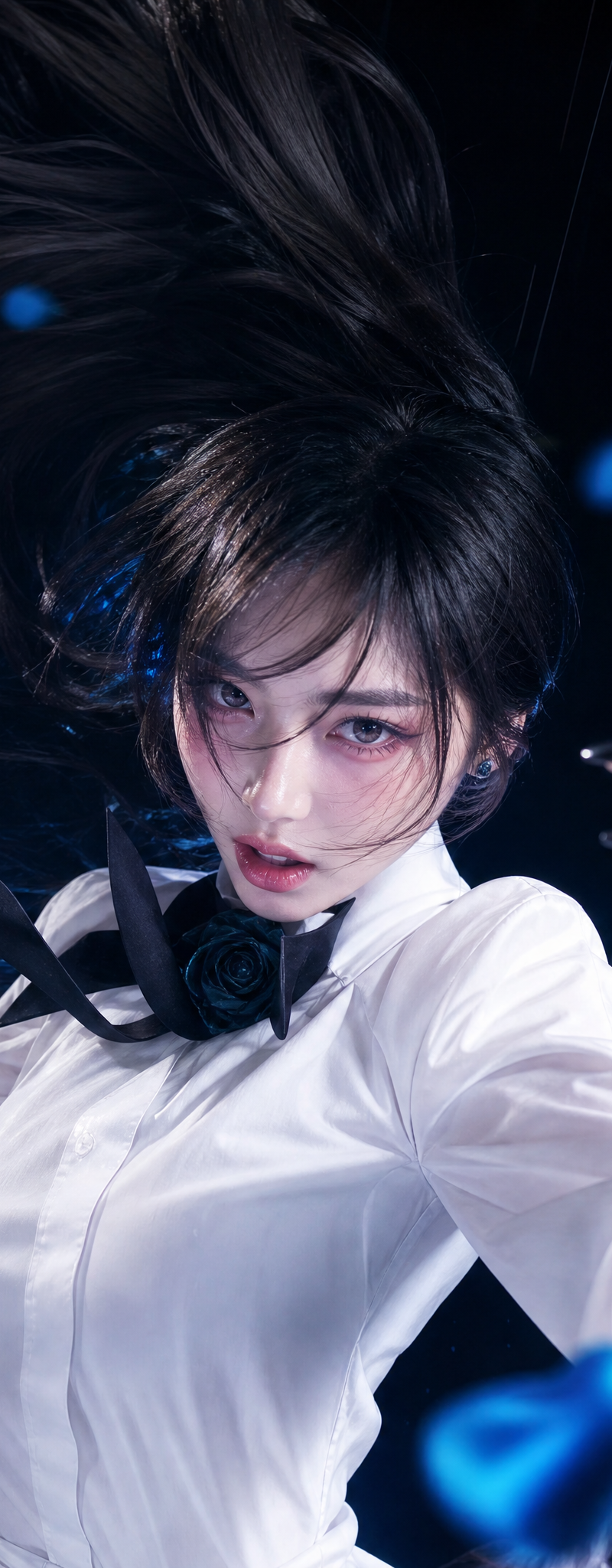
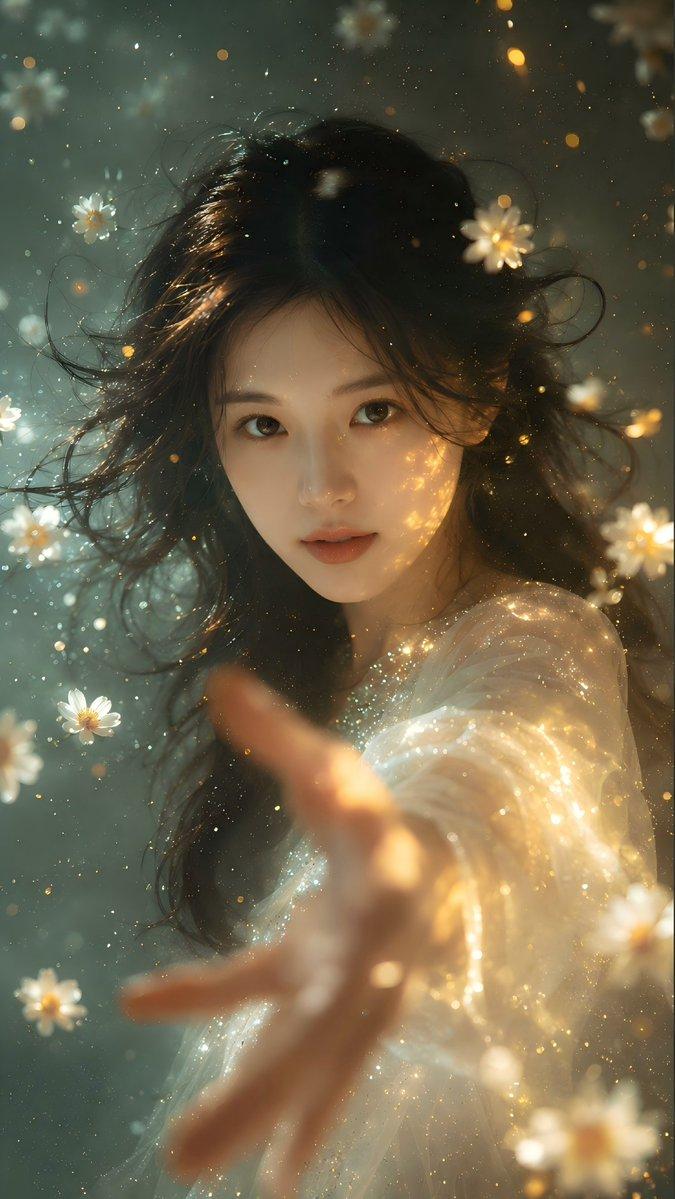
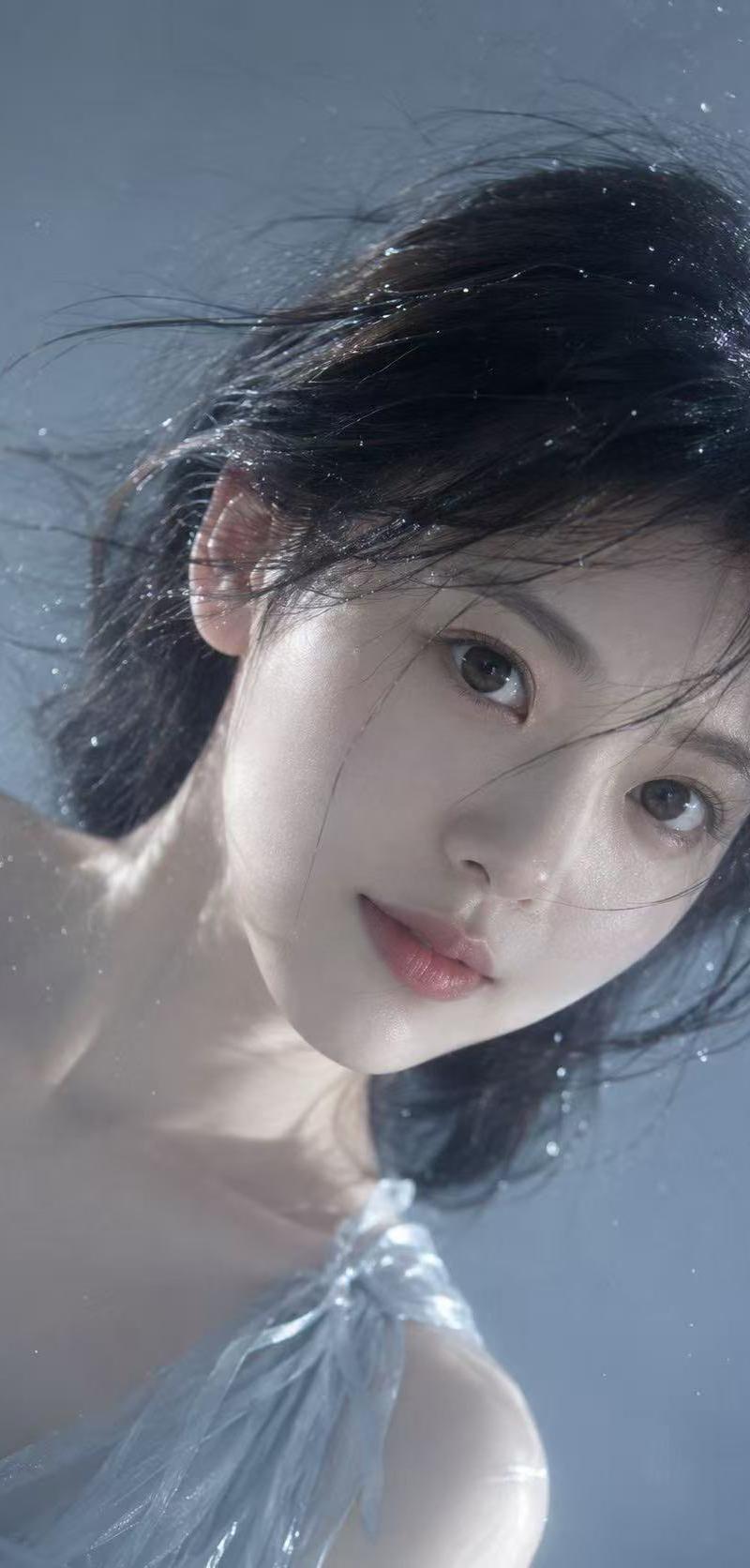
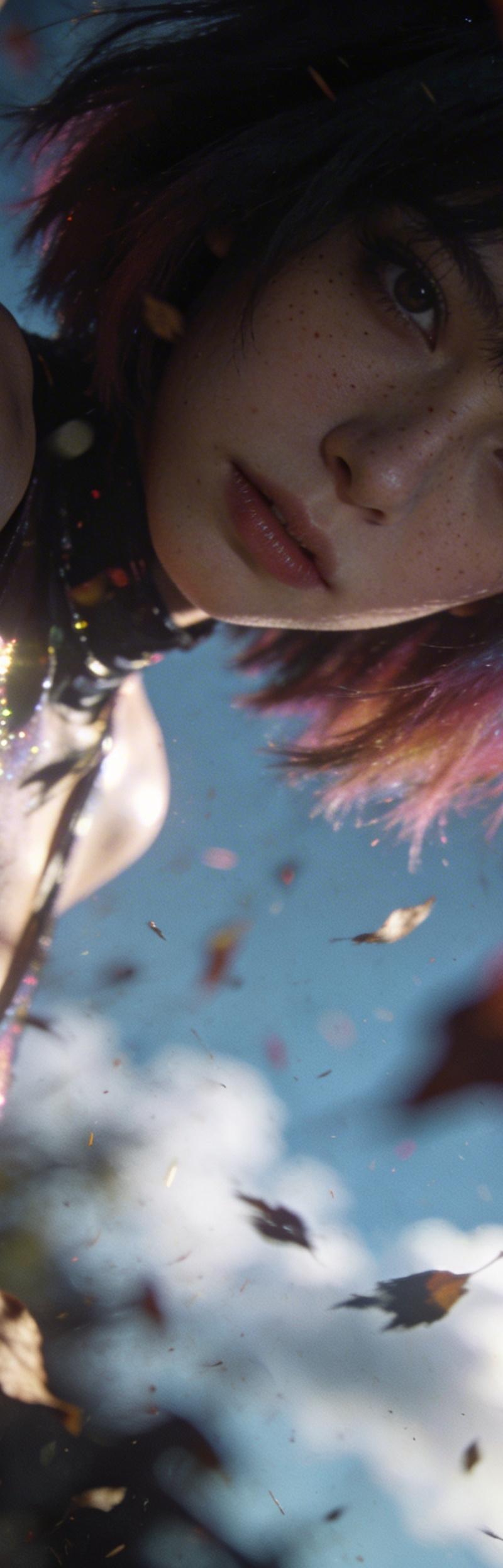
游戏CG风格,暗朦调,隐约的淡彩褪色,泛朦,对焦模糊,特写,一个渐变短发赛博朋克美女生模糊半身人像,凌乱美,高颜值,复古,迷离,低饱和,反射,质感,泛光模糊晕染
Enlarge

Example images

游戏CG风格,暗朦调,隐约的淡彩褪色,泛朦,对焦模糊,特写,一个渐变短发赛博朋克美女生模糊半身人像,凌乱美,高颜值,复古,迷离,低饱和,反射,质感,泛光模糊晕染

Prompt
游戏CG风格,暗朦调,隐约的淡彩褪色,泛朦,对焦模糊,特写,一个渐变短发赛博朋克美女生模糊半身人像,凌乱美,高颜值,复古,迷离,低饱和,反射,质感,泛光模糊晕染,高噪点,胶片颗粒质感,极具艺术感,震撼人心,色彩丰富,暗部叠加,特写镜头,超高清。落叶飞溅,前景落叶虚化,动态模糊,背景动态虚化,阳光灿烂,蓝天白云,光影交错,仰拍特写镜头,突出速度感和视觉冲击力,强透视。原比例。原比例。原比例。原比例。原相机拍摄,局部光照,雀斑,轻微不均匀的肤色,胶片颗粒,婀娜身材,皮肤纹理,闪光灯直闪,头发细节,侧光,
Category
Photography & Realism
Model
seedream/4.5-text-to-image
Creator
xie underwood
Source language
zh-CN
Views127
Source ID
1570
Published
Apr 5, 2026
Studio

Guide

About "游戏CG风格,暗朦调,隐约的淡彩褪色,泛朦,对焦模糊,特写,一个渐变短发赛博朋克美女生模糊半身人像,凌乱美,高颜值,复古,迷离,低饱和,反射,质感,泛光模糊晕染"

What is this prompt for?

"游戏CG风格,暗朦调,隐约的淡彩褪色,泛朦,对焦模糊,特写,一个渐变短发赛博朋克美女生模糊半身人像,凌乱美,高颜值,复古,迷离,低饱和,反射,质感,泛光模糊晕染" AI image prompt for seedream/4.5-text-to-image (Photography & Realism). 游戏CG…

The full copyable prompt and example visuals above are ready for AI image generation or one-click recreate in Picva.

How to use this prompt

  1. Step 1

    Open the prompt detail

    Review the example visuals, category, and full prompt text for "游戏CG风格,暗朦调,隐约的淡彩褪色,泛朦,对焦模糊,特写,一个渐变短发赛博朋克美女生模糊半身人像,凌乱美,高颜值,复古,迷离,低饱和,反射,质感,泛光模糊晕染".

  2. Step 2

    Copy the prompt

    Copy the prompt body from this page, or load it directly in Studio.

  3. Step 3

    Pick a model (seedream/4.5-text-to-image)

    Prefer seedream/4.5-text-to-image. If you switch models, keep subject and composition and tweak style terms.

  4. Step 4

    Generate and export

    Recreate the look in Picva, or export into your workflow for editing and publishing.

FAQ

What is the "游戏CG风格,暗朦调,隐约的淡彩褪色,泛朦,对焦模糊,特写,一个渐变短发赛博朋克美女生模糊半身人像,凌乱美,高颜值,复古,迷离,低饱和,反射,质感,泛光模糊晕染" prompt?
It is an AI image-generation prompt for seedream/4.5-text-to-image in the Photography & Realism category. This page includes the full prompt text, example visuals, and a one-click recreate path in Picva.
How do I use this prompt to generate an image?
Copy the prompt from this page, or use Generate / Studio. Paste it into a compatible image model, or recreate the look in Picva with optional reference images.
Which model is this prompt for?
This page lists seedream/4.5-text-to-image. Most descriptive prompts also transfer to nearby image models such as GPT Image, Flux, or Midjourney with light style tweaks.
Can I use the result commercially?
You can usually copy the prompt for creation, but commercial use of the final image depends on the model terms, reference-image rights, and the generated content. Follow the source author and platform rules.