{ "portrait_prompt": { "subject": { "description": "Based on , a young woman wit
Prompt
{
 "portrait_prompt": {
 "subject": {
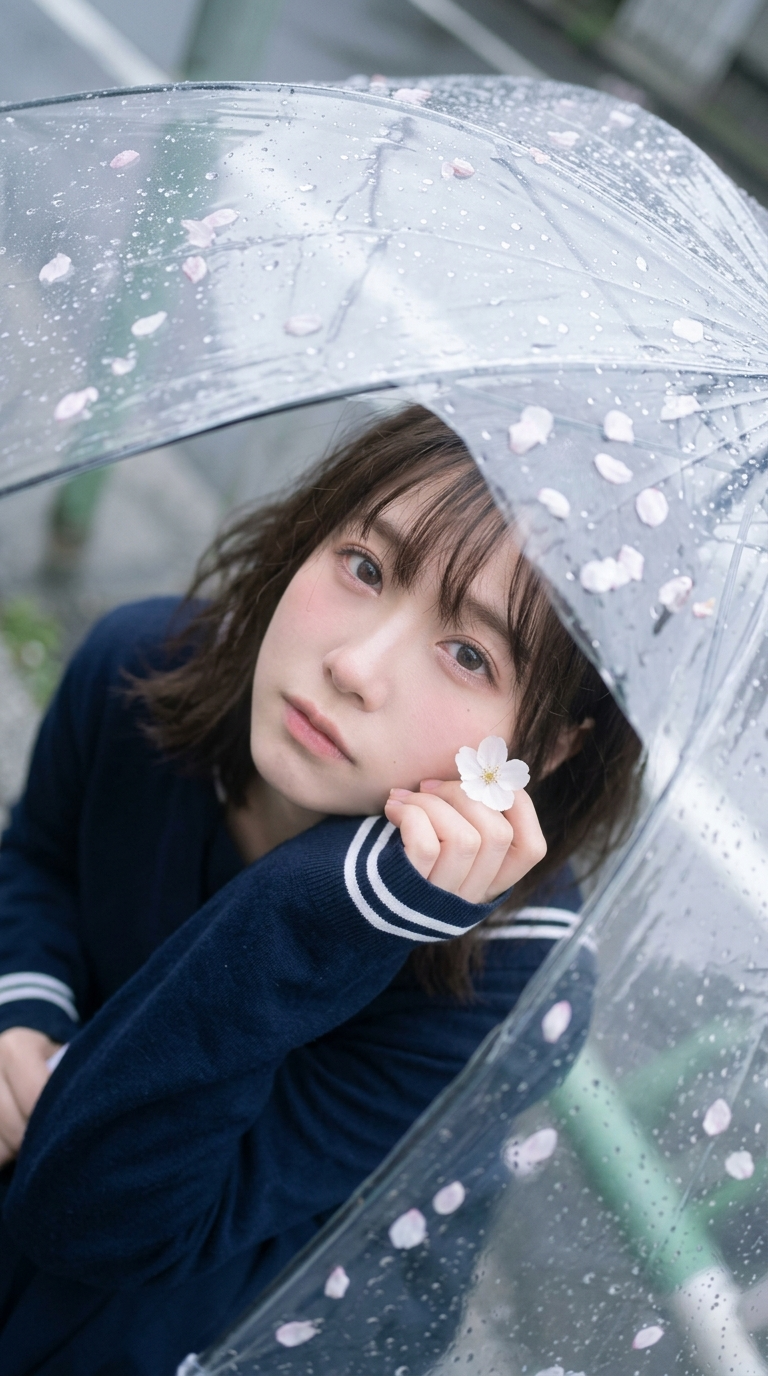
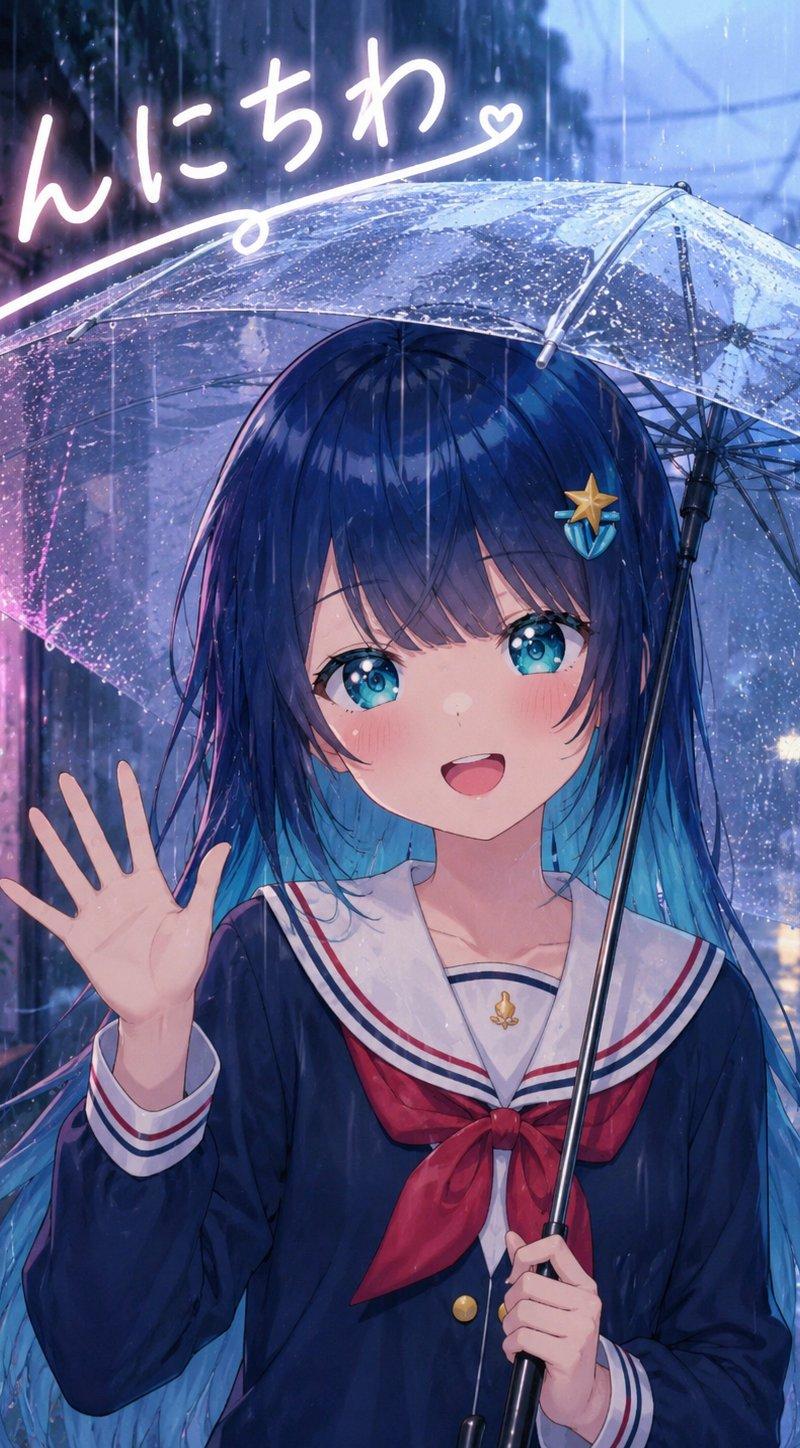
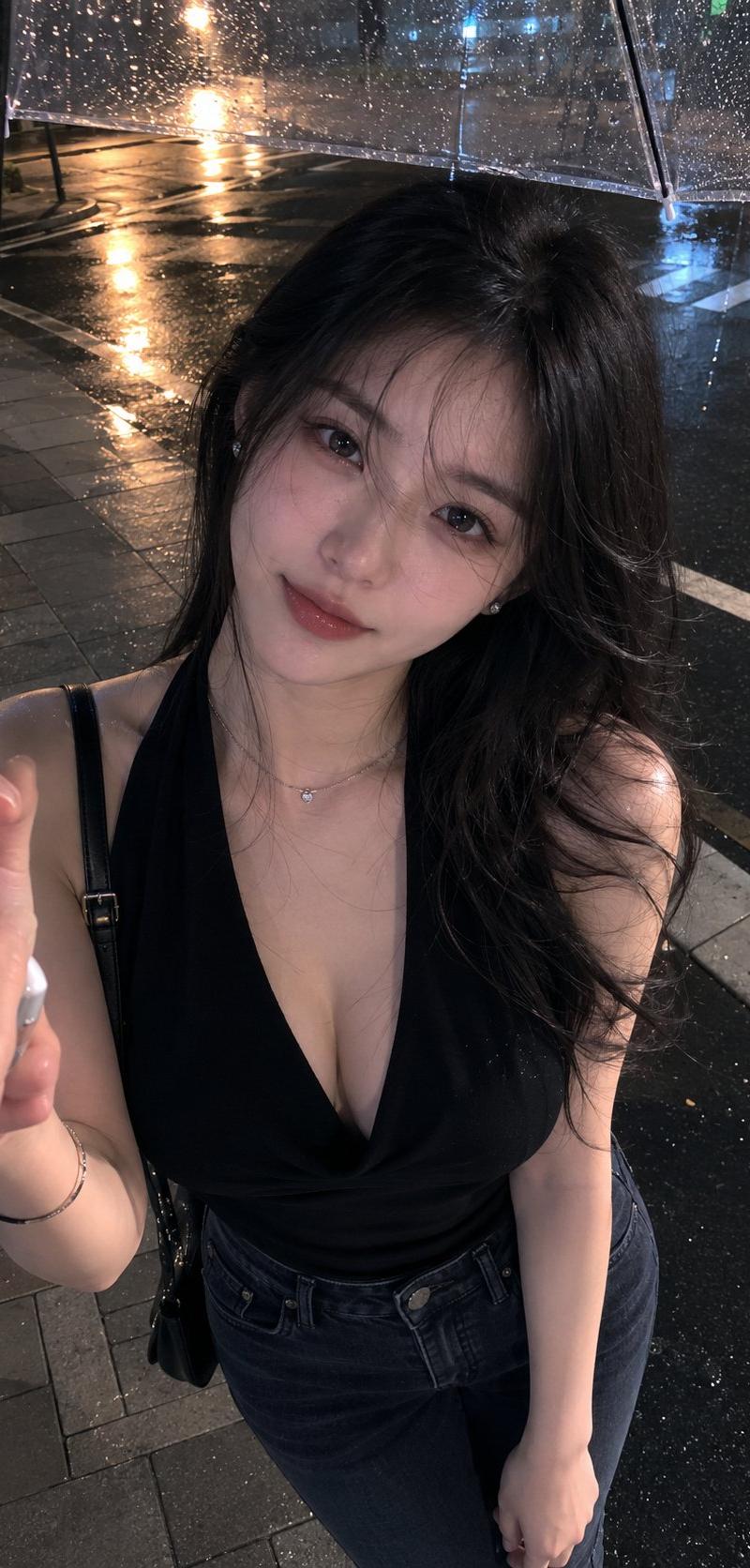
 "description": "Based on <User Portrait>, a young woman with soft fair skin, delicate facial features, large glossy eyes, airy wispy bangs, and dark slightly tousled hair, rendered in a dreamy rainy-day portrait style.",
 "features": {
 "hair": "dark brown to black hair, soft loose texture, airy see-through bangs, slightly tousled around the forehead and cheeks",
 "eyes": "large moist-looking eyes gazing upward through the umbrella, soft catchlights, gentle and slightly wistful",
 "expression": "quiet, dreamy, tender, slightly melancholic, soft pink blush across the cheeks"
 },
 "pose": "close-up portrait from above, the subject is tucked under a transparent umbrella and looks upward toward the camera through the wet umbrella surface, head slightly tilted, one hand raised near the cheek while delicately holding a small white blossom, shoulders relaxed and folded inward"
 },
 "attire": {
 "type": "dark navy to black long-sleeve top or light jacket",
 "details": [
 "deep navy or black fabric with a soft matte texture",
 "white double-stripe trim at the cuff",
 "minimal visible styling because the umbrella and face dominate the frame"
 ],
 "color": "deep navy-black with small white cuff accents"
 },
 "composition": {
 "shot_type": "Close-up",
 "focal_length": "28-35mm equivalent",
 "aperture": "smartphone-like deep focus with soft natural diffusion",
 "camera_angle": "high angle, top-down",
 "camera_height": "above head",
 "framing": "the transparent umbrella fills almost the entire frame as a foreground layer, curved umbrella ribs create arcs across the image, the subject's face sits slightly right of center and low-mid frame, flower petals and raindrops are scattered across the umbrella surface, with the hand and blossom entering from the lower right",
 "aspect_ratio": "3:4"
 },
 "lighting": {
 "type": "soft overcast rainy daylight filtered through a clear umbrella",
 "direction": "diffused ambient light from above and front, softened by clouds and the transparent umbrella surface, with no hard shadow edges",
 "mood": "misty, intimate, quiet, spring-rain softness"
 },
 "color_palette": {
 "film_simulation": "Fujifilm Pro 400H inspired rainy pastel grading",
 "style": "cool-neutral rainy editorial tones with pale pink petals, translucent gray highlights, soft blush skin, and gently lifted blacks",
 "tones": [
 "soft rainy gray",
 "translucent clear silver",
 "pale pink petals",
 "deep charcoal-navy clothing",
 "delicate rosy skin tones"
 ],
 "grade_notes": [
 "highlight roll-off: soft and milky on the wet transparent umbrella",
 "shadow tint: neutral-cool with slightly lifted blacks",
 "contrast curve: low to medium contrast, soft and airy rather than punchy",
 "saturation: restrained overall, with selective soft pink in petals and blush",
 "grain: minimal to very subtle, clean smartphone editorial finish"
 ]
 },
 "environment": {
 "setting": "outdoor rainy spring street scene viewed almost entirely through a transparent umbrella",
 "background": "the environment is mostly obscured by the umbrella, raindrops, and shallow urban gray shapes beneath, with only faint hints of the ground and nearby objects visible",
 "atmosphere": "wet, delicate, romantic, slightly melancholic, intimate"
 },
 "mood": "dreamy rainy-day portrait, intimate, soft, poetic, delicate spring melancholy",
 "technical_tags": [
 "photorealistic",
 "top-down portrait",
 "through transparent umbrella",
 "raindrops on umbrella",
 "flower petals on umbrella",
 "soft overcast daylight",
 "dreamy rainy aesthetic",
 "smartphone editorial realism",
 "high detail water droplets",
 "soft skin texture"
 ],
 "character_reference": "Based on user-uploaded character reference",
 "clothing_reference": "Not required; keep the dark navy-black top with white striped cuffs described above unless a matching clothing reference is provided",
 "negative_prompt": "opaque umbrella, colored umbrella, dry umbrella, no raindrops, no flower petals, side angle shot, eye-level shot, low angle shot, hard flash, studio lighting, sunny weather, warm golden-hour lighting, heavy HDR, oversaturated colors, sharp commercial beauty retouching, plastic skin, distorted face through extreme refraction, broken fingers, broken hand, messy anatomy, stiff pose, random background clutter, strong bokeh, low-resolution eyes, text, watermark, logo"
 }
}- Category
- Charts & Infographics
- Model
- Nano Banana 2
- Creator
- Side Hustle
- Source language
- en
- Source ID
- 1830
- Published
- Apr 15, 2026
Views483