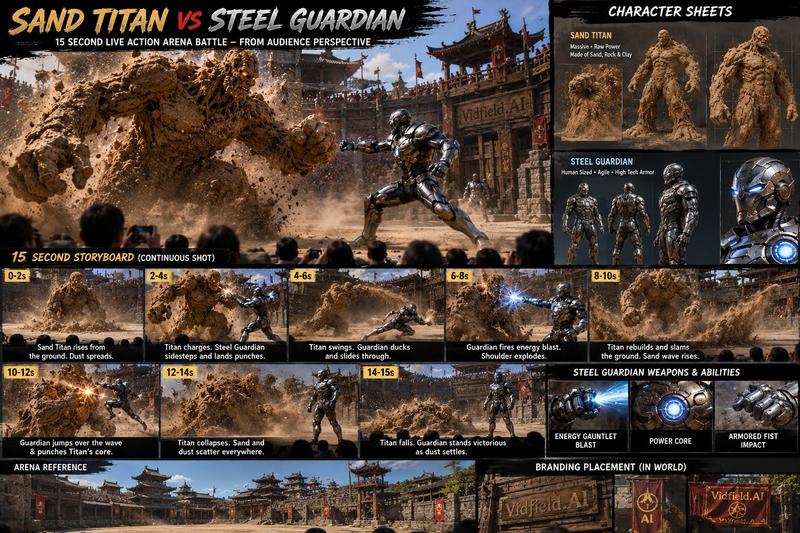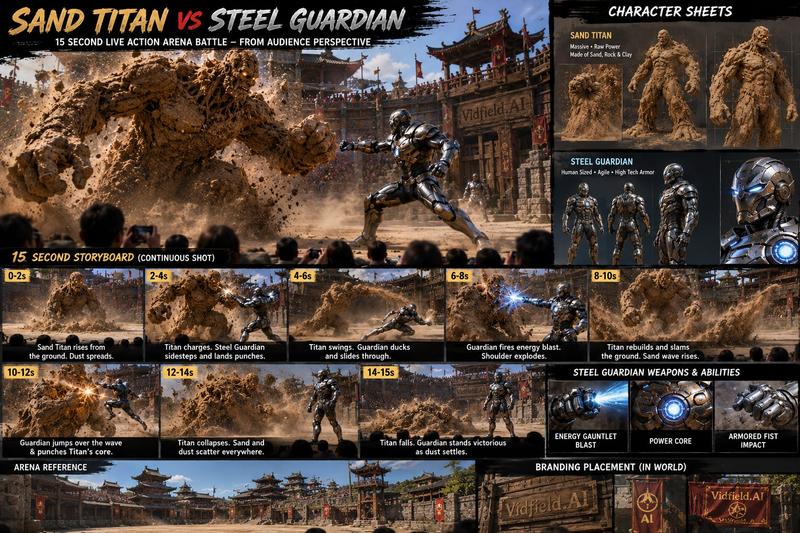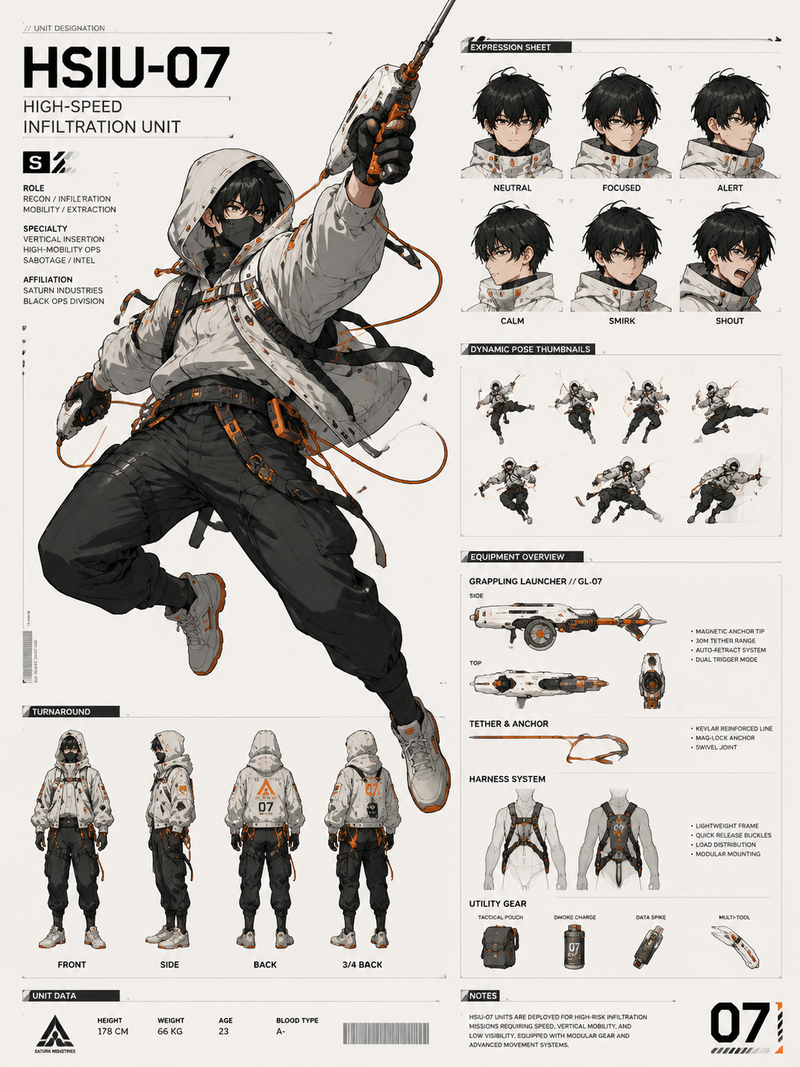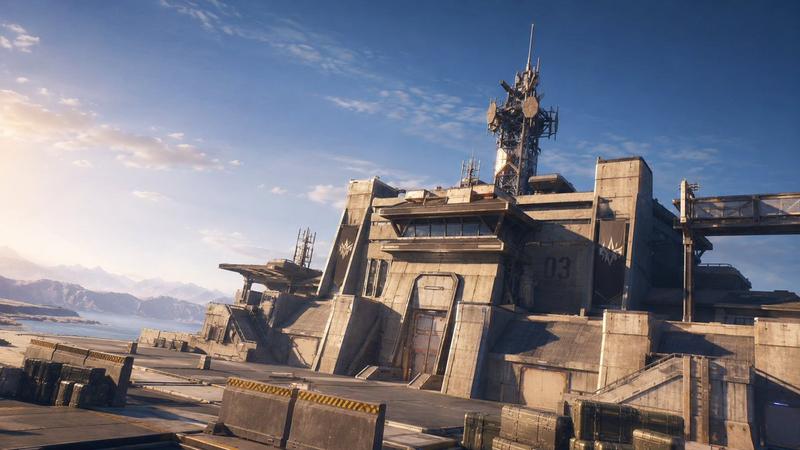
A wide-angle documentary photo of an outdoor live stage performance, only one Na
提示词
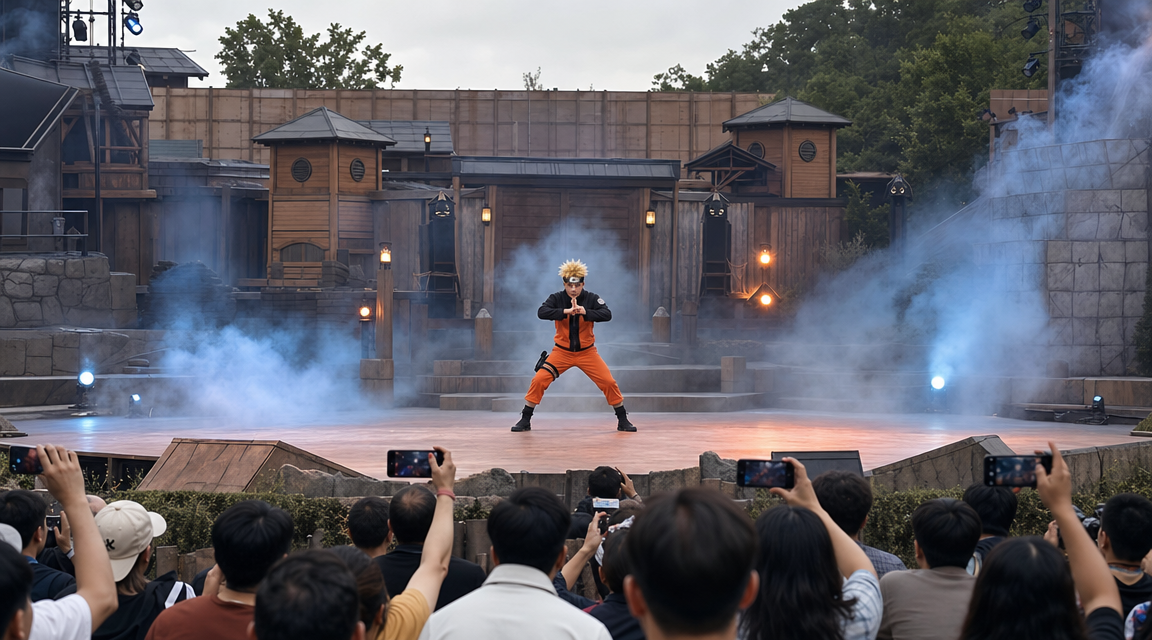
A wide-angle documentary photo of an outdoor live stage performance, only one Naruto-inspired blond ninja warrior standing alone at the center of the stage, spiky blond hair, orange-and-black ninja combat outfit, forehead headband, focused determined expression, both hands forming a precise ninja hand sign in front of his chest, body slightly lowered in a ready stance. Dramatic theatrical smoke drifts around him, soft blue and orange stage lights cutting through the haze. In the background is a large handcrafted ninja village stage set with wooden buildings, rooftops, gates, lanterns, and fortress-like structures. In the foreground are audience heads and people holding up phones to record. Realistic spectator smartphone photography, imperfect framing, cinematic tension, outdoor theme park live-action anime stunt show atmosphere. 16:9

Negative prompt: multiple characters, extra people on stage, text, watermark, UI overlay, subtitles, logo, distorted hands, extra fingers, blurry face, plastic CGI look
- 分类
- UI 与界面
- 模型
- GPT Image 2
- 来源作者
- xie underwood
- 来源 ID
- 18935
- 发布时间
- 2026年6月10日
浏览量81