16

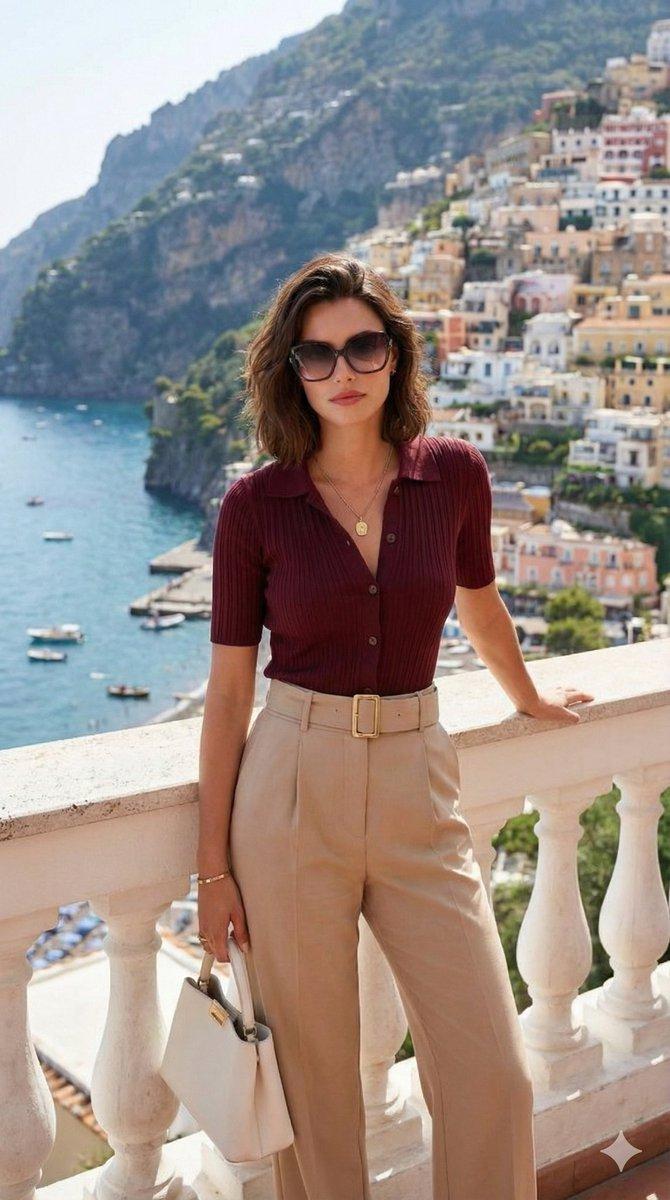
Use the attached reference image as a visual guide for the character’s appearanc
Enlarge

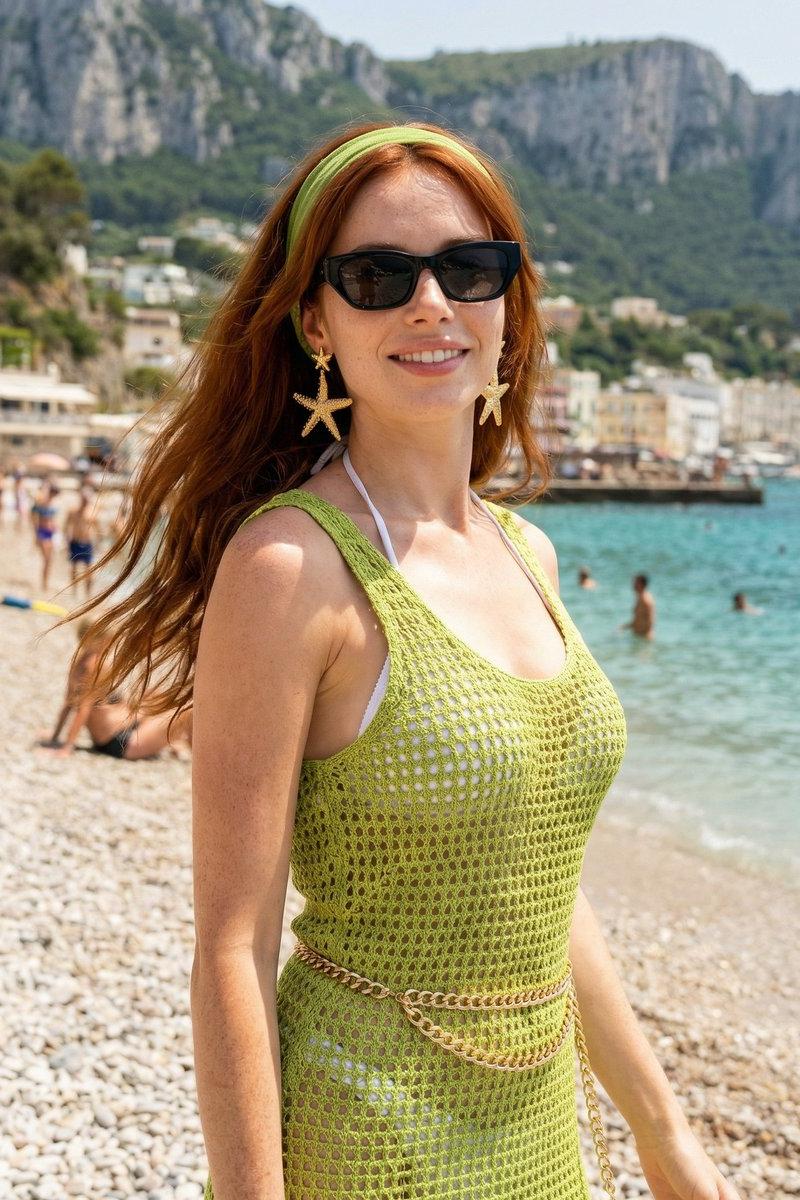
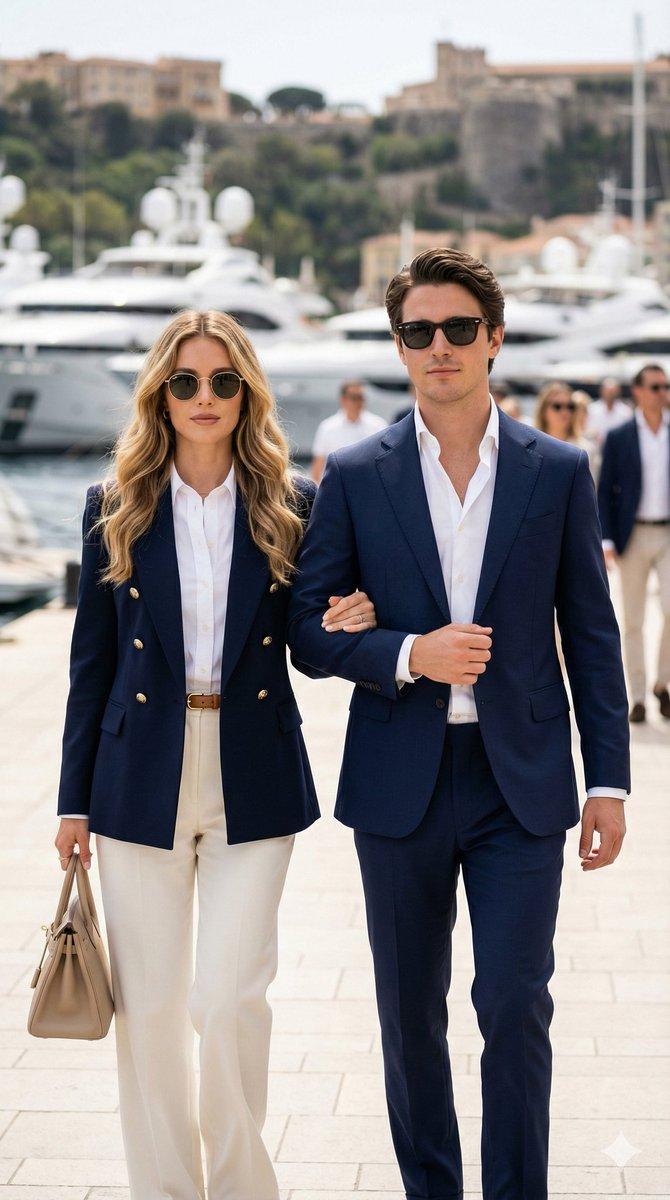
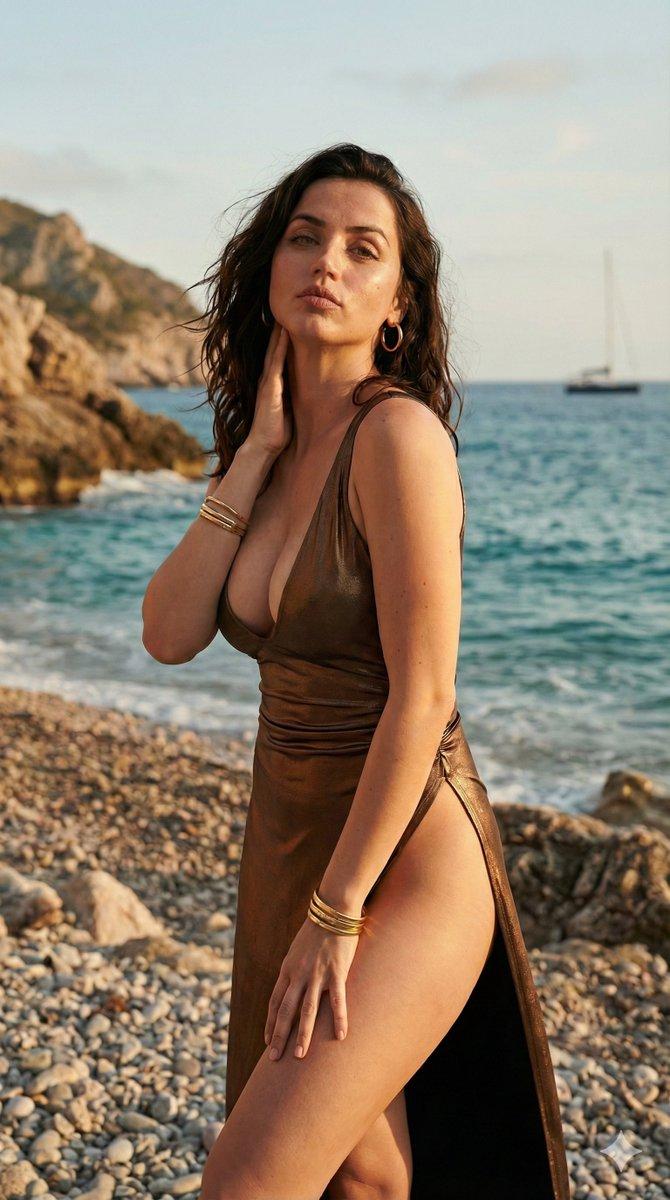
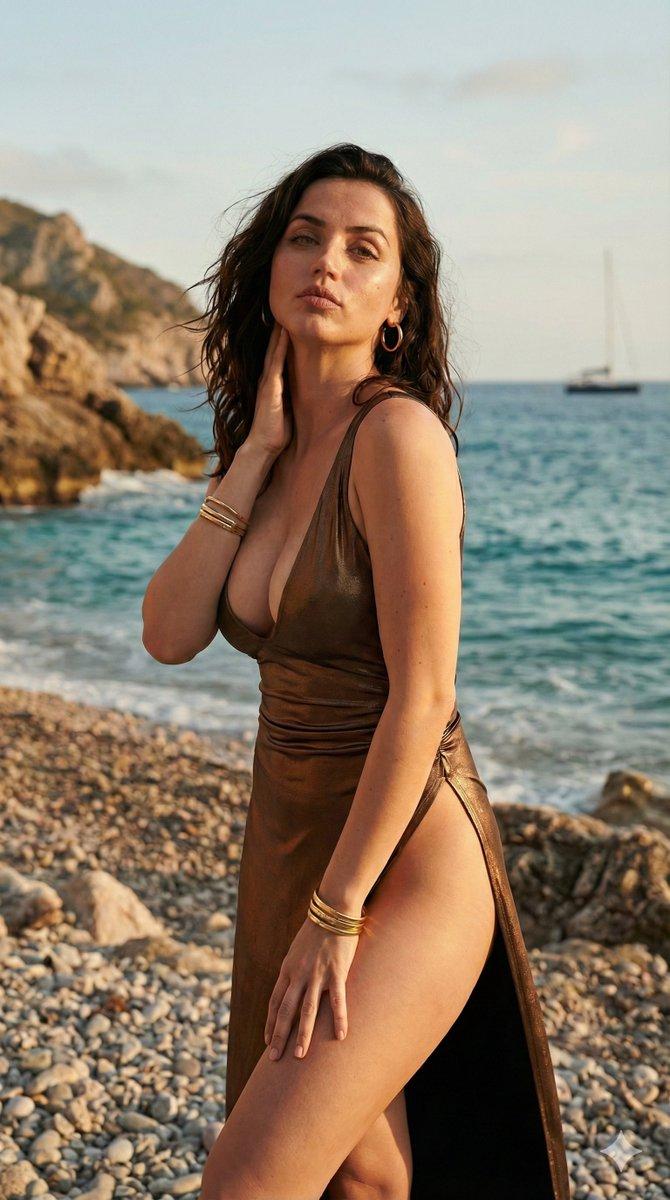
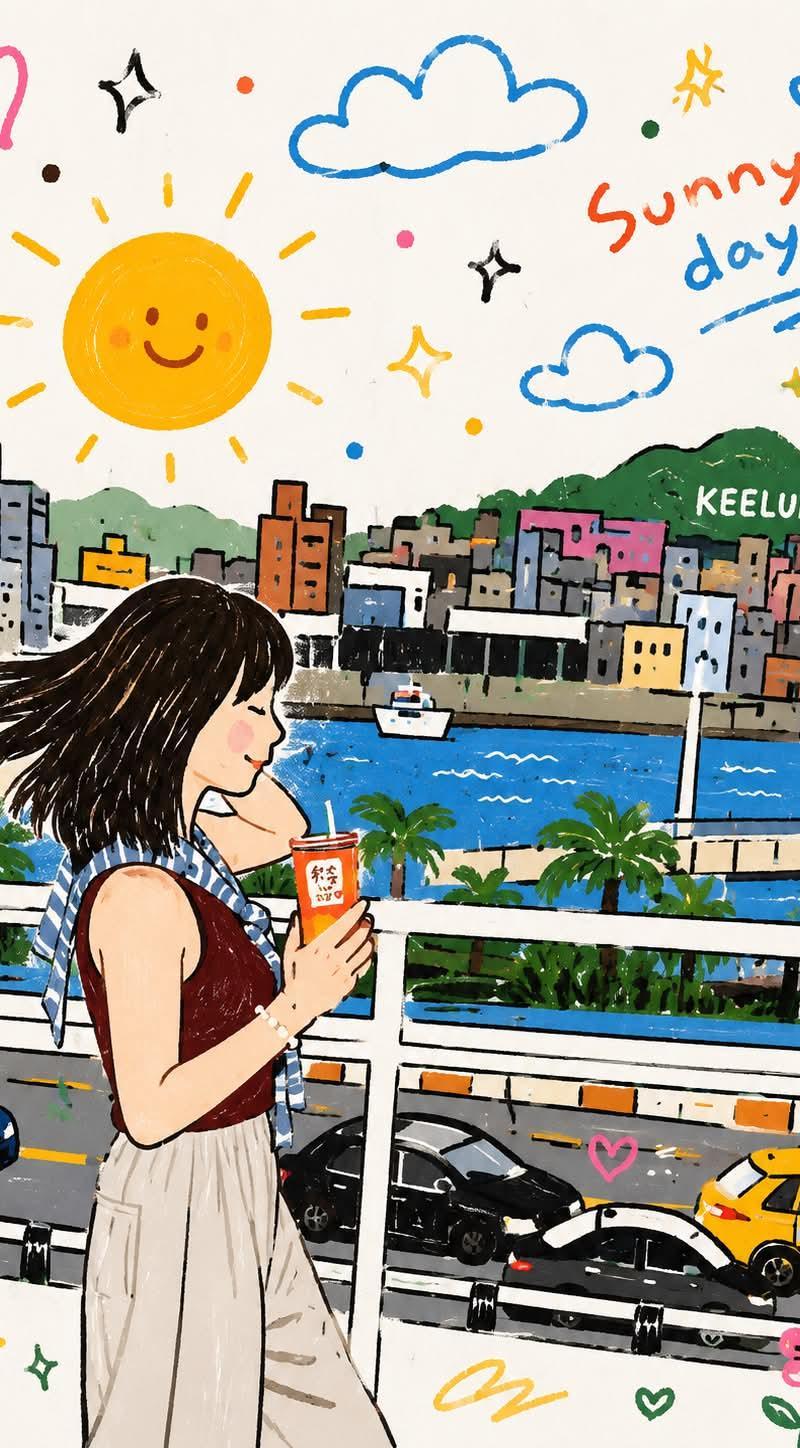
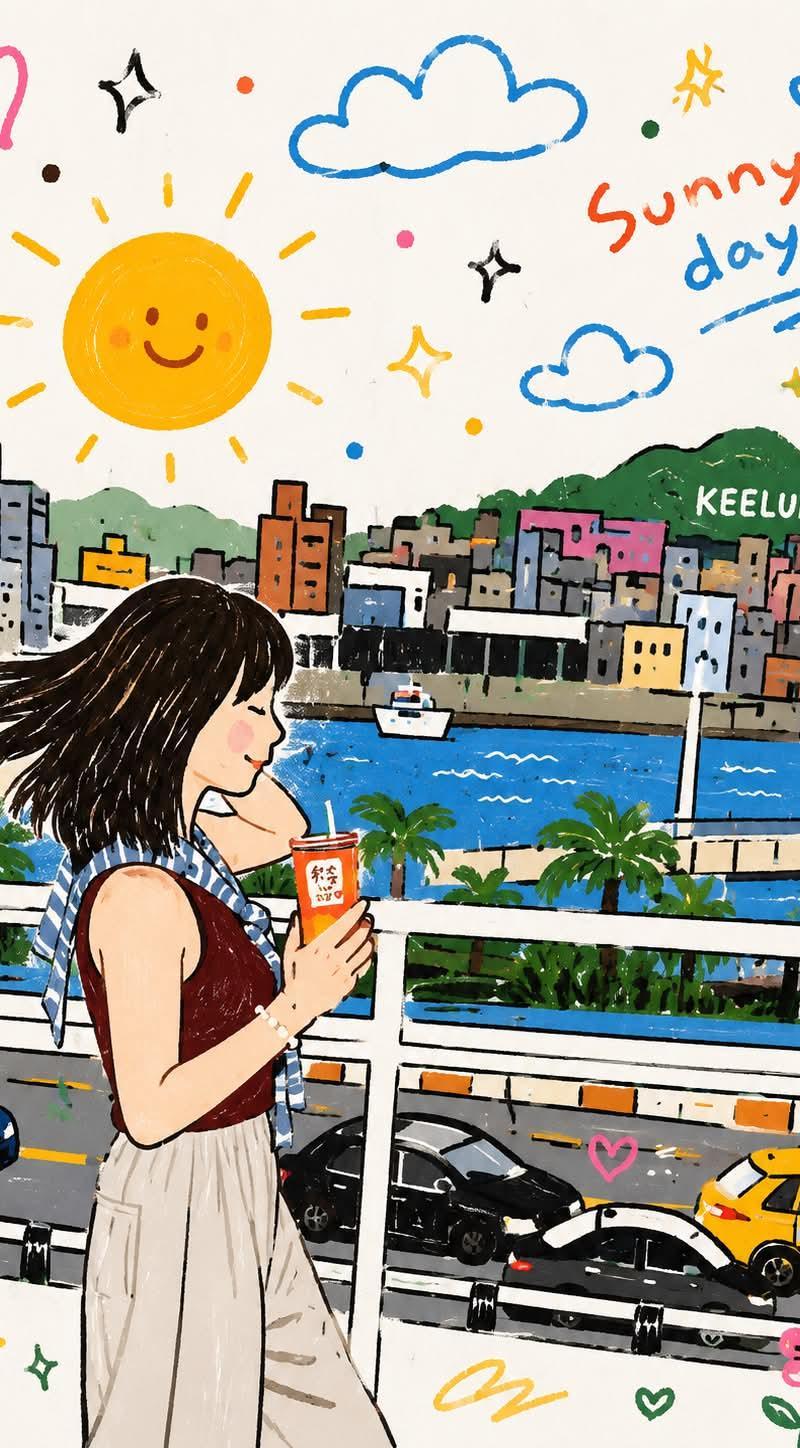
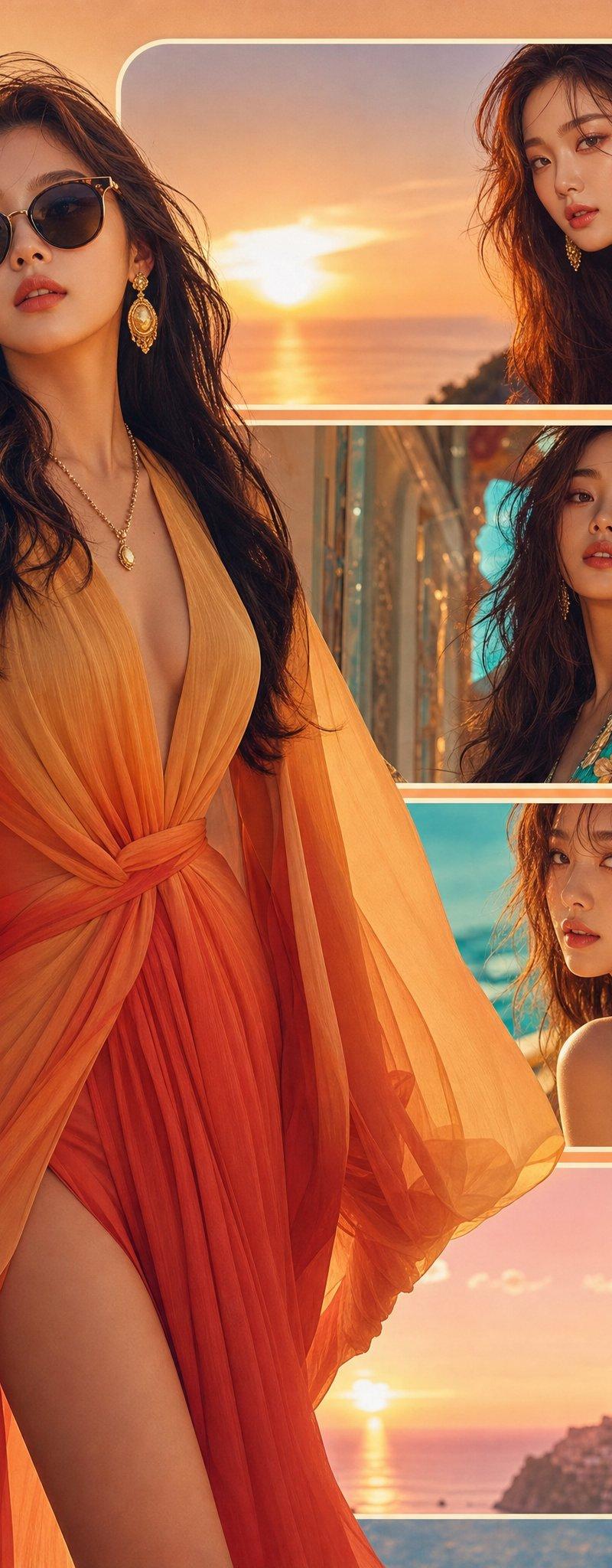
Example images

Use the attached reference image as a visual guide for the character’s appearanc

Prompt
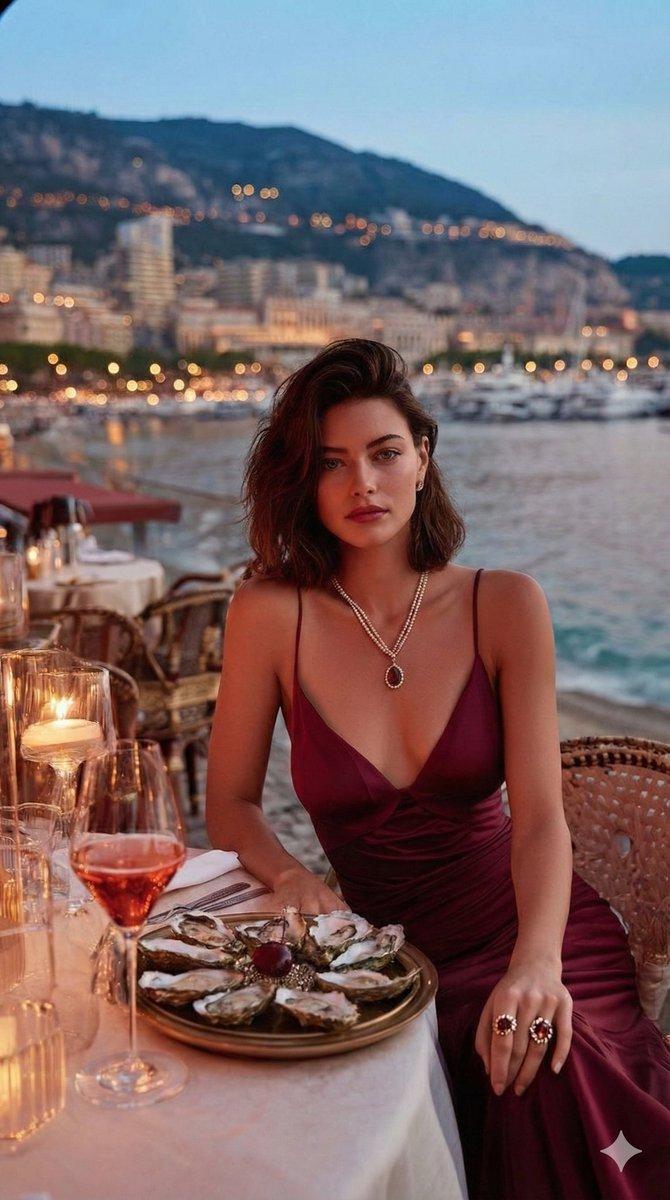
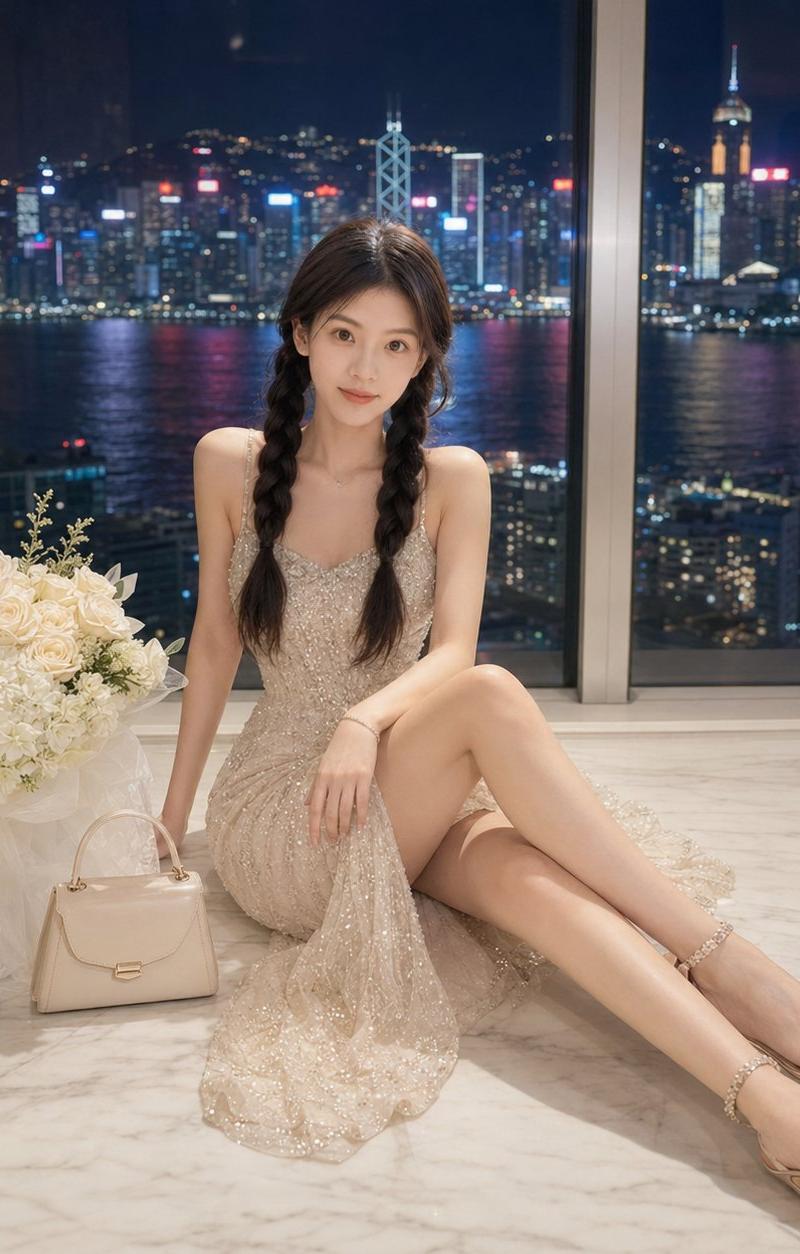
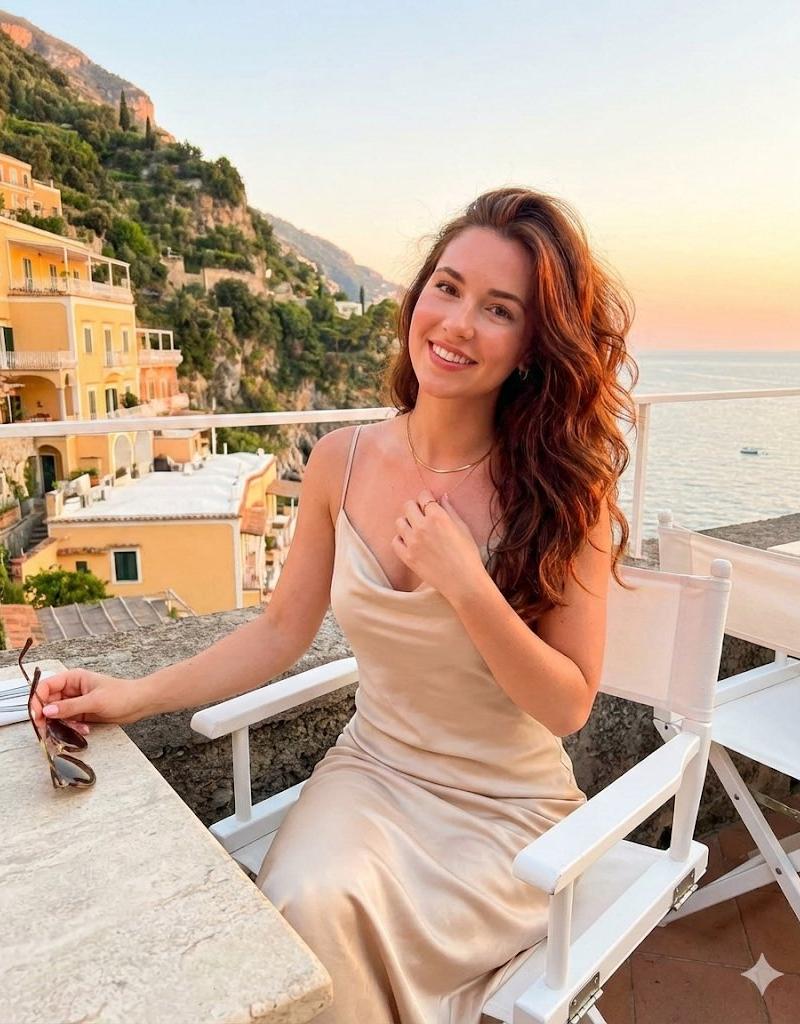
Use the attached reference image as a visual guide for the character’s appearance. Preserve key visual traits such as facial structure and overall proportions, while allowing small natural variations typical of real photography. The generated subject should clearly resemble the reference while remaining a natural photographic interpretation.

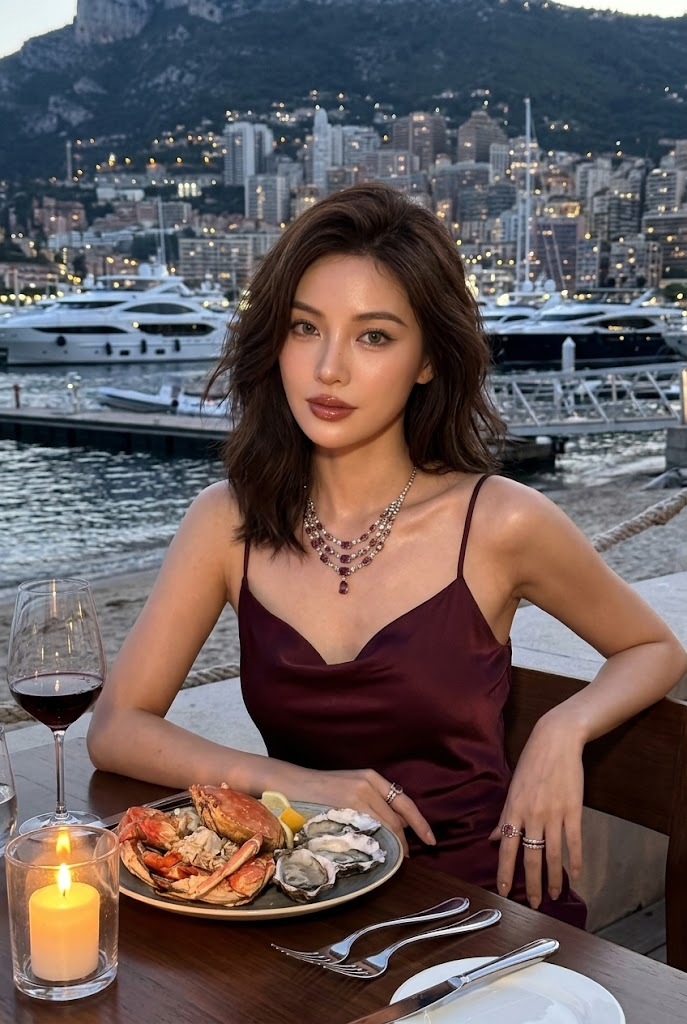
Ultra-realistic 8k UHD, sharp facial details, visible pores, porcelain dewy skin. Modern smartphone / iPhone camera look, no background blur, no bokeh, lifted shadows and softened blacks, realistic evening light, no stylized color grading, not overly smooth.

Hair: dark brown softly tousled shoulder-length hair with glamorous side volume and subtle texture. Makeup: douyin glossy shimmer makeup adapted for evening, glossy rose-brown lips, defined aegyosal, grey contact lenses, luminous skin, softly smoked eyeliner, elegant shimmer on lids and collarbones.

Outfit: deep wine satin slip dress with a refined body-skimming silhouette, gemstone necklace and rings. Modern glamorous styling, rich romantic color palette.

Scene: seaside fine-dining table at blue hour with candlelight, wine glass, seafood platter, marina and hillside city lights in the background. Keep full scene sharp with smartphone realism. Use table edge, shoreline, and distant lights as compositional guides.

Pose: seated naturally at the table, shoulders angled slightly away, one hand resting near the plate, the other relaxed on the table edge, gaze directed toward camera but not stiff. Elegant, luxurious, intimate, editorial. Vertical portrait with balanced environmental storytelling.
Category
Charts & Infographics
Model
Nano Banana 2
Creator
xie underwood
Source language
en
Views564
Source ID
1905
Published
Apr 18, 2026
Studio

Guide

About "Use the attached reference image as a visual guide for the character’s appearanc"

What is this prompt for?

"Use the attached reference image as a visual guide for the character’s appearanc" AI image prompt for Nano Banana 2 (Charts & Infographics). Use the attached…

The full copyable prompt and example visuals above are ready for AI image generation or one-click recreate in Picva.

How to use this prompt

  1. Step 1

    Open the prompt detail

    Review the example visuals, category, and full prompt text for "Use the attached reference image as a visual guide for the character’s appearanc".

  2. Step 2

    Copy the prompt

    Copy the prompt body from this page, or load it directly in Studio.

  3. Step 3

    Pick a model (Nano Banana 2)

    Prefer Nano Banana 2. If you switch models, keep subject and composition and tweak style terms.

  4. Step 4

    Generate and export

    Recreate the look in Picva, or export into your workflow for editing and publishing.

FAQ

What is the "Use the attached reference image as a visual guide for the character’s appearanc" prompt?
It is an AI image-generation prompt for Nano Banana 2 in the Charts & Infographics category. This page includes the full prompt text, example visuals, and a one-click recreate path in Picva.
How do I use this prompt to generate an image?
Copy the prompt from this page, or use Generate / Studio. Paste it into a compatible image model, or recreate the look in Picva with optional reference images.
Which model is this prompt for?
This page lists Nano Banana 2. Most descriptive prompts also transfer to nearby image models such as GPT Image, Flux, or Midjourney with light style tweaks.
Can I use the result commercially?
You can usually copy the prompt for creation, but commercial use of the final image depends on the model terms, reference-image rights, and the generated content. Follow the source author and platform rules.