17

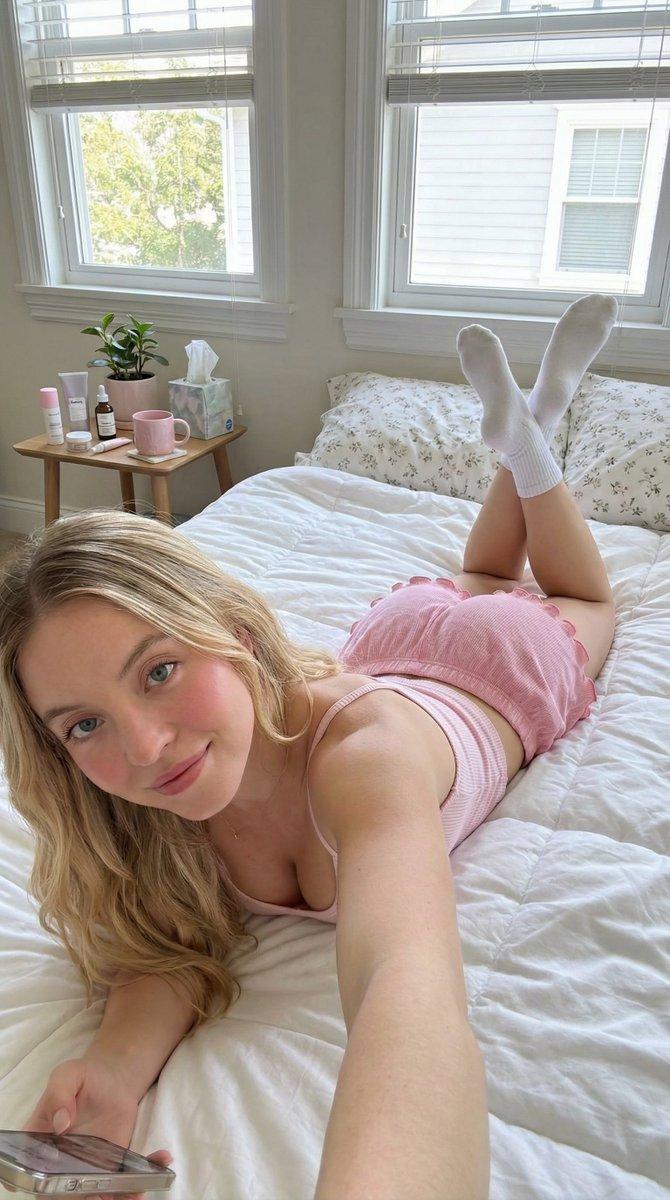
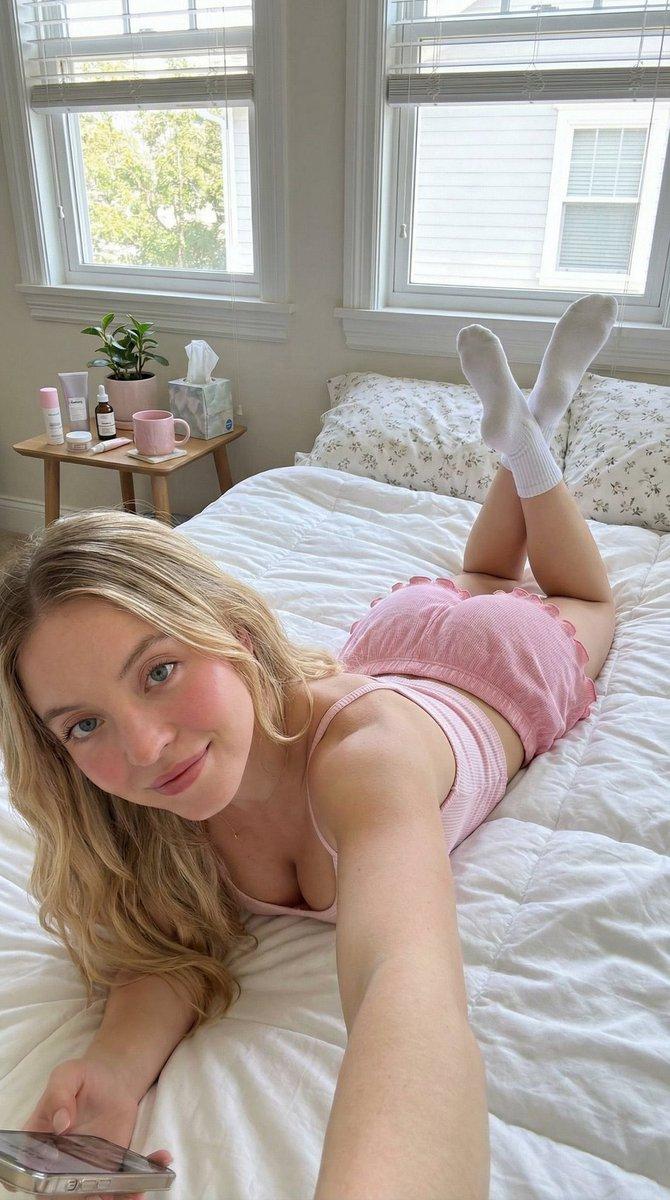
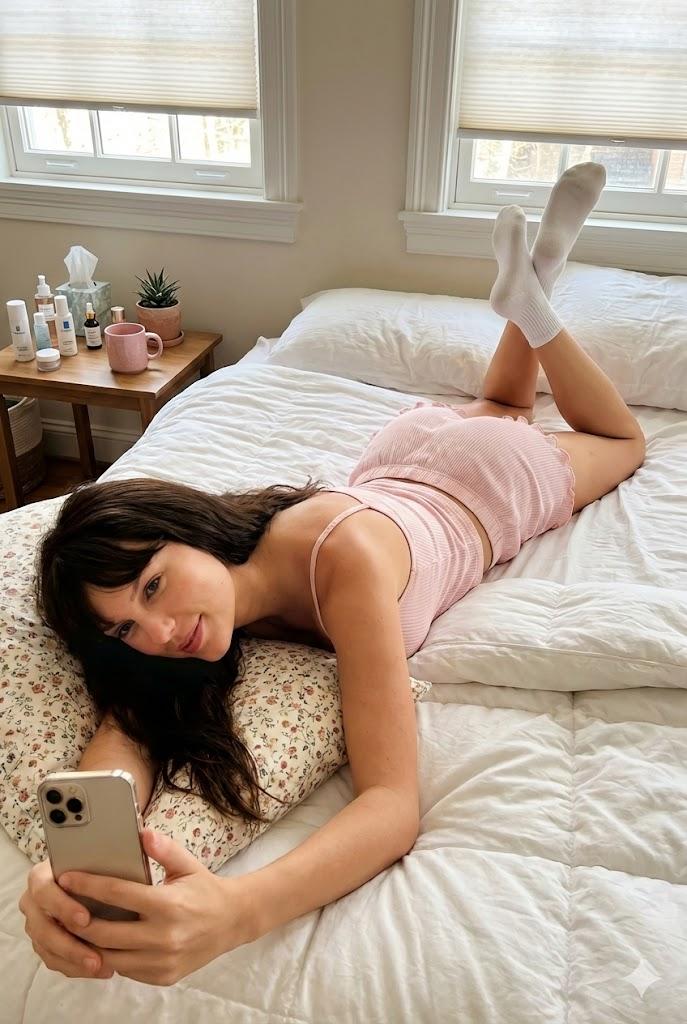
{ "scene": { "type": "bedroom_interior", "lighting": "natural_daylight", "atmosp
Enlarge

Example images

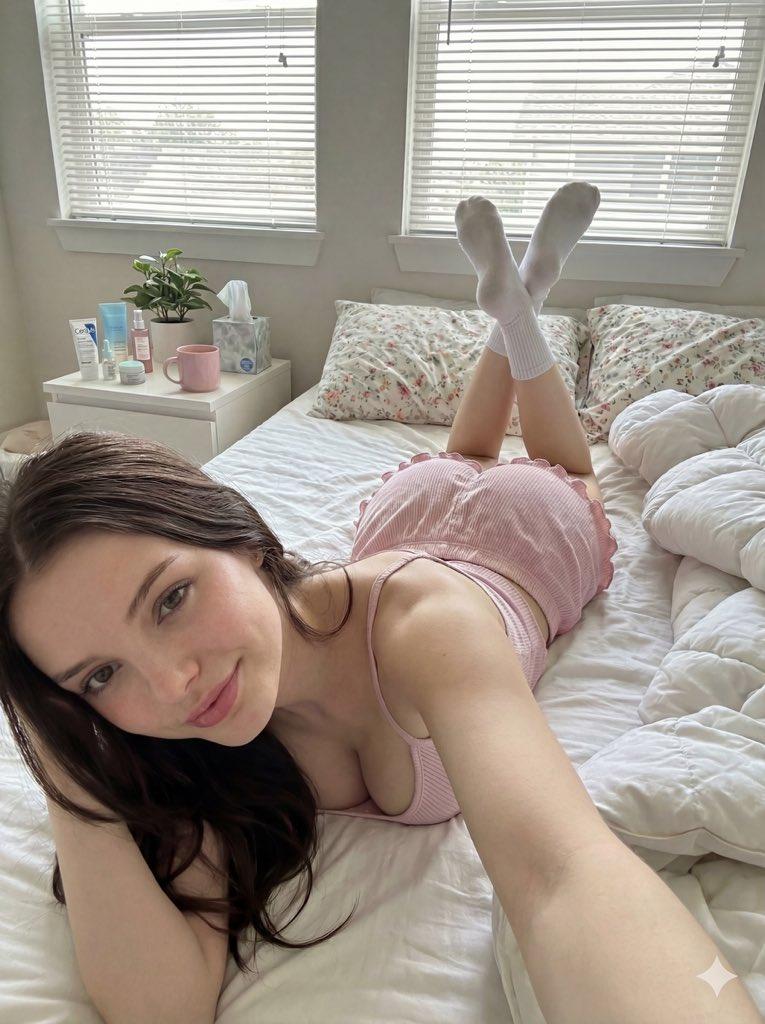
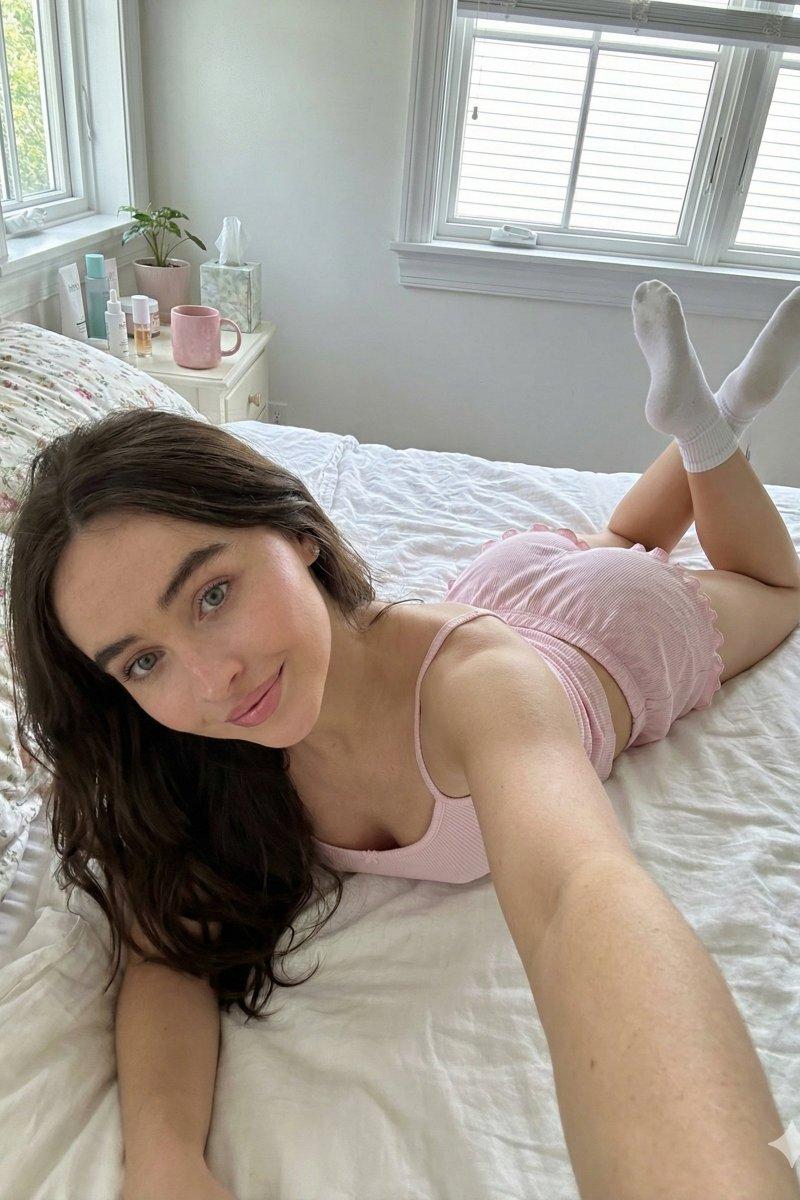
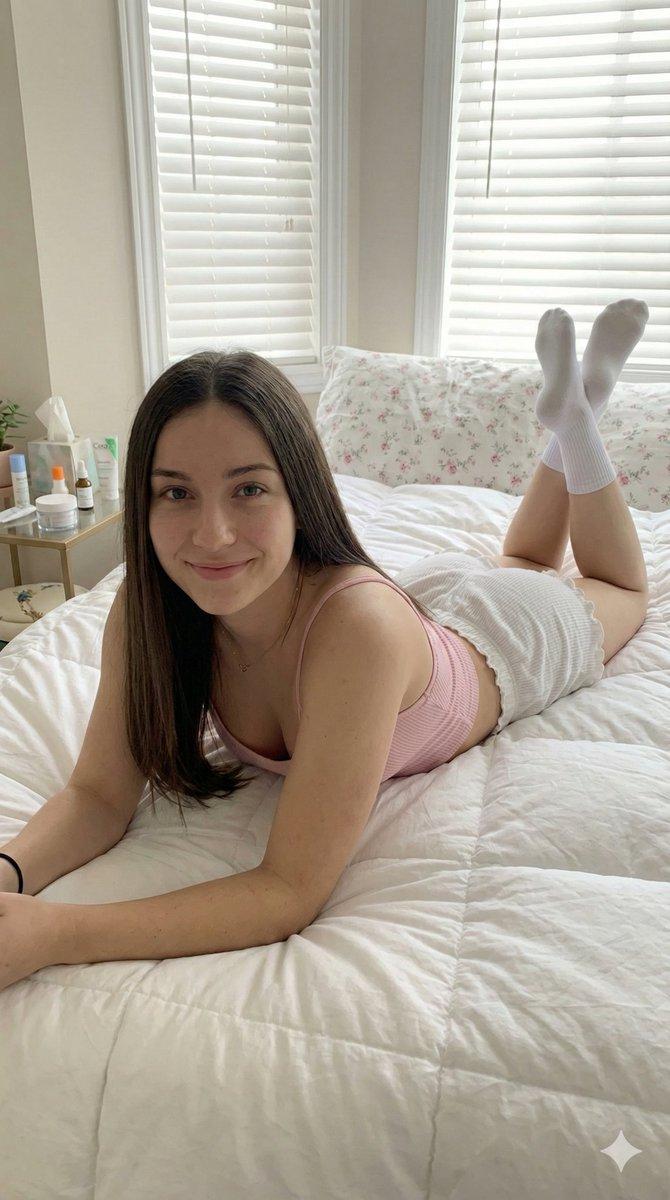
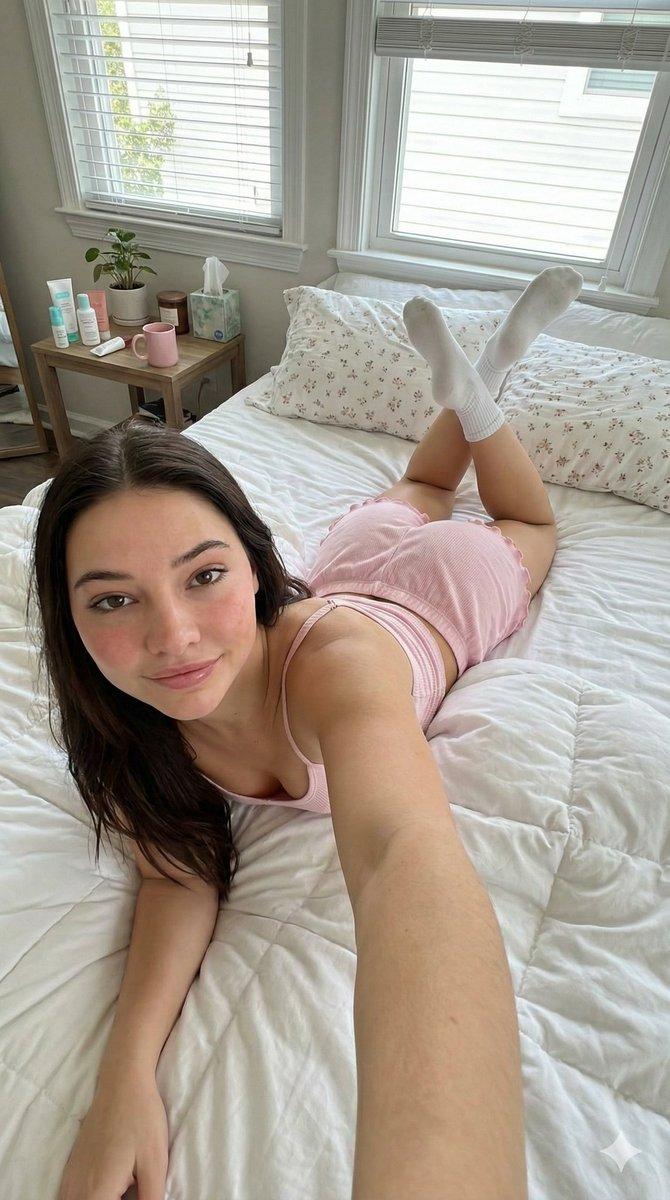
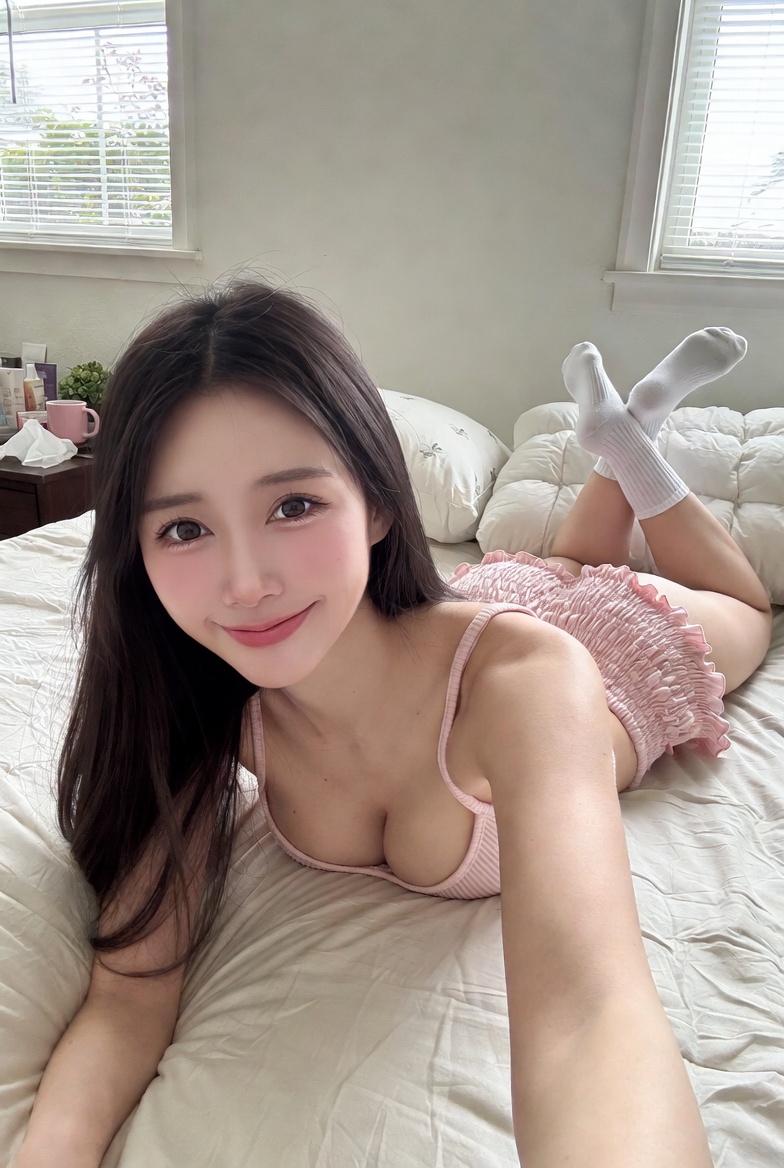
{ "scene": { "type": "bedroom_interior", "lighting": "natural_daylight", "atmosp

Prompt
{
 "scene": {
 "type": "bedroom_interior",
 "lighting": "natural_daylight",
 "atmosphere": "casual, cozy, domestic"
 },
 "subject": {
 "pose": {
 "position": "lying_prone_on_bed",
 "orientation": "facing_camera",
 "legs": "knees_bent_upwards, ankles_crossed",
 "arms": "left_arm_extended_for_selfie",
 "head": "resting_on_pillow"
 },
 "appearance": {
 "hair": "long, straight, dark_brown",
 "expression": "gentle_smile, direct_eye_contact",
 "complexion": "fair, rosy_cheeks"
 },
 "attire": {
 "top": {
 "item": "tank_top",
 "color": "light_pink",
 "texture": "ribbed",
 "style": "spaghetti_straps"
 },
 "bottom": {
 "item": "lounge_shorts",
 "color": "light_pink",
 "details": "ruffled_hem, scrunched_texture"
 },
 "accessories": {
 "feet": "white_crew_socks"
 }
 }
 },
 "environment": {
 "bedding": {
 "sheets": "white, rumpled",
 "pillows": "white_with_floral_pattern",
 "duvet": "white, puffy"
 },
 "background_elements": {
 "windows": {
 "quantity": 2,
 "features": "white_frames, horizontal_blinds"
 },
 "furniture": {
 "side_table": {
 "location": "left_side",
 "visible_items": [
 "skincare_products",
 "pink_mug",
 "small_potted_plant",
 "tissues"
 ]
 }
 }
 }
 },
 "composition": {
 "angle": "high_angle_selfie",
 "framing": "medium_shot",
 "focus": "sharp_subject, soft_background"
 }
}
Category
Charts & Infographics
Model
grok-imagine/text-to-image
Creator
xie underwood
Source language
en
Views908
Source ID
202
Published
Jan 10, 2026
Studio

Guide

About "{ "scene": { "type": "bedroom_interior", "lighting": "natural_daylight", "atmosp"

What is this prompt for?

"{ "scene": { "type": "bedroom_interior", "lighting": "natural_daylight", "atmosp" AI image prompt for grok-imagine/text-to-image (Charts & Infographics). { "s…

The full copyable prompt and example visuals above are ready for AI image generation or one-click recreate in Picva.

How to use this prompt

  1. Step 1

    Open the prompt detail

    Review the example visuals, category, and full prompt text for "{ "scene": { "type": "bedroom_interior", "lighting": "natural_daylight", "atmosp".

  2. Step 2

    Copy the prompt

    Copy the prompt body from this page, or load it directly in Studio.

  3. Step 3

    Pick a model (grok-imagine/text-to-image)

    Prefer grok-imagine/text-to-image. If you switch models, keep subject and composition and tweak style terms.

  4. Step 4

    Generate and export

    Recreate the look in Picva, or export into your workflow for editing and publishing.

FAQ

What is the "{ "scene": { "type": "bedroom_interior", "lighting": "natural_daylight", "atmosp" prompt?
It is an AI image-generation prompt for grok-imagine/text-to-image in the Charts & Infographics category. This page includes the full prompt text, example visuals, and a one-click recreate path in Picva.
How do I use this prompt to generate an image?
Copy the prompt from this page, or use Generate / Studio. Paste it into a compatible image model, or recreate the look in Picva with optional reference images.
Which model is this prompt for?
This page lists grok-imagine/text-to-image. Most descriptive prompts also transfer to nearby image models such as GPT Image, Flux, or Midjourney with light style tweaks.
Can I use the result commercially?
You can usually copy the prompt for creation, but commercial use of the final image depends on the model terms, reference-image rights, and the generated content. Follow the source author and platform rules.