19

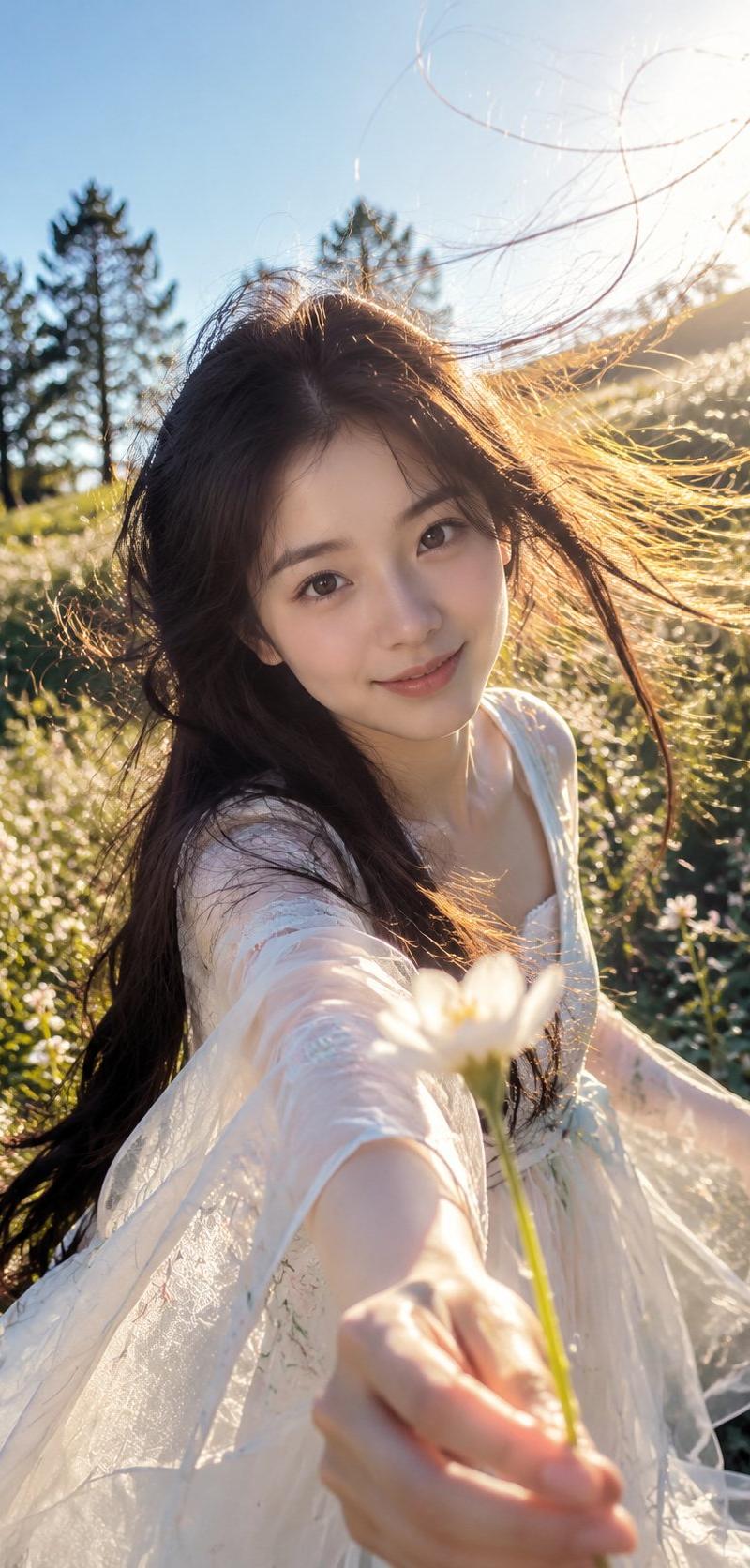
Extreme wide-angle, close-up shot
Enlarge

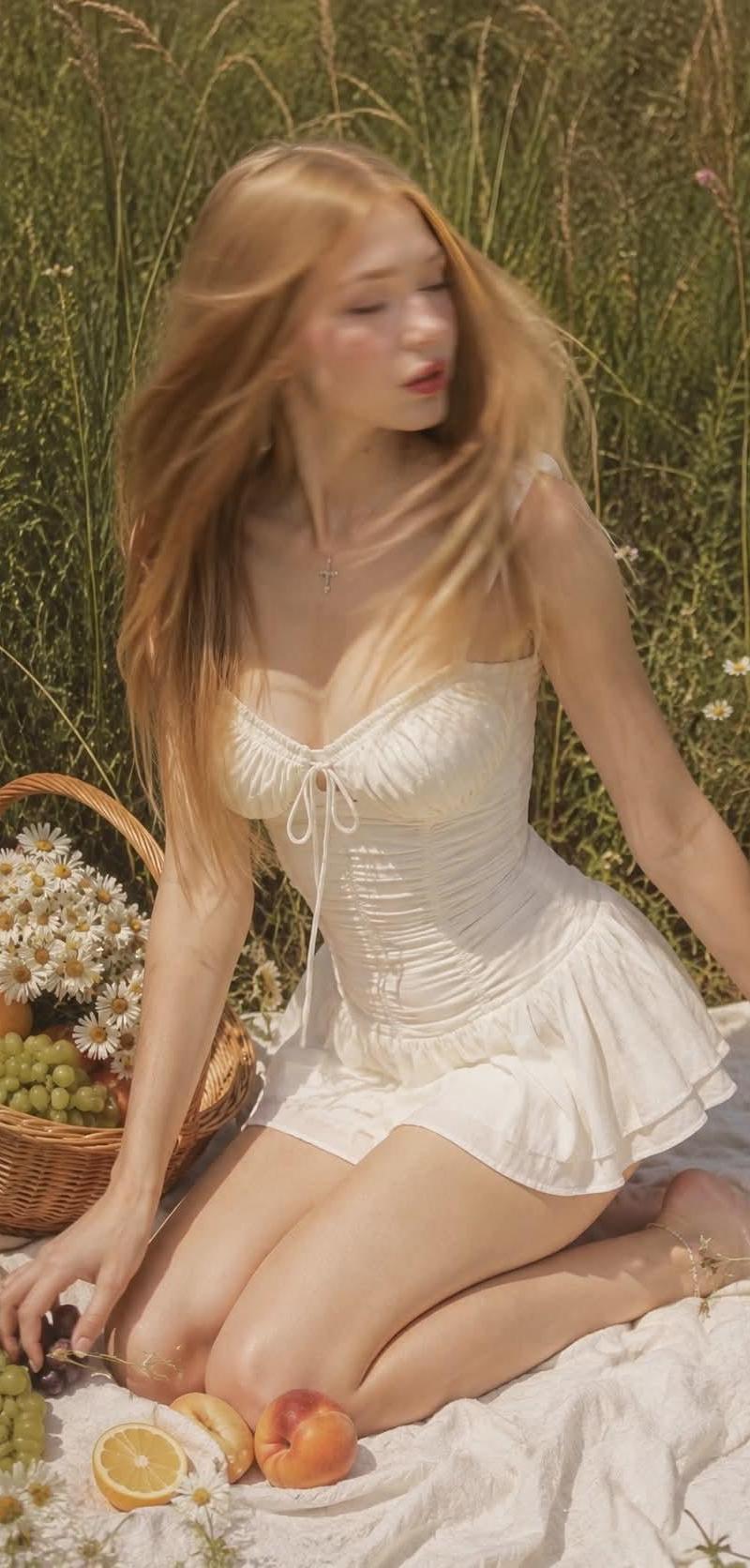
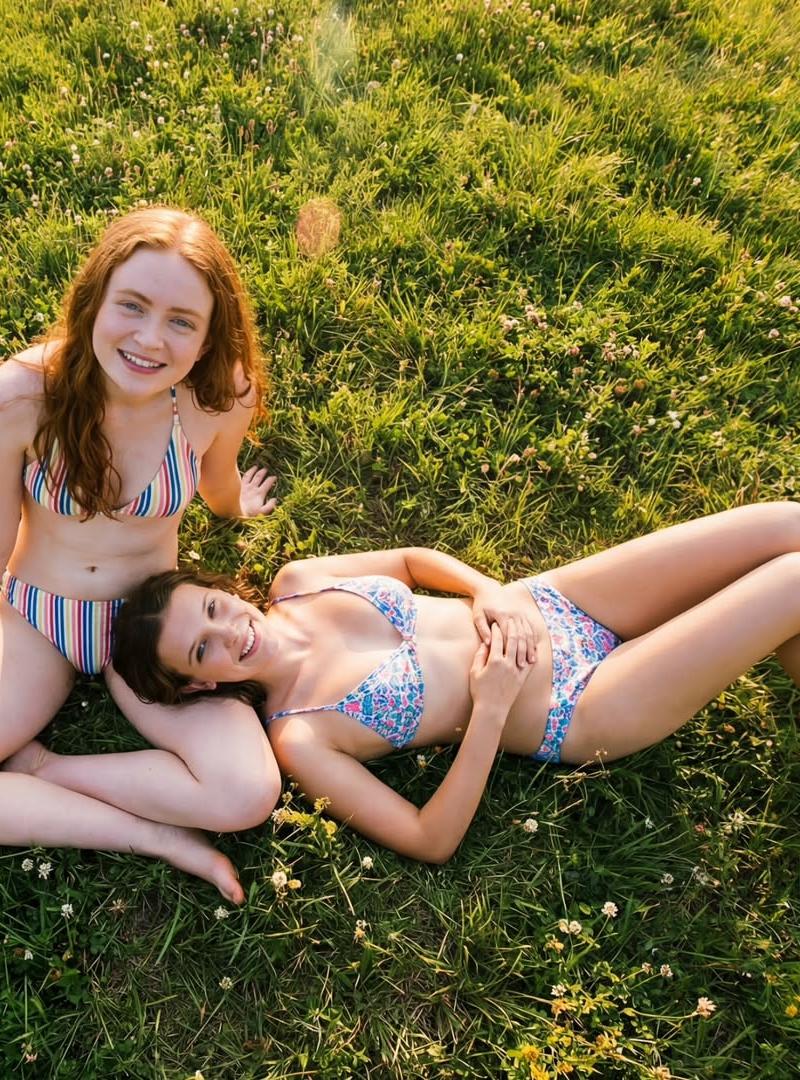
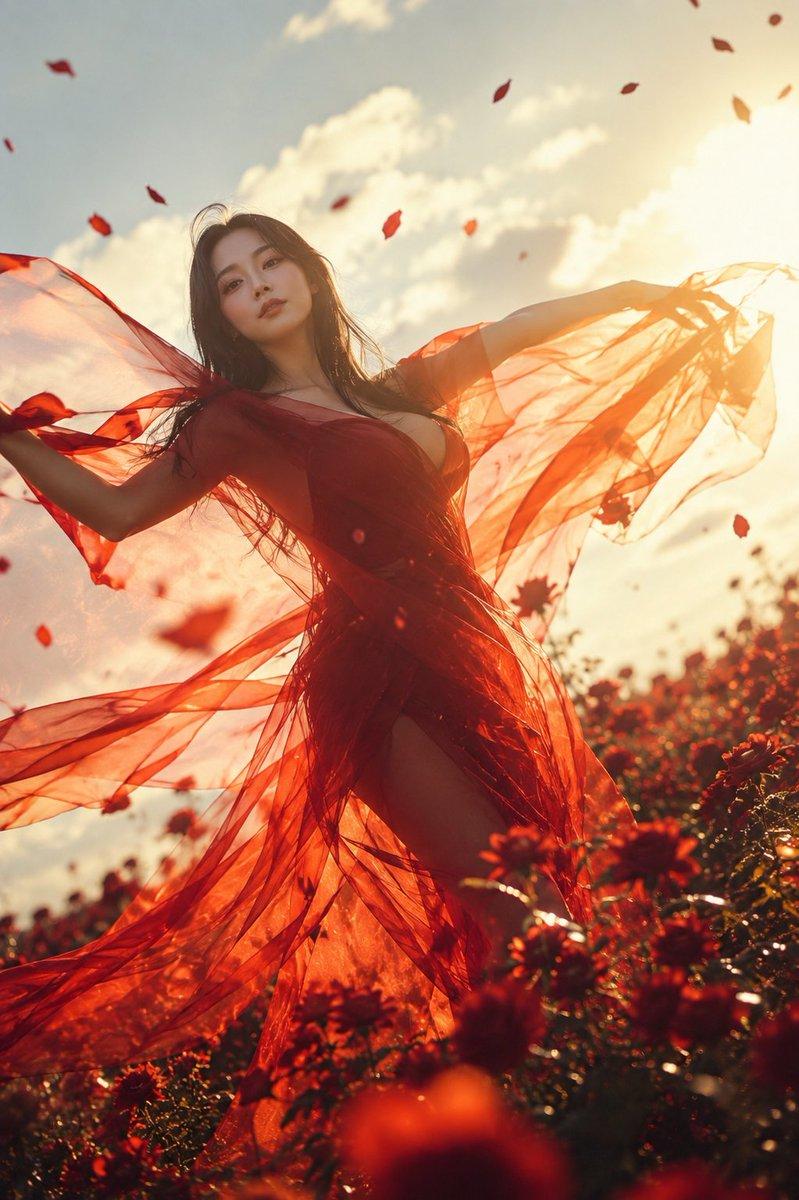
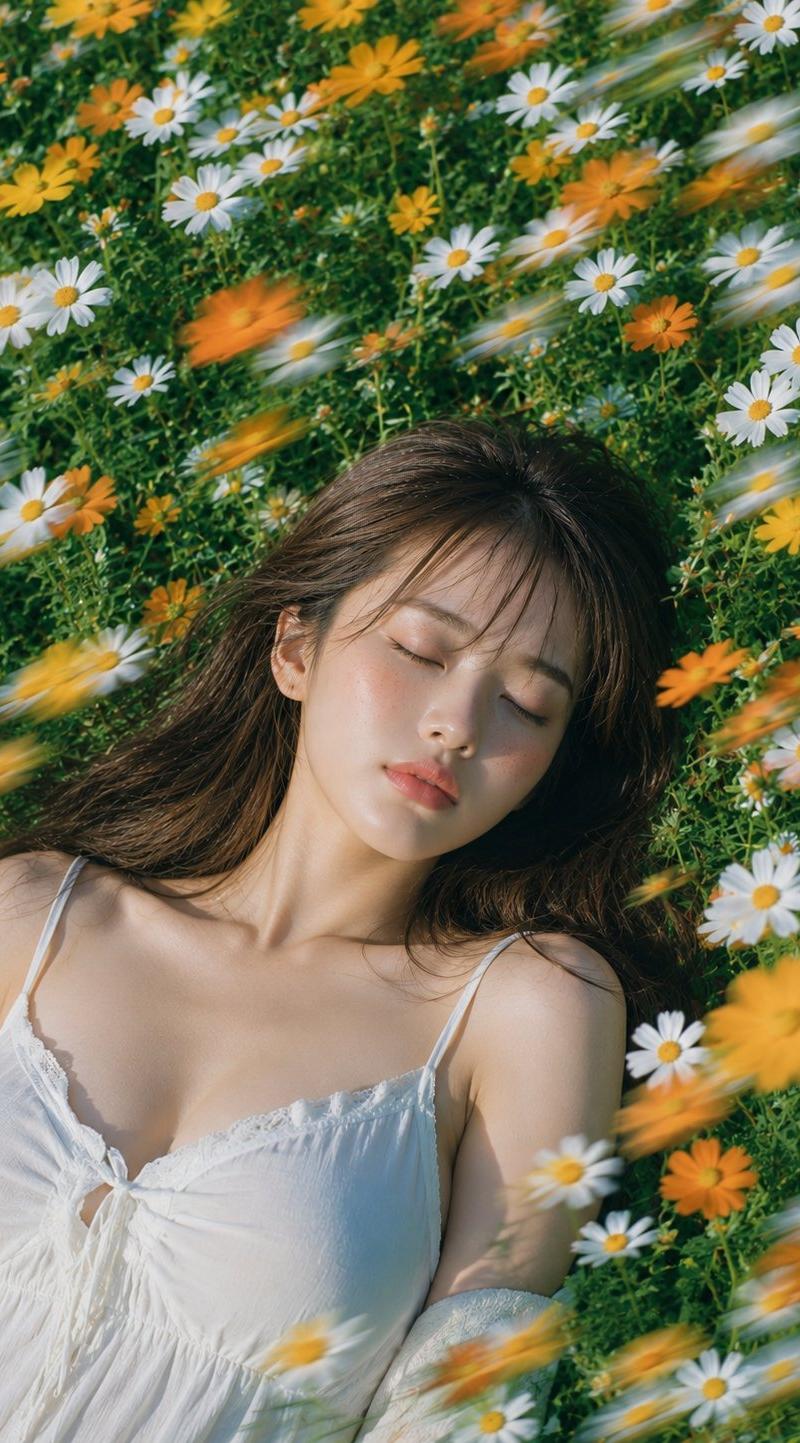
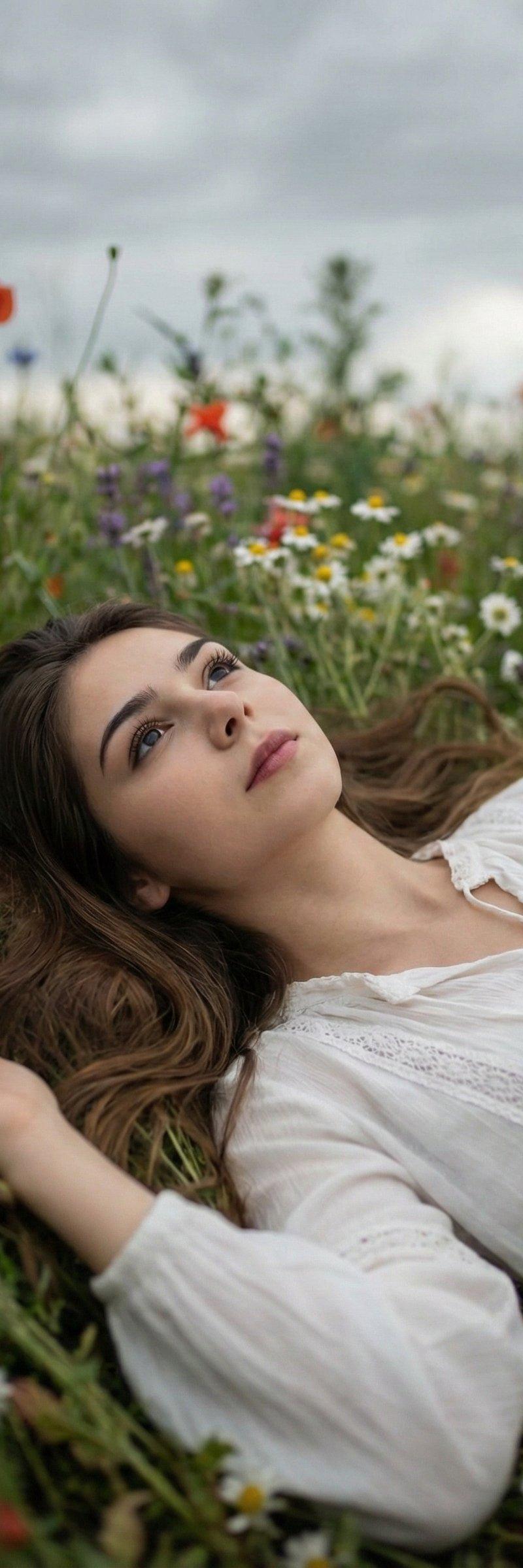
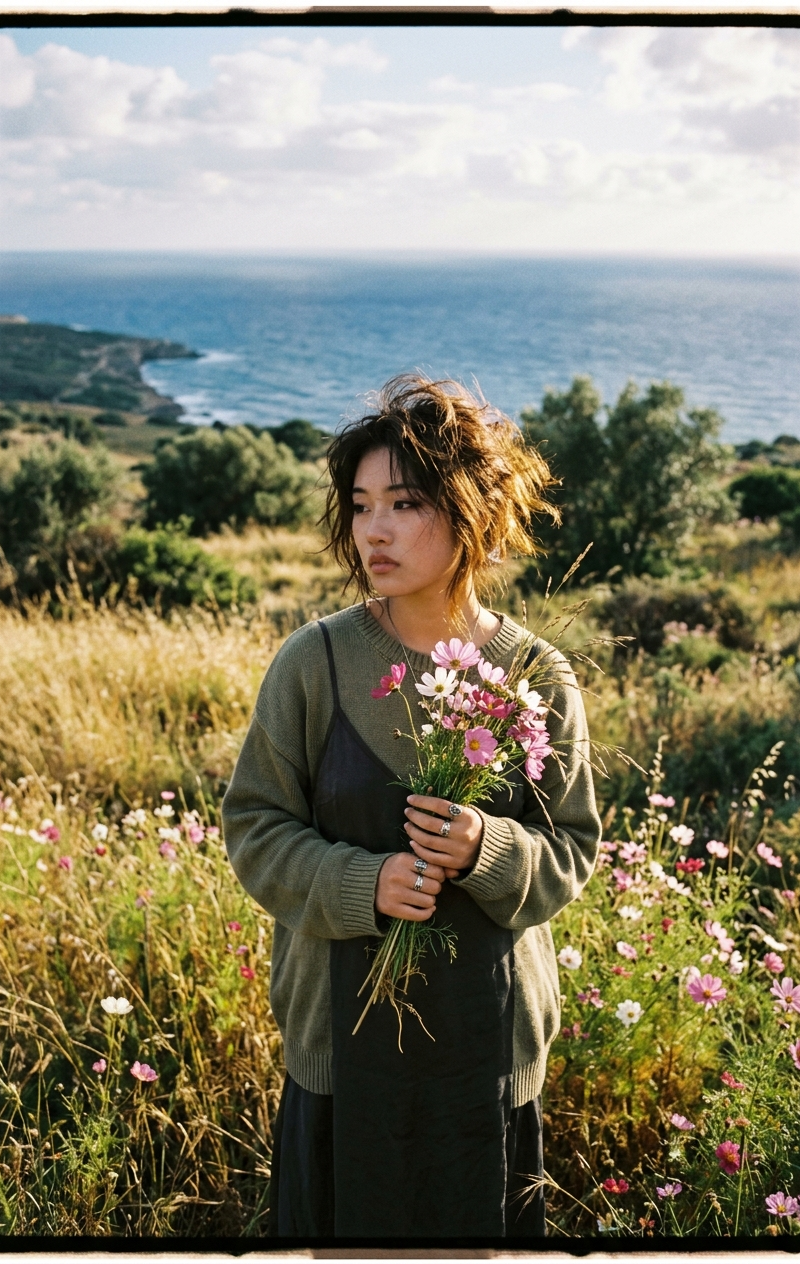
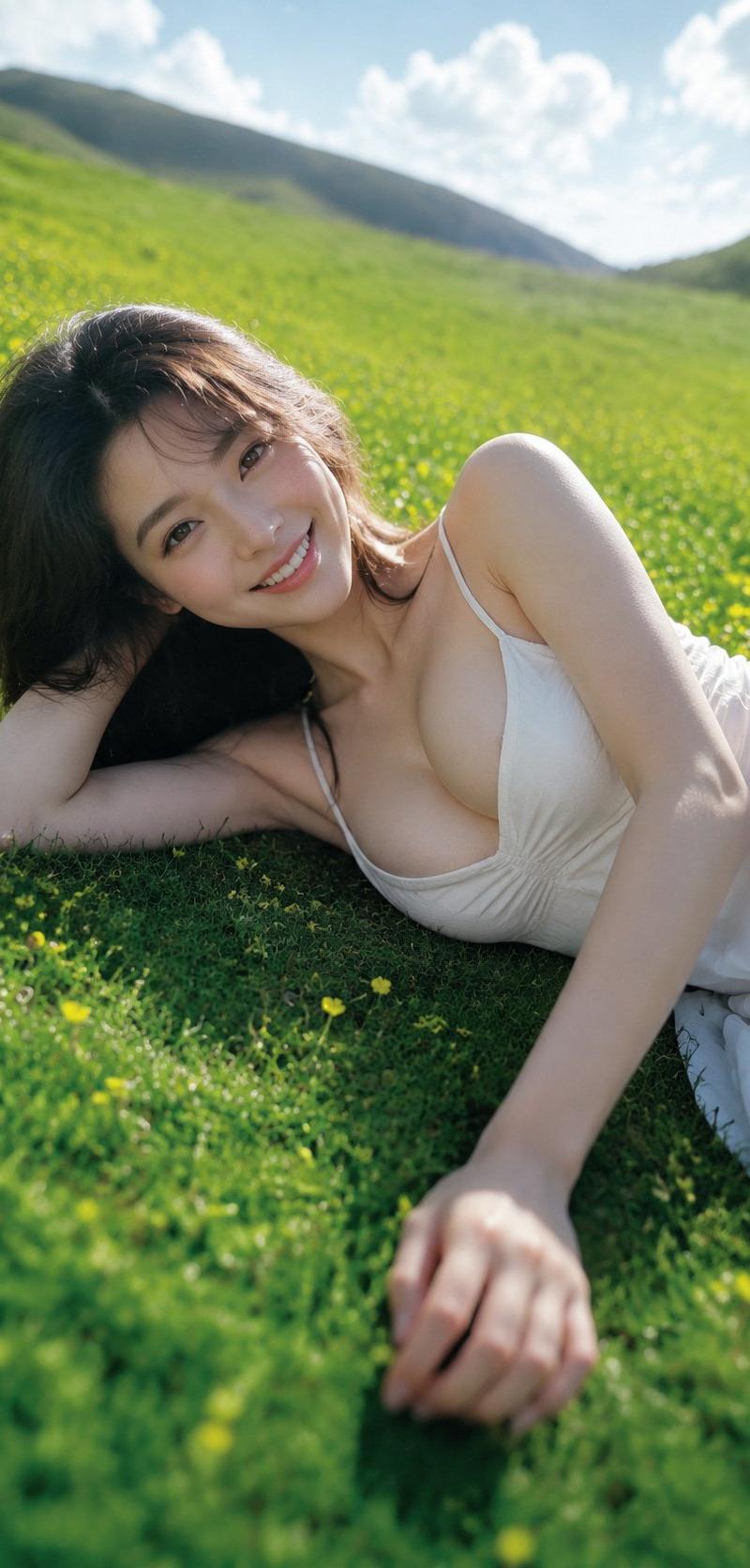
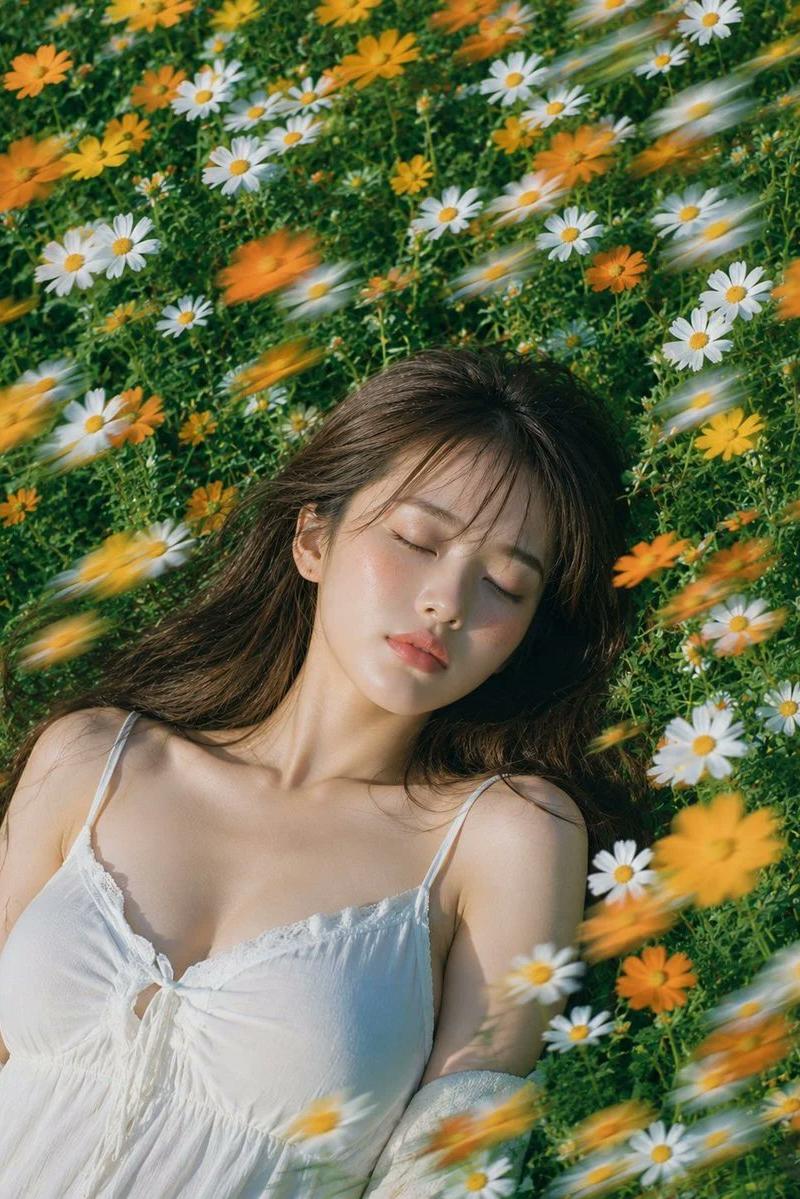
Example images

Extreme wide-angle, close-up shot

Prompt
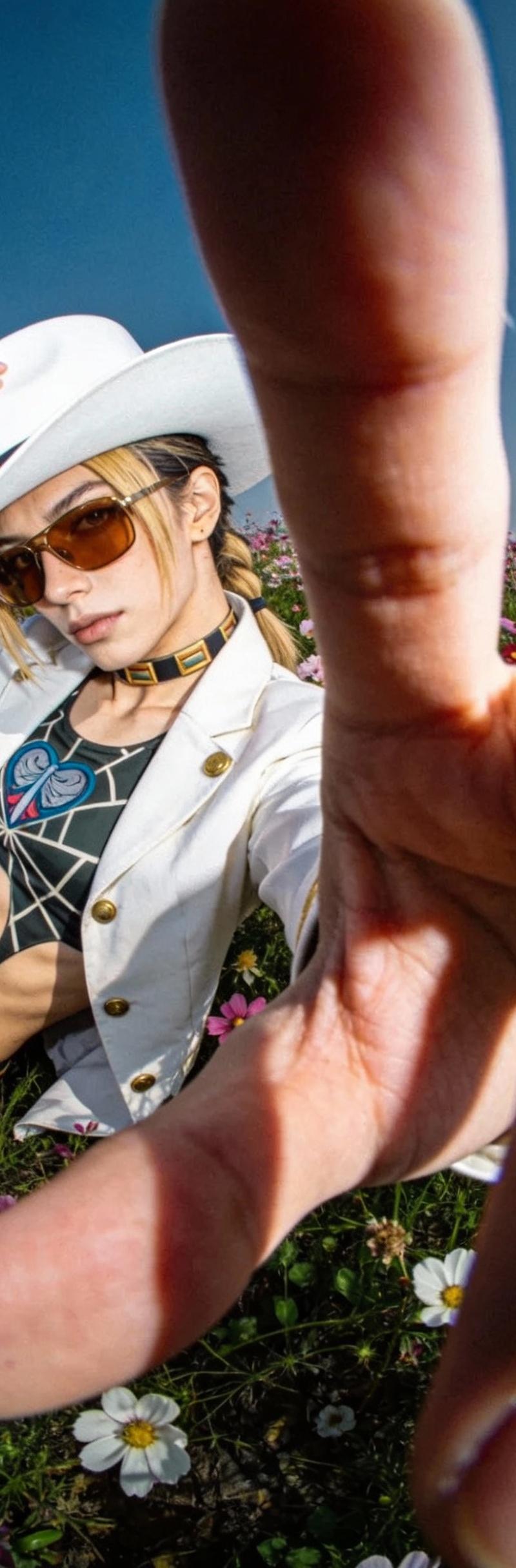
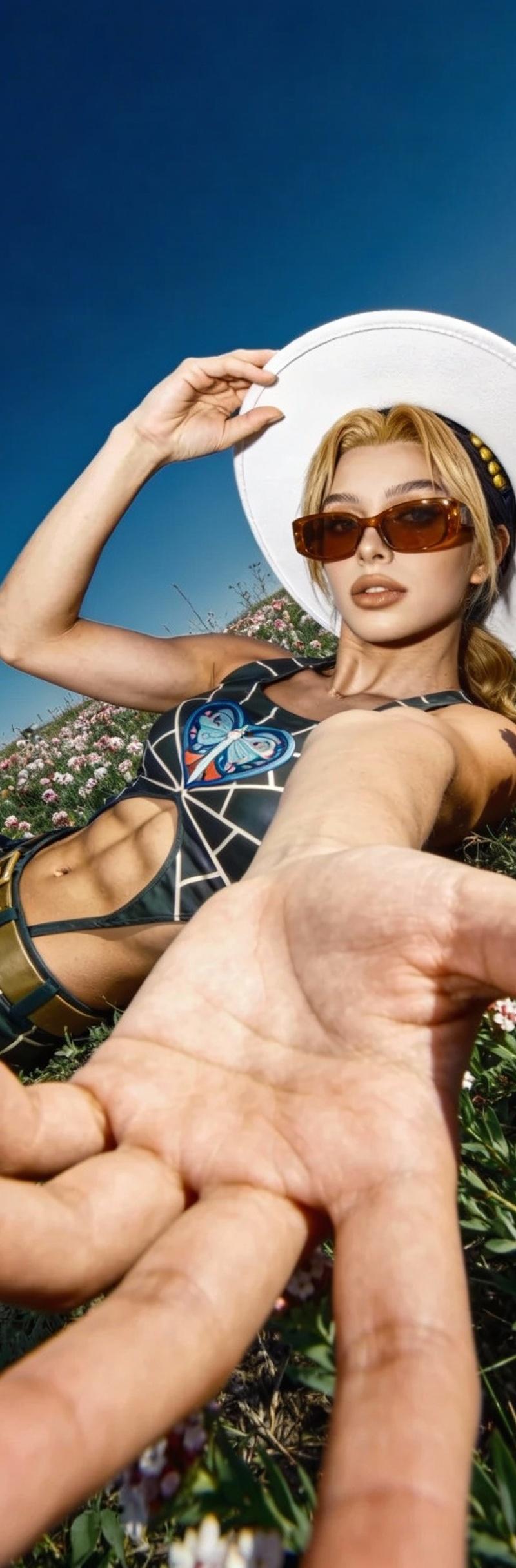
Extreme wide-angle, close-up shot. The foreground hand is almost touching the lens, creating exaggerated perspective (huge hand, body compressed into the background). The last two fingers are folded down, while the other three fingers point toward the camera, nearly blocking the lens. The subject’s body is reclining diagonally on the left side of the frame, extending along a strong diagonal composition.

Pose: The upper body leans clearly backward in a reclined, off-balance posture (center of gravity pulled back). To match the lean, the legs are naturally bent and tucked in. One hand is raised to hold/steady a white wide-brim hat; the other hand reaches toward the camera with an open palm (fingers close to covering the lens). The pose feels like something from JoJo’s Bizarre Adventure, creating a bold, cool, confident vibe.

Character: A cool, stylish 20-year-old European woman. Visible defined abs, low body fat, athletic physique, tanned/wheat-toned skin, brown sunglasses. The white wide-brim hat creates strong contrast.

Outfit: A JoJo’s Bizarre Adventure-inspired look translated into realistic, wearable fashion.

Scene: A flower field under a bright blue sky.

Lighting / texture: Overhead indoor-style cool lighting, evenly lit and slightly flat. Realistic smartphone social-media look with subtle noise and ultra-wide edge distortion/stretching.

Avoid: low-res, blurry, extra fingers, deformed hands, bad anatomy, warped face, duplicate limbs, over-smoothed skin, heavy beauty filter, cartoon, anime, CGI, watermark, text, logo, messy background, clutter, harsh flash blowout.
Category
Charts & Infographics
Model
seedream/4.5-text-to-image
Creator
xie underwood
Source language
en
Views80
Source ID
228
Published
Jan 15, 2026
Studio

Guide

About "Extreme wide-angle, close-up shot"

What is this prompt for?

"Extreme wide-angle, close-up shot" AI image prompt for seedream/4.5-text-to-image (Charts & Infographics). Extreme wide-angle, close-up shot. The foreground h…

The full copyable prompt and example visuals above are ready for AI image generation or one-click recreate in Picva.

How to use this prompt

  1. Step 1

    Open the prompt detail

    Review the example visuals, category, and full prompt text for "Extreme wide-angle, close-up shot".

  2. Step 2

    Copy the prompt

    Copy the prompt body from this page, or load it directly in Studio.

  3. Step 3

    Pick a model (seedream/4.5-text-to-image)

    Prefer seedream/4.5-text-to-image. If you switch models, keep subject and composition and tweak style terms.

  4. Step 4

    Generate and export

    Recreate the look in Picva, or export into your workflow for editing and publishing.

FAQ

What is the "Extreme wide-angle, close-up shot" prompt?
It is an AI image-generation prompt for seedream/4.5-text-to-image in the Charts & Infographics category. This page includes the full prompt text, example visuals, and a one-click recreate path in Picva.
How do I use this prompt to generate an image?
Copy the prompt from this page, or use Generate / Studio. Paste it into a compatible image model, or recreate the look in Picva with optional reference images.
Which model is this prompt for?
This page lists seedream/4.5-text-to-image. Most descriptive prompts also transfer to nearby image models such as GPT Image, Flux, or Midjourney with light style tweaks.
Can I use the result commercially?
You can usually copy the prompt for creation, but commercial use of the final image depends on the model terms, reference-image rights, and the generated content. Follow the source author and platform rules.