17

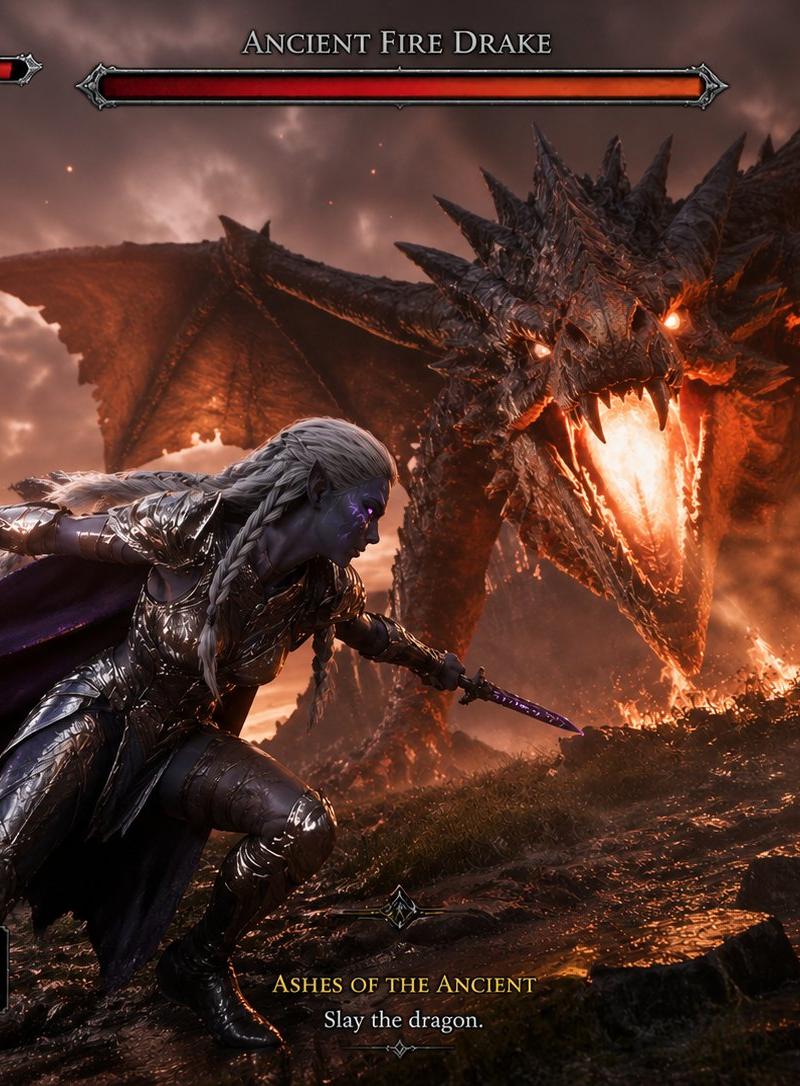
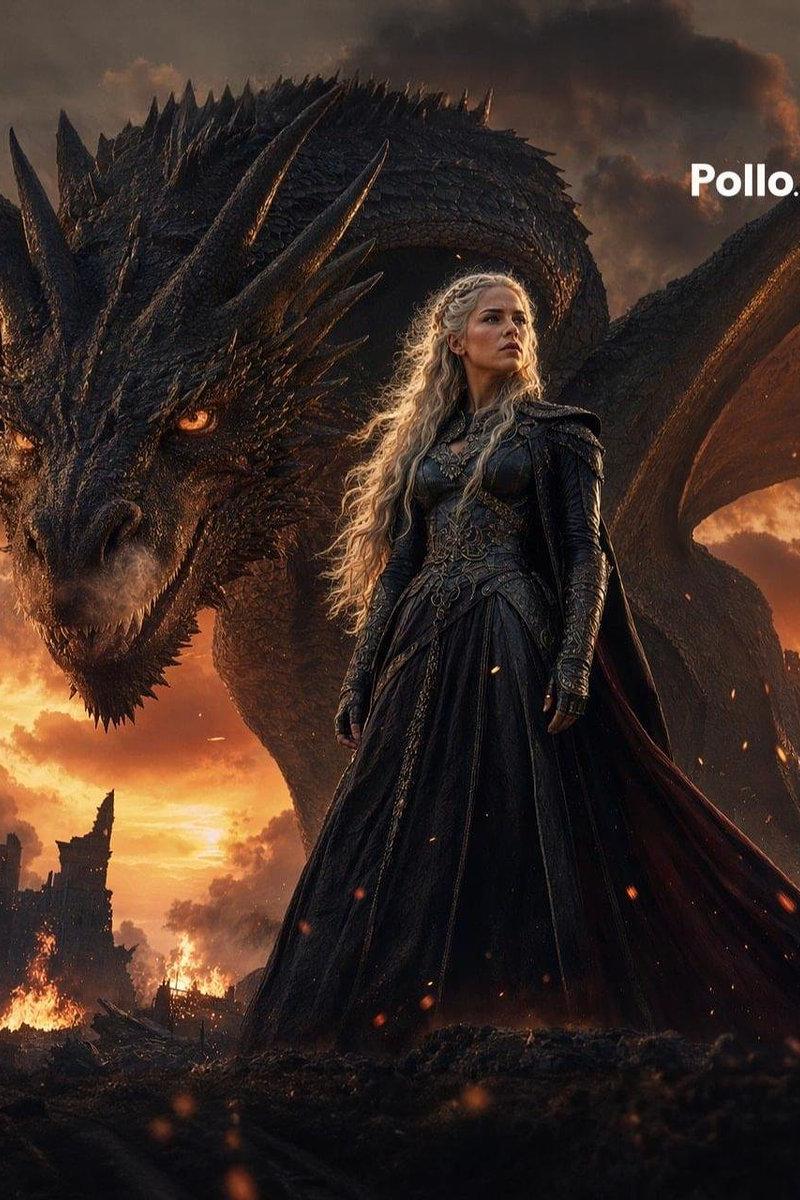
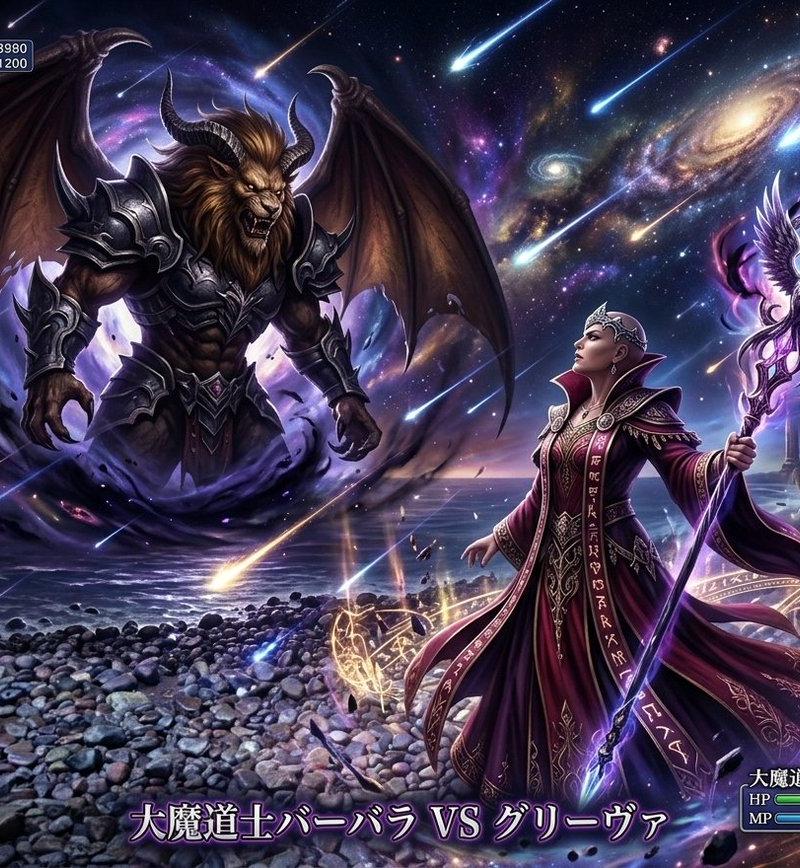
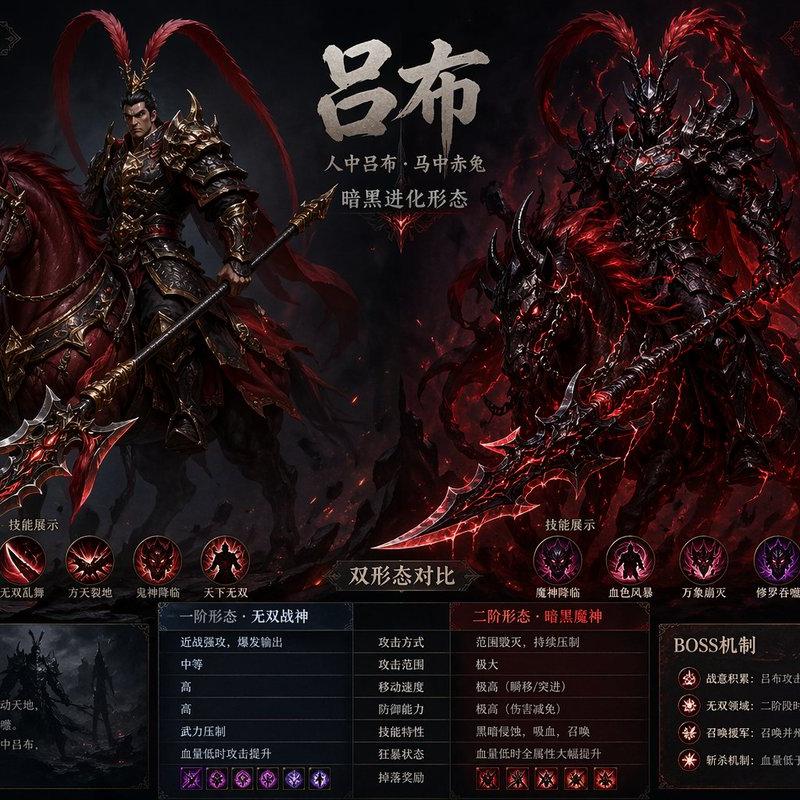
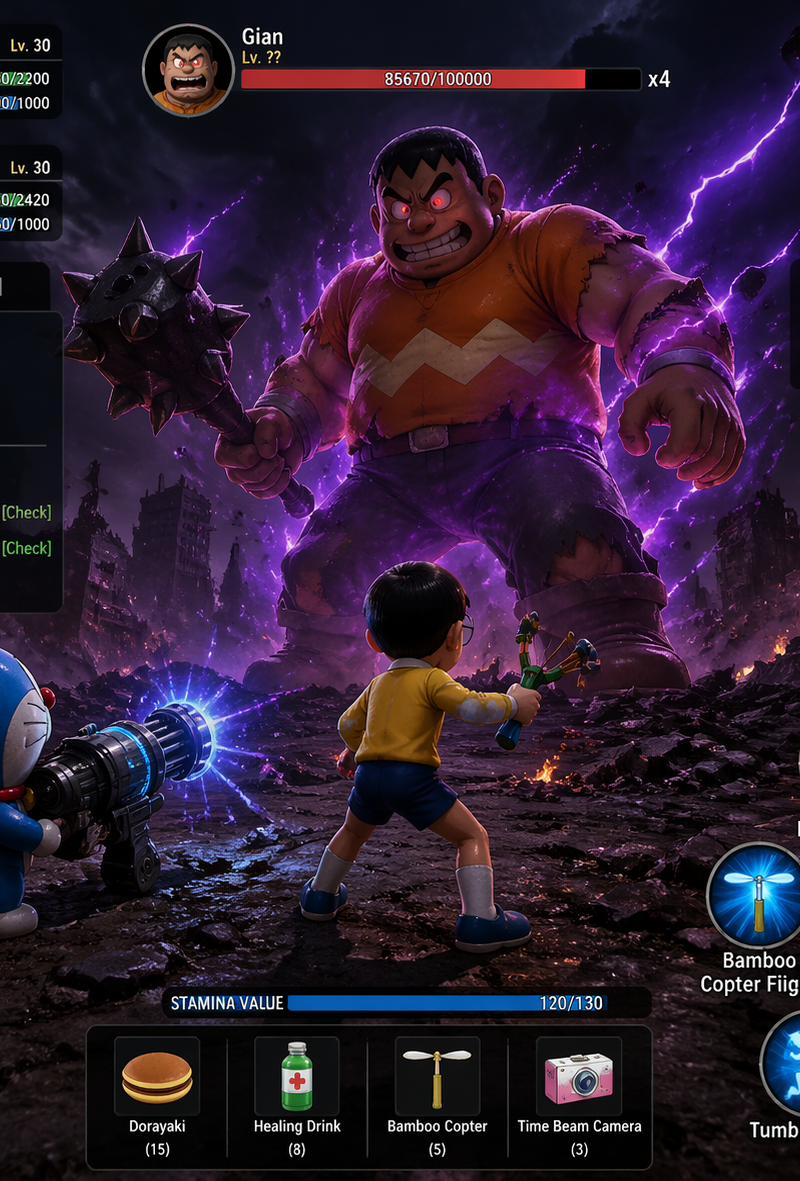
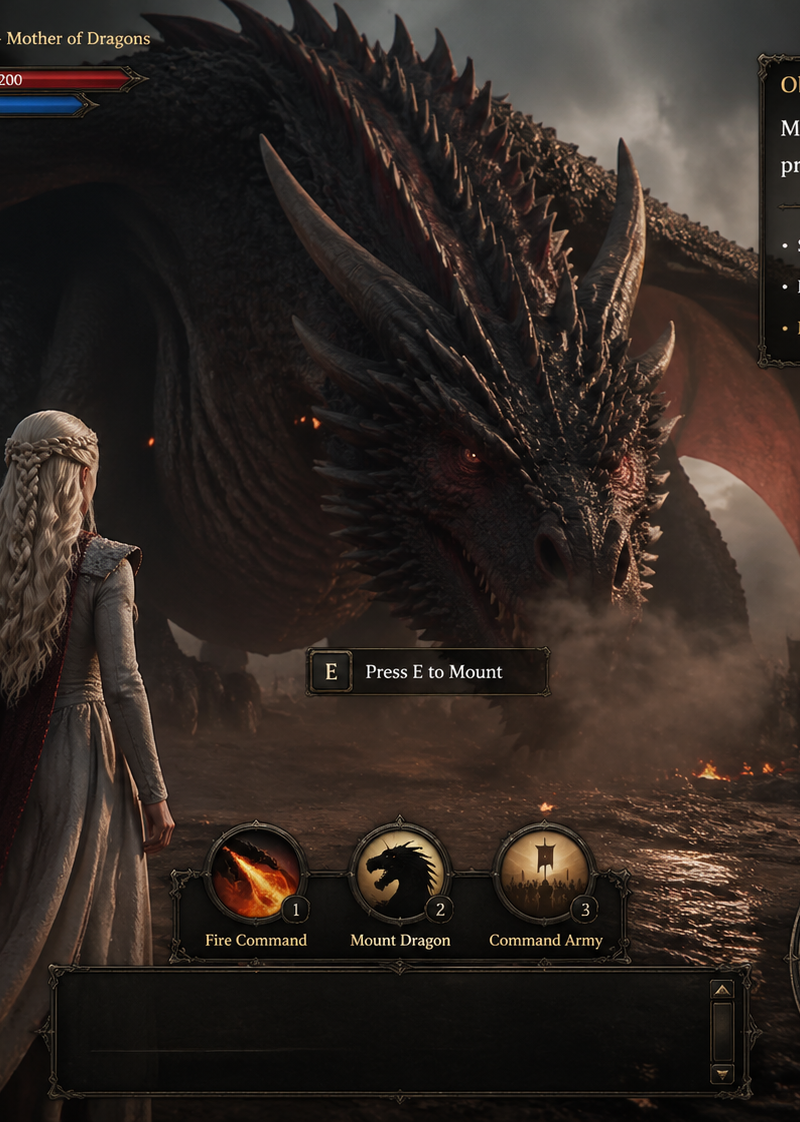
Game UI interface screenshot, third-person fantasy RPG, inspired by Game of Thro
Enlarge

Example images

Game UI interface screenshot, third-person fantasy RPG, inspired by Game of Thro

Prompt
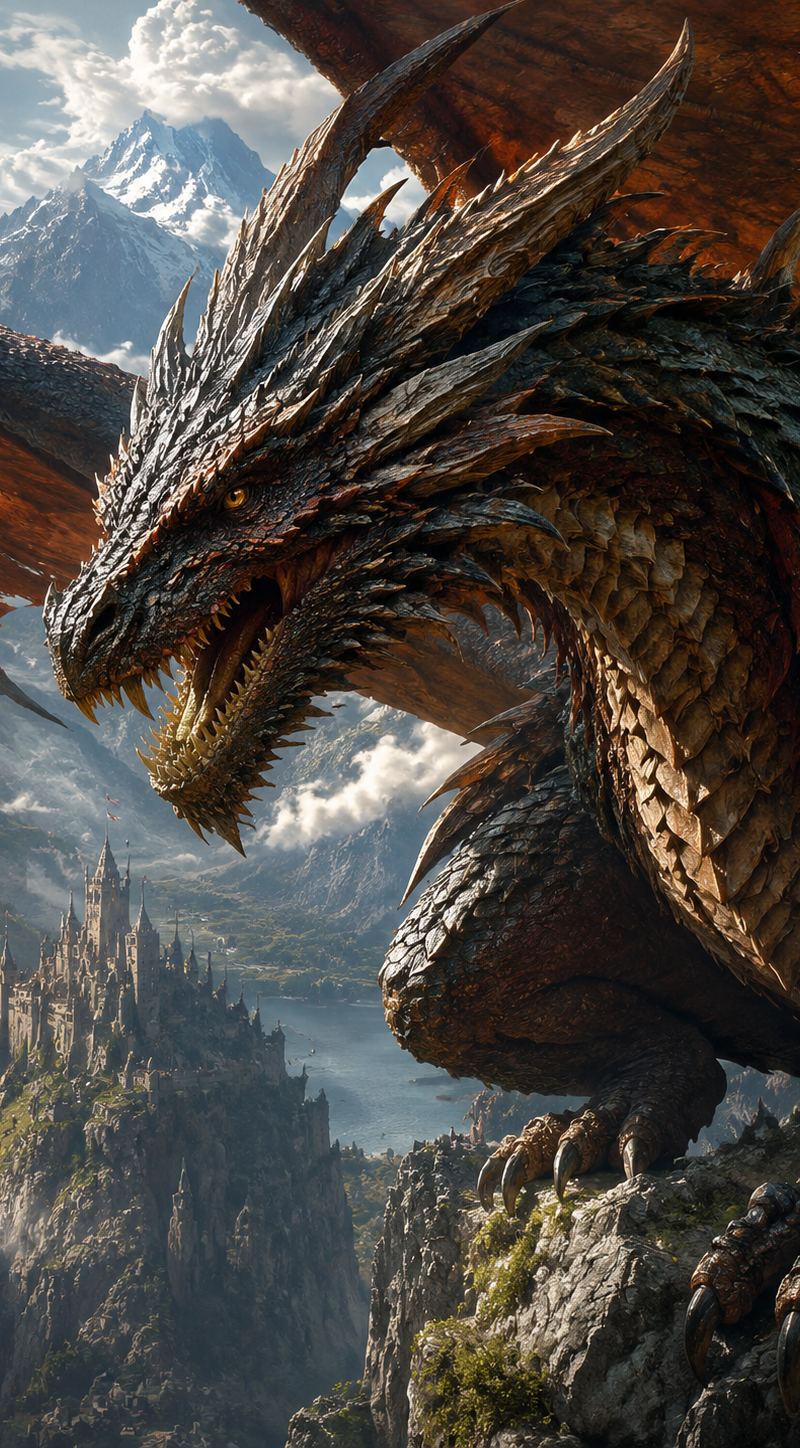
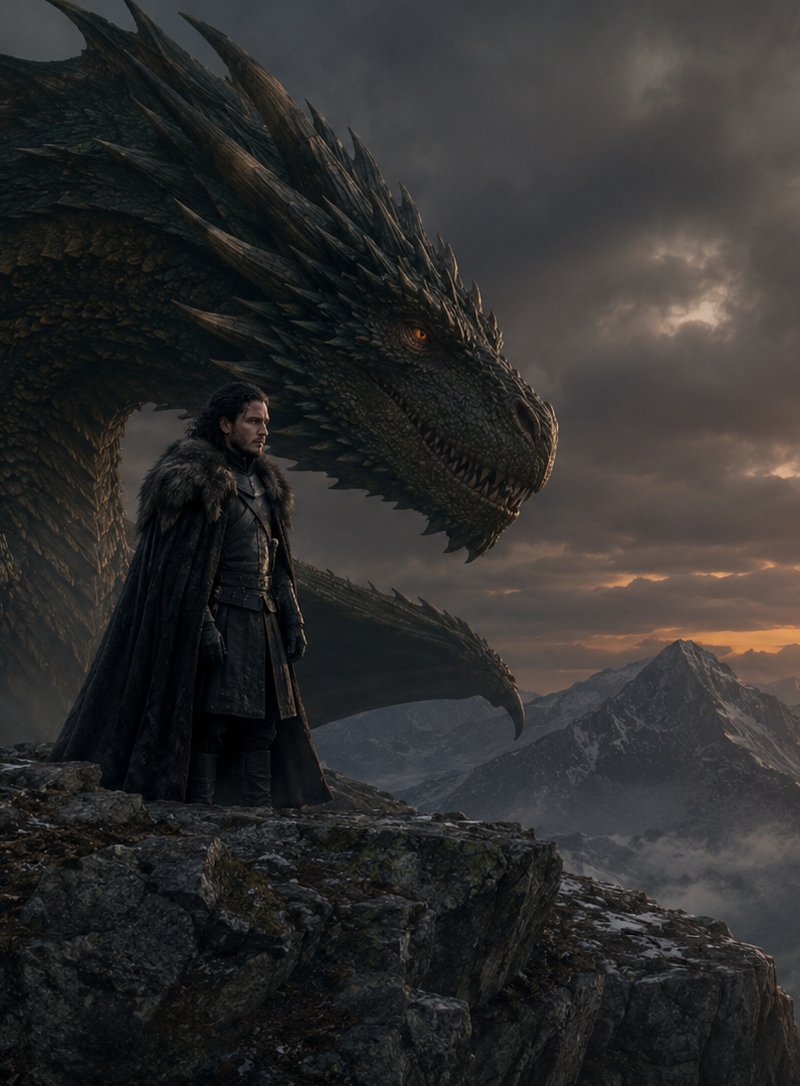
Game UI interface screenshot, third-person fantasy RPG, inspired by Game of Thrones, Daenerys Targaryen standing in front of a massive dragon (Drogon), not mounted yet, dragon breathing subtle smoke, tension before action UI overlay elements: - top left: character name "Daenerys Targaryen – Mother of Dragons" + health/stamina bars - bottom center: ability icons (fire command, mount dragon, command army) - right side: quest log panel "Objective: Mount Drogon and prepare for battle" - small minimap bottom right with army icons approaching - interaction prompt near dragon: "Press E to Mount" - subtitles area empty but ready style: cinematic realism, ultra detailed, fantasy AAA game, dark dramatic lighting, fire embers in air, dust particles, epic scale camera: slightly low angle, over-the-shoulder perspective mood: anticipation, power, pre-battle silence
Category
Charts & Infographics
Model
GPT Image 2
Creator
xie underwood
Source language
en
Views142
Source ID
2302
Published
Apr 27, 2026
Studio

Guide

About "Game UI interface screenshot, third-person fantasy RPG, inspired by Game of Thro"

What is this prompt for?

"Game UI interface screenshot, third-person fantasy RPG, inspired by Game of Thro" AI image prompt for GPT Image 2 (Charts & Infographics). Game UI interface s…

The full copyable prompt and example visuals above are ready for AI image generation or one-click recreate in Picva.

How to use this prompt

  1. Step 1

    Open the prompt detail

    Review the example visuals, category, and full prompt text for "Game UI interface screenshot, third-person fantasy RPG, inspired by Game of Thro".

  2. Step 2

    Copy the prompt

    Copy the prompt body from this page, or load it directly in Studio.

  3. Step 3

    Pick a model (GPT Image 2)

    Prefer GPT Image 2. If you switch models, keep subject and composition and tweak style terms.

  4. Step 4

    Generate and export

    Recreate the look in Picva, or export into your workflow for editing and publishing.

FAQ

What is the "Game UI interface screenshot, third-person fantasy RPG, inspired by Game of Thro" prompt?
It is an AI image-generation prompt for GPT Image 2 in the Charts & Infographics category. This page includes the full prompt text, example visuals, and a one-click recreate path in Picva.
How do I use this prompt to generate an image?
Copy the prompt from this page, or use Generate / Studio. Paste it into a compatible image model, or recreate the look in Picva with optional reference images.
Which model is this prompt for?
This page lists GPT Image 2. Most descriptive prompts also transfer to nearby image models such as GPT Image, Flux, or Midjourney with light style tweaks.
Can I use the result commercially?
You can usually copy the prompt for creation, but commercial use of the final image depends on the model terms, reference-image rights, and the generated content. Follow the source author and platform rules.