15

【角色/主题】,电影概念海报厚涂风,竖版 9:16。正式角色宣传海报结构:顶部巨大角色专属标题,中上方隐藏角色精神图腾 / 核心象征,中央为坐姿主角,背景为角色
Enlarge

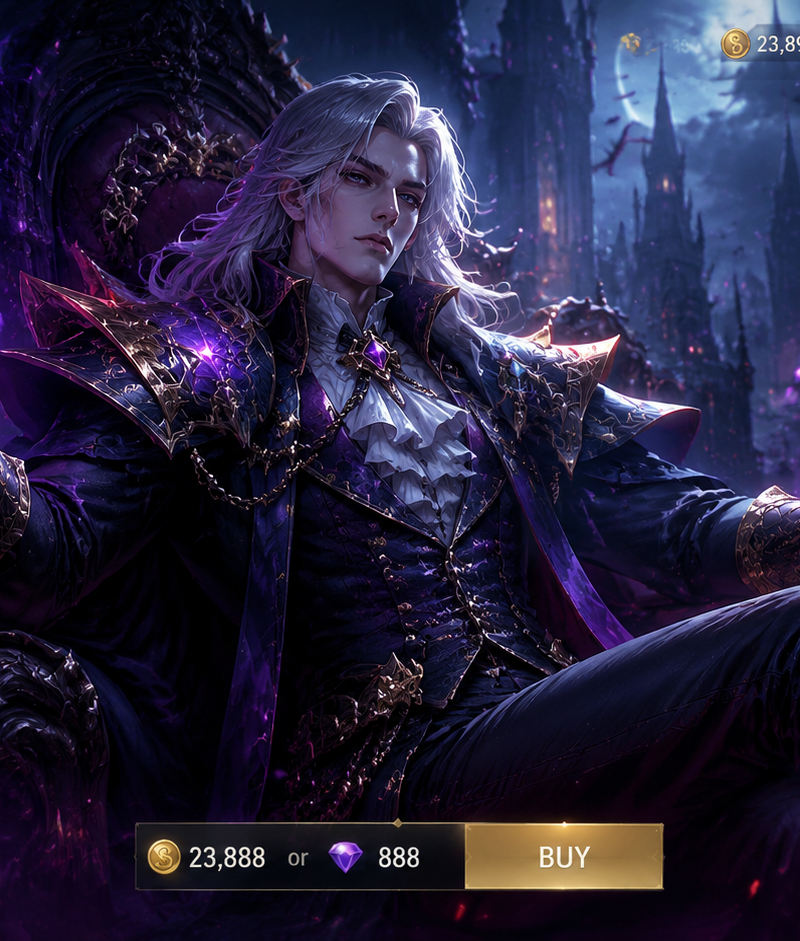
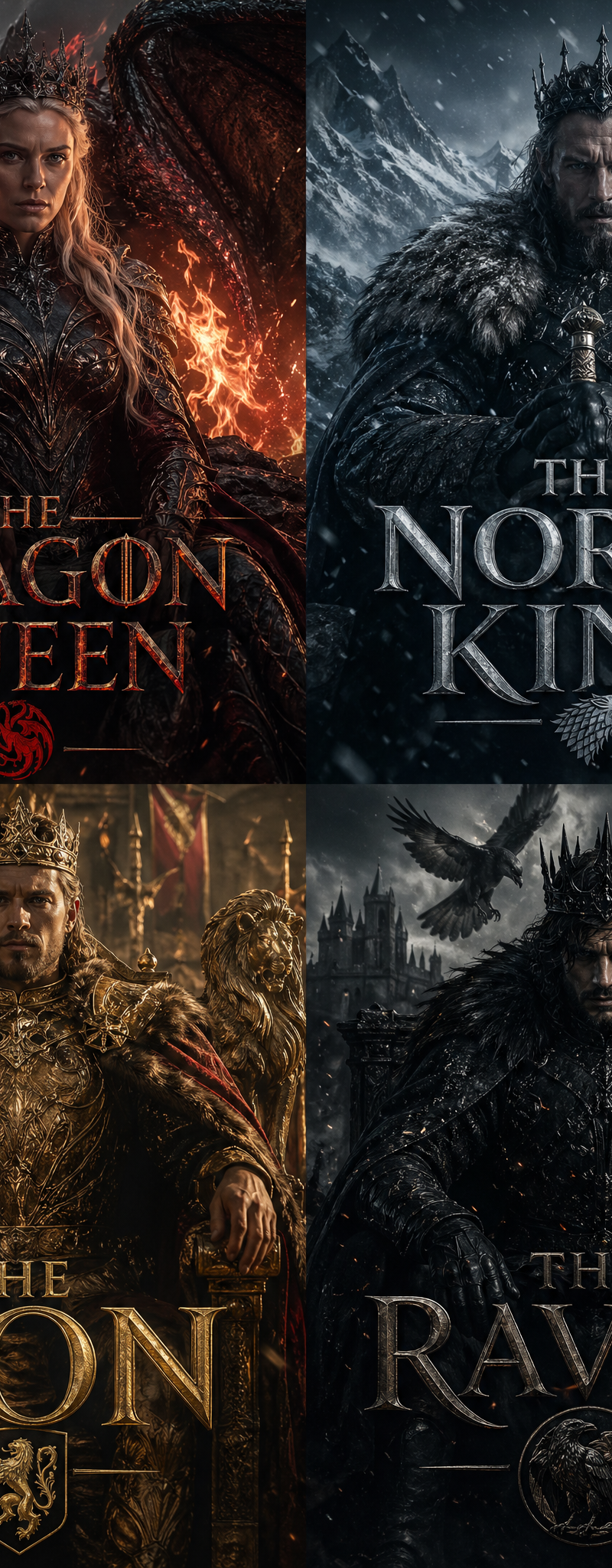
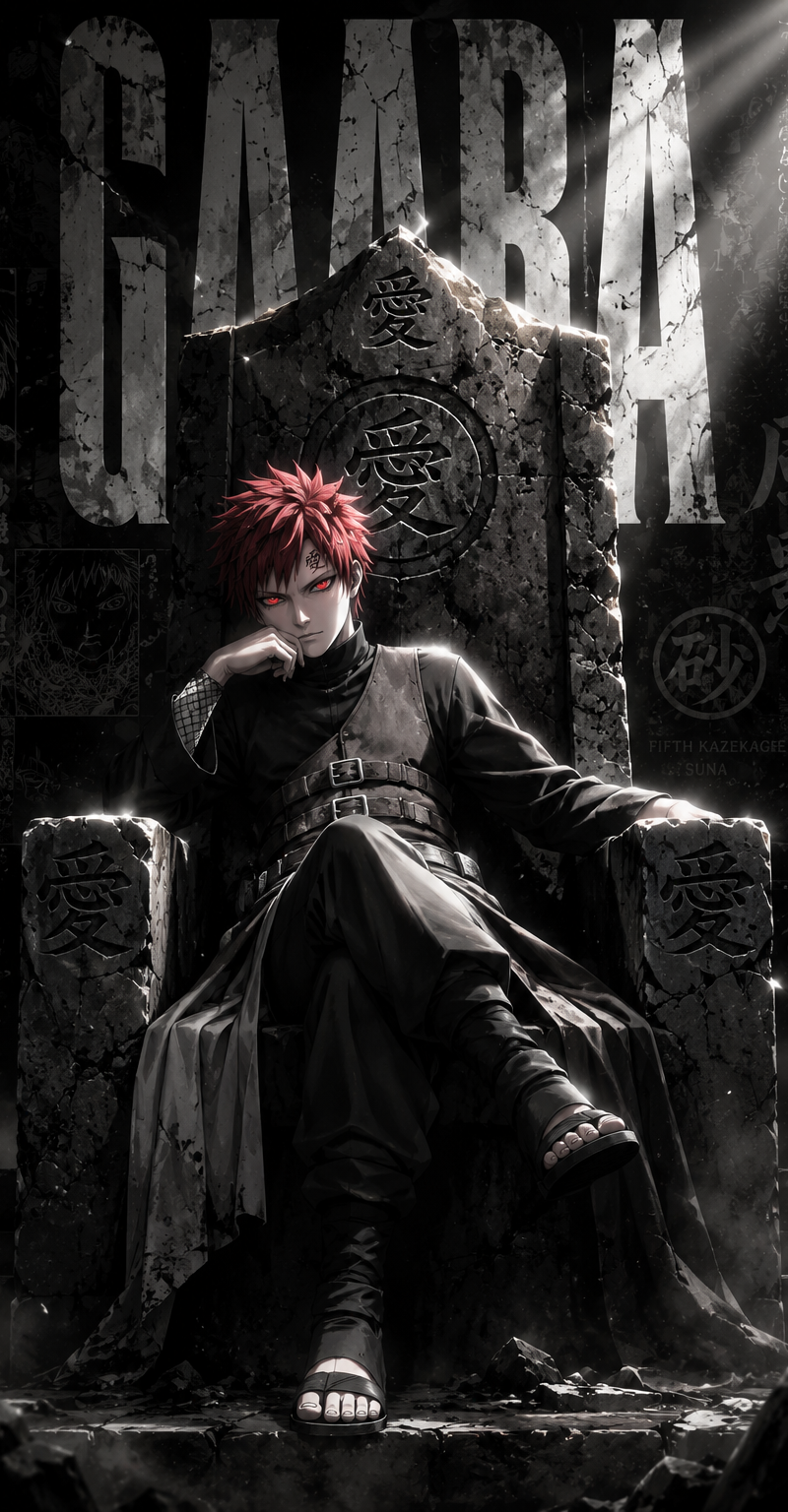
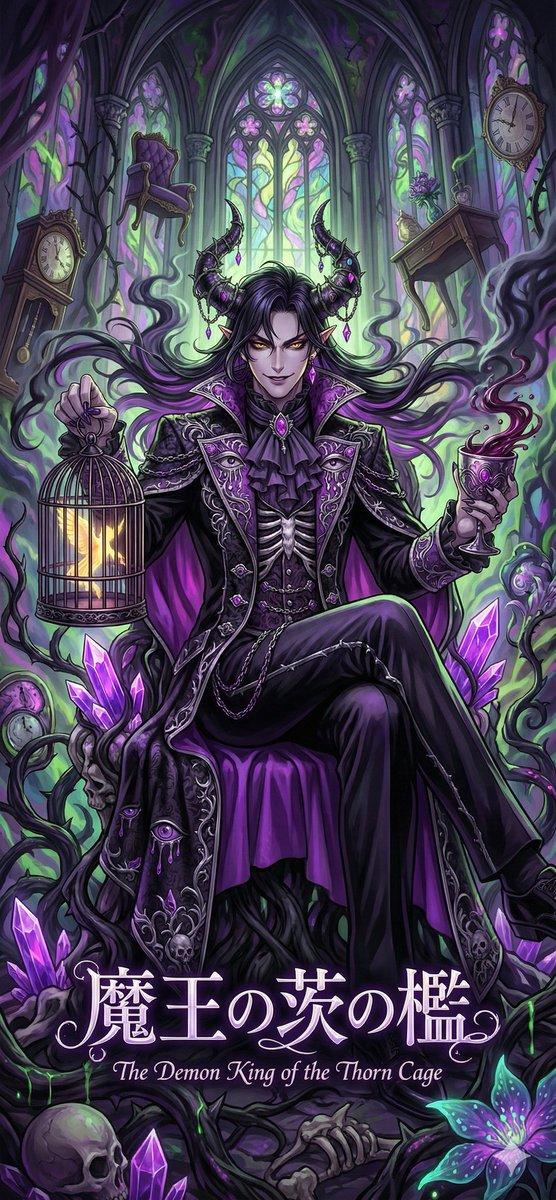
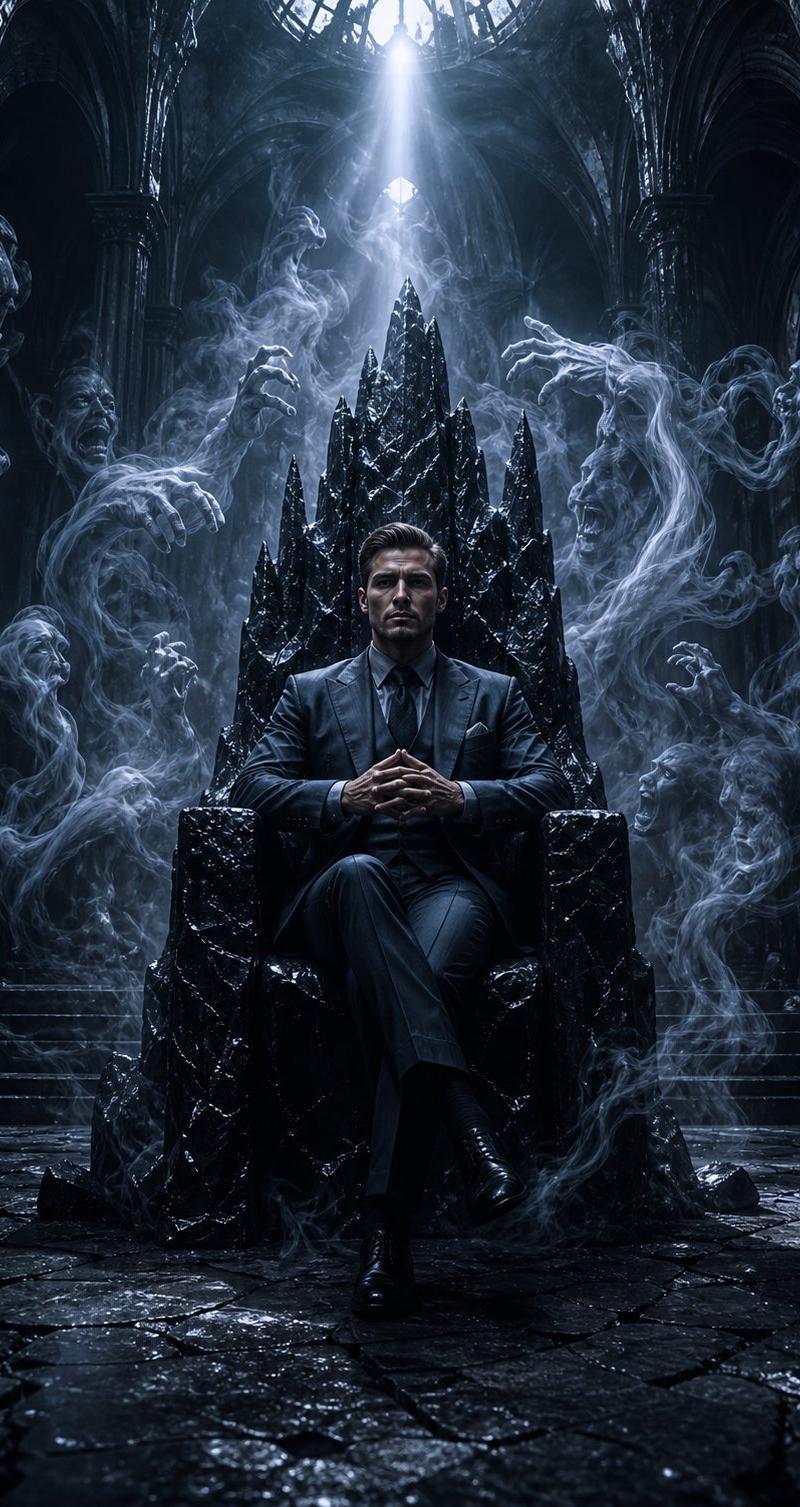
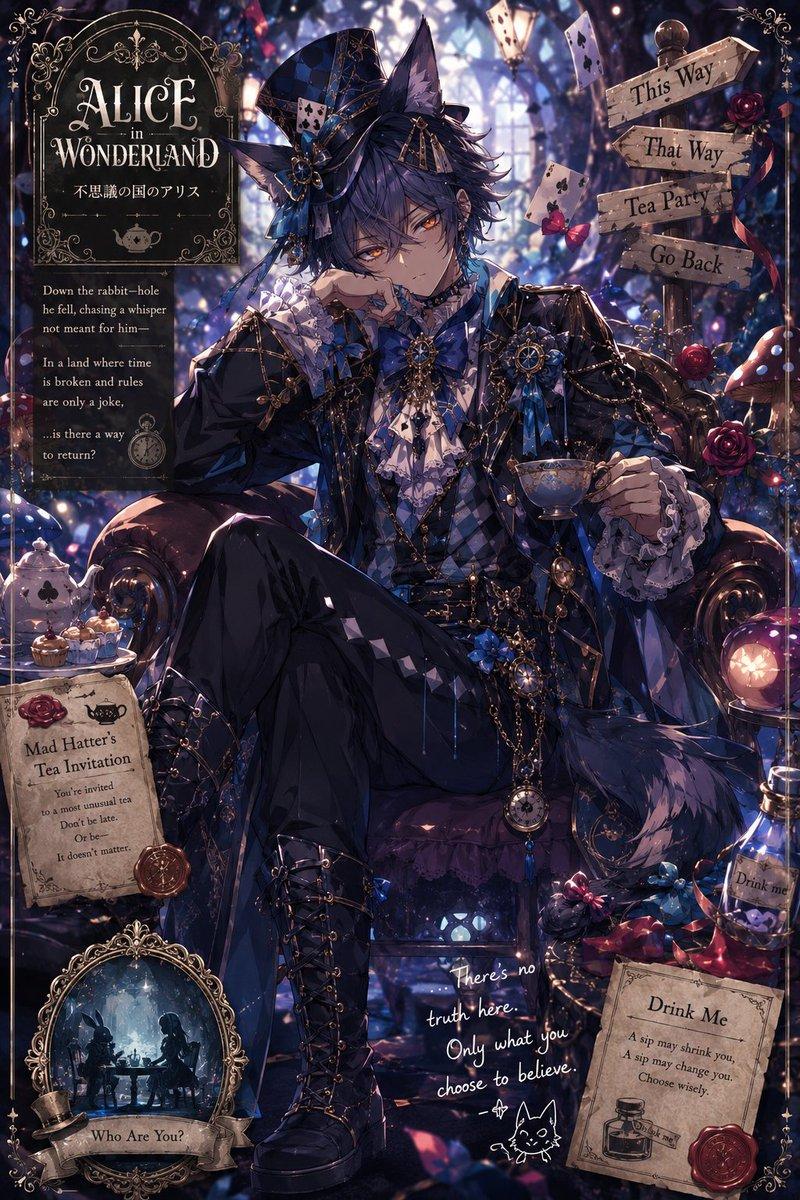
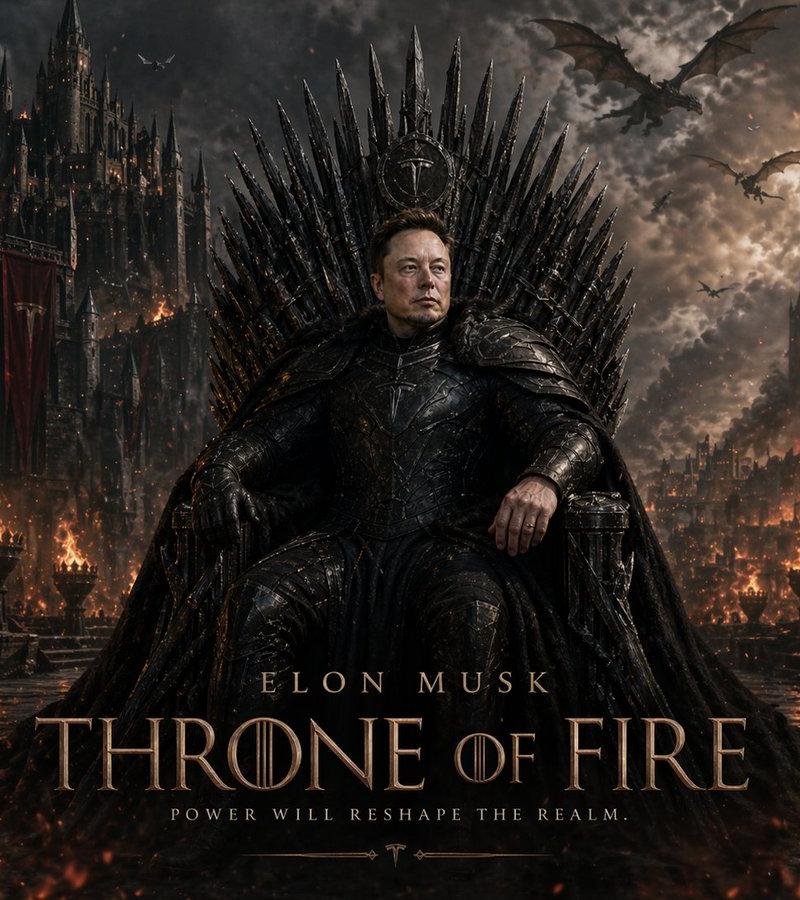
Example images

【角色/主题】,电影概念海报厚涂风,竖版 9:16。正式角色宣传海报结构:顶部巨大角色专属标题,中上方隐藏角色精神图腾 / 核心象征,中央为坐姿主角,背景为角色

Prompt
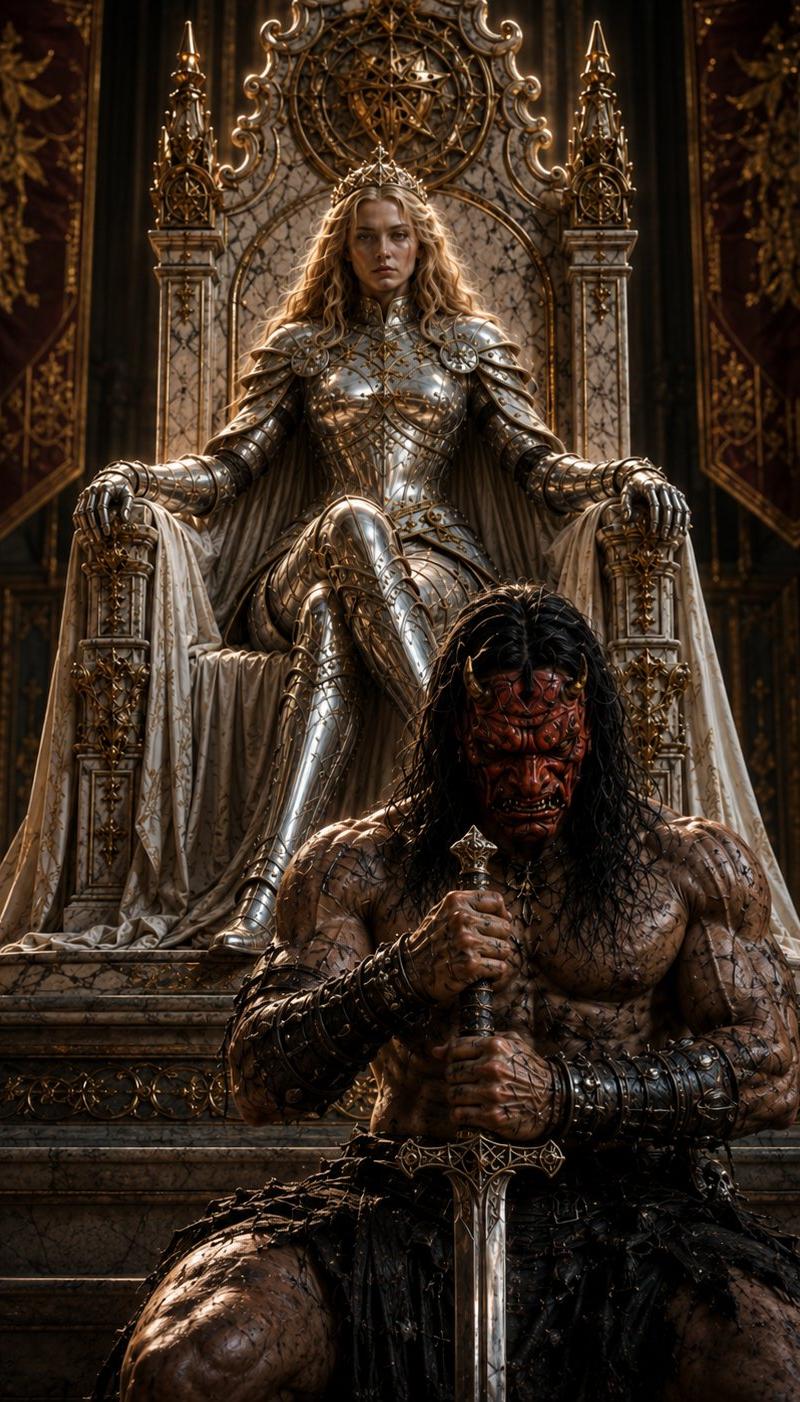
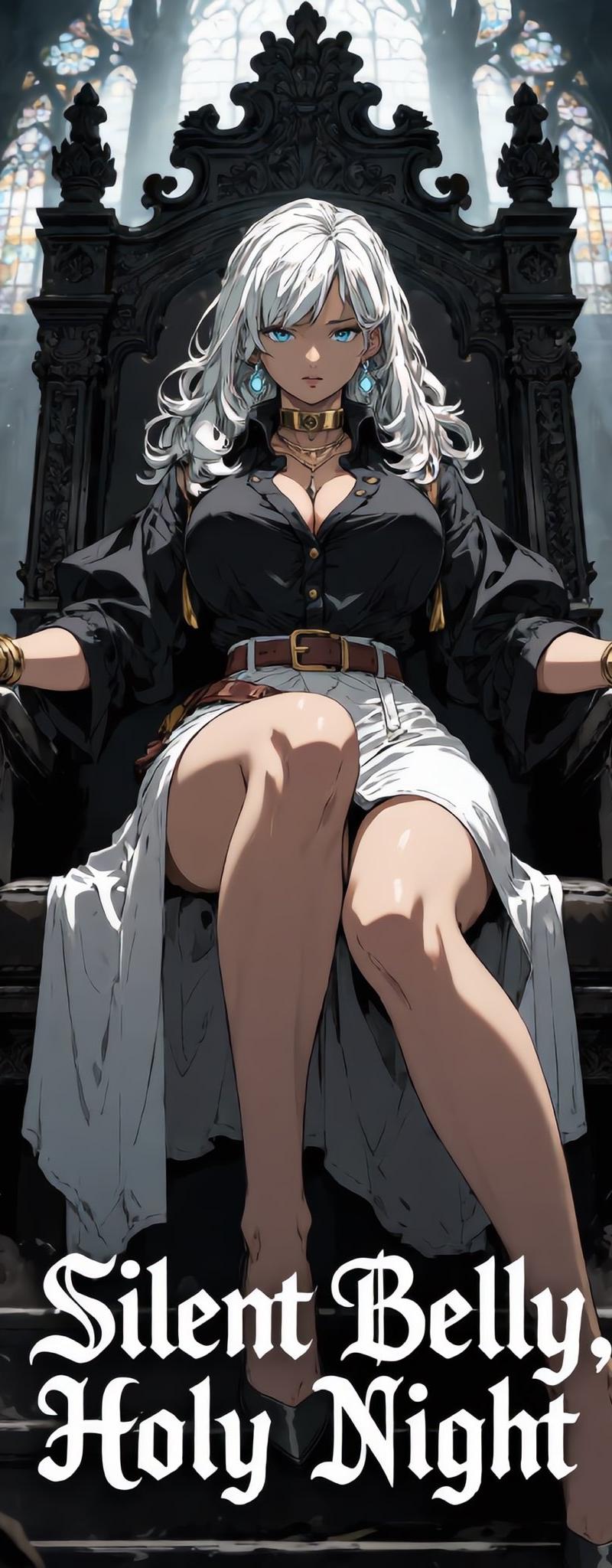
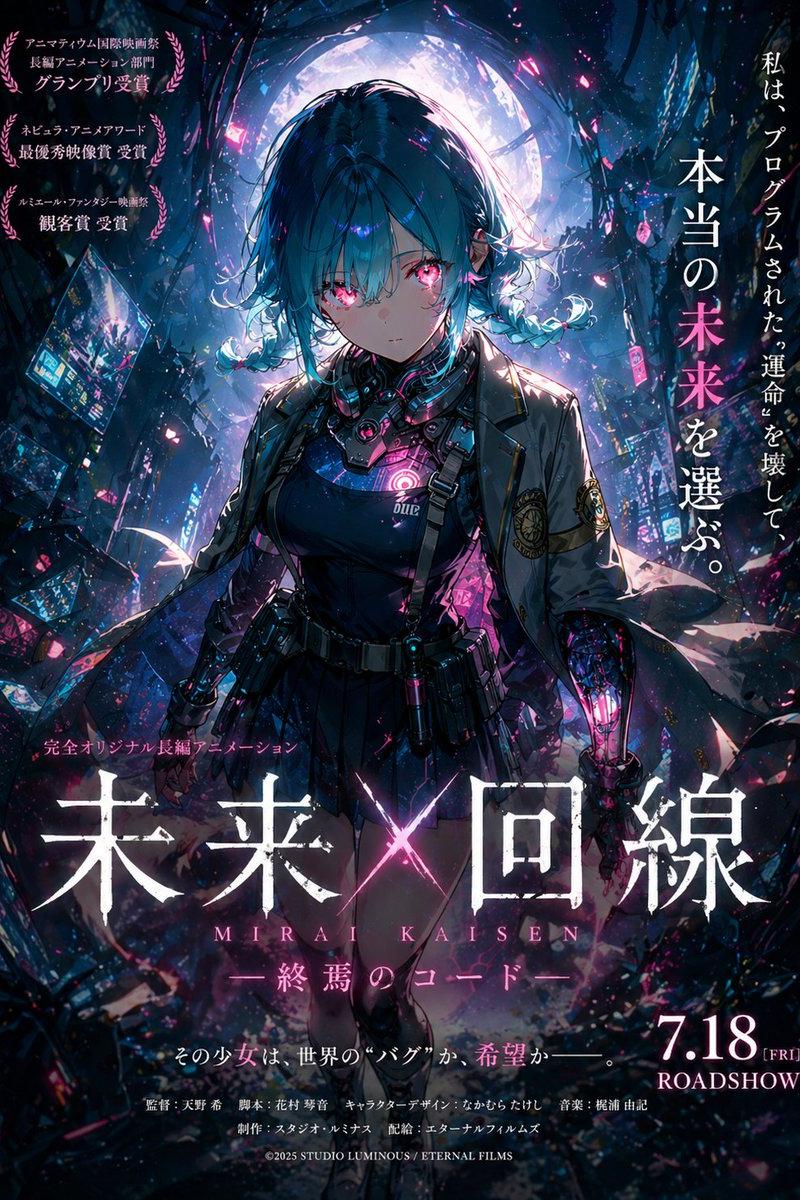
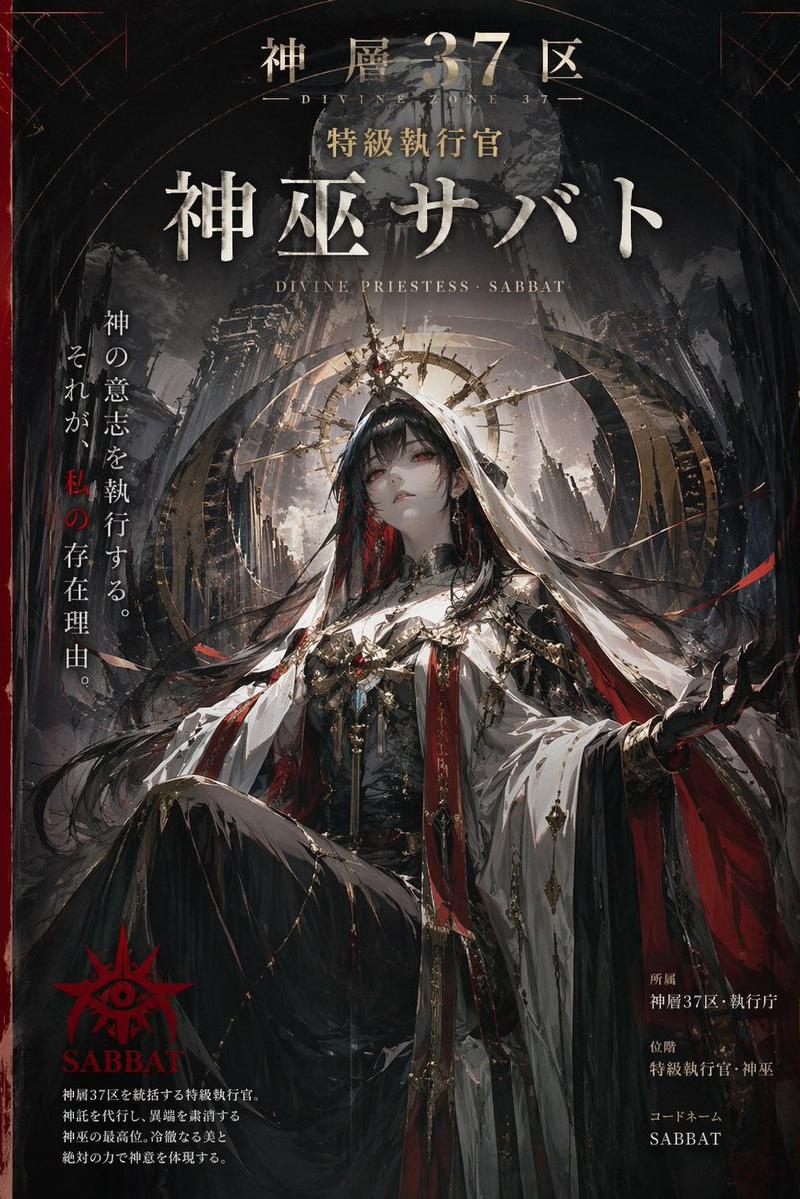
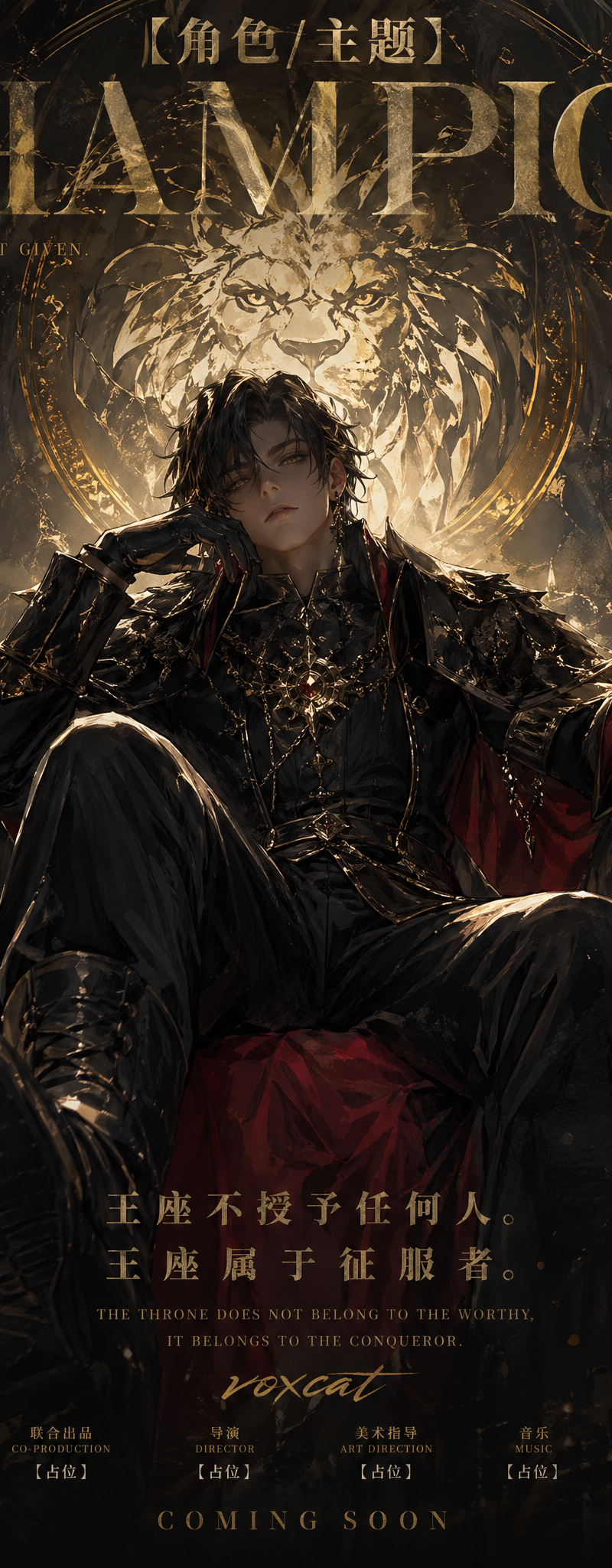
【角色/主题】,电影概念海报厚涂风,竖版 9:16。正式角色宣传海报结构:顶部巨大角色专属标题,中上方隐藏角色精神图腾 / 核心象征,中央为坐姿主角,背景为角色专属世界观场景,左右加入角色信息层与专属道具 UI,底部加入电影海报式标语与制作信息。

主角保留【角色/主题】核心识别特征:发型、发色、眼睛、服装轮廓、标志性配饰、武器 / 道具、能力属性、阵营符号与性格气质都要清晰可辨。人物坐在与角色身份强相关的前景物体上,可以是王座、战术箱、乐器箱、棺材、神社台阶、机械残骸、魔法阵核心、服务器箱、武器箱、舞台设备等。低机位近距离构图,一条腿抬起或前伸,姿态慵懒、强势、挑衅、自信或符合角色性格,眼神直视观众或微微俯视观众。

顶部标题为角色专属标题,字体气质贴合画面,可以是撕裂笔刷字、电子故障字、古典 serif 字、神话碑文字、手写涂鸦字、恐怖电影字、魔法符文字等。背景图腾来自角色本身,不固定为狼头;可以是角色能力、武器、召唤物、阵营徽记、兽形幻影、神像剪影、面具、花、月亮、雷电、火焰、机甲、星座、音符、魔法阵等。

背景、人物周围道具、光效、UI 与标语全部围绕【角色/主题】展开,不套用无关元素。厚重数字油画笔触,粗粝但高级,强烈明暗块面,电影级逆光与边缘光,角色专属主色,人物面部精细,服装材质清晰,高完成度收藏级主视觉。画面干净通透、低噪声、暗部纯净、平滑过渡,自然加入手写签名“voxcat”。
Category
UI & Interfaces
Model
GPT Image 2
Creator
xie underwood
Source language
zh-CN
Views175
Source ID
2331
Published
Apr 28, 2026
Studio

Guide

About "【角色/主题】,电影概念海报厚涂风,竖版 9:16。正式角色宣传海报结构:顶部巨大角色专属标题,中上方隐藏角色精神图腾 / 核心象征,中央为坐姿主角,背景为角色"

What is this prompt for?

"【角色/主题】,电影概念海报厚涂风,竖版 9:16。正式角色宣传海报结构:顶部巨大角色专属标题,中上方隐藏角色精神图腾 / 核心象征,中央为坐姿主角,背景为角色" AI image prompt for GPT Image 2 (UI & Interfaces). 【角色/主题】,电影概念海报厚涂风,竖版 9:16…

The full copyable prompt and example visuals above are ready for AI image generation or one-click recreate in Picva.

How to use this prompt

  1. Step 1

    Open the prompt detail

    Review the example visuals, category, and full prompt text for "【角色/主题】,电影概念海报厚涂风,竖版 9:16。正式角色宣传海报结构:顶部巨大角色专属标题,中上方隐藏角色精神图腾 / 核心象征,中央为坐姿主角,背景为角色".

  2. Step 2

    Copy the prompt

    Copy the prompt body from this page, or load it directly in Studio.

  3. Step 3

    Pick a model (GPT Image 2)

    Prefer GPT Image 2. If you switch models, keep subject and composition and tweak style terms.

  4. Step 4

    Generate and export

    Recreate the look in Picva, or export into your workflow for editing and publishing.

FAQ

What is the "【角色/主题】,电影概念海报厚涂风,竖版 9:16。正式角色宣传海报结构:顶部巨大角色专属标题,中上方隐藏角色精神图腾 / 核心象征,中央为坐姿主角,背景为角色" prompt?
It is an AI image-generation prompt for GPT Image 2 in the UI & Interfaces category. This page includes the full prompt text, example visuals, and a one-click recreate path in Picva.
How do I use this prompt to generate an image?
Copy the prompt from this page, or use Generate / Studio. Paste it into a compatible image model, or recreate the look in Picva with optional reference images.
Which model is this prompt for?
This page lists GPT Image 2. Most descriptive prompts also transfer to nearby image models such as GPT Image, Flux, or Midjourney with light style tweaks.
Can I use the result commercially?
You can usually copy the prompt for creation, but commercial use of the final image depends on the model terms, reference-image rights, and the generated content. Follow the source author and platform rules.