16

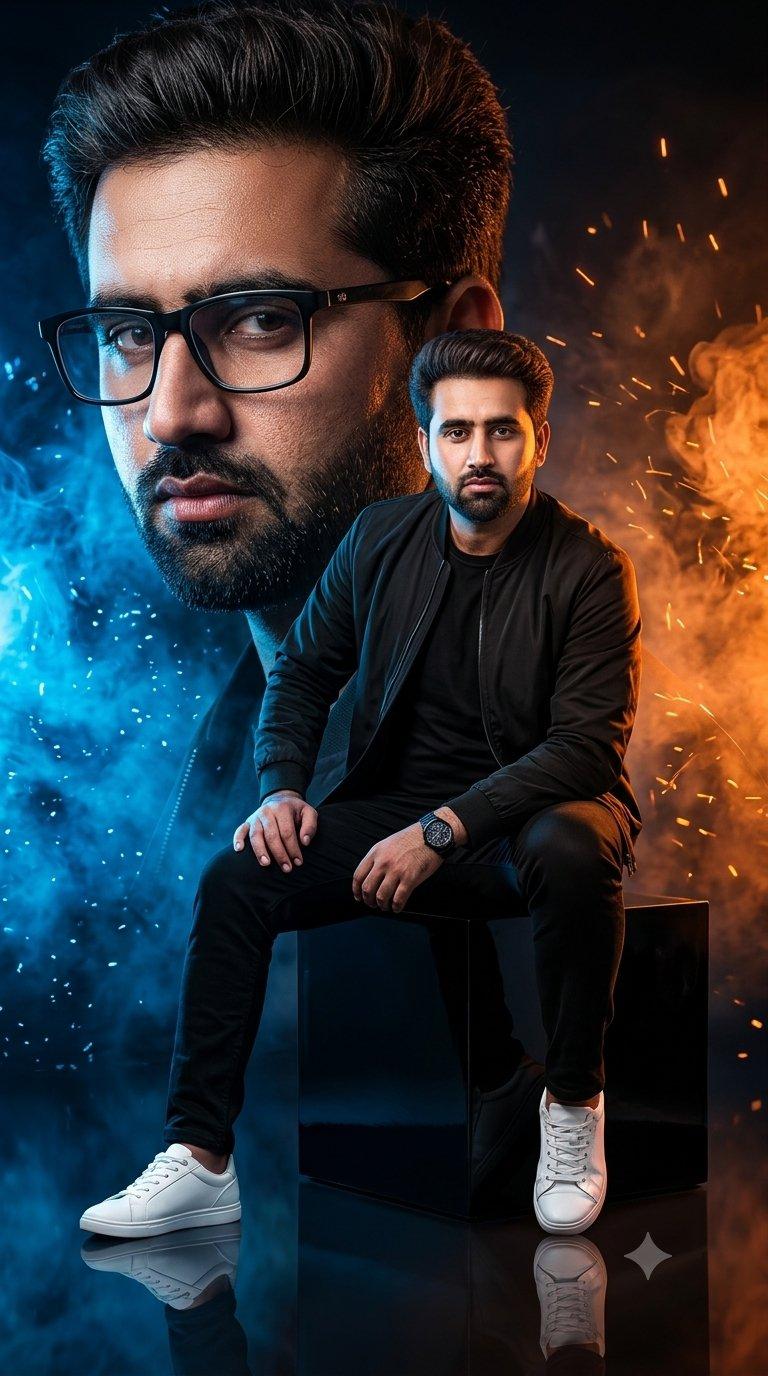
A cinematic side-profile portrait of a rugged man with a tied-back bun and full
Enlarge

Example images

A cinematic side-profile portrait of a rugged man with a tied-back bun and full

Prompt
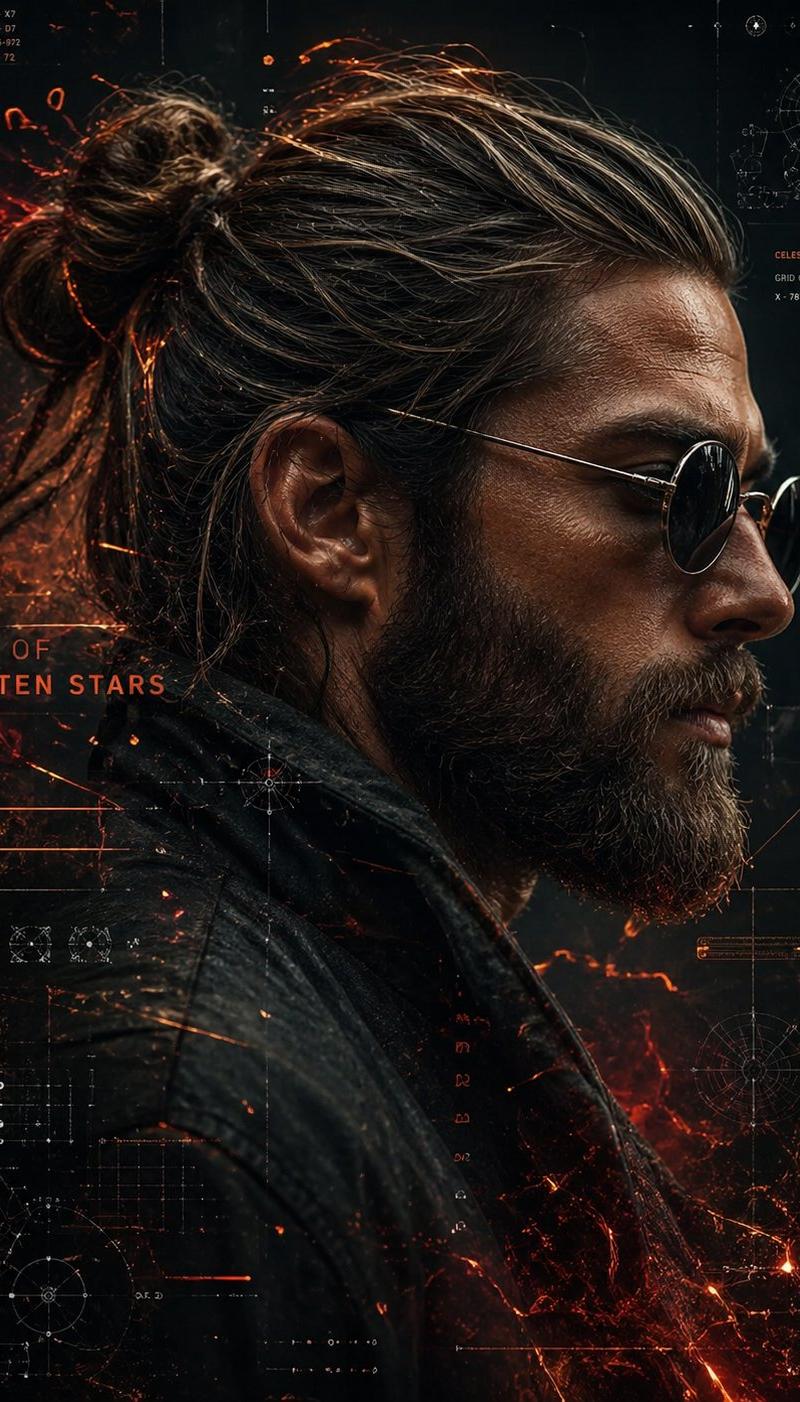
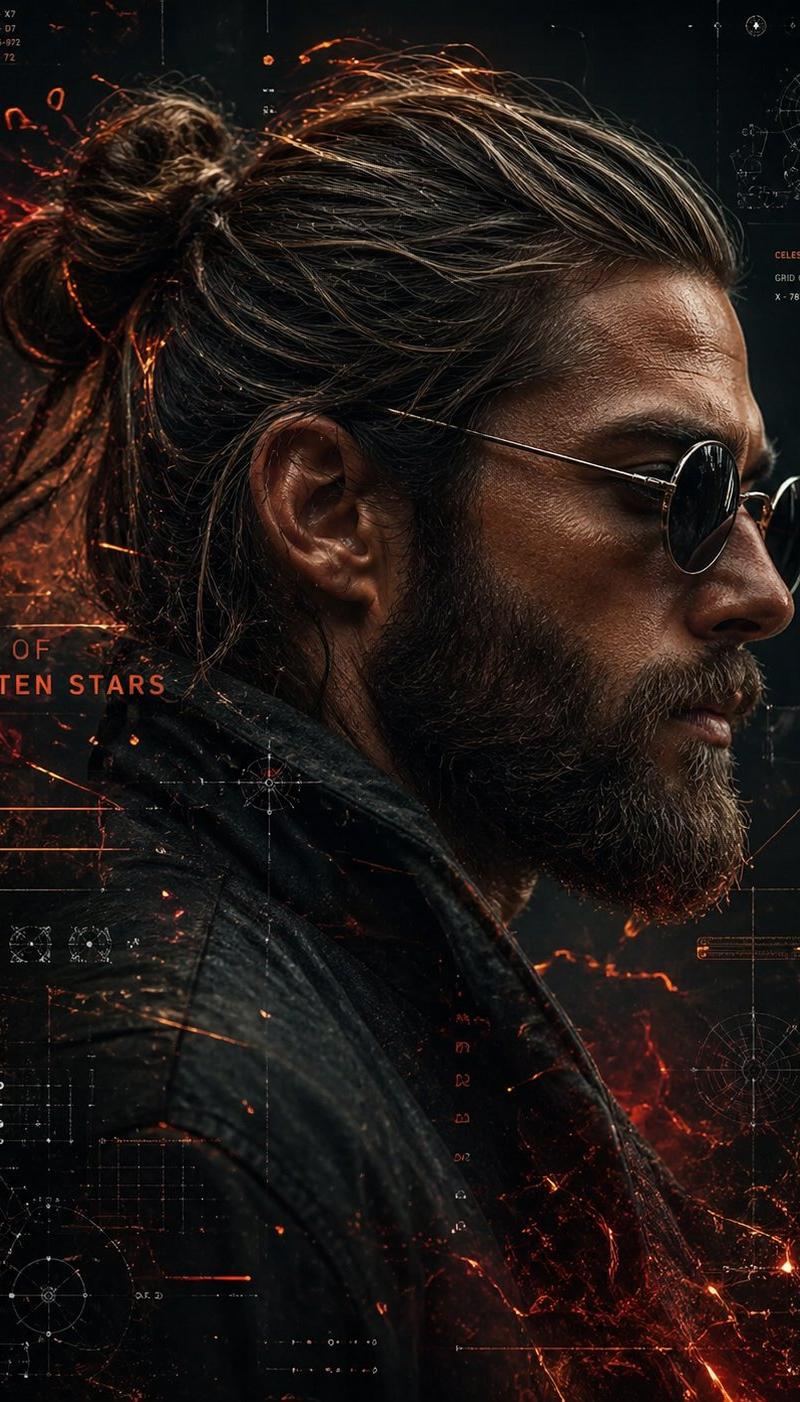
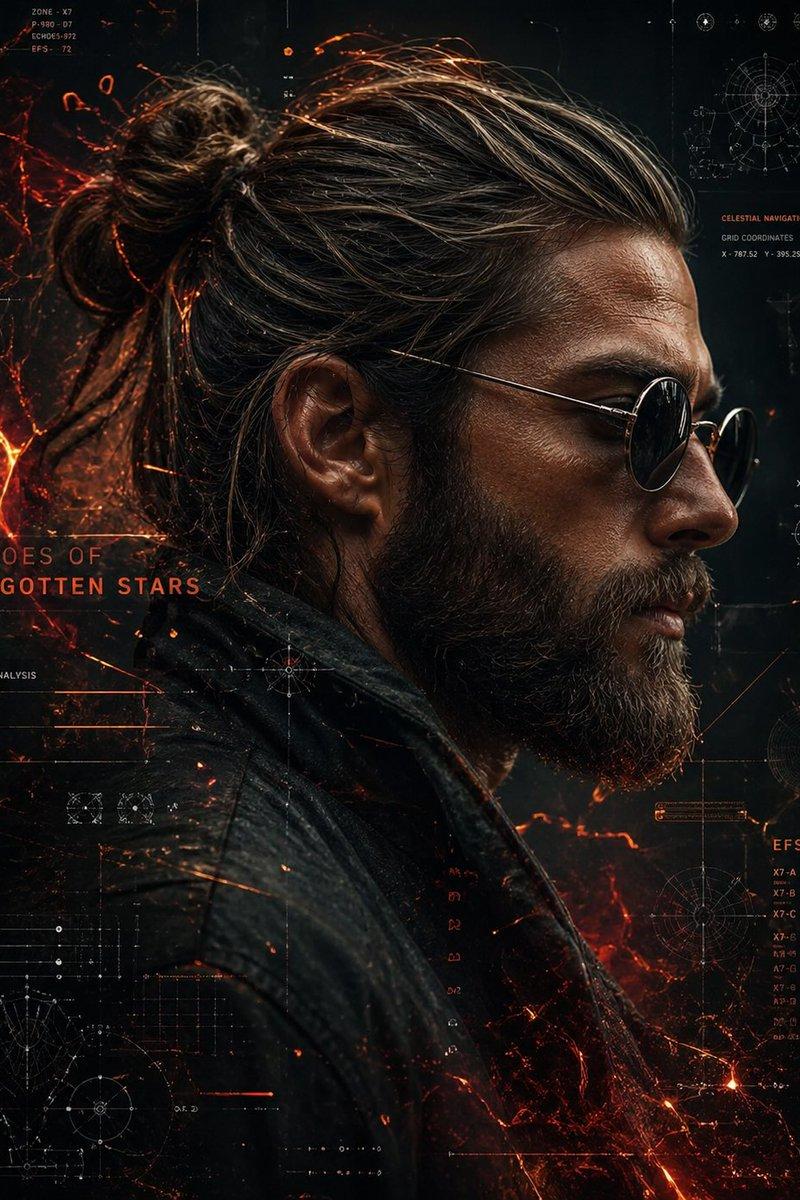
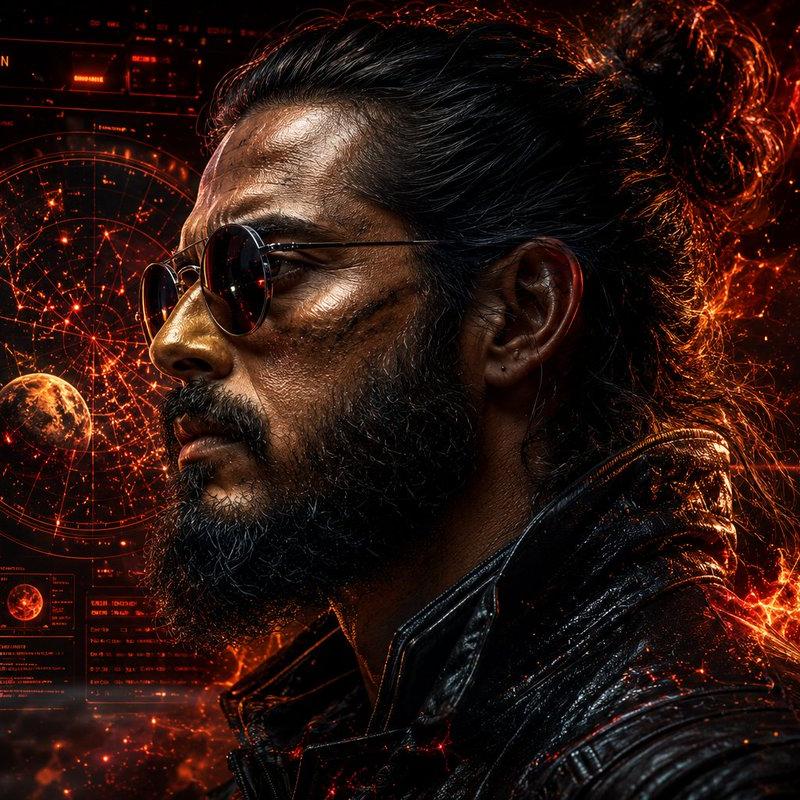
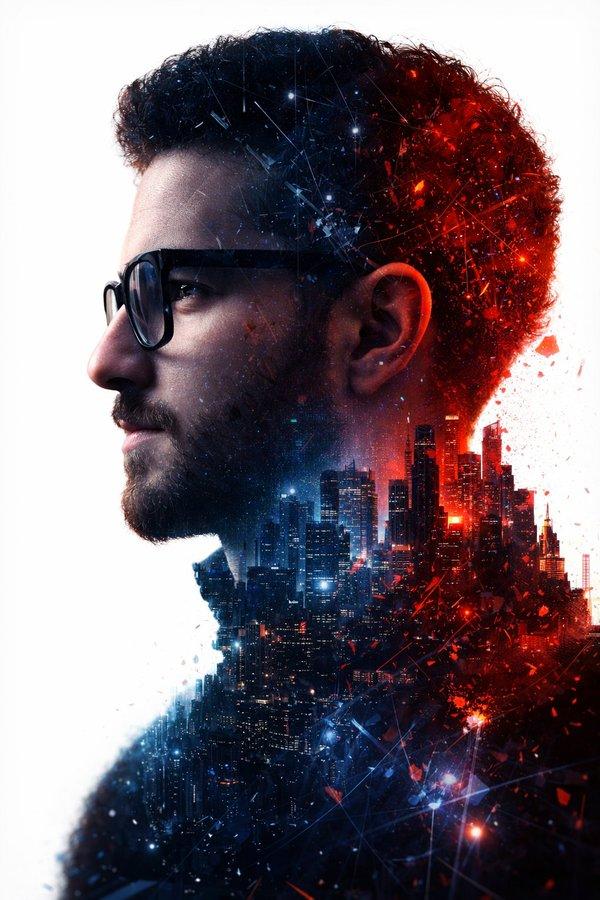
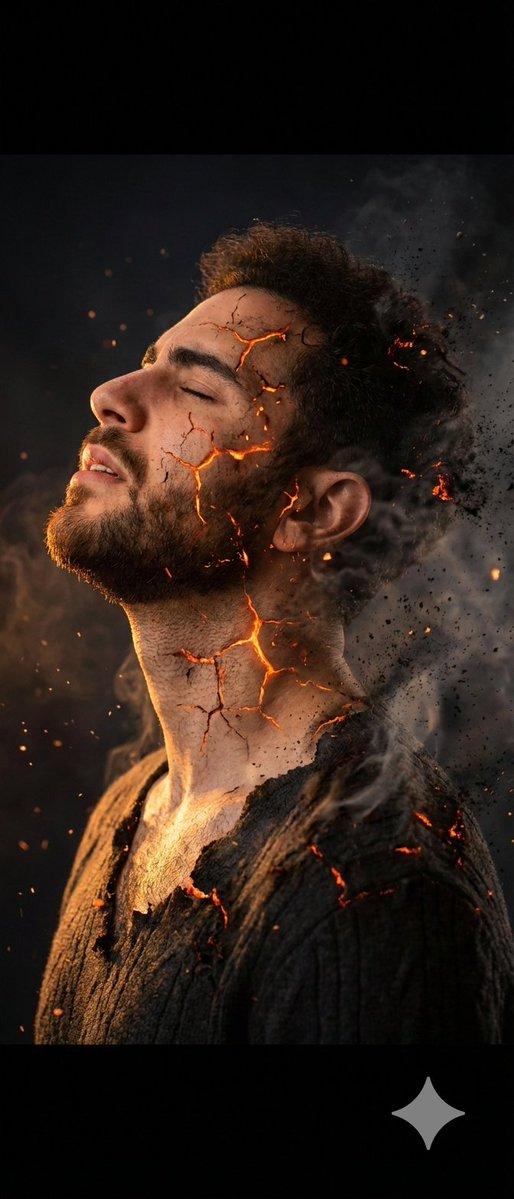
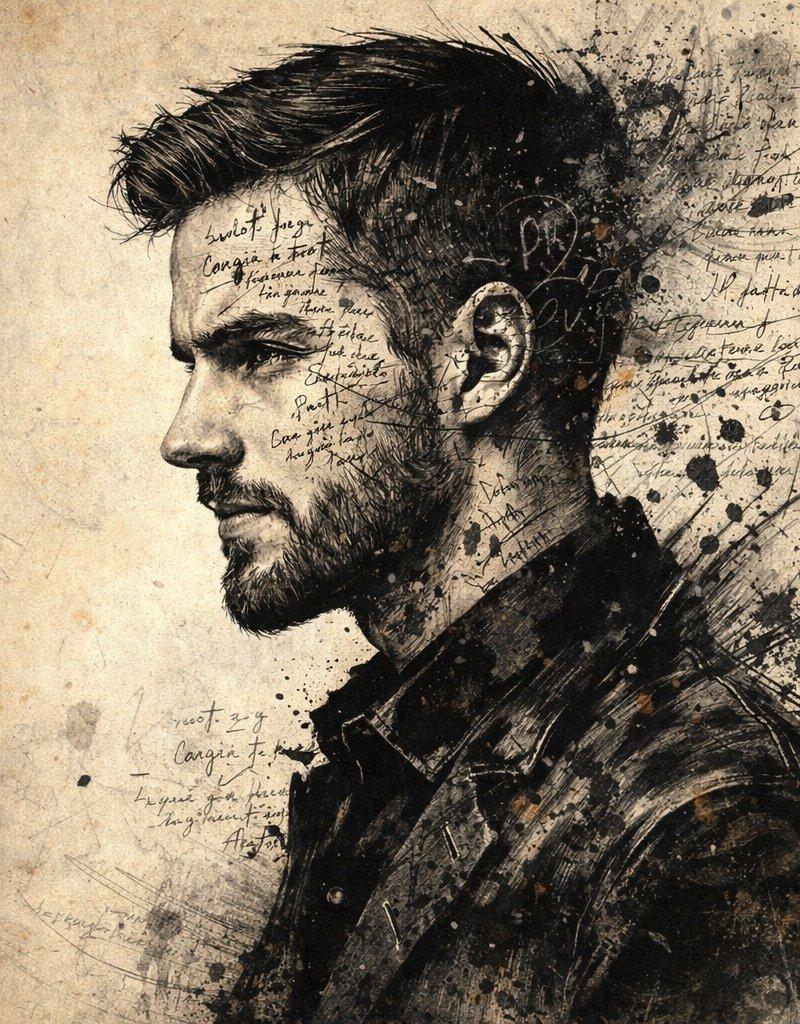
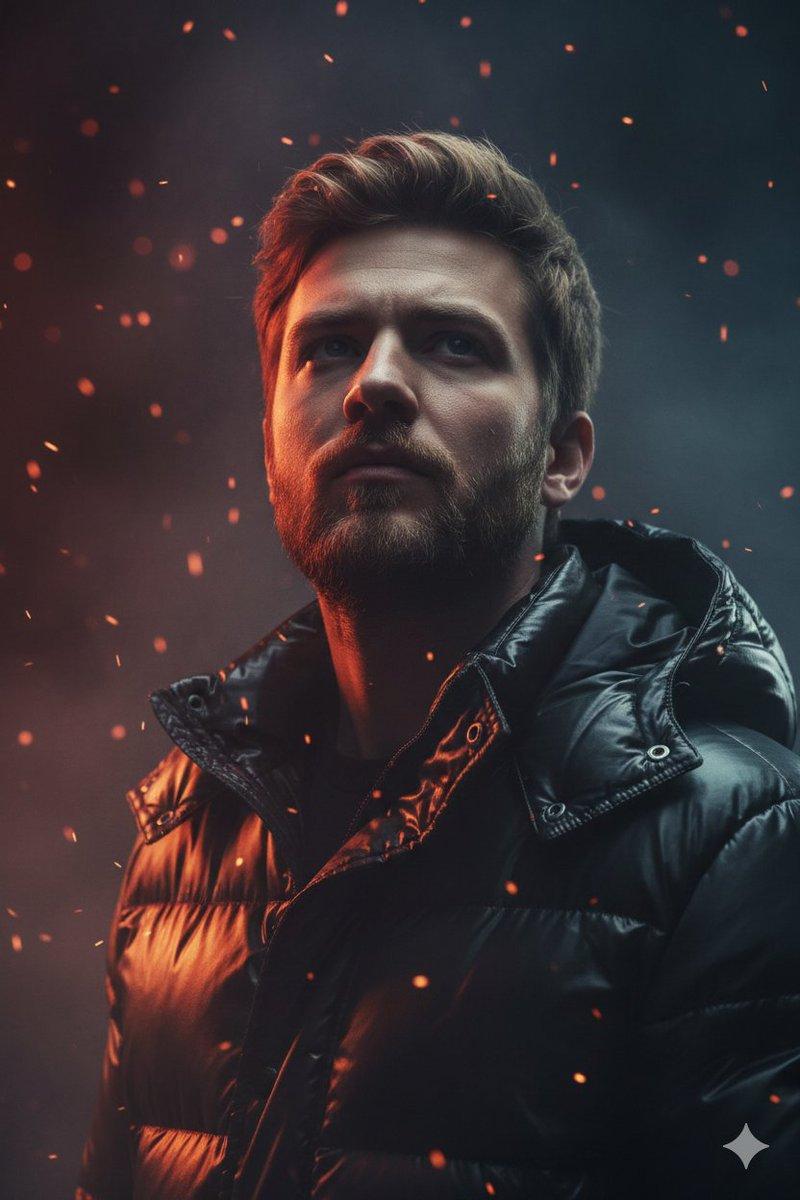
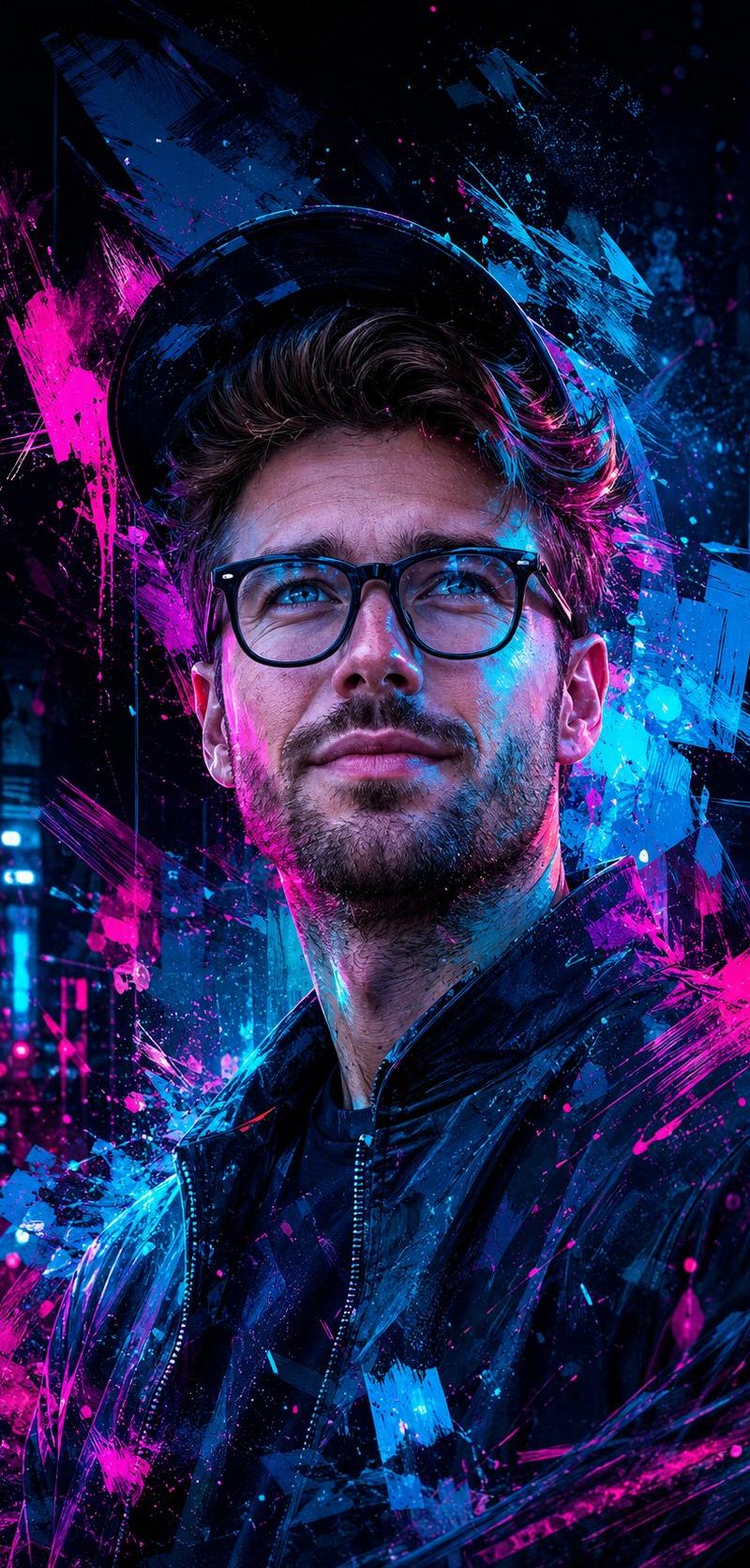
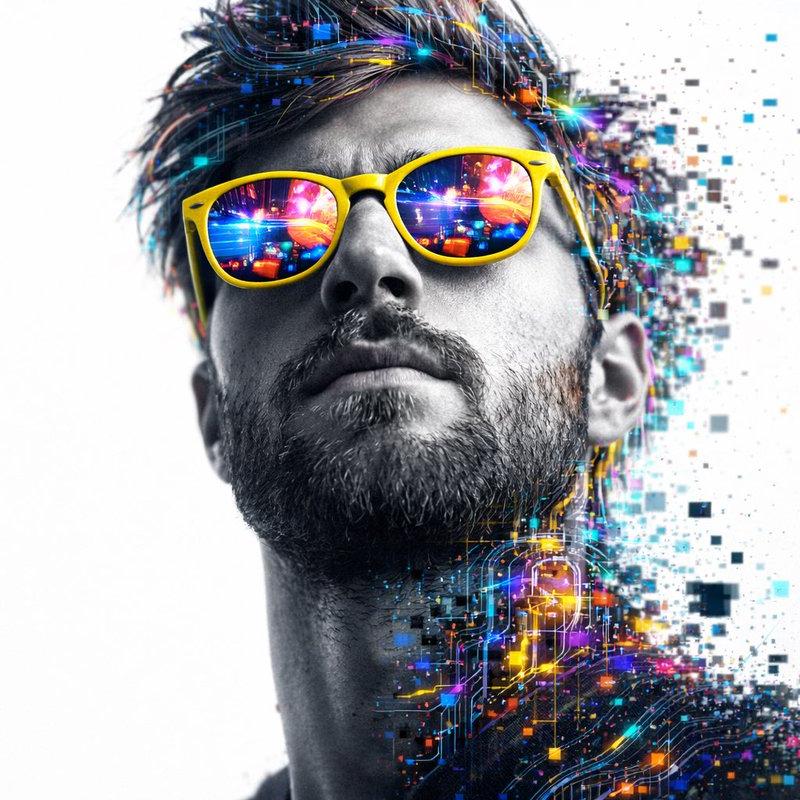
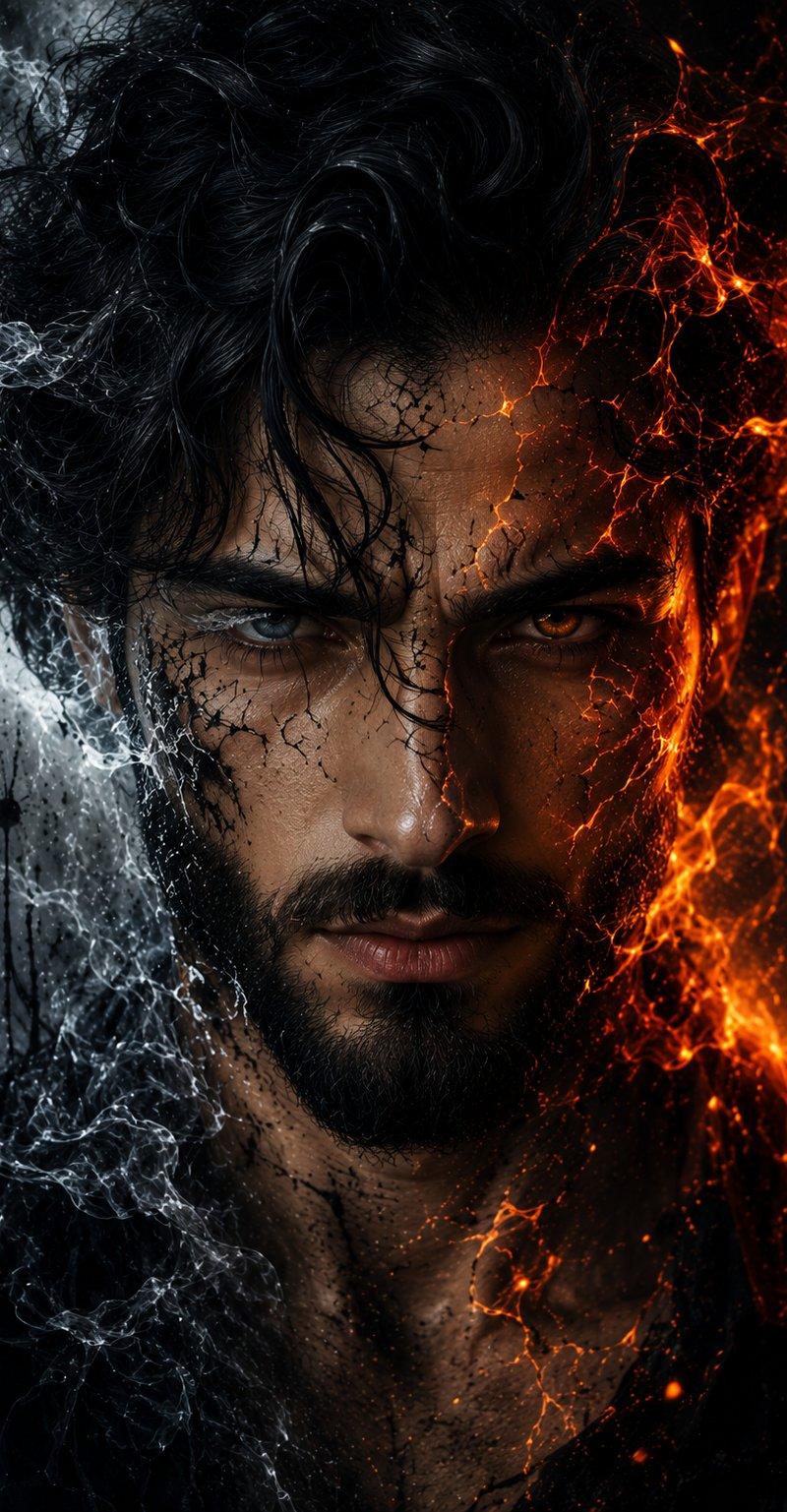
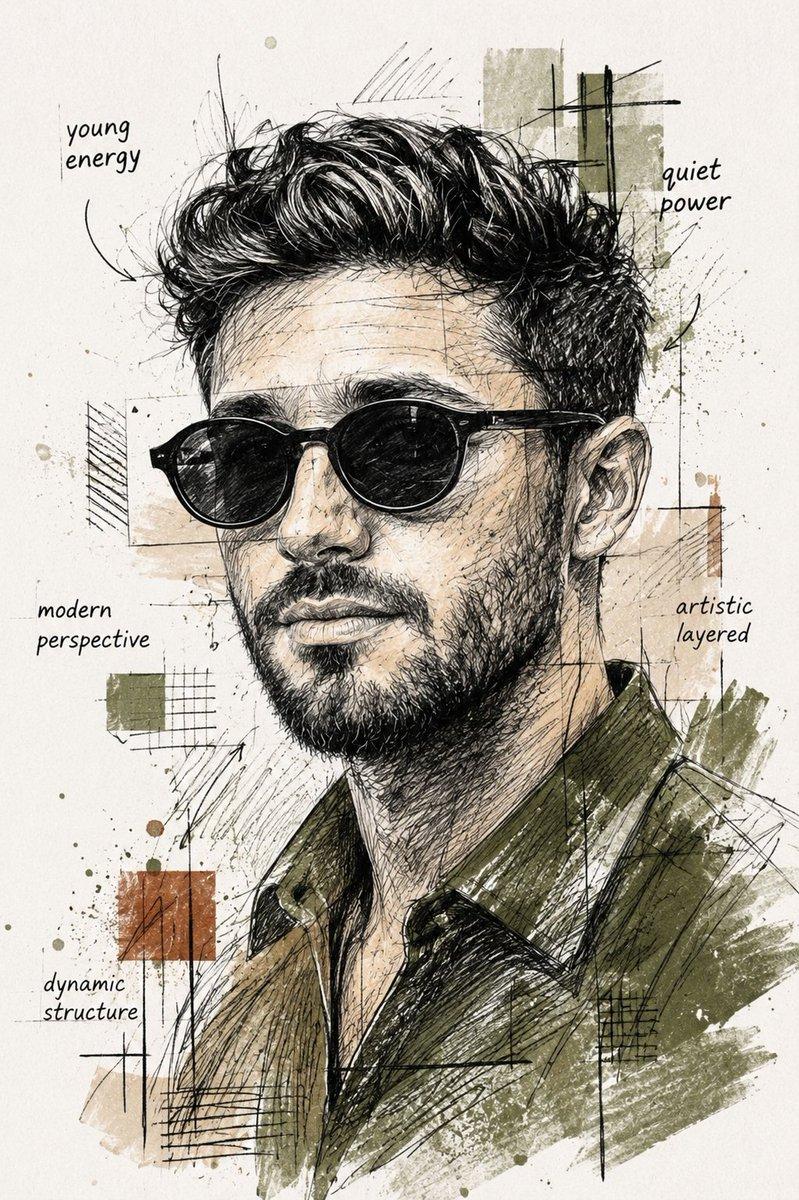
A cinematic side-profile portrait of a rugged man with a tied-back bun and full beard, wearing round dark sunglasses and a textured leather jacket. His skin is detailed and slightly weathered. The background is a futuristic sci-fi interface filled with glowing orange and red data streams, star maps, celestial navigation diagrams, grids, and holographic UI elements. Fiery particle effects and ember-like energy swirl around him, creating a cosmic, high-tech atmosphere. Dark color palette with strong contrast, dramatic lighting, ultra-detailed, sharp focus, 8K, cyberpunk aesthetic, cinematic composition, depth of field.
Category
Charts & Infographics
Model
GPT Image 2
Creator
xie underwood
Source language
en
Views111
Source ID
2498
Published
May 3, 2026
Studio

Guide

About "A cinematic side-profile portrait of a rugged man with a tied-back bun and full "

What is this prompt for?

"A cinematic side-profile portrait of a rugged man with a tied-back bun and full " AI image prompt for GPT Image 2 (Charts & Infographics). A cinematic side-pr…

The full copyable prompt and example visuals above are ready for AI image generation or one-click recreate in Picva.

How to use this prompt

  1. Step 1

    Open the prompt detail

    Review the example visuals, category, and full prompt text for "A cinematic side-profile portrait of a rugged man with a tied-back bun and full ".

  2. Step 2

    Copy the prompt

    Copy the prompt body from this page, or load it directly in Studio.

  3. Step 3

    Pick a model (GPT Image 2)

    Prefer GPT Image 2. If you switch models, keep subject and composition and tweak style terms.

  4. Step 4

    Generate and export

    Recreate the look in Picva, or export into your workflow for editing and publishing.

FAQ

What is the "A cinematic side-profile portrait of a rugged man with a tied-back bun and full " prompt?
It is an AI image-generation prompt for GPT Image 2 in the Charts & Infographics category. This page includes the full prompt text, example visuals, and a one-click recreate path in Picva.
How do I use this prompt to generate an image?
Copy the prompt from this page, or use Generate / Studio. Paste it into a compatible image model, or recreate the look in Picva with optional reference images.
Which model is this prompt for?
This page lists GPT Image 2. Most descriptive prompts also transfer to nearby image models such as GPT Image, Flux, or Midjourney with light style tweaks.
Can I use the result commercially?
You can usually copy the prompt for creation, but commercial use of the final image depends on the model terms, reference-image rights, and the generated content. Follow the source author and platform rules.