17

Transform the provided reference image into a cozy aesthetic scrapbook-style com
Enlarge

Transform the provided reference image into a cozy aesthetic scrapbook-style com

Prompt
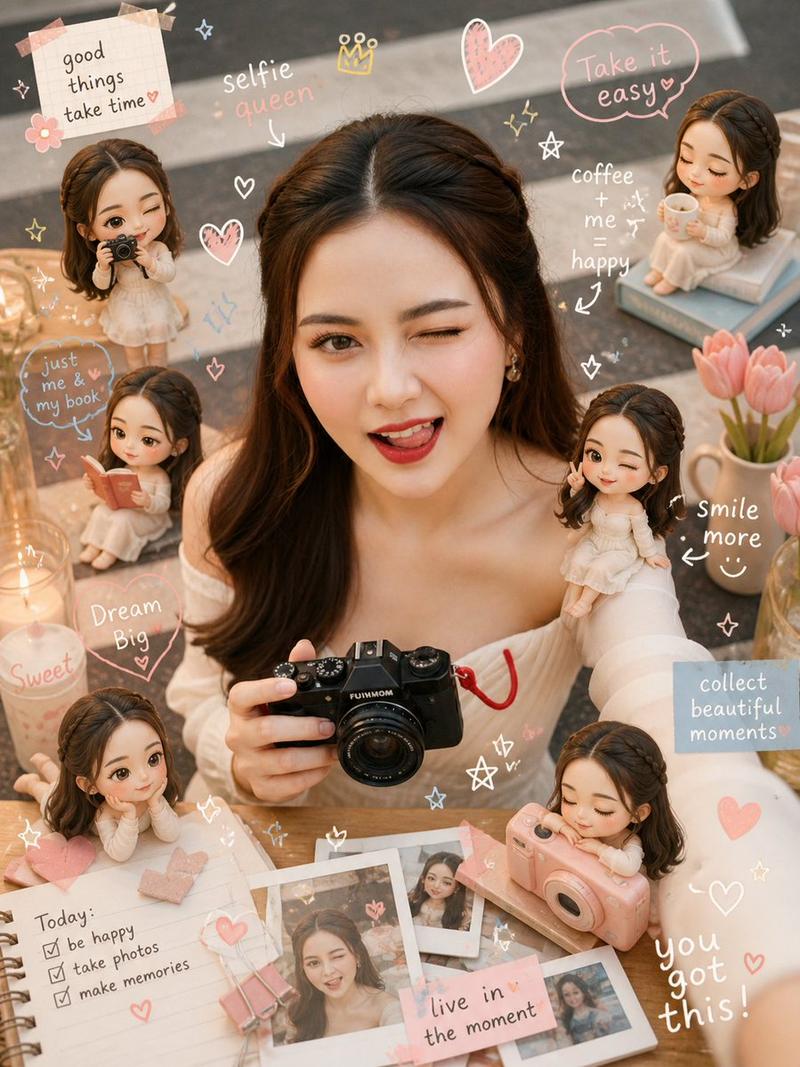
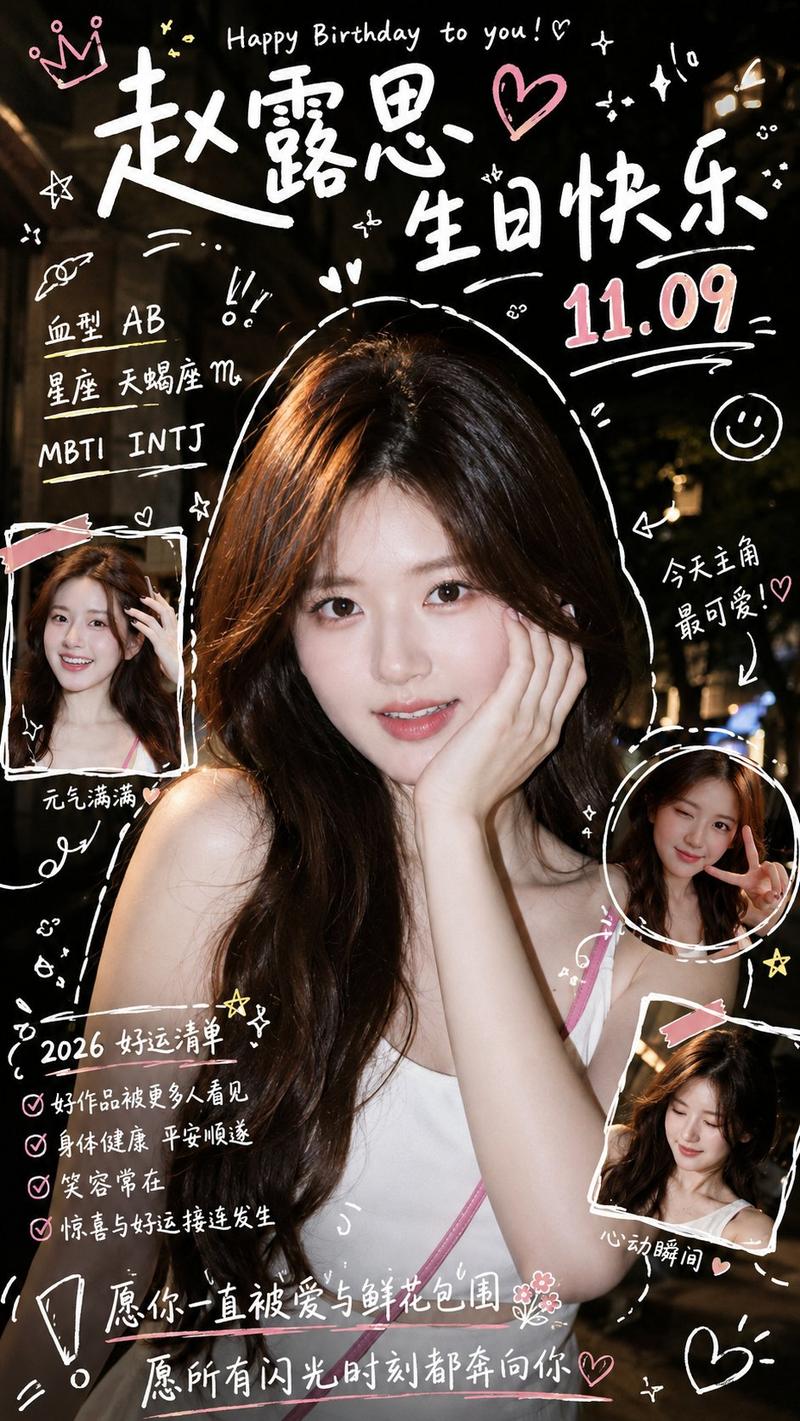
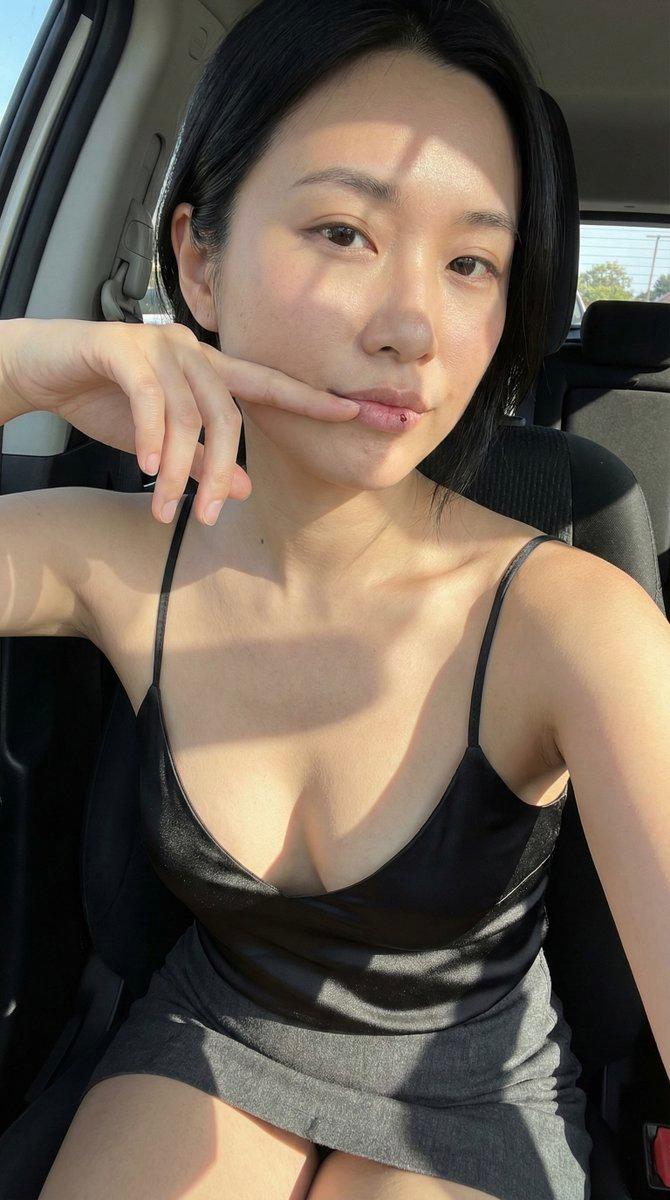
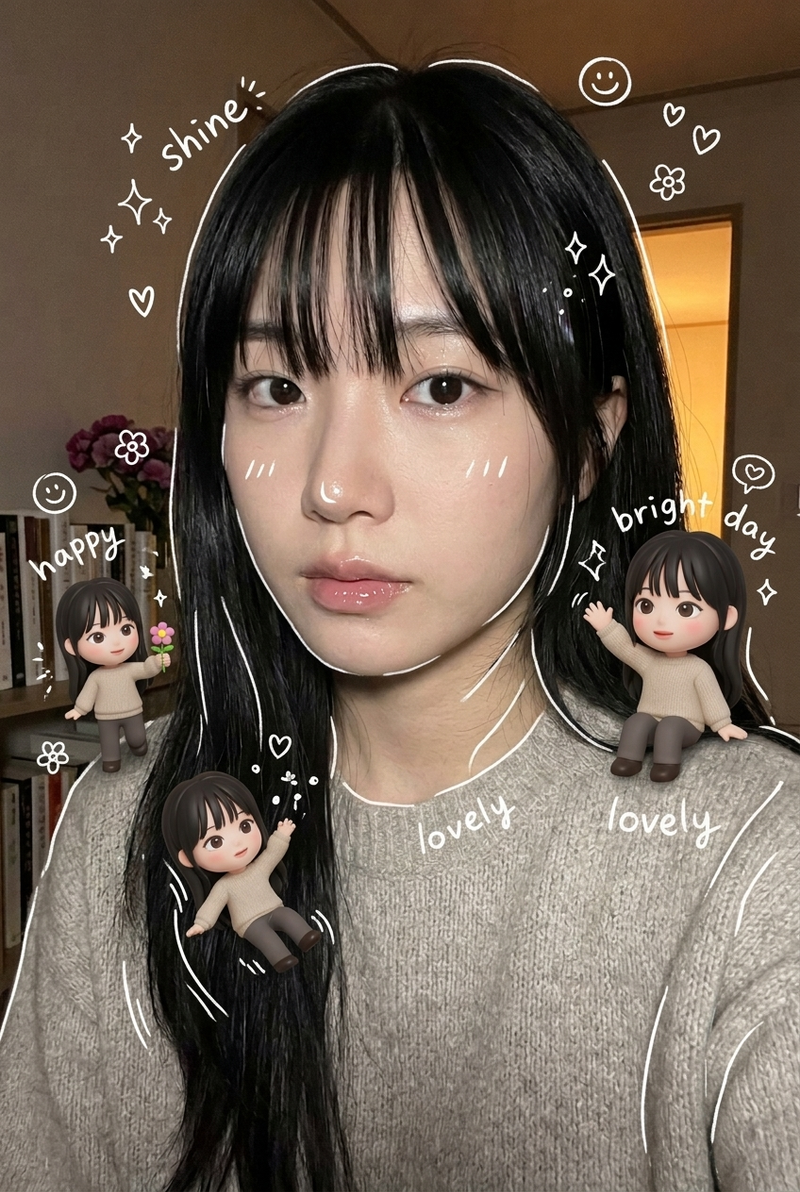
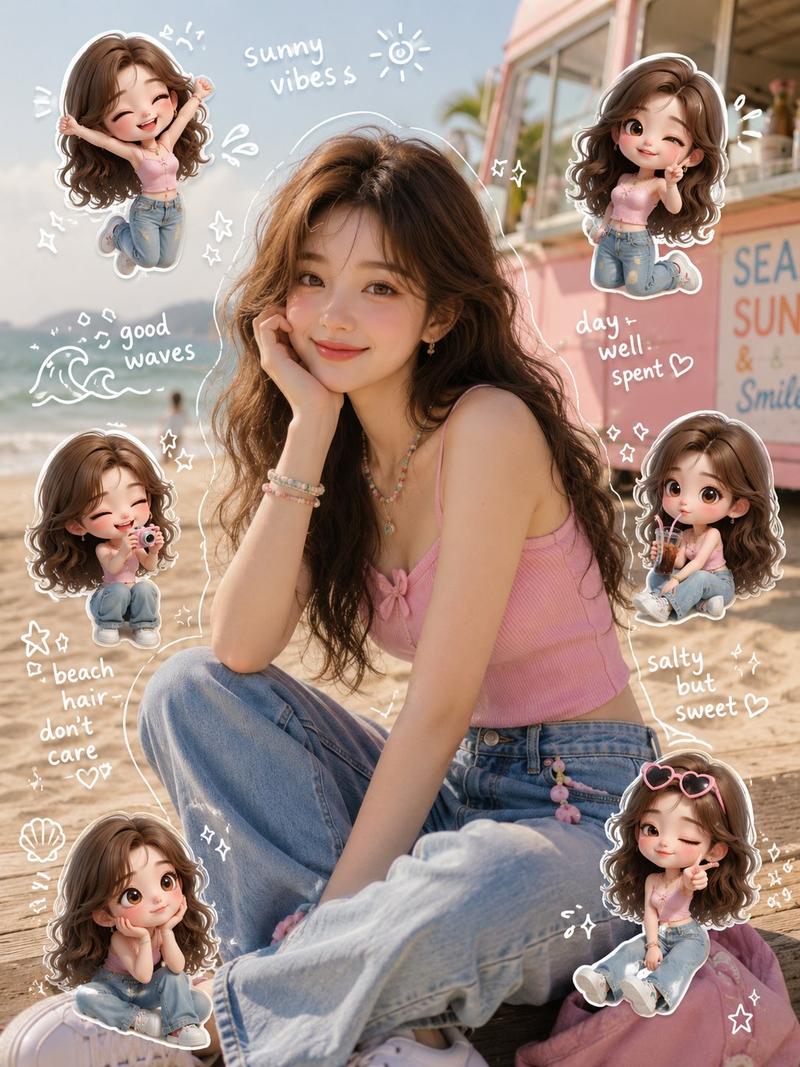
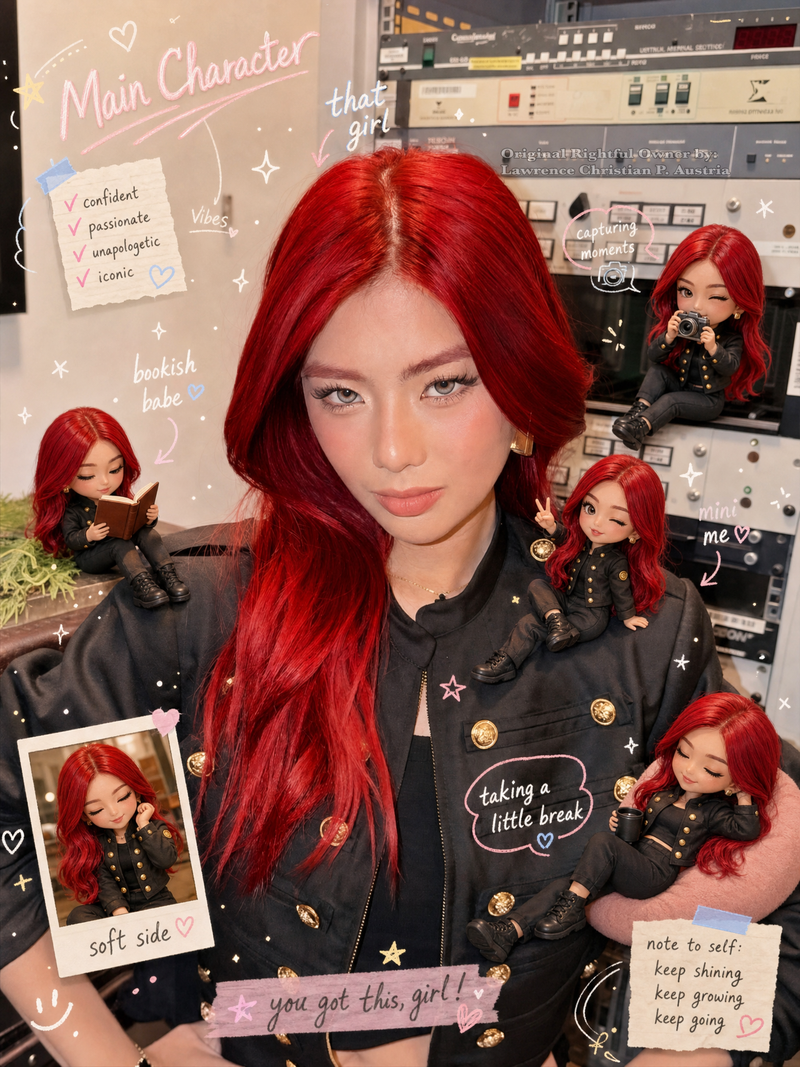
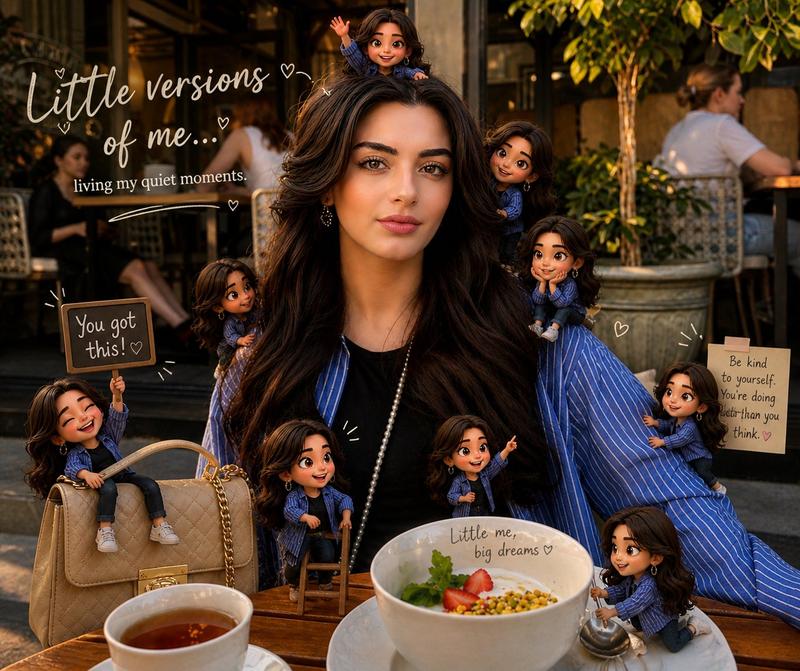
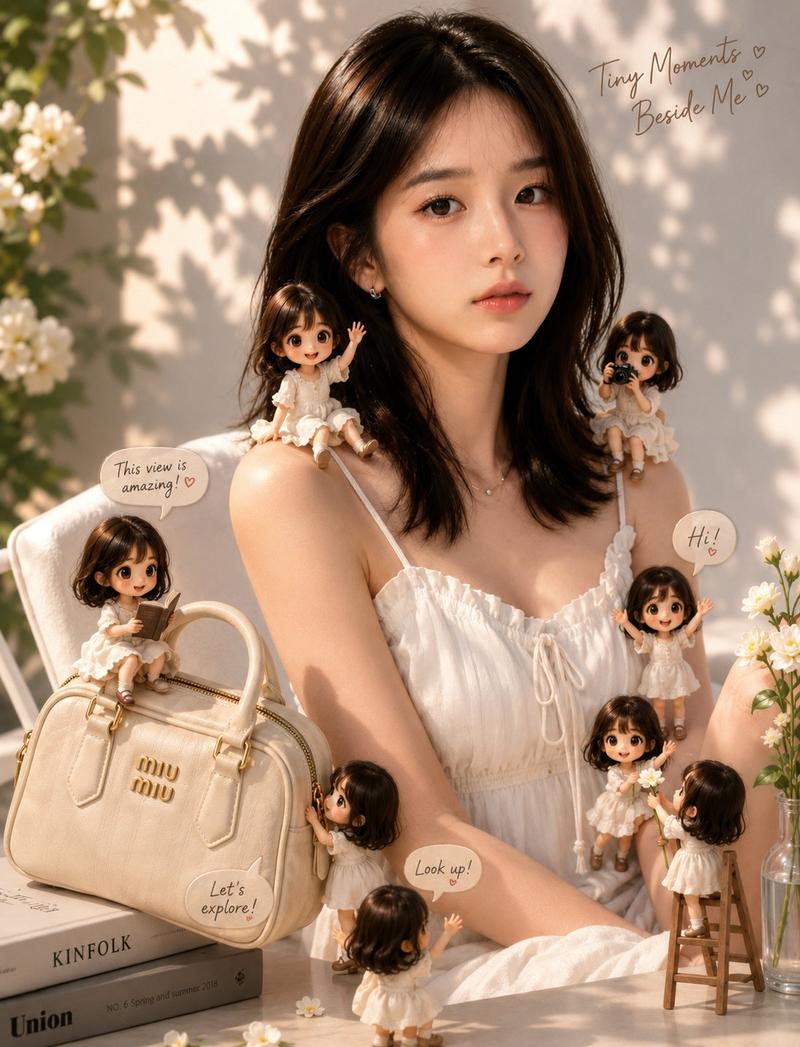
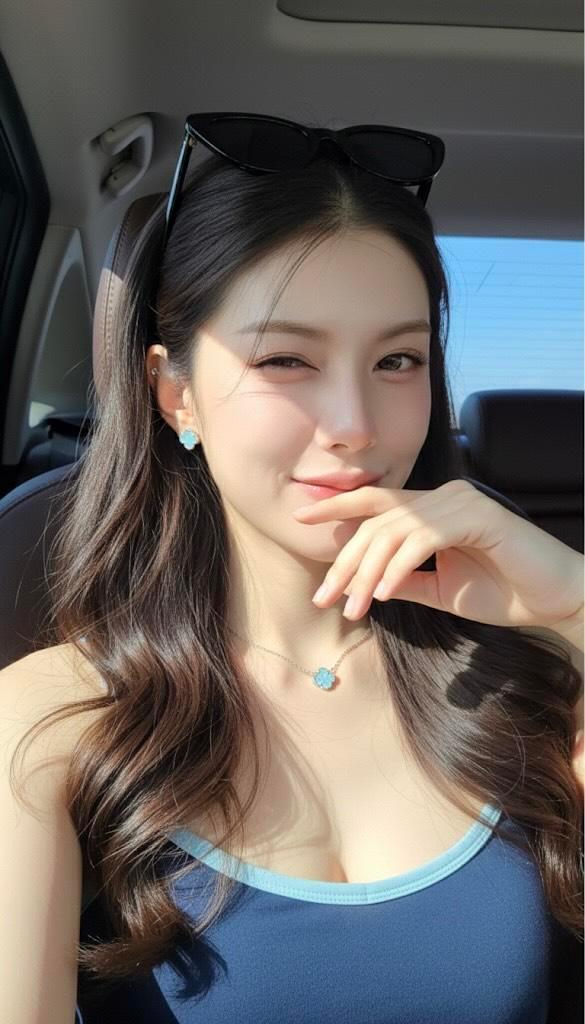
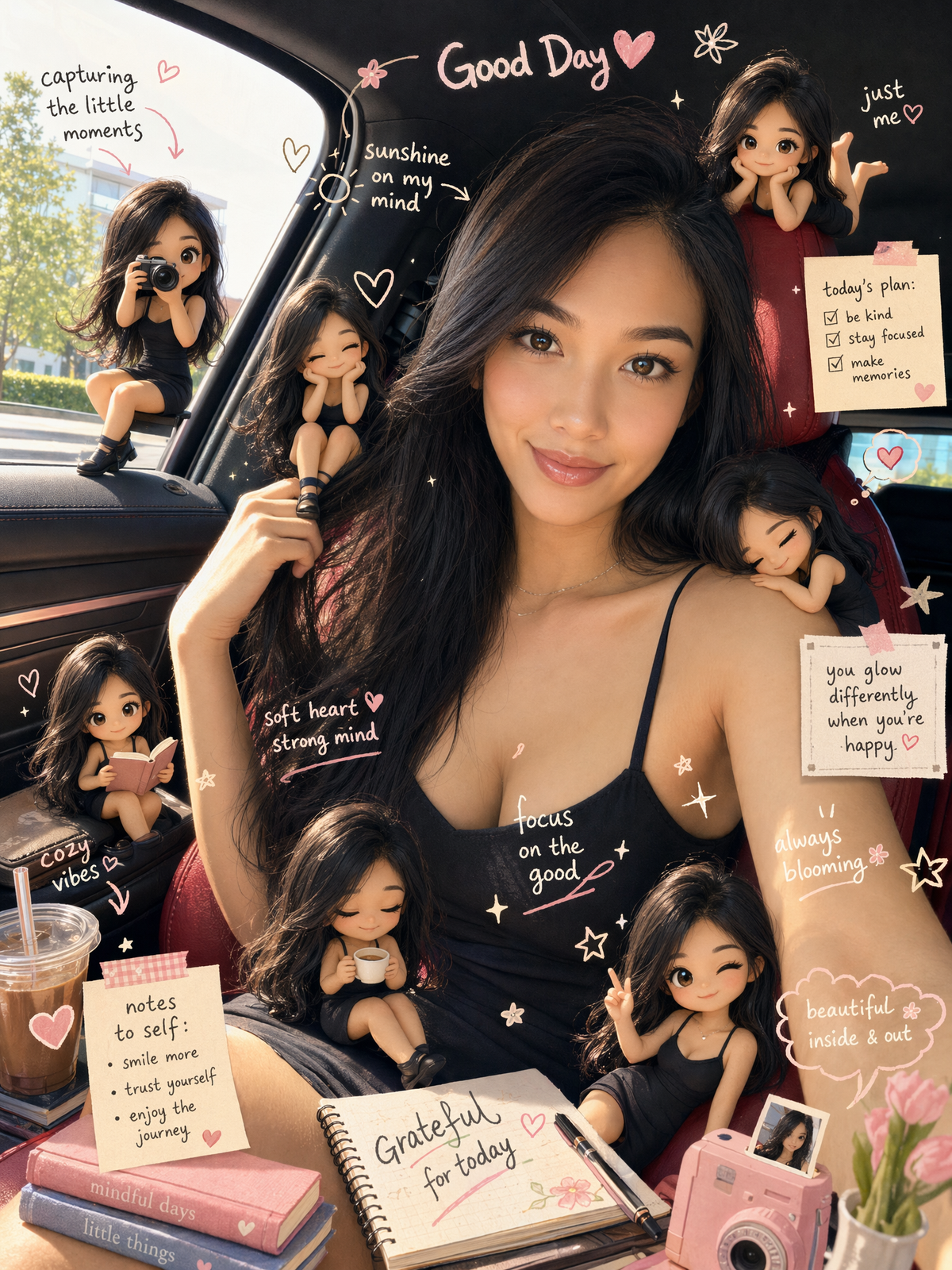
Transform the provided reference image into a cozy aesthetic scrapbook-style composition while strictly preserving the original subject, identity, pose, lighting, and background.

Add multiple small “mini version” characters of the same person (chibi / doll-like style), placed naturally around the scene (on objects, table, shoulder, etc.). These mini figures must match the subject’s face, hairstyle, outfit, and vibe consistently, styled as cute 3D collectible figurines. Show them doing different activities (reading, posing, taking photos, relaxing).

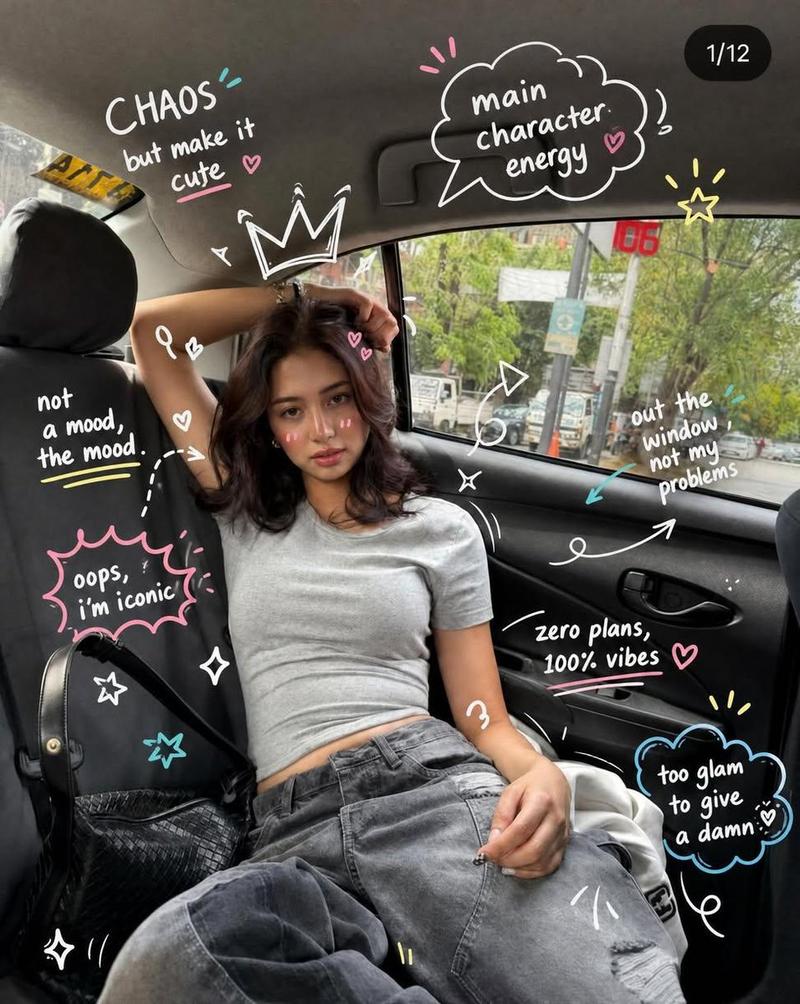
Overlay handwritten-style doodles and annotations across the image: arrows, hearts, stars, sparkles, icons, and playful captions connected to elements in the scene.

Use a soft pastel color palette (white base with pink, peach, blue accents).

Keep the frame visually rich and filled but balanced and clean.

Style: warm, cozy lighting, dreamy Instagram scrapbook aesthetic, soft depth of field, highly detailed, polished but playful.

The final result must look like the SAME original image enhanced with mini alter-egos and aesthetic annotations — not a recreated or different scene.
Category
Charts & Infographics
Model
GPT Image 2
Views565
Source ID
2522
Published
May 4, 2026

Guide

About "Transform the provided reference image into a cozy aesthetic scrapbook-style com"

What is this prompt for?

"Transform the provided reference image into a cozy aesthetic scrapbook-style com" AI image prompt for GPT Image 2 (Charts & Infographics). Transform the provi…

The full copyable prompt and example visuals above are ready for AI image generation or one-click recreate in Picva.

How to use this prompt

  1. Step 1

    Open the prompt detail

    Review the example visuals, category, and full prompt text for "Transform the provided reference image into a cozy aesthetic scrapbook-style com".

  2. Step 2

    Copy the prompt

    Copy the prompt body from this page, or load it directly in Studio.

  3. Step 3

    Pick a model (GPT Image 2)

    Prefer GPT Image 2. If you switch models, keep subject and composition and tweak style terms.

  4. Step 4

    Generate and export

    Recreate the look in Picva, or export into your workflow for editing and publishing.

FAQ

What is the "Transform the provided reference image into a cozy aesthetic scrapbook-style com" prompt?
It is an AI image-generation prompt for GPT Image 2 in the Charts & Infographics category. This page includes the full prompt text, example visuals, and a one-click recreate path in Picva.
How do I use this prompt to generate an image?
Copy the prompt from this page, or use Generate / Studio. Paste it into a compatible image model, or recreate the look in Picva with optional reference images.
Which model is this prompt for?
This page lists GPT Image 2. Most descriptive prompts also transfer to nearby image models such as GPT Image, Flux, or Midjourney with light style tweaks.
Can I use the result commercially?
You can usually copy the prompt for creation, but commercial use of the final image depends on the model terms, reference-image rights, and the generated content. Follow the source author and platform rules.