Create a cinematic dark fantasy action scene in a ruined cathedral hall: a {argu
提示词
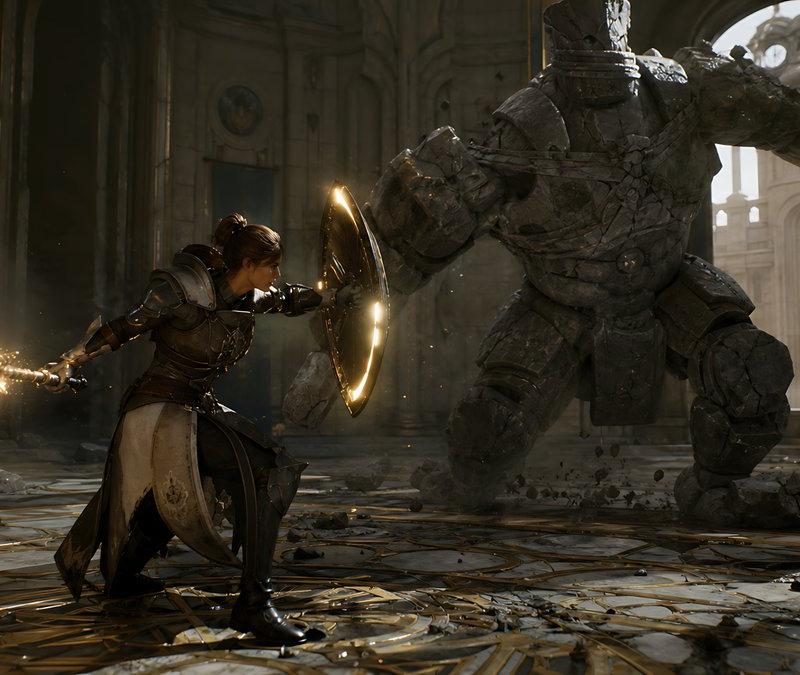
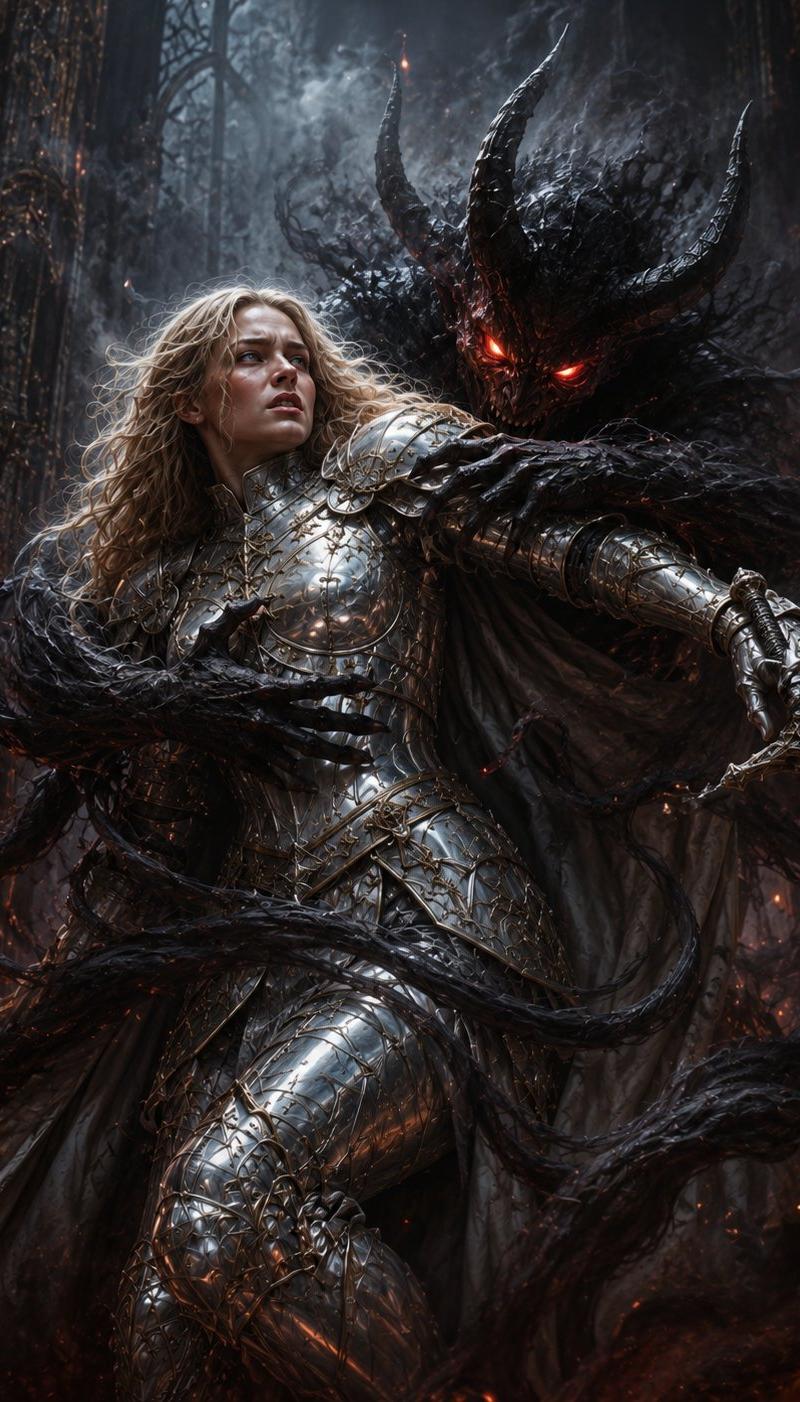
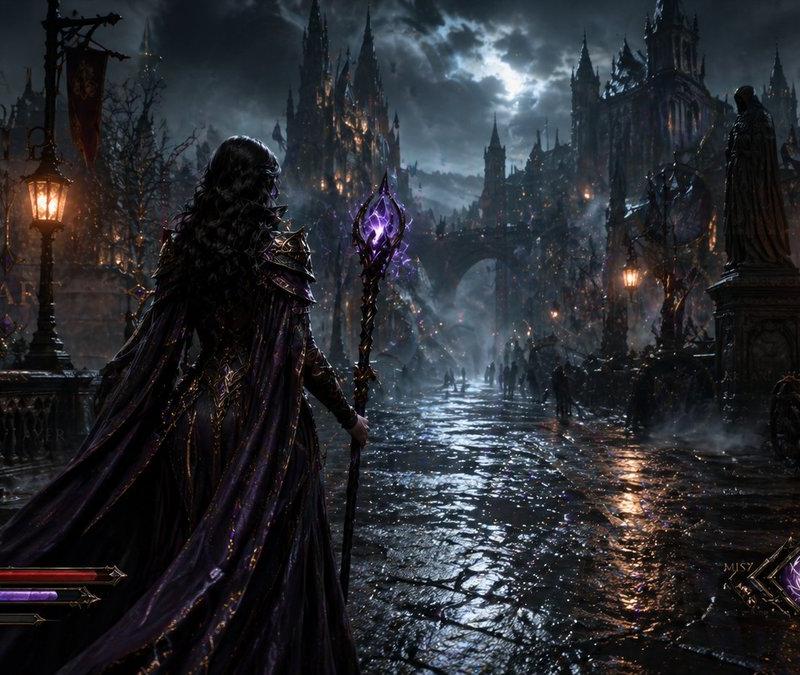
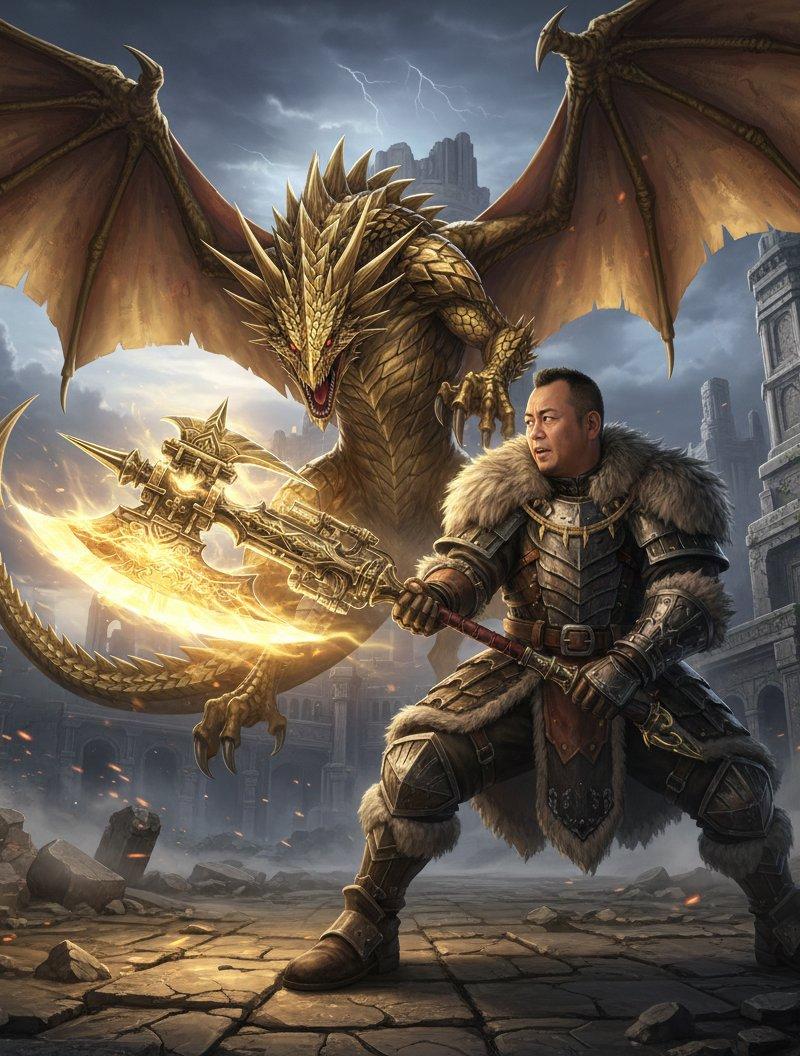
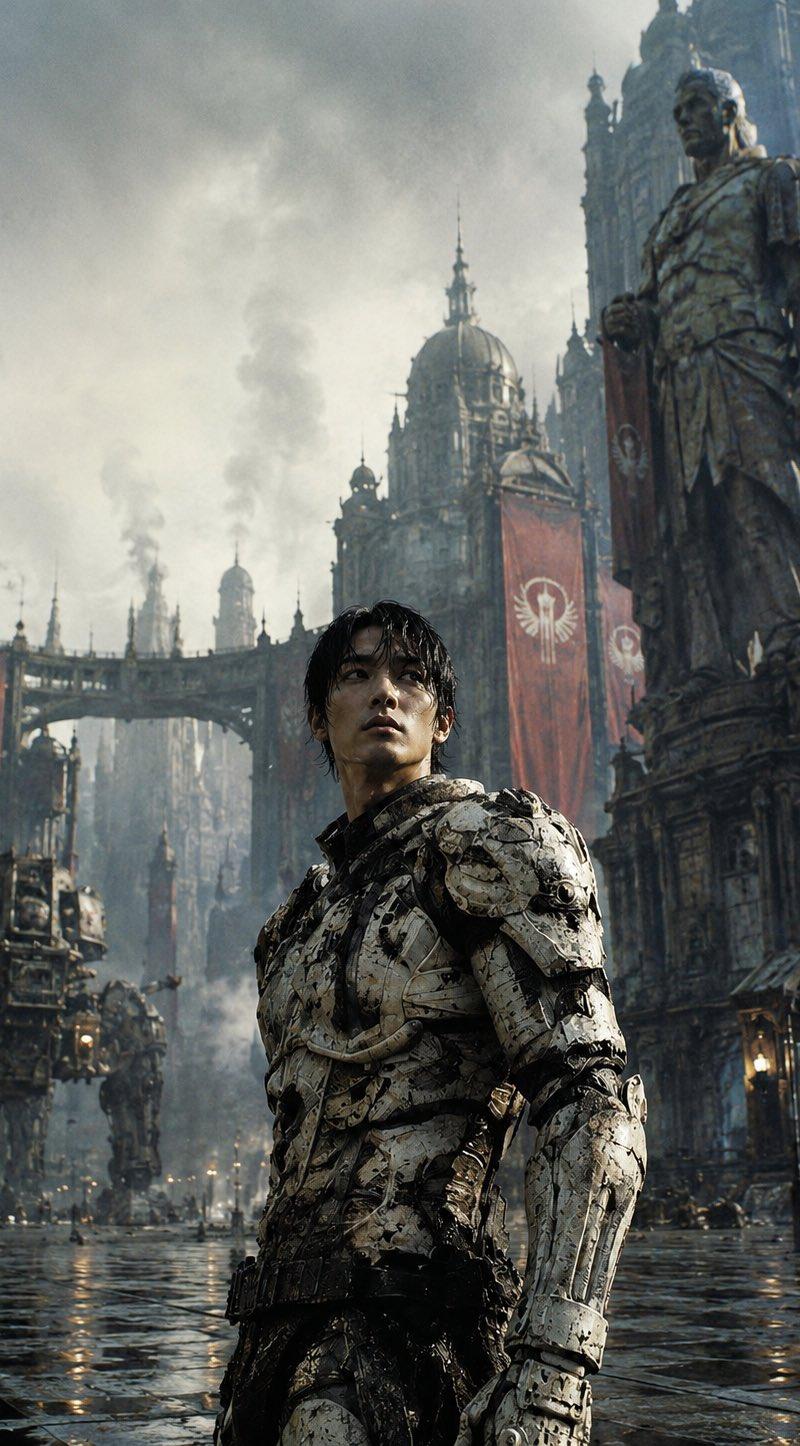
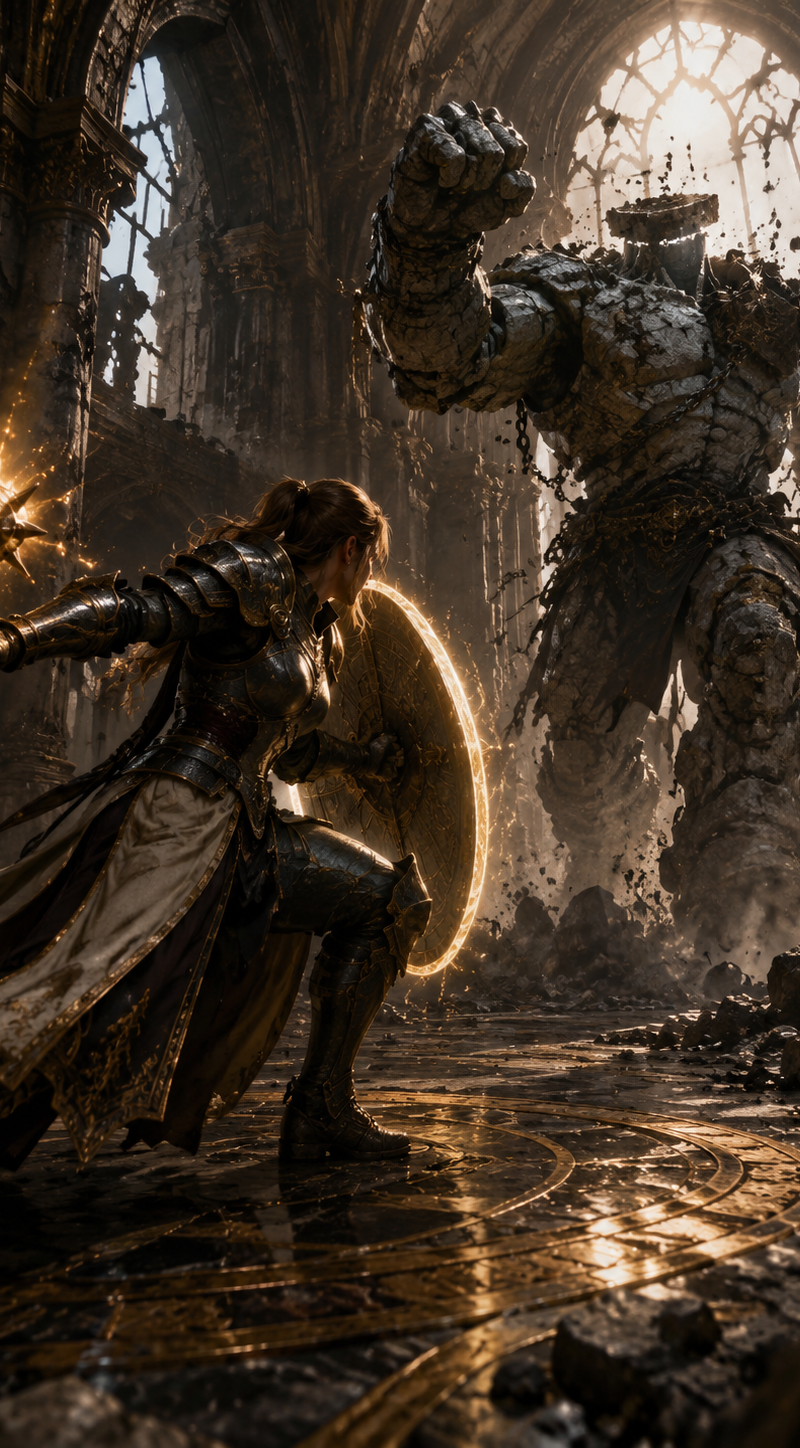
Create a cinematic dark fantasy action scene in a ruined cathedral hall: a {argument name="hero type" default="female armored knight-mage"} crouches in a defensive lunge on the left foreground, wearing ornate dark steel and leather plate armor with a long cream-and-black tabard, one arm extended behind her gripping a spiked mace or morning star crackling with golden magic sparks, the other arm braced forward behind a round glowing shield rimmed with warm light. Opposite her in the right midground is a massive {argument name="enemy type" default="headless stone golem"}, built from cracked gray masonry plates and bound with broken chains, charging with one huge fist raised and rubble falling from its body. Set the battle inside a grand, damaged palace-cathedral interior with towering arches, carved stone columns, tall broken windows, gold-trimmed marble floor in circular geometric patterns, scattered chunks of stone, dust, and debris. Use dramatic backlighting from a bright arched window behind the golem, warm golden magical highlights on the shield and weapon, deep shadows, volumetric dust beams, realistic textures, high-detail armor and stone, dynamic low-angle wide composition, shallow cinematic depth, epic game-cinematic realism, 16:9 widescreen, no text, no UI.- 分类
- UI 与界面
- 模型
- GPT Image 2
- 来源作者
- xie underwood
- 原始语言
- en
- 来源 ID
- 2821
- 发布时间
- 2026年5月8日
浏览量132