19

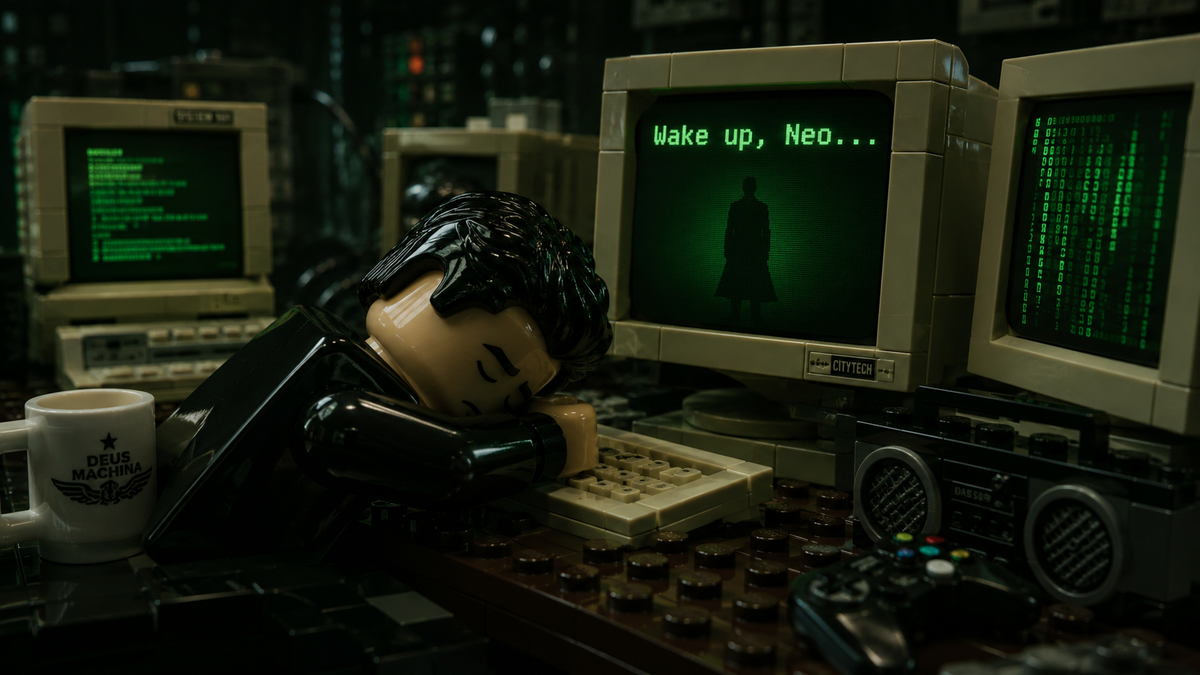
Cinematic photorealistic render of a detailed Lego minifigure styled after Neo f
放大

Cinematic photorealistic render of a detailed Lego minifigure styled after Neo f

提示词
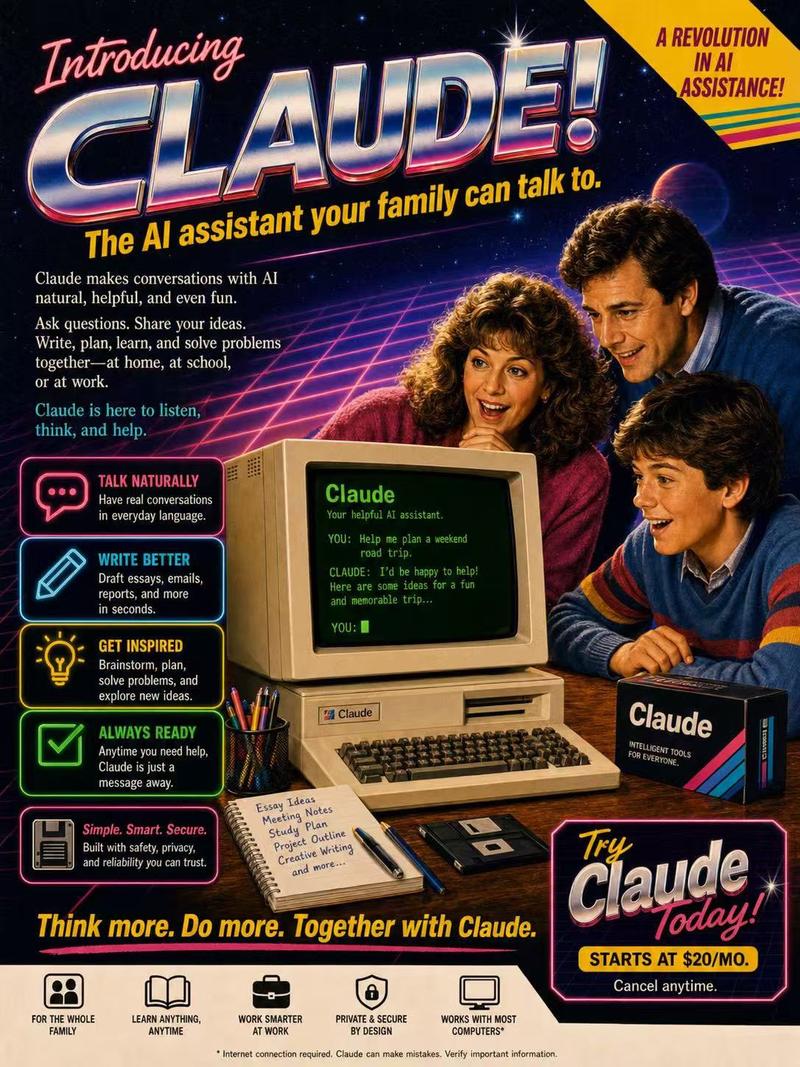
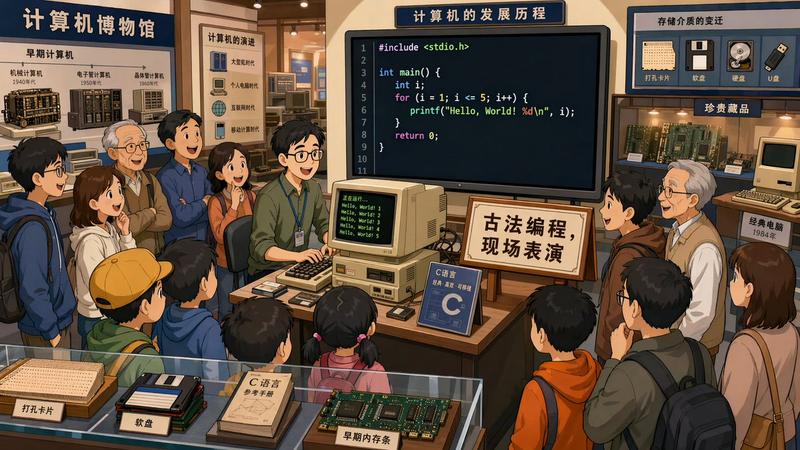
Cinematic photorealistic render of a detailed Lego minifigure styled after Neo from The Matrix, black slicked-back hair, sleeping face down with head resting on folded arms on a dark wooden desk, exhausted peaceful expression, multiple retro beige CRT computer monitors surrounding him, the main monitor clearly displaying green text "Wake up, Neo..." with a black silhouette figure on screen, another monitor showing green code, vintage keyboard under his arms, white Lego coffee mug on the left, boombox and game controller on the right, dark moody green cinematic lighting with strong screen glow, glossy realistic plastic textures on the Lego minifigure and objects, visible studs and seams, shallow depth of field, sharp focus on the minifigure and monitor text, soft background blur, nostalgic cyberpunk atmosphere, The Matrix 1999 aesthetic reimagined in highly detailed Lego style --ar 16:9 --stylize 250 --v 6
分类
图表信息图
模型
GPT Image 2
来源作者
xie underwood
原始语言
en
浏览量15
来源 ID
30030
发布时间
2026年6月17日
Studio

使用说明

关于「Cinematic photorealistic render of a detailed Lego minifigure styled after Neo f」

这条提示词适合做什么?

「Cinematic photorealistic render of a detailed Lego minifigure styled after Neo f」AI 图片提示词,适用于 GPT Image 2,分类:图表信息图。Cinematic photorealistic render of a detail…

页面上方提供可复制的完整提示词正文与示例效果图,适合直接用于 AI 图片生成或在 Picva 中一键同款。

如何使用这条提示词

  1. 步骤 1

    打开提示词详情

    查看「Cinematic photorealistic render of a detailed Lego minifigure styled after Neo f」的示例图、分类与完整 Prompt 文本。

  2. 步骤 2

    复制提示词

    一键复制页面中的提示词正文,或在 Studio 中直接带入。

  3. 步骤 3

    选择模型(GPT Image 2)

    优先使用 GPT Image 2;如切换其他模型,可保留主体与构图,微调风格词。

  4. 步骤 4

    生成并导出

    在 Picva 一键生成同款,或导出到你的工作流继续编辑发布。

常见问题

「Cinematic photorealistic render of a detailed Lego minifigure styled after Neo f」是什么提示词?
这是一条可用于 GPT Image 2 的图片生成提示词,属于「图表信息图」分类。页面提供完整 Prompt 文本、示例效果图,以及在 Picva 中一键生成同款的入口。
如何使用这条提示词生成图片?
复制页面中的提示词,或点击一键生成 / Studio。可直接粘贴到支持的图像模型,也可在 Picva 中结合参考图生成同款视觉效果。
这条提示词适合哪个模型?
页面标注模型为 GPT Image 2。多数描述型提示词也可迁移到 GPT Image、Flux、Midjourney 等相近图像模型,必要时微调风格与构图词。
可以商用吗?需要注意什么?
提示词文本通常可复制用于创作,但最终图片是否可商用取决于你使用的模型条款、参考图版权以及生成内容本身。请遵守来源作者与平台规则。