18

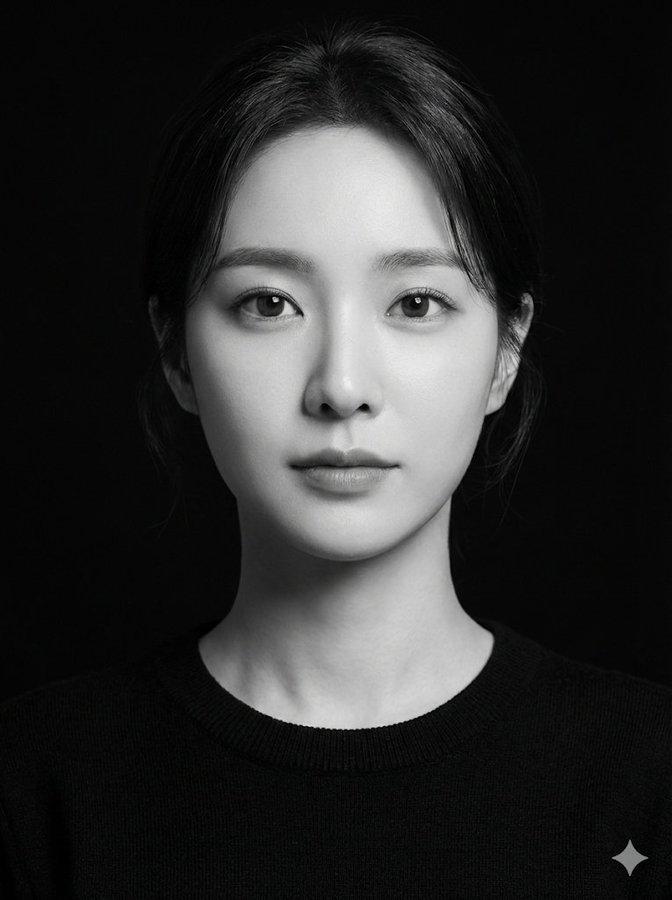
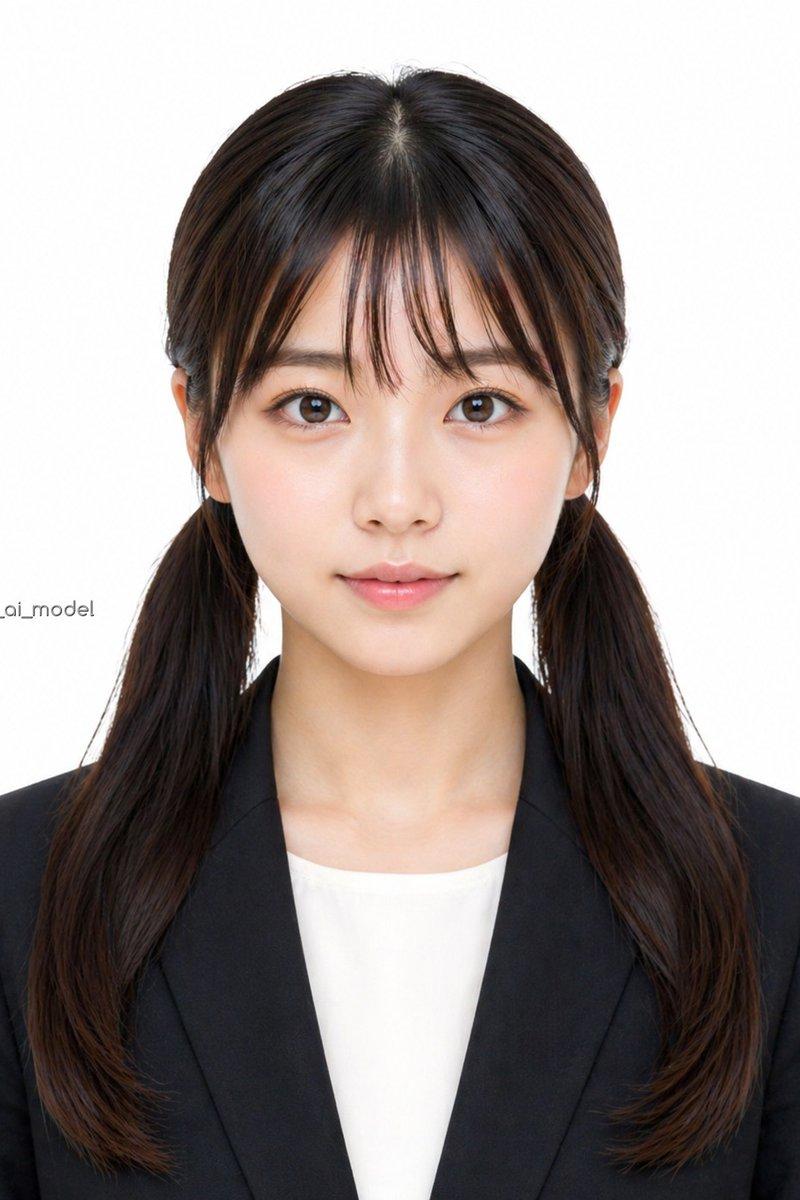
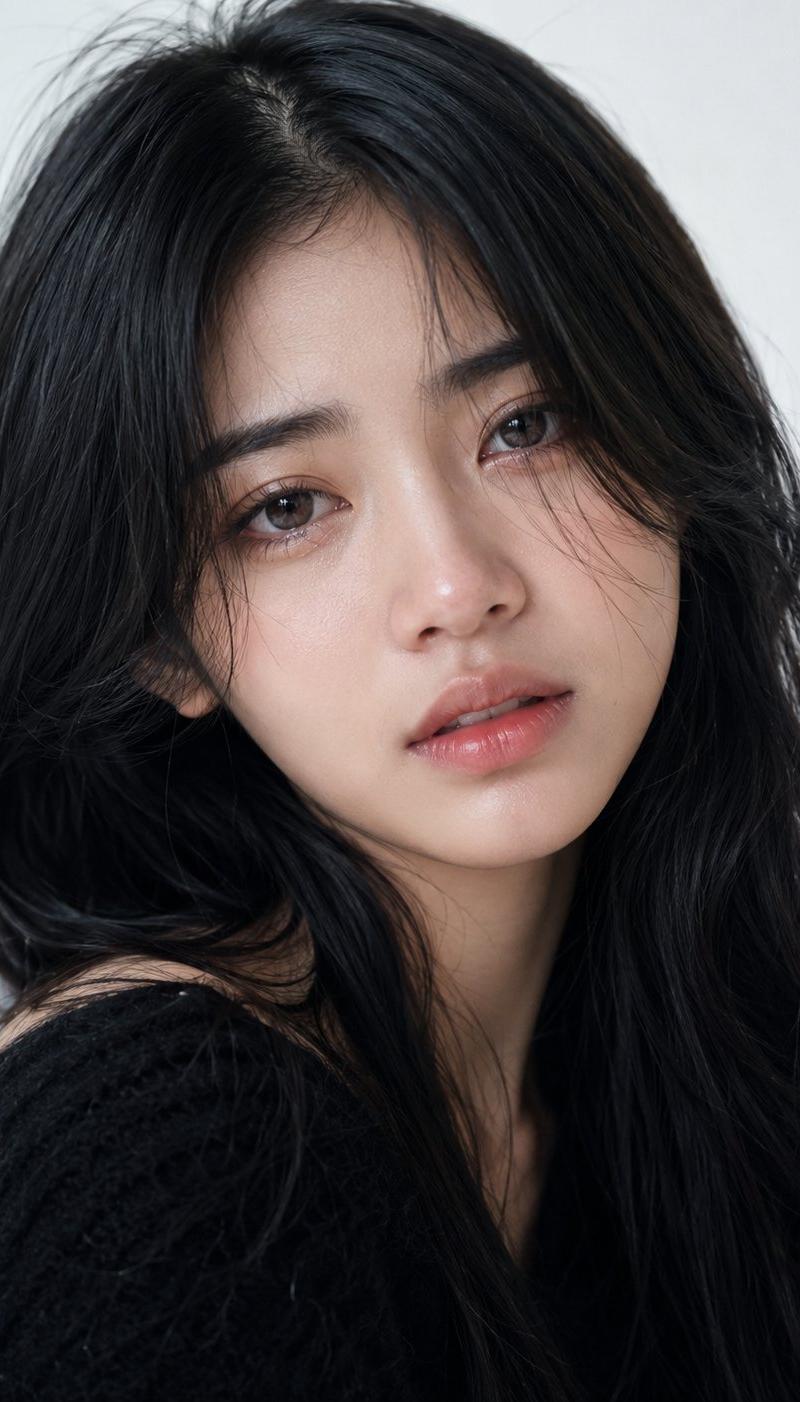
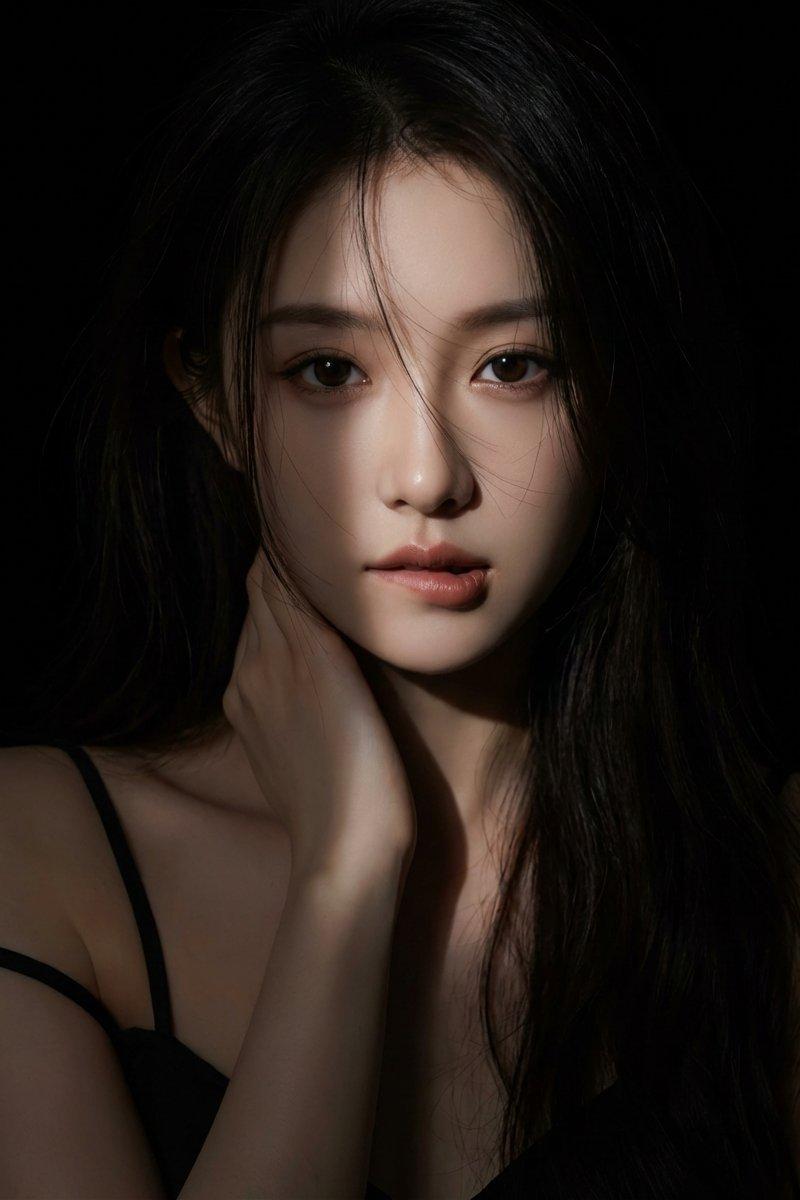
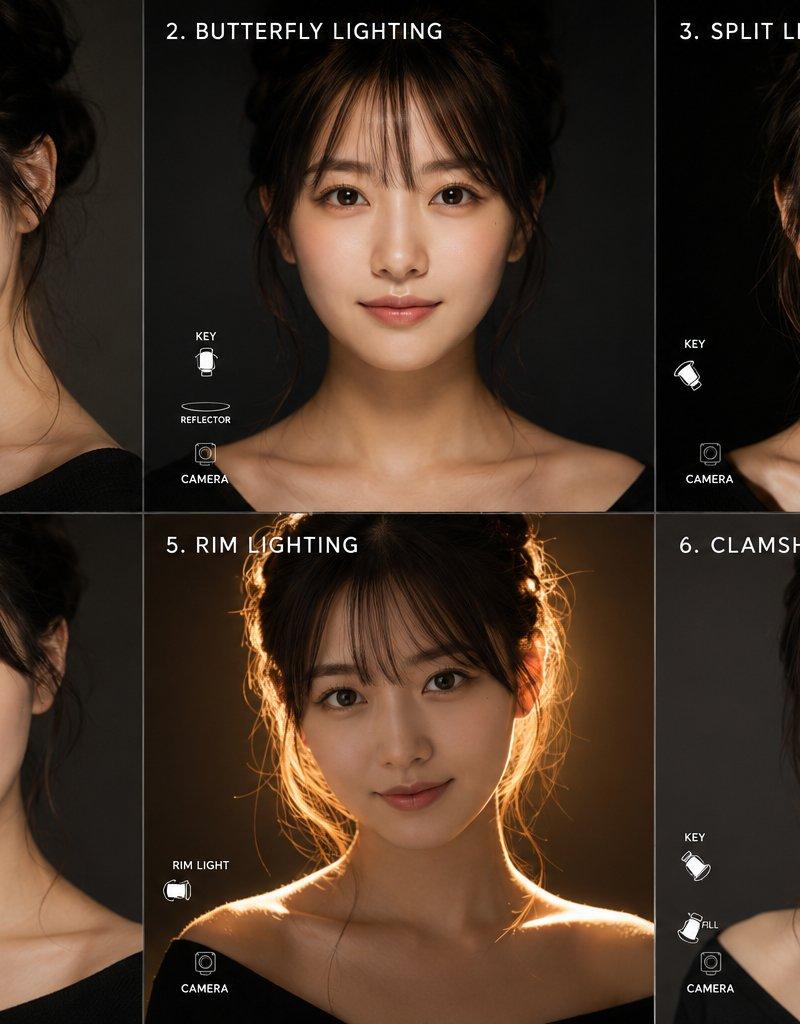
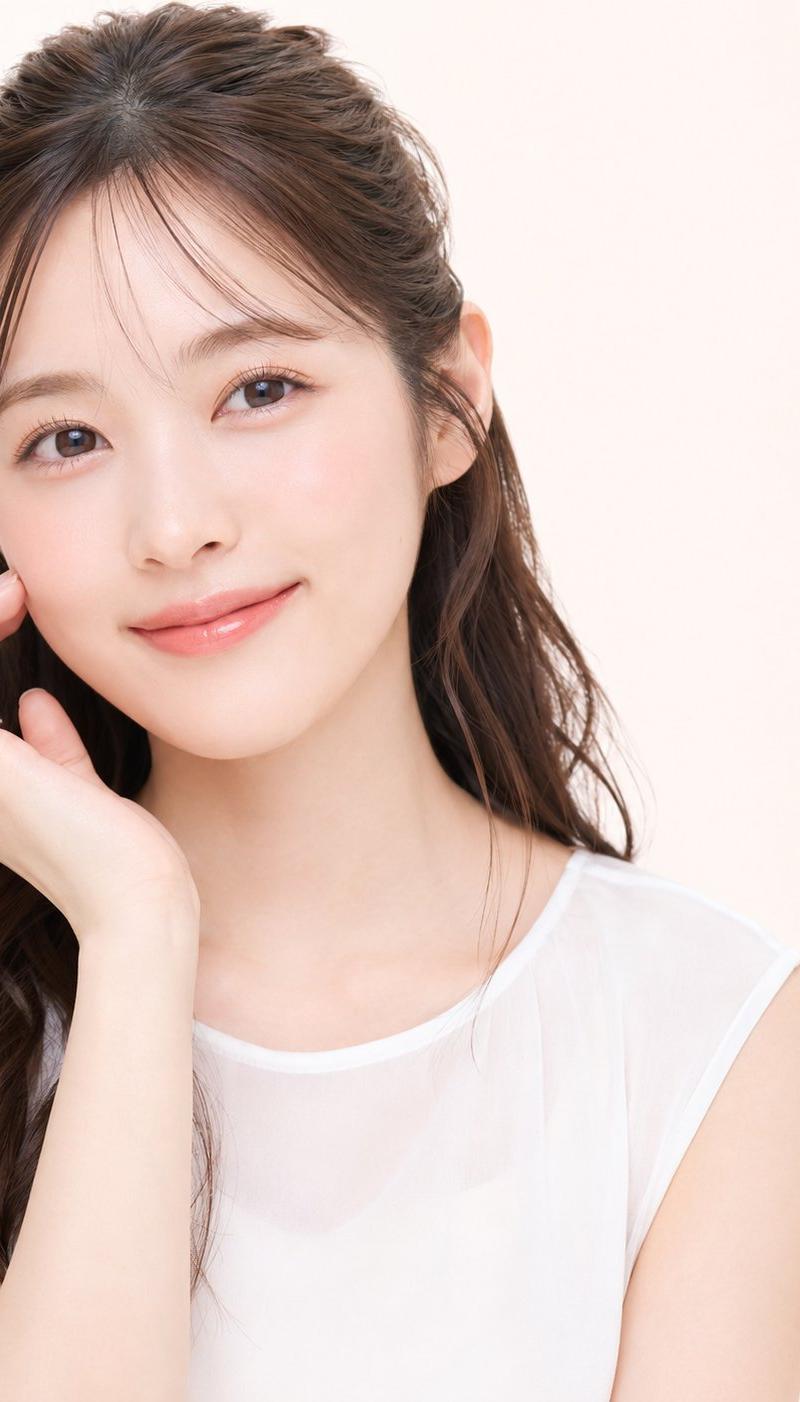
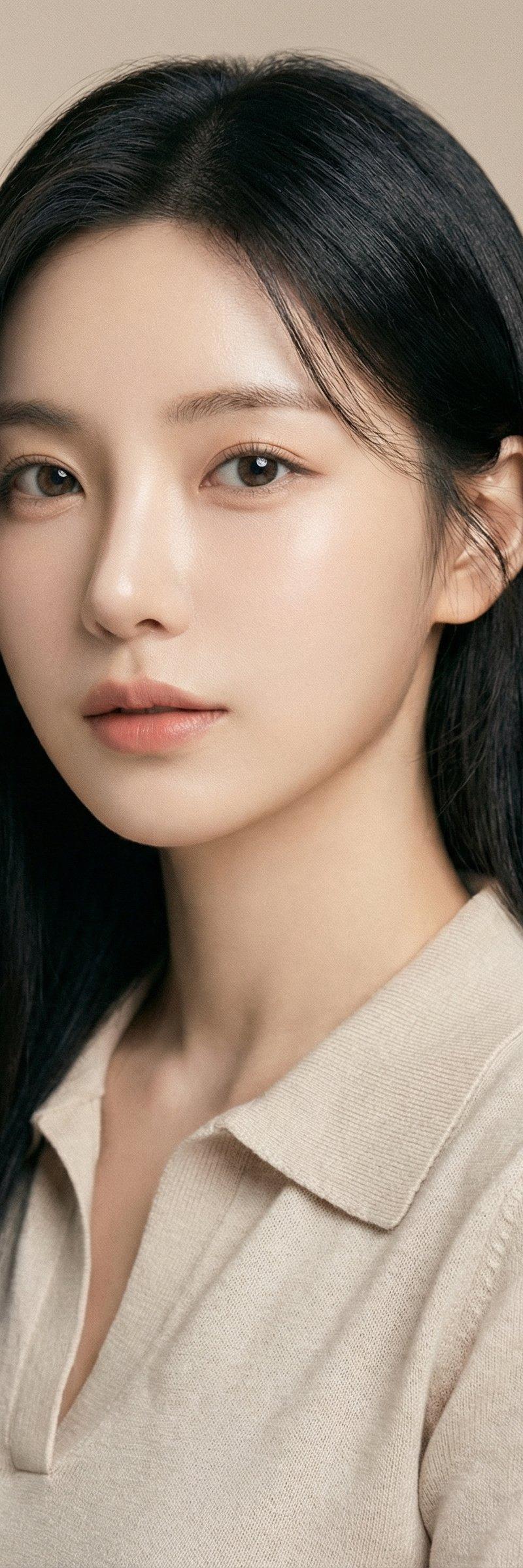
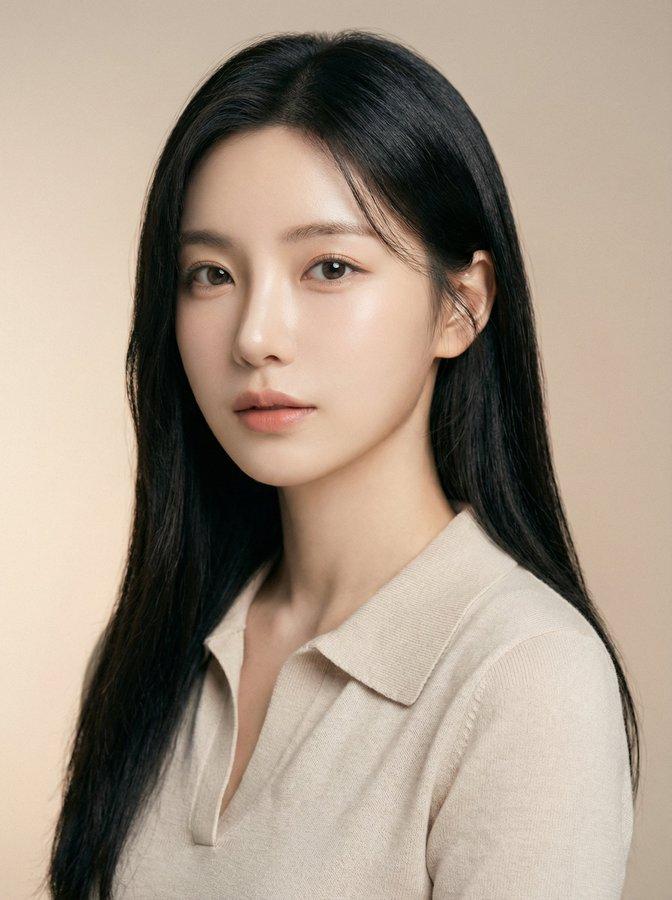
Ultra close-up beauty portrait, head-and-shoulders framing, face filling most of
放大

示例图片

Ultra close-up beauty portrait, head-and-shoulders framing, face filling most of

提示词
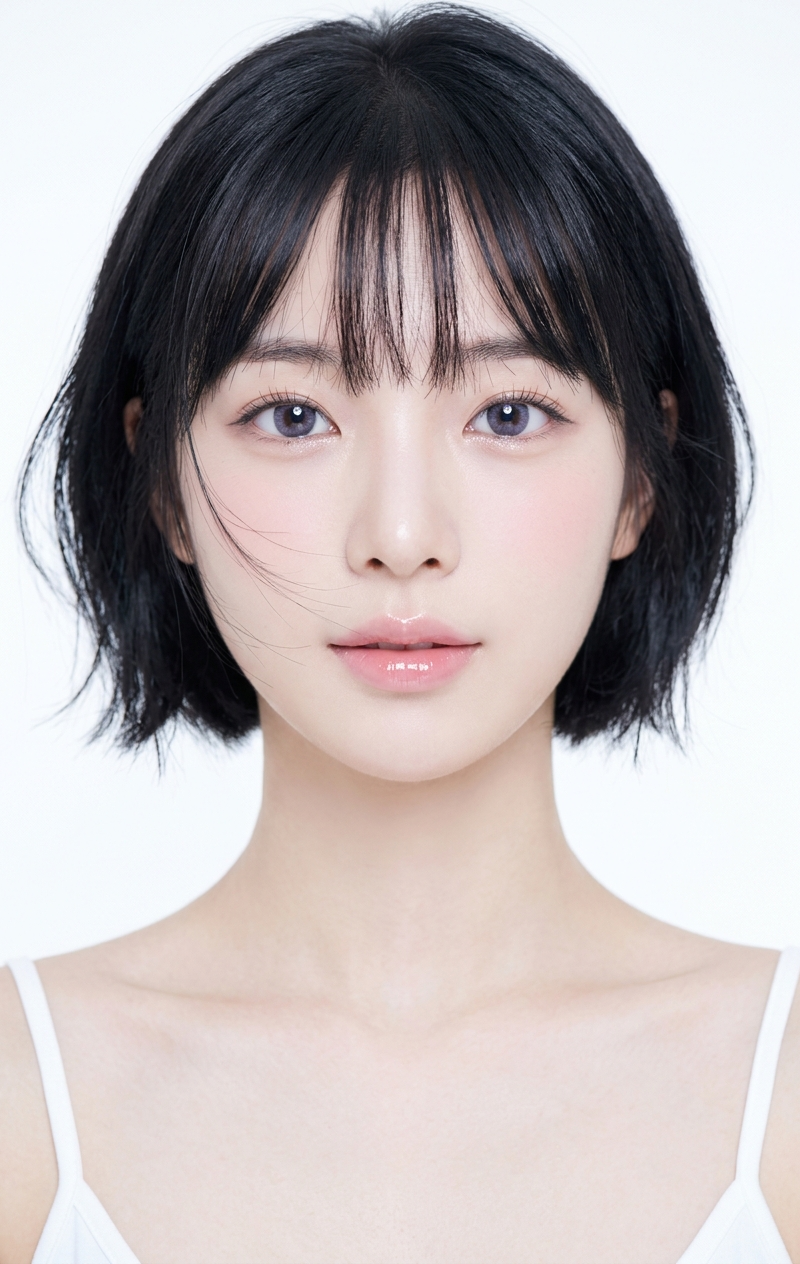
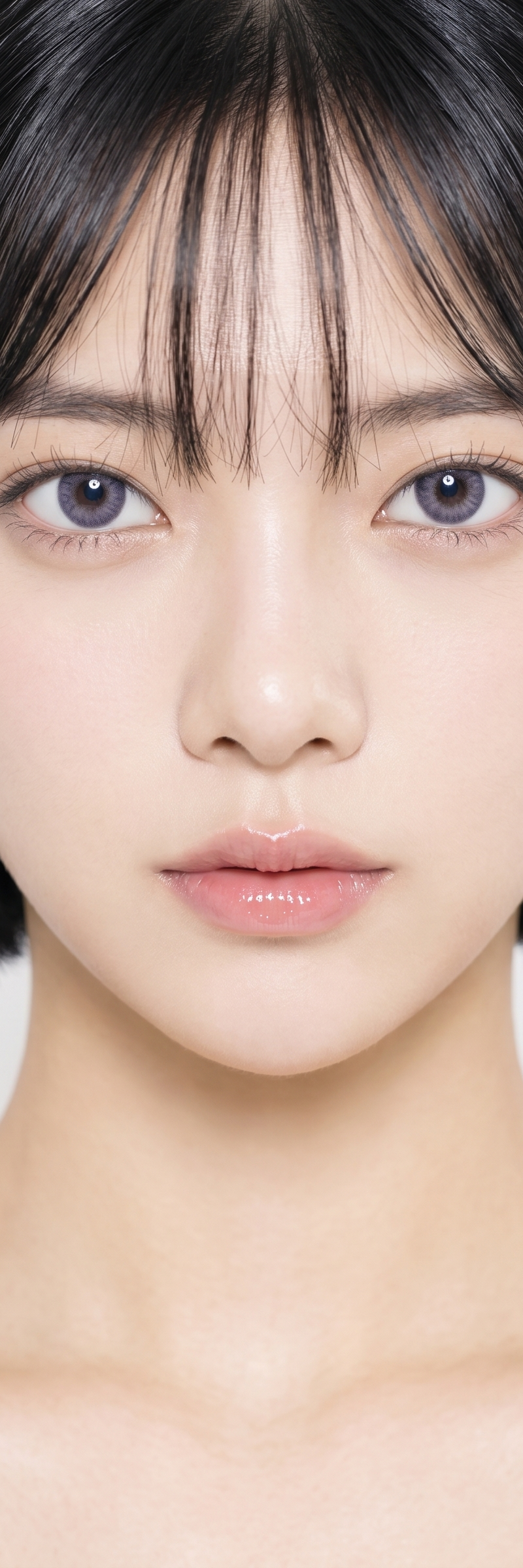
Ultra close-up beauty portrait, head-and-shoulders framing, face filling most of the frame, pure white seamless studio background, high-key studio lighting, soft diffused frontal light, luminous airy atmosphere, clean commercial beauty photography, Korean beauty editorial style, delicate youthful East Asian girl, short black bob haircut, neat see-through bangs, large glossy violet-gray eyes, subtle eyeliner, soft lower lashes, tiny nose, glossy pale pink lips, porcelain fair skin, smooth refined skin texture, soft blush, bright catchlights in the eyes, slender neck and collarbones, white tank top straps only slightly visible, minimal composition, dreamy clean white negative space, ultra polished retouching, soft glow, beauty campaign aesthetic, ethereal, fresh, innocent, high detail, sharp eyes, soft skin, premium studio portrait, intimate actions must include constraints on character proportions, body structure, and spatial relationships.
分类
真实摄影
模型
Nano Banana 2
来源作者
Allen Tu
原始语言
en
浏览量959
来源 ID
3038
发布时间
2026年5月10日
Studio

使用说明

关于「Ultra close-up beauty portrait, head-and-shoulders framing, face filling most of」

这条提示词适合做什么?

「Ultra close-up beauty portrait, head-and-shoulders framing, face filling most of」AI 图片提示词,适用于 Nano Banana 2,分类:真实摄影。Ultra close-up beauty portrait, head-and-s…

页面上方提供可复制的完整提示词正文与示例效果图,适合直接用于 AI 图片生成或在 Picva 中一键同款。

如何使用这条提示词

  1. 步骤 1

    打开提示词详情

    查看「Ultra close-up beauty portrait, head-and-shoulders framing, face filling most of」的示例图、分类与完整 Prompt 文本。

  2. 步骤 2

    复制提示词

    一键复制页面中的提示词正文,或在 Studio 中直接带入。

  3. 步骤 3

    选择模型(Nano Banana 2)

    优先使用 Nano Banana 2;如切换其他模型,可保留主体与构图,微调风格词。

  4. 步骤 4

    生成并导出

    在 Picva 一键生成同款,或导出到你的工作流继续编辑发布。

常见问题

「Ultra close-up beauty portrait, head-and-shoulders framing, face filling most of」是什么提示词?
这是一条可用于 Nano Banana 2 的图片生成提示词,属于「真实摄影」分类。页面提供完整 Prompt 文本、示例效果图,以及在 Picva 中一键生成同款的入口。
如何使用这条提示词生成图片?
复制页面中的提示词,或点击一键生成 / Studio。可直接粘贴到支持的图像模型,也可在 Picva 中结合参考图生成同款视觉效果。
这条提示词适合哪个模型?
页面标注模型为 Nano Banana 2。多数描述型提示词也可迁移到 GPT Image、Flux、Midjourney 等相近图像模型,必要时微调风格与构图词。
可以商用吗?需要注意什么?
提示词文本通常可复制用于创作,但最终图片是否可商用取决于你使用的模型条款、参考图版权以及生成内容本身。请遵守来源作者与平台规则。