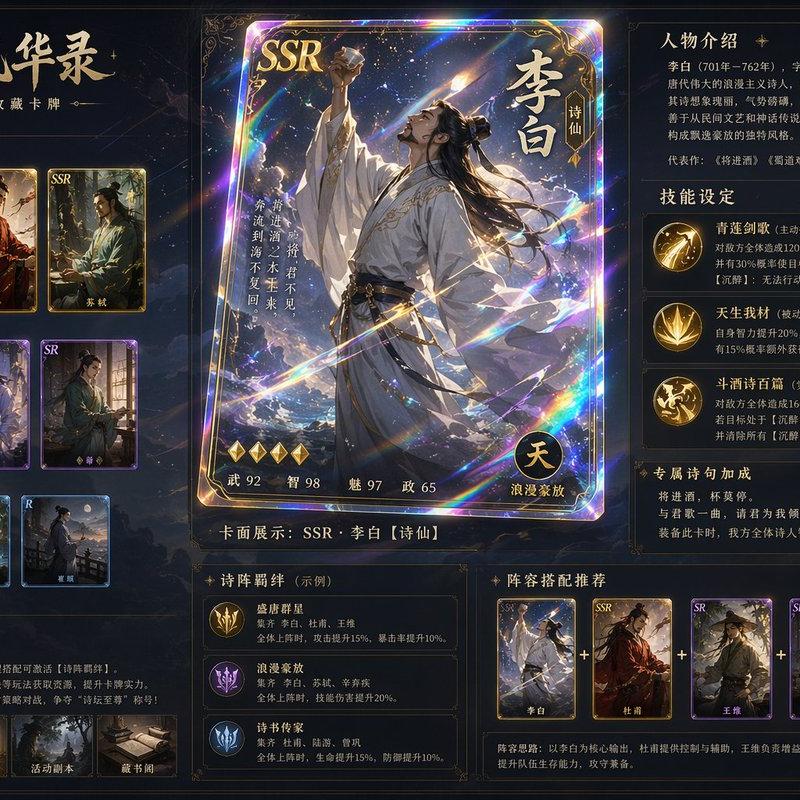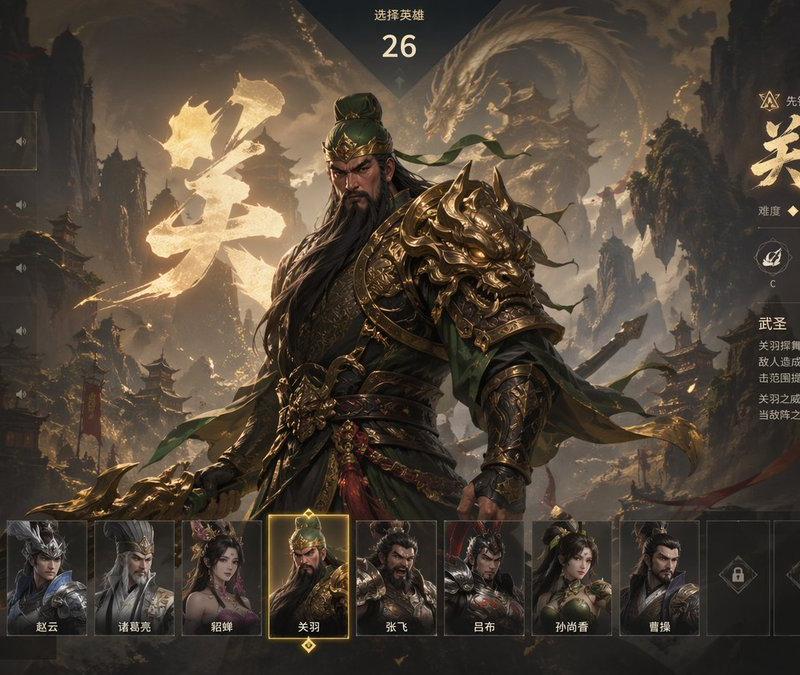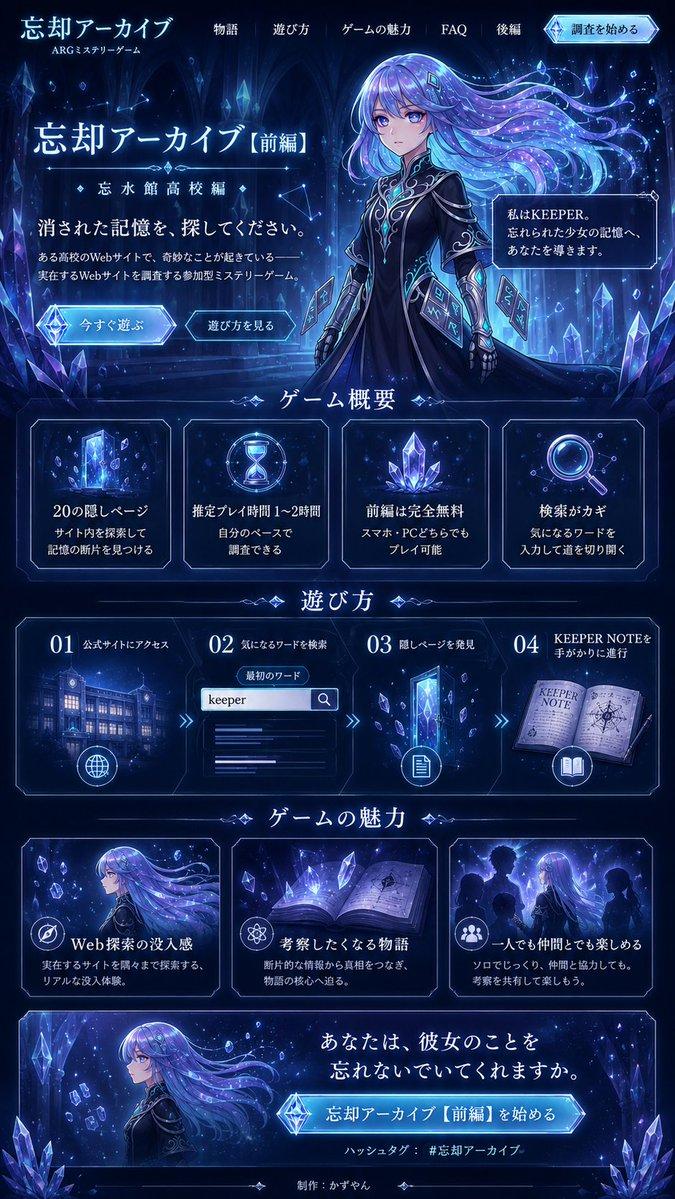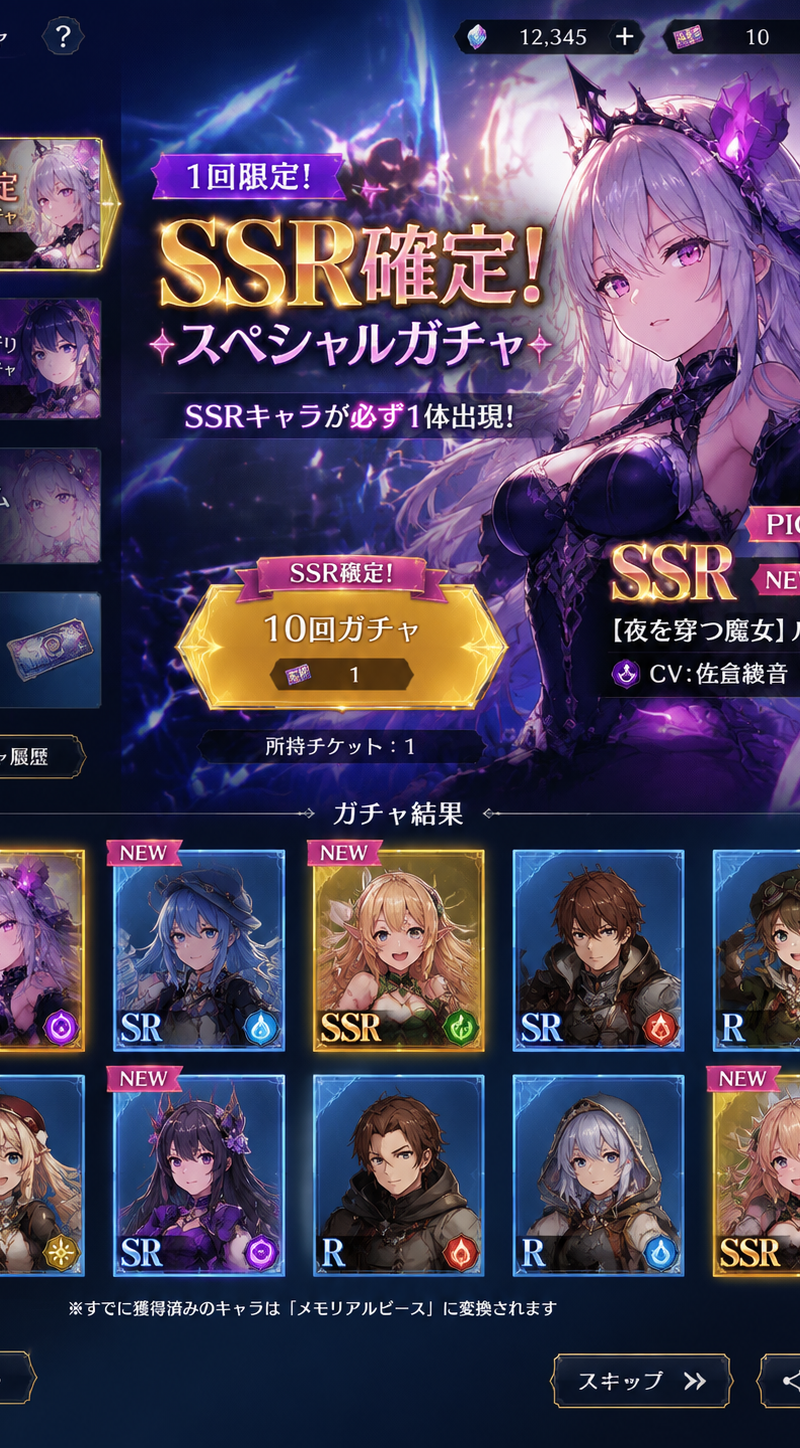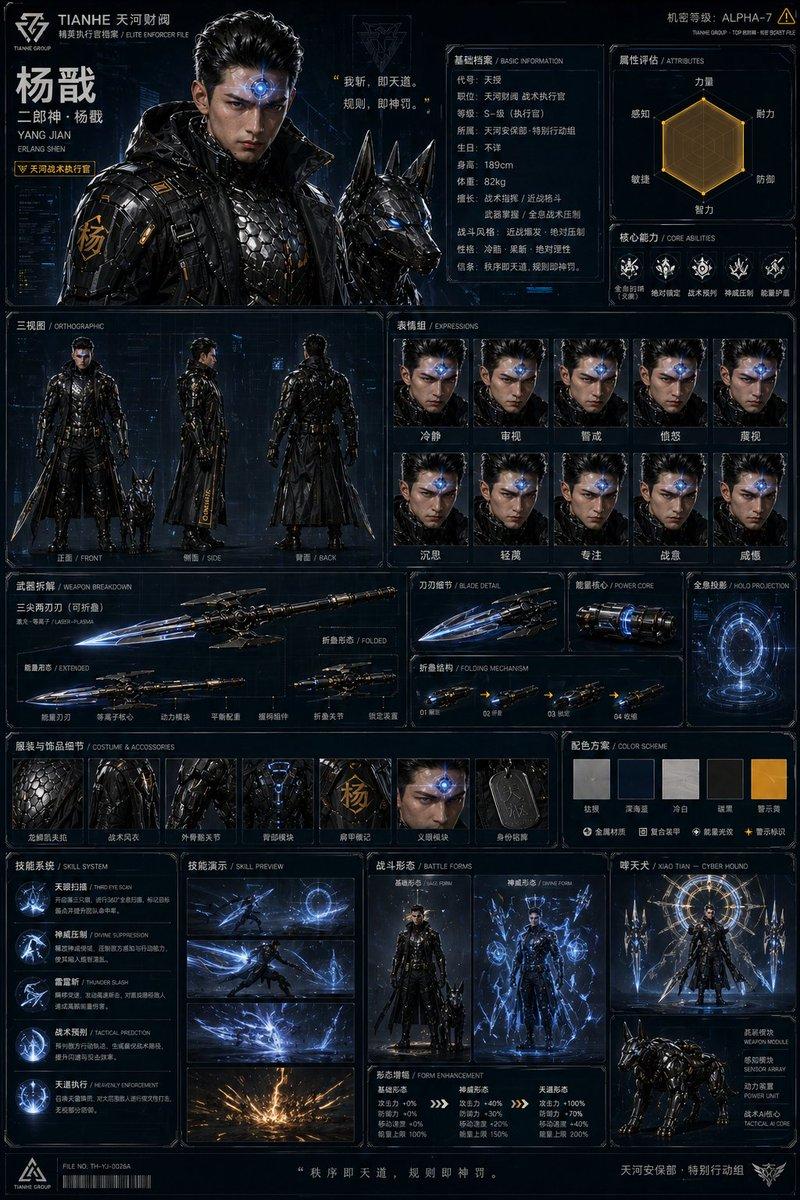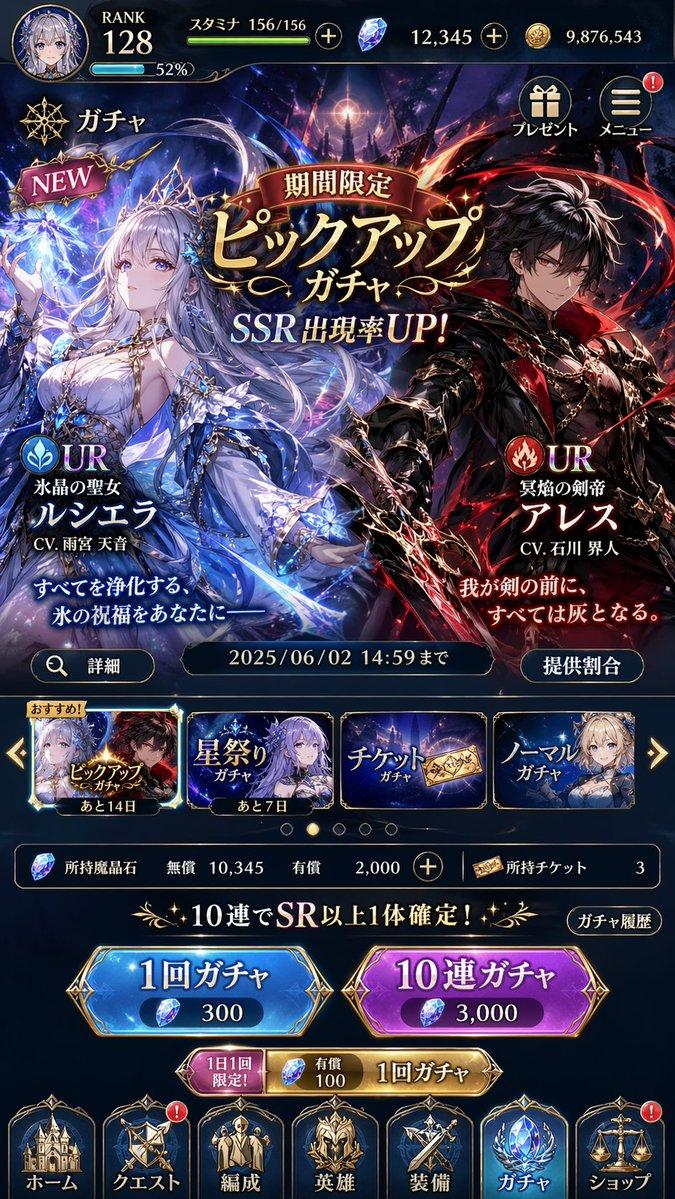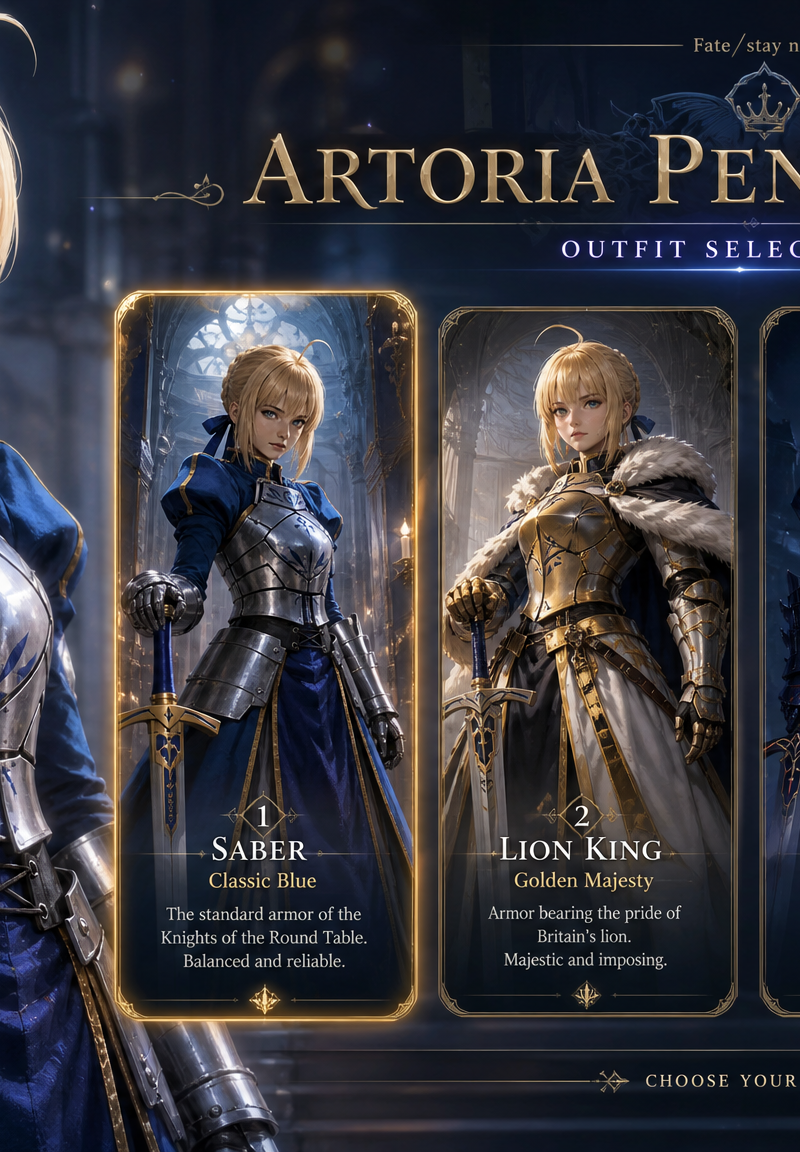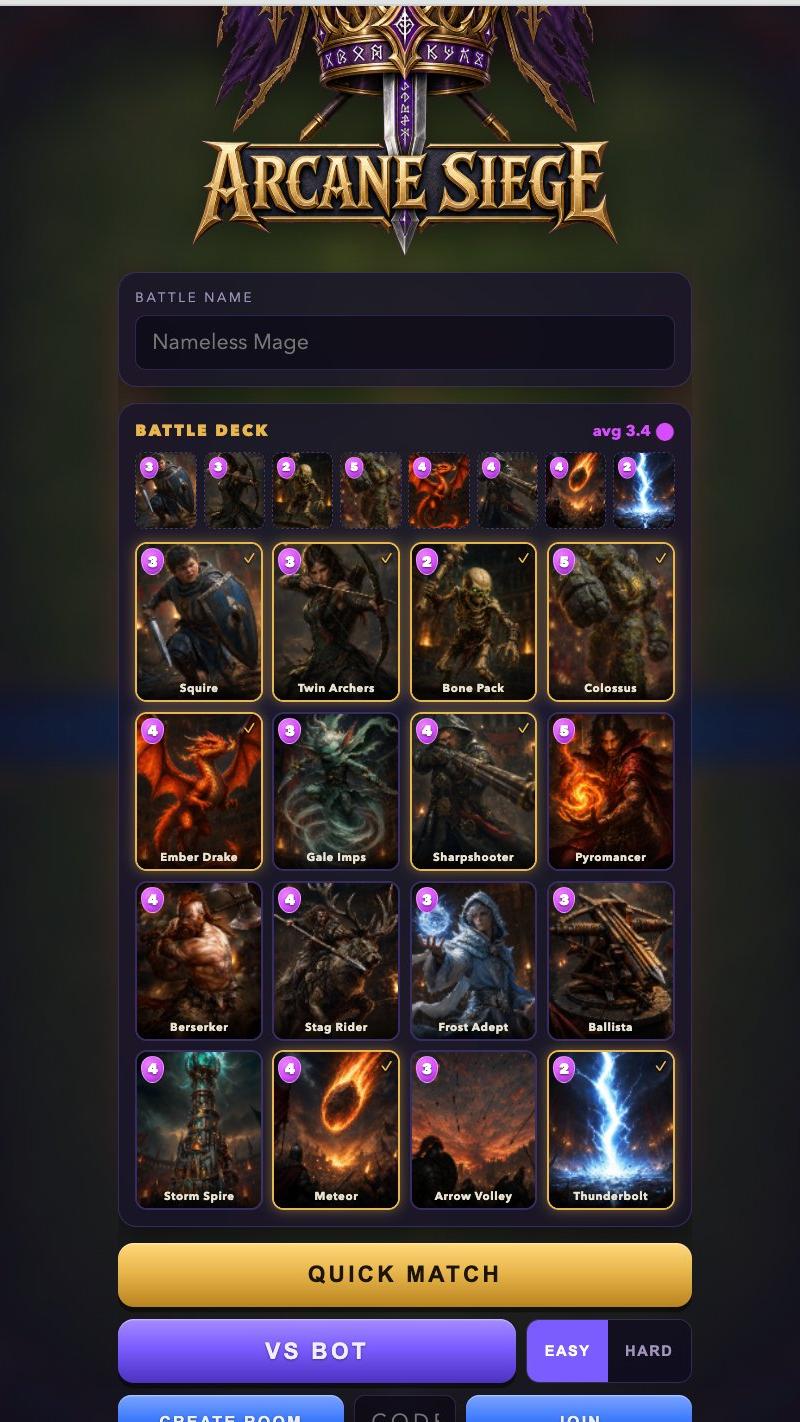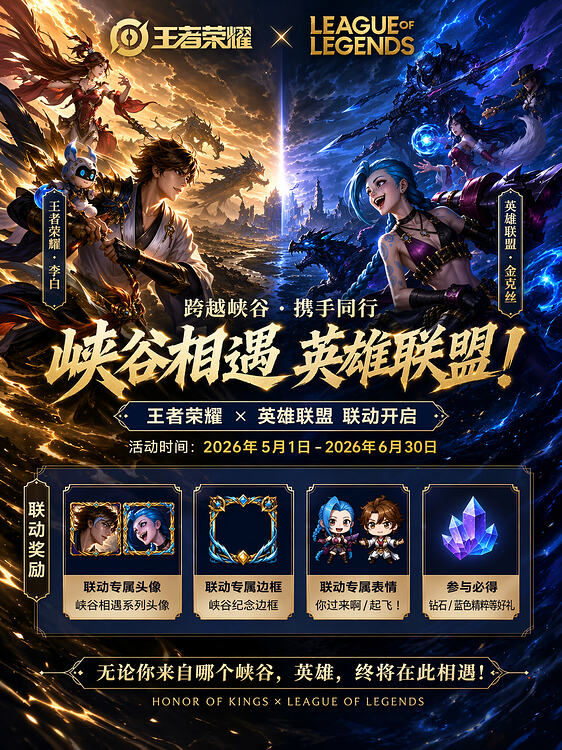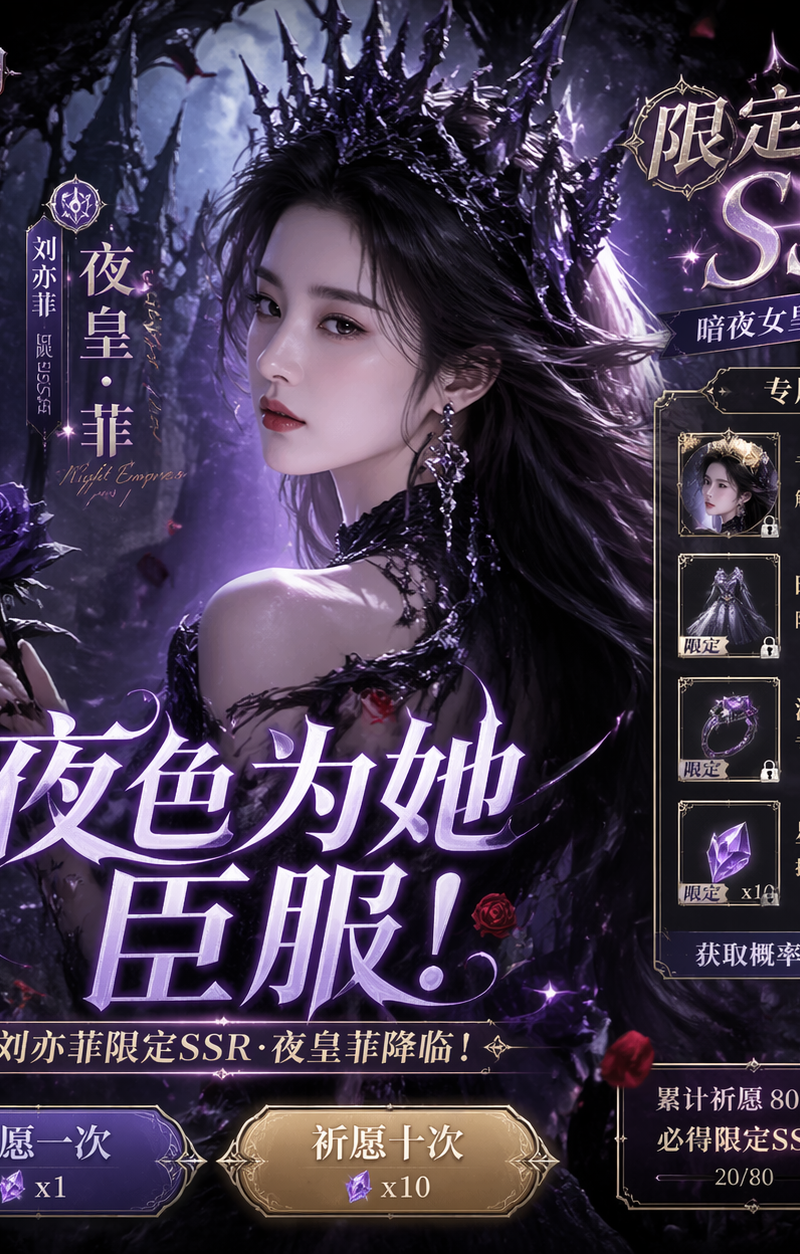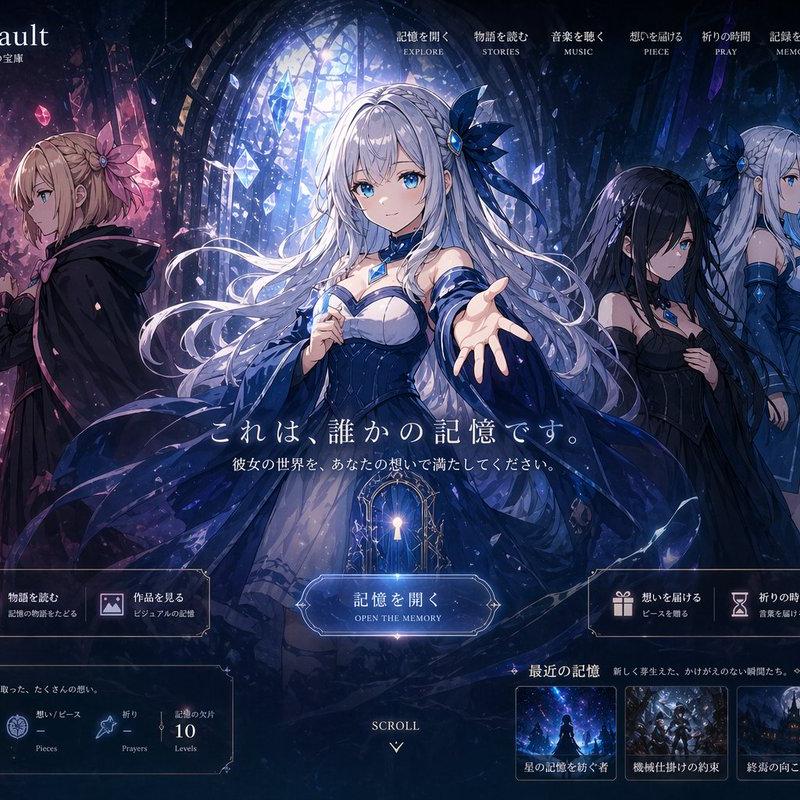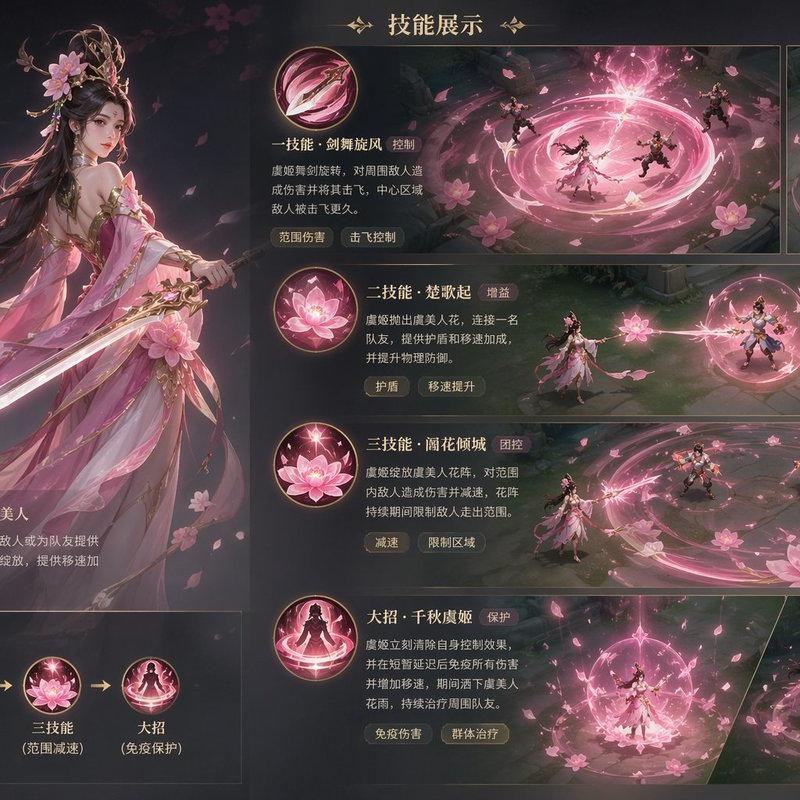
Create a premium, highly believable Character Select Screen for an imaginary gam
Prompt
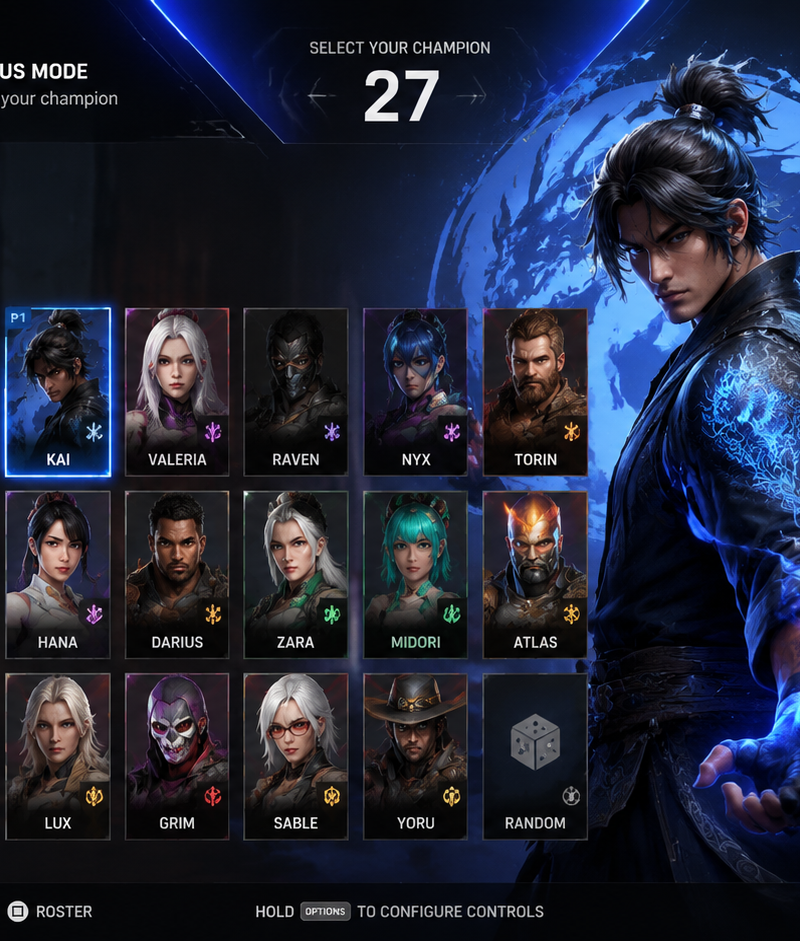
Create a premium, highly believable Character Select Screen for an imaginary game called [GAME TITLE].

The goal is to make the interface feel like a real playable roster screen from a major game: visually addictive, commercially polished, instantly readable, and full of personality. It should feel like a screen players would pause on, screenshot, and obsess over before choosing their main.

Game details:
- Game title: [GAME TITLE]
- Genre: [FIGHTING / HERO SHOOTER / RPG / PARTY GAME / TACTICAL / RACING / BRAWLER / GACHA / ACTION]
- Core concept: [WHAT THE GAME IS ABOUT]
- Roster type: [SMALL ELITE CAST / LARGE CHAOTIC ROSTER / SEASONAL HERO POOL / FACTION-BASED CAST]
- Main fantasy: [WHAT PLAYERS FEEL WHEN CHOOSING A CHARACTER]
- Audience: [AUDIENCE]
- Tone: [STYLISH / EPIC / CHAOTIC / DARK / PLAYFUL / NOSTALGIC / COMPETITIVE / CINEMATIC]
- Cultural vibe: [ANIME / ARCADE / ESPORTS / FANTASY PRESTIGE / HERO-SHOOTER / Y2K GAMECORE / RETRO FIGHTER / CYBER UI]
- Reality level: [BELIEVABLE AAA / BELIEVABLE INDIE HIT / STYLIZED BUT REAL / DEADPAN FICTIONAL]

Screen structure:
Build the interface like a real character selection menu.

Include sections such as:
- game logo or mode title
- character grid or lineup
- highlighted selected character
- full character portrait or hero pose
- character name
- class / role / faction
- stats or attributes
- signature ability or move
- optional difficulty rating
- optional lock / unlock state
- optional alternate skins or color variants
- optional player cursor or selection frame

For the roster, include:
- 6 to 20 believable character slots depending on the game type
- distinct silhouettes and identities
- a coherent roster ecosystem
- varied classes, archetypes, or playstyles
- names that feel genre-appropriate and memorable

Include:
- a strong selected-character focus
- premium UI hierarchy
- readable roster logic
- believable stat or role indicators
- polished iconography
- clear class/faction differentiation
- strong "pick your main" energy
- instantly shareable game-interface appeal

Visual direction:
- Make the screen feel like a real game menu players would see before a match or campaign start
- Emphasize identity, hype, choice, and roster fantasy
- Balance clean UX structure with strong character-worldbuilding
- Make it suitable for social sharing, fake game concepts, fan-worldbuilding, gaming mockups, or launch materials
- The result should look like a genuine roster screen from a popular game

Art direction:
- Style: [AAA CHARACTER SELECT UI / ARCADE FIGHTER MENU / HERO SHOOTER ROSTER SCREEN / ANIME GAME INTERFACE / PRESTIGE RPG MENU / RETRO MODERN HYBRID]
- Color palette: [PALETTE]
- Typography feel: [SHARP ARCADE / CLEAN MODERN / SCI-FI UI / ORNATE FANTASY / ESPORTS BOLD]
- Material feel: [GAME MENU SCREEN / CHARACTER ROSTER PANEL / MATCH LOBBY UI / CONSOLE INTERFACE / ARCADE SELECTION SCREEN]
- Lighting or image mood: [NEON GLOW / CINEMATIC DRAMA / CLEAN UI / COMPETITIVE ENERGY / SOFT FANTASY LIGHT]
- Background: [ARENA / ABSTRACT UI SPACE / WORLD MAP / ENERGY FIELD / FACTION HALL / DIGITAL VOID]

Composition:
- Show the screen as one cohesive character-select interface
- Make the selected character, roster, and key stats instantly readable
- Use real game-menu hierarchy and interaction logic
- Make the cast feel iconic, varied, and mechanically real
- Make the final output feel like a premium fake game UI with viral potential

Output quality:
- ultra-detailed
- visually structured
- commercially believable
- culturally fluent
- polished gaming UI design
- strong hierarchy and spacing
- premium character-roster composition
- instantly shareable visual concept

Optional content blocks:
- player 1 / player 2 markers
- random select slot
- locked characters
- season pass characters
- faction symbols
- win rate or popularity badge
- skin selector
- difficulty stars
- role icons
- matchmaking cue

Avoid:
- generic character poses
- weak roster variety
- fake-looking stat systems
- cluttered interface
- random icons without gameplay logic
- amateur game-menu aesthetics
- inconsistent character style across the roster
- too much text fighting the UI
- Category
- Charts & Infographics
- Model
- GPT Image 2
- Creator
- Dgv Fhc
- Source language
- en
- Source ID
- 3108
- Published
- May 12, 2026
Views147