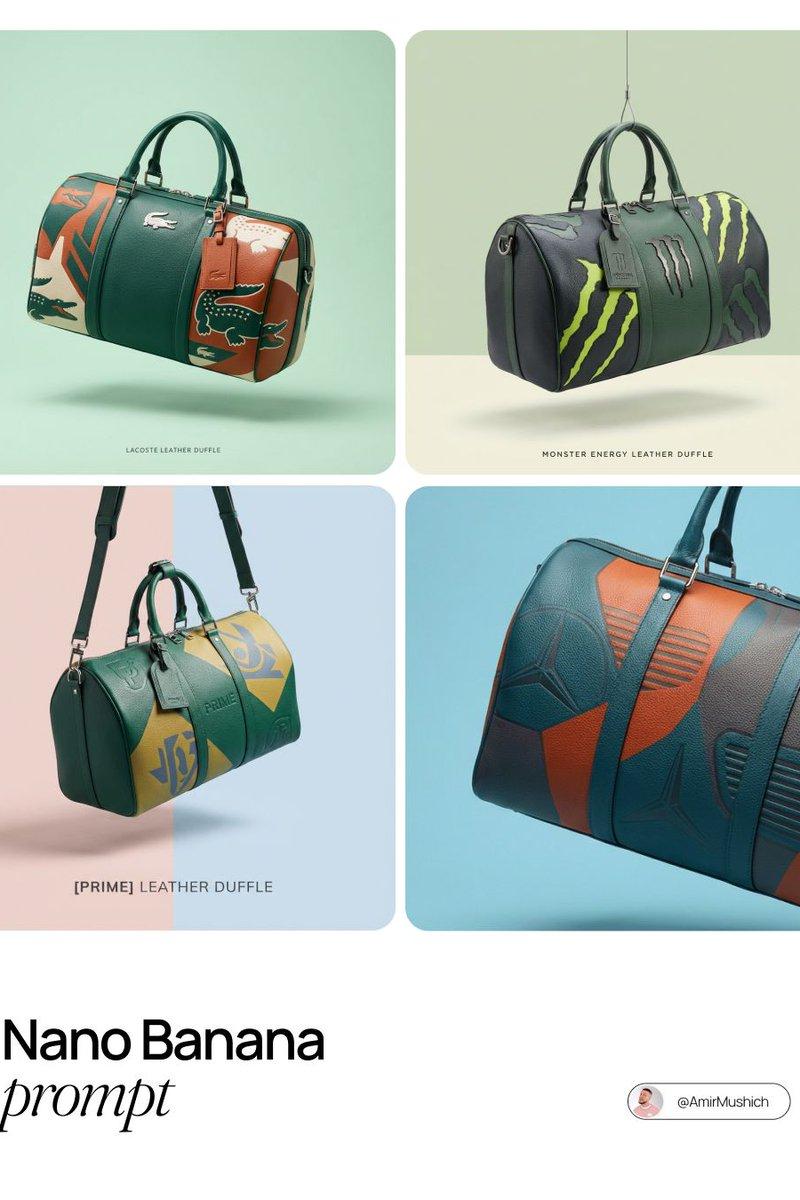
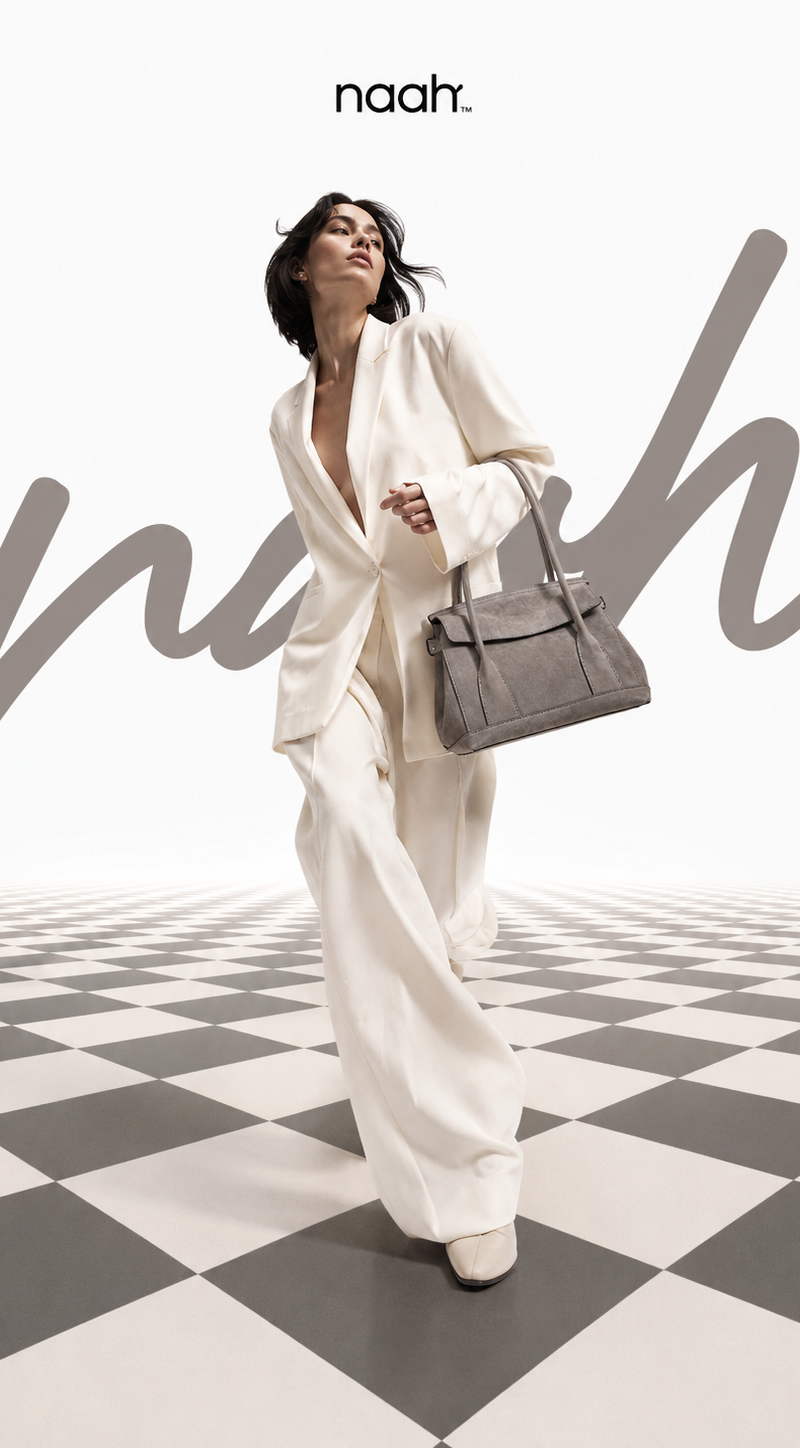
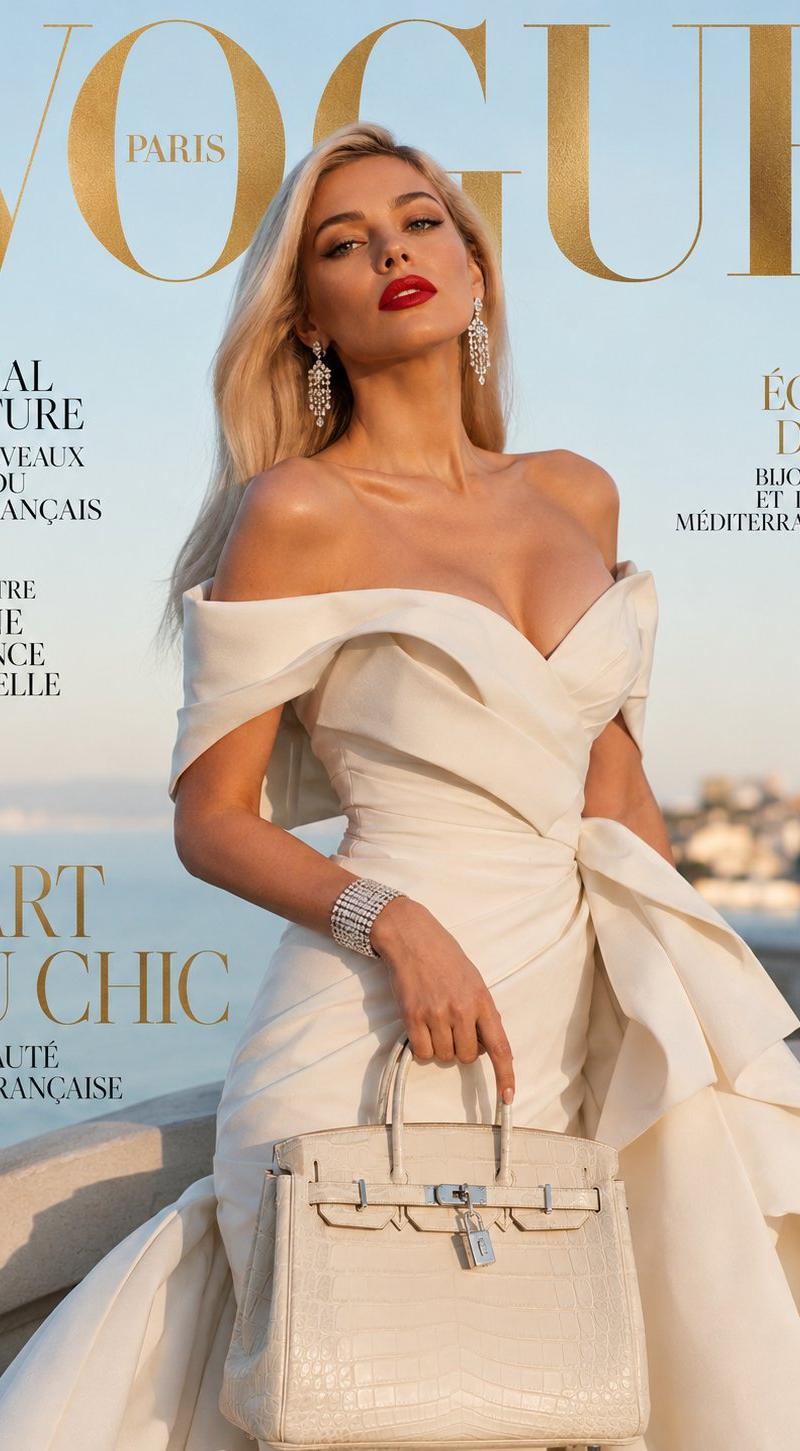
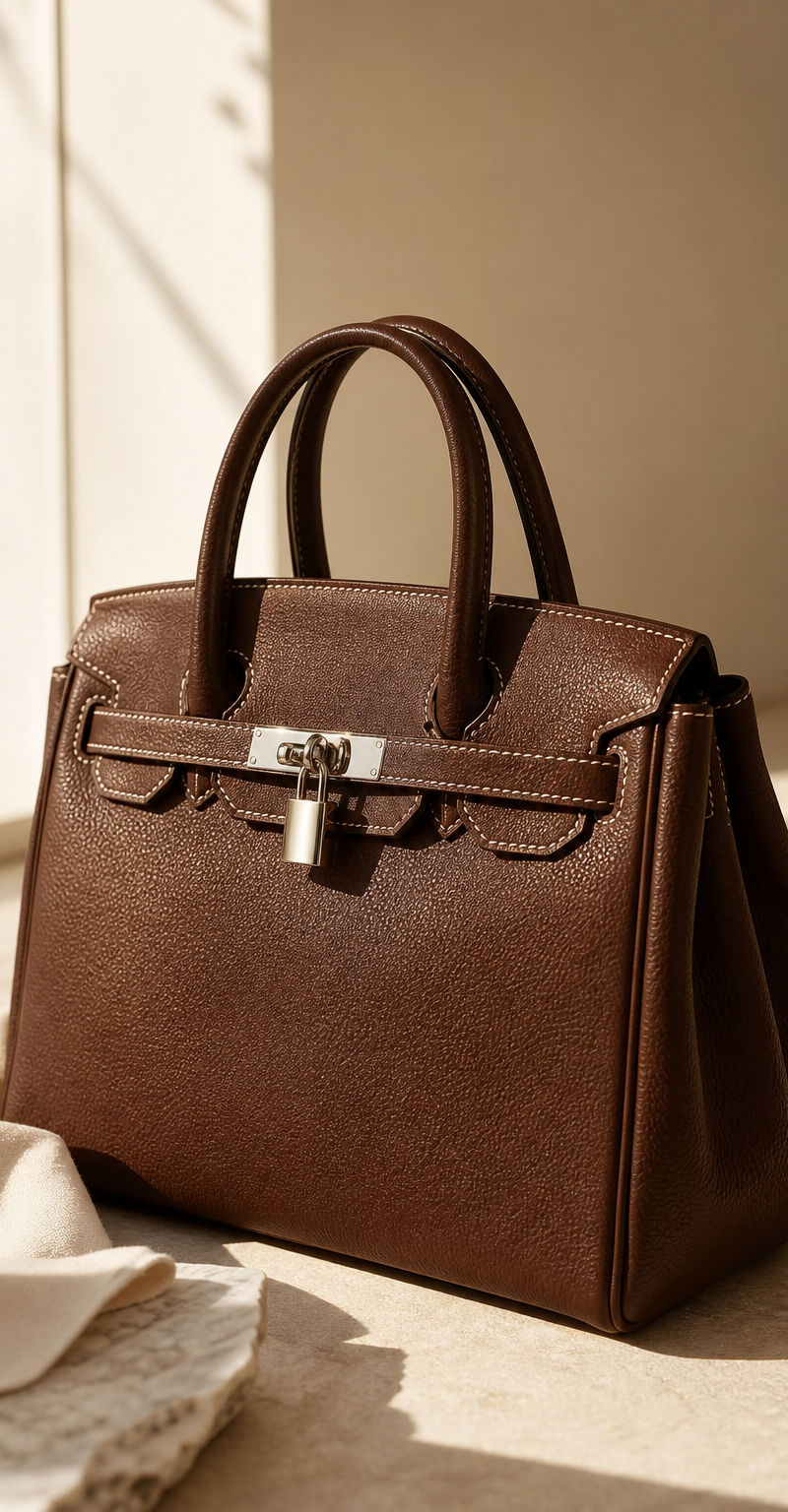
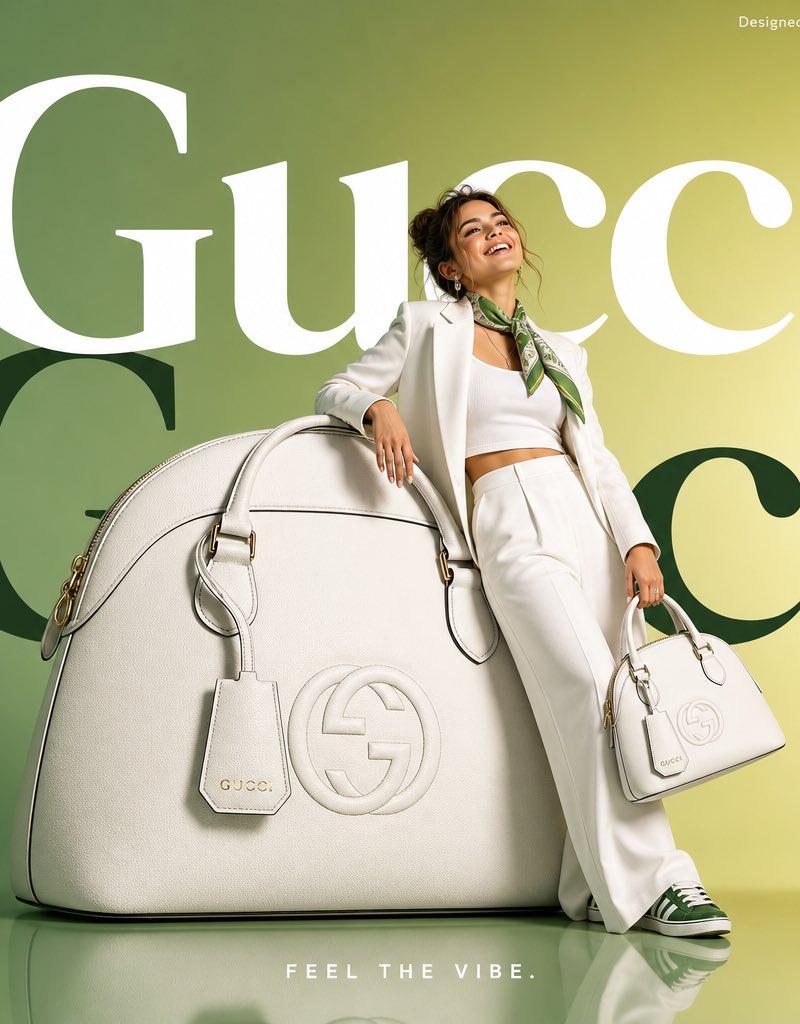
![Direction Type: [Direction Type] Brand Name: [Brand Name] Theme / Collection: [T](https://whqgdndlpxjbwosvipip.supabase.co/storage/v1/render/image/public/prompt-source-media/promptsref/work-33117/image-1-bb4cc0dd65899d21.png?width=800&quality=75)
Direction Type: [Direction Type] Brand Name: [Brand Name] Theme / Collection: [T
Prompt
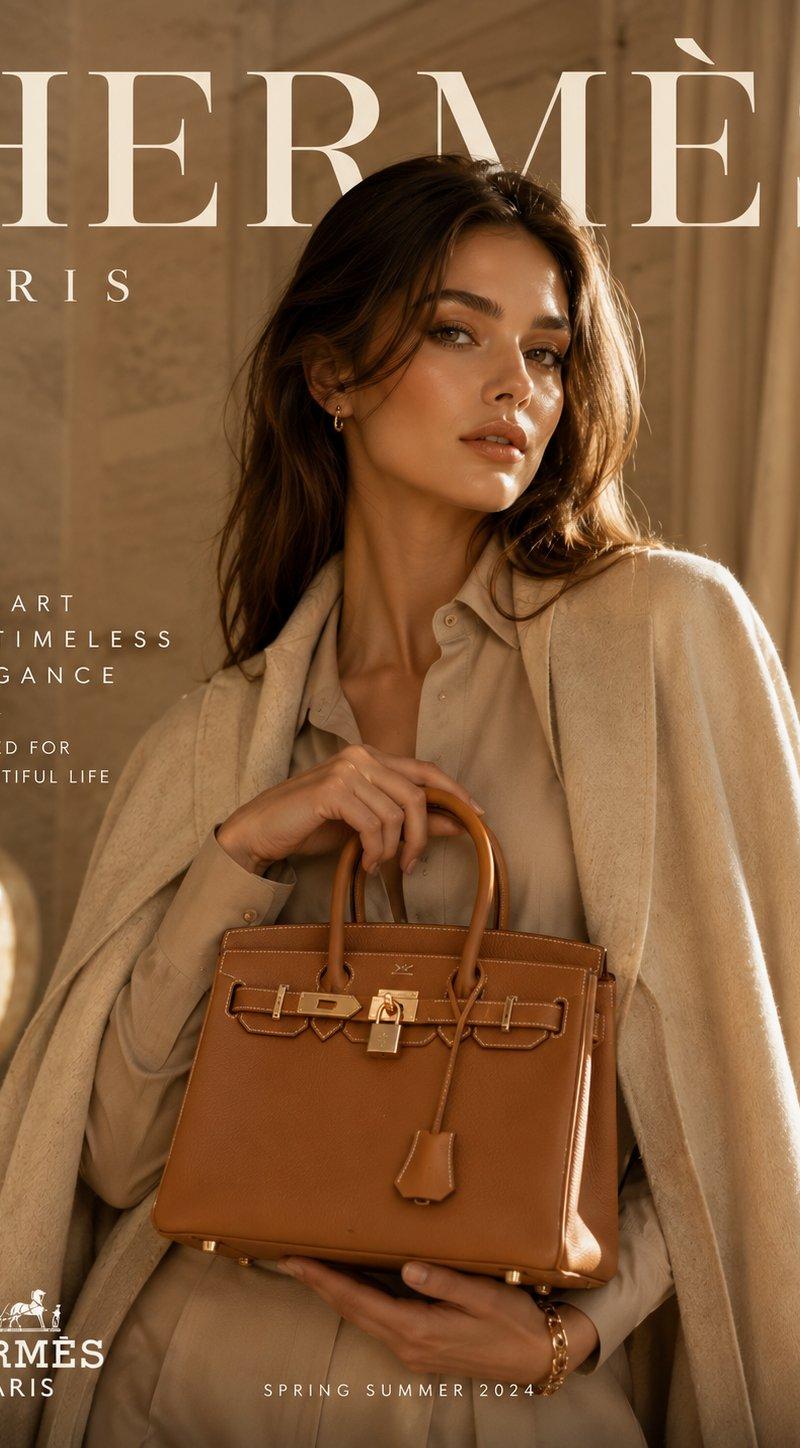
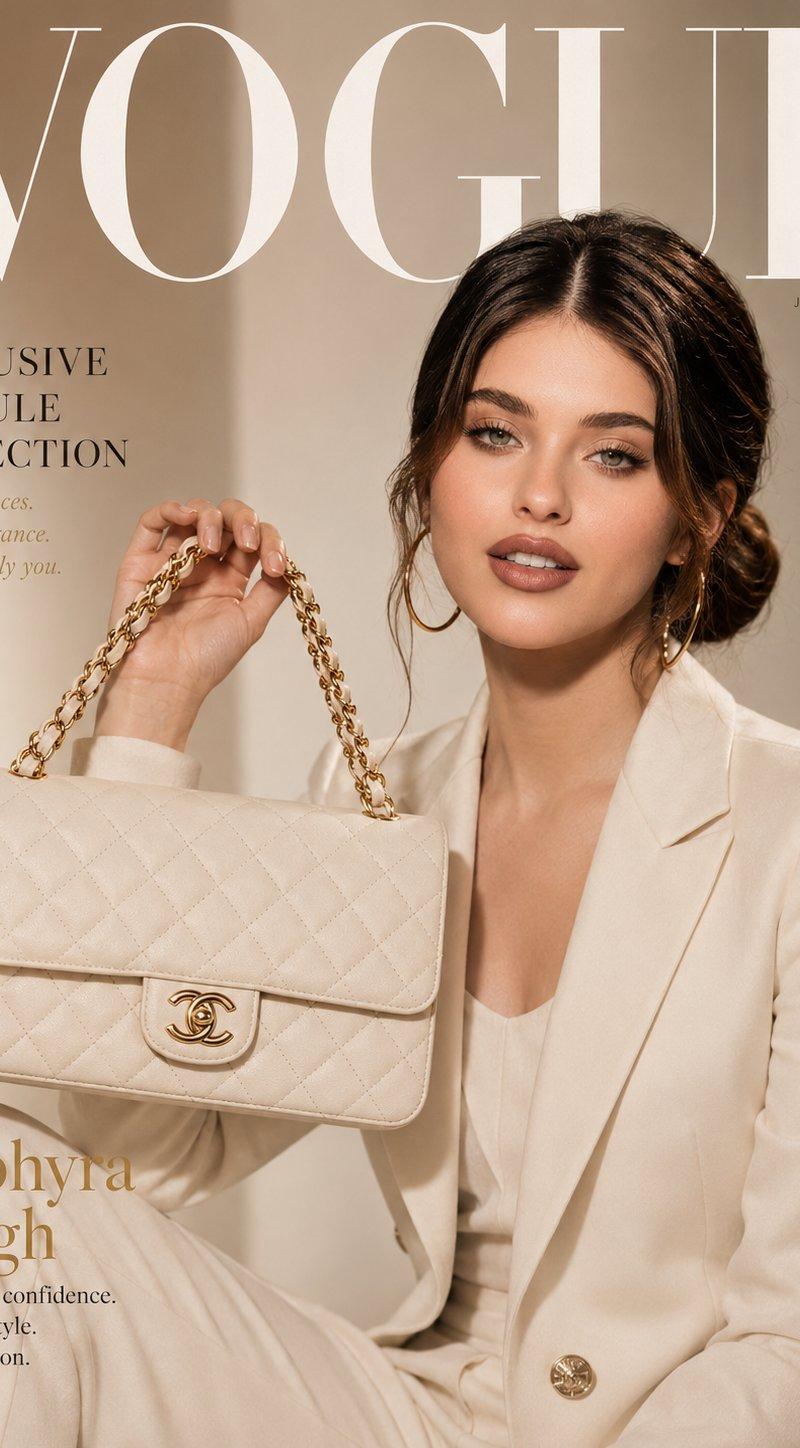
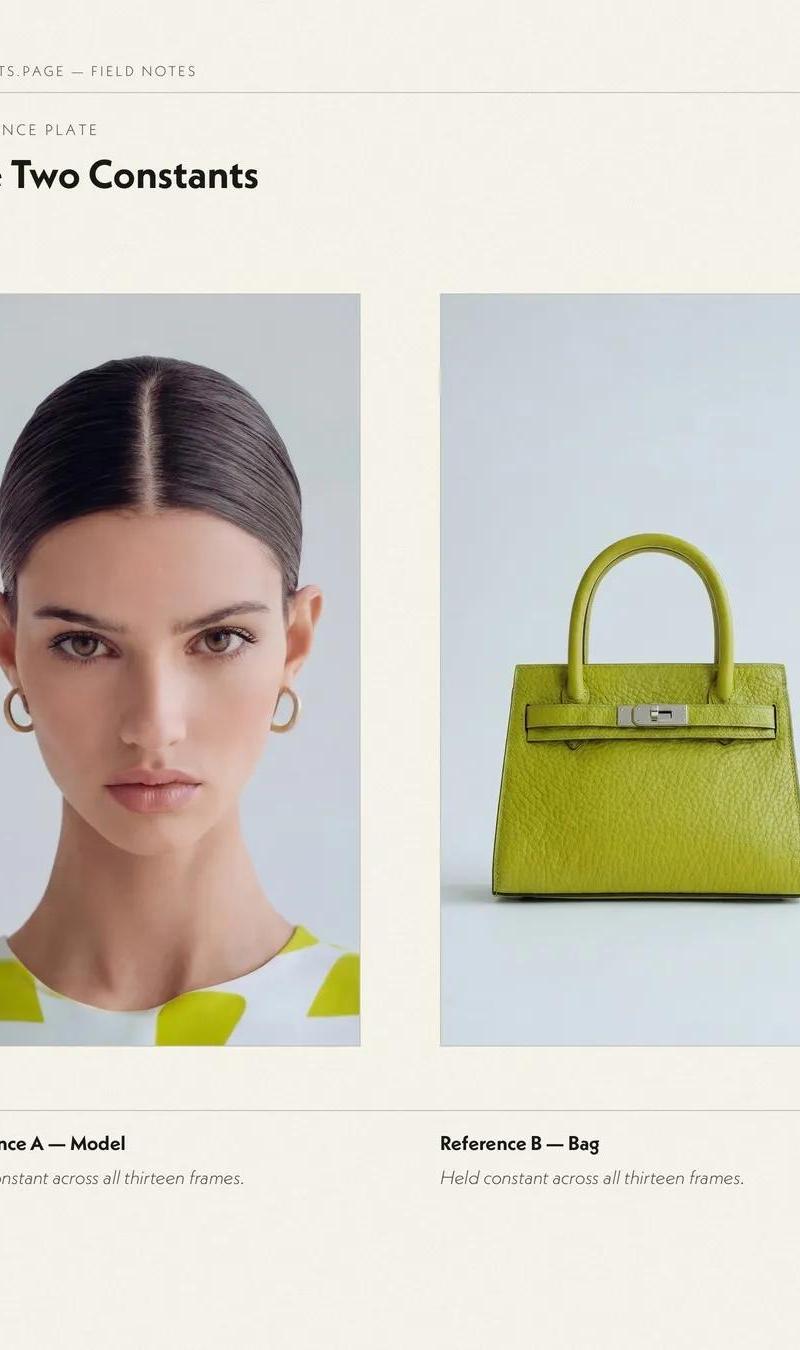
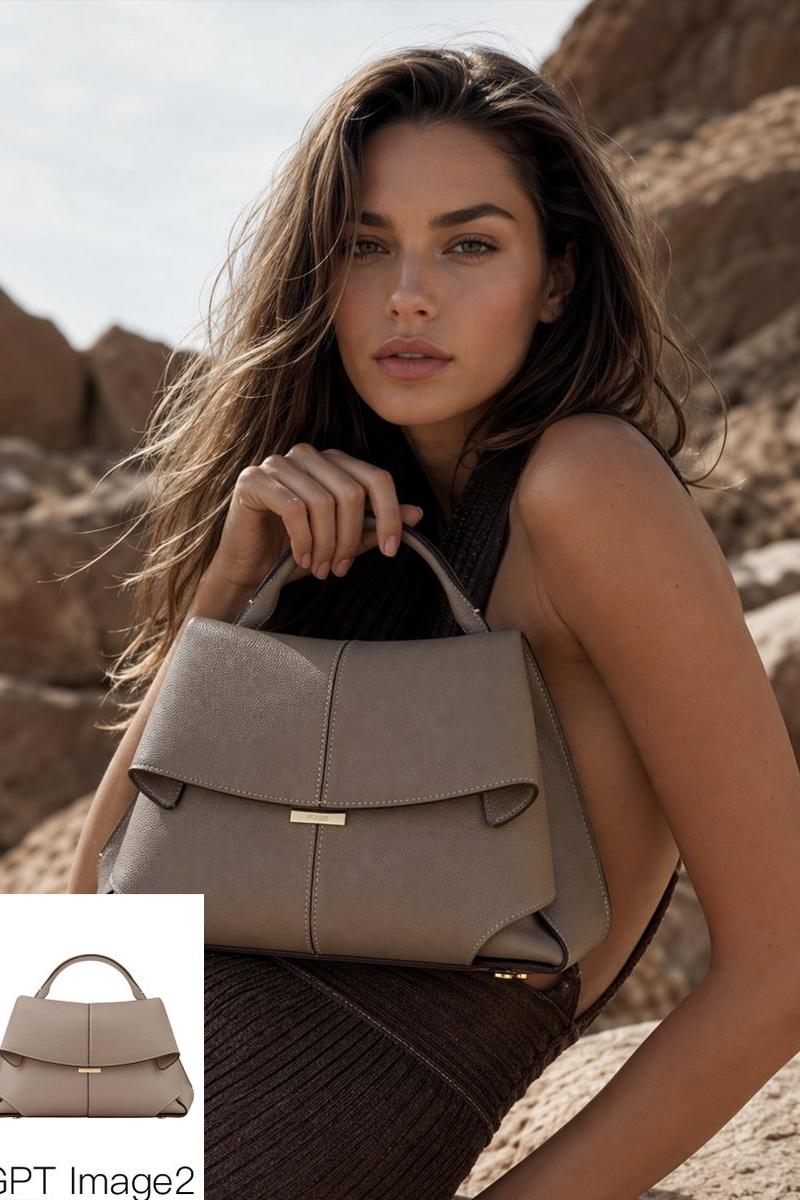
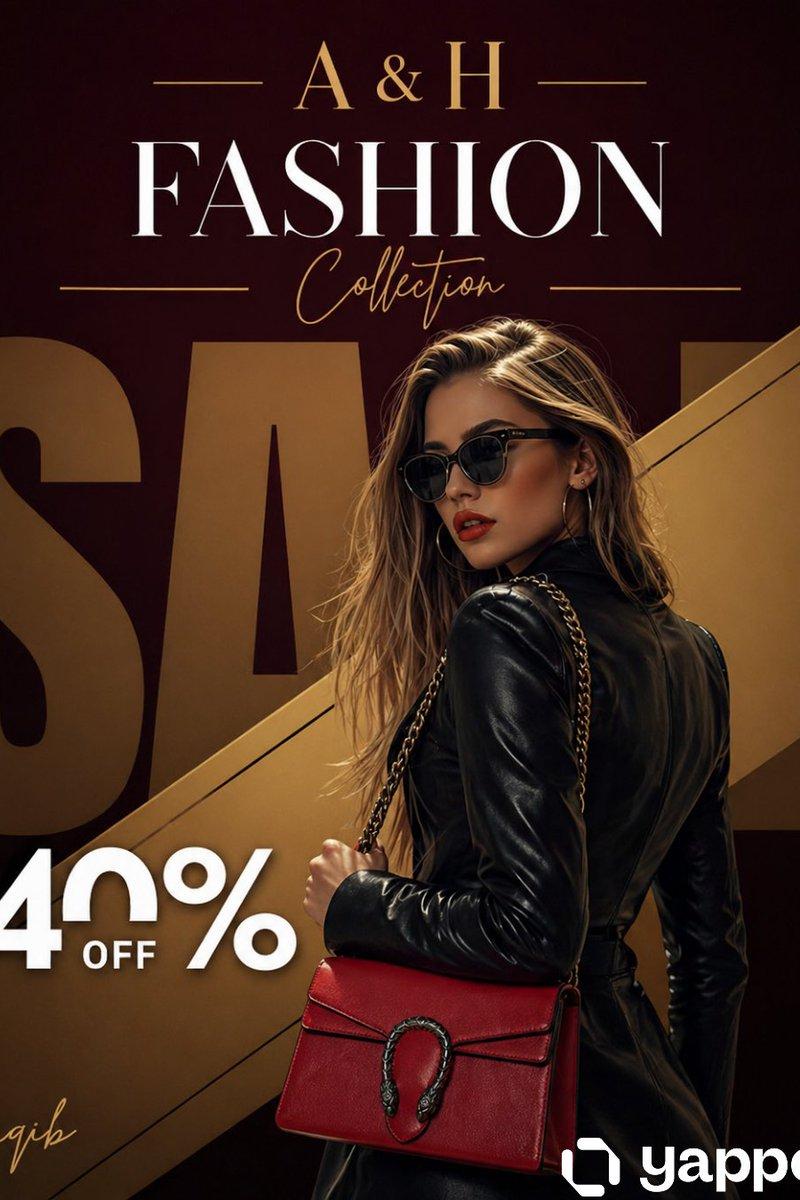
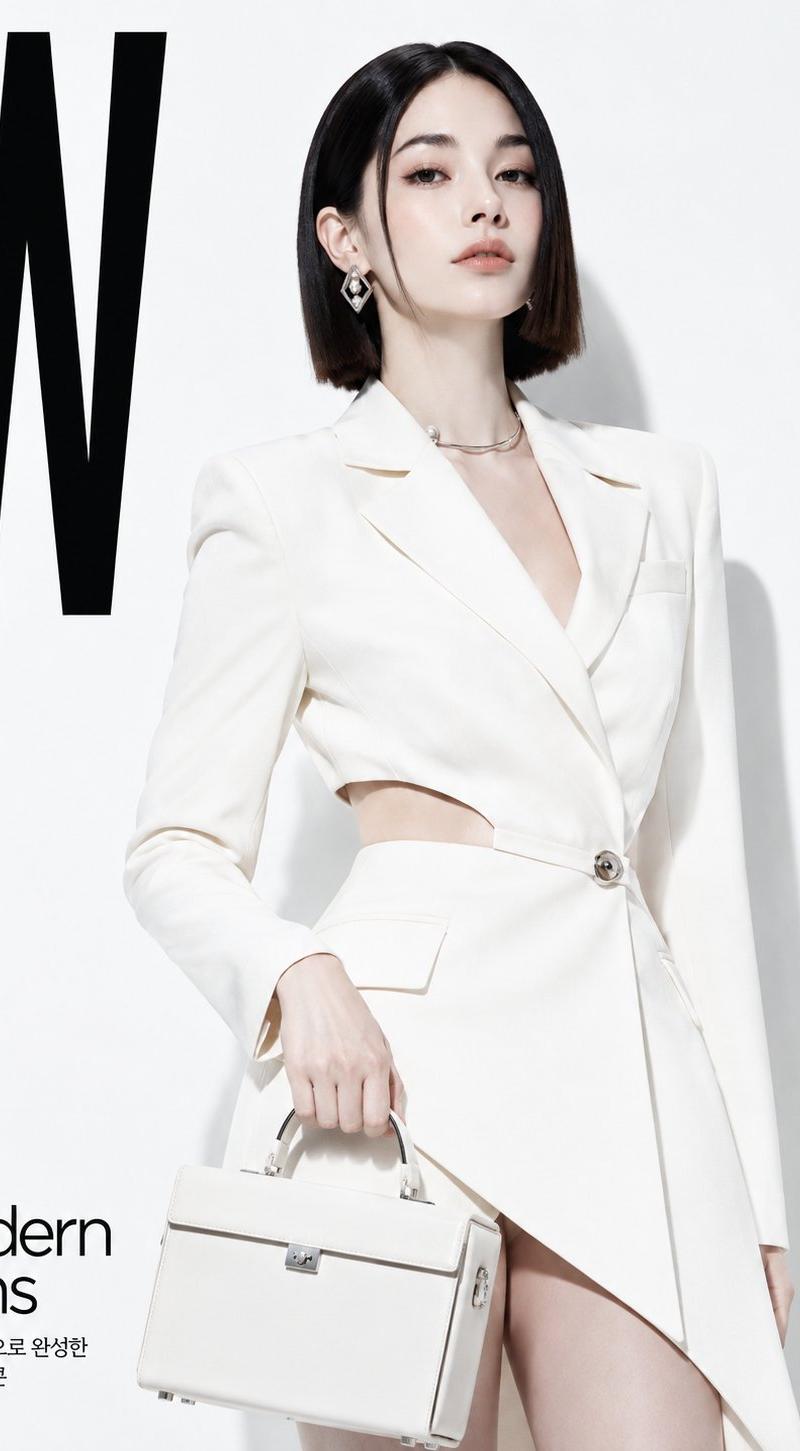
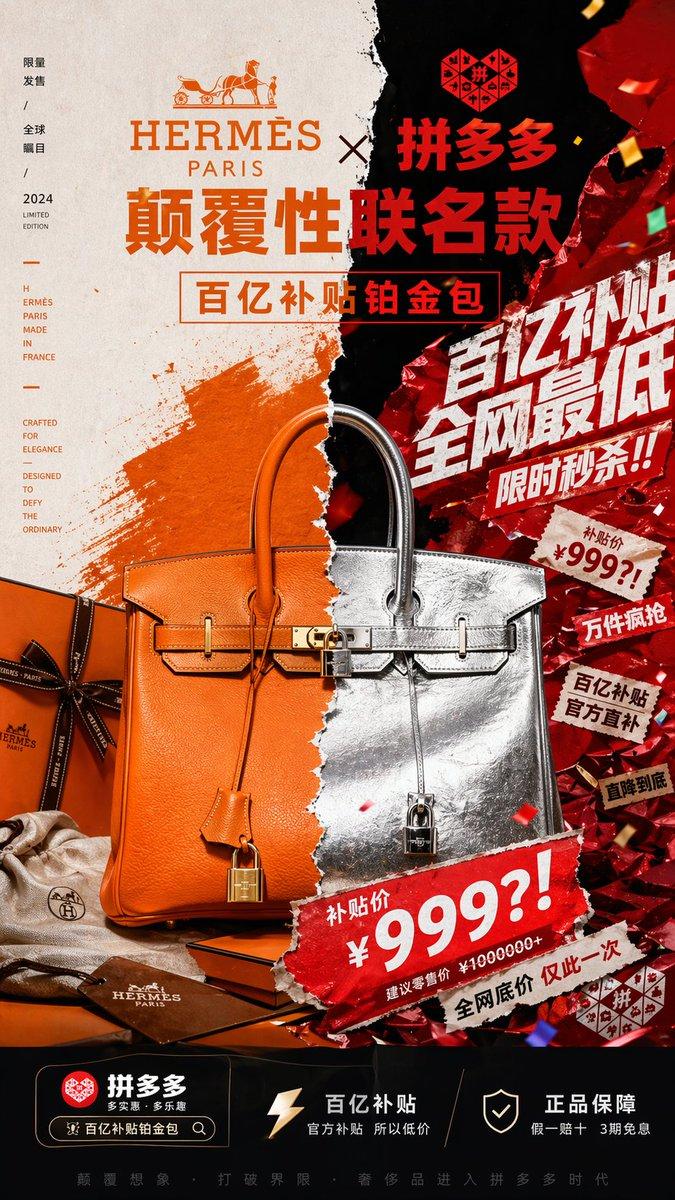
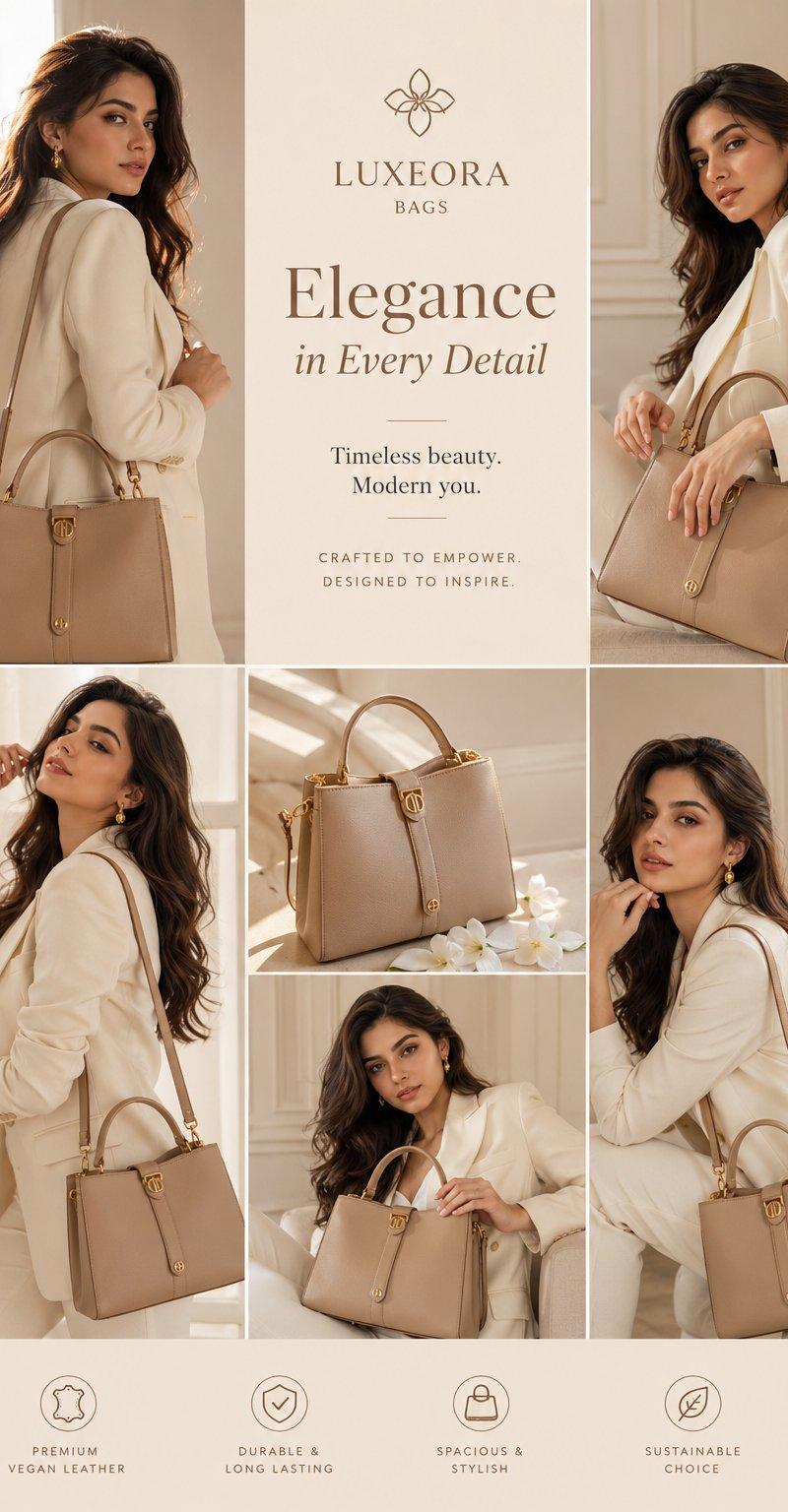
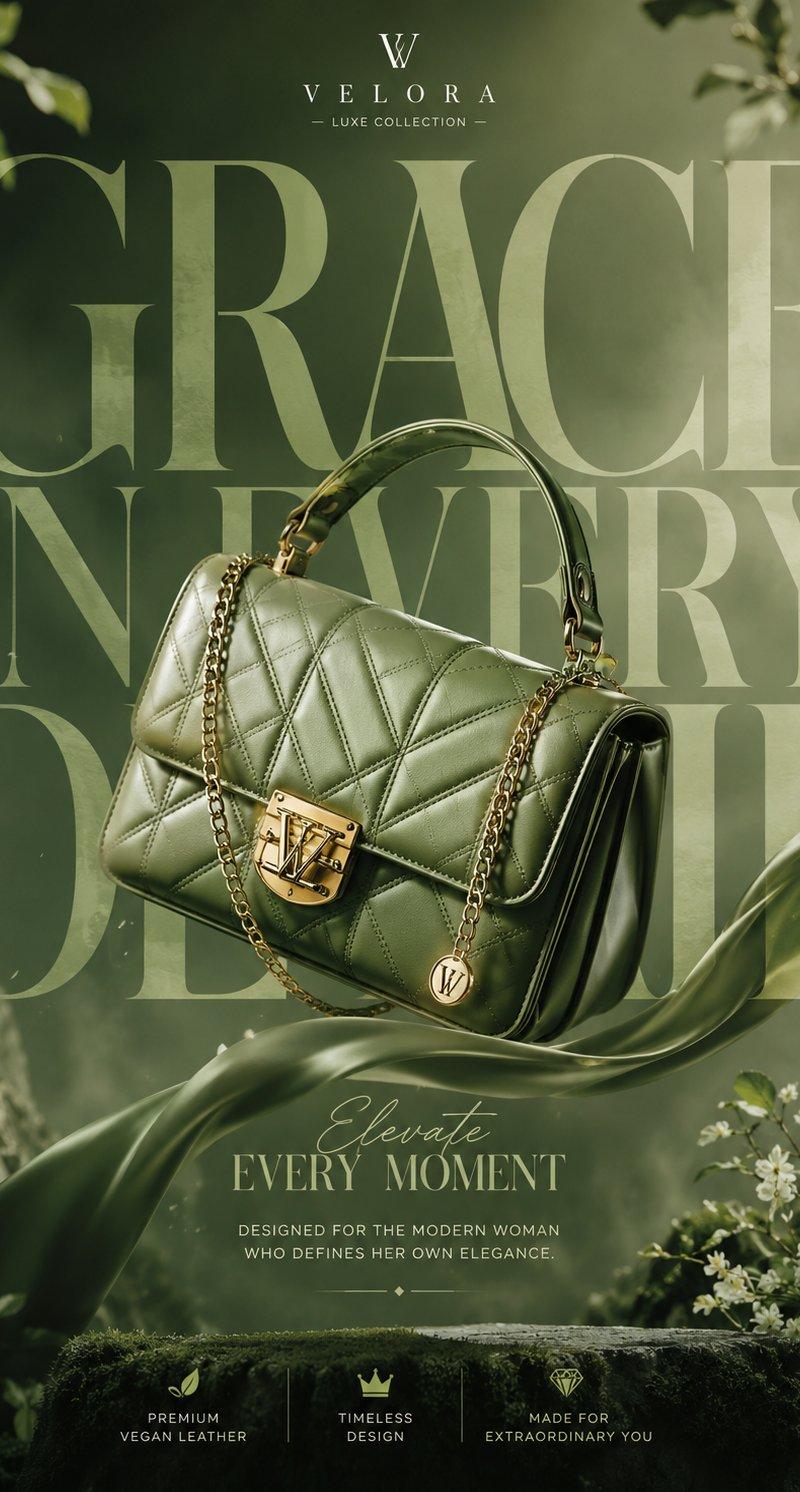
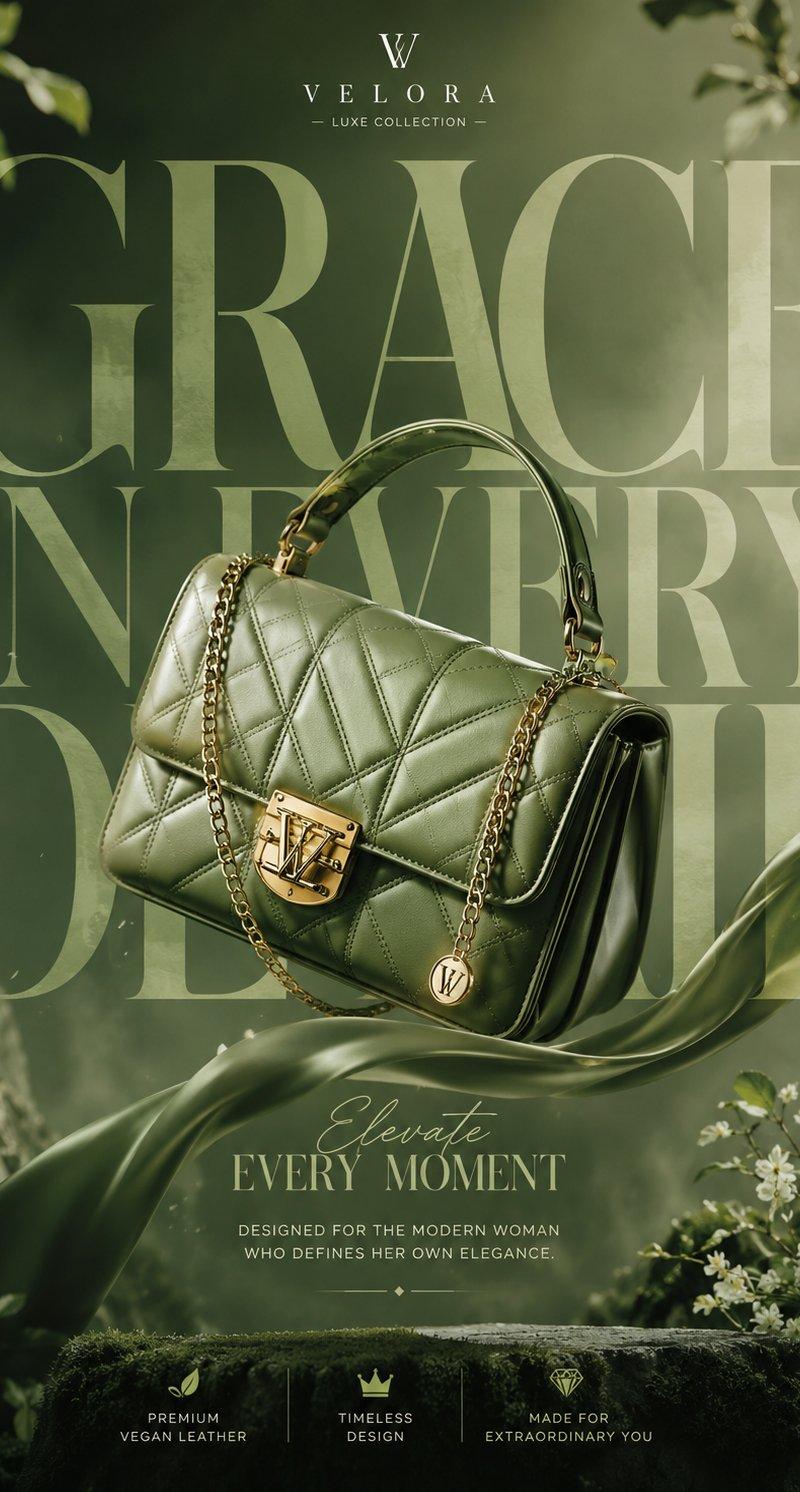
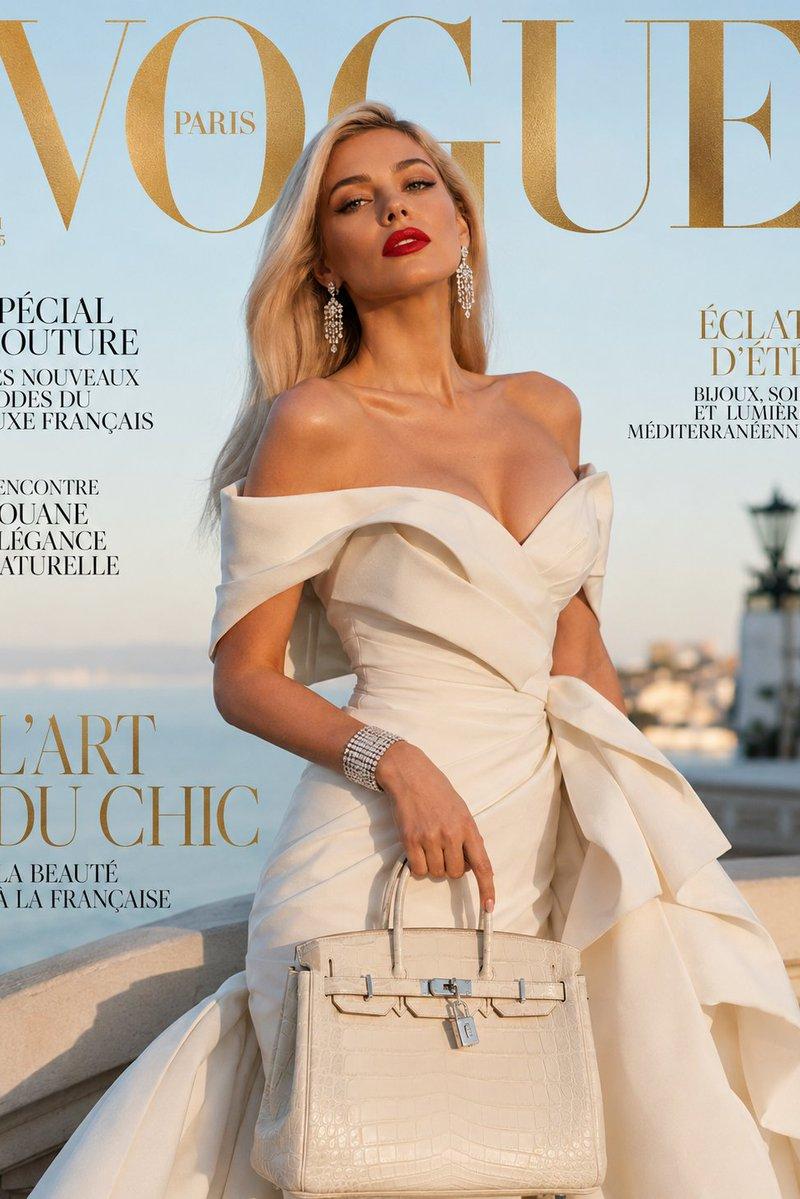
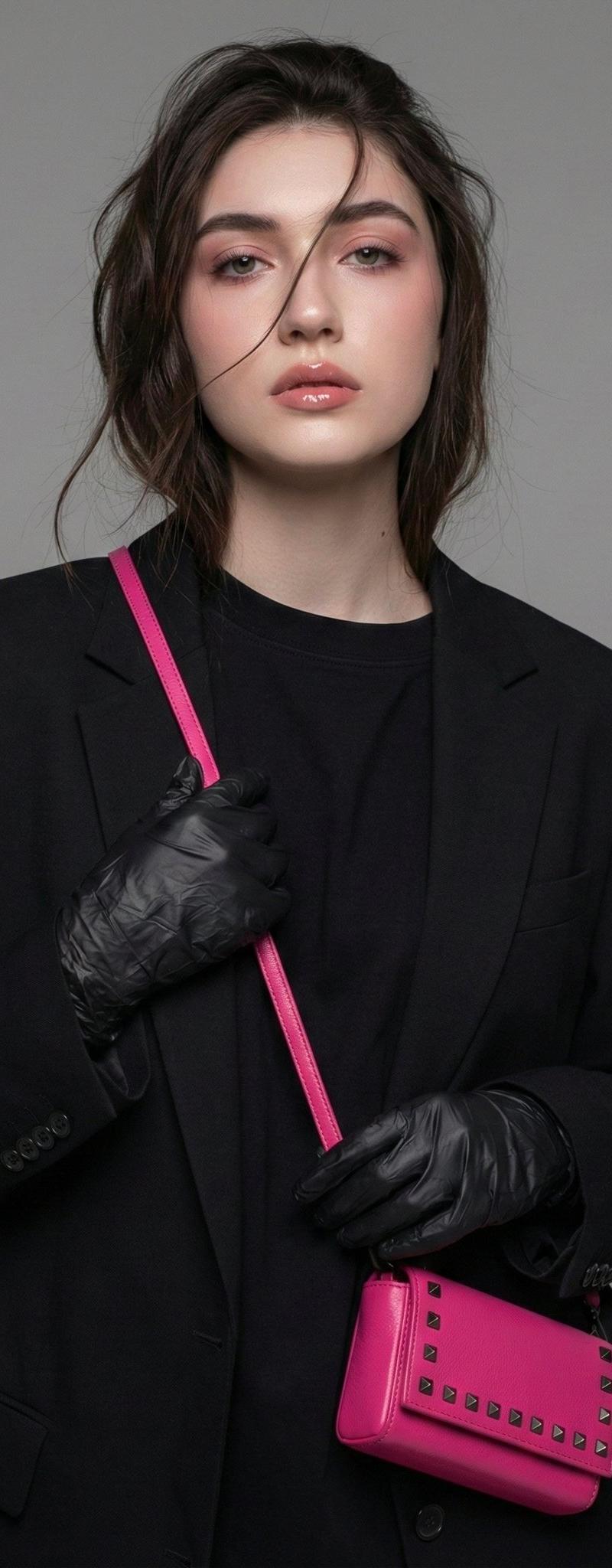
Direction Type: [Direction Type] Brand Name: [Brand Name] Theme / Collection: [Theme] Product / Focus: [Product Or Subject] Model: [Model Description] Brand Mood: [Brand Mood] Color Palette: [Color Palette] Main Headline: [Headline] Subheadline: [Subheadline] Extra Small Text: [Extra Small Text] Aspect Ratio: [Aspect Ratio]Create a high-end fashion editorial visual for [Brand Name], based on the theme [Theme], with the focus on [Product Or Subject]. The output should feel like a premium brand campaign / fashion magazine editorial / lookbook direction, with a strong sense of art direction, typography, layout, and brand mood. This is not a generic fixed template. The composition, typography, image styling, and layout should be designed around the brand mood: [Brand Mood]. Main colors should follow [Color Palette].The visual style should be clean, elevated, editorial, premium, fashion-forward, and highly designed. Use realistic fashion photography aesthetics, refined lighting, strong negative space, elegant composition, and a clear hierarchy between image, typography, and white space. Keep the overall feeling magazine-like, brand-driven, and visually collectible.Use [Direction Type] as the layout structure: If Giant typography campaign: create a bold editorial poster with oversized typography as a major visual element. Let the headline [Headline] interact with the model or product. Use powerful type placement, strong composition, and a premium campaign feel. If Couture magazine cover: create a refined fashion cover with a strong central figure or hero product, elegant masthead-style typography, and a polished couture editorial mood. Add a few short editorial text elements such as [Subheadline] and [Extra Small Text]. If Accessories editorial page: create a fashion accessories-focused editorial page featuring [Product Or Subject], with a layout that feels like a premium magazine spread or branded product story. The product should be clearly featured, with elegant typography and supporting editorial text. If Lookbook collage spread: create a stylish editorial collage layout using multiple fashion images within one page, arranged like a premium lookbook spread. Keep the collage controlled, minimal, and fashion-oriented, not messy. Use [Headline] and [Subheadline] as the key editorial text.Typography should feel intentional and premium. Use large elegant serif or fashion-style typography, with smaller supporting editorial text. Main headline: [Headline]. Subheadline: [Subheadline]. Optional small text: [Extra Small Text]. Text should be clean and readable, and should support the visual instead of overpowering it.If a model is included, use [Model Description] and style the fashion image to match the brand mood. The model should look editorial, believable, and premium, not like a generic commercial stock model. If the image is product-focused, make the product the hero and support it with strong layout and campaign styling.The final image should look suitable for brand moodboards, campaign mockups, early brand concepts, editorial poster design, social media visuals, or lookbook exploration.Avoid: cheap e-commerce look, template-looking layouts, cluttered composition, low-end poster design, excessive text, random decorations, childish styling, weak typography, stock-photo feeling, messy collage, cartoon look, unrealistic anatomy, deformed hands, distorted products, bad text rendering, and real copyrighted magazine logos.Generate one finished image only in [Aspect Ratio].
- Category
- Charts & Infographics
- Model
- GPT Image 2
- Creator
- xie underwood
- Source language
- en
- Source ID
- 33117
- Published
- Jun 23, 2026
Views33