15

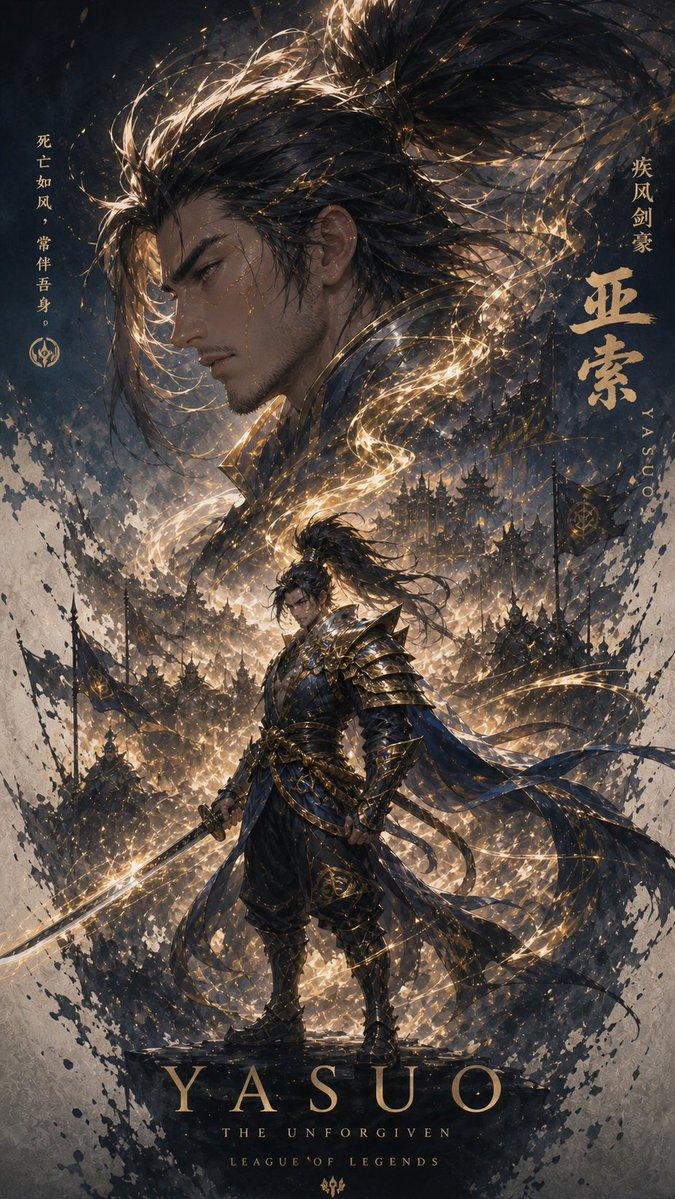
分析參考影像,解讀其氛圍、人物性格、色彩、主題、情感、情緒和象徵意義,並設計一個最符合圖像的「替身」。 替身如同守護靈,可以是動物、擬人化的物體或人類。它可以是
Enlarge

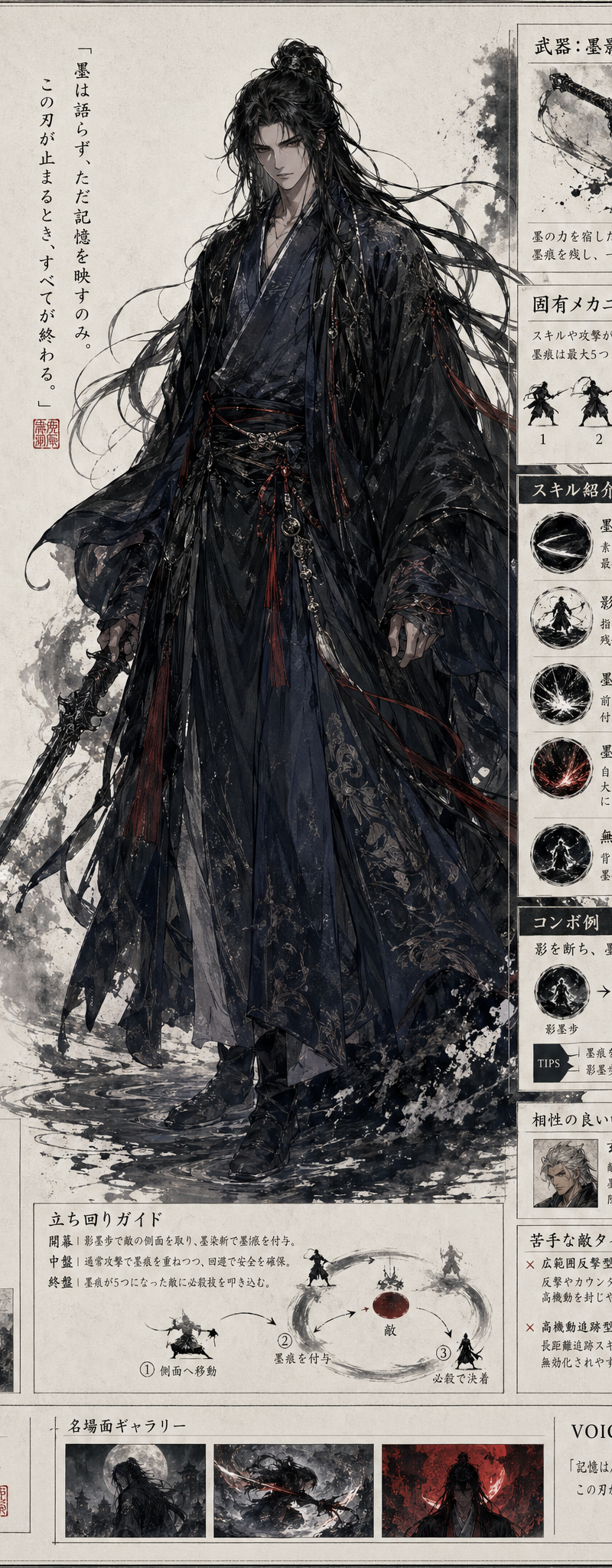
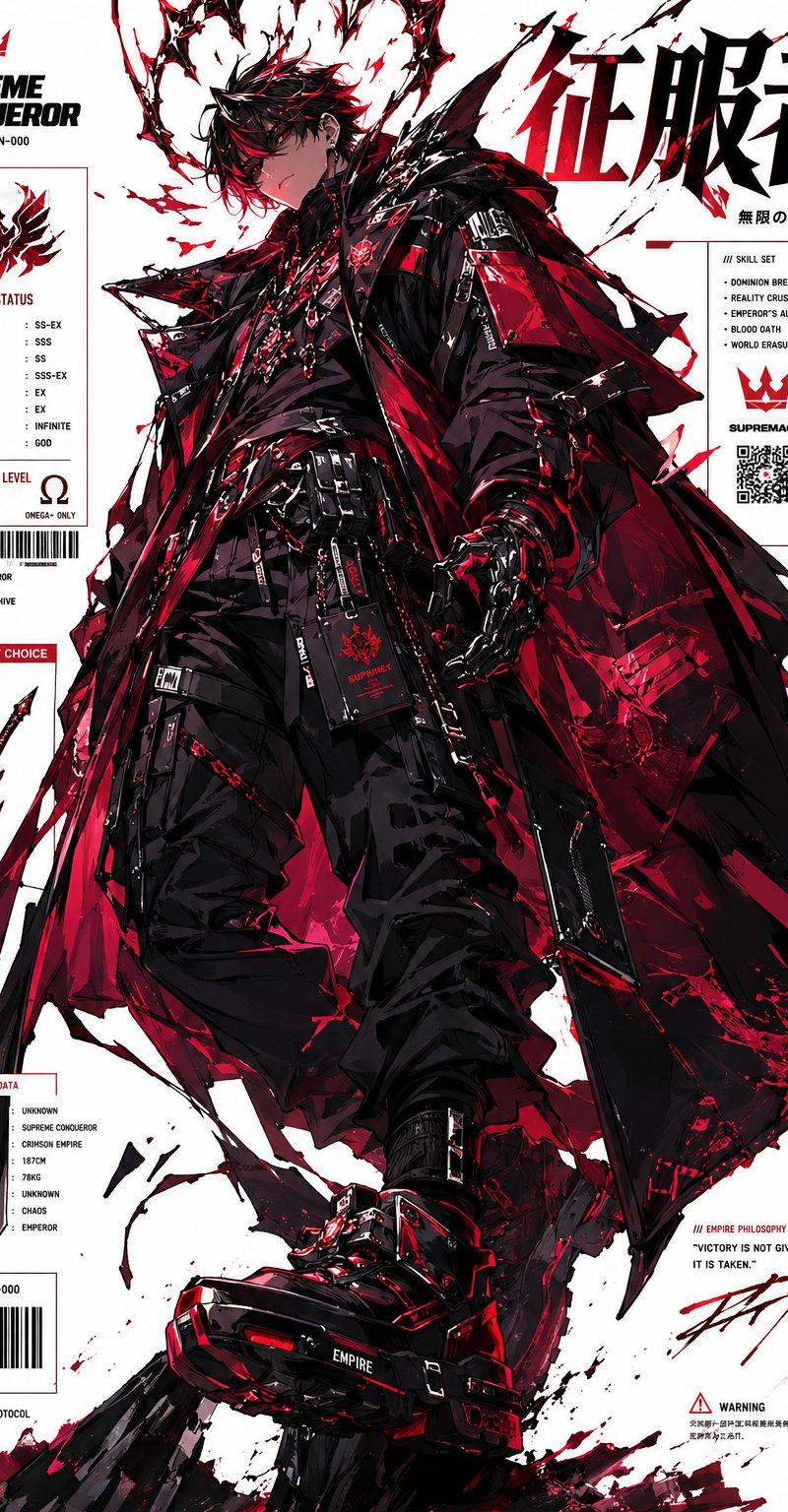
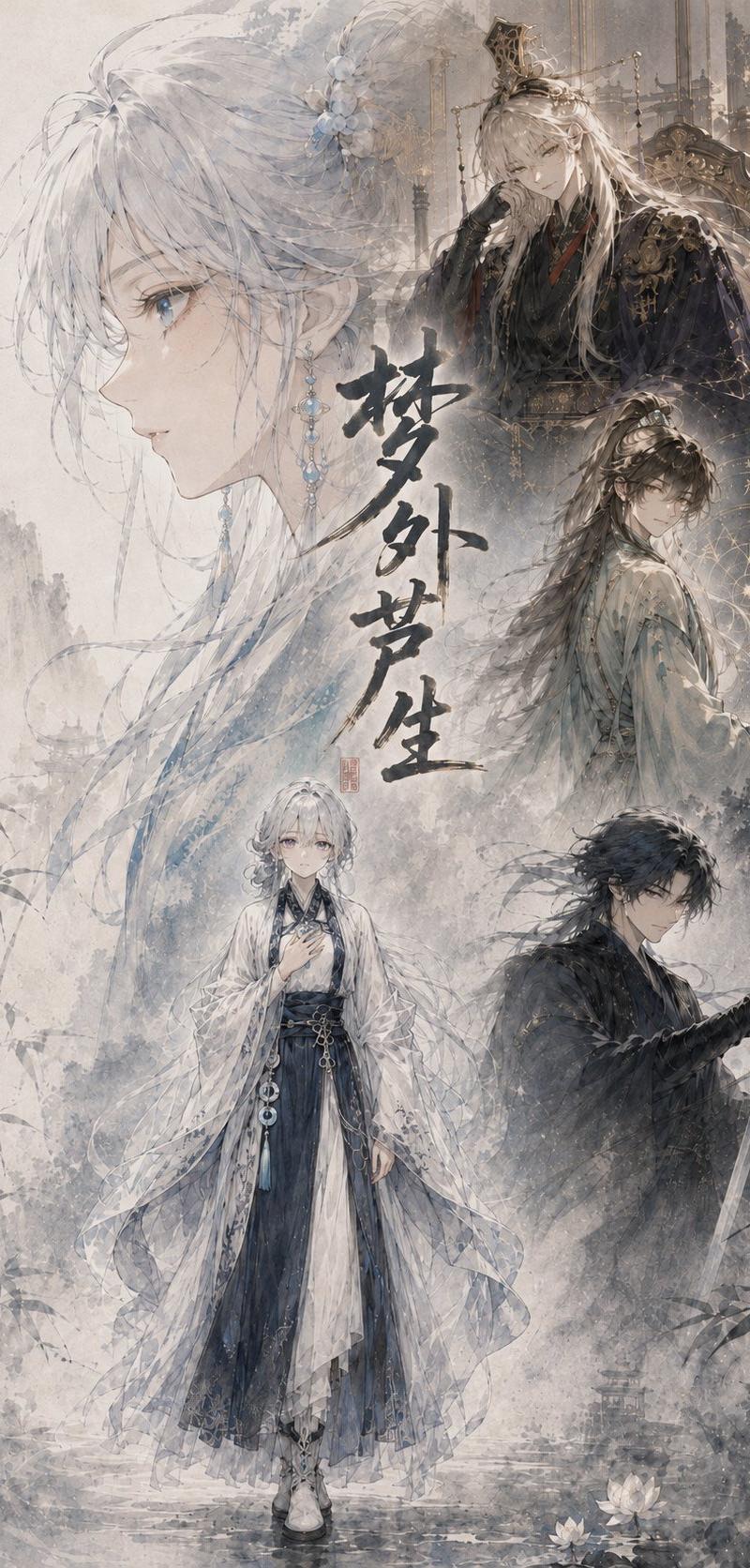
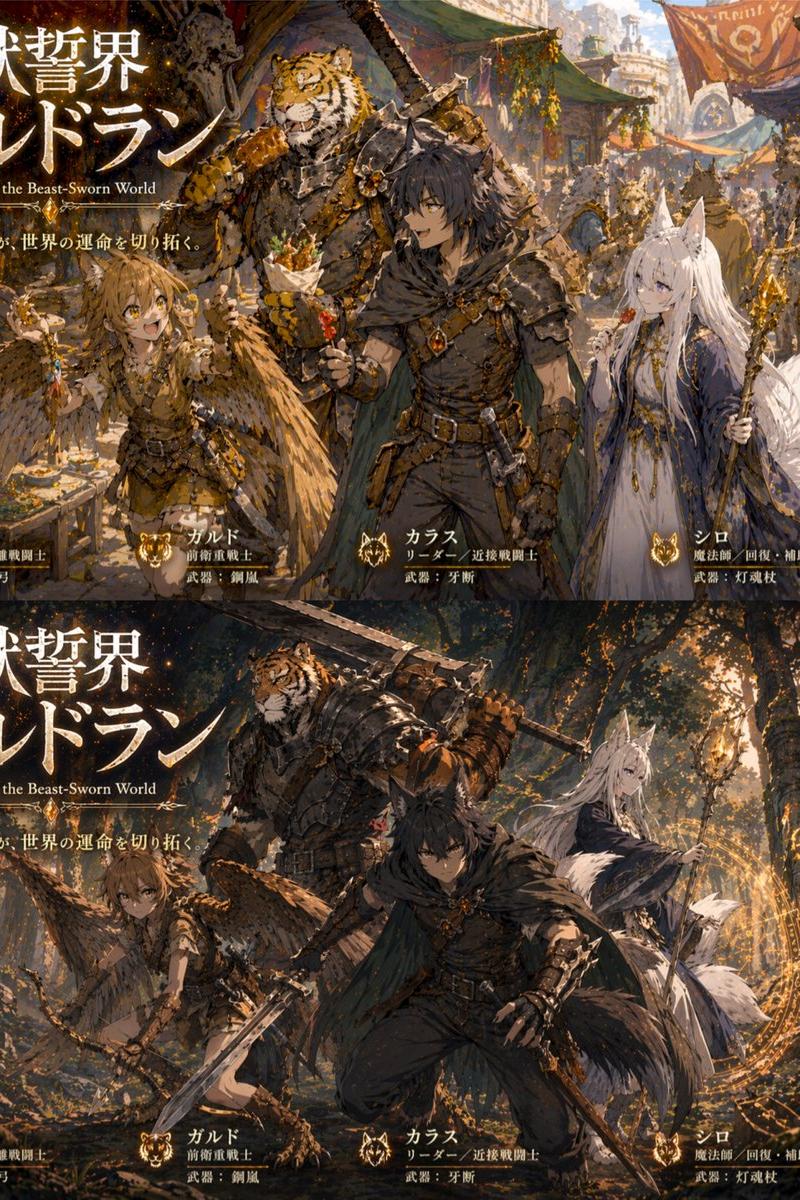
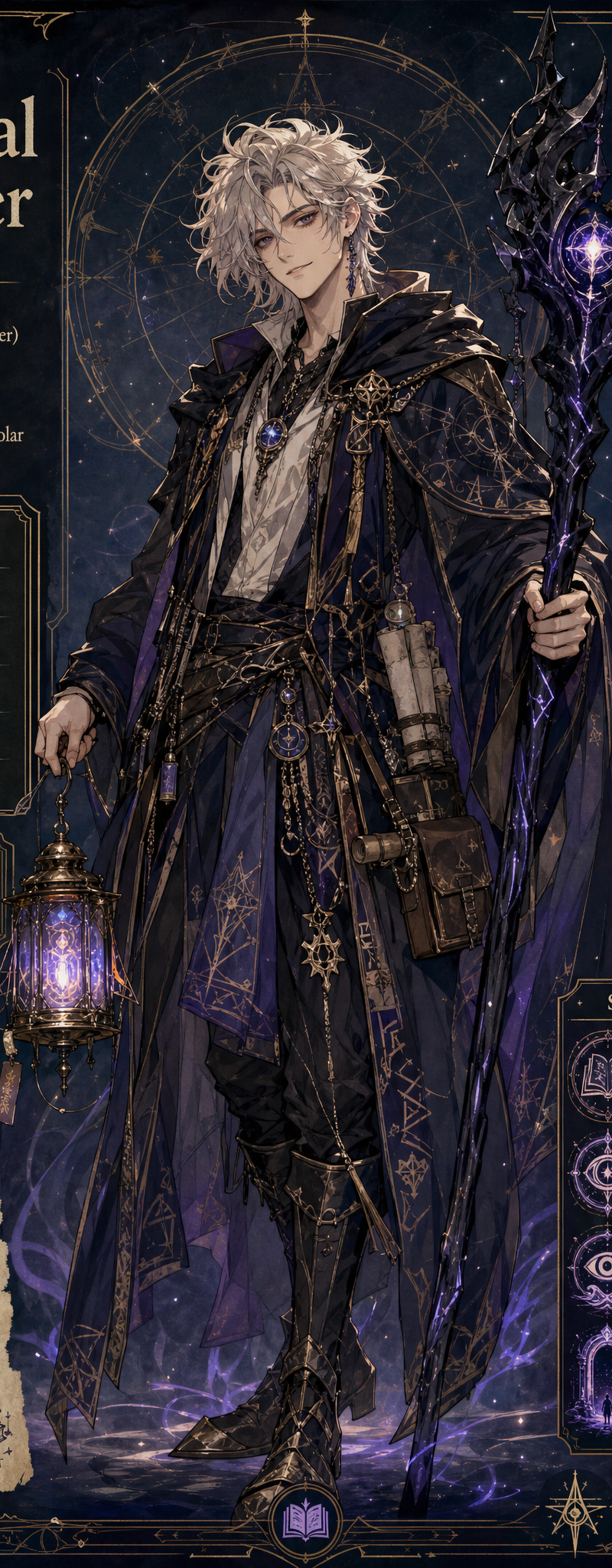
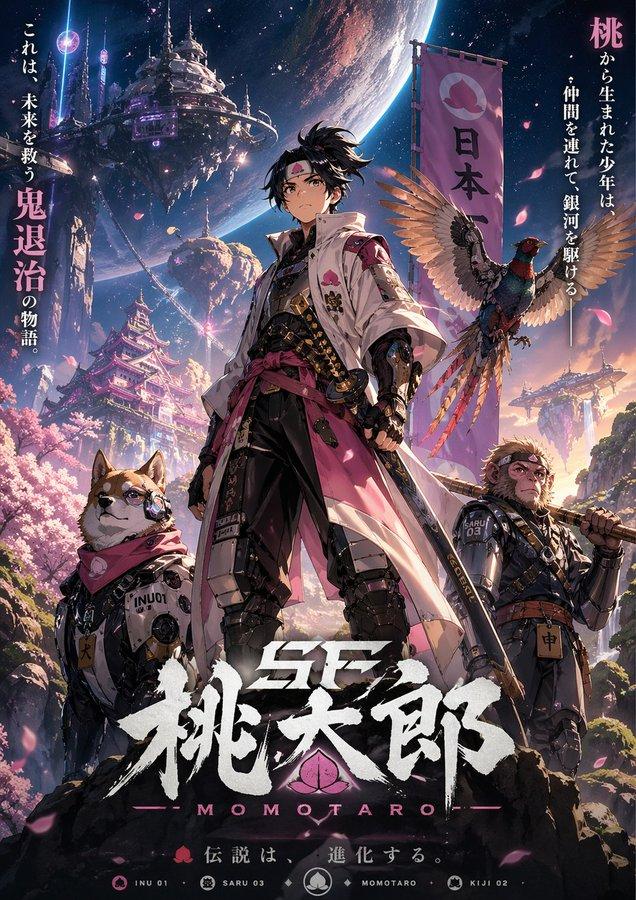
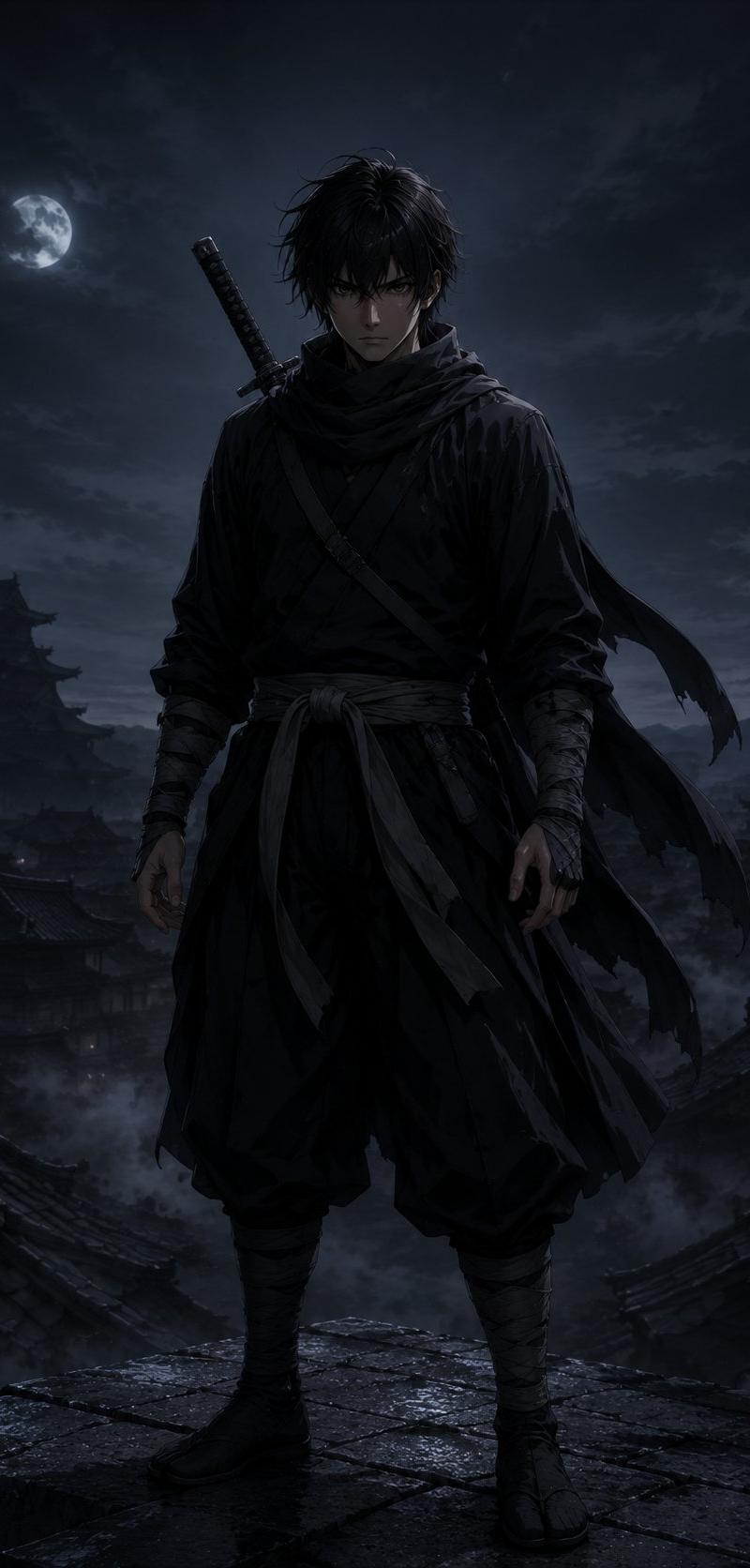
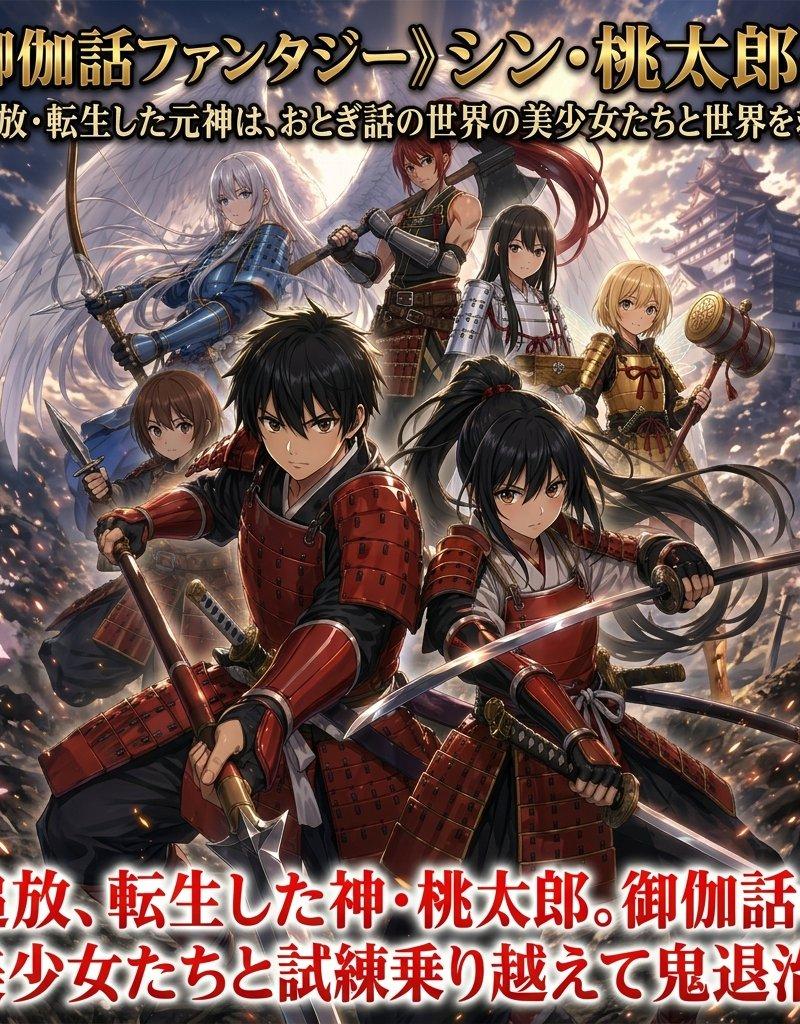
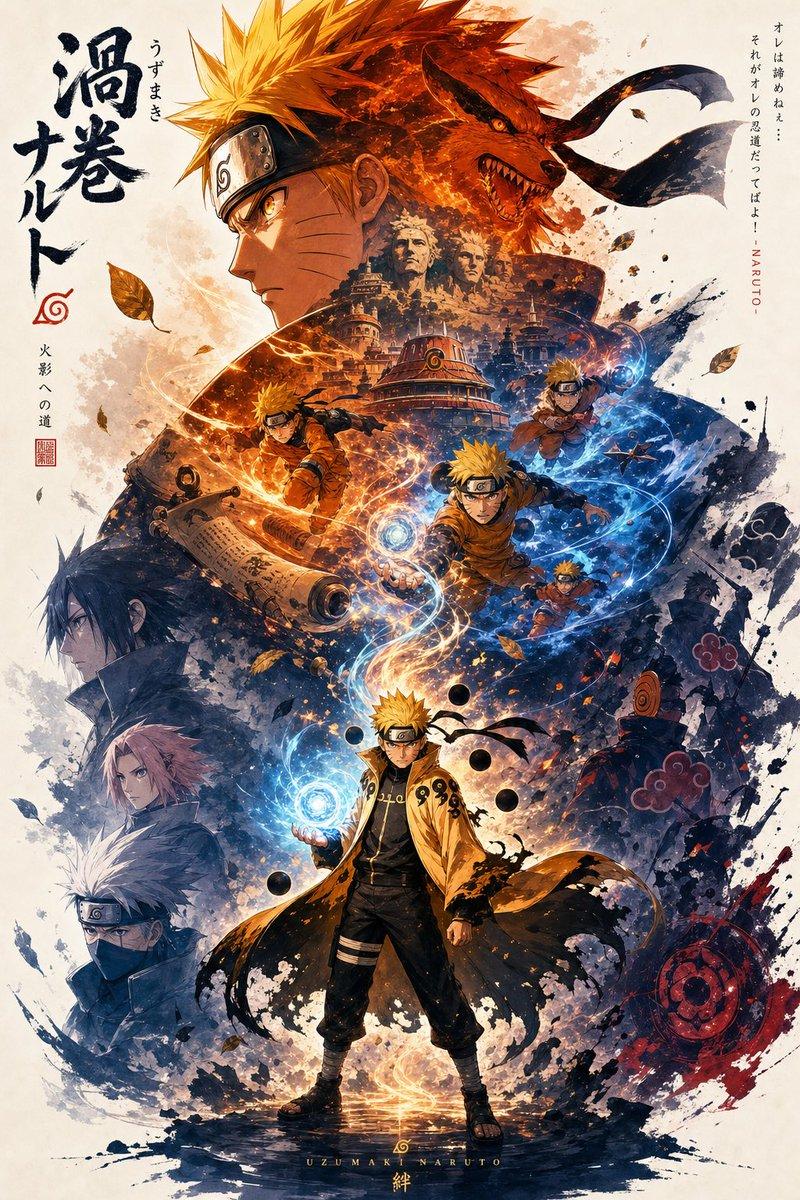
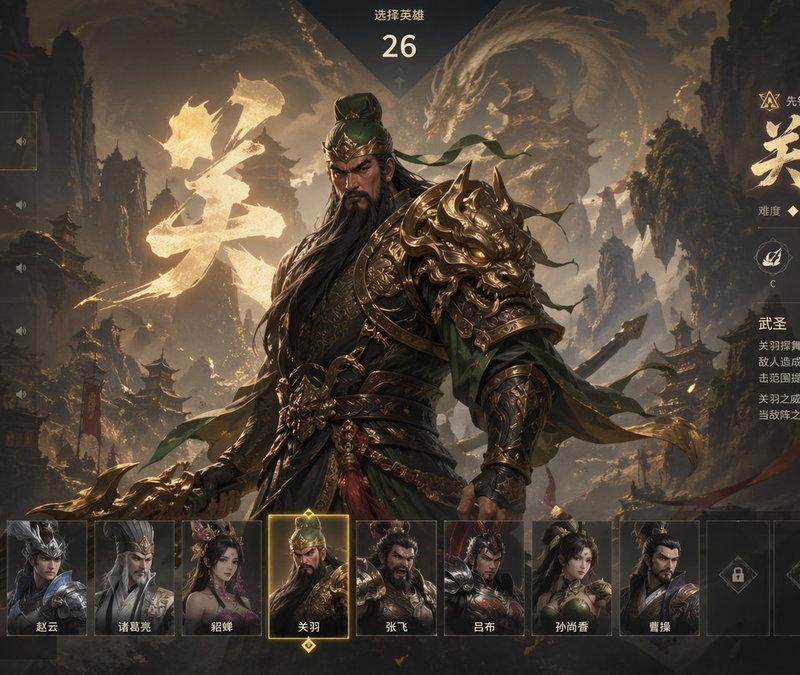
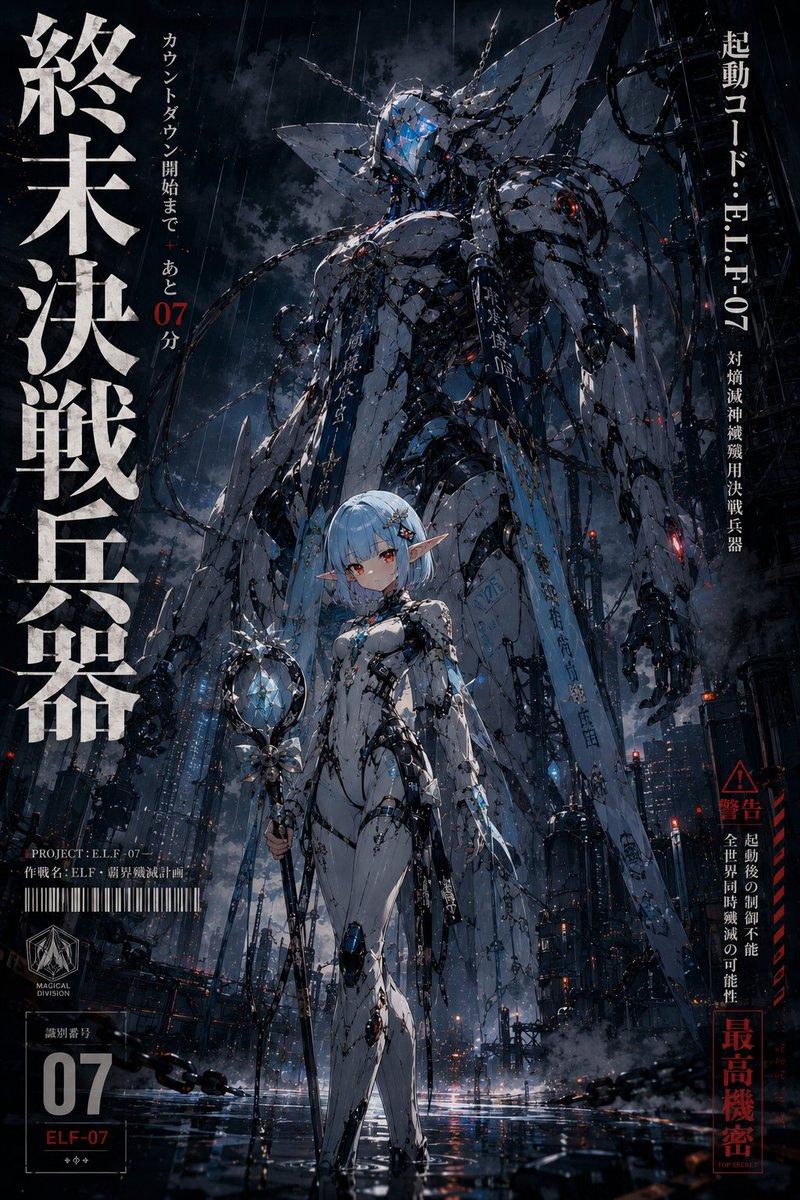
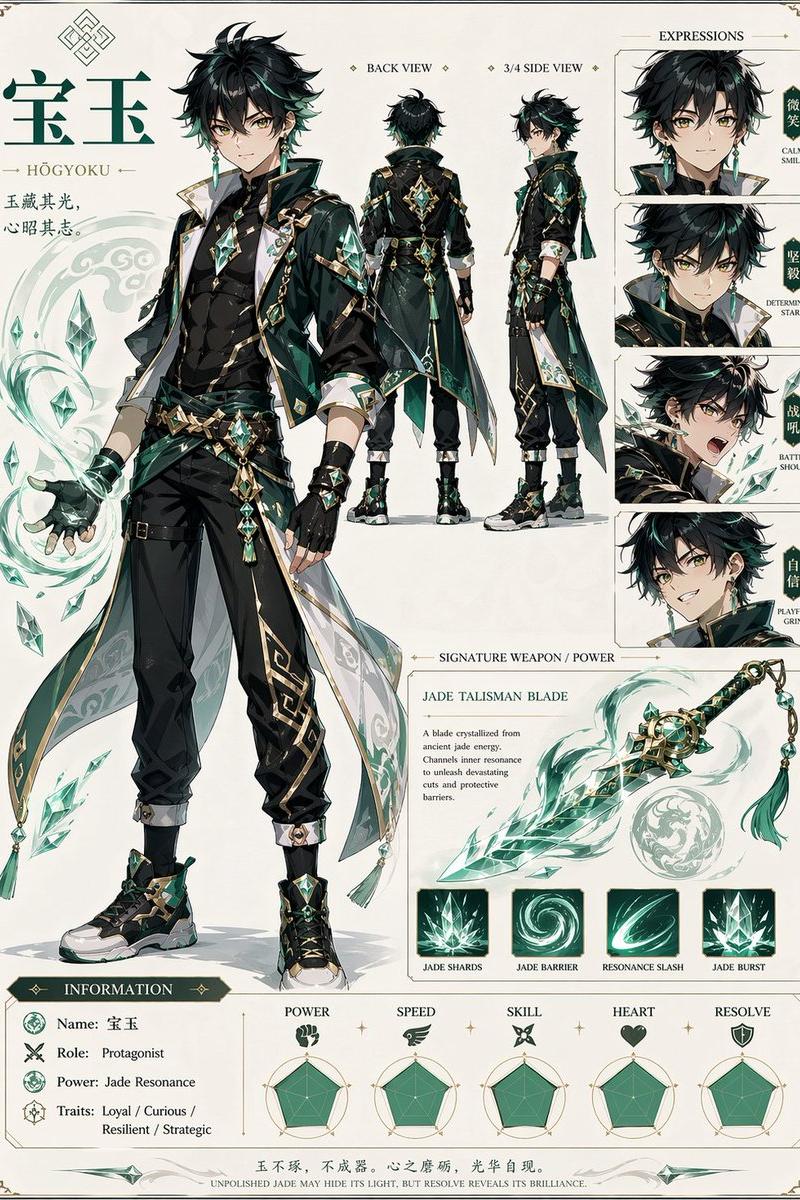
Example images

分析參考影像,解讀其氛圍、人物性格、色彩、主題、情感、情緒和象徵意義,並設計一個最符合圖像的「替身」。 替身如同守護靈,可以是動物、擬人化的物體或人類。它可以是

Prompt
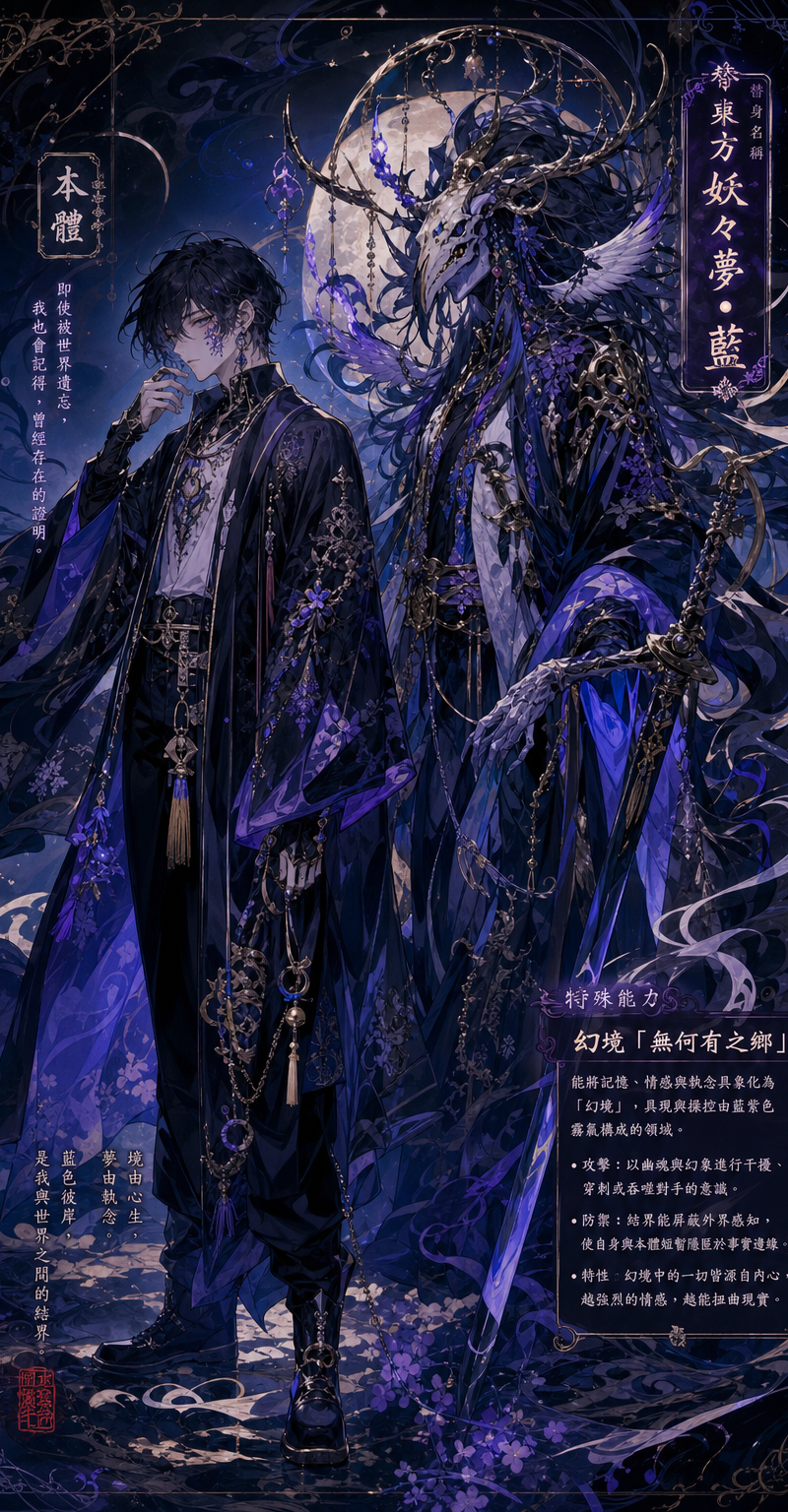
分析參考影像,解讀其氛圍、人物性格、色彩、主題、情感、情緒和象徵意義,並設計一個最符合圖像的「替身」。

替身如同守護靈,可以是動物、擬人化的物體或人類。它可以是怪物,也可以是可愛的精靈;它是一個形態多變的實體,沒有固定的概念。大多數情況下,它被設計成怪誕醜陋的生物。

替身有一定機率會擁有武器或裝備,例如法杖或劍。此外,請為你的替身命名。命名規則如下:

1. [素材] 選擇一種素材:素材 A:隨機東方歌曲名,素材 B:隨機東方樂團/歌手名,素材 C:隨機東方專輯名 素材D:隨機東方動漫名

2. 使用一個與顏色或設計相關的中文單字。 

3. [組合] 將 1 和 2 組合起來,創造一個名字。請用“•”連接它們(例如,Underworld)。

此外,請根據參考圖繪製角色圖像,並畫出角色旁邊的替身。請在影像上標明替身的名稱及其特殊能力。
Category
Characters & People
Model
GPT Image 2
Creator
Dgv Fhc
Source language
zh-CN
Views119
Source ID
3313
Published
May 13, 2026
Studio

Guide

About "分析參考影像,解讀其氛圍、人物性格、色彩、主題、情感、情緒和象徵意義,並設計一個最符合圖像的「替身」。 替身如同守護靈,可以是動物、擬人化的物體或人類。它可以是"

What is this prompt for?

"分析參考影像,解讀其氛圍、人物性格、色彩、主題、情感、情緒和象徵意義,並設計一個最符合圖像的「替身」。 替身如同守護靈,可以是動物、擬人化的物體或人類。它可以是" AI image prompt for GPT Image 2 (Characters & People). 分析參考影像,解讀其氛圍、人物性格、色彩、…

The full copyable prompt and example visuals above are ready for AI image generation or one-click recreate in Picva.

How to use this prompt

  1. Step 1

    Open the prompt detail

    Review the example visuals, category, and full prompt text for "分析參考影像,解讀其氛圍、人物性格、色彩、主題、情感、情緒和象徵意義,並設計一個最符合圖像的「替身」。 替身如同守護靈,可以是動物、擬人化的物體或人類。它可以是".

  2. Step 2

    Copy the prompt

    Copy the prompt body from this page, or load it directly in Studio.

  3. Step 3

    Pick a model (GPT Image 2)

    Prefer GPT Image 2. If you switch models, keep subject and composition and tweak style terms.

  4. Step 4

    Generate and export

    Recreate the look in Picva, or export into your workflow for editing and publishing.

FAQ

What is the "分析參考影像,解讀其氛圍、人物性格、色彩、主題、情感、情緒和象徵意義,並設計一個最符合圖像的「替身」。 替身如同守護靈,可以是動物、擬人化的物體或人類。它可以是" prompt?
It is an AI image-generation prompt for GPT Image 2 in the Characters & People category. This page includes the full prompt text, example visuals, and a one-click recreate path in Picva.
How do I use this prompt to generate an image?
Copy the prompt from this page, or use Generate / Studio. Paste it into a compatible image model, or recreate the look in Picva with optional reference images.
Which model is this prompt for?
This page lists GPT Image 2. Most descriptive prompts also transfer to nearby image models such as GPT Image, Flux, or Midjourney with light style tweaks.
Can I use the result commercially?
You can usually copy the prompt for creation, but commercial use of the final image depends on the model terms, reference-image rights, and the generated content. Follow the source author and platform rules.