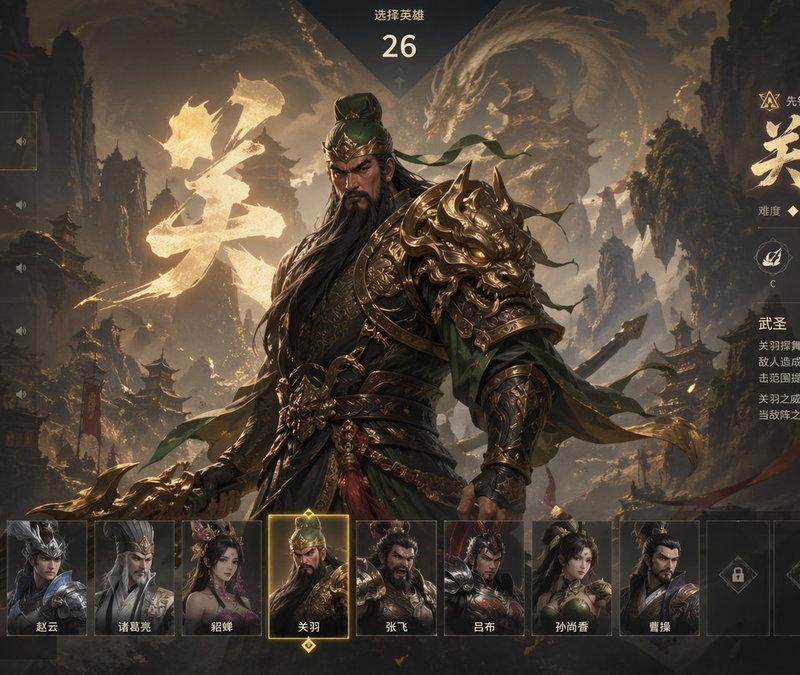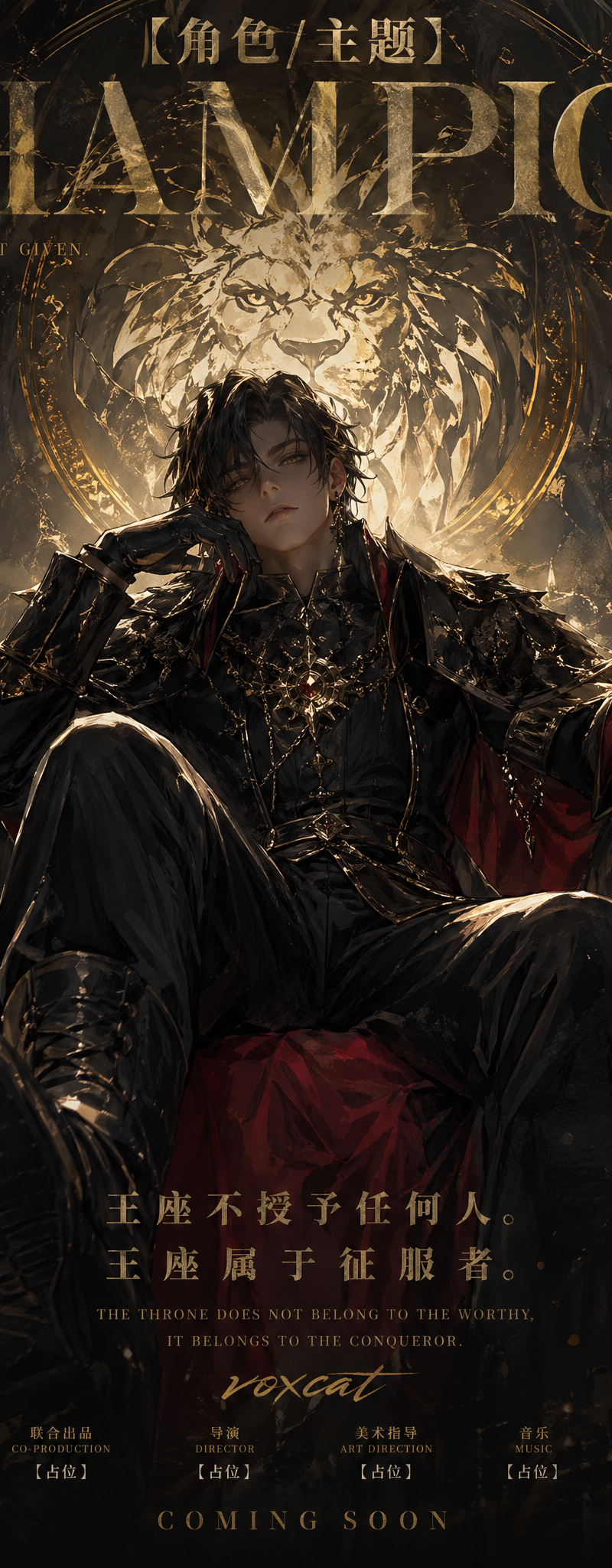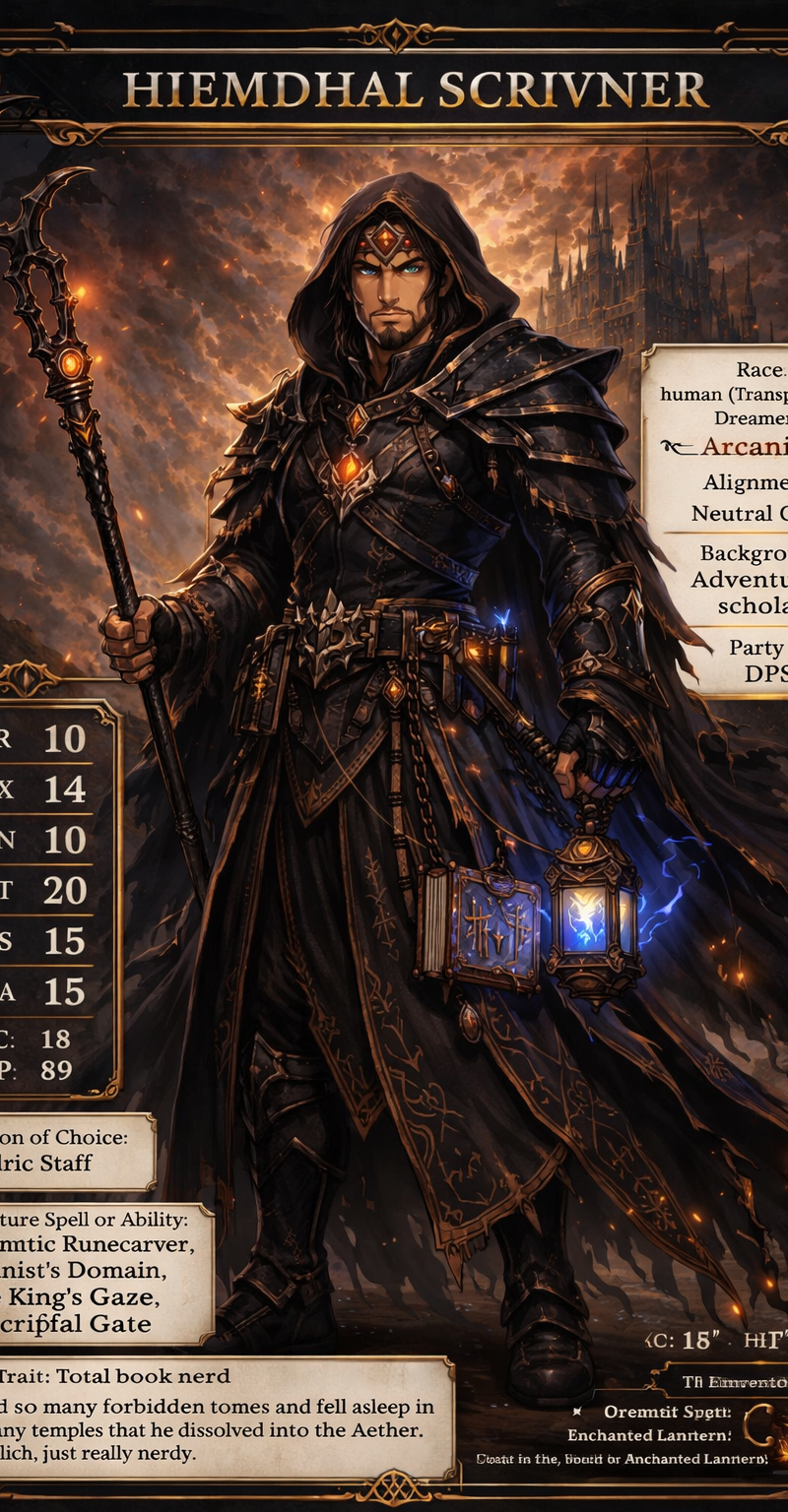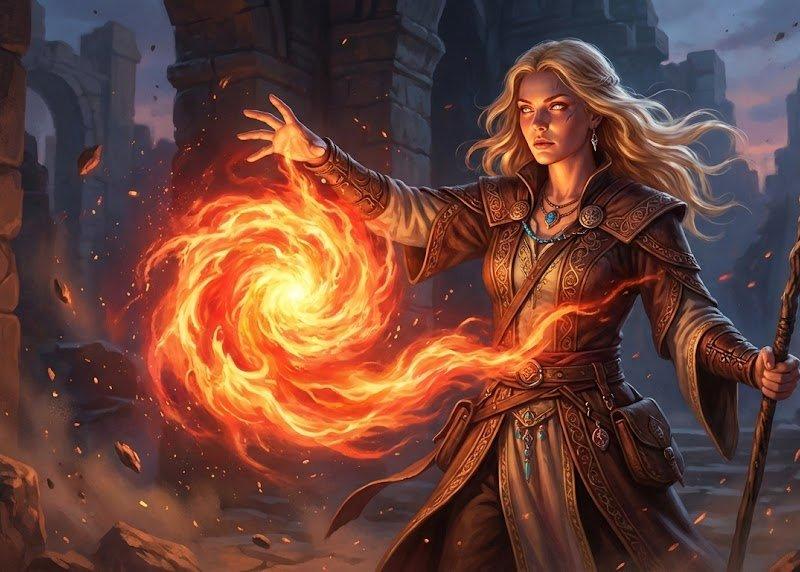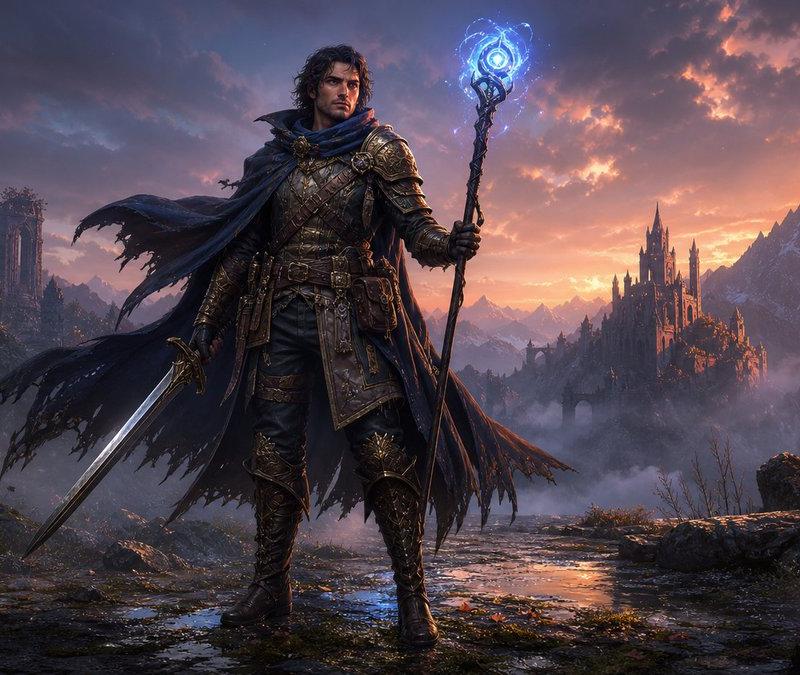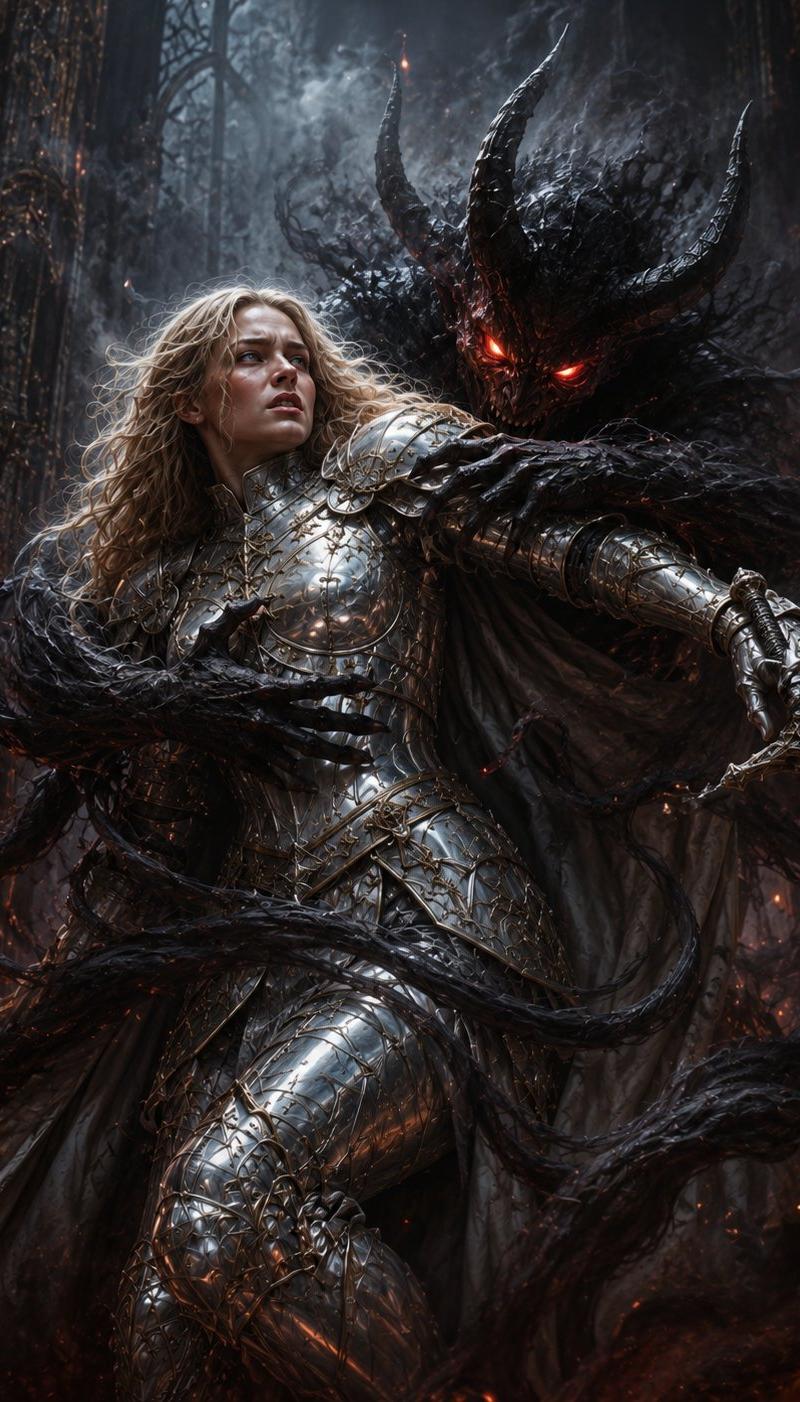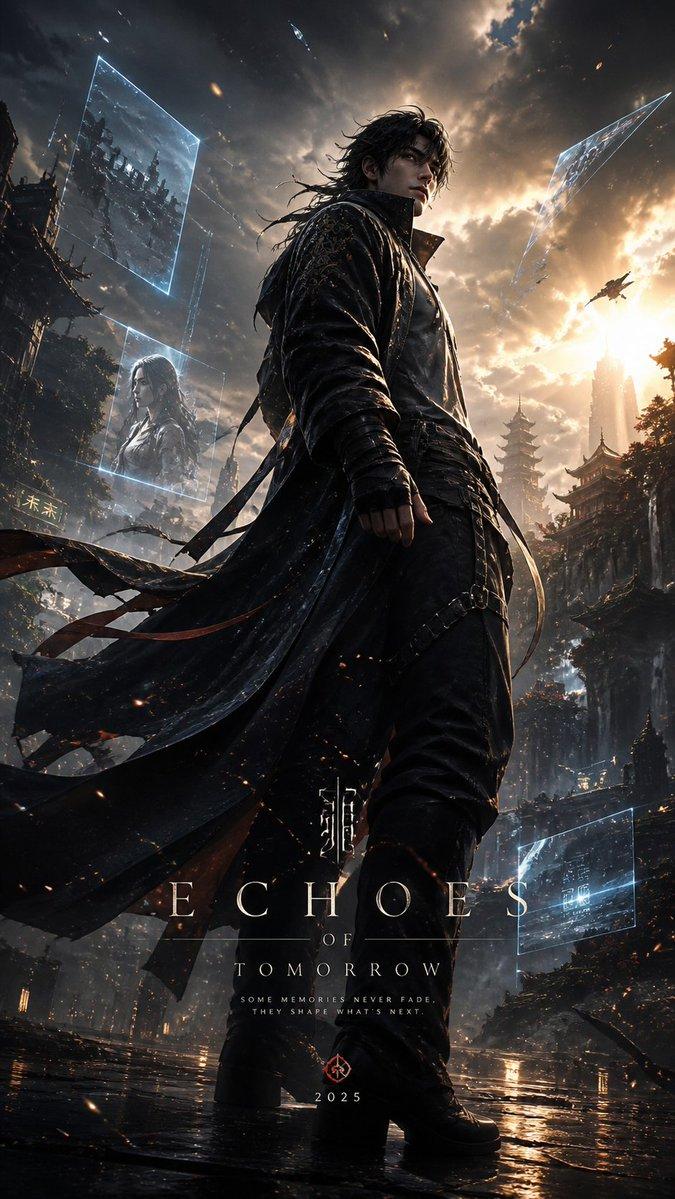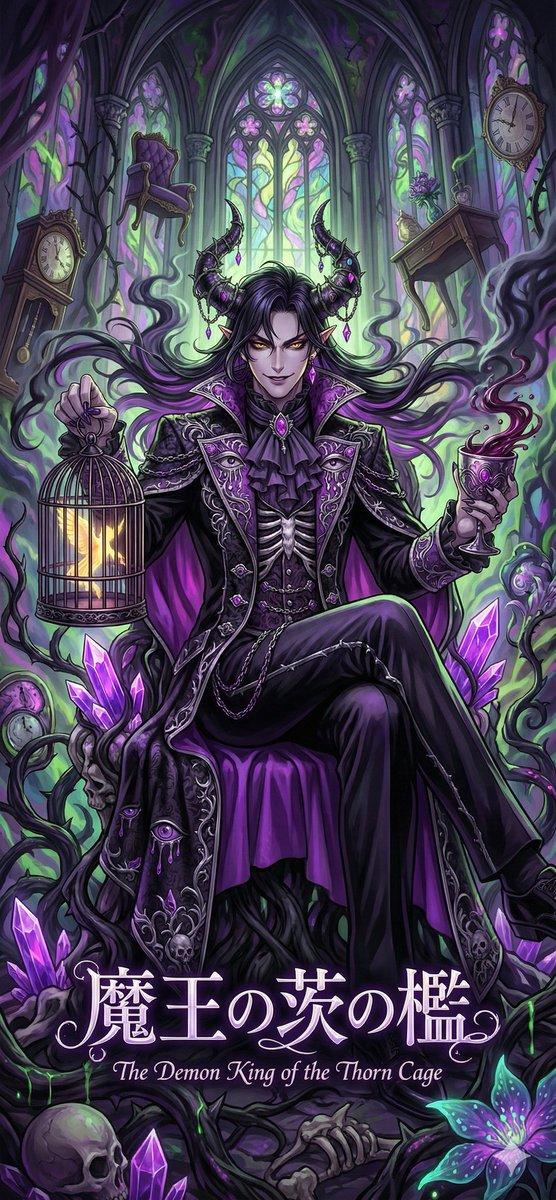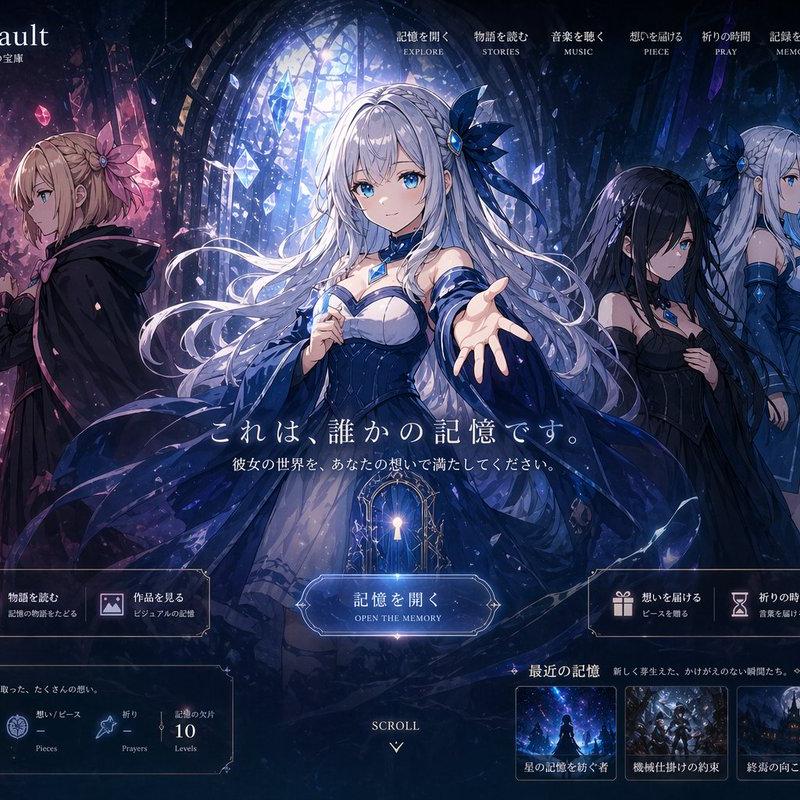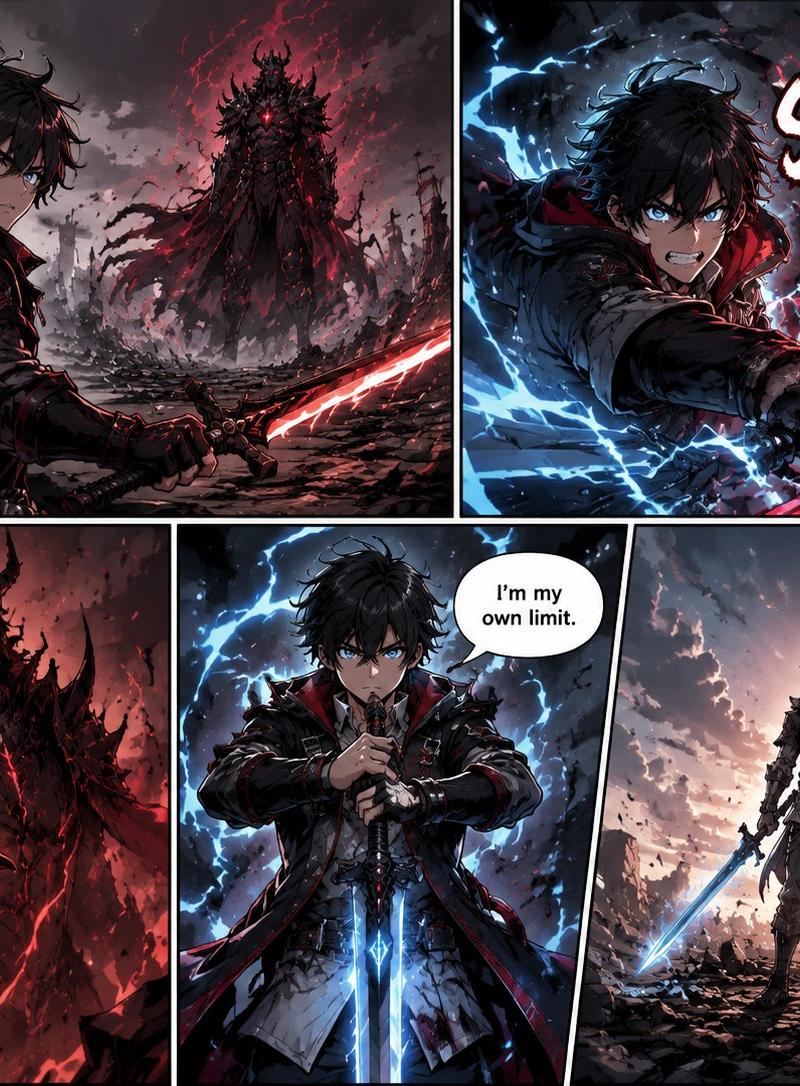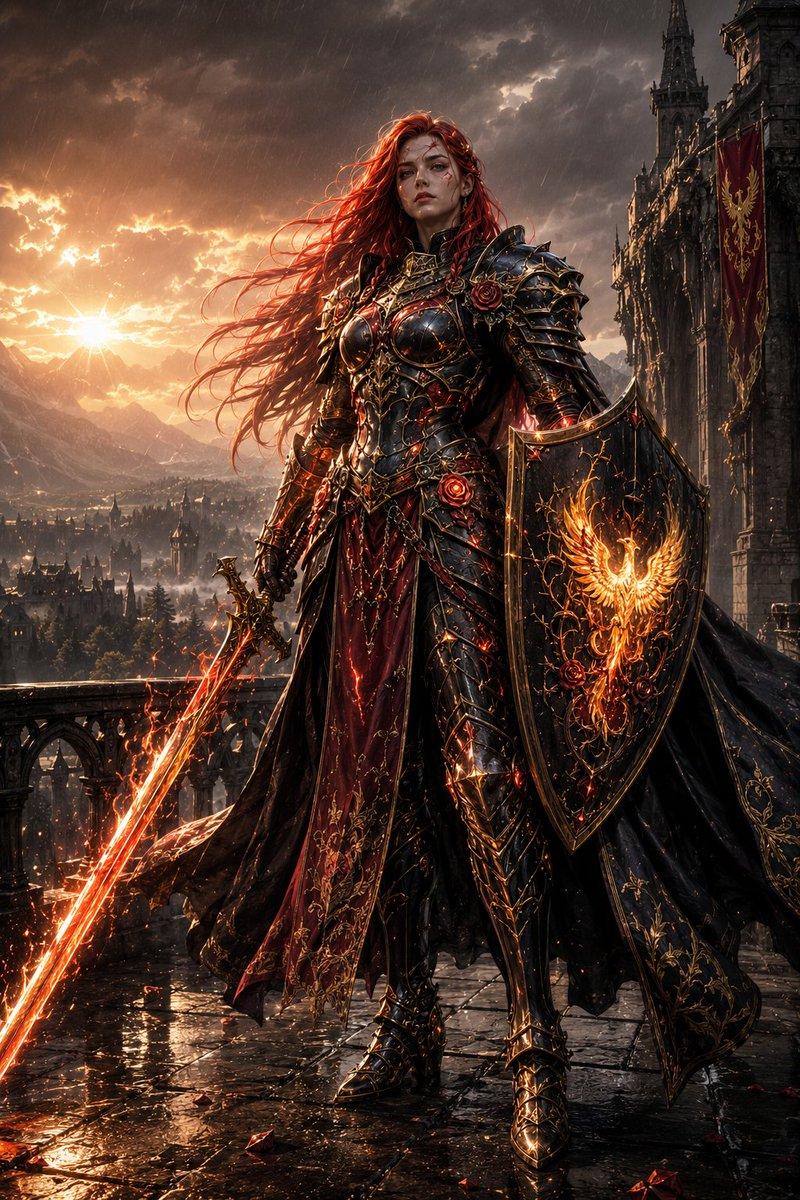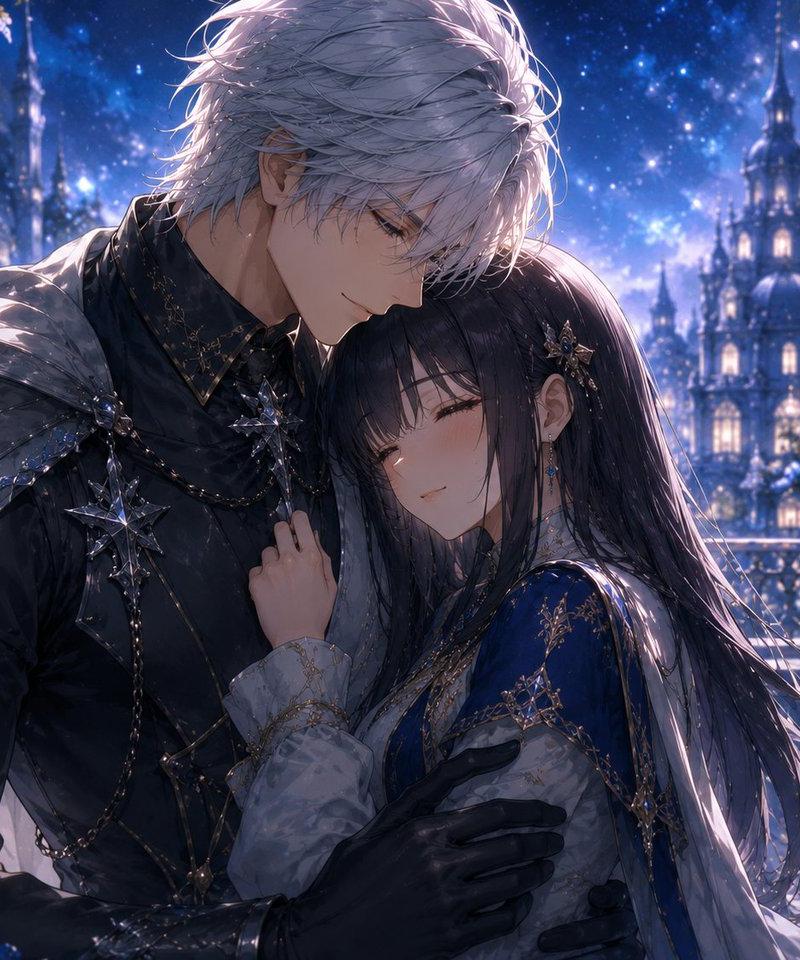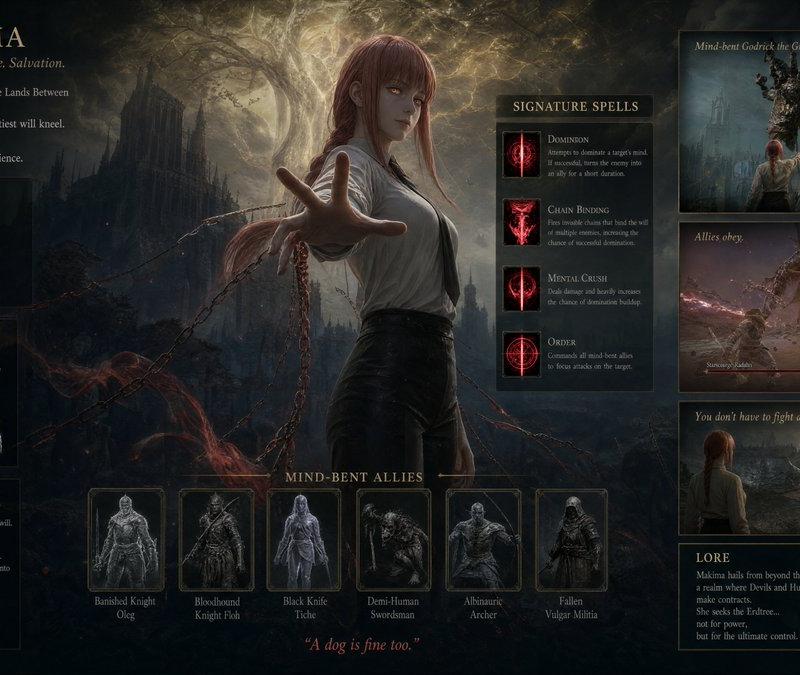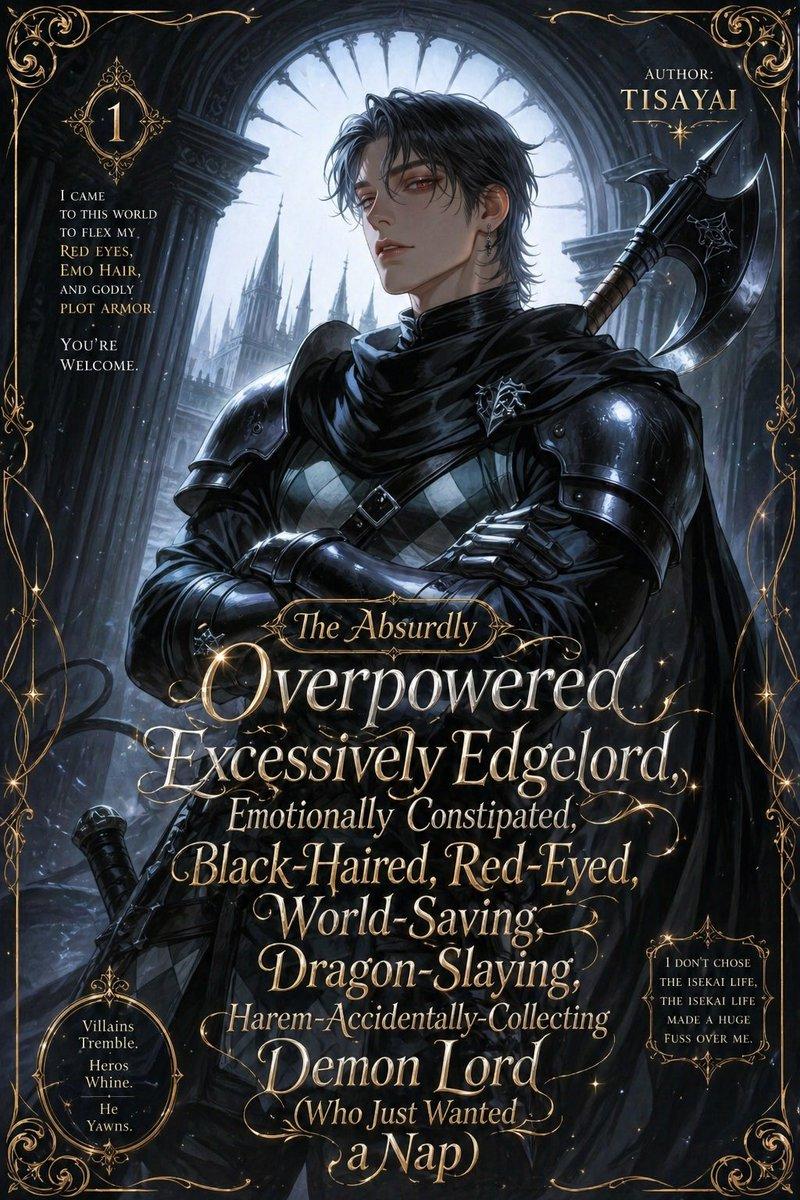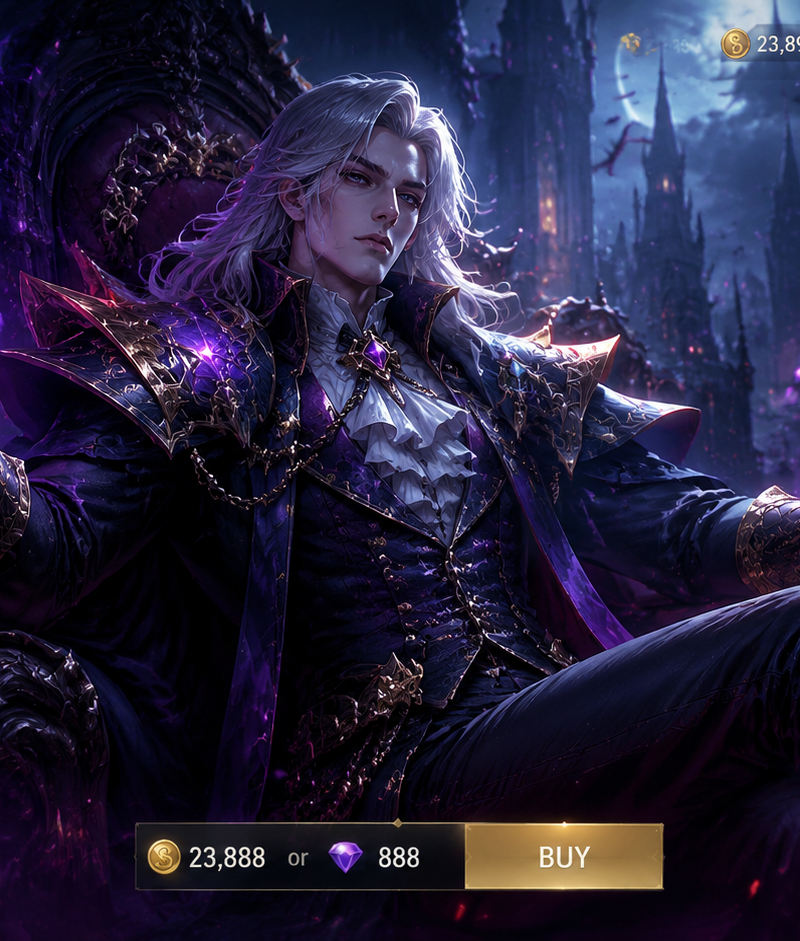
Create a short cinematic idle animation based on the generated MOBA hero screen
Prompt
Create a short cinematic idle animation based on the generated MOBA hero screen. The character remains in the same pose, composition, and framing, with no scene cuts, no camera switching, and no sudden movement. The motion must be subtle and continuous, like a living splash art. The character performs slight natural breathing with minimal body movement, including gentle shoulder rise and fall, very small head and torso micro-adjustments, and subtle cloth and hair movement affected by a soft ambient wind. The facial expression remains consistent but includes tiny micro-expression changes such as slight eye movement, blinking, and minimal tension variation, without altering identity. Energy effects, particles, or visual elements (such as aura, light trails, or magic effects) softly flow and animate around the character with smooth looping motion. The camera performs a very slow and subtle push-in or micro parallax movement to enhance depth, without changing framing or composition. Lighting slightly flickers or shifts naturally to simulate a dynamic environment, while maintaining the original color identity. The entire animation must feel stable, seamless, and loopable, with no distortion, no morphing, no pose change, and no sudden transitions.
- Category
- Charts & Infographics
- Model
- GPT Image 2
- Creator
- xie underwood
- Source language
- en
- Source ID
- 38174
- Published
- Jun 29, 2026
Views39
![Design a high-end gacha summon page for a new mobile game titled [Game Title], i](https://whqgdndlpxjbwosvipip.supabase.co/storage/v1/render/image/public/prompt-source-media/promptsref/work-4833/image-1-8e0cc3185e2183fb.png?width=800&quality=75)