19

On the basis of the original image, add: digital CG style, UES rendering, ultra-
Enlarge

Example images

On the basis of the original image, add: digital CG style, UES rendering, ultra-

Prompt
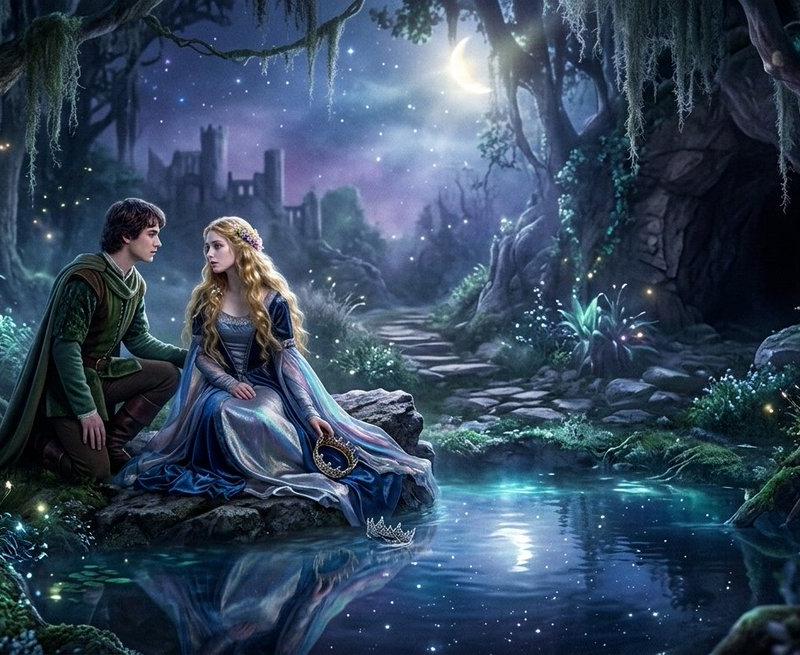
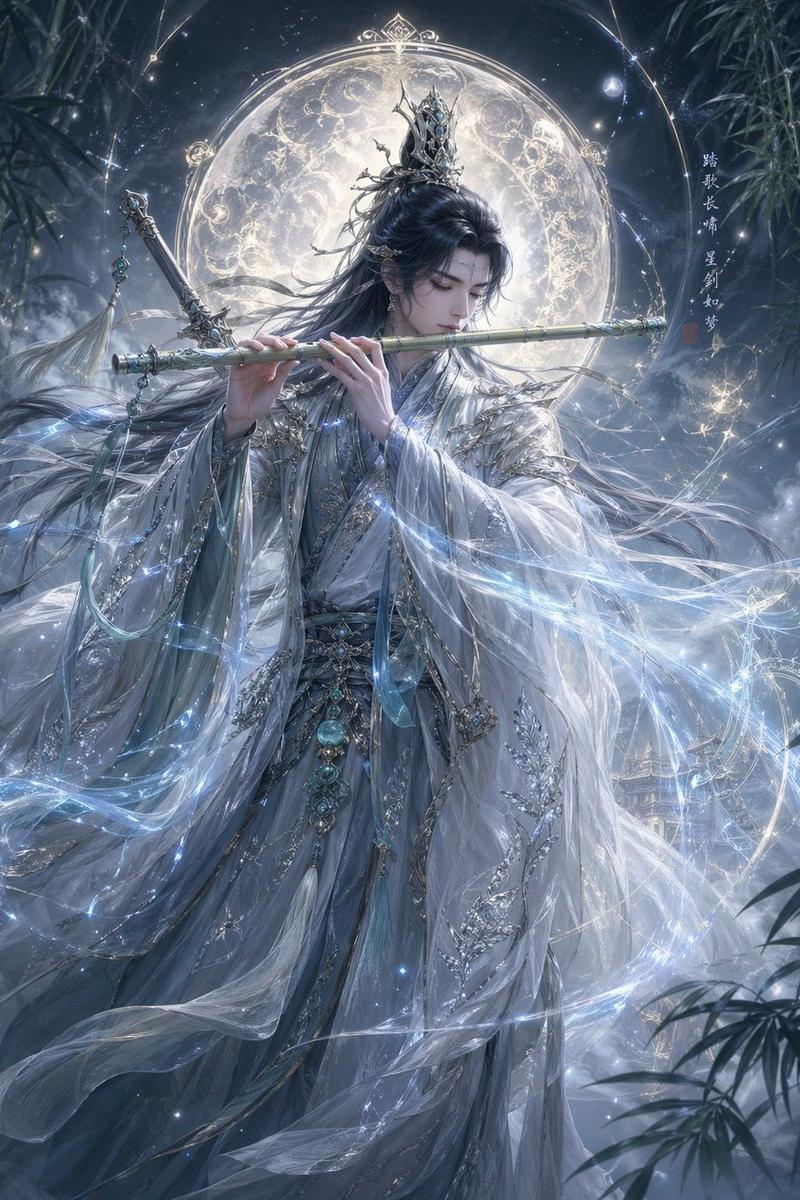
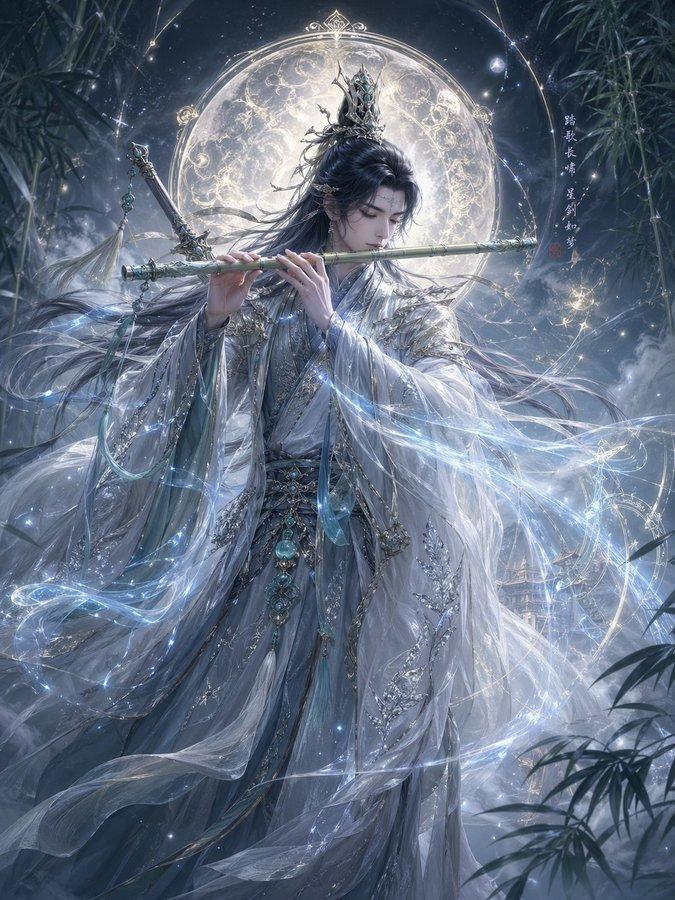
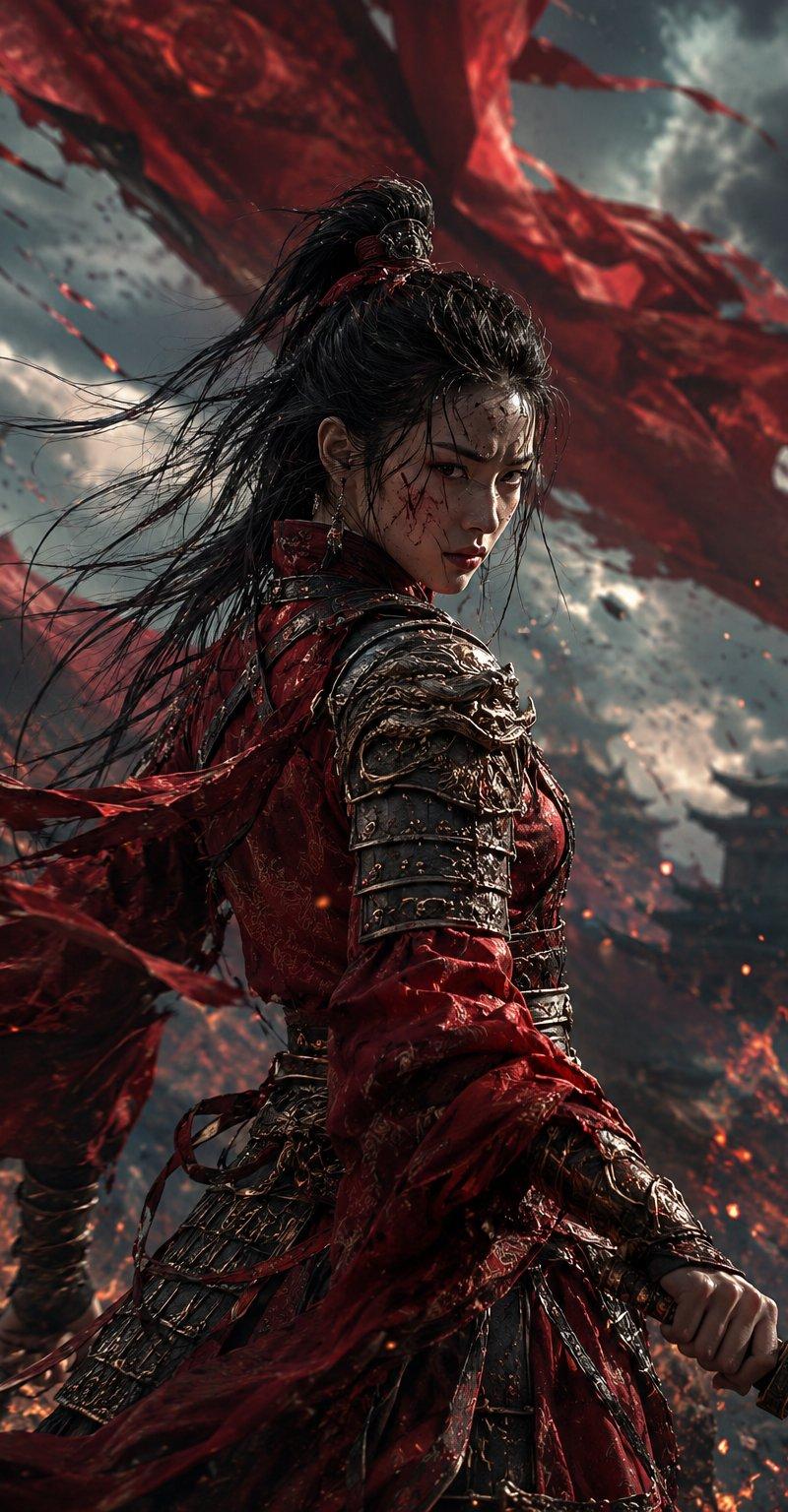
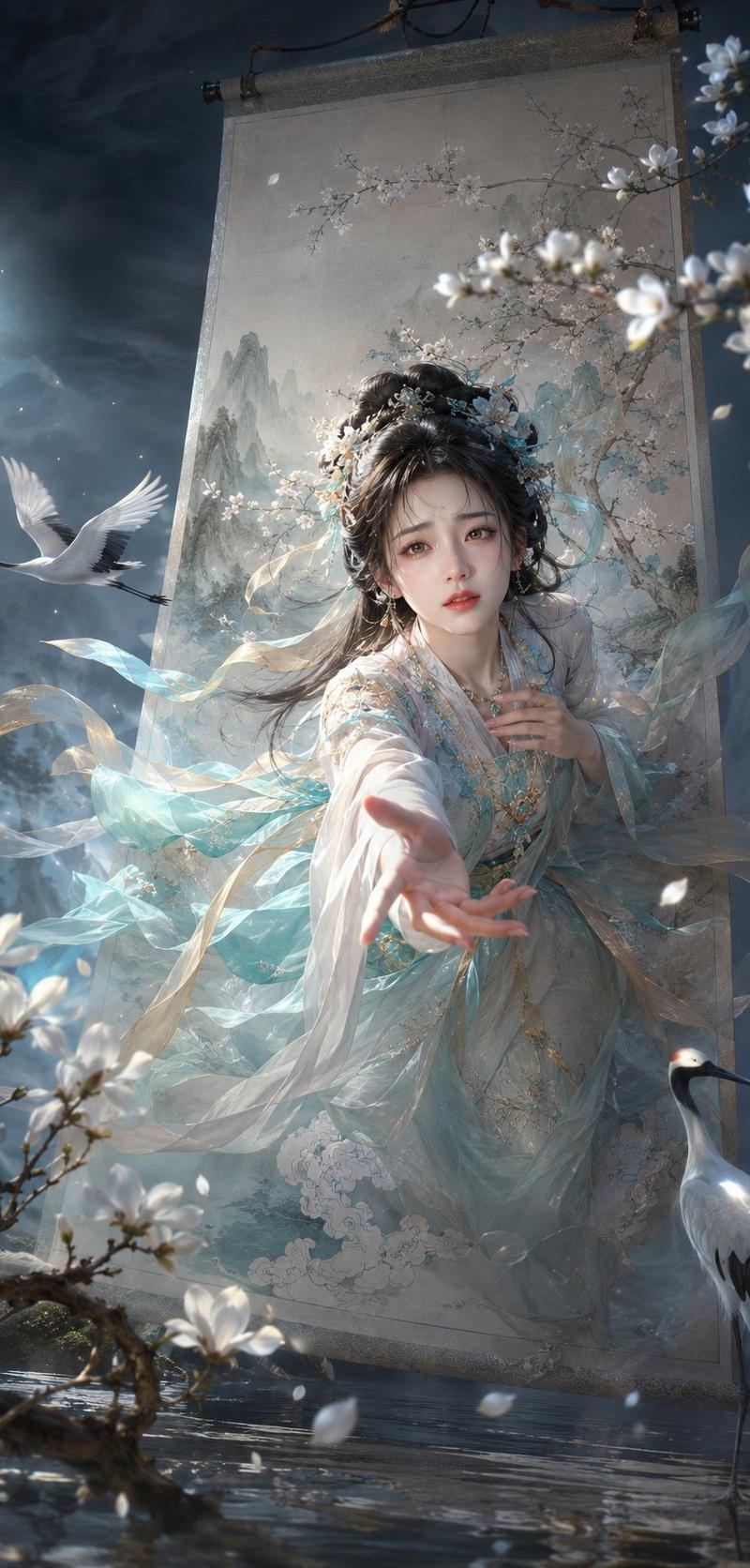
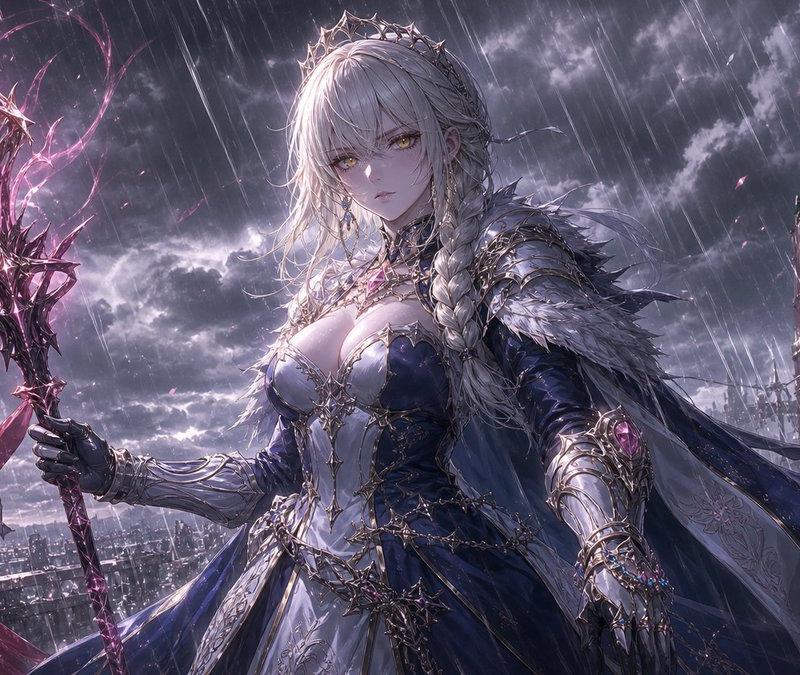
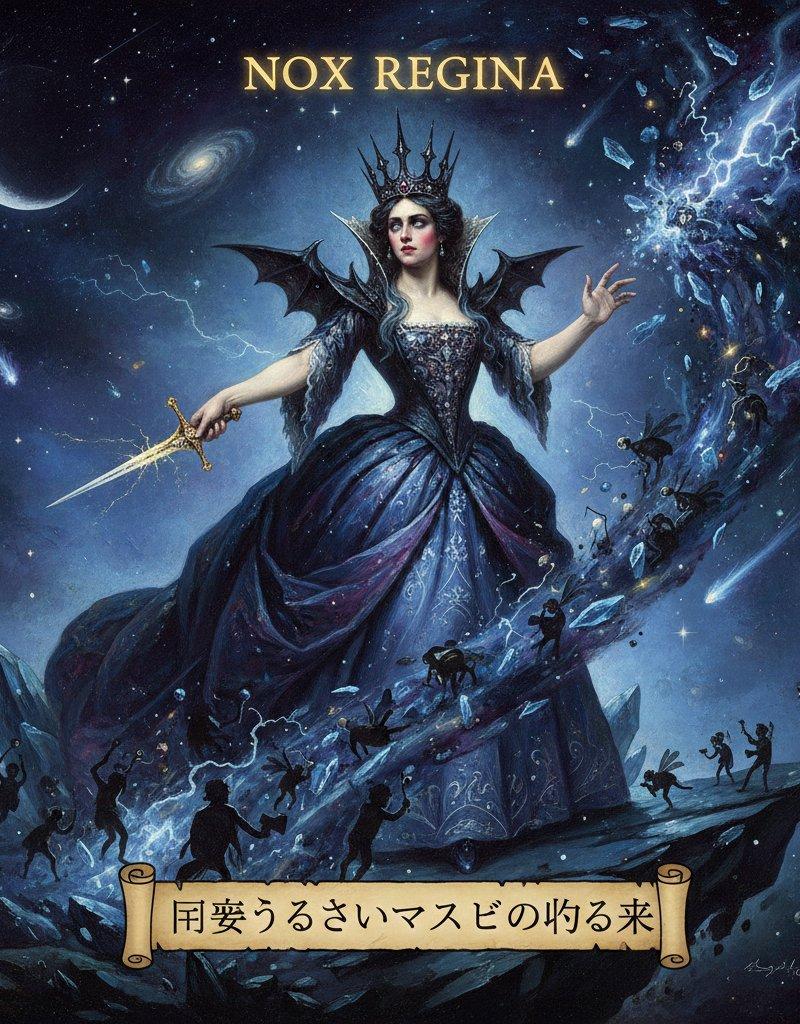
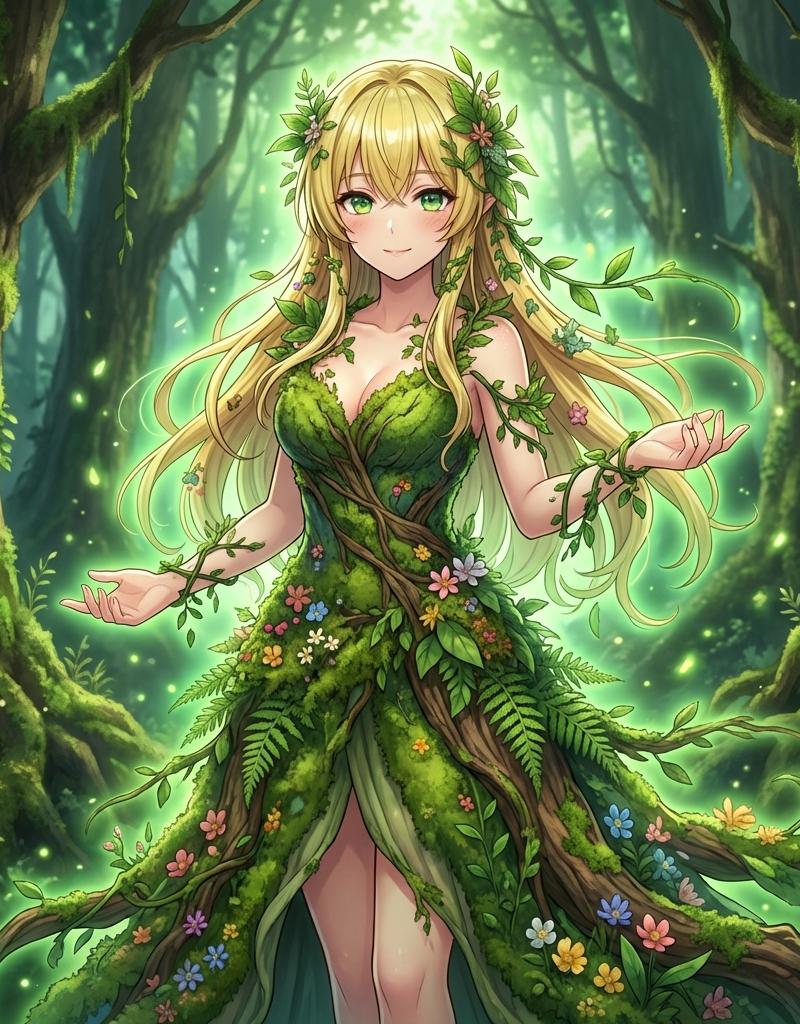
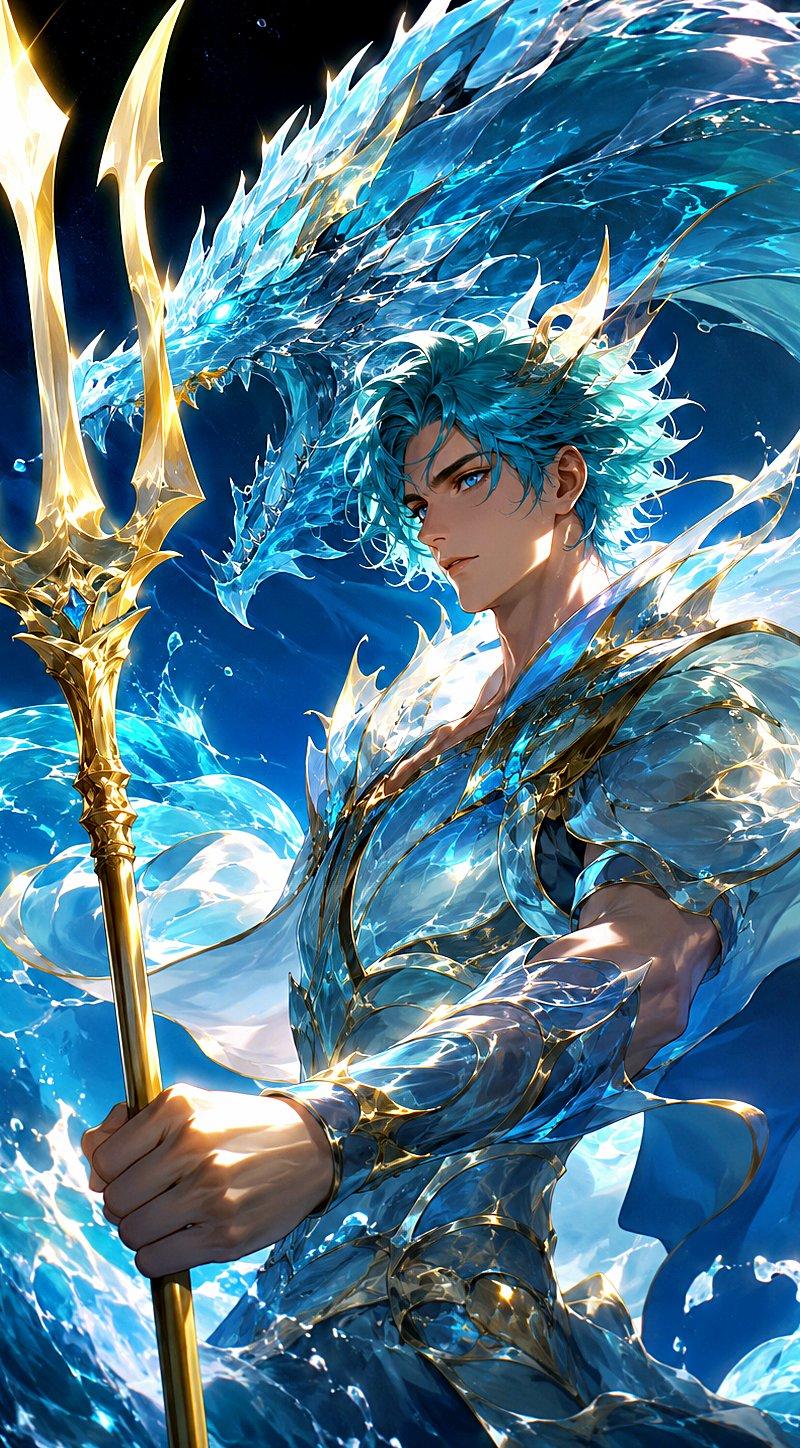
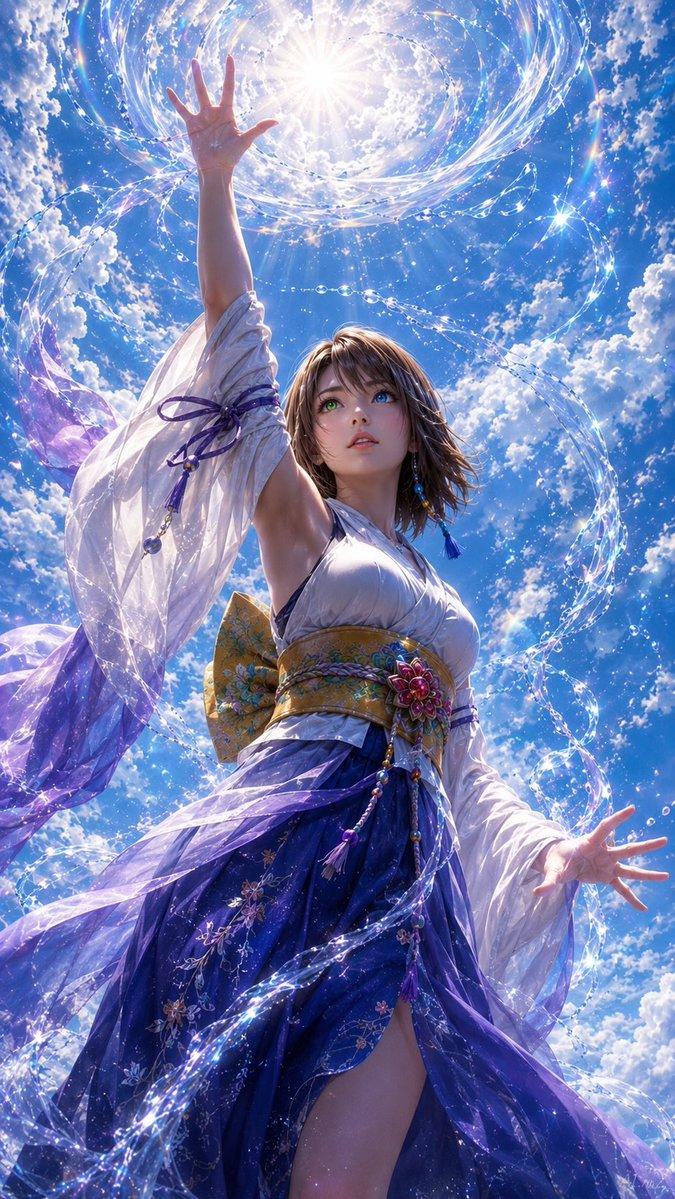
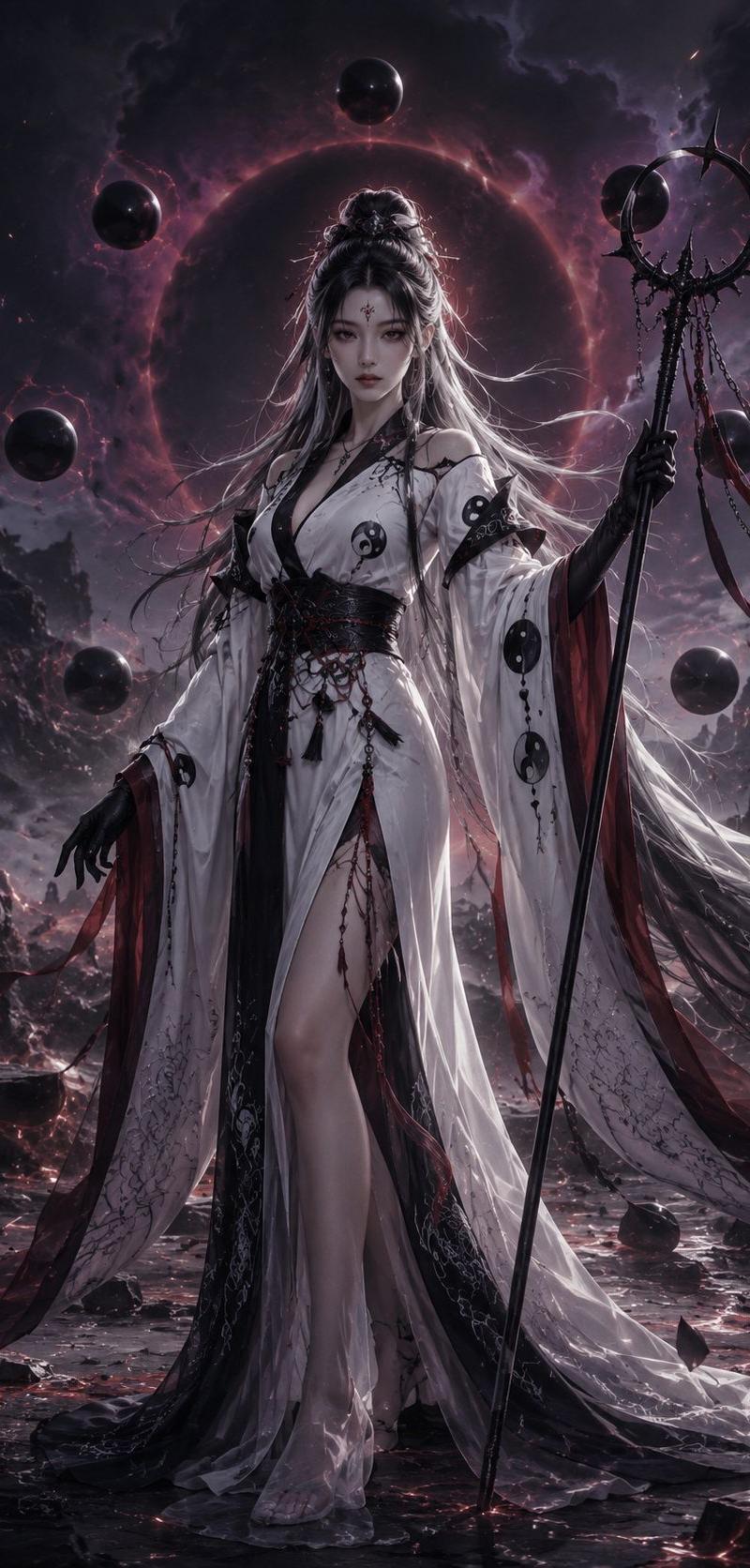
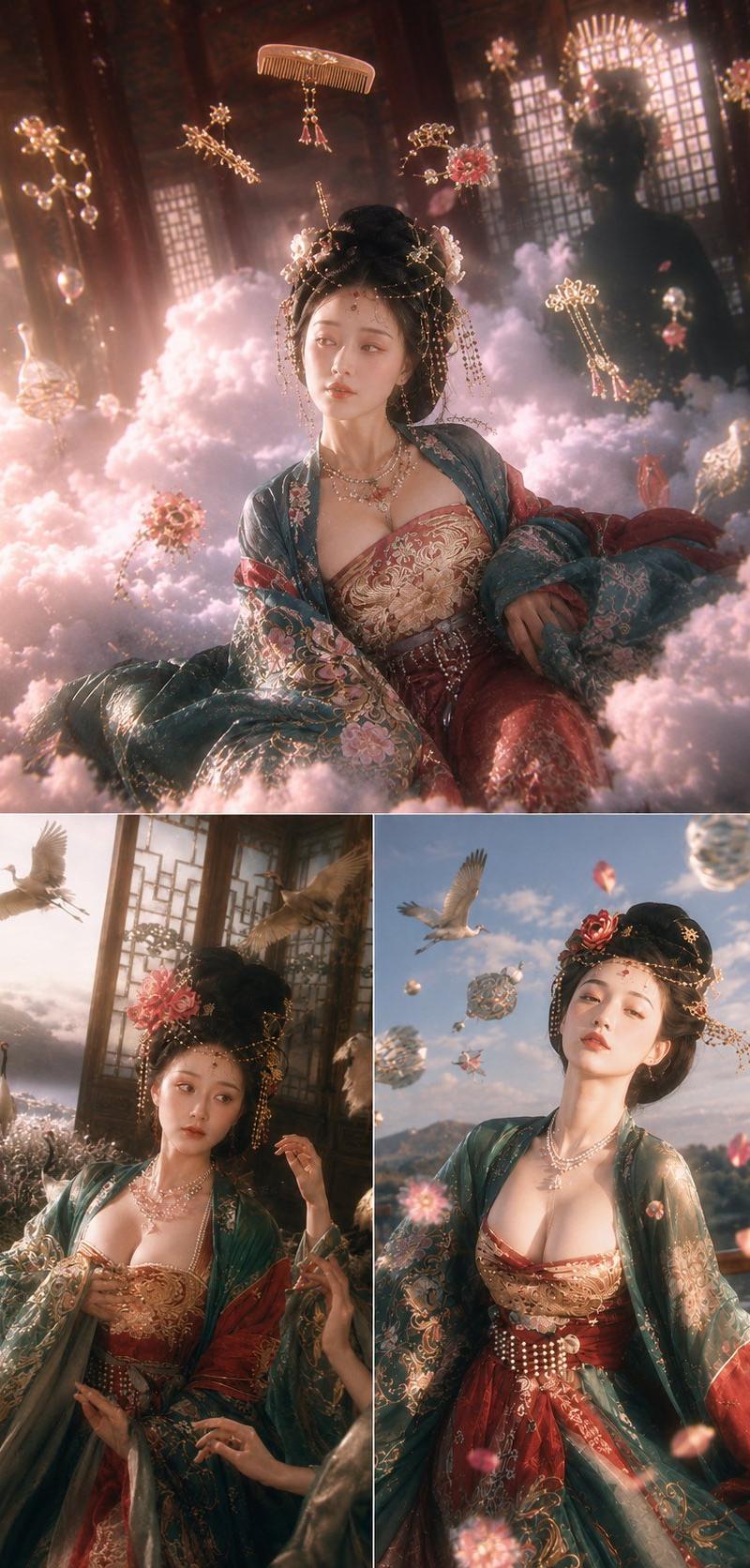
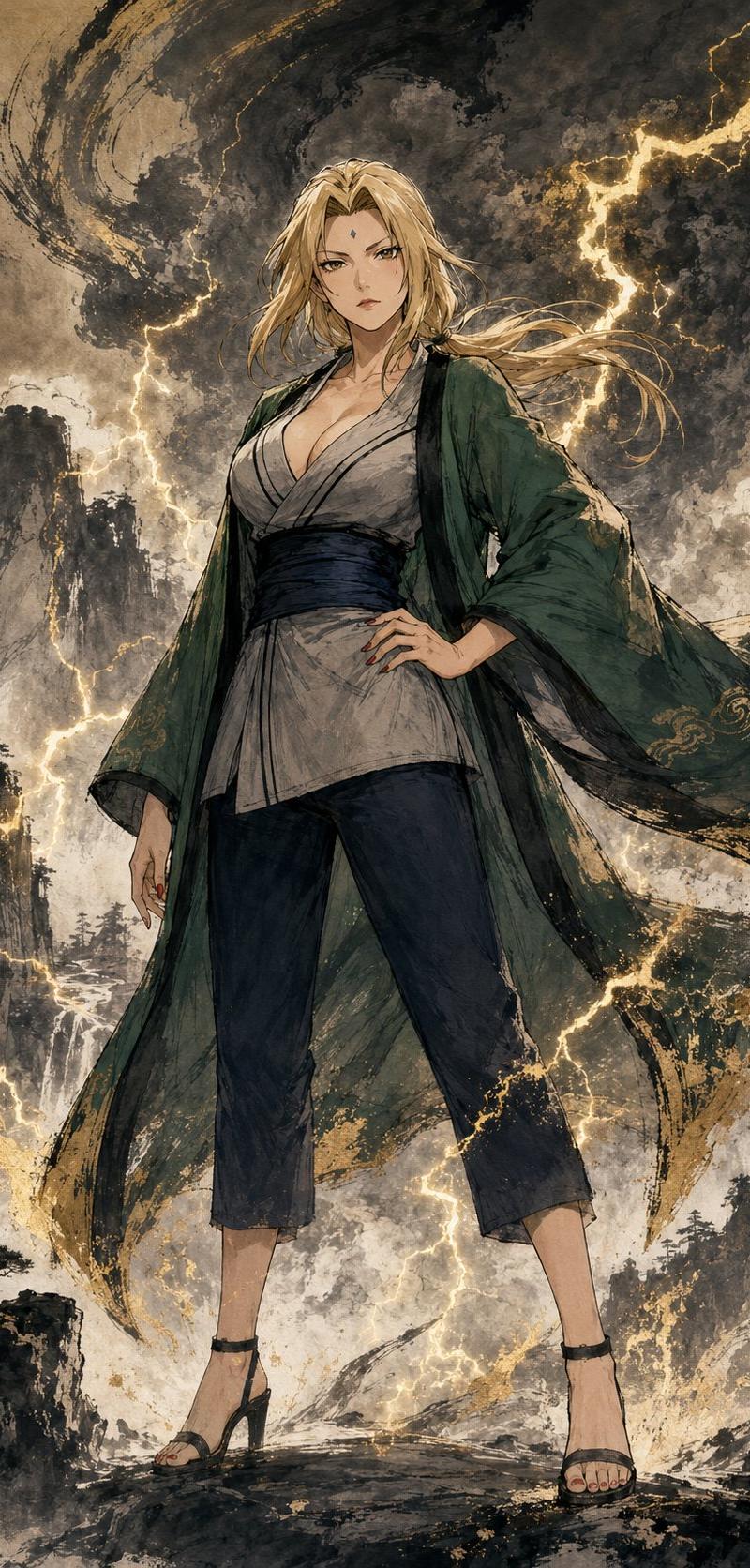
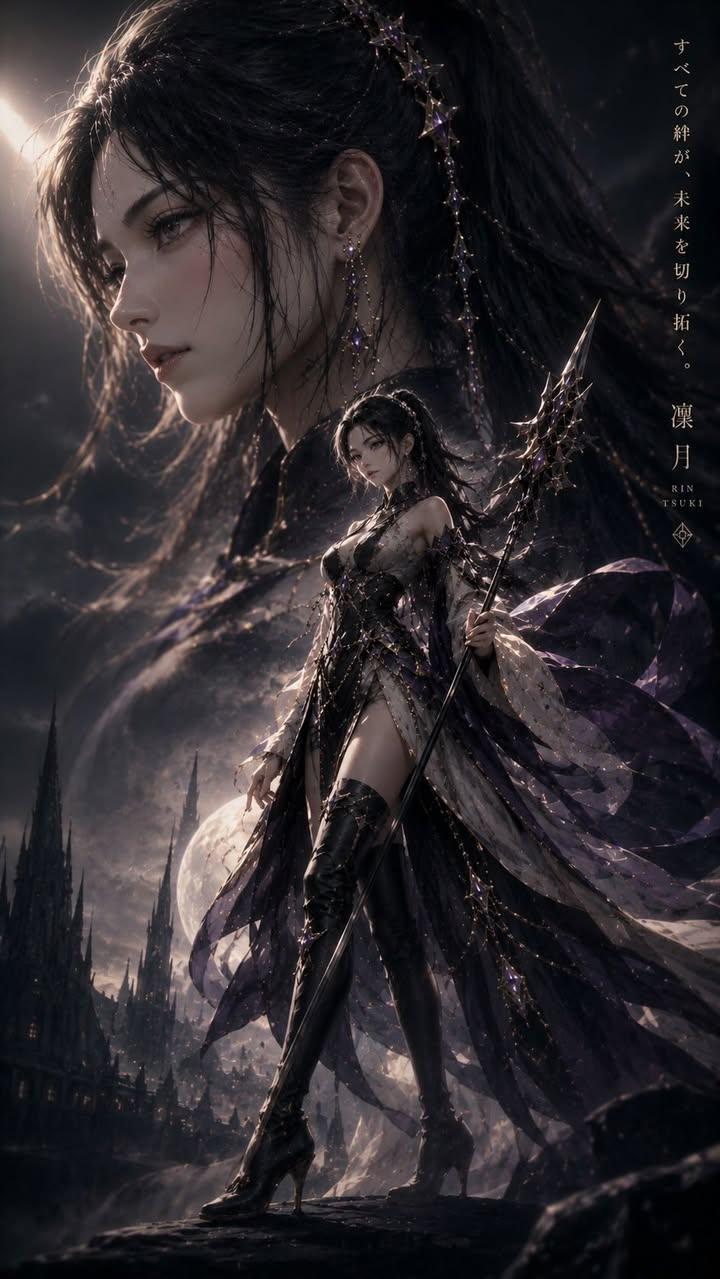
On the basis of the original image, add: digital CG style, UES rendering, ultra-wide-angle composition, mysterious atmosphere with intricately layered swirling mist and clouds, foreground willow leaves splashing/scattering as accents, motion blur, sky covered by clouds and mist, raging winds, strong tension, grand and majestic scale, an extremely oppressive scene, low saturation, strong perspective, highly impactful visuals, interwoven light and shadow, realistic light reflections, an ink-green / gray / white palette, bright white areas that are cold, sharp, and crisp, gray areas that are deep and inky, an Eastern ancient fantasy / xianxia cultivation atmosphere, 8K photographic image quality, original aspect ratio.
Category
Posters & Typography
Model
Nano Banana Pro
Creator
xie underwood
Source language
en
Views126
Source ID
422
Published
Feb 25, 2026
Studio

Guide

About "On the basis of the original image, add: digital CG style, UES rendering, ultra-"

What is this prompt for?

"On the basis of the original image, add: digital CG style, UES rendering, ultra-" AI image prompt for Nano Banana Pro (Posters & Typography). On the basis of…

The full copyable prompt and example visuals above are ready for AI image generation or one-click recreate in Picva.

How to use this prompt

  1. Step 1

    Open the prompt detail

    Review the example visuals, category, and full prompt text for "On the basis of the original image, add: digital CG style, UES rendering, ultra-".

  2. Step 2

    Copy the prompt

    Copy the prompt body from this page, or load it directly in Studio.

  3. Step 3

    Pick a model (Nano Banana Pro)

    Prefer Nano Banana Pro. If you switch models, keep subject and composition and tweak style terms.

  4. Step 4

    Generate and export

    Recreate the look in Picva, or export into your workflow for editing and publishing.

FAQ

What is the "On the basis of the original image, add: digital CG style, UES rendering, ultra-" prompt?
It is an AI image-generation prompt for Nano Banana Pro in the Posters & Typography category. This page includes the full prompt text, example visuals, and a one-click recreate path in Picva.
How do I use this prompt to generate an image?
Copy the prompt from this page, or use Generate / Studio. Paste it into a compatible image model, or recreate the look in Picva with optional reference images.
Which model is this prompt for?
This page lists Nano Banana Pro. Most descriptive prompts also transfer to nearby image models such as GPT Image, Flux, or Midjourney with light style tweaks.
Can I use the result commercially?
You can usually copy the prompt for creation, but commercial use of the final image depends on the model terms, reference-image rights, and the generated content. Follow the source author and platform rules.