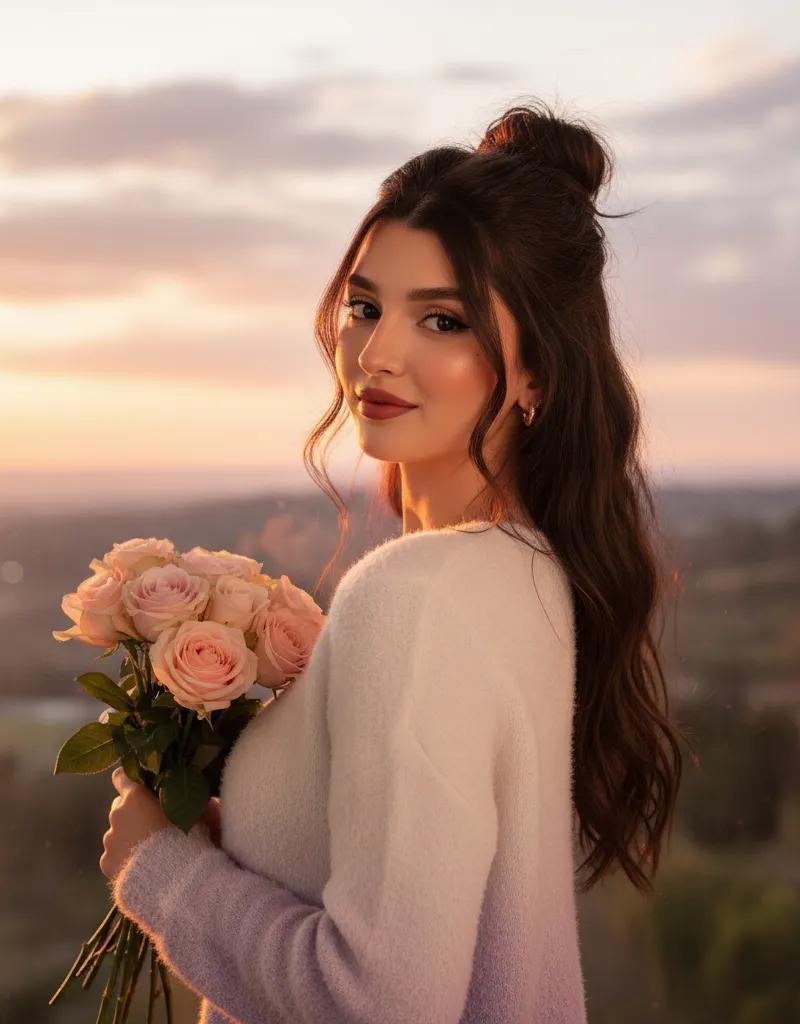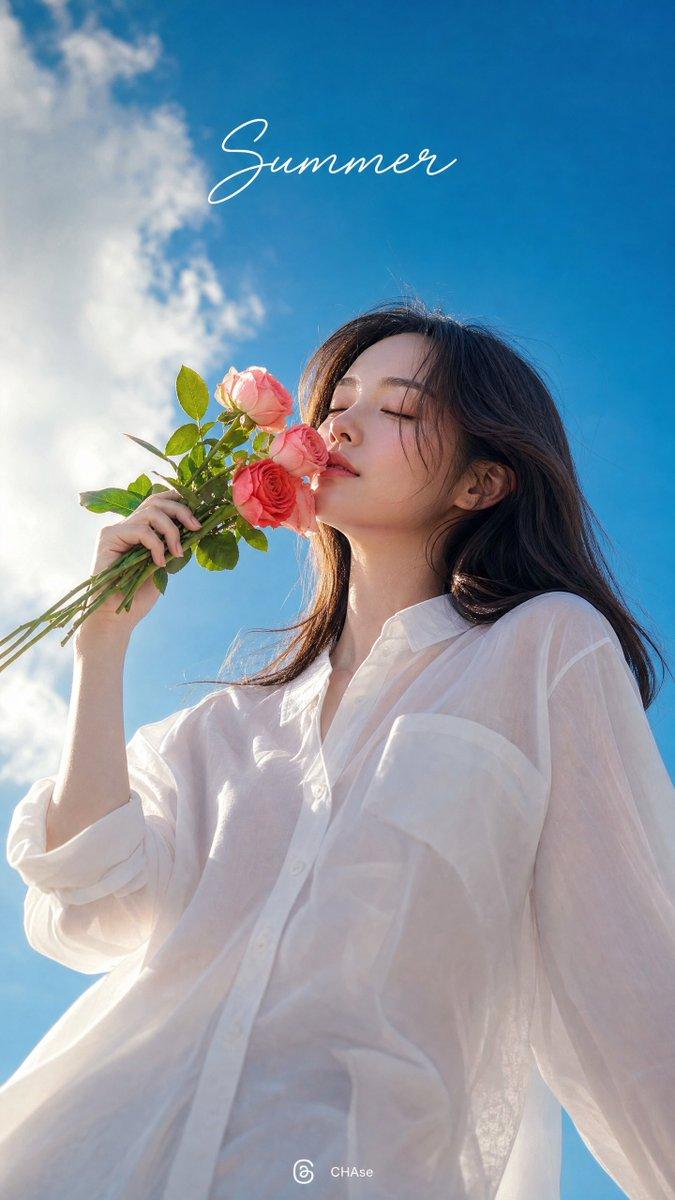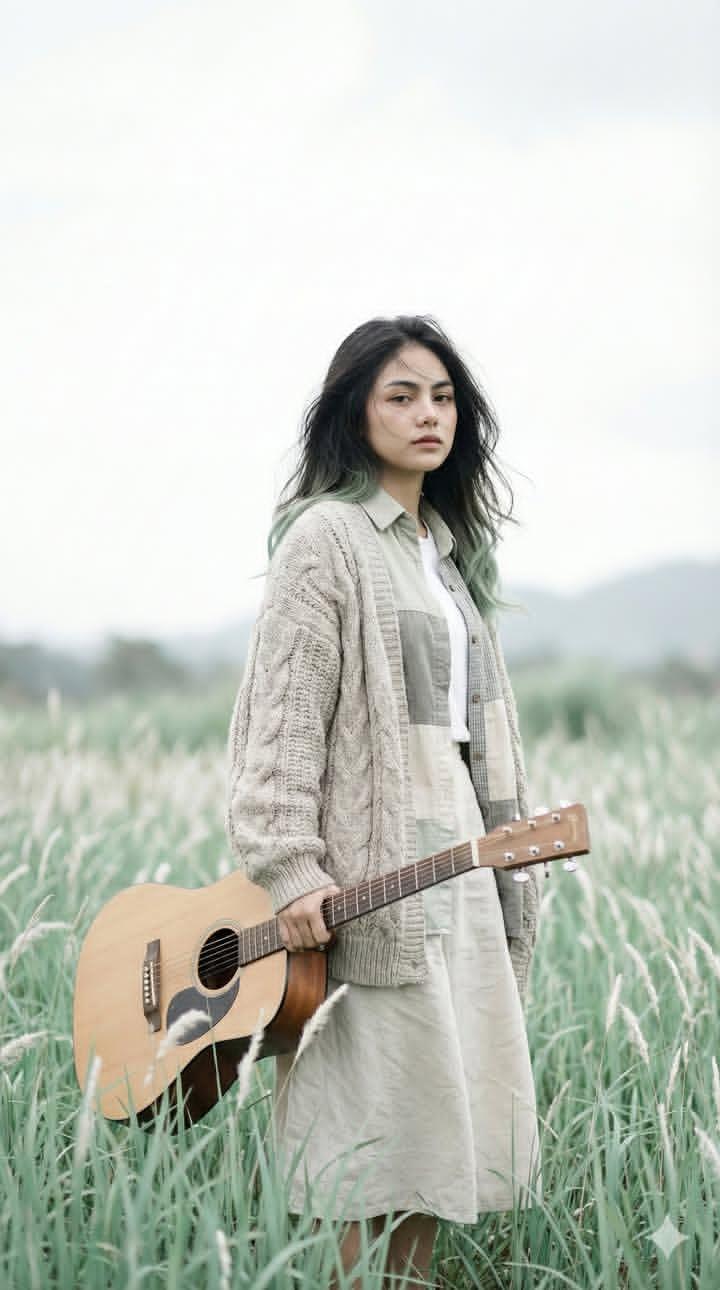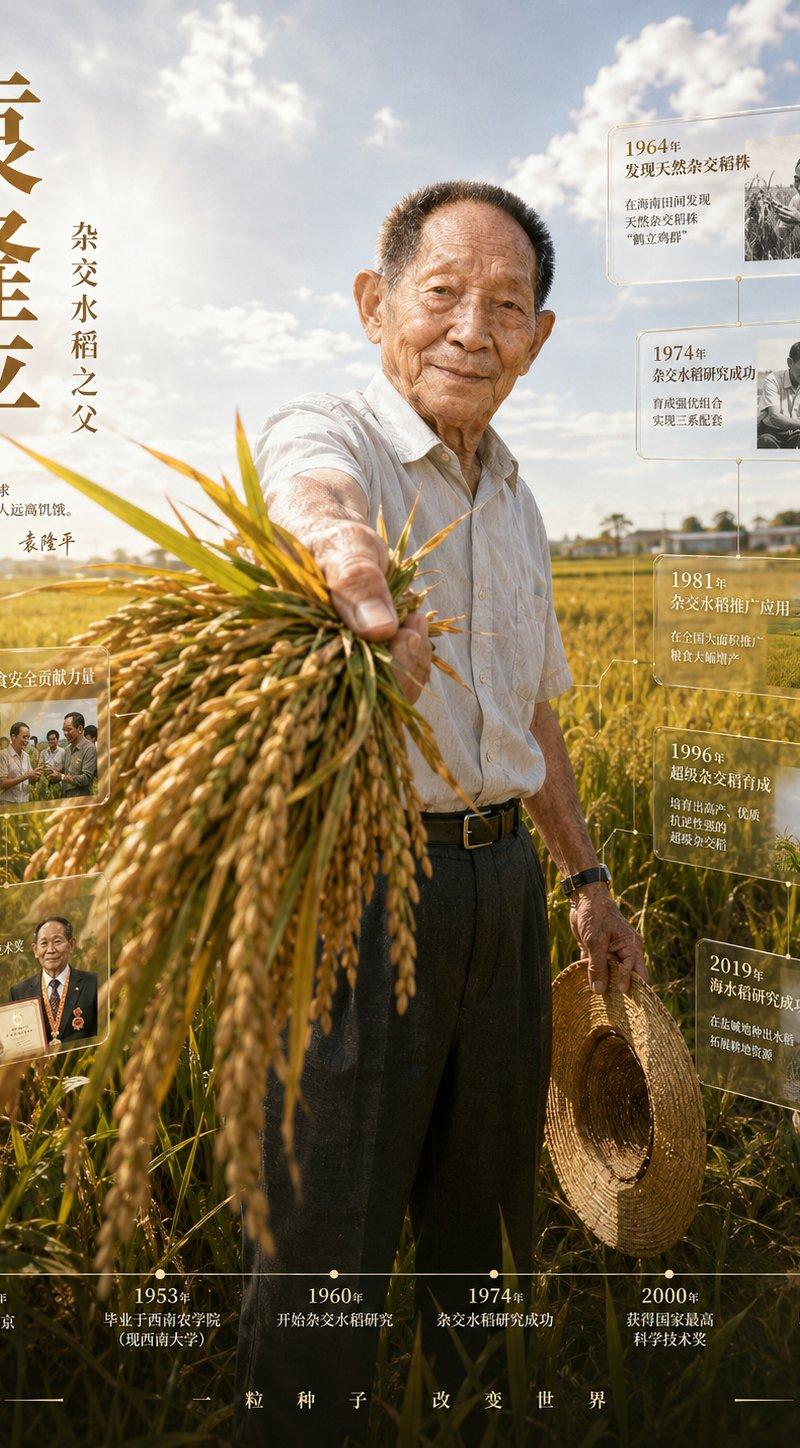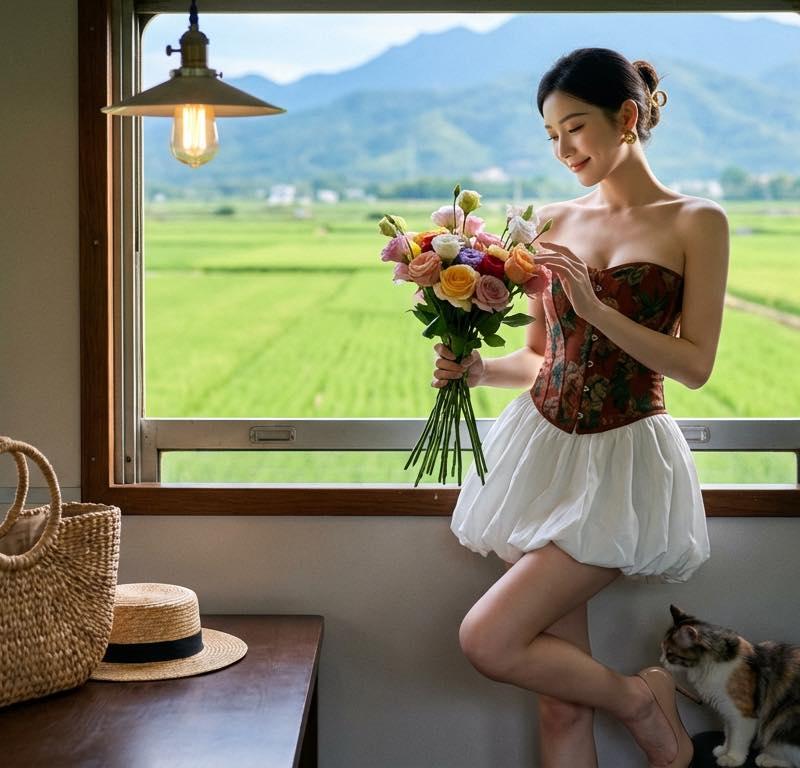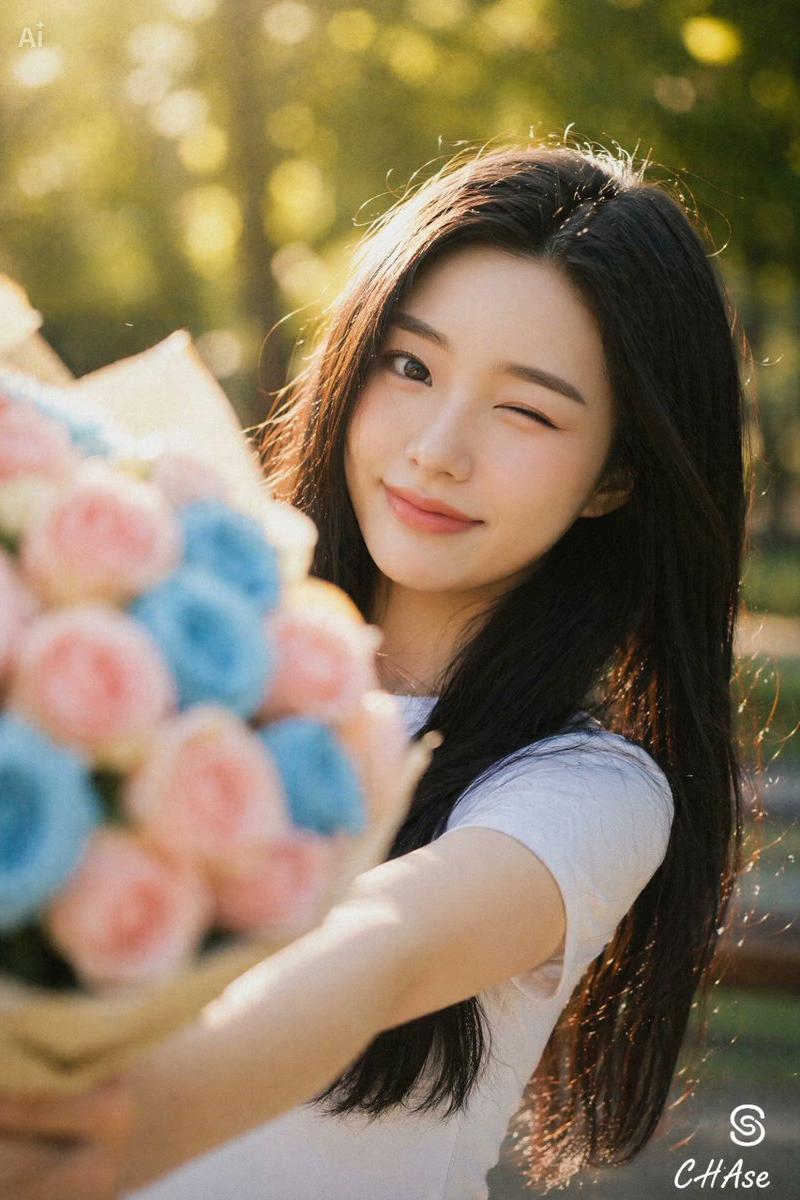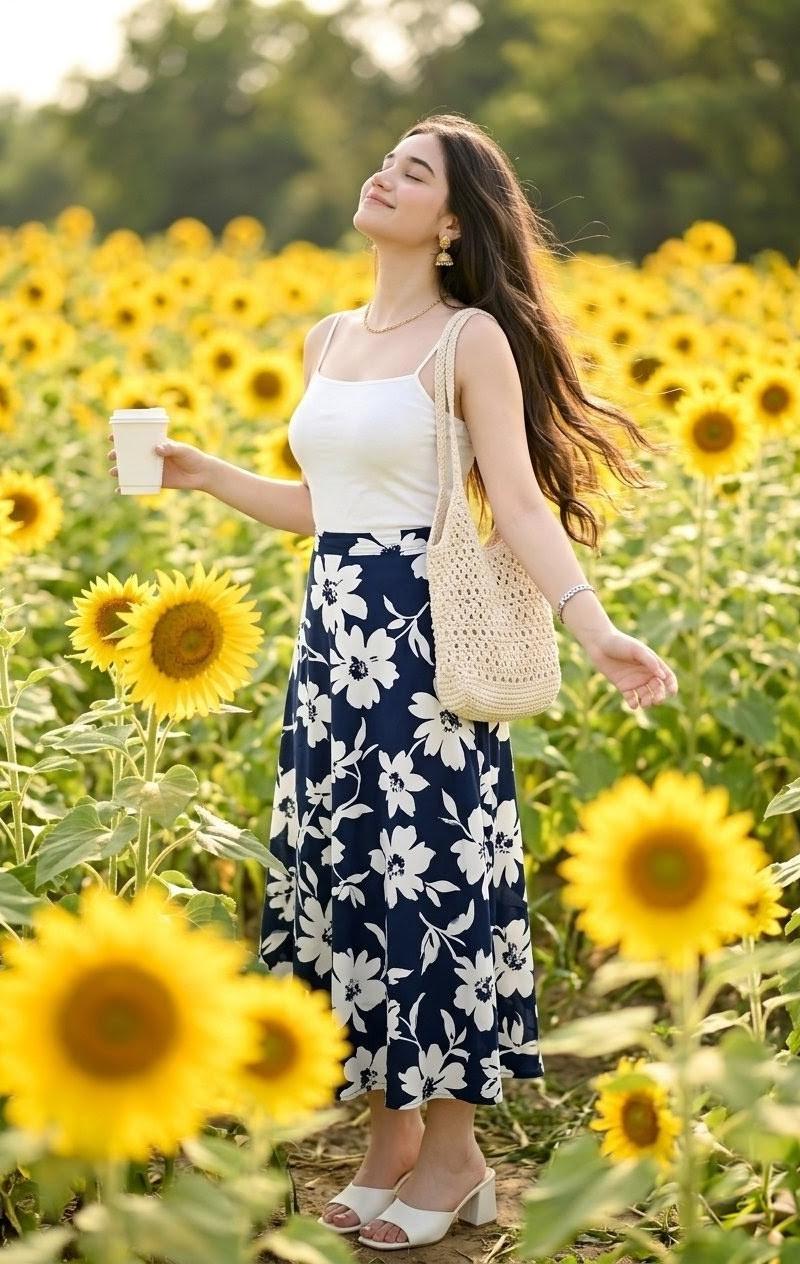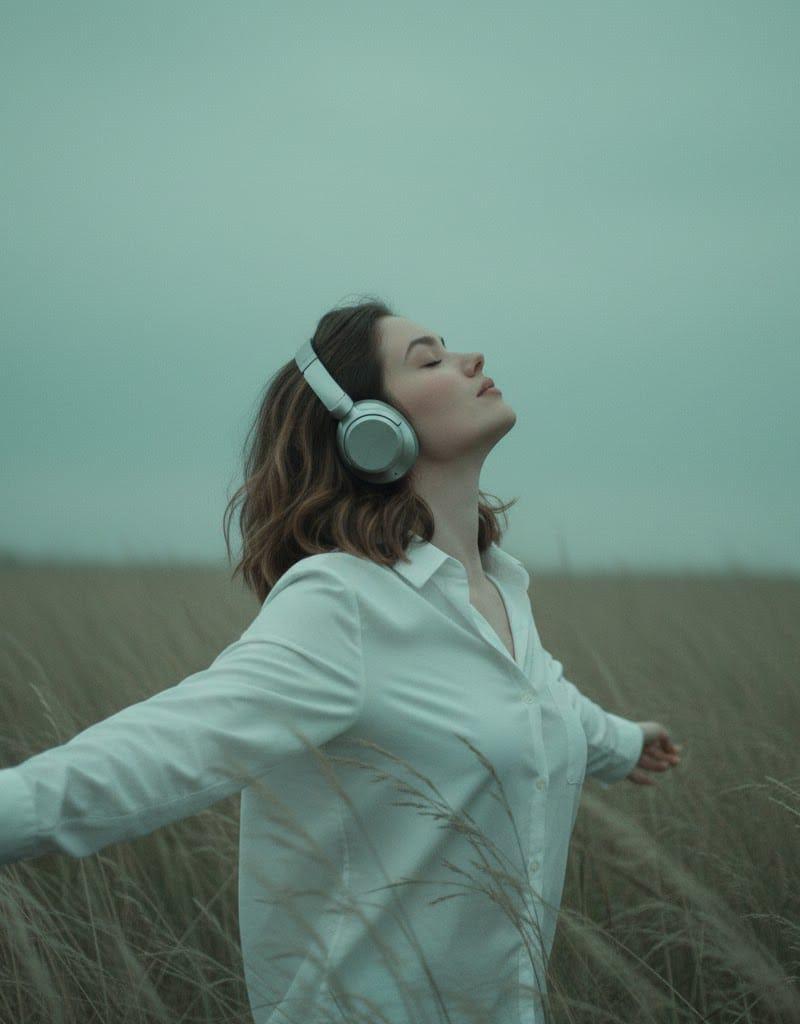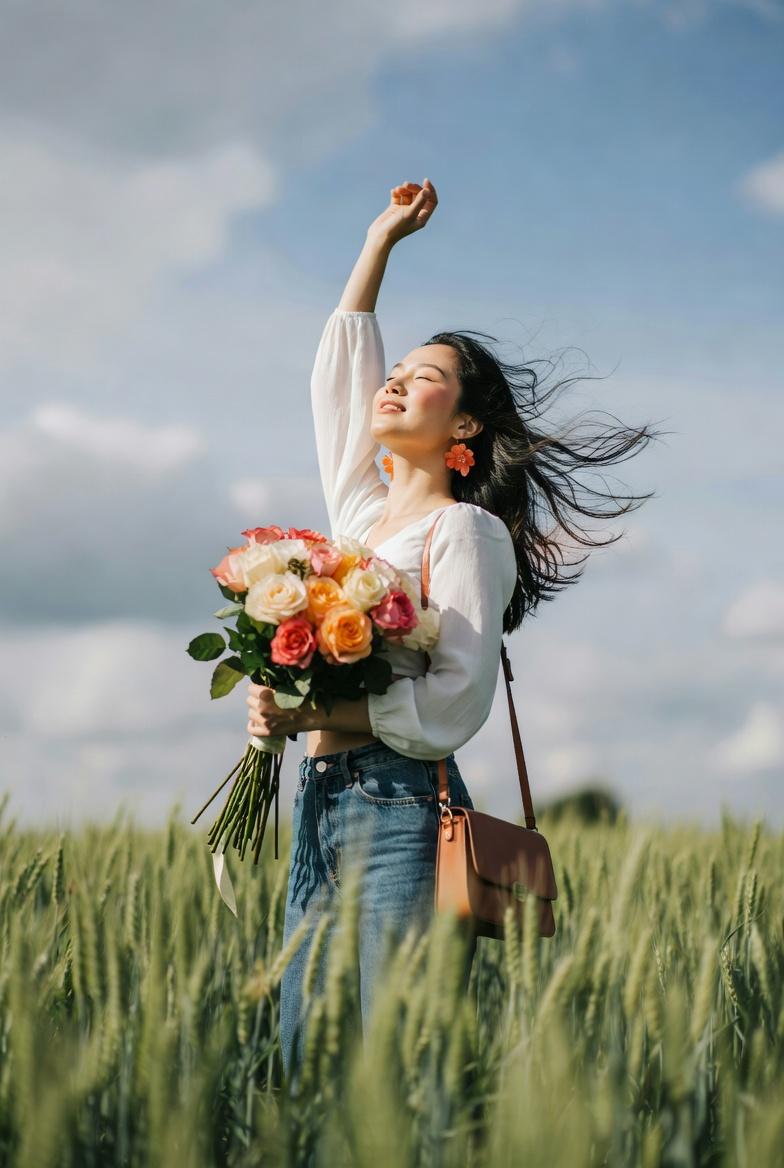
{ "subject": { "description": "Young Asian woman embracing wind in field", "mirr
Prompt
{
 "subject": {
 "description": "Young Asian woman embracing wind in field",
 "mirror_rules": null,
 "age": "20s",
 "expression": {
 "eyes": {
 "look": "closed",
 "energy": "peaceful",
 "direction": "upwards"
 },
 "mouth": {
 "position": "slightly open",
 "energy": "relaxed"
 },
 "overall": "serene and joyful"
 },
 "face": {
 "preserve_original": true,
 "makeup": "natural, light peach blush"
 },
 "hair": {
 "color": "black",
 "style": "long",
 "effect": "blowing wildly in breeze"
 },
 "body": {
 "frame": "slender",
 "waist": "partially visible",
 "chest": "natural",
 "legs": "standing",
 "skin": {
 "visible_areas": "face, neck, hands, midriff",
 "tone": "warm ivory",
 "texture": "feels smooth, warmed by sun",
 "lighting_effect": "sun-kissed, natural rim light"
 }
 },
 "pose": {
 "position": "standing, arms raised",
 "base": "hips slightly tilted",
 "overall": "stretching upward, embracing sky"
 },
 "clothing": {
 "top": {
 "type": "blouse",
 "color": "white",
 "details": "long sleeves, textured fabric, cropped",
 "effect": "fluttering in wind"
 },
 "bottom": {
 "type": "jeans",
 "color": "blue",
 "details": "denim, loose fit"
 }
 }
 },
 "accessories": {
 "jewelry": "large orange floral earrings",
 "prop": "brown leather crossbody bag, large bouquet of roses"
 },
 "photography": {
 "camera_style": "outdoor portrait, DSLR f/1.8",
 "angle": "low angle, looking up",
 "shot_type": "medium-full",
 "aspect_ratio": "3:4",
 "texture": "sharp subject, soft blurred foreground",
 "lighting": "bright natural sunlight, backlighting",
 "depth_of_field": "shallow, extreme foreground blur"
 },
 "background": {
 "setting": "green wheat field, blue sky, clouds",
 "elements": [
 "tall green grass stalks",
 "fluffy clouds"
 ],
 "atmosphere": "breezy, warm, liberating",
 "lighting": "daylight"
 },
 "the_vibe": {
 "energy": "uplifting, free",
 "mood": "joyous, serene",
 "aesthetic": "nature-inspired, airy",
 "authenticity": "candid moment",
 "intimacy": "immersed in nature",
 "story": "embracing spring breeze",
 "caption_energy": "Lost in the wind"
 },
 "constraints": {
 "must_keep": [
 "low angle",
 "foreground grass interference",
 "bouquet"
 ],
 "avoid": [
 "stiff pose",
 "artificial light",
 "direct eye contact"
 ]
 },
 "negative_prompt": [
 "text",
 "watermark",
 "indoor",
 "artificial",
 "stiff"
 ]
}- Category
- Photography & Realism
- Model
- grok-imagine/text-to-image
- Creator
- xie underwood
- Source language
- en
- Source ID
- 523
- Published
- Mar 3, 2026
Views68