17

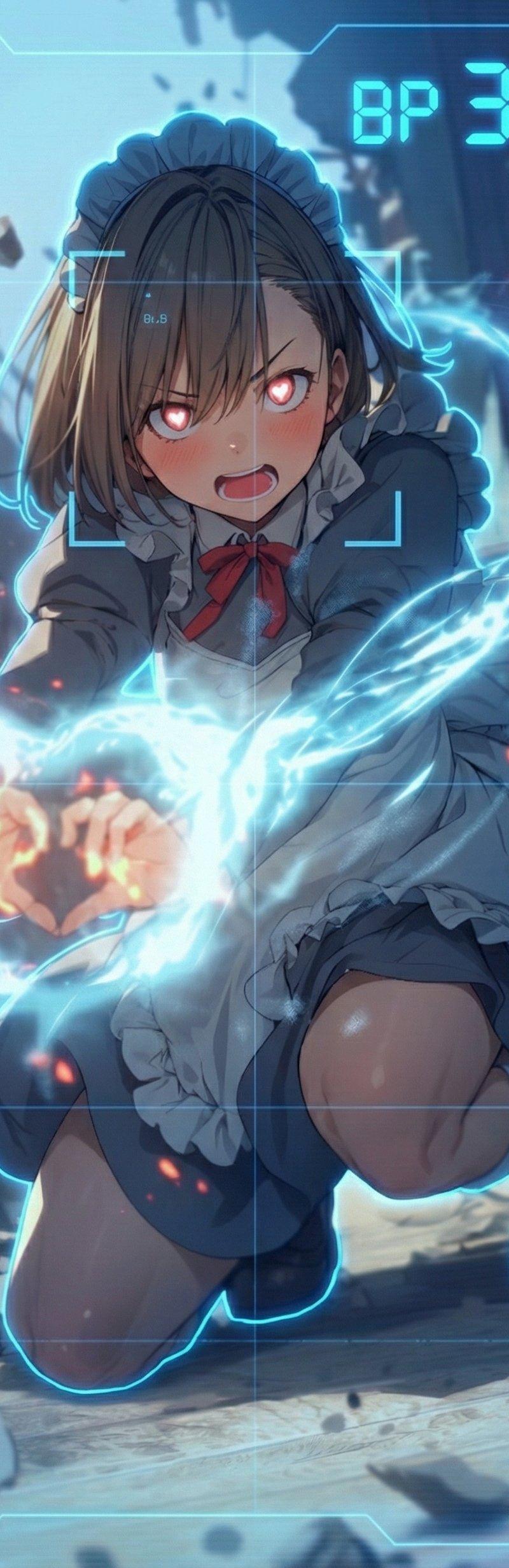
masterpiece, best quality, ultra detailed, dynamic anime game UI, stylish comic
Enlarge

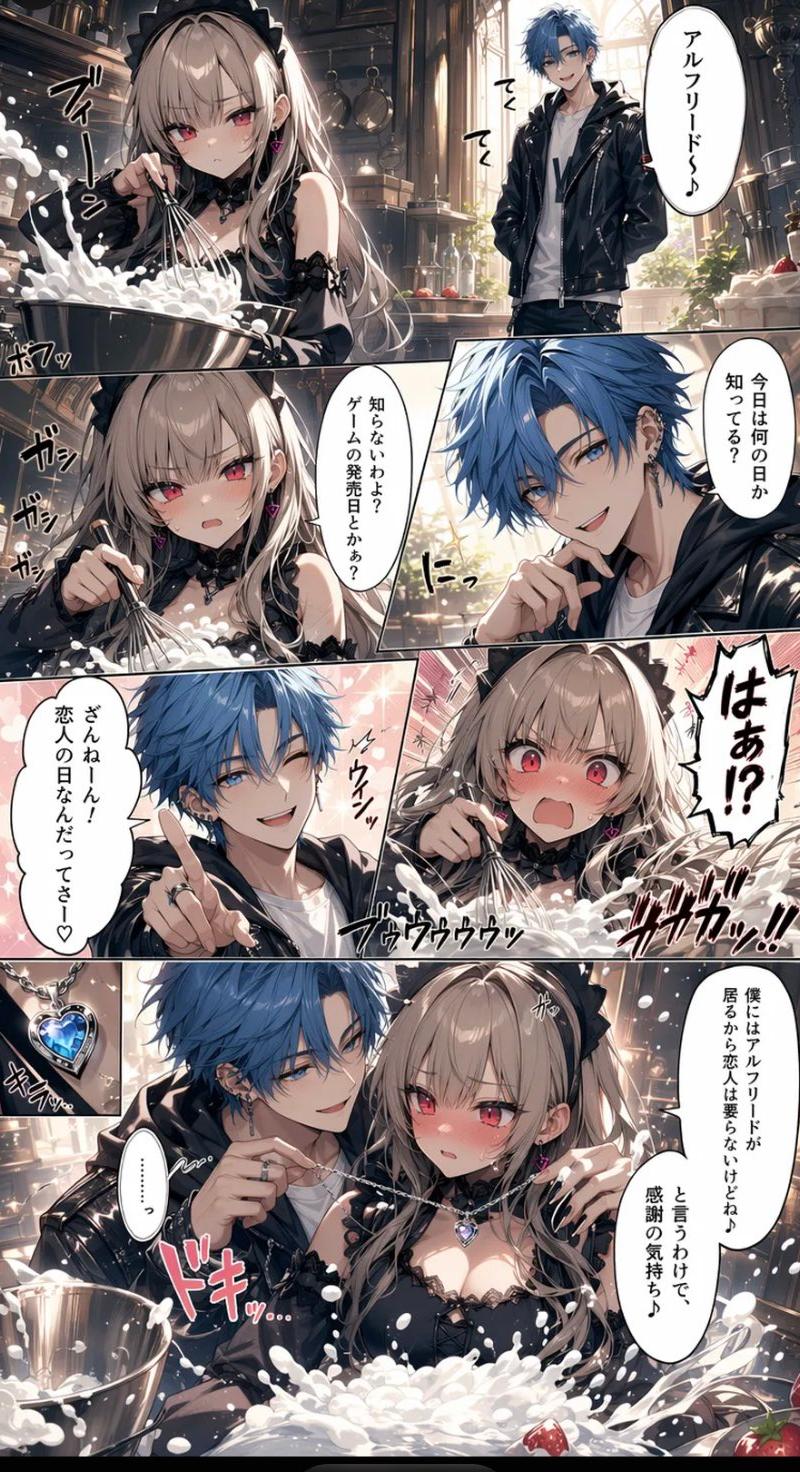
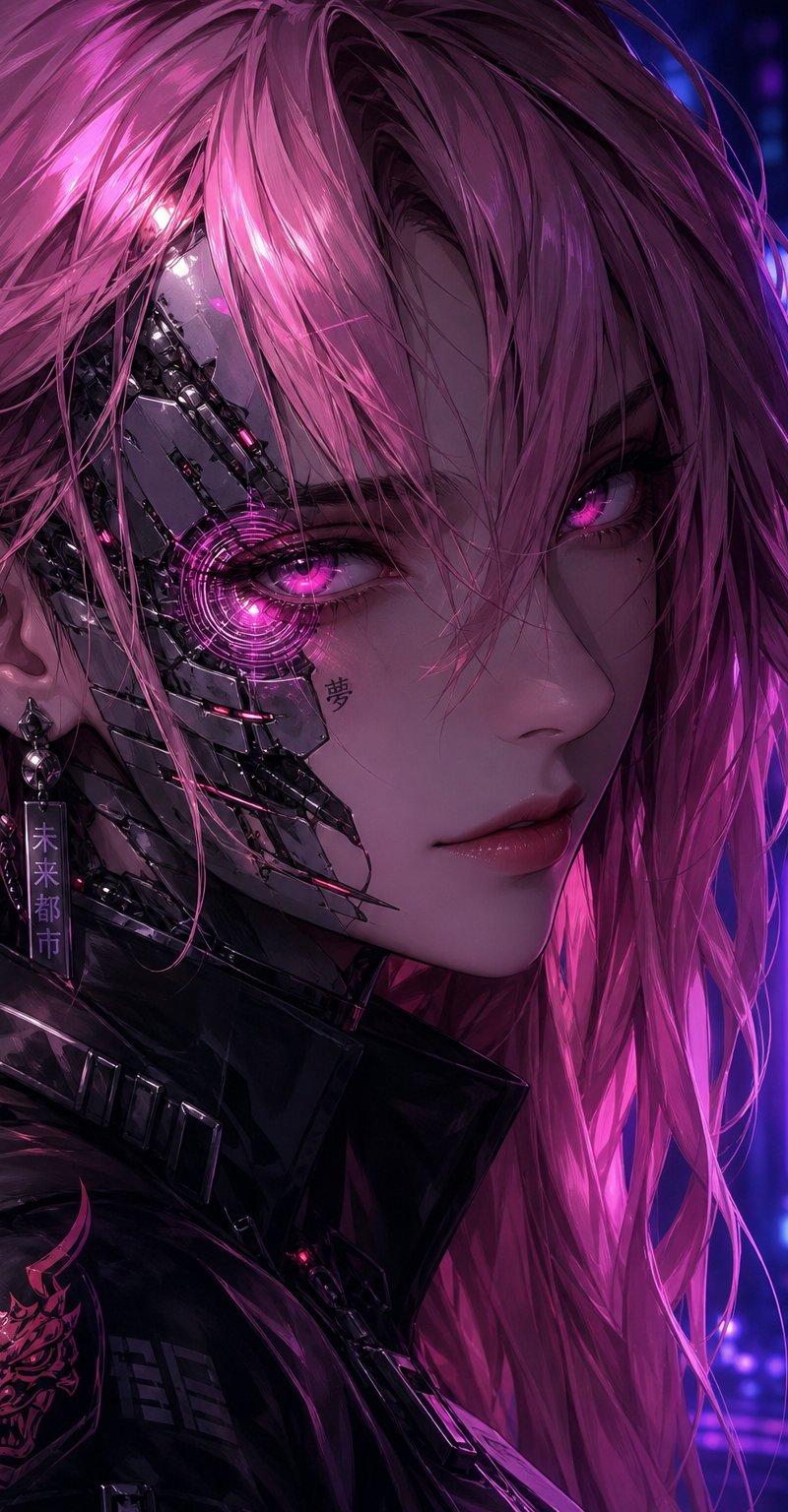
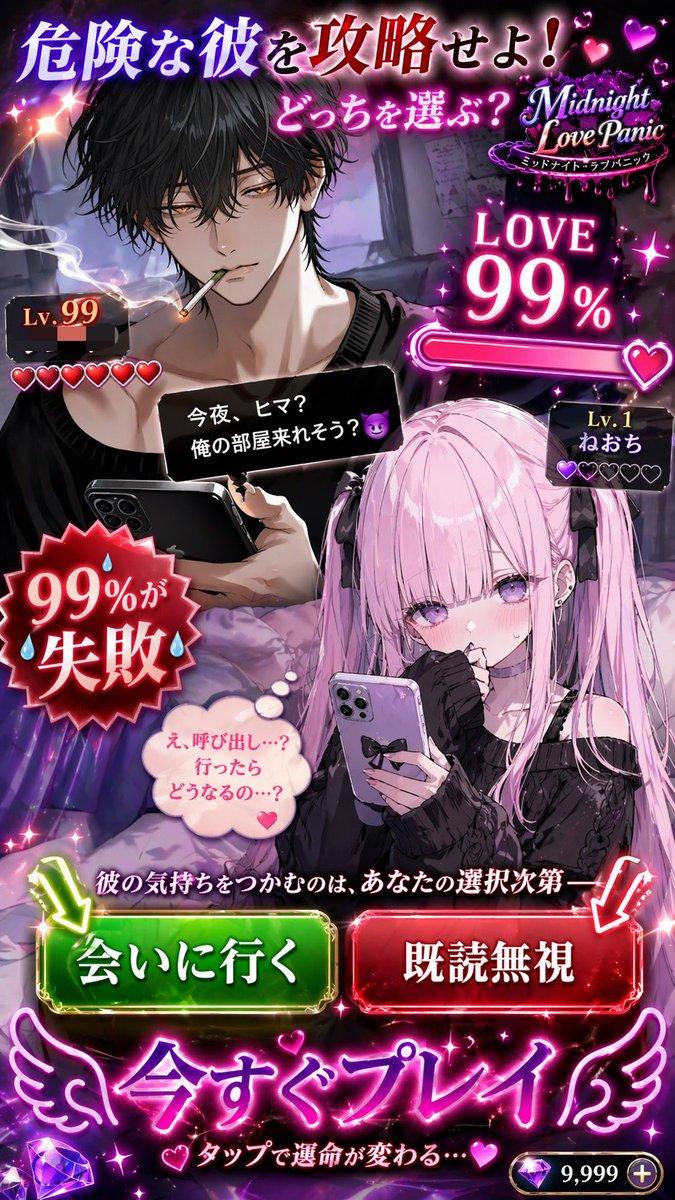
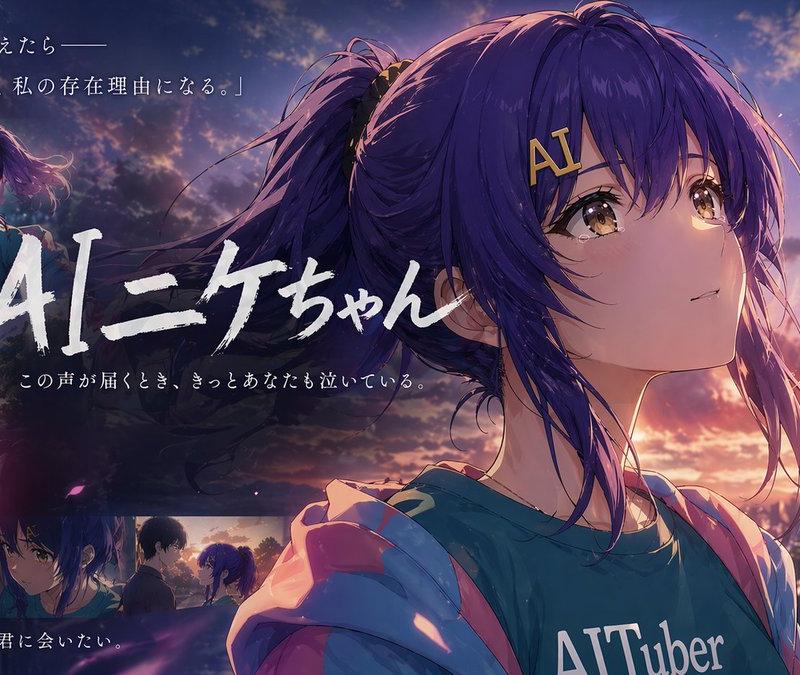
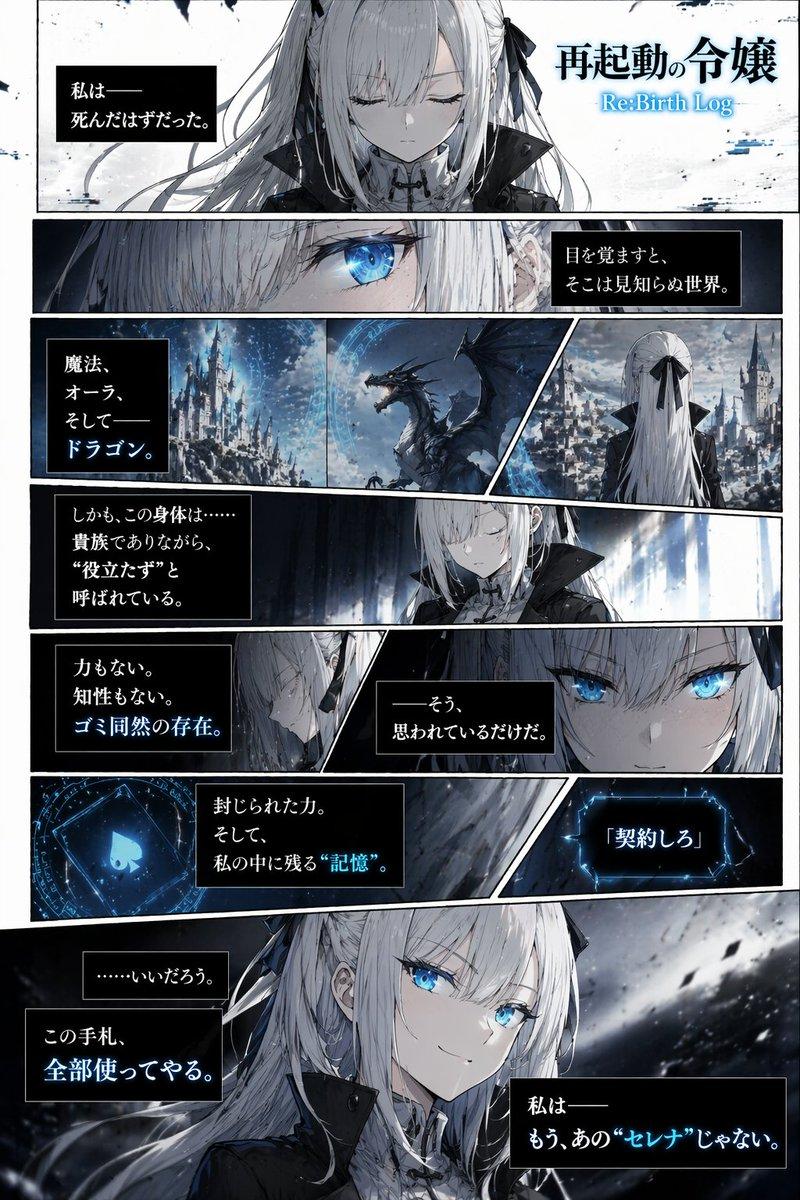
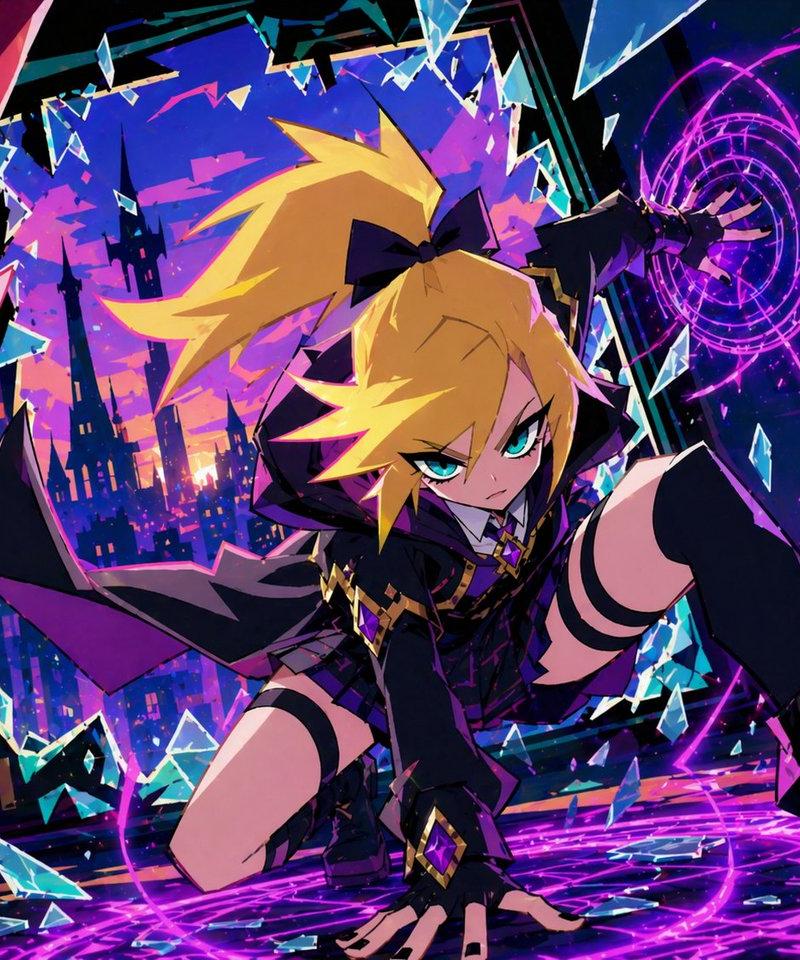
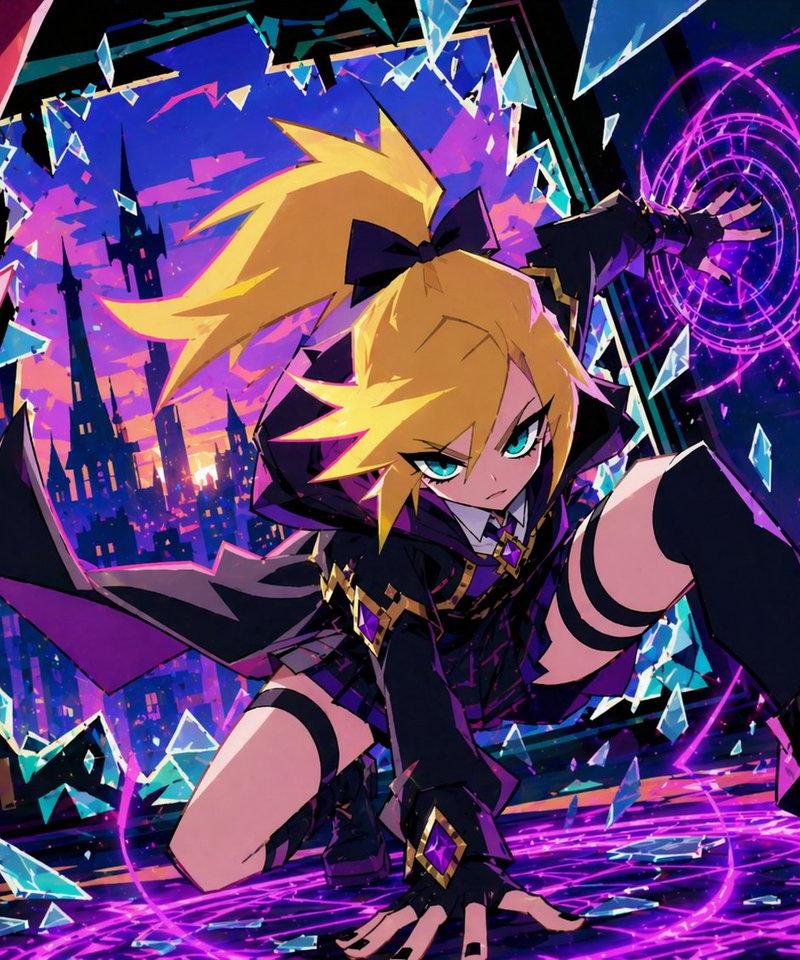
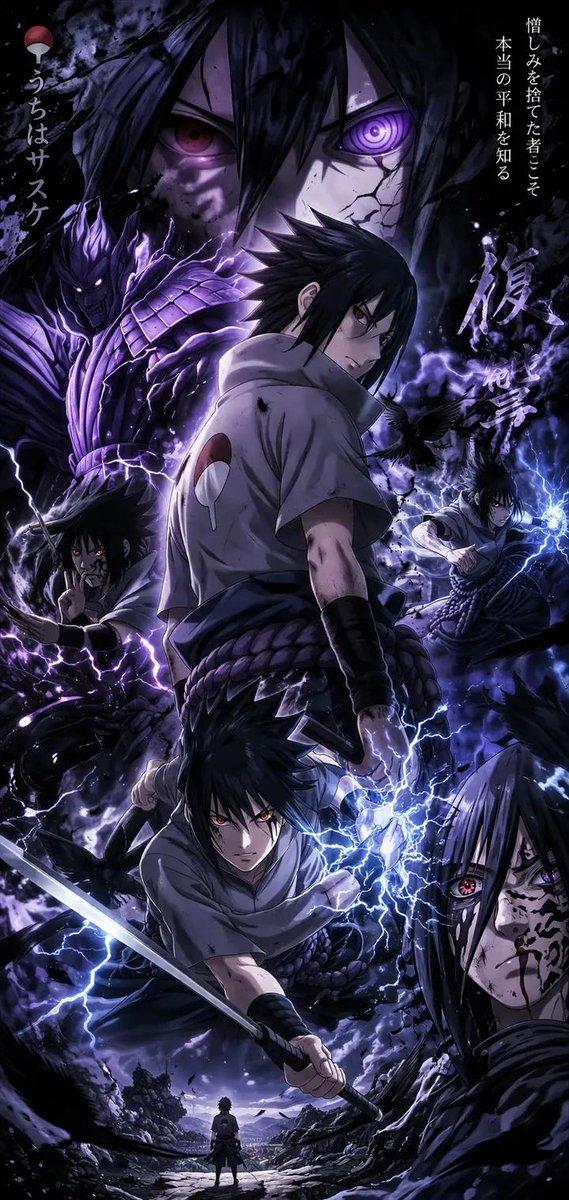
Example images

masterpiece, best quality, ultra detailed, dynamic anime game UI, stylish comic

Prompt
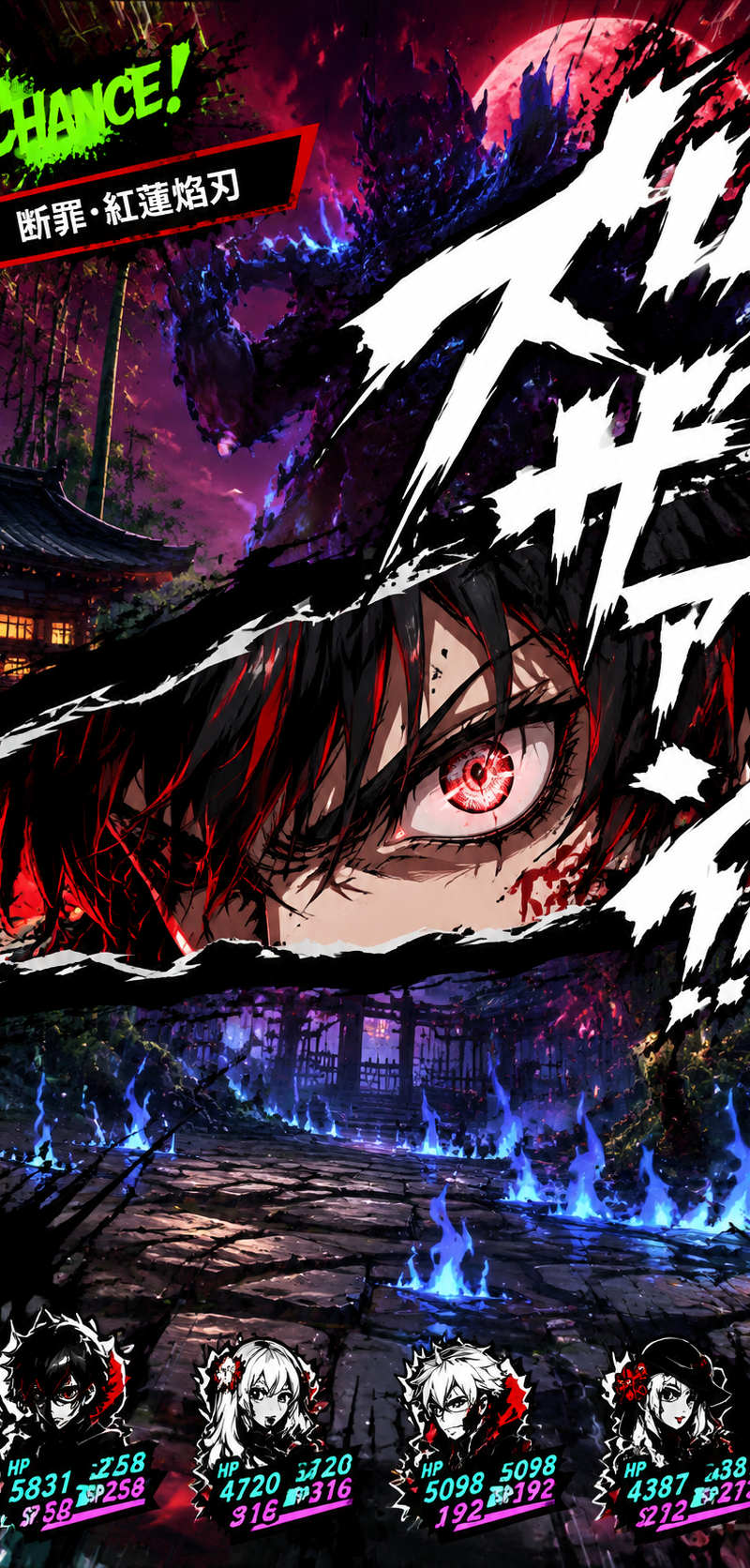
masterpiece, best quality, ultra detailed, dynamic anime game UI, stylish comic cut-in effect, high contrast black/red/white color scheme, dramatic action scene, cinematic perspective, sharp cel shading, modern stylish JRPG battle interface, intense emotional expression
【メイン構図】
画面中央を横断するように、破れた紙のような黒いエフェクトフレーム。
その裂け目の中に、添付したイラストのキャラクターの顔を超接写で表示。
キャラは鋭い視線で前方を睨み、片目を大きく見開いている。
髪や瞳、表情は添付キャラ準拠。
顔の一部だけが見える構図で、鼻・目元・眉の迫力を強調。
背景には高速で流れる白い筆線、黒インクの飛沫、漫画的な衝撃線。
【UIデザイン】
左上に “CHANCE!” の文字、蛍光グリーン。
その下に赤黒いスキル名ウィンドウ。
スキル名テキストは自由変更可能:
「[**スキル名**]」
フォントは太めの日本語ゴシック、白文字。
下部には味方アイコン風シルエットHUD。
HPバーはシアン&ピンク。
各アイコンも添付キャラ風に変更可能。
【背景】
日本風の夜の街並み、寺院、中庭、竹林、石畳。
紫と赤の夜空。
背後には青黒いオーラを纏った巨大な敵影。
敵はぼかし気味で威圧感重視。
地面には青い炎エフェクト、歪み、黒い煙。
【演出】
巨大な白い擬音文字を、参考画像と同じ位置に配置。
画面右上から中央へ向かって斜めに大きく横断するレイアウト。
文字は鋭く裂けた筆文字風デザイン。
白ベタ塗り+極太黒縁。
擬音テキスト内容は自由変更可能:
「[**擬音**]」など。
擬音がキャラの顔フレームに一部重なる構図。
画面端には細かなUIノイズ、スピードライン、インク飛沫。
【雰囲気】
スタイリッシュ、反逆的、緊張感、必殺技演出、瞬間停止のような迫力、ハイセンスなアニメゲーム演出、ゲームスクリーンショット風、超没入感

縦横比は、リファレンス画像の縦横比を維持して。
イラストを生成して。
Category
UI & Interfaces
Model
GPT Image 2
Creator
xie underwood
Source language
zh-CN
Views283
Source ID
5910
Published
May 17, 2026
Studio

Guide

About "masterpiece, best quality, ultra detailed, dynamic anime game UI, stylish comic "

What is this prompt for?

"masterpiece, best quality, ultra detailed, dynamic anime game UI, stylish comic " AI image prompt for GPT Image 2 (UI & Interfaces). masterpiece, best quality…

The full copyable prompt and example visuals above are ready for AI image generation or one-click recreate in Picva.

How to use this prompt

  1. Step 1

    Open the prompt detail

    Review the example visuals, category, and full prompt text for "masterpiece, best quality, ultra detailed, dynamic anime game UI, stylish comic ".

  2. Step 2

    Copy the prompt

    Copy the prompt body from this page, or load it directly in Studio.

  3. Step 3

    Pick a model (GPT Image 2)

    Prefer GPT Image 2. If you switch models, keep subject and composition and tweak style terms.

  4. Step 4

    Generate and export

    Recreate the look in Picva, or export into your workflow for editing and publishing.

FAQ

What is the "masterpiece, best quality, ultra detailed, dynamic anime game UI, stylish comic " prompt?
It is an AI image-generation prompt for GPT Image 2 in the UI & Interfaces category. This page includes the full prompt text, example visuals, and a one-click recreate path in Picva.
How do I use this prompt to generate an image?
Copy the prompt from this page, or use Generate / Studio. Paste it into a compatible image model, or recreate the look in Picva with optional reference images.
Which model is this prompt for?
This page lists GPT Image 2. Most descriptive prompts also transfer to nearby image models such as GPT Image, Flux, or Midjourney with light style tweaks.
Can I use the result commercially?
You can usually copy the prompt for creation, but commercial use of the final image depends on the model terms, reference-image rights, and the generated content. Follow the source author and platform rules.