Horizontal desktop landing page hero section for a fictional snowboard eyewear a
Prompt
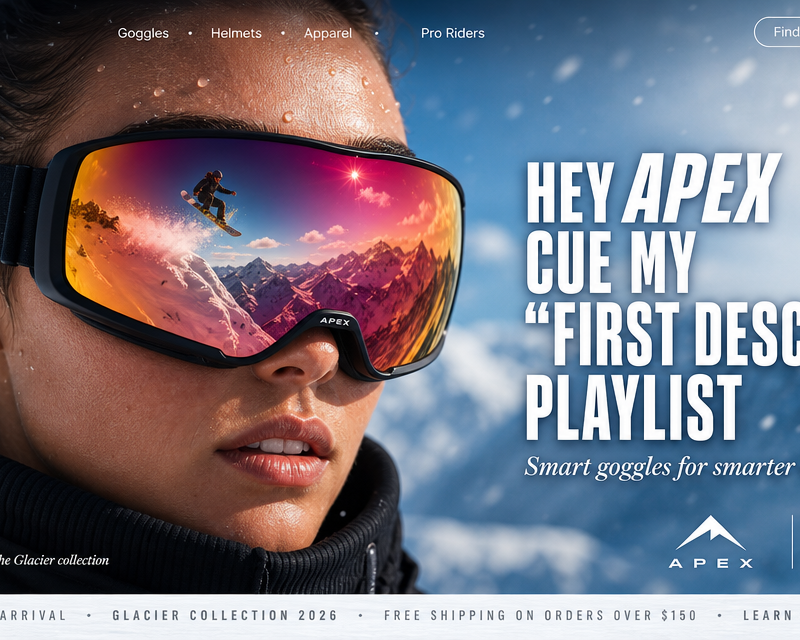
Horizontal desktop landing page hero section for a fictional snowboard eyewear and mountain gear store called "APEX & SUMMIT" (placeholder). Cinematic sports-tech advertising aesthetic with extreme close-up athletic portrait, reflection-based storytelling, bold condensed voice-command headline, premium performance-brand layout. 16:9 desktop composition.
Canvas: Full-width horizontal 16:9 desktop hero. Deep snow-white to soft icy-blue gradient background with subtle motion-blur snow particles drifting across the frame.
Top navigation (thin minimal bar across the top):
Far left: Small bold condensed wordmark "APEX & SUMMIT" in crisp white.
Center-left: Four navigation links in small clean sans-serif: "Goggles · Helmets · Apparel · Pro Riders".
Far right: A small outlined pill button in white: "Find a Store →", and next to it a cart icon with "(0)" indicator.
Main hero image (fills ~75% of the composition, left-weighted):
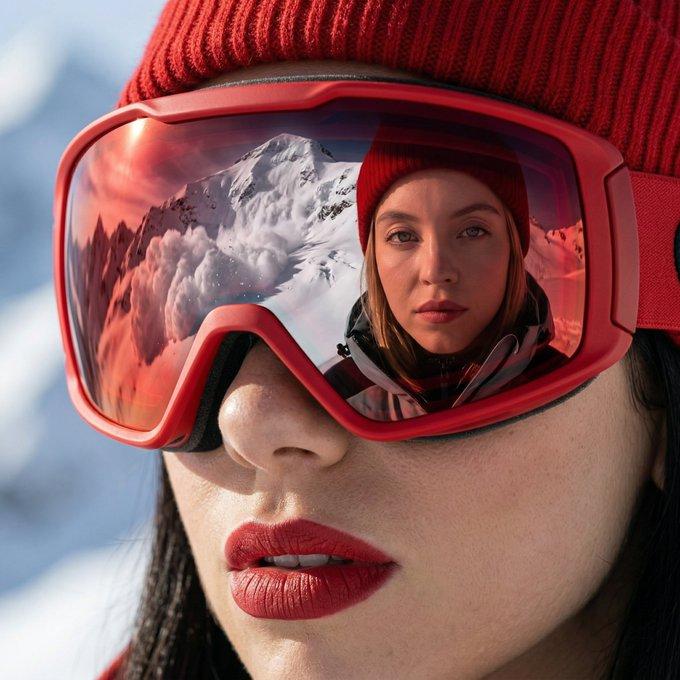
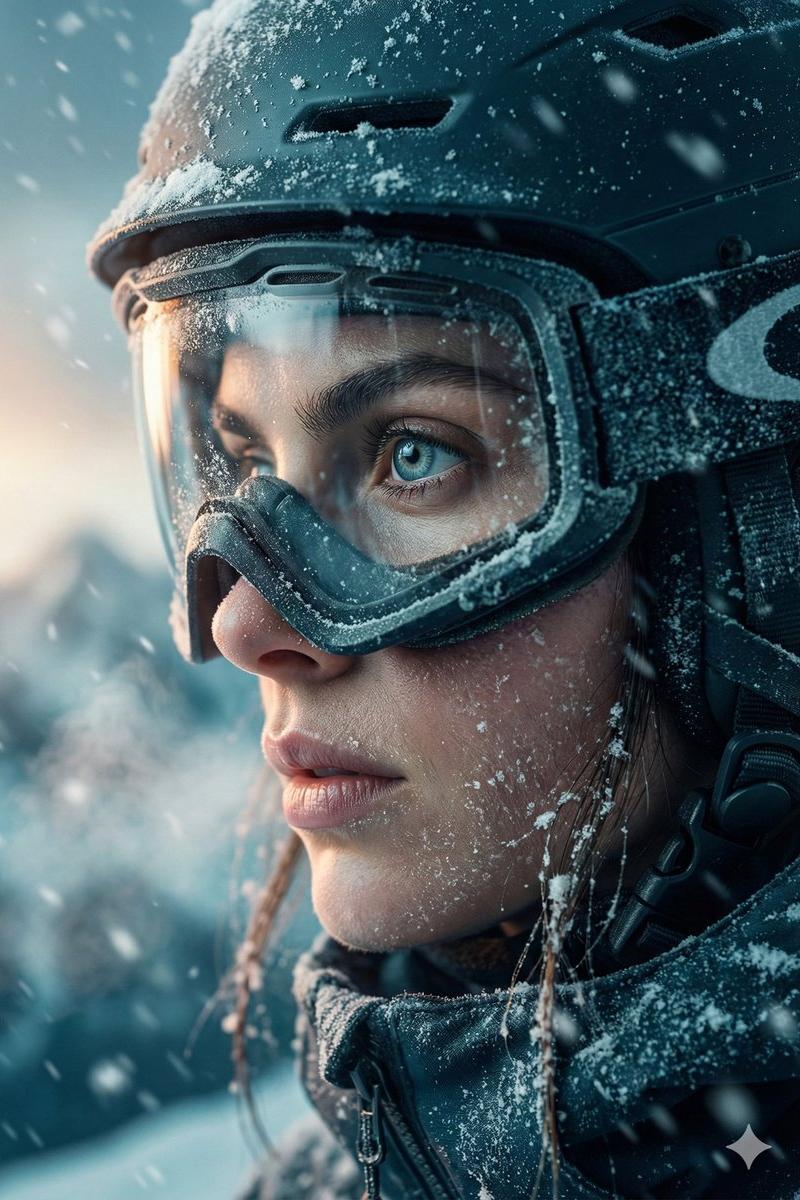
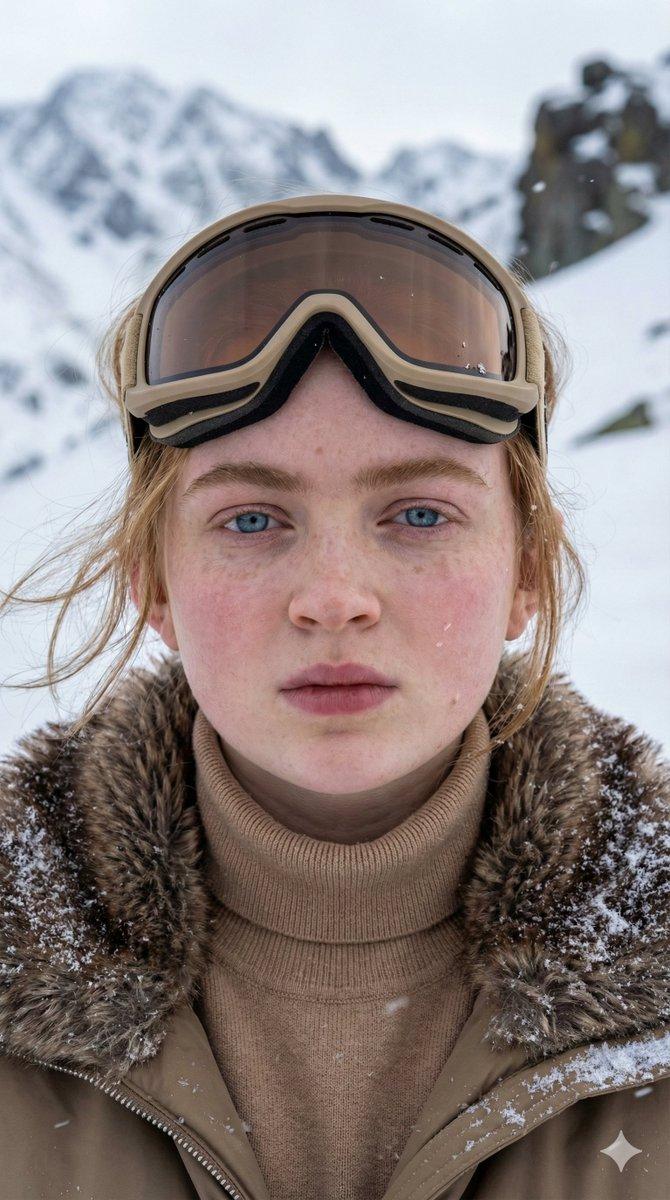
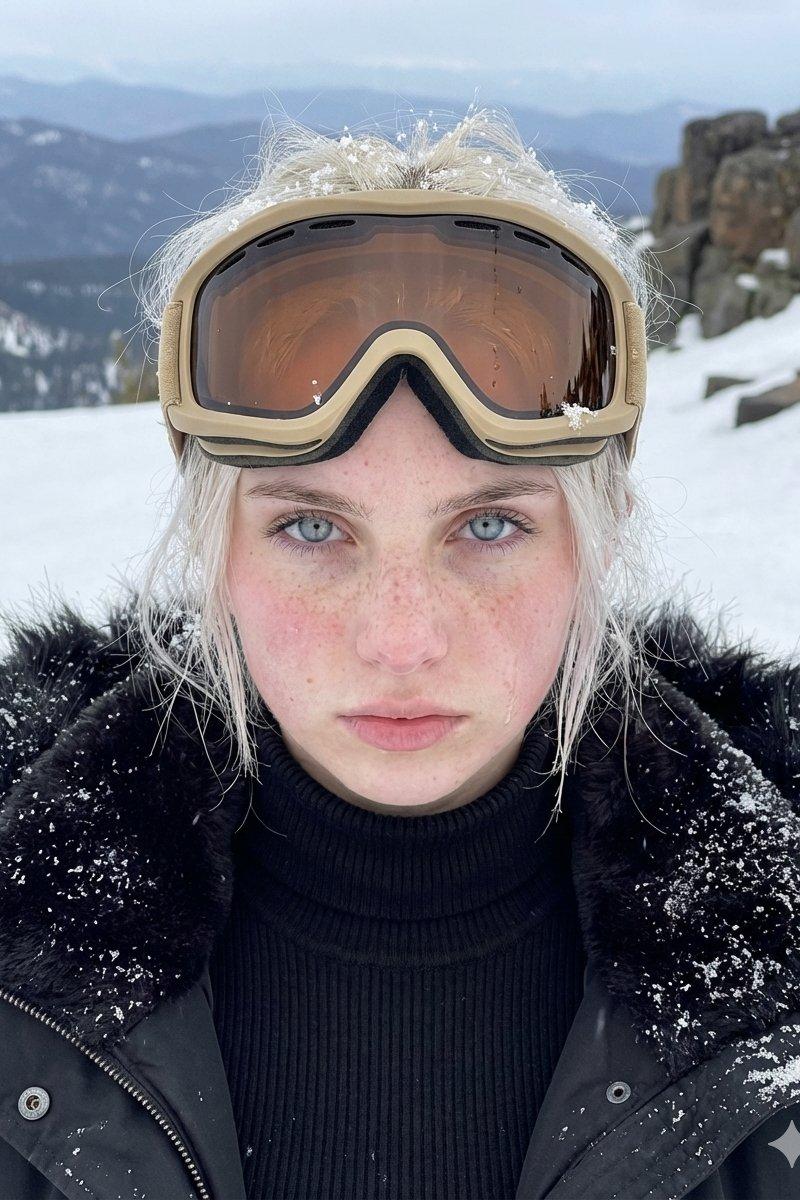
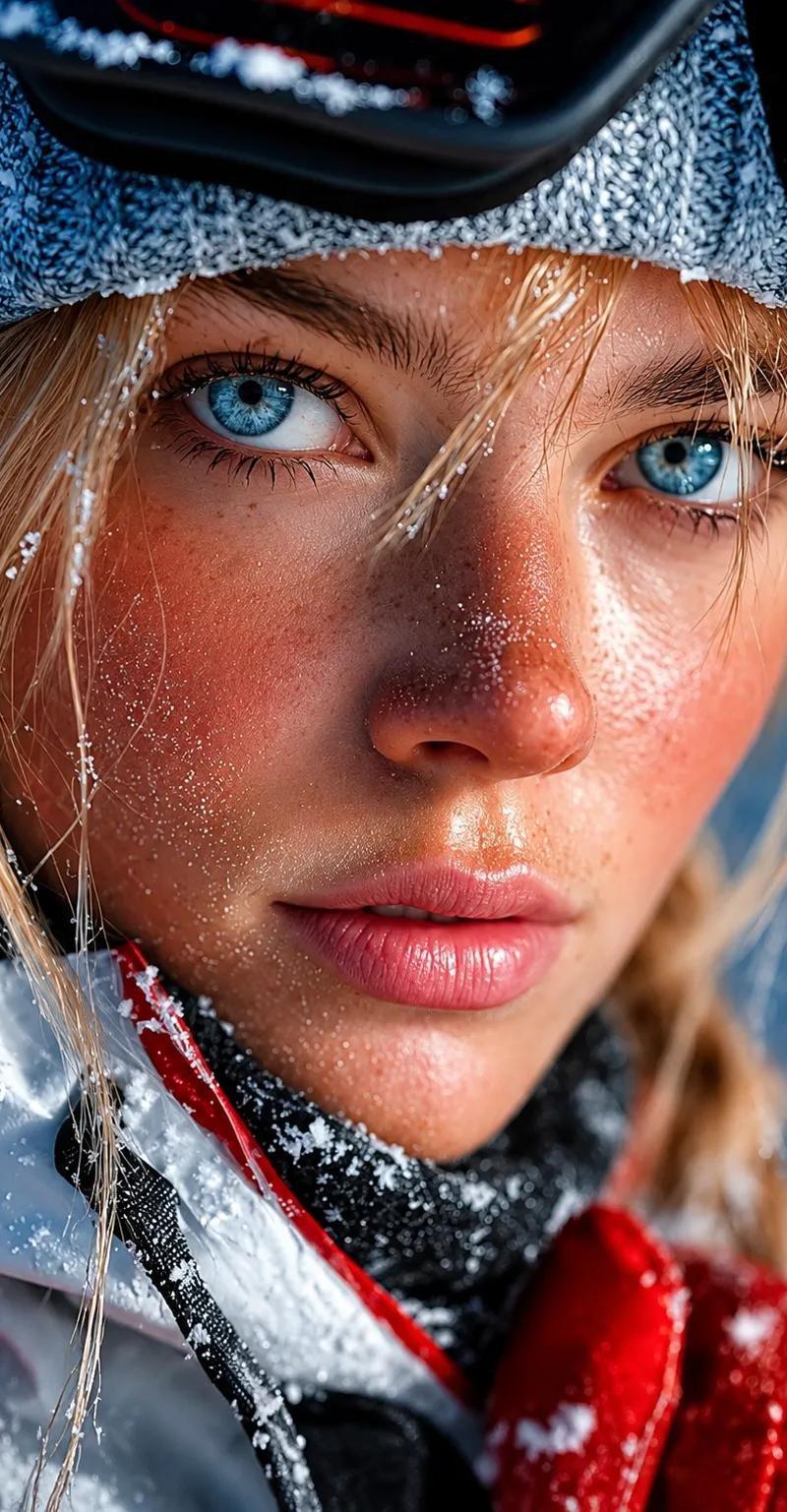
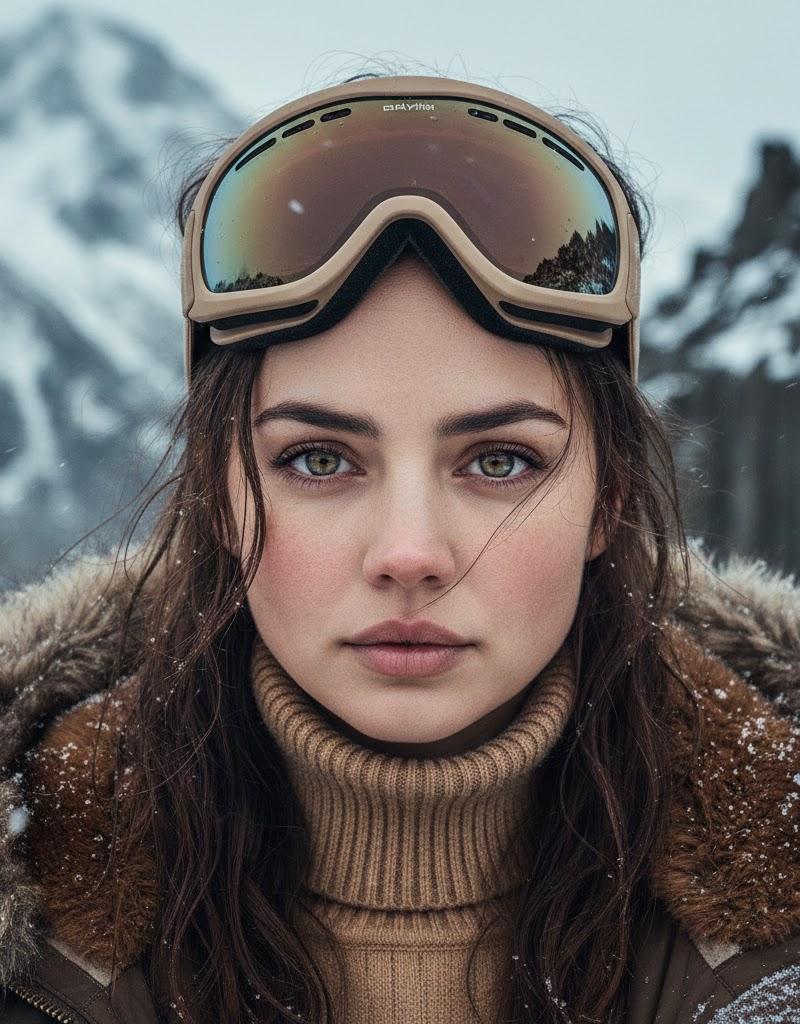
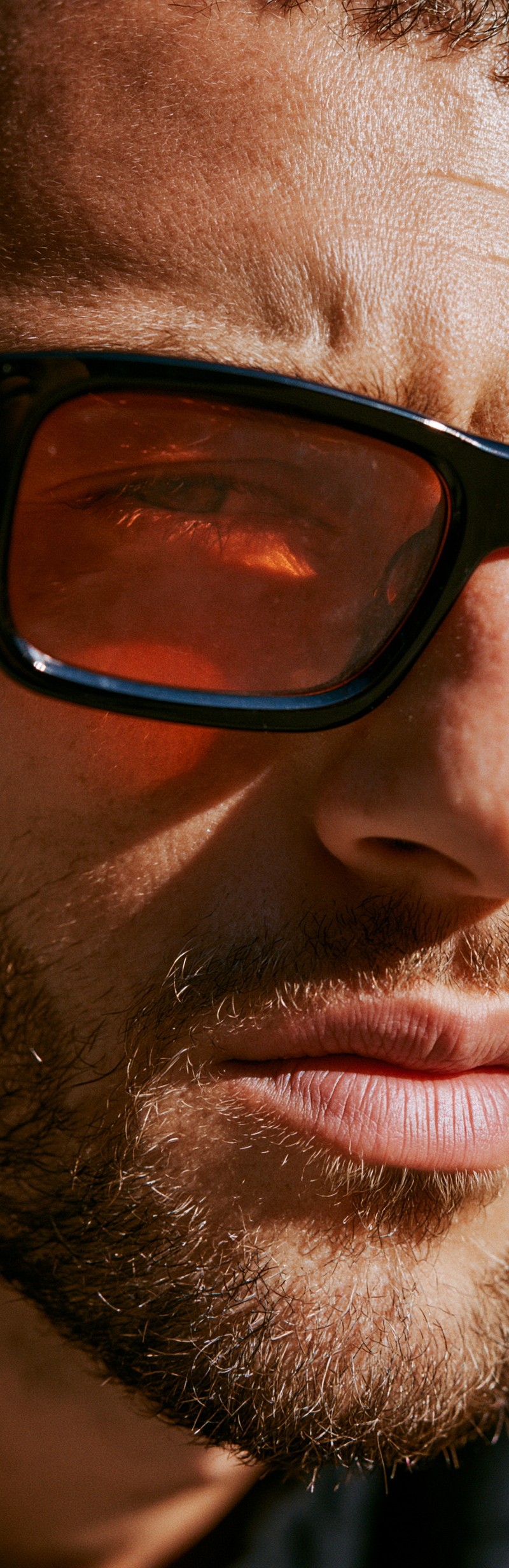
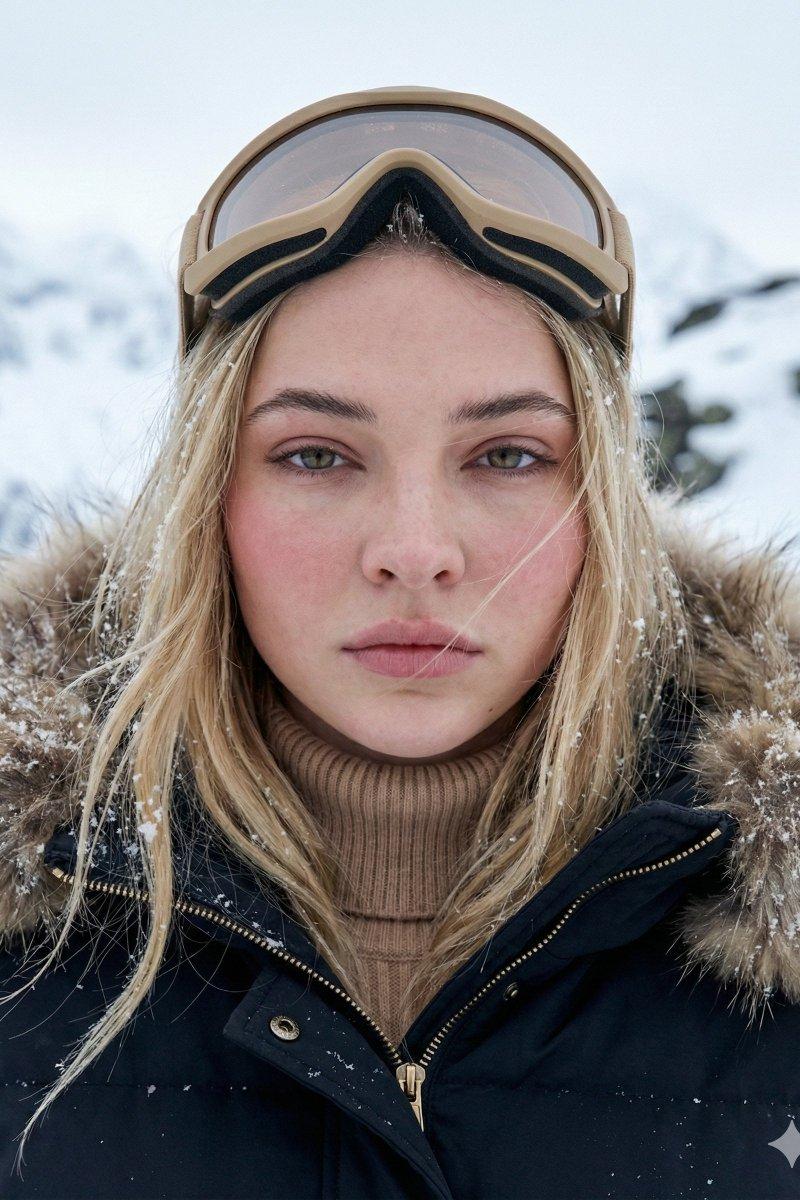
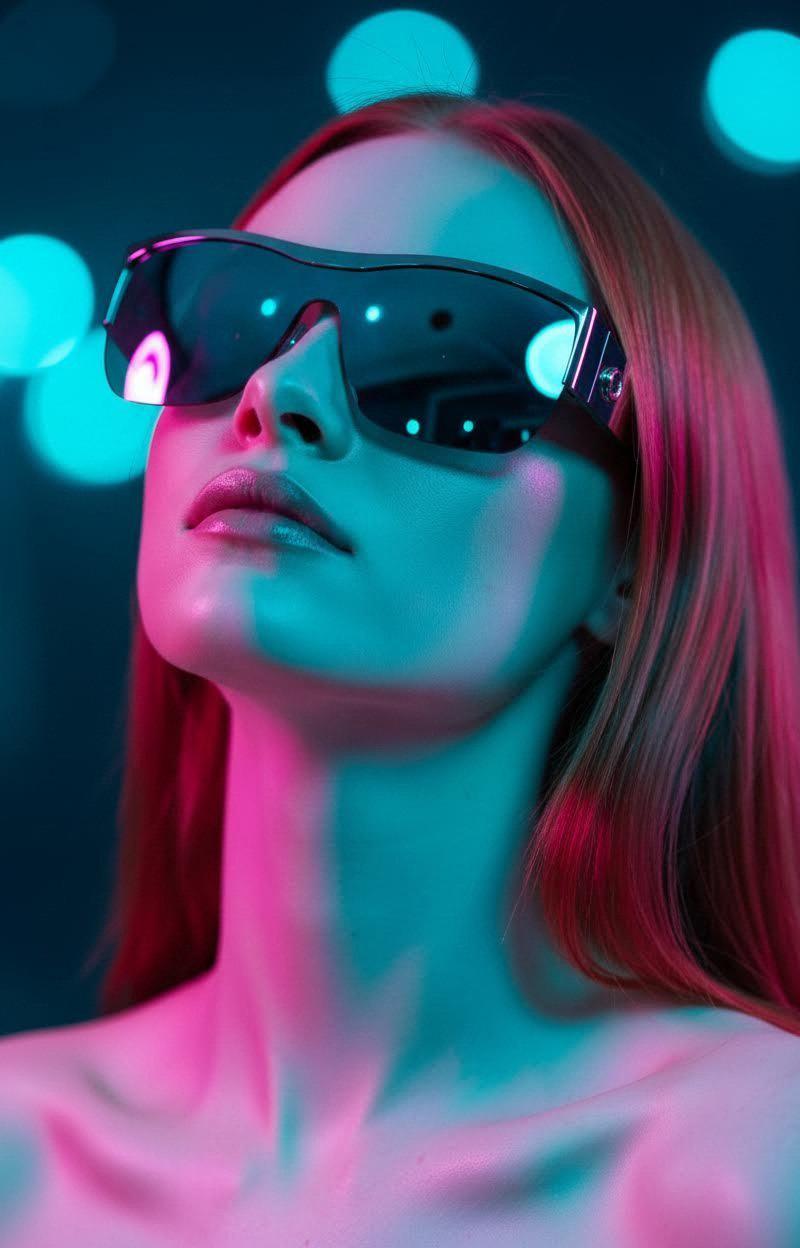
An extreme close-up cinematic portrait of a young professional snowboarder — a woman with her hair pulled back tightly, visible small beads of melted snow on her temples and eyebrows, sun-kissed skin with a subtle athletic glow. She wears oversized performance snowboard goggles with a bold wraparound frame and large mirrored reflective lenses tinted in a vivid amber-gold to deep magenta gradient (no visible brand logo on the frame — clean unbranded design).
Key storytelling element — the reflection in her goggles: Inside the mirrored lens surface, a sharp and detailed reflection of a dynamic snowboard action scene is visible — a snowboarder mid-air executing a jump off a pristine mountain ridge against bright blue sky, powder snow spraying out behind them, mountain peaks receding into the distance. The reflection fills both lenses seamlessly, creating the illusion that she's watching the run unfold in real-time. Small text at the bottom of the lens reads "APEX" in tiny white tracked caps as a subtle technology name.
Her expression is focused and confident, lips slightly parted as if mid-breath, jaw relaxed. Small earpod visible in one ear (generic wireless earbud design, unbranded). A glimpse of a high-collar black thermal jacket with subtle textured ribbing visible at the bottom of frame.
Lighting: cinematic side-light with snow-bounce highlights warming her face, creating dramatic contrast. Shallow depth of field keeps her face and goggles tack-sharp while the edges soften.
Main headline (right side of composition, lower-middle area, massive bold condensed sans-serif, crisp white with subtle outline):
Stacked on four lines in bold condensed uppercase sans-serif (like Druk Wide Bold, Knockout Heavyweight, or Tungsten Bold), tight leading:
"HEY APEX / CUE MY / 'FIRST DESCENT' / PLAYLIST"
The headline feels like a voice command — informal, confident, modern. All caps, left-aligned. The word "APEX" slightly emphasized to suggest the brand as a voice assistant / connected device.
Sub-headline (directly below main headline, medium-weight italic serif, white):
"Smart goggles for smarter runs."
Bottom-right corner — co-brand lockup: Two small brand logos side-by-side, divided by a thin vertical line:
Left: A generic minimalist mountain-peak glyph (two overlapping triangles) next to small text "APEX" in clean sans.
Right: A small abstract circular tech glyph (simple outlined circle with a dot inside — generic audio/tech symbol, NOT resembling any real company logo) next to small text "SONICFIT" (fictional audio tech partner name).
Bottom-left corner — small attribution line in light white italic serif: "Emma Nord · Pro rider in the Glacier collection"
Bottom strip (very thin line across very bottom, tracked uppercase sans-serif in soft grey): "NEW ARRIVAL · GLACIER COLLECTION 2026 · FREE SHIPPING ON ORDERS OVER $150 · LEARN MORE →"
Palette: icy-blue and snow-white gradient background (#D8E5EC to #F0F5F8), warm amber-to-magenta reflective lens (#E89A3A to #C14A6E), natural sun-kissed skin tones, crisp white typography (#FFFFFF), subtle text drop-shadows for legibility, deep charcoal for UI elements. Typography: bold condensed uppercase grotesk sans for main headline (Druk Wide / Knockout / Tungsten Bold), italic serif for sub-headline, clean medium sans for navigation, small tracked uppercase for meta. Mood: high-performance athletic, premium technology-forward, cinematic commercial, aspirational mountain sport, confident Gen-Z voice. Finish: crisp commercial beauty photography, cinematic color grading, sharp lens reflections, subtle snow particles, shallow depth of field. Awwwards / Behance site-of-the-day premium sportswear landing page, 4k.
- Category
- UI & Interfaces
- Model
- GPT Image 2
- Creator
- xie underwood
- Source language
- en
- Source ID
- 7494
- Published
- May 20, 2026
Views75