17

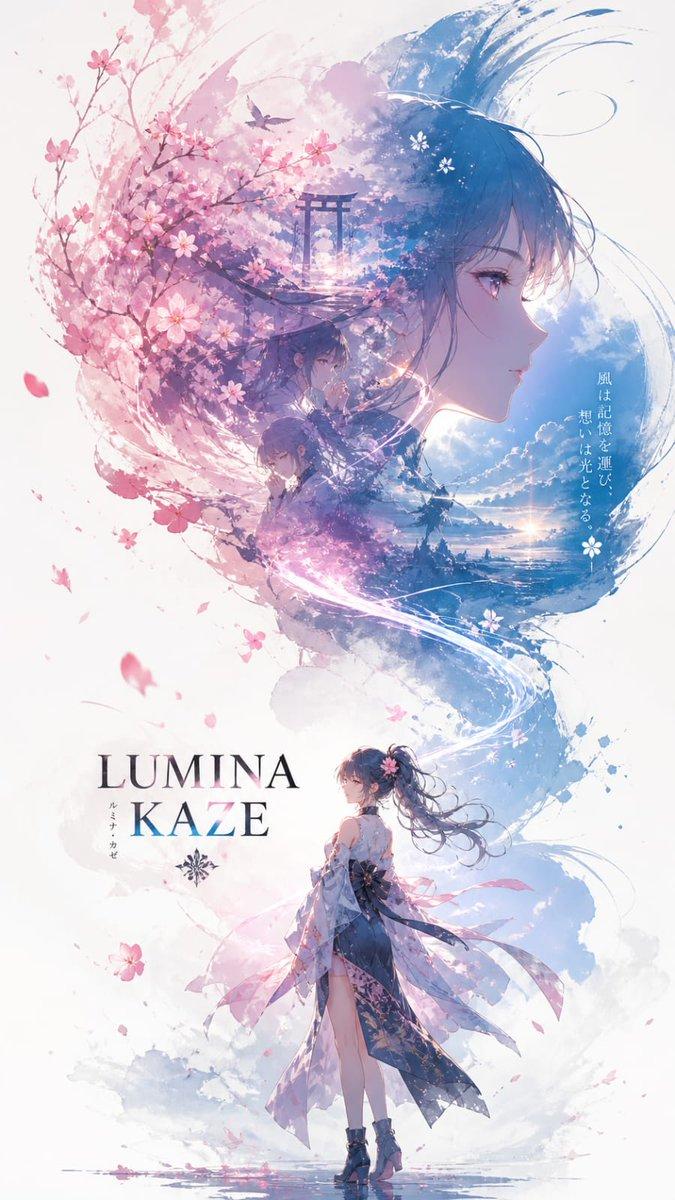
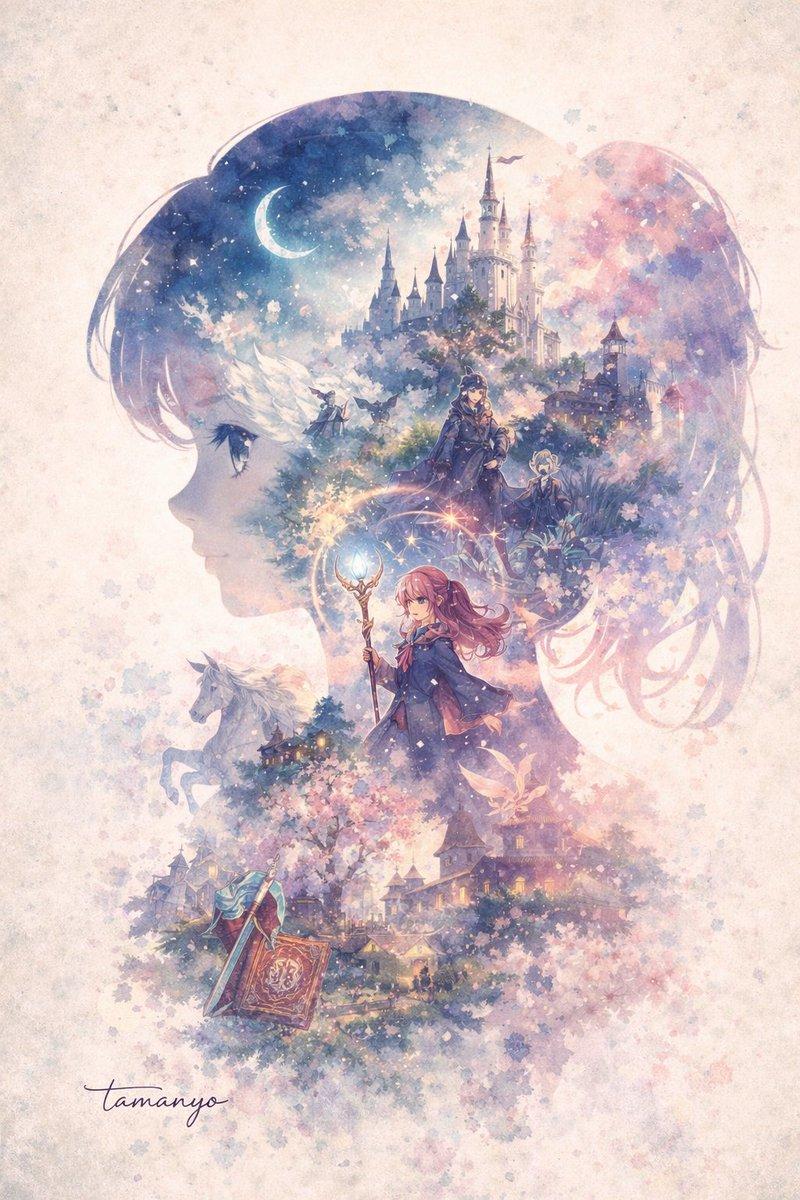
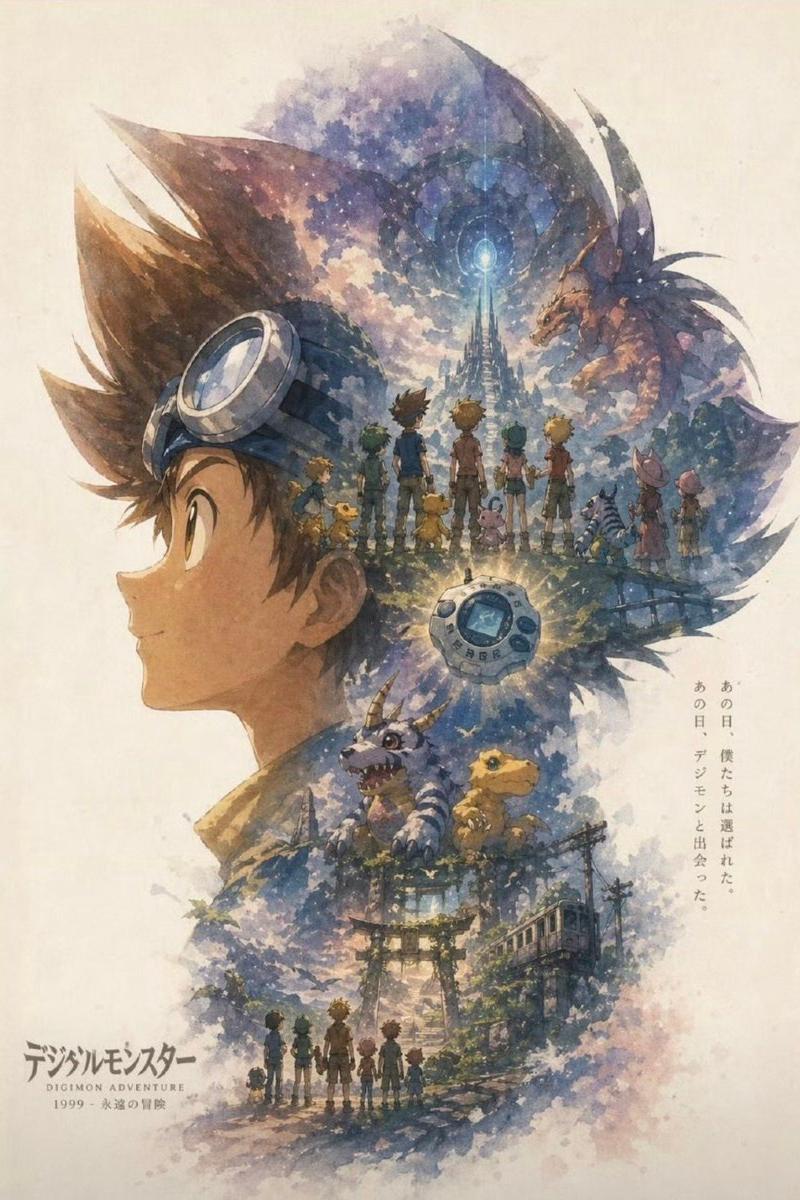
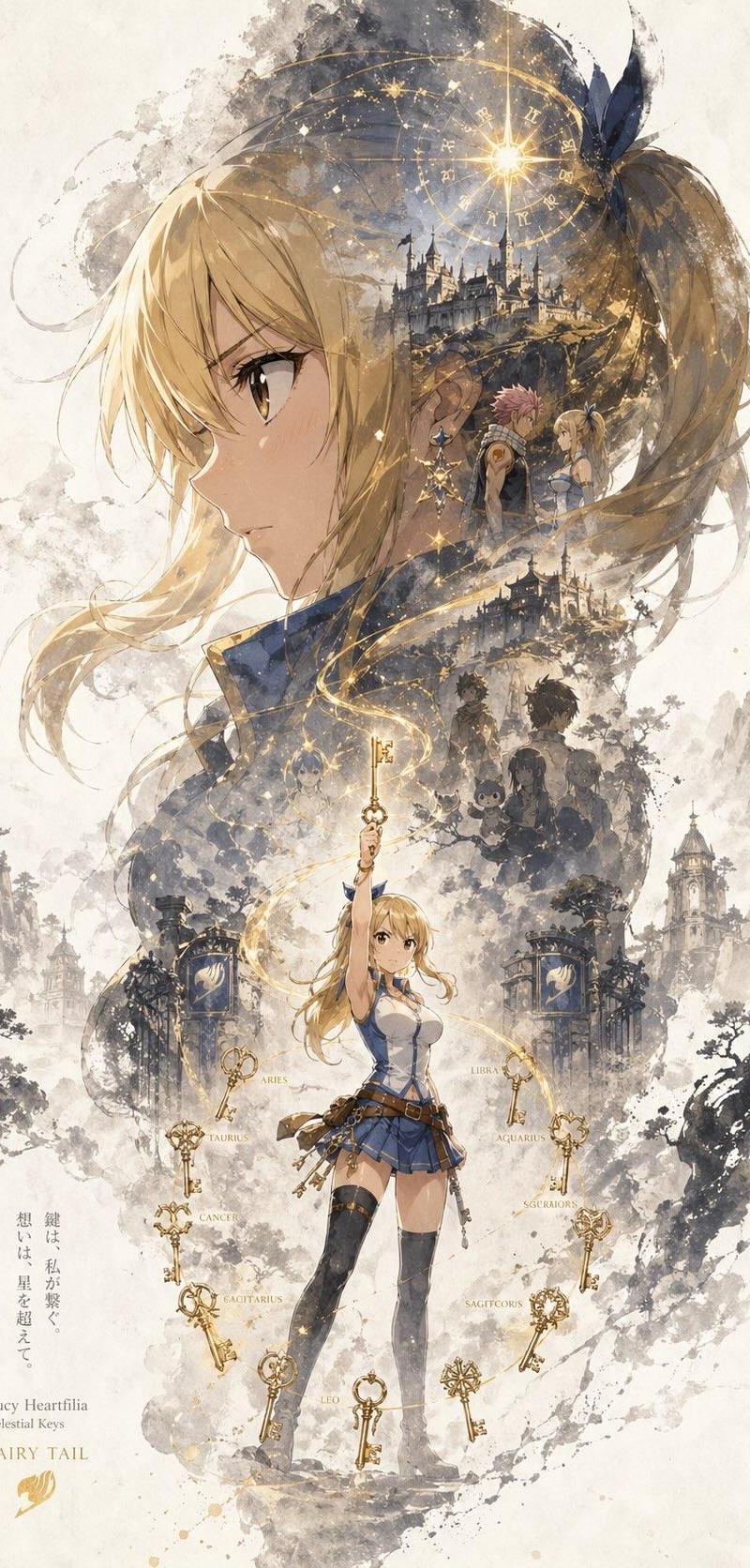
使用 GPT 图像 2 在 ChatGPT 上创建: 一张标题为“INPUT NAME”的角色宣传海报,采用统一的纵向关键视觉构图(9:16)。...
Enlarge

Example images

使用 GPT 图像 2 在 ChatGPT 上创建: 一张标题为“INPUT NAME”的角色宣传海报,采用统一的纵向关键视觉构图(9:16)。...

Prompt
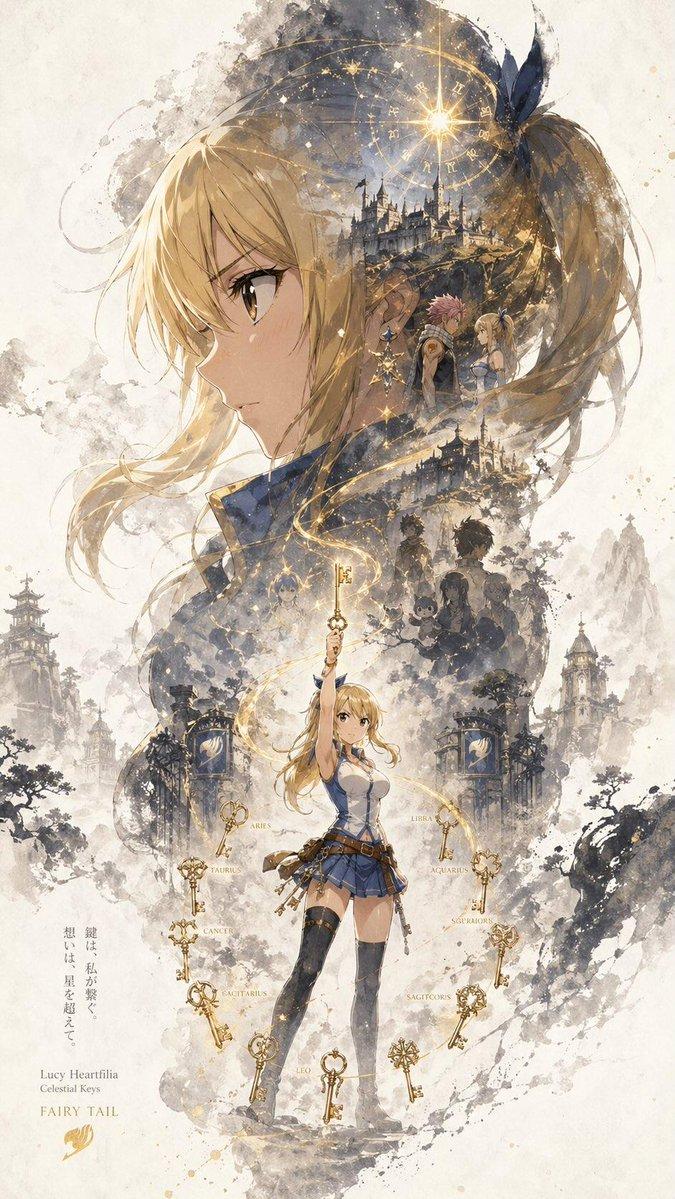
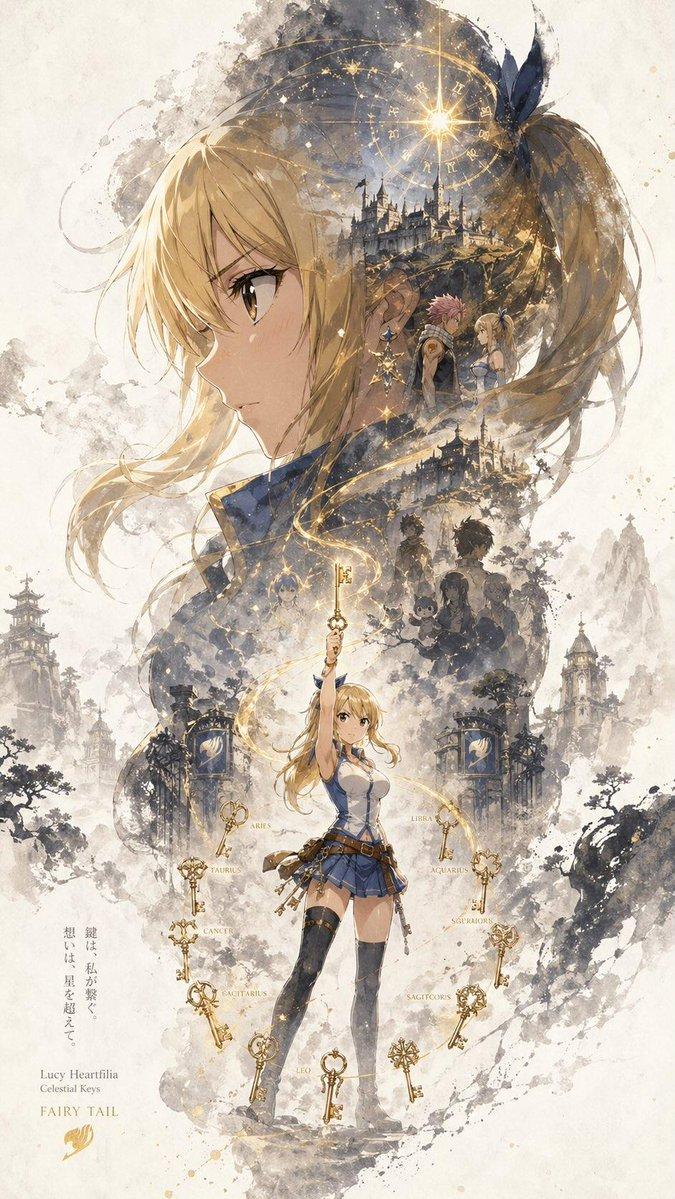
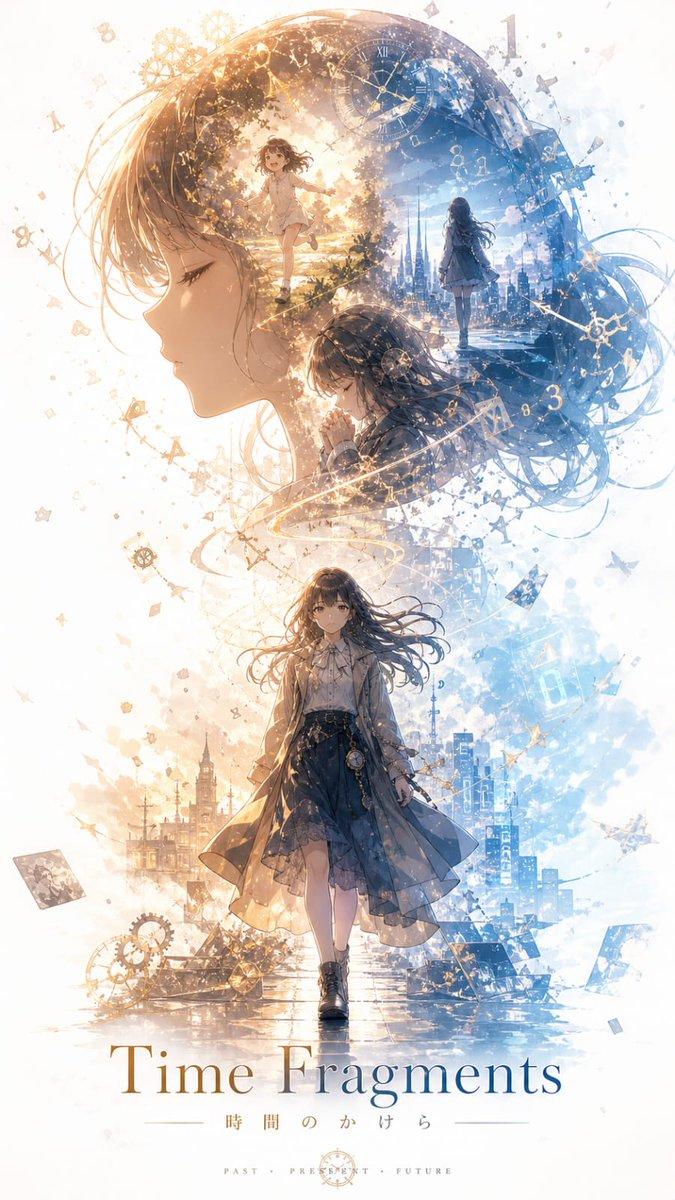
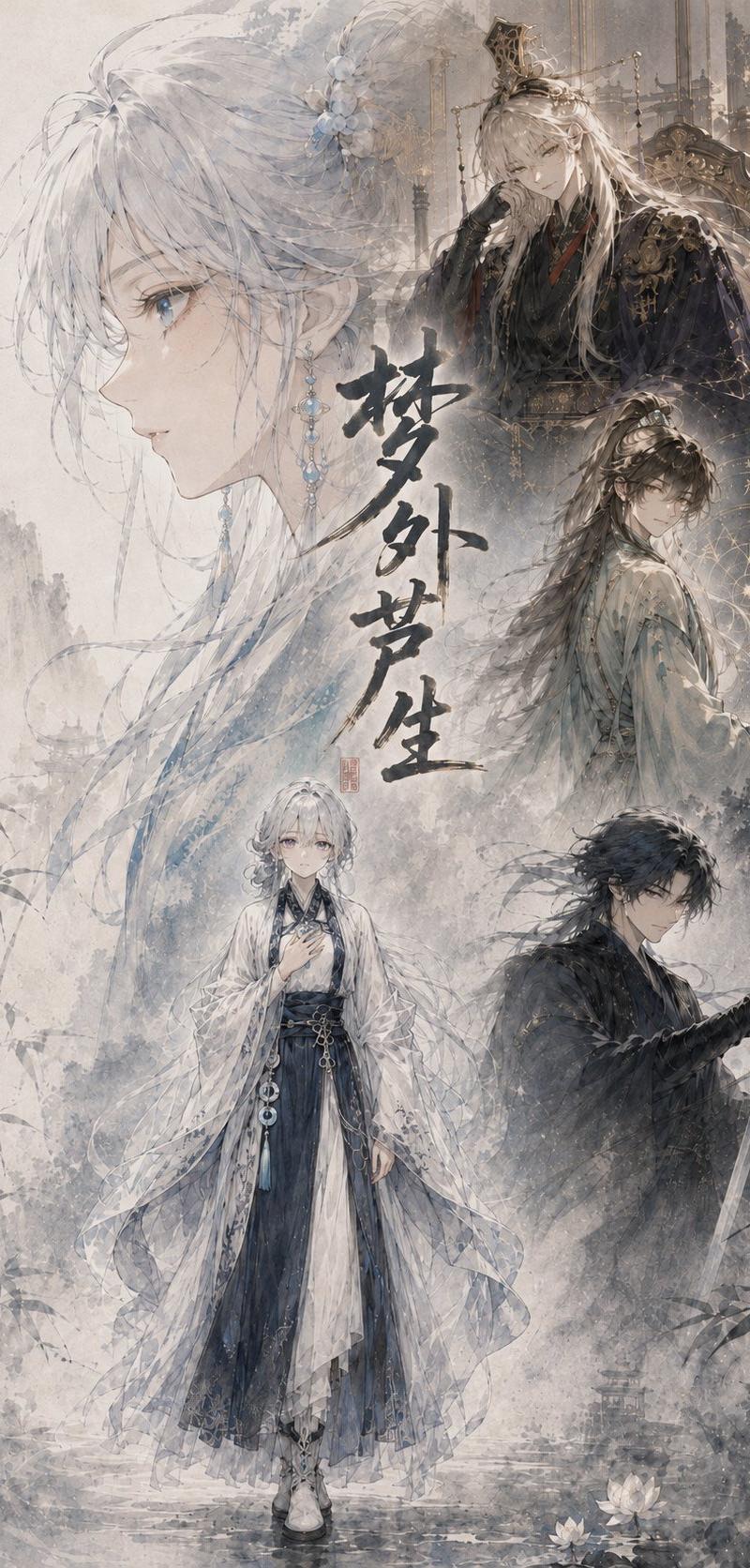
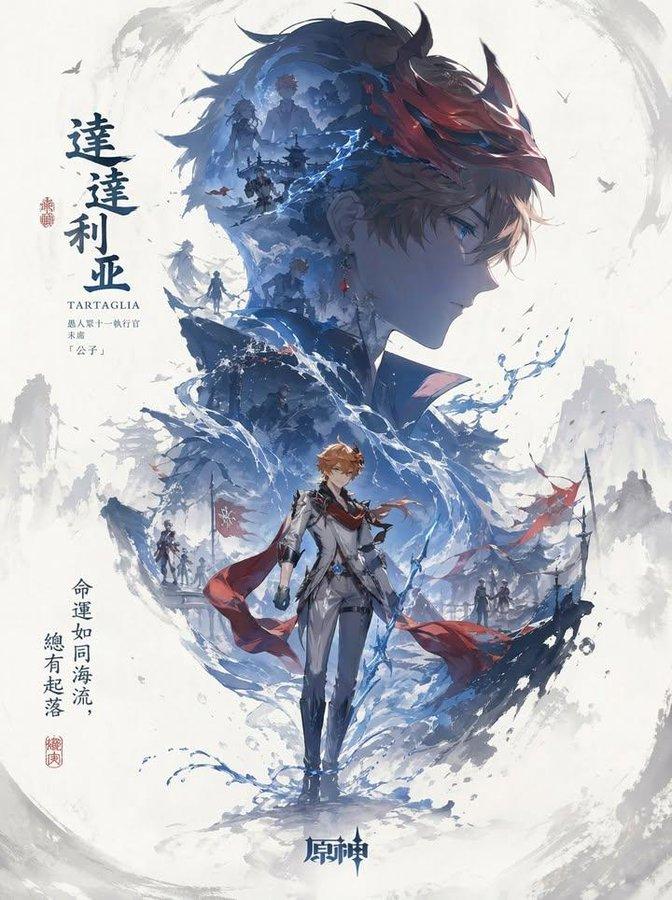
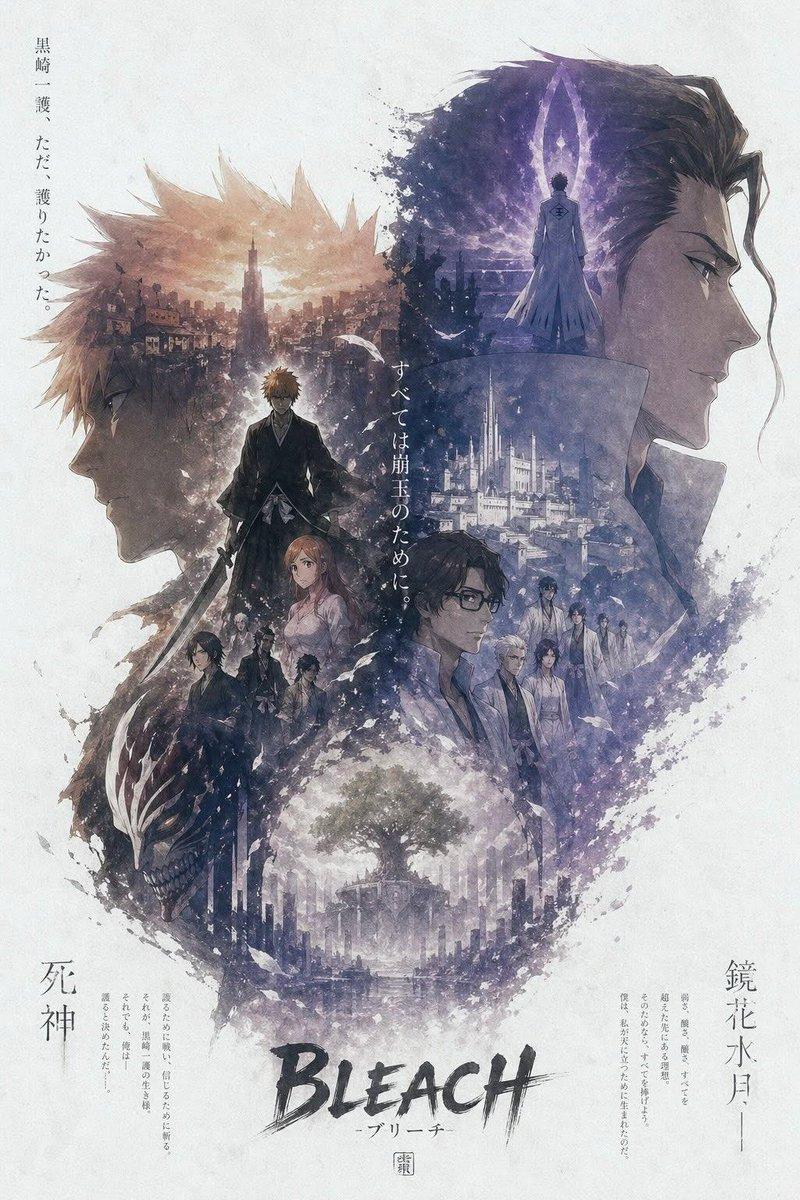
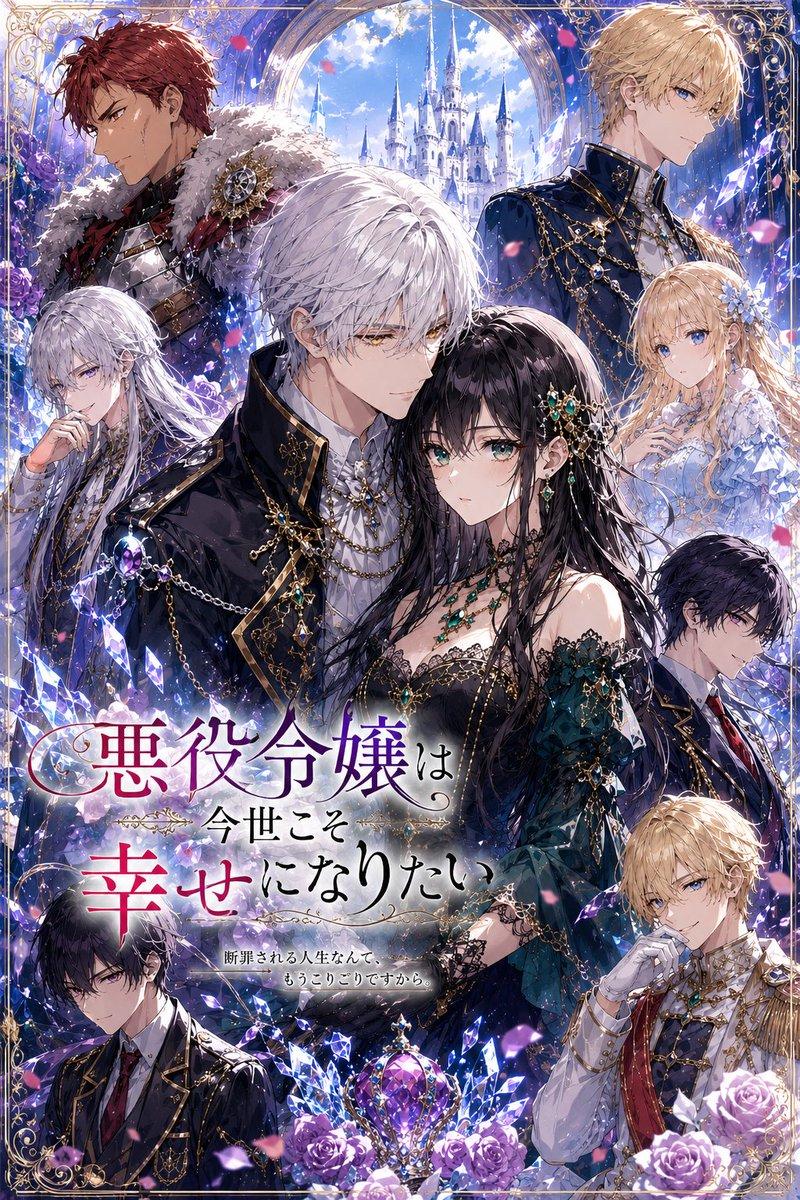
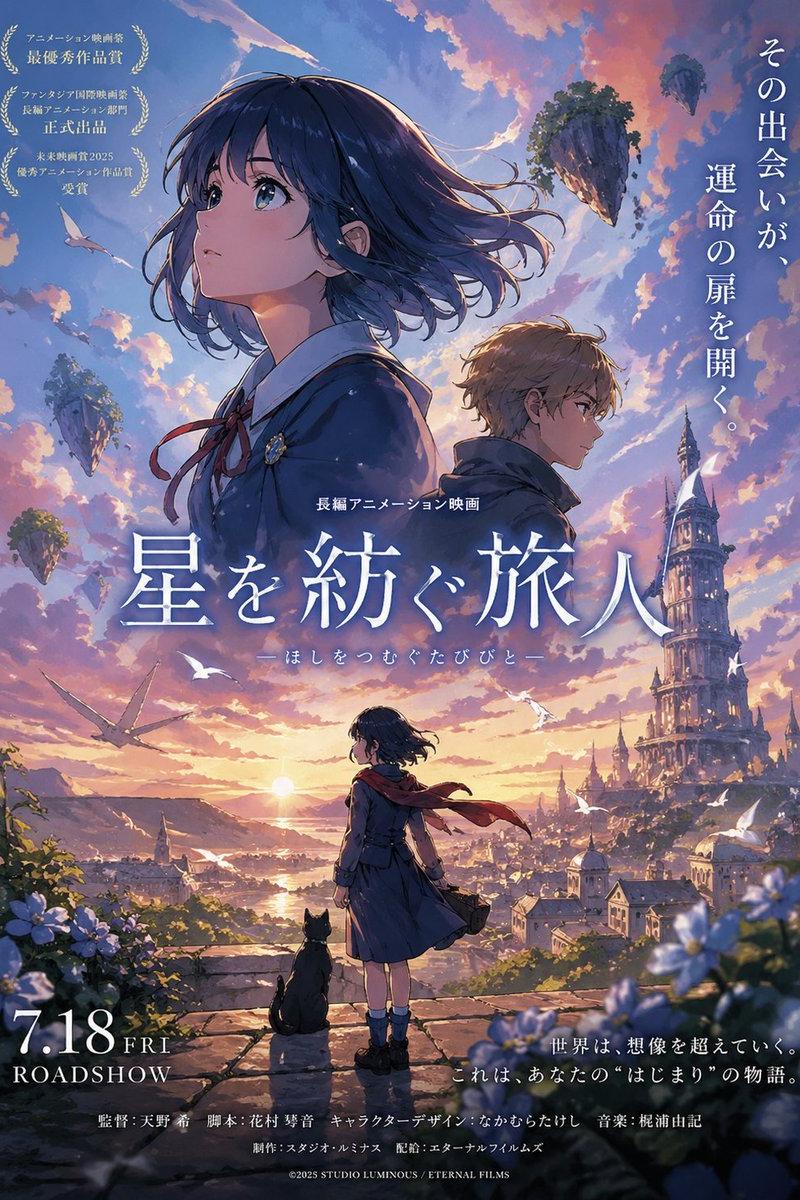
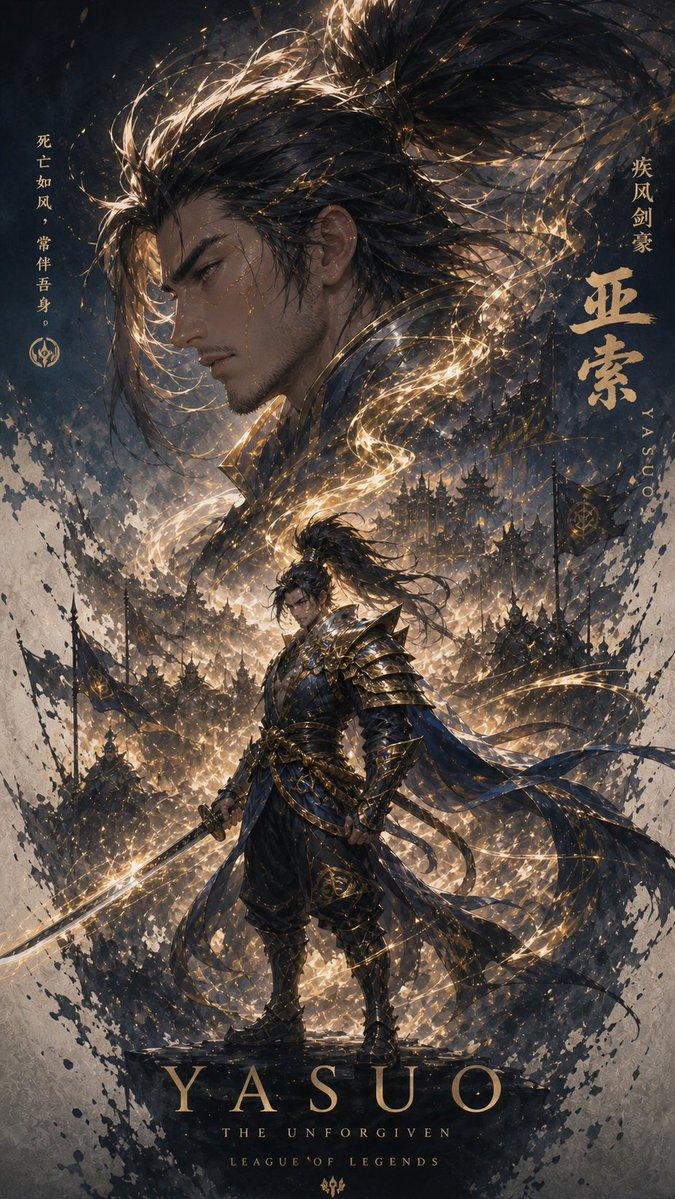
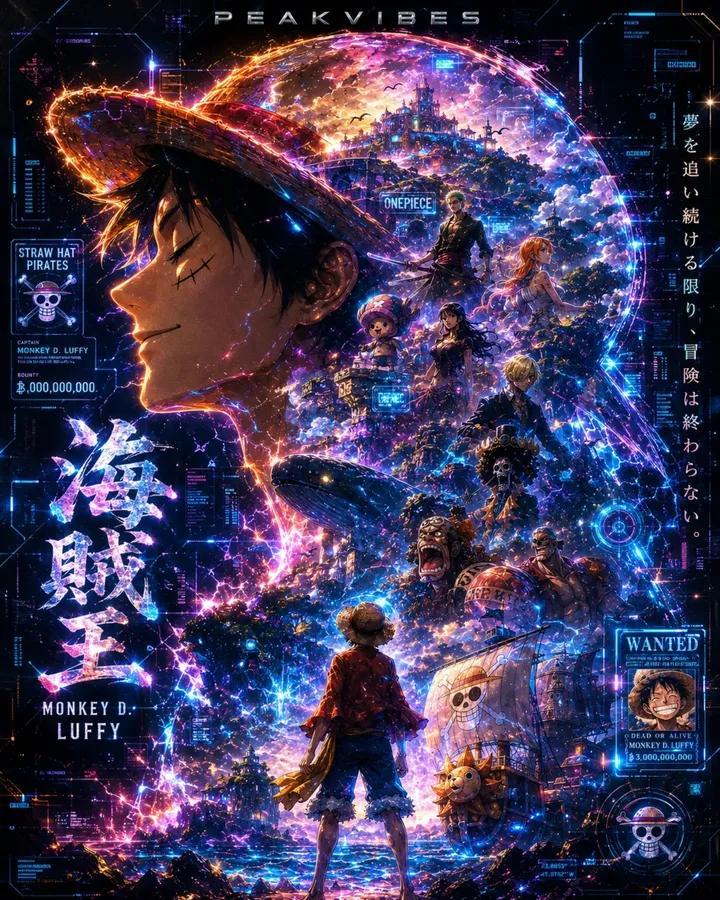
使用 GPT 图像 2 在 ChatGPT 上创建: 一张标题为“INPUT NAME”的角色宣传海报,采用统一的纵向关键视觉构图(9:16)。每张海报遵循大上小下的层级结构:上半部分以角色最具辨识度的元素(头部、面部轮廓、面具或上半身剪影)作为主导的超大视觉,形成高度可识别的剪影。中下部分包含完整的角色作为次要主体,以稳定的站姿或细微动作呈现,建立构图的视觉核心。 在大剪影内部和角色周围,使用双重曝光和拼贴式叙事构图。多个场景、象征性意象、小型角色互动、辅助元素以及环境细节被分层并融合进雾气、水墨和留白空间。左右两侧包含互补的次要元素,以创造叙事张力和空间变化。一条连续流动的视觉线从上至下贯穿,连接主要角色、内部拼贴以及上方大剪影,提升整体连贯性并引导观者的视线。 整体构图保留大片留白空间。边缘采用墨汁扩散、柔和模糊和碎片化过渡处理,创造出存在与缺失之间的平衡,灵感来源于东方美学。风格连贯、精炼且克制,强调深度、叙事性、强烈的视觉冲击,以及一致的系列式海报语言。
Category
创意图片
Model
GPT Image 2
Creator
@SimplyAnnisa
Source language
zh-CN
Views2
Source ID
2049468867106189319
Published
Aug 4, 2026
Studio

Guide

About "使用 GPT 图像 2 在 ChatGPT 上创建: 一张标题为“INPUT NAME”的角色宣传海报,采用统一的纵向关键视觉构图(9:16)。..."

What is this prompt for?

"使用 GPT 图像 2 在 ChatGPT 上创建: 一张标题为“INPUT NAME”的角色宣传海报,采用统一的纵向关键视觉构图(9:16)。..." AI image prompt for GPT Image 2 (创意图片). Saved from X post by @SimplyAnnisa. 使用 GP…

The full copyable prompt and example visuals above are ready for AI image generation or one-click recreate in Picva.

How to use this prompt

  1. Step 1

    Open the prompt detail

    Review the example visuals, category, and full prompt text for "使用 GPT 图像 2 在 ChatGPT 上创建: 一张标题为“INPUT NAME”的角色宣传海报,采用统一的纵向关键视觉构图(9:16)。...".

  2. Step 2

    Copy the prompt

    Copy the prompt body from this page, or load it directly in Studio.

  3. Step 3

    Pick a model (GPT Image 2)

    Prefer GPT Image 2. If you switch models, keep subject and composition and tweak style terms.

  4. Step 4

    Generate and export

    Recreate the look in Picva, or export into your workflow for editing and publishing.

FAQ

What is the "使用 GPT 图像 2 在 ChatGPT 上创建: 一张标题为“INPUT NAME”的角色宣传海报,采用统一的纵向关键视觉构图(9:16)。..." prompt?
It is an AI image-generation prompt for GPT Image 2 in the 创意图片 category. This page includes the full prompt text, example visuals, and a one-click recreate path in Picva.
How do I use this prompt to generate an image?
Copy the prompt from this page, or use Generate / Studio. Paste it into a compatible image model, or recreate the look in Picva with optional reference images.
Which model is this prompt for?
This page lists GPT Image 2. Most descriptive prompts also transfer to nearby image models such as GPT Image, Flux, or Midjourney with light style tweaks.
Can I use the result commercially?
You can usually copy the prompt for creation, but commercial use of the final image depends on the model terms, reference-image rights, and the generated content. Follow the source author and platform rules.