19

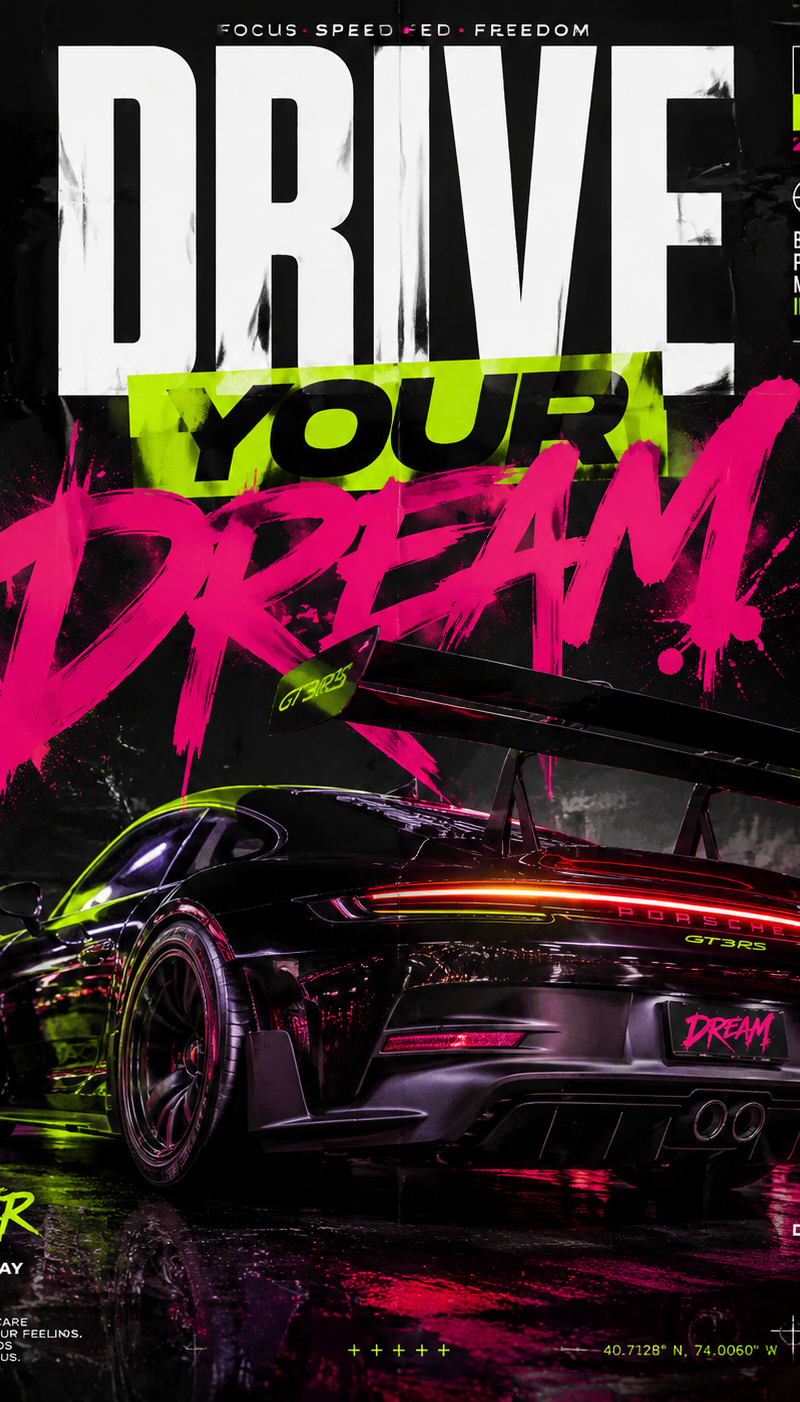
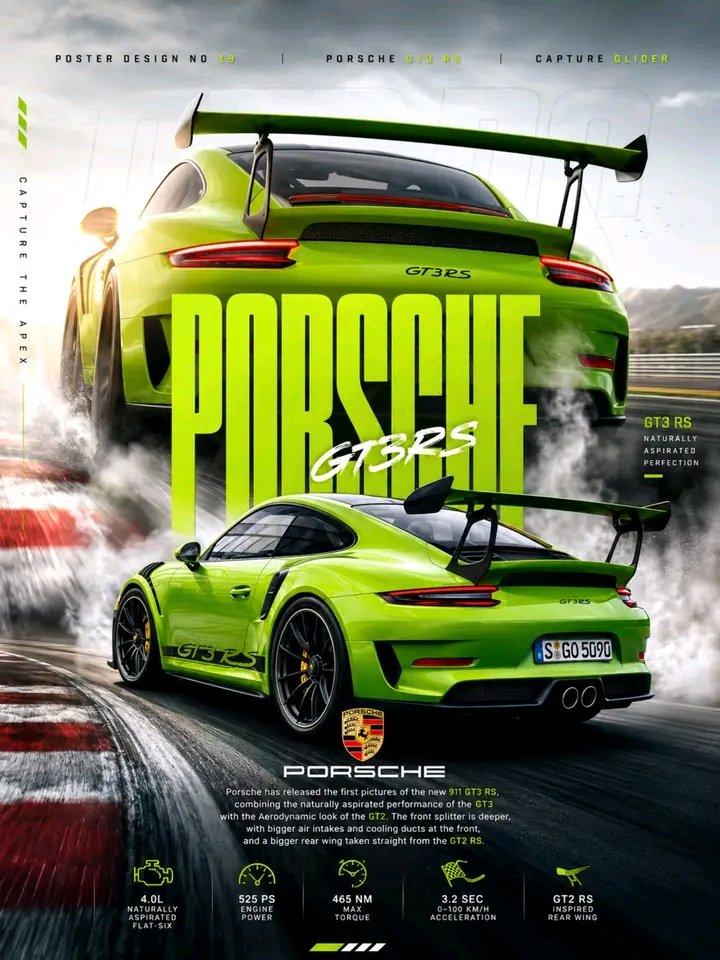
创作一张高端赛车运动海报,展示一辆 **蜥蜴绿保时捷 911 GT3 RS (991.2)** 在赛道弯道中漂移。后三四分之三动态镜头,伴随浓厚...
Enlarge

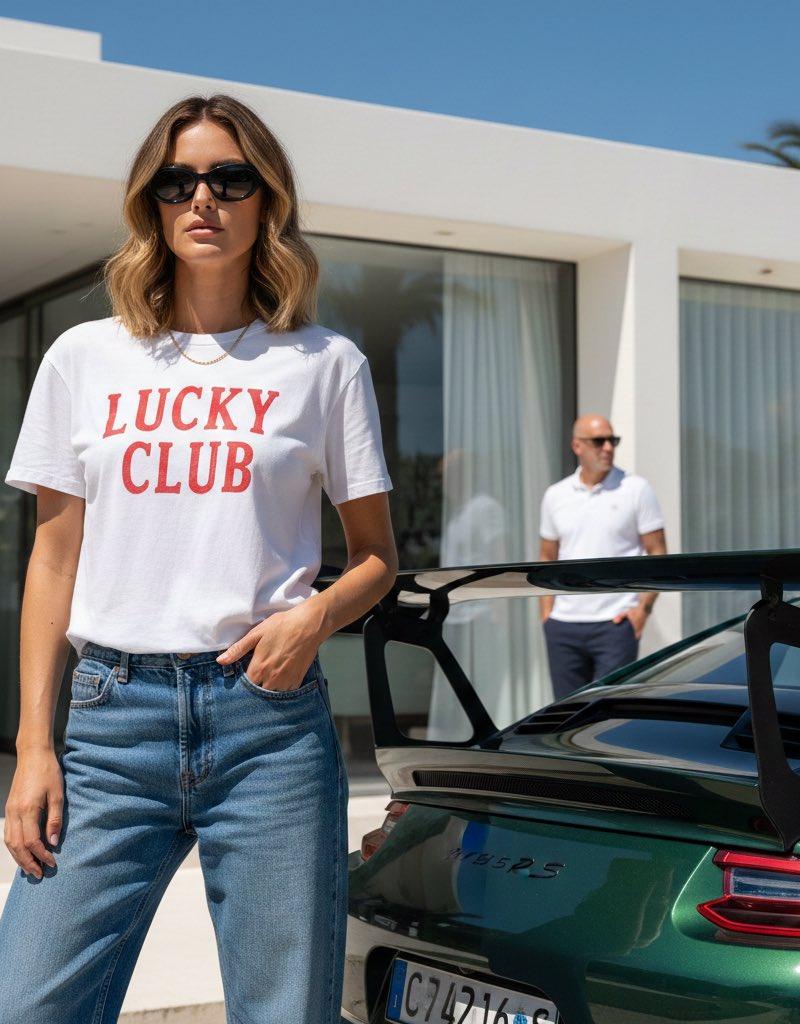
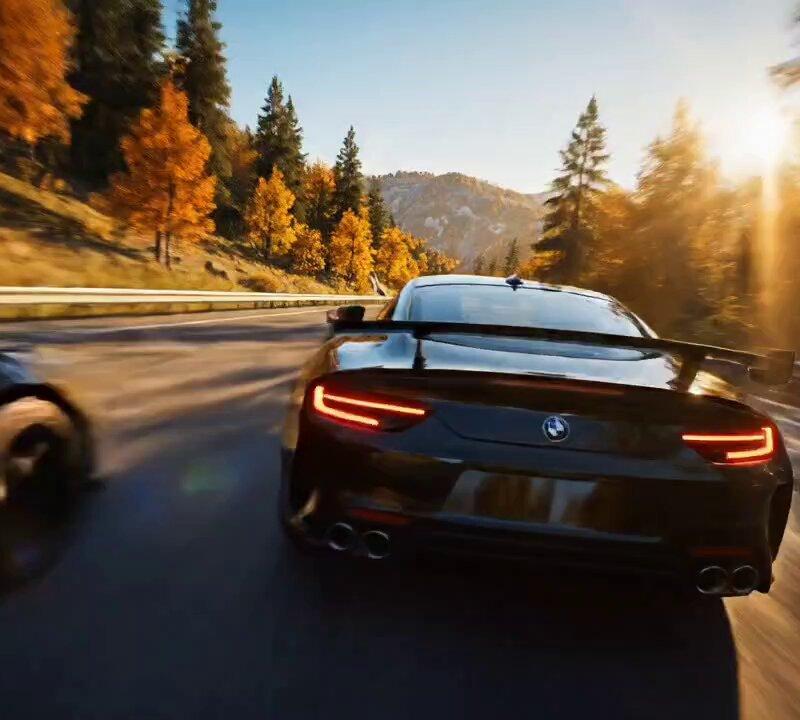
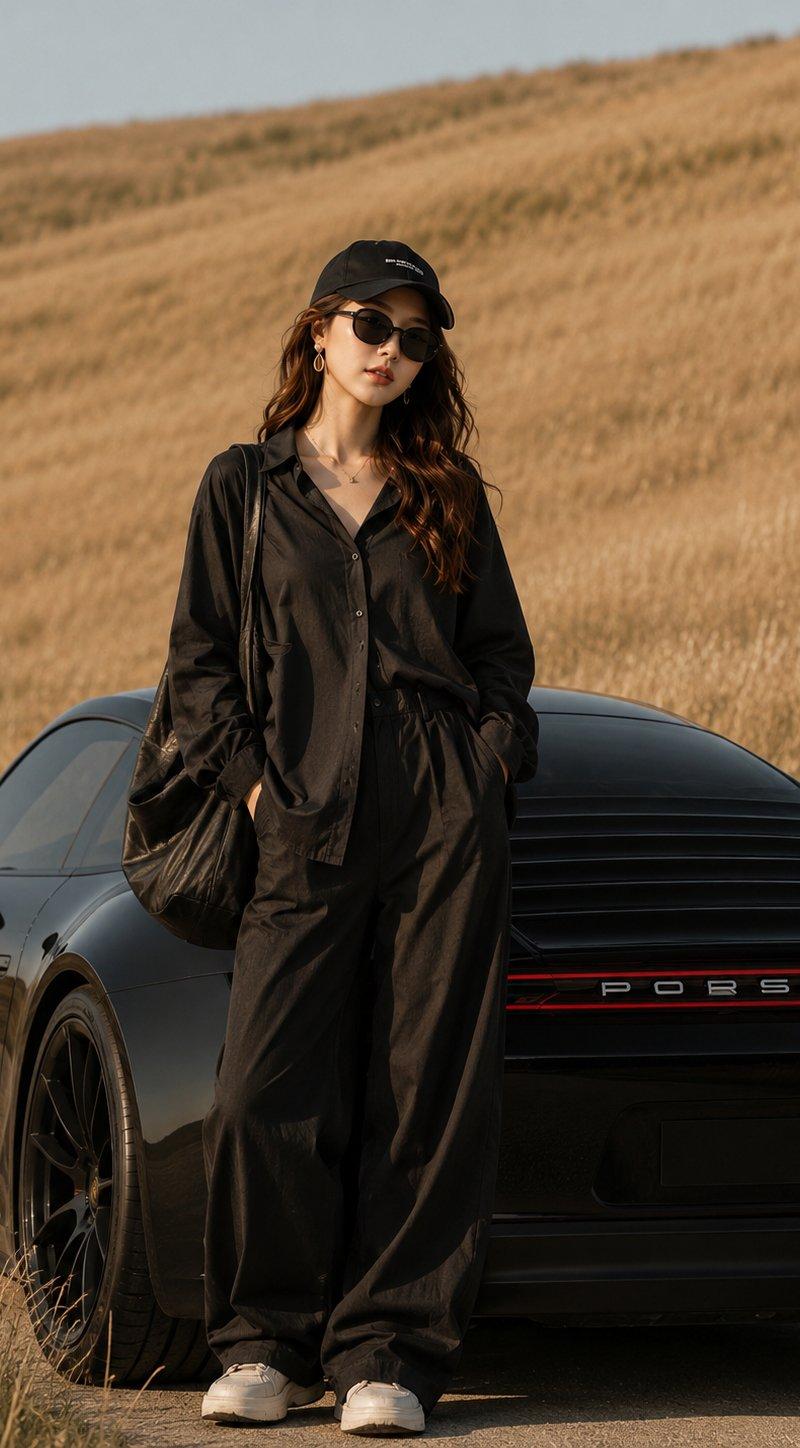
Example images

创作一张高端赛车运动海报,展示一辆 **蜥蜴绿保时捷 911 GT3 RS (991.2)** 在赛道弯道中漂移。后三四分之三动态镜头,伴随浓厚...

Prompt
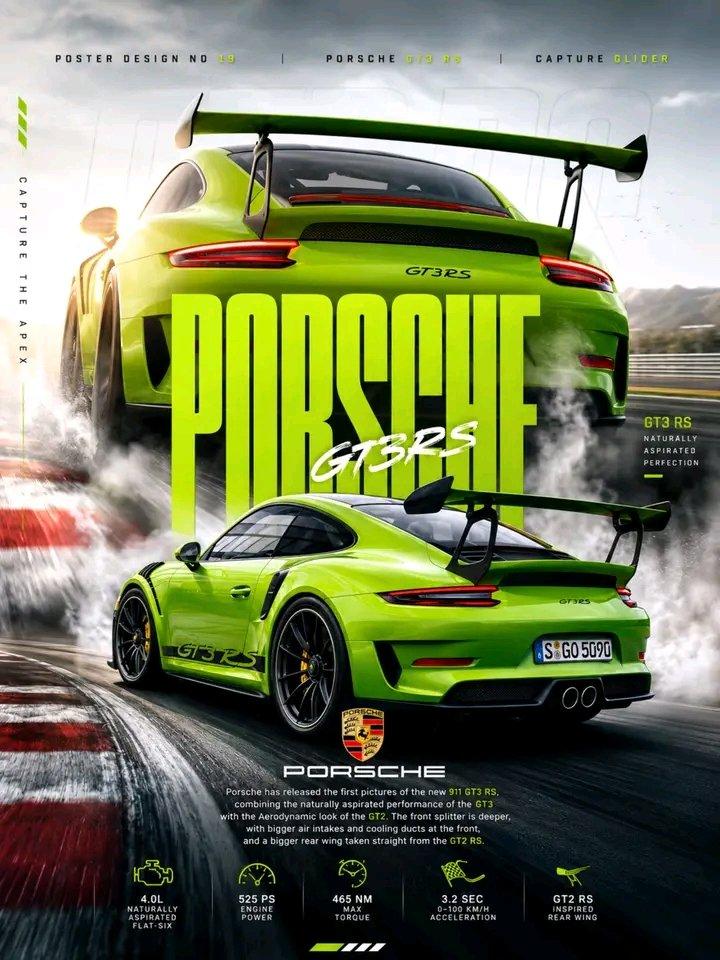
创作一张高端赛车运动海报,展示一辆 **蜥蜴绿保时捷 911 GT3 RS (991.2)** 在赛道弯道中漂移。后三四分之三动态镜头,伴随浓厚的白色轮胎烟雾、红白相间的路肩、黑色中心锁轮毂、黄色刹车卡钳,以及巨大的后扰流板。背景中加入一幅大型渐变特写,聚焦车辆尾部,突出 GT3 RS 徽标和扰流板。 在中央添加醒目超大石灰绿色 **“PORSCHE”** 字体,顶部叠加白色手写体 **“GT3RS”**。戏剧性的多云天空,柔和阳光,电影级照明,动态模糊,粗糙的沥青纹理,以及高对比度色彩分级。 豪华汽车海报设计,赛车杂志美学,超现实摄影,动态构图,高端编辑布局,石灰绿与单色灰色调色板,超详细,照片级真实,8K。
Category
创意图片
Model
GPT Image 2
Creator
@noorwithwifi
Source language
zh-CN
Views0
Source ID
2064369833538658473
Published
Aug 8, 2026
Studio

Guide

About "创作一张高端赛车运动海报,展示一辆 **蜥蜴绿保时捷 911 GT3 RS (991.2)** 在赛道弯道中漂移。后三四分之三动态镜头,伴随浓厚..."

What is this prompt for?

"创作一张高端赛车运动海报,展示一辆 **蜥蜴绿保时捷 911 GT3 RS (991.2)** 在赛道弯道中漂移。后三四分之三动态镜头,伴随浓厚..." AI image prompt for GPT Image 2 (创意图片). Saved from X post by @noorwithwifi. GPT2…

The full copyable prompt and example visuals above are ready for AI image generation or one-click recreate in Picva.

How to use this prompt

  1. Step 1

    Open the prompt detail

    Review the example visuals, category, and full prompt text for "创作一张高端赛车运动海报,展示一辆 **蜥蜴绿保时捷 911 GT3 RS (991.2)** 在赛道弯道中漂移。后三四分之三动态镜头,伴随浓厚...".

  2. Step 2

    Copy the prompt

    Copy the prompt body from this page, or load it directly in Studio.

  3. Step 3

    Pick a model (GPT Image 2)

    Prefer GPT Image 2. If you switch models, keep subject and composition and tweak style terms.

  4. Step 4

    Generate and export

    Recreate the look in Picva, or export into your workflow for editing and publishing.

FAQ

What is the "创作一张高端赛车运动海报,展示一辆 **蜥蜴绿保时捷 911 GT3 RS (991.2)** 在赛道弯道中漂移。后三四分之三动态镜头,伴随浓厚..." prompt?
It is an AI image-generation prompt for GPT Image 2 in the 创意图片 category. This page includes the full prompt text, example visuals, and a one-click recreate path in Picva.
How do I use this prompt to generate an image?
Copy the prompt from this page, or use Generate / Studio. Paste it into a compatible image model, or recreate the look in Picva with optional reference images.
Which model is this prompt for?
This page lists GPT Image 2. Most descriptive prompts also transfer to nearby image models such as GPT Image, Flux, or Midjourney with light style tweaks.
Can I use the result commercially?
You can usually copy the prompt for creation, but commercial use of the final image depends on the model terms, reference-image rights, and the generated content. Follow the source author and platform rules.