20

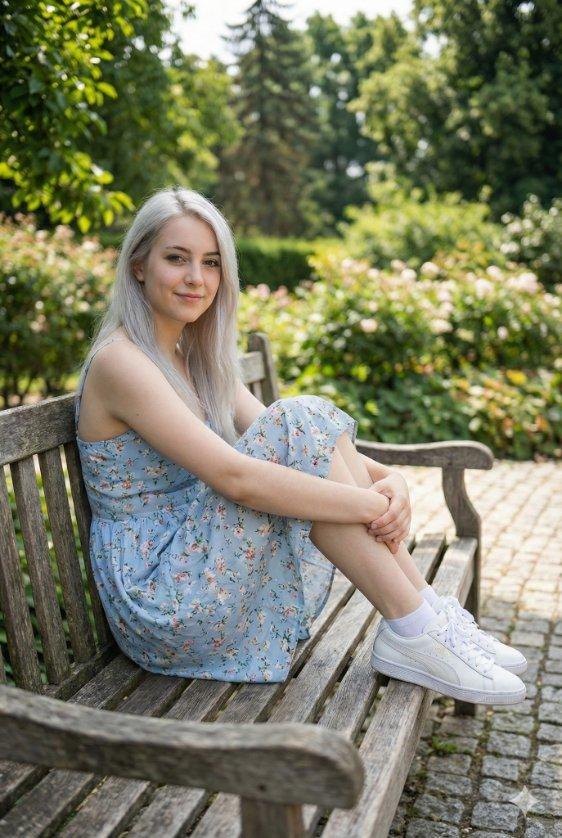
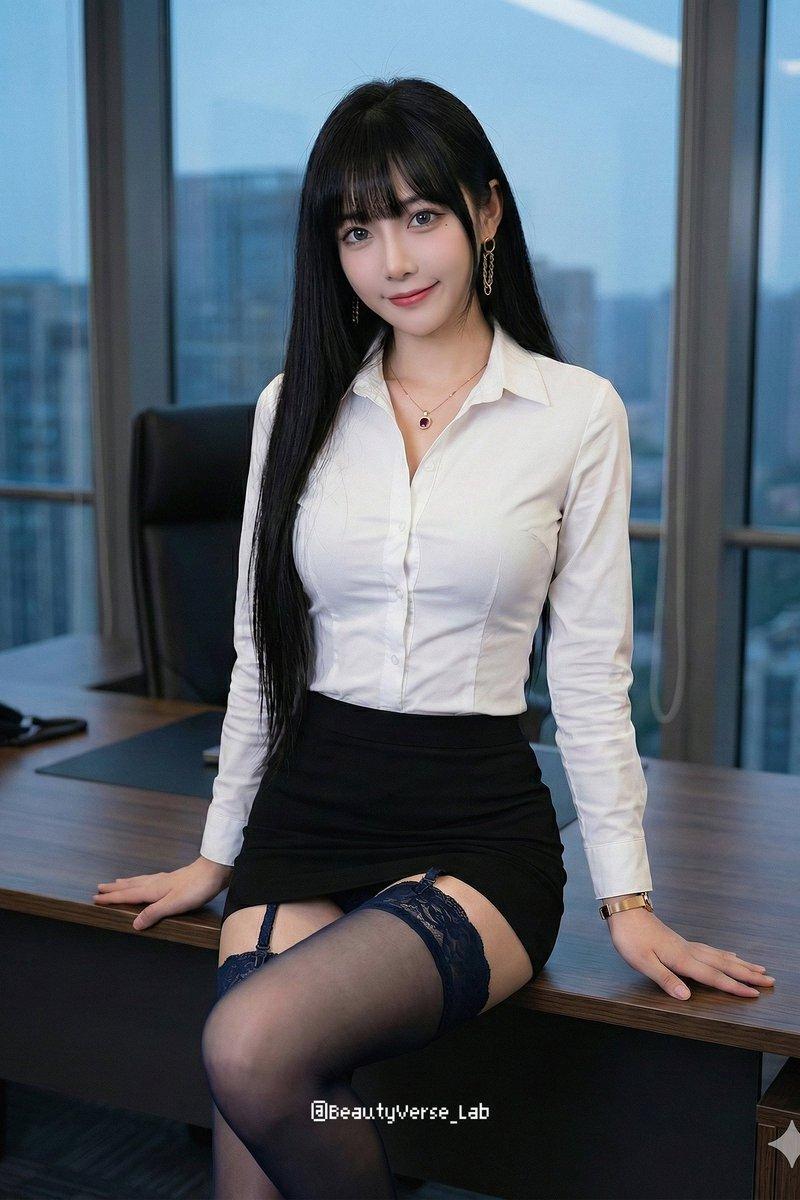
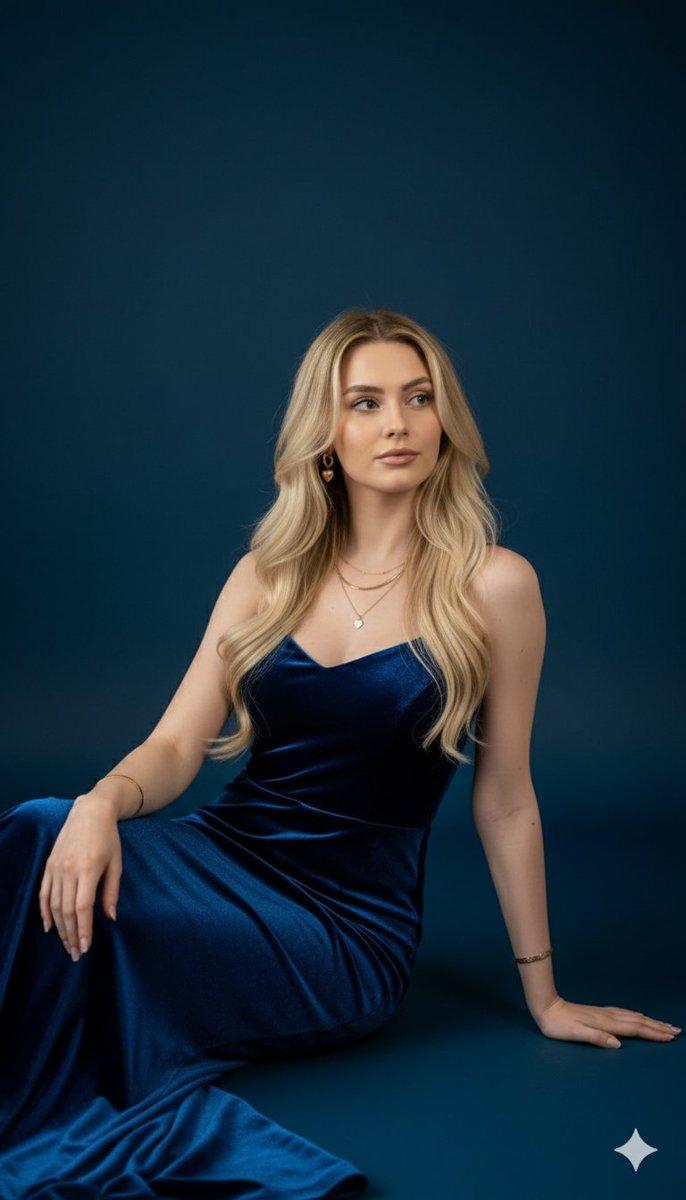
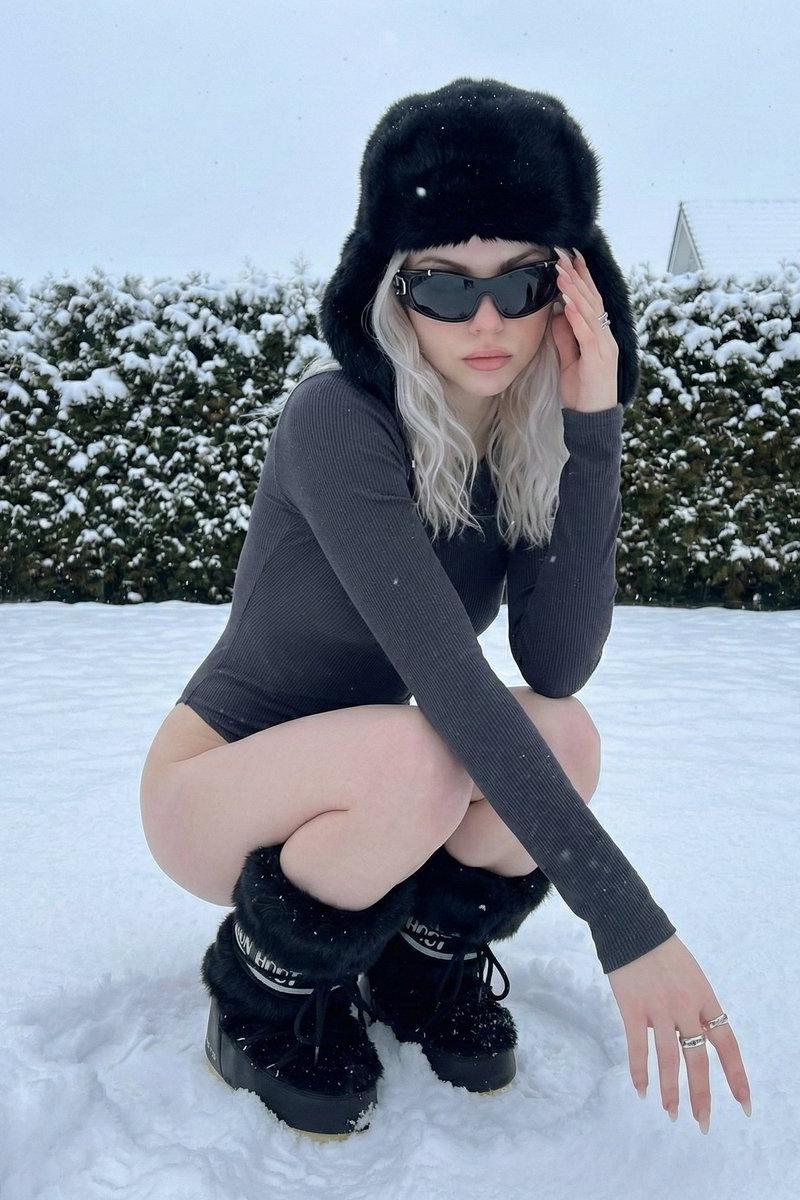
超现实的中近距离肖像,描绘一位可爱美丽的年轻女子,从极低角度视角捕捉,她低头望向镜头,背景是广阔的夏日天空。明亮、俏皮、发光氛围,带有电影般的真...
Enlarge

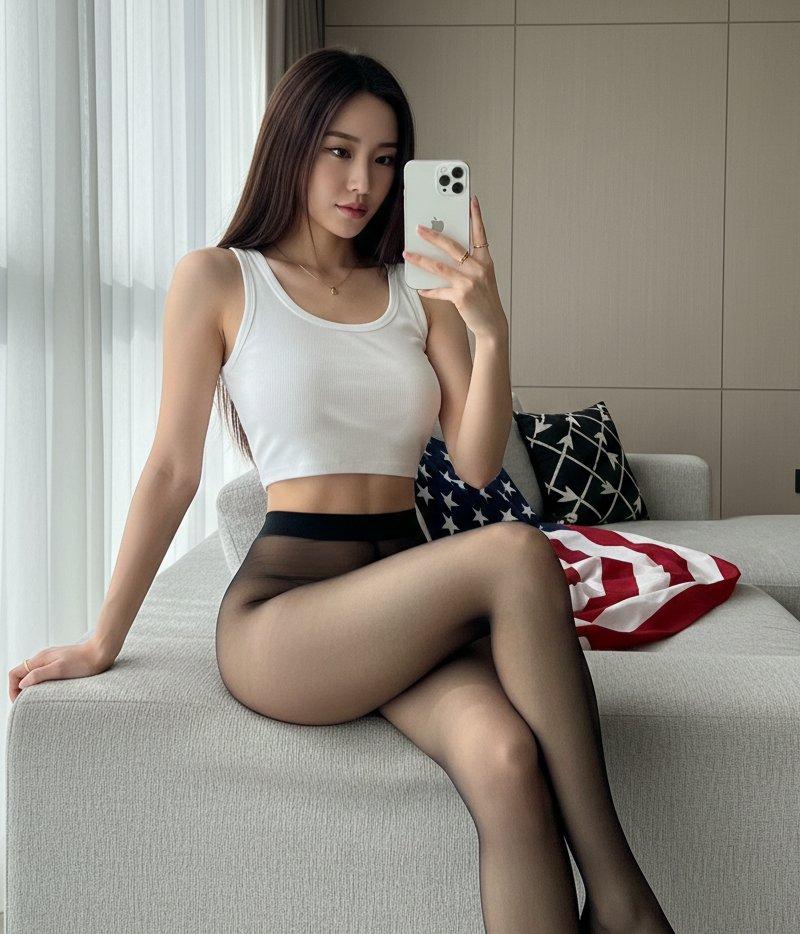
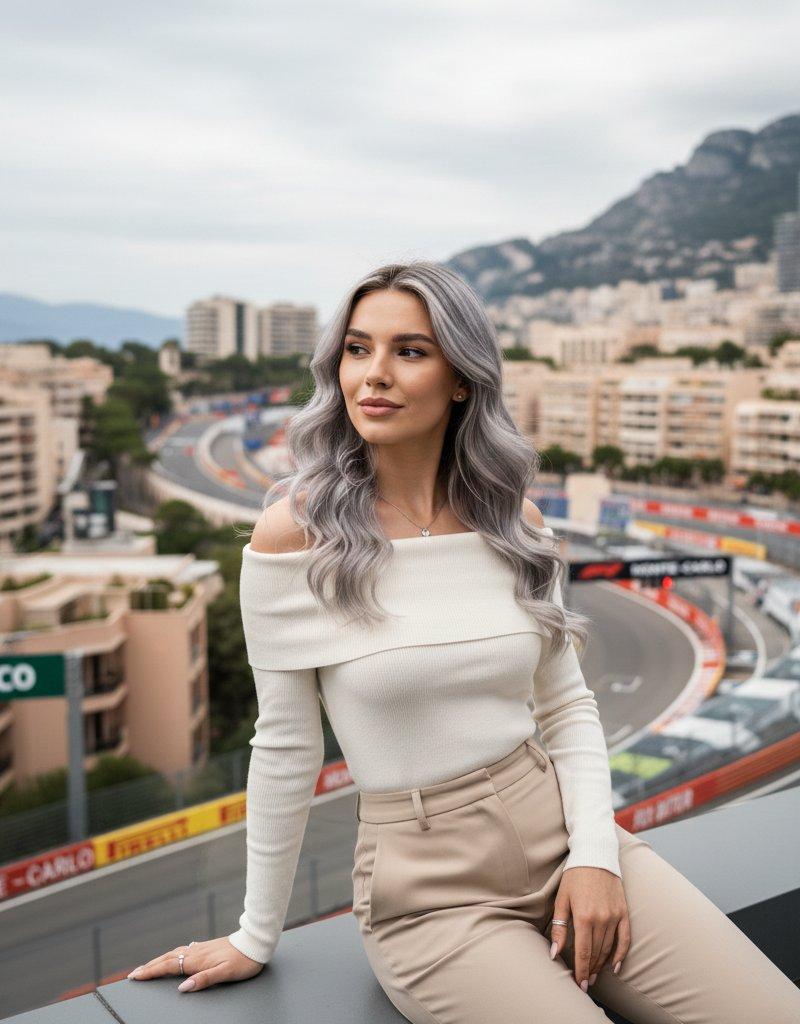
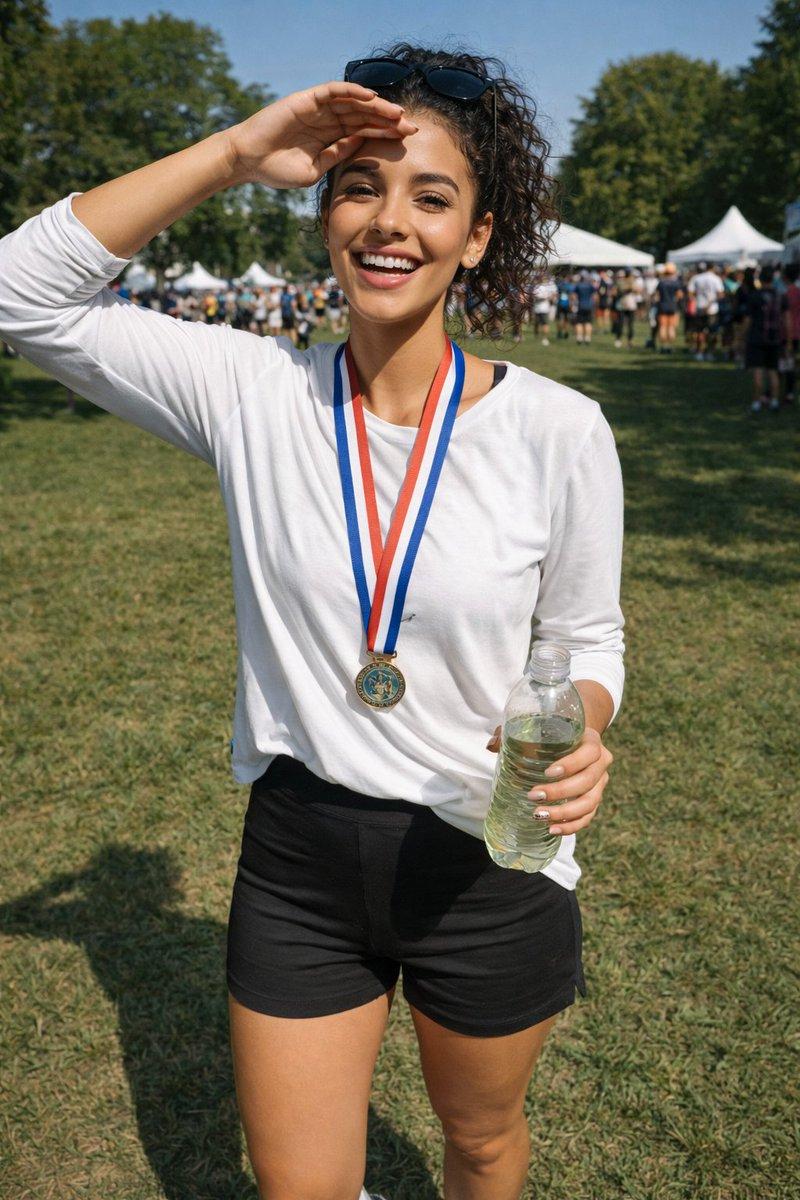
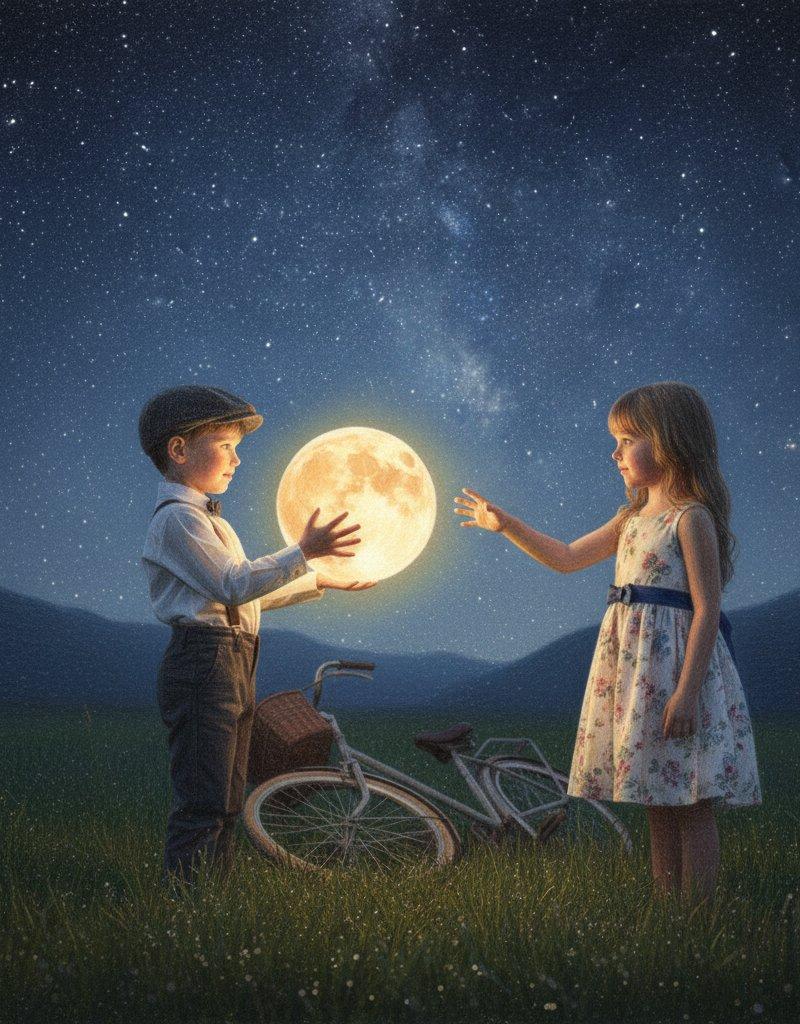
Example images

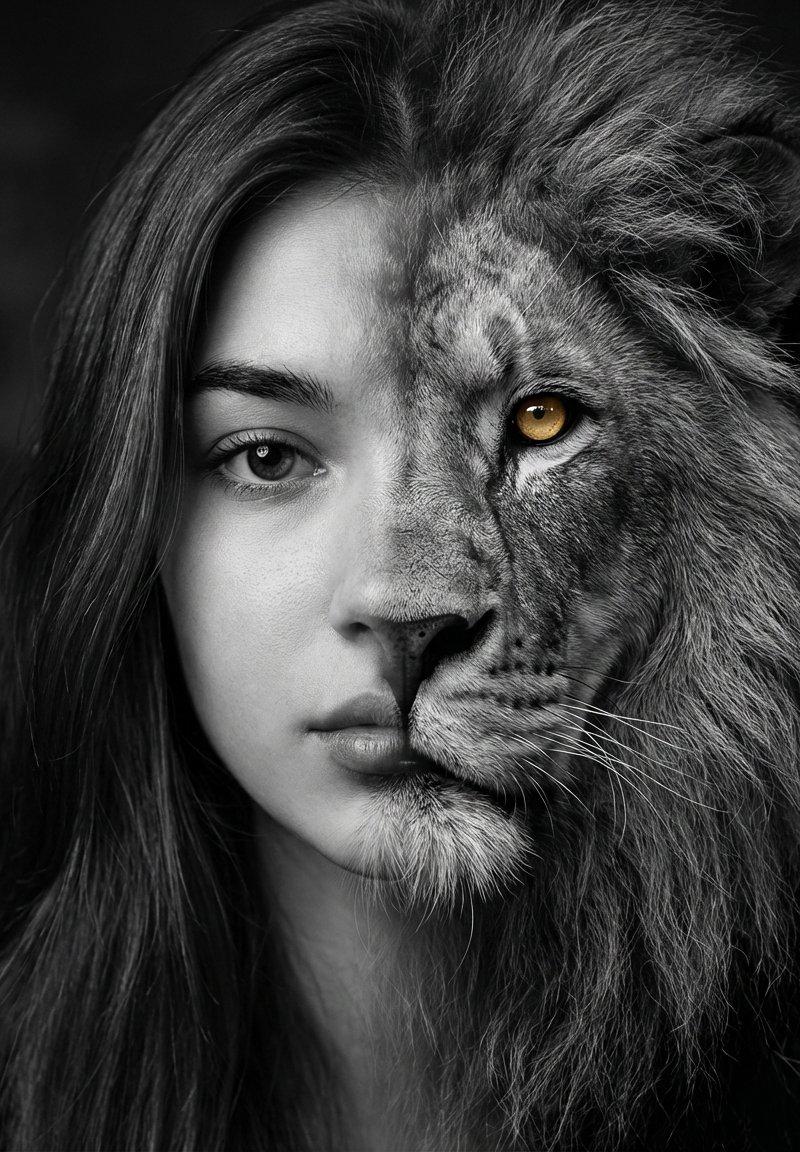
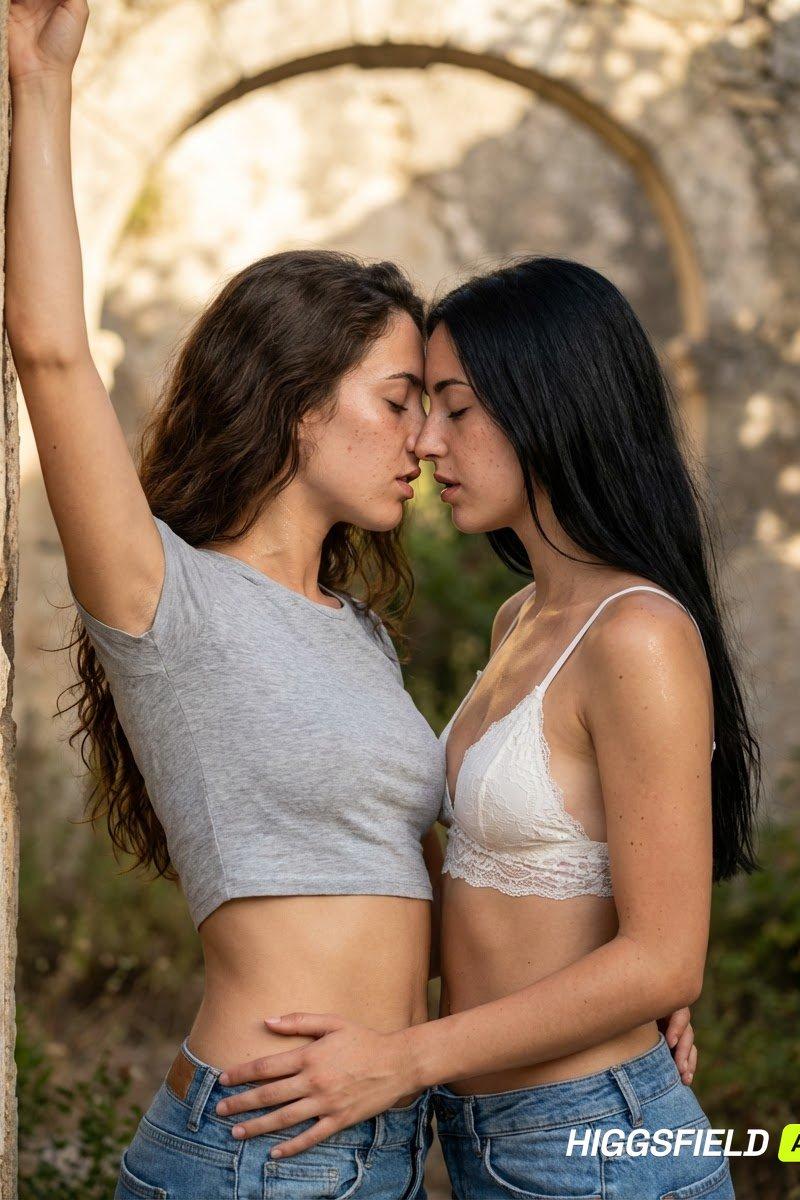
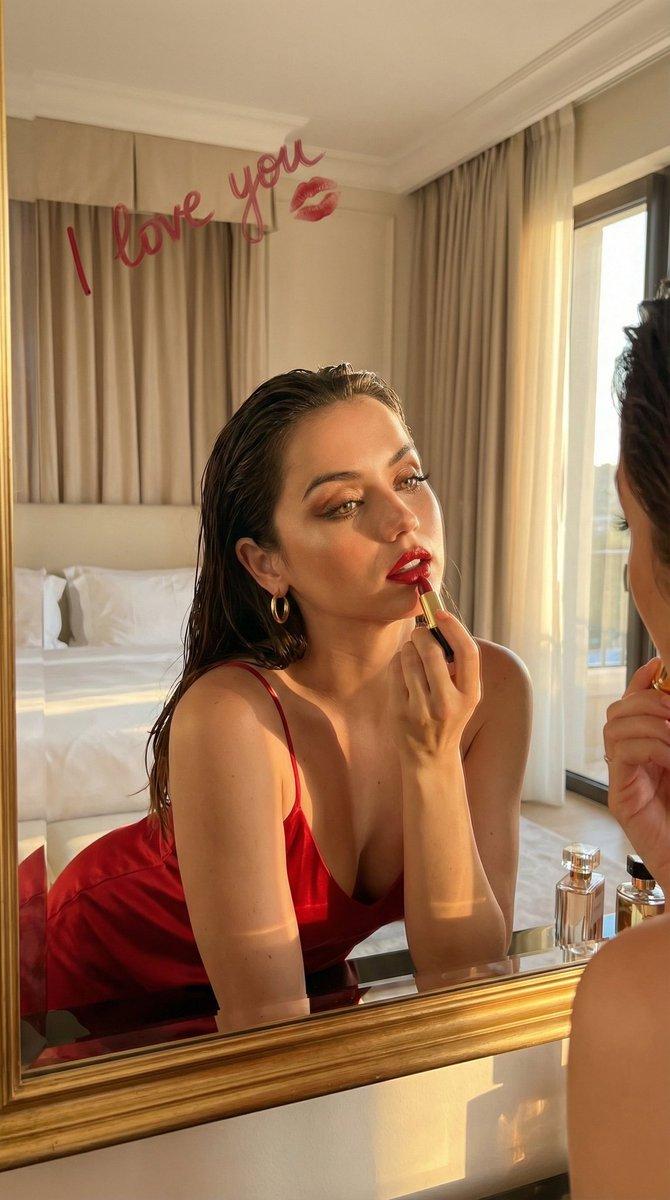
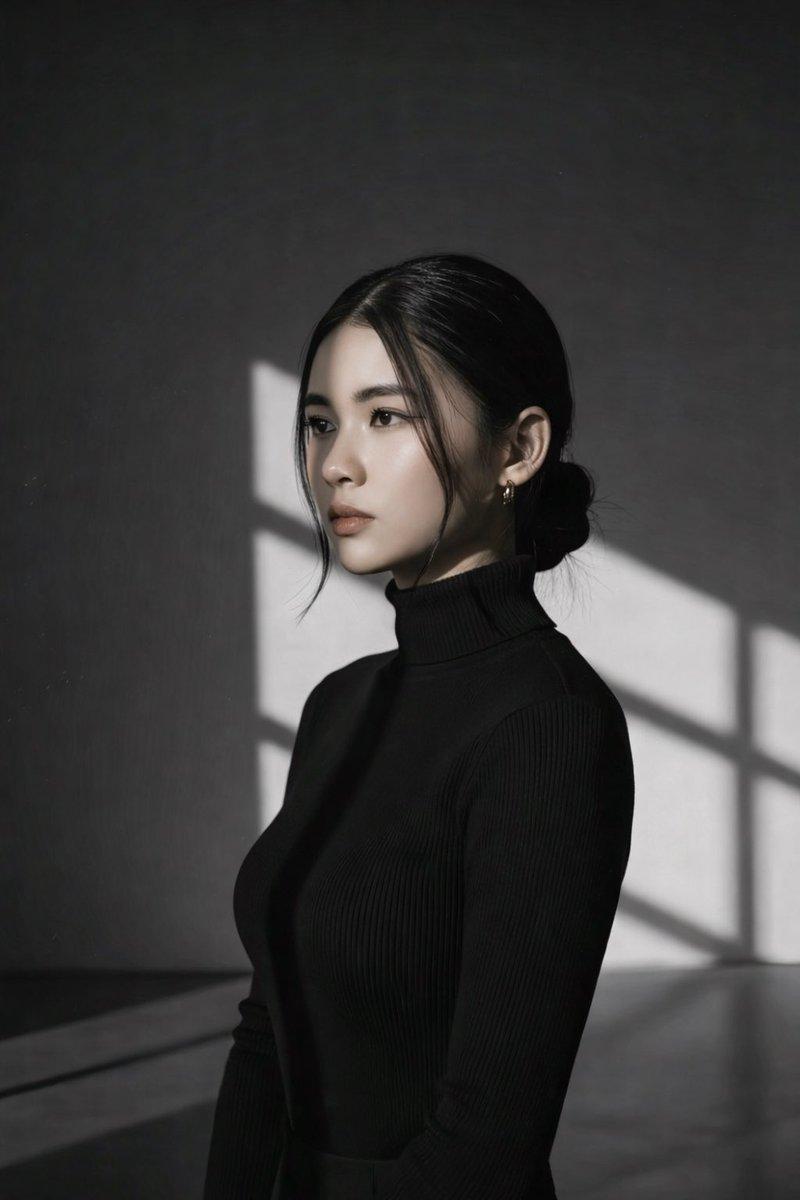
超现实的中近距离肖像,描绘一位可爱美丽的年轻女子,从极低角度视角捕捉,她低头望向镜头,背景是广阔的夏日天空。明亮、俏皮、发光氛围,带有电影般的真...

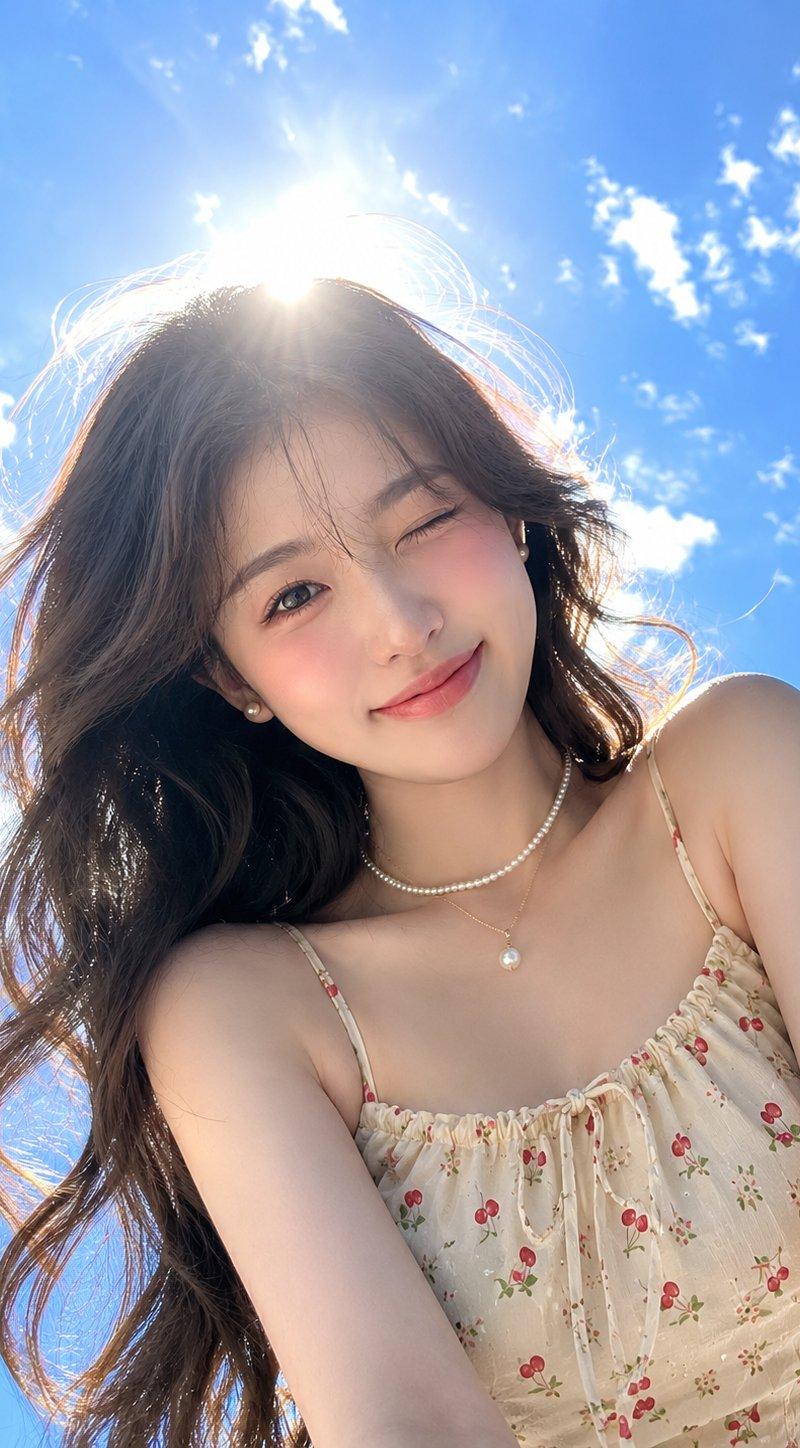
Prompt
超现实的中近距离肖像,描绘一位可爱美丽的年轻女子,从极低角度视角捕捉,她低头望向镜头,背景是广阔的夏日天空。明亮、俏皮、发光氛围,带有电影般的真实感。 她拥有完美的“Signature Gloorv”露珠瓷器玻璃肌肤,在阳光下辐射、水润且发光。她长而柔和波浪状的黑发在微风中自然飘逸,带有细腻纹理和细微飞散发丝。妆容柔和优雅:蜜桃色腮红、自然玫瑰粉色唇妆,以及精致、富有表现力的眼睛。 她穿着浅米色吊带背心,饰有精致的樱桃和花卉印花、细肩带,以及褶皱胸部细节。配饰包括多层项链:一条细金链配单颗珍珠吊坠、一串珍珠,以及小珍珠耳钉。 姿势:她直视镜头,一只眼睛俏皮地眨眼,带着温柔真诚的微笑,头部微微侧倾一侧,营造出迷人而青春的表情。 背景:无尽的明亮蓝天,带有柔和飘渺的白云,从下方视角观看。 光线:强烈阳光直接位于她头部后方,在她的头发和肌肤周围产生戏剧性的光环效果,可见镜头眩光、发光边缘光,以及梦幻的阳光沐浴夏日美学。 摄影风格:超写实摄影,85mm镜头效果,高动态范围,电影光线,浅景深,自然肌肤纹理,时尚摄影杂志风格,8K,杰作品质。
Category
创意图片
Model
GPT Image 2
Creator
@MissDelulu9
Source language
zh-CN
Views6
Source ID
2080867624238322156
Published
Jul 26, 2026
Studio

Guide

About "超现实的中近距离肖像,描绘一位可爱美丽的年轻女子,从极低角度视角捕捉,她低头望向镜头,背景是广阔的夏日天空。明亮、俏皮、发光氛围,带有电影般的真..."

What is this prompt for?

"超现实的中近距离肖像,描绘一位可爱美丽的年轻女子,从极低角度视角捕捉,她低头望向镜头,背景是广阔的夏日天空。明亮、俏皮、发光氛围,带有电影般的真..." AI image prompt for GPT Image 2 (创意图片). Saved from X post by @MissDelulu9. GPT Im…

The full copyable prompt and example visuals above are ready for AI image generation or one-click recreate in Picva.

How to use this prompt

  1. Step 1

    Open the prompt detail

    Review the example visuals, category, and full prompt text for "超现实的中近距离肖像,描绘一位可爱美丽的年轻女子,从极低角度视角捕捉,她低头望向镜头,背景是广阔的夏日天空。明亮、俏皮、发光氛围,带有电影般的真...".

  2. Step 2

    Copy the prompt

    Copy the prompt body from this page, or load it directly in Studio.

  3. Step 3

    Pick a model (GPT Image 2)

    Prefer GPT Image 2. If you switch models, keep subject and composition and tweak style terms.

  4. Step 4

    Generate and export

    Recreate the look in Picva, or export into your workflow for editing and publishing.

FAQ

What is the "超现实的中近距离肖像,描绘一位可爱美丽的年轻女子,从极低角度视角捕捉,她低头望向镜头,背景是广阔的夏日天空。明亮、俏皮、发光氛围,带有电影般的真..." prompt?
It is an AI image-generation prompt for GPT Image 2 in the 创意图片 category. This page includes the full prompt text, example visuals, and a one-click recreate path in Picva.
How do I use this prompt to generate an image?
Copy the prompt from this page, or use Generate / Studio. Paste it into a compatible image model, or recreate the look in Picva with optional reference images.
Which model is this prompt for?
This page lists GPT Image 2. Most descriptive prompts also transfer to nearby image models such as GPT Image, Flux, or Midjourney with light style tweaks.
Can I use the result commercially?
You can usually copy the prompt for creation, but commercial use of the final image depends on the model terms, reference-image rights, and the generated content. Follow the source author and platform rules.