19

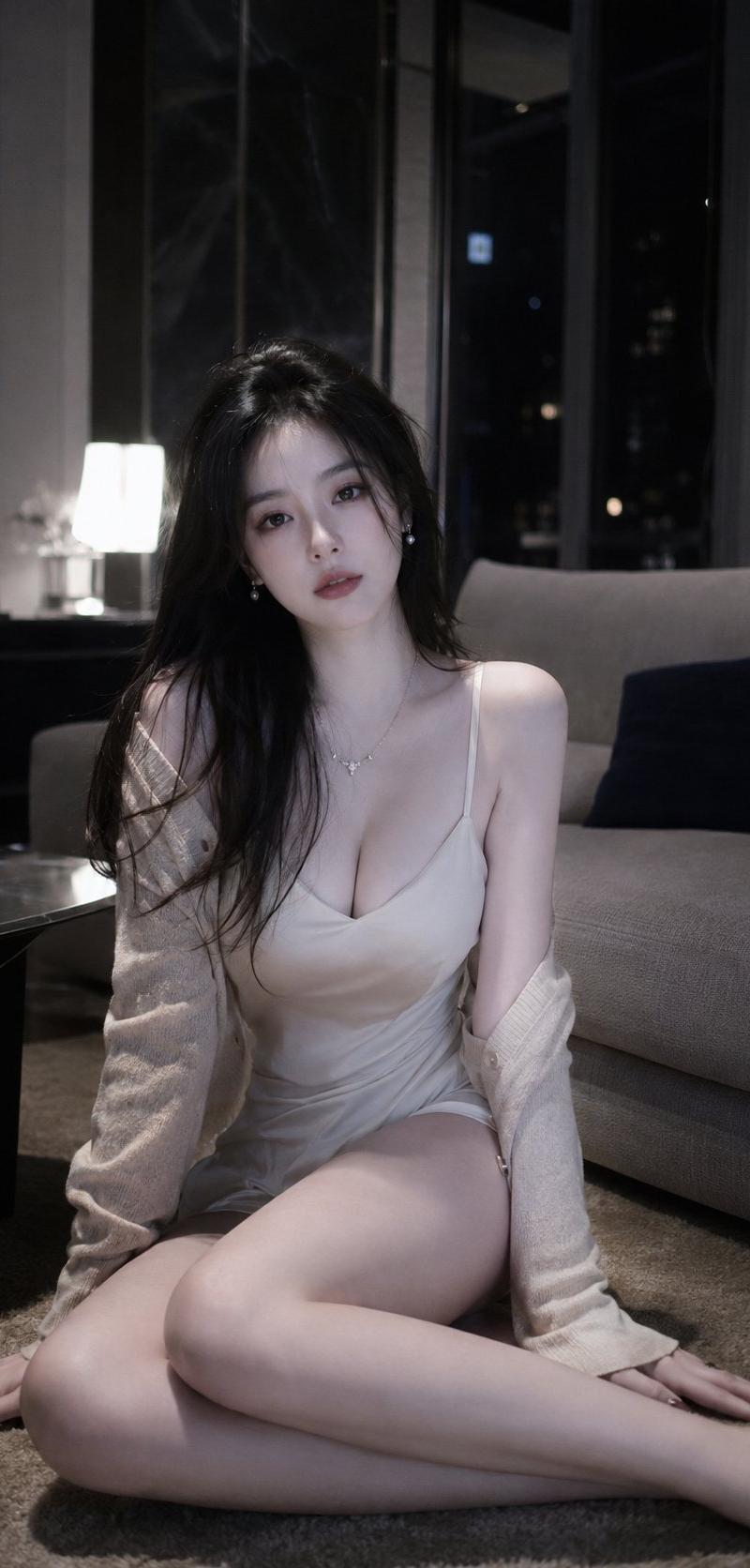
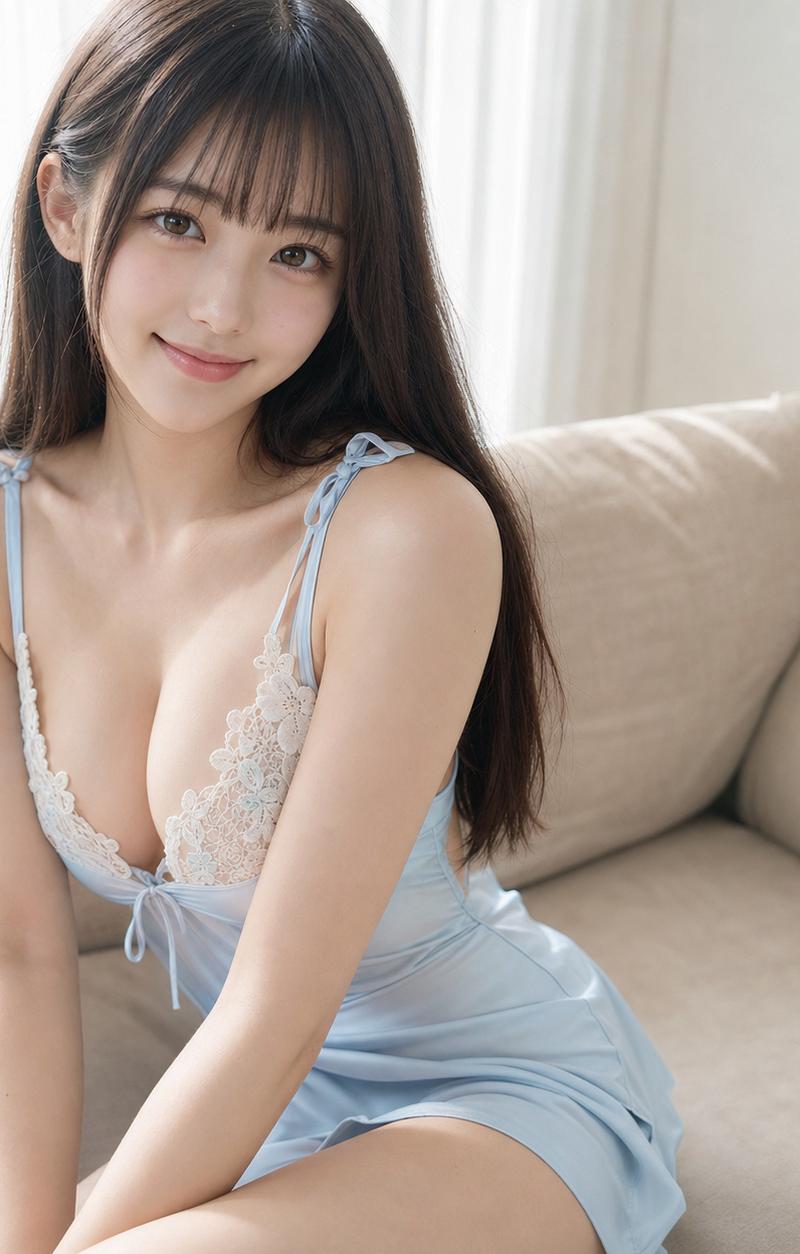
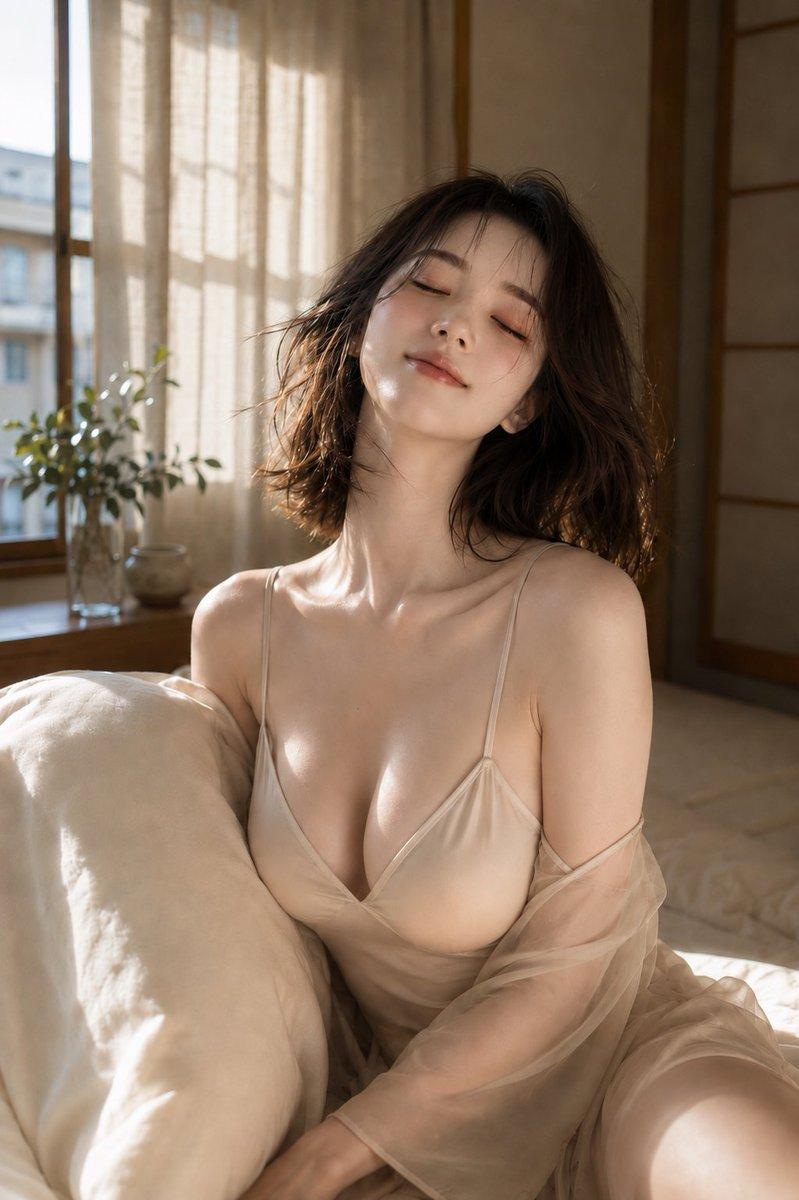
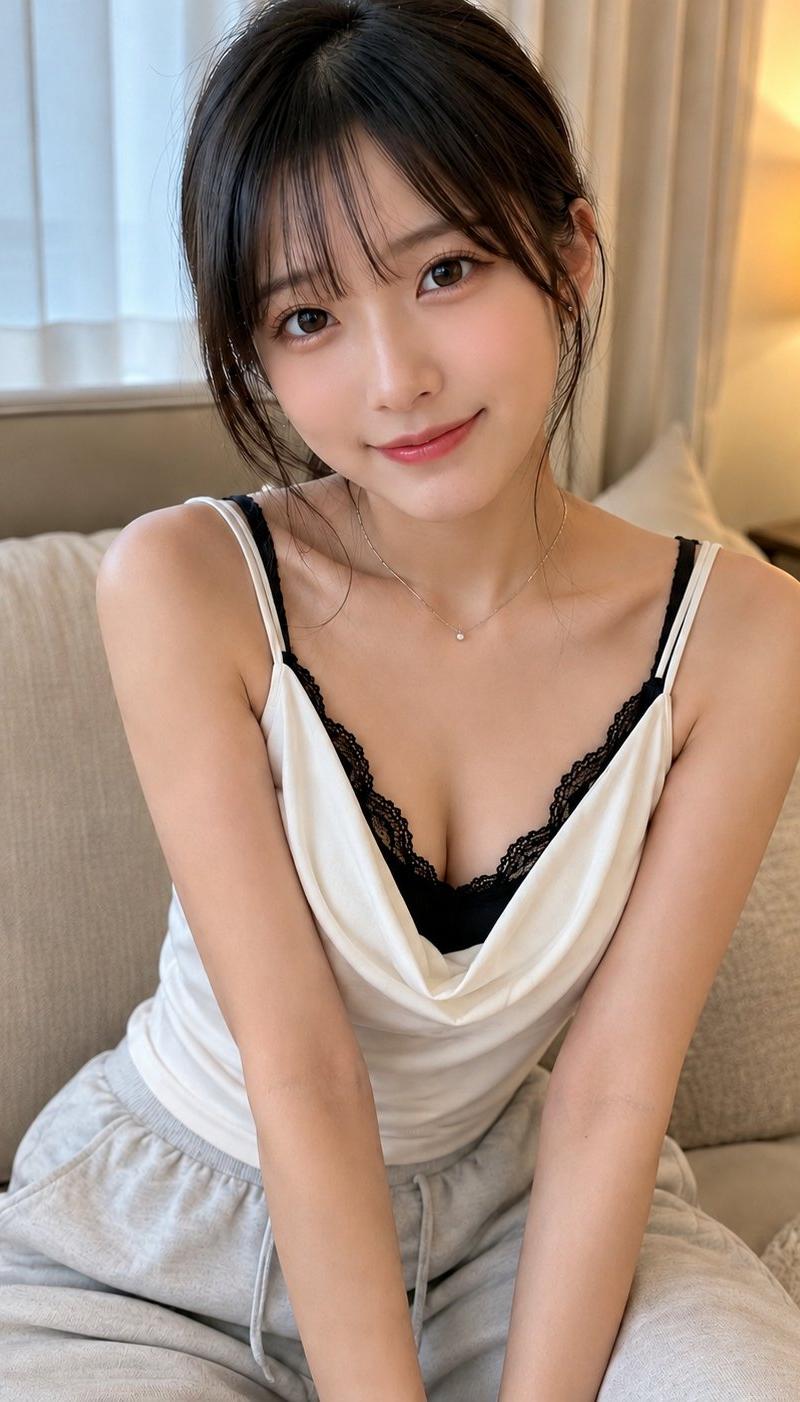
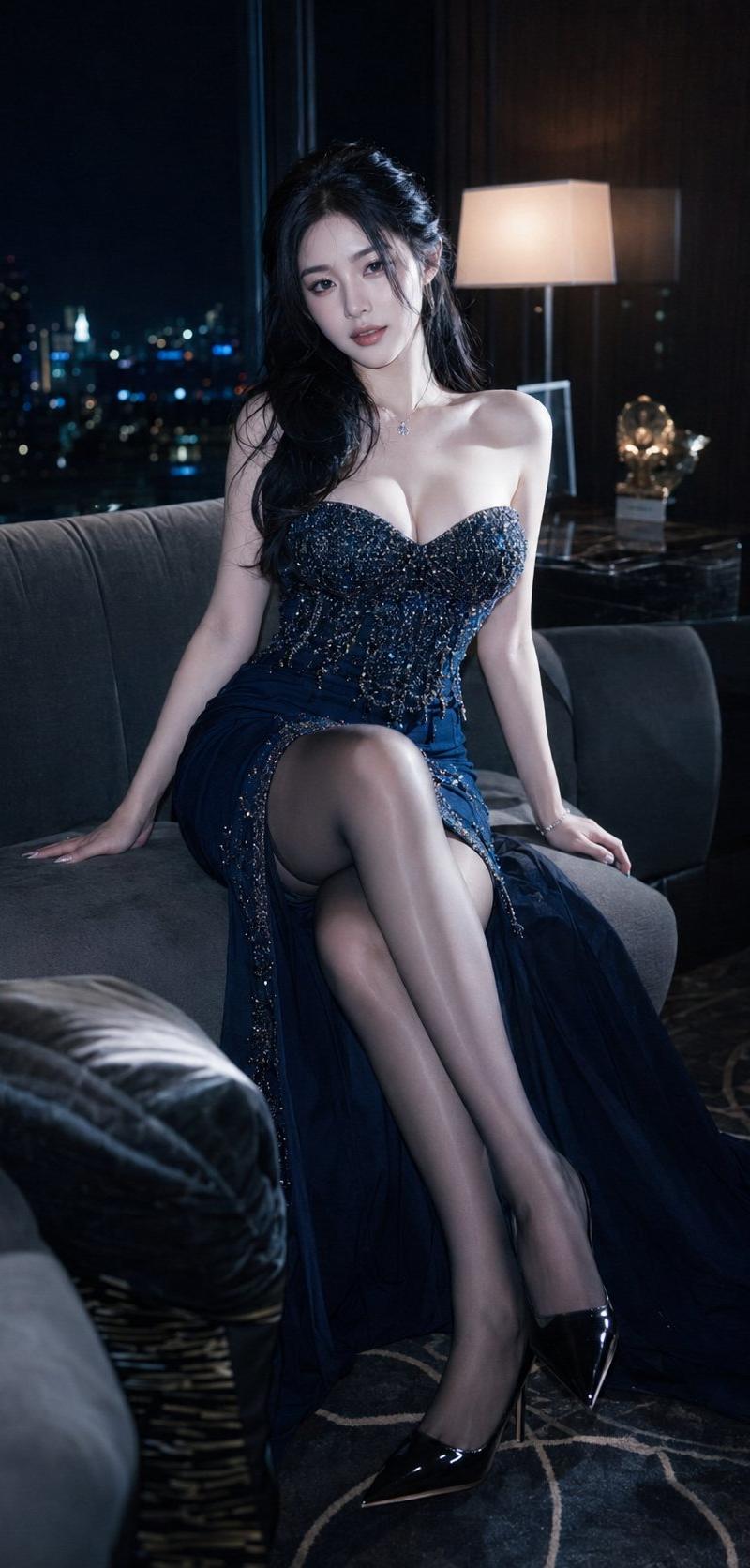
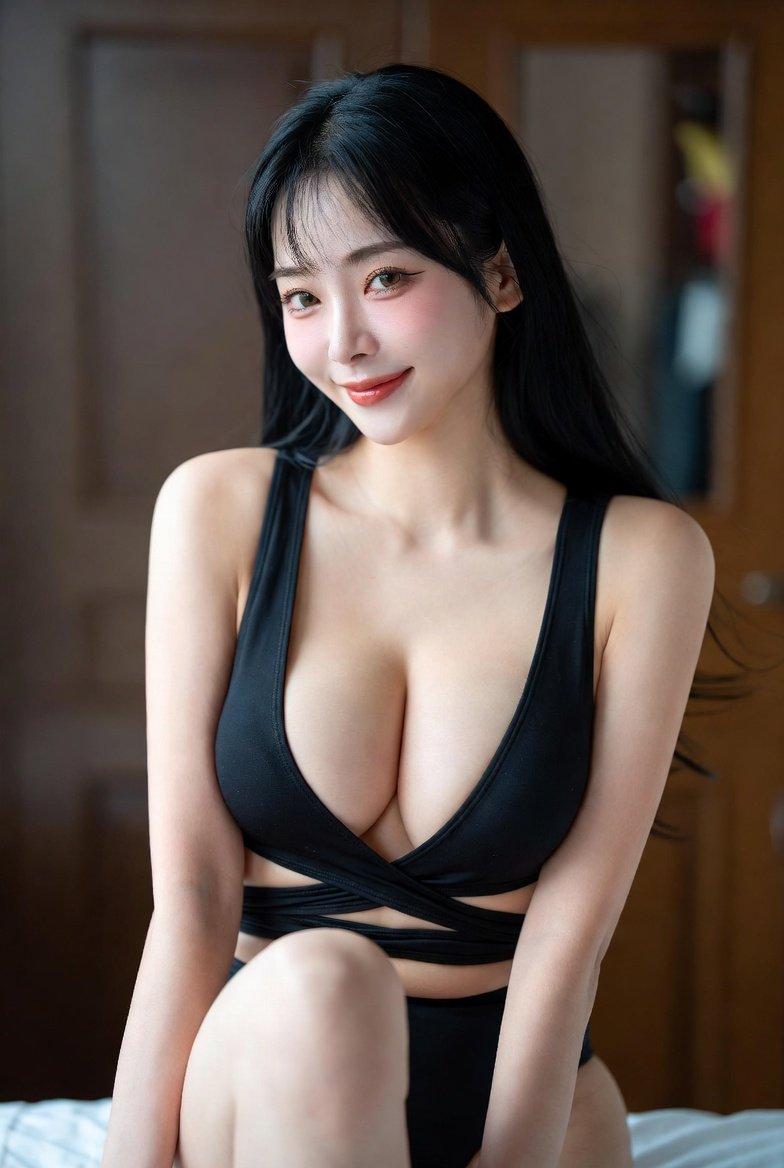
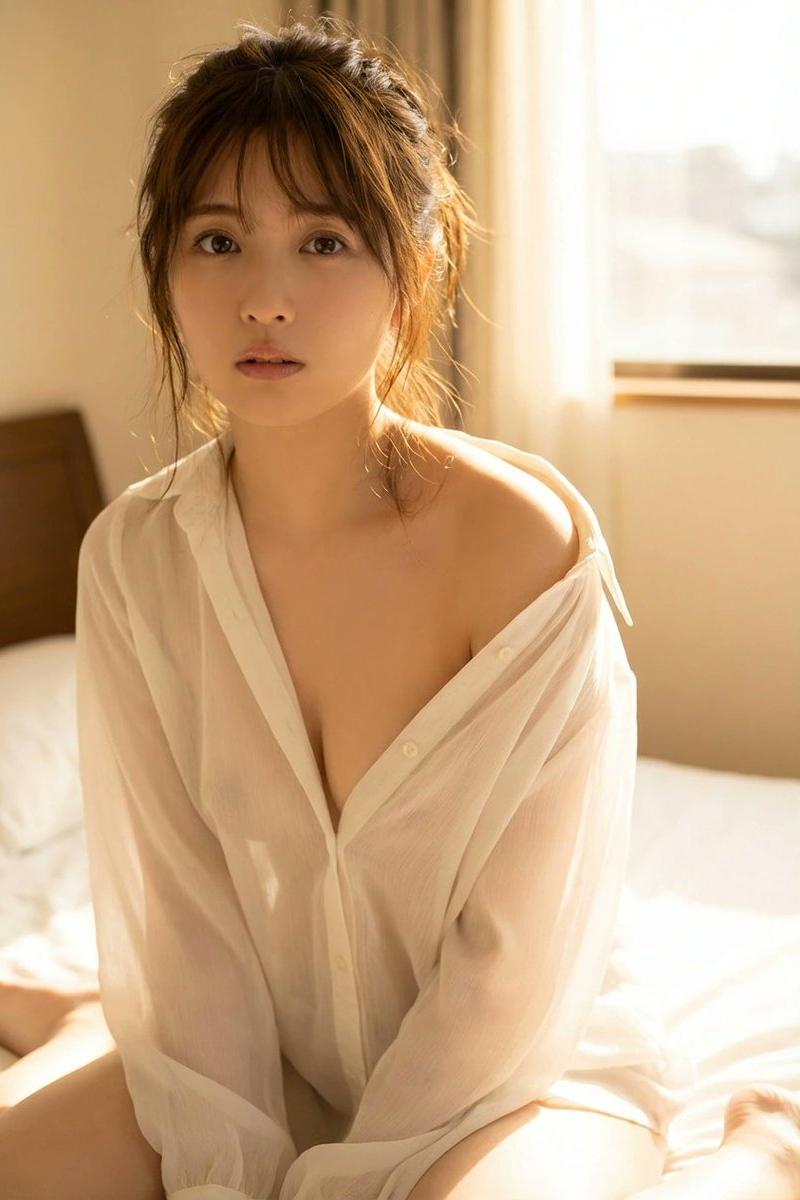
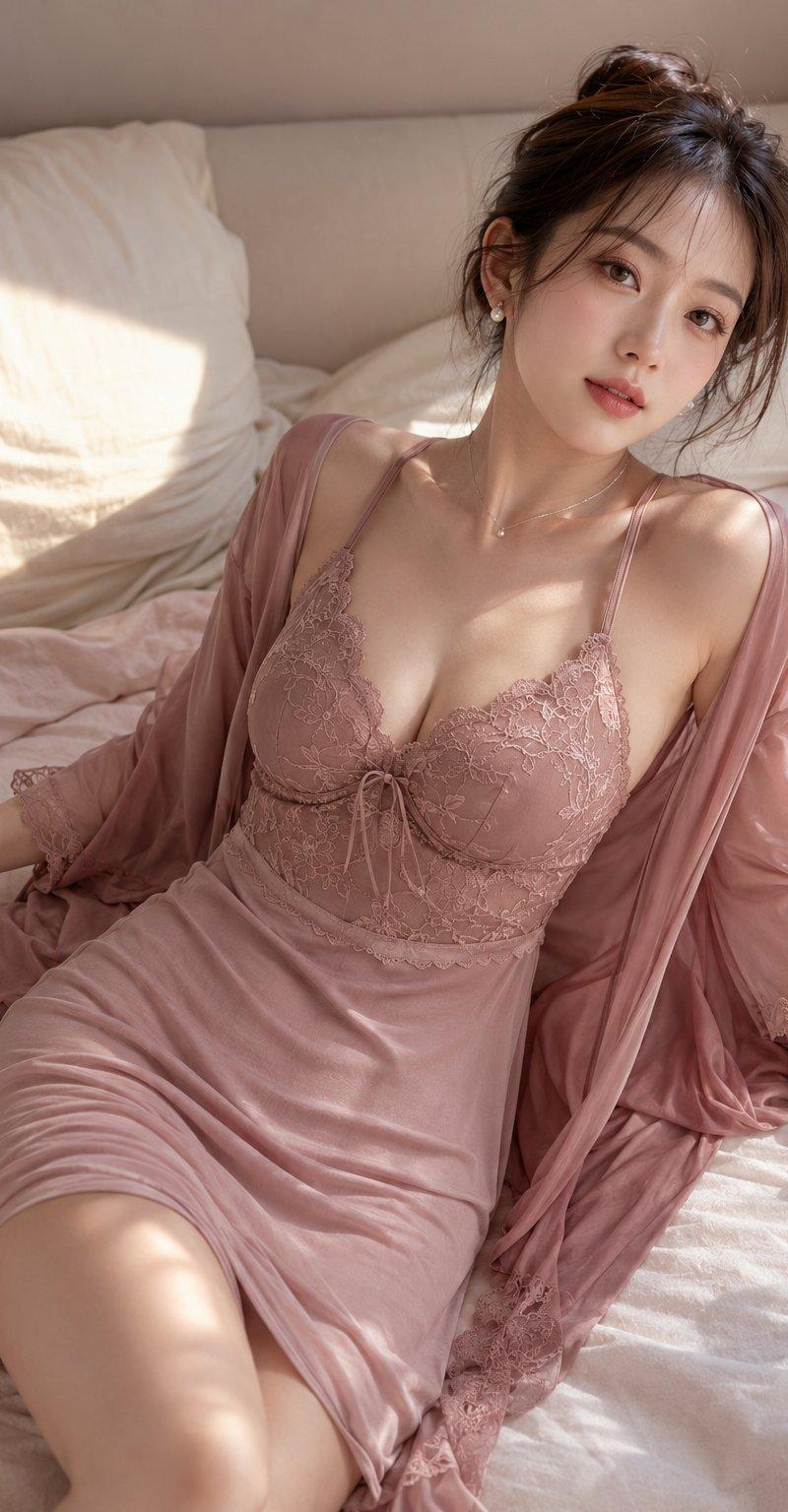
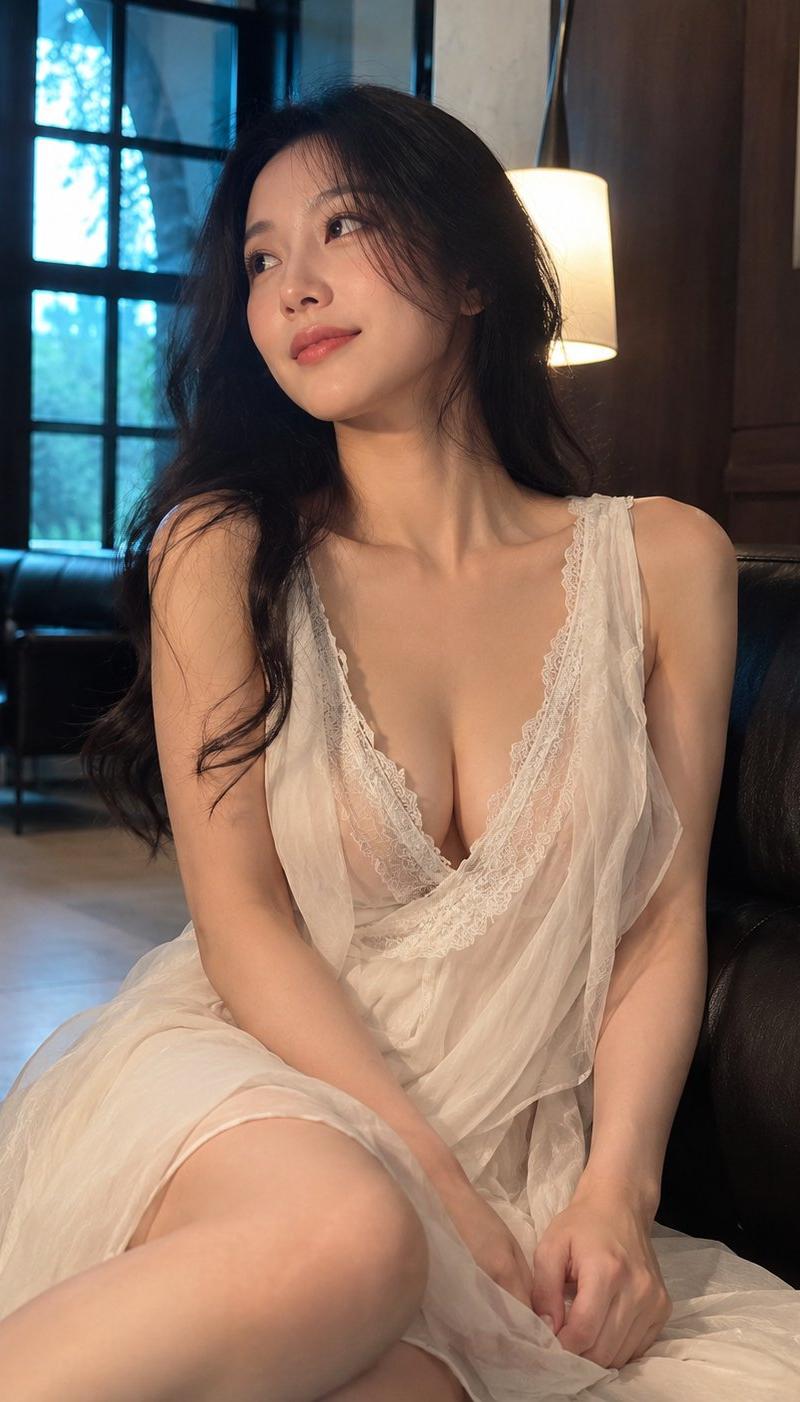
以垂直约4:5的生活方式肖像,创作一位成年东亚女性坐在黑色皮革沙发上,从大腿向上展示,她以放松的三四分之一姿势出现,脸转向左上方,带着柔和而沉思...
Enlarge

Example images

以垂直约4:5的生活方式肖像,创作一位成年东亚女性坐在黑色皮革沙发上,从大腿向上展示,她以放松的三四分之一姿势出现,脸转向左上方,带着柔和而沉思...

Prompt
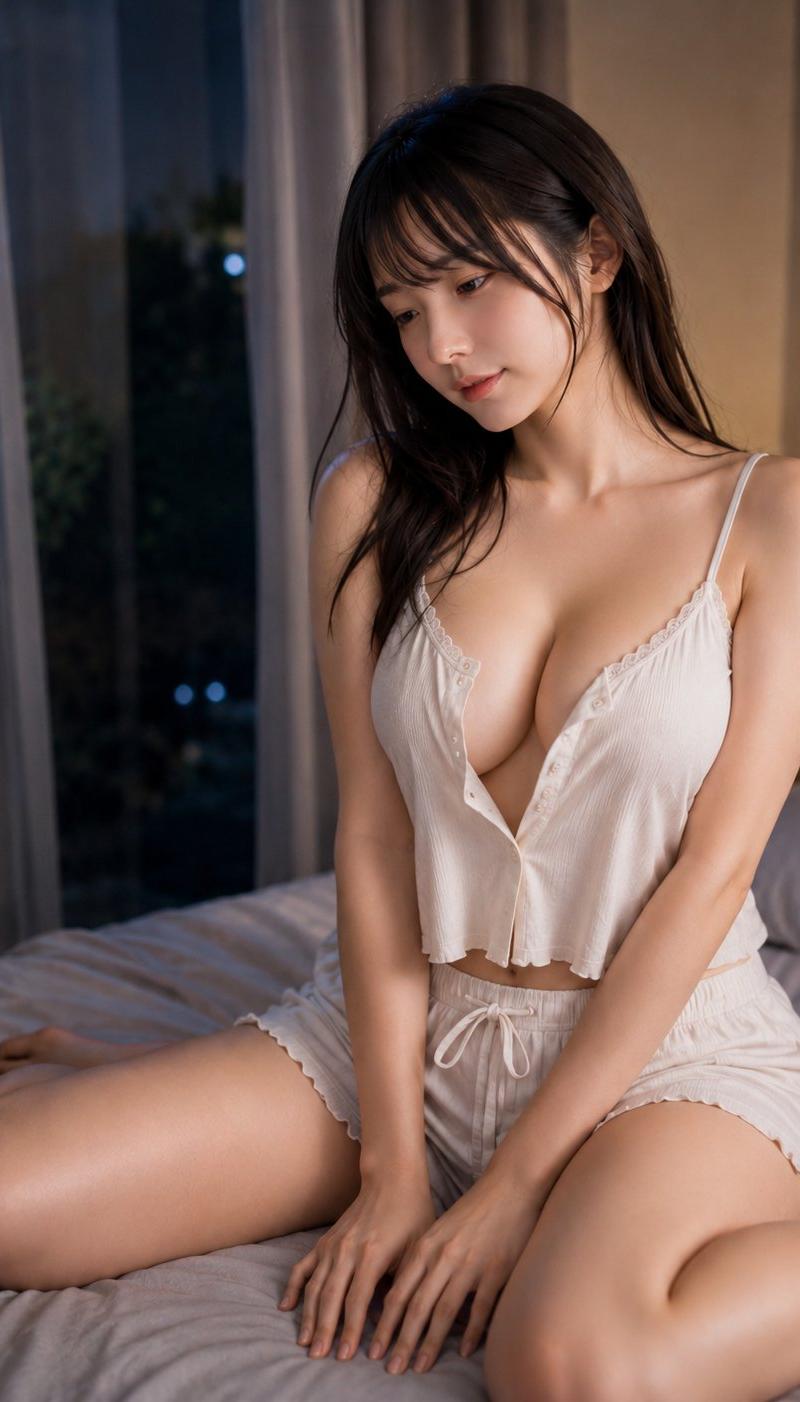
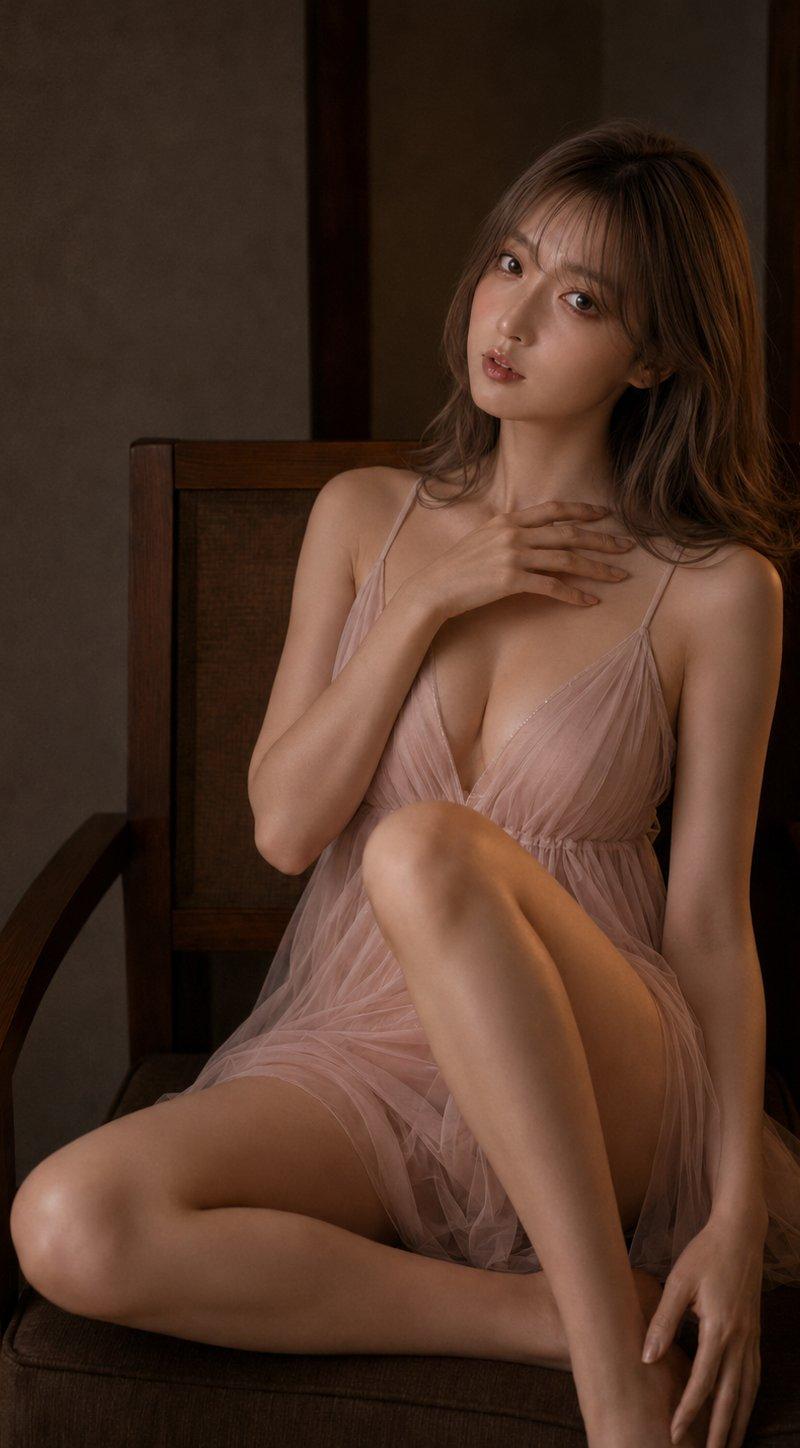
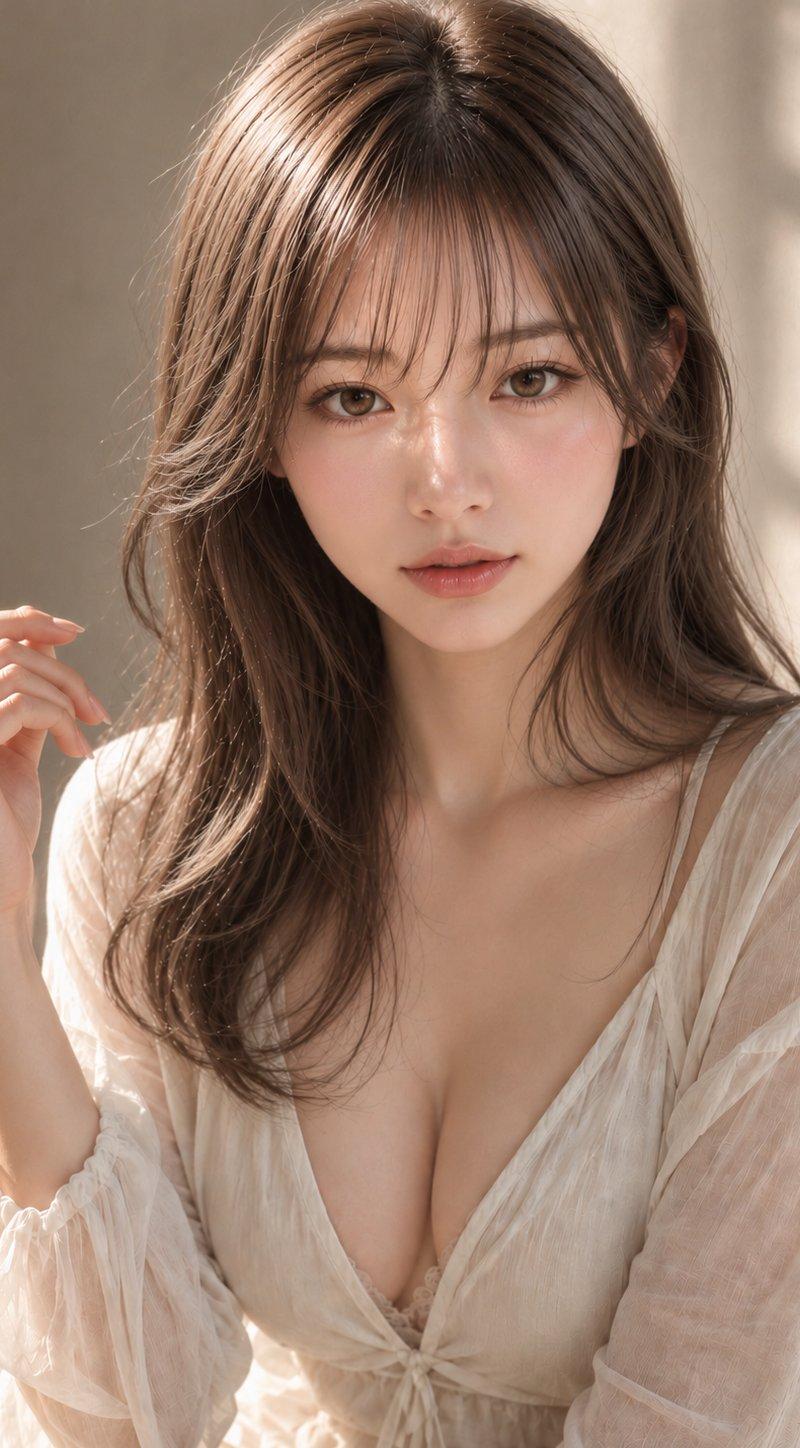
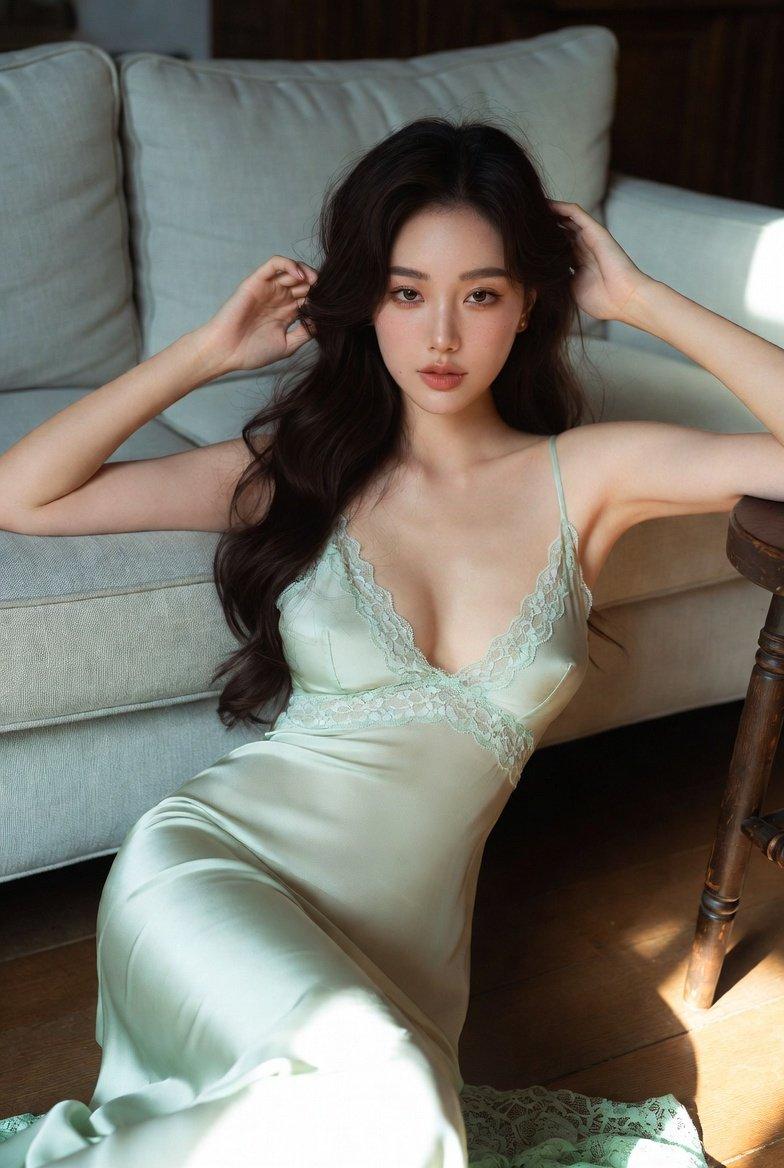
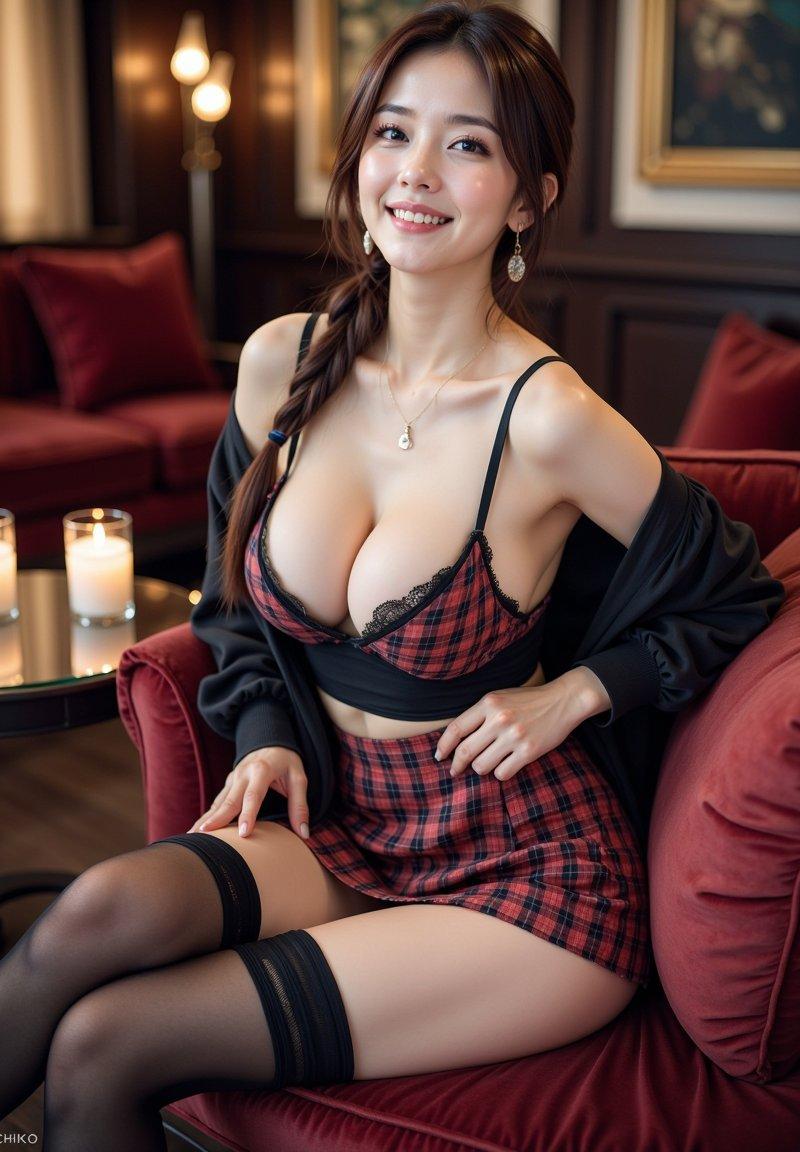
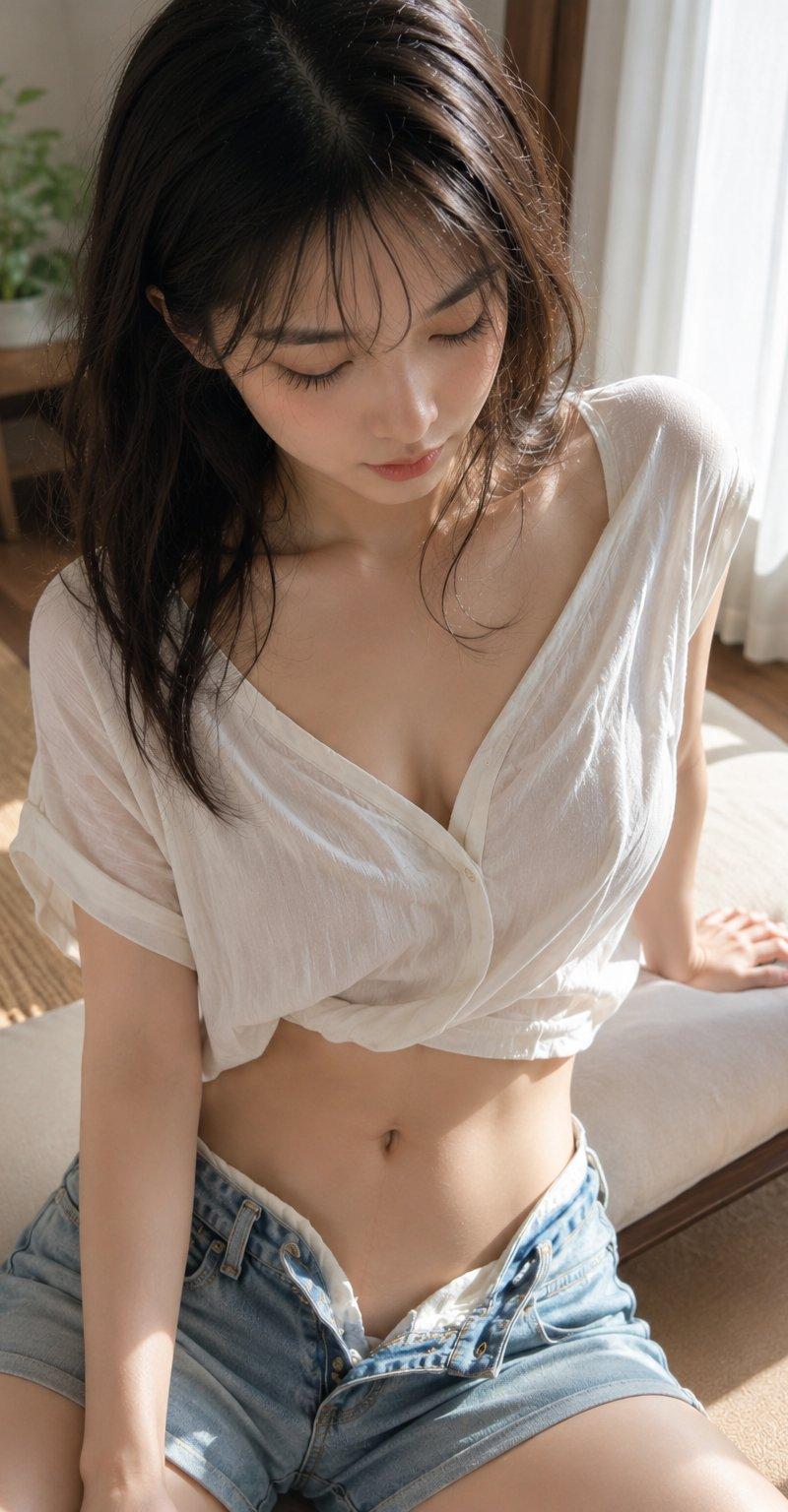
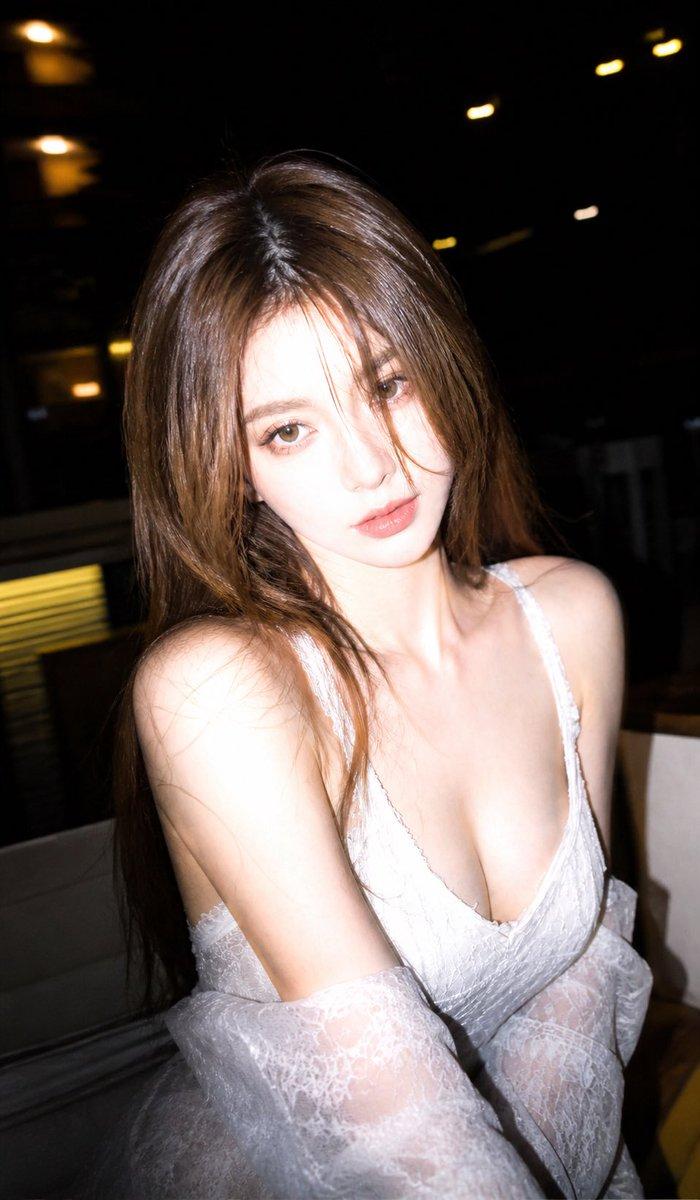
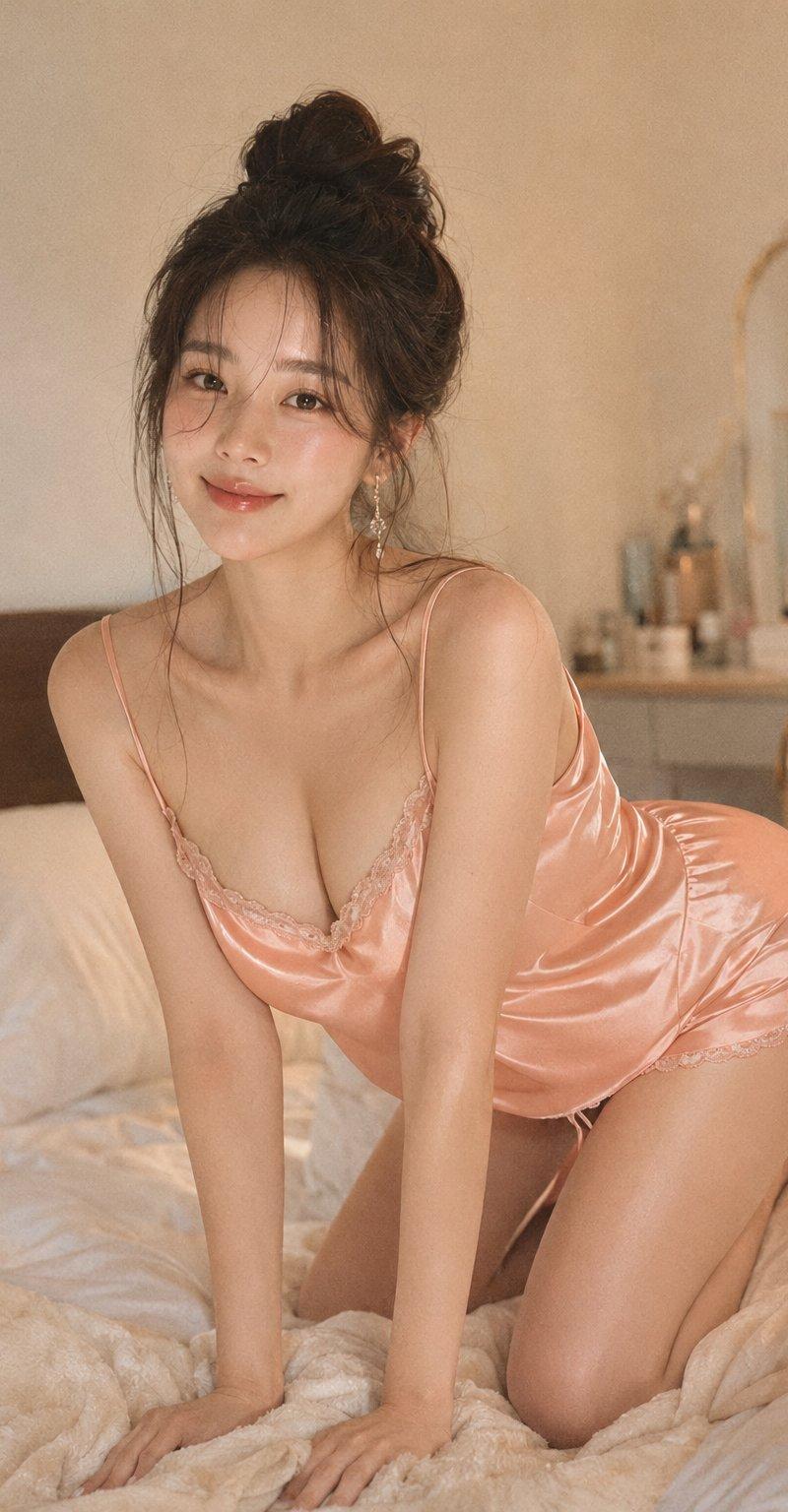
以垂直约4:5的生活方式肖像,创作一位成年东亚女性坐在黑色皮革沙发上,从大腿向上展示,她以放松的三四分之一姿势出现,脸转向左上方,带着柔和而沉思的微笑。她有长而松散的深色头发,穿着象牙白的无袖半透明连衣裙,裙身采用层层叠叠的垂褶面料、精致的蕾丝镶边,以及深V形领口。赋予她自然丰满的胸部,以优雅的时尚编辑风格适度显露一丝乳沟。她的双手轻放在大腿附近,一条腿弯曲,向左下方前景斜伸。场景设定在温暖的现代室内,带有高大的黑色框多格窗户,外面的光线是凉爽的蓝绿色日光,她身后有一盏柔和发光的落地灯,远左背景中有一个模糊的坐姿人影,黑色皮革软垫装饰,浅色瓷砖地板,右侧是木质镶板墙上挂有框装艺术品。运用柔和的金色阳光、凉爽的窗户补光、平缓的阴影过渡、自然的皮肤纹理、逼真的室内摄影,以及平静亲密的氛围。避免扭曲的手部、多余的肢体、塑料感皮肤、刺眼的阴影、过曝、额外人物、可辨识的文字或水印。
Category
创意图片
Model
GPT Image 2
Creator
@yangyanglxy
Source language
zh-CN
Views7
Source ID
2081039158190162359
Published
Jul 26, 2026
Studio

Guide

About "以垂直约4:5的生活方式肖像,创作一位成年东亚女性坐在黑色皮革沙发上,从大腿向上展示,她以放松的三四分之一姿势出现,脸转向左上方,带着柔和而沉思..."

What is this prompt for?

"以垂直约4:5的生活方式肖像,创作一位成年东亚女性坐在黑色皮革沙发上,从大腿向上展示,她以放松的三四分之一姿势出现,脸转向左上方,带着柔和而沉思..." AI image prompt for GPT Image 2 (创意图片). Saved from X post by @yangyanglxy. 夜深了 晚安…

The full copyable prompt and example visuals above are ready for AI image generation or one-click recreate in Picva.

How to use this prompt

  1. Step 1

    Open the prompt detail

    Review the example visuals, category, and full prompt text for "以垂直约4:5的生活方式肖像,创作一位成年东亚女性坐在黑色皮革沙发上,从大腿向上展示,她以放松的三四分之一姿势出现,脸转向左上方,带着柔和而沉思...".

  2. Step 2

    Copy the prompt

    Copy the prompt body from this page, or load it directly in Studio.

  3. Step 3

    Pick a model (GPT Image 2)

    Prefer GPT Image 2. If you switch models, keep subject and composition and tweak style terms.

  4. Step 4

    Generate and export

    Recreate the look in Picva, or export into your workflow for editing and publishing.

FAQ

What is the "以垂直约4:5的生活方式肖像,创作一位成年东亚女性坐在黑色皮革沙发上,从大腿向上展示,她以放松的三四分之一姿势出现,脸转向左上方,带着柔和而沉思..." prompt?
It is an AI image-generation prompt for GPT Image 2 in the 创意图片 category. This page includes the full prompt text, example visuals, and a one-click recreate path in Picva.
How do I use this prompt to generate an image?
Copy the prompt from this page, or use Generate / Studio. Paste it into a compatible image model, or recreate the look in Picva with optional reference images.
Which model is this prompt for?
This page lists GPT Image 2. Most descriptive prompts also transfer to nearby image models such as GPT Image, Flux, or Midjourney with light style tweaks.
Can I use the result commercially?
You can usually copy the prompt for creation, but commercial use of the final image depends on the model terms, reference-image rights, and the generated content. Follow the source author and platform rules.