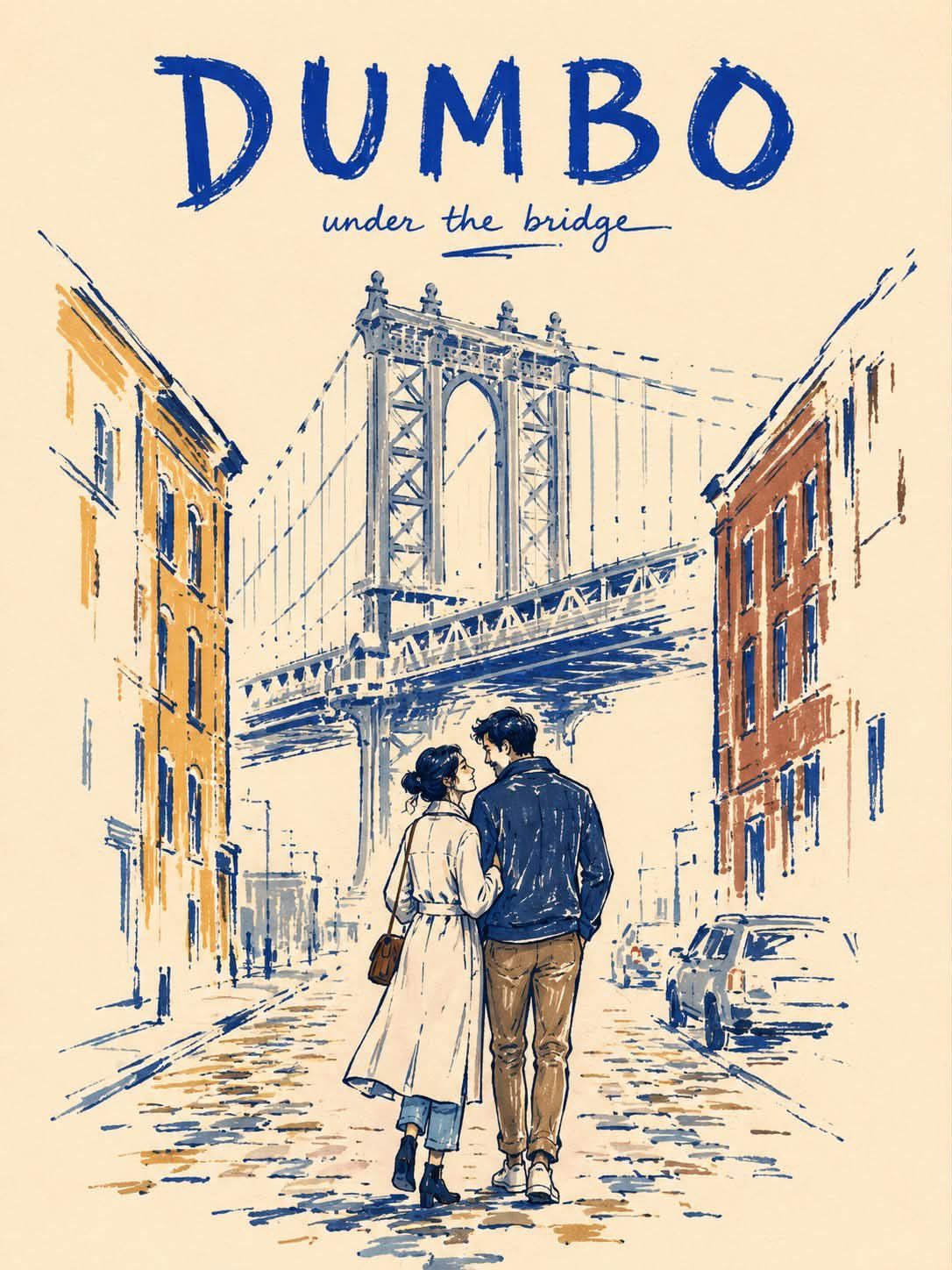
Create a vertical 3:4 minimalist marker-pen travel poster of NEW YORK CI...
Prompt
Create a vertical 3:4 minimalist marker-pen travel poster of NEW YORK CITY on warm ivory paper. STYLE: Use a rough, imperfect editorial marker illustration style with a modern folk-art feel. Draw with thick, slightly uneven cobalt-blue contour lines. Apply color with visible felt-tip marker strokes, streaky coverage, pressure variation, dry-skip texture, and patchy density. Do not fill shapes completely. Leave many small and medium uncolored gaps so the warm ivory paper remains visible through clothing, buildings, and street elements. Some outlines should break, skip, or fade. SCENE: Depict two lovers walking closely together on a quiet brownstone street in Manhattan. One gently leans toward the other in a natural affectionate pose. Keep the scene intimate and understated. BACKGROUND SIMPLIFICATION: Include only 4 essential New York cues: one brownstone stoop, one black fire escape, one small corner deli awning, and one faint yellow taxi. Optionally suggest a very faint distant skyline silhouette, but do not add more city elements. Keep the background visually quiet. COMPOSITION: Place the couple slightly below center as the emotional focus. Let the supporting background elements sit loosely behind them with incomplete marker fills and broken contour fragments. At least 40 percent of the page should remain untouched warm ivory paper. Keep the layout airy, elegant, and uncluttered. FINISH GRADIENT: The couple is the most resolved area. Nearby background objects are only about 40 to 60 percent rendered. Distant details and outer edges fade into loose marker strokes and untouched paper before reaching the border. POSTER TYPOGRAPHY: Add the title "NEW YORK CITY" at the top in bold hand-drawn uppercase lettering. Add a small handwritten subtitle such as "summer stroll". COLOR PALETTE: Use a restrained palette of deep cobalt blue, muted slate blue, mustard ochre, warm brown, taxi yellow, and warm ivory paper. Keep the palette limited and slightly muted. MOOD: Romantic, calm, urban, nostalgic, stylish, handmade. NEGATIVE PROMPT: fully filled marker coloring, solid flat fills, smooth vector color, polished digital finish, clean perfect outlines, overly complete rendering, crowded background, too many city elements, dense architecture, detailed signage, realistic textures, glossy surfaces, photorealism, watercolor, oil painting, airbrush shading, 3D render, cinematic lighting, dramatic shadows, cluttered layout, billboard overload, hyper-detailed buildings, perfect symmetry, extra fingers, extra limbs, distorted anatomy, blurry face
- Category
- 创意图片
- Model
- GPT Image 2
- Creator
- @Sairah_0
- Source ID
- 2081329857888489966
- Published
- Jul 26, 2026
Views2


















