19

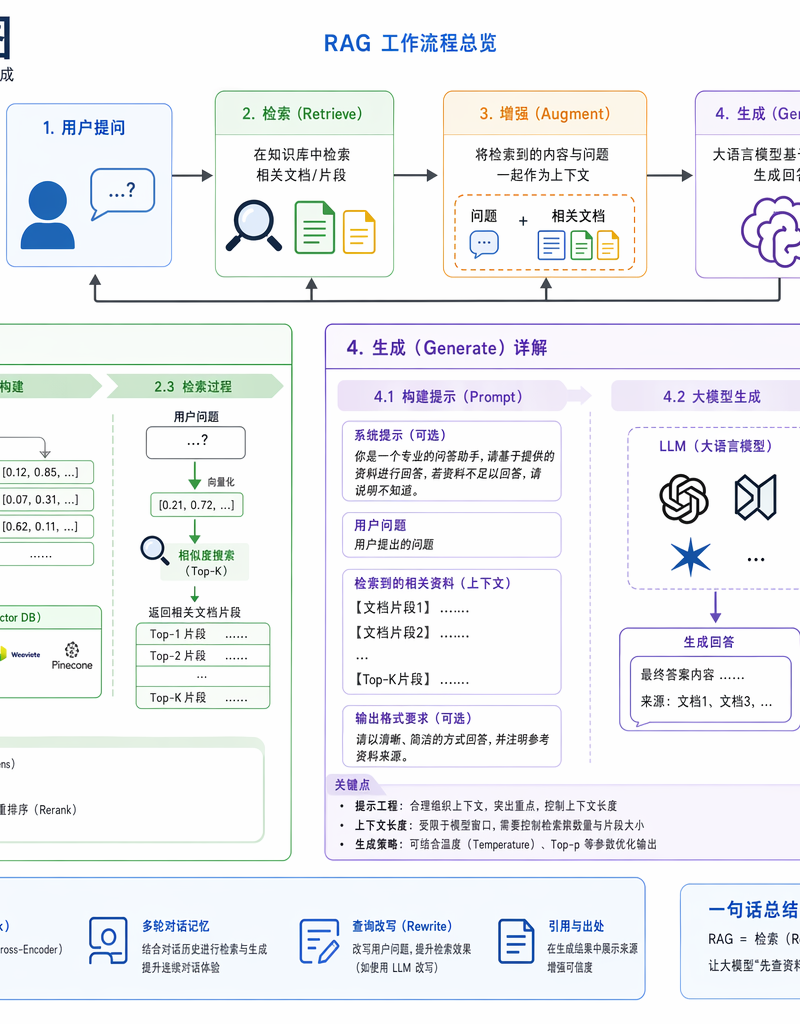
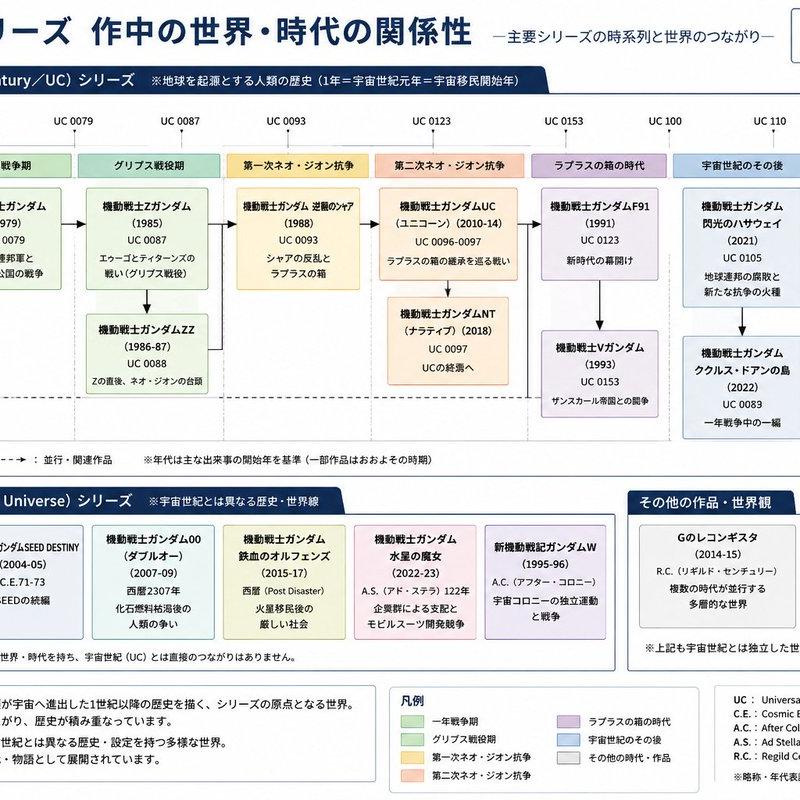
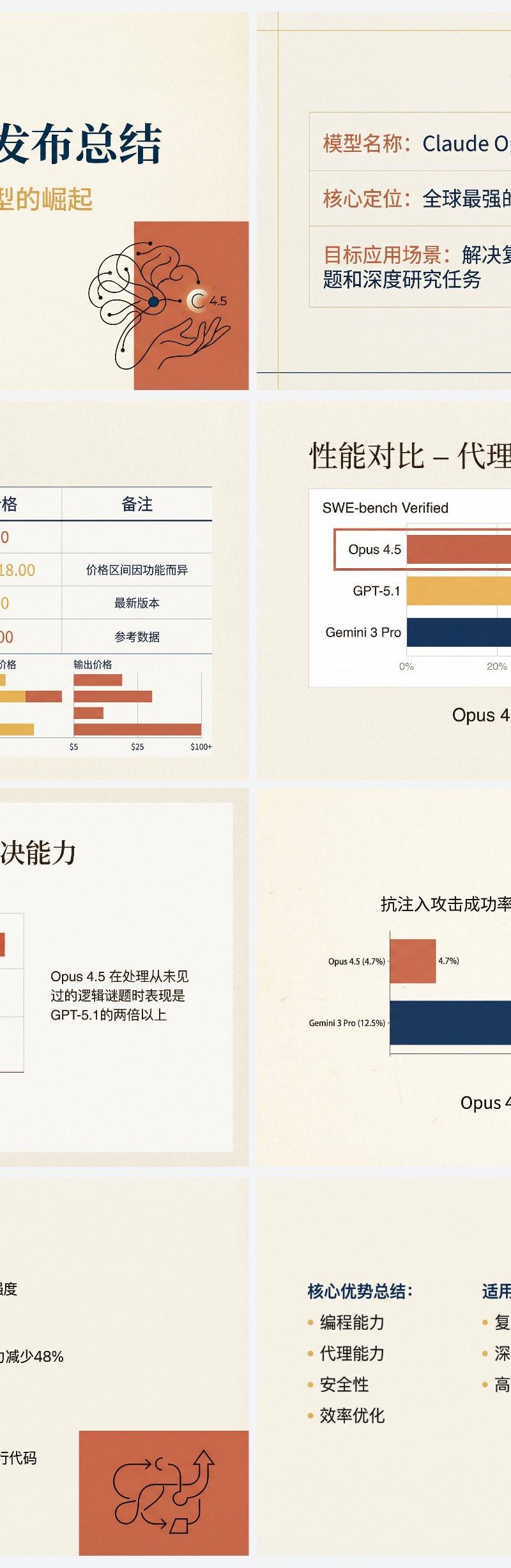
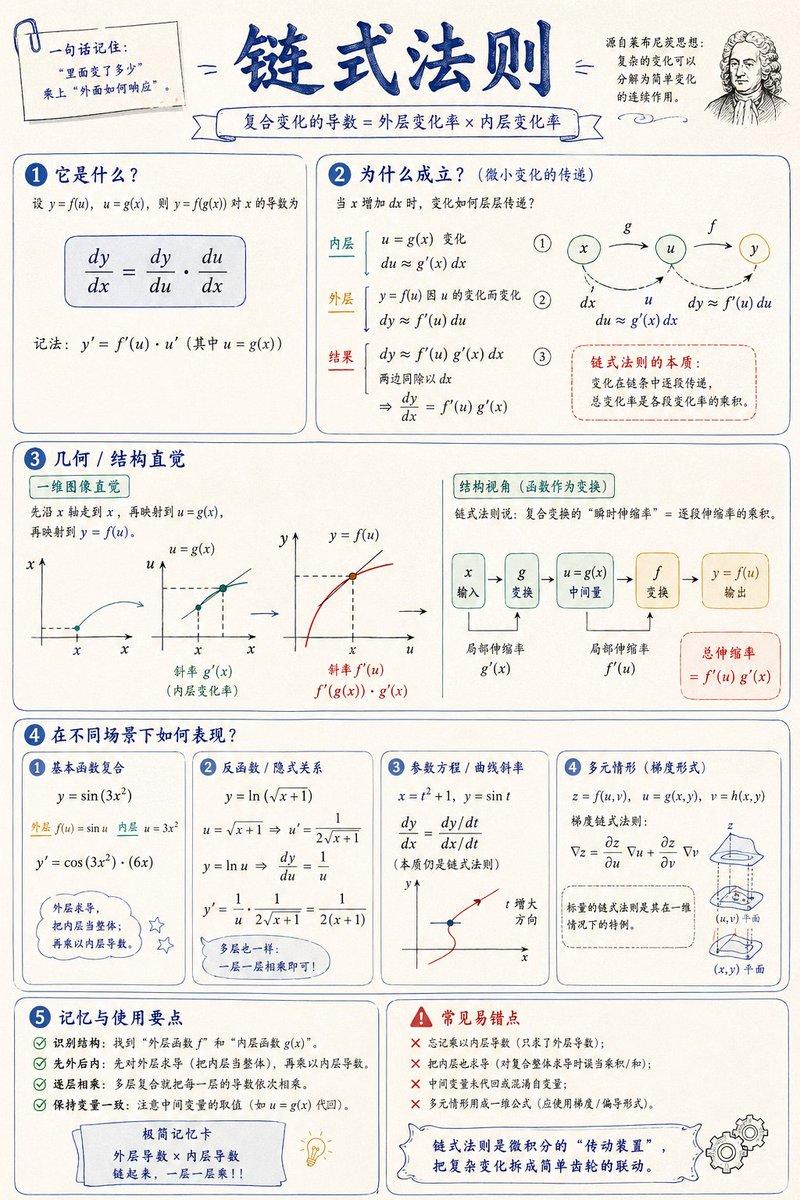
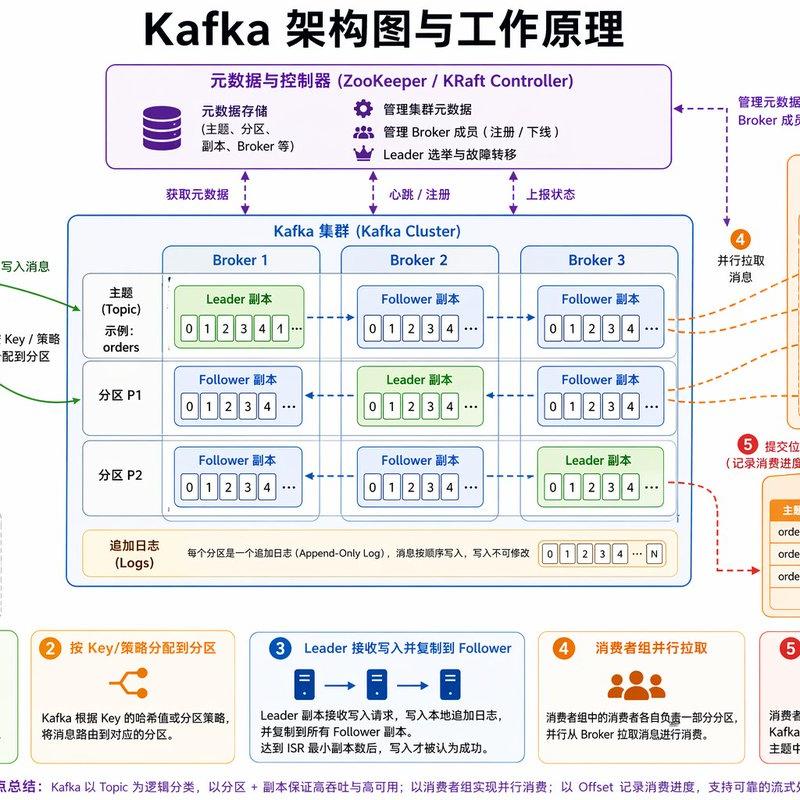
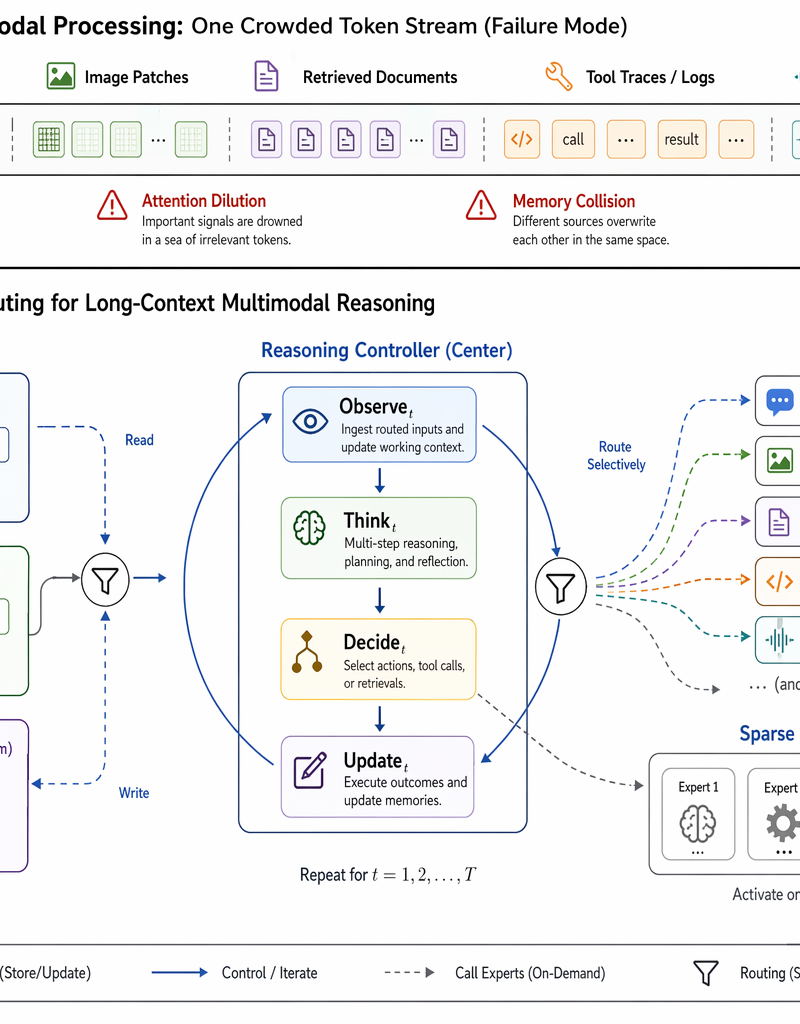
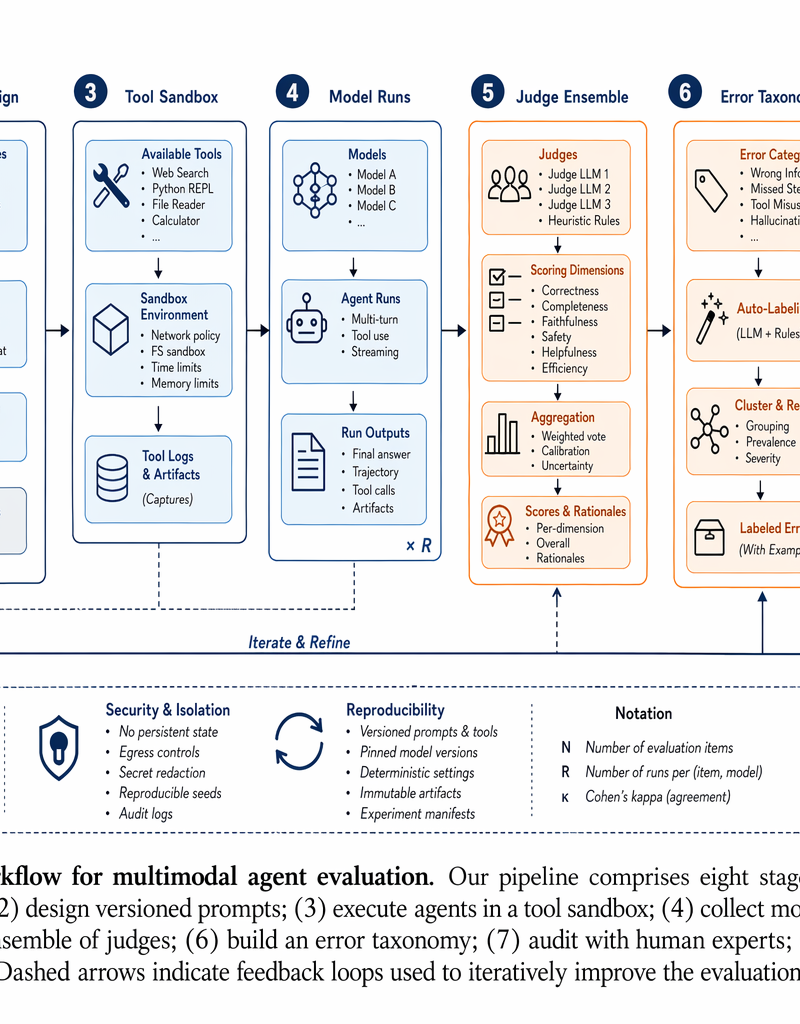
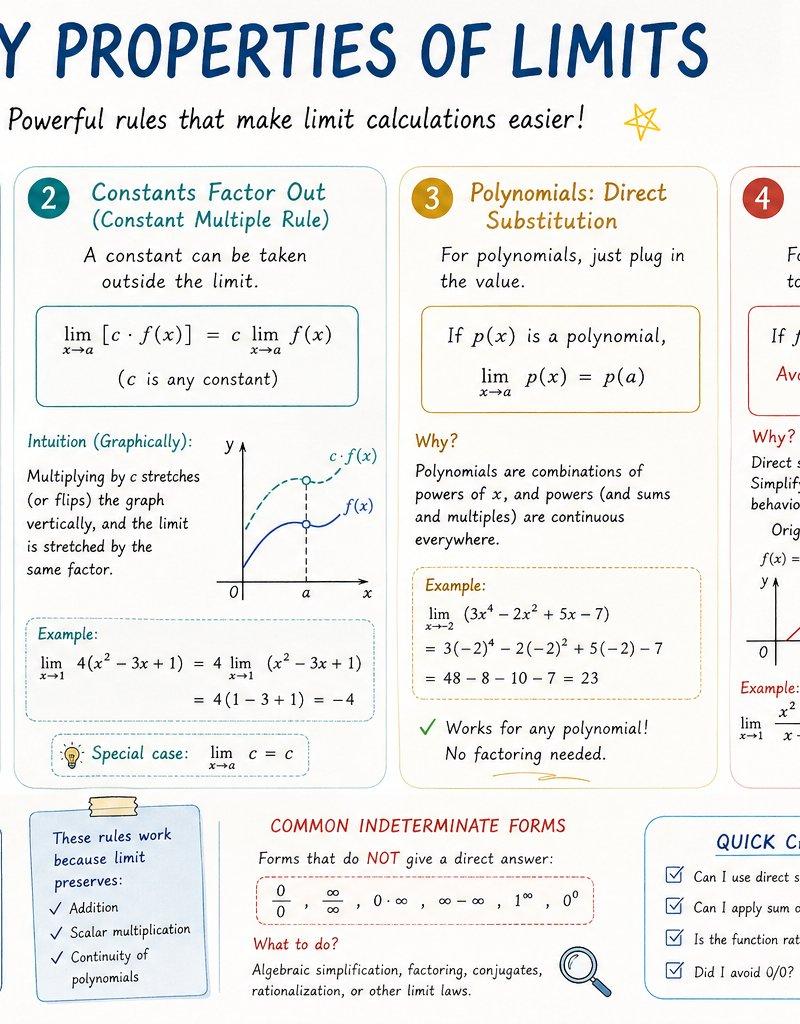
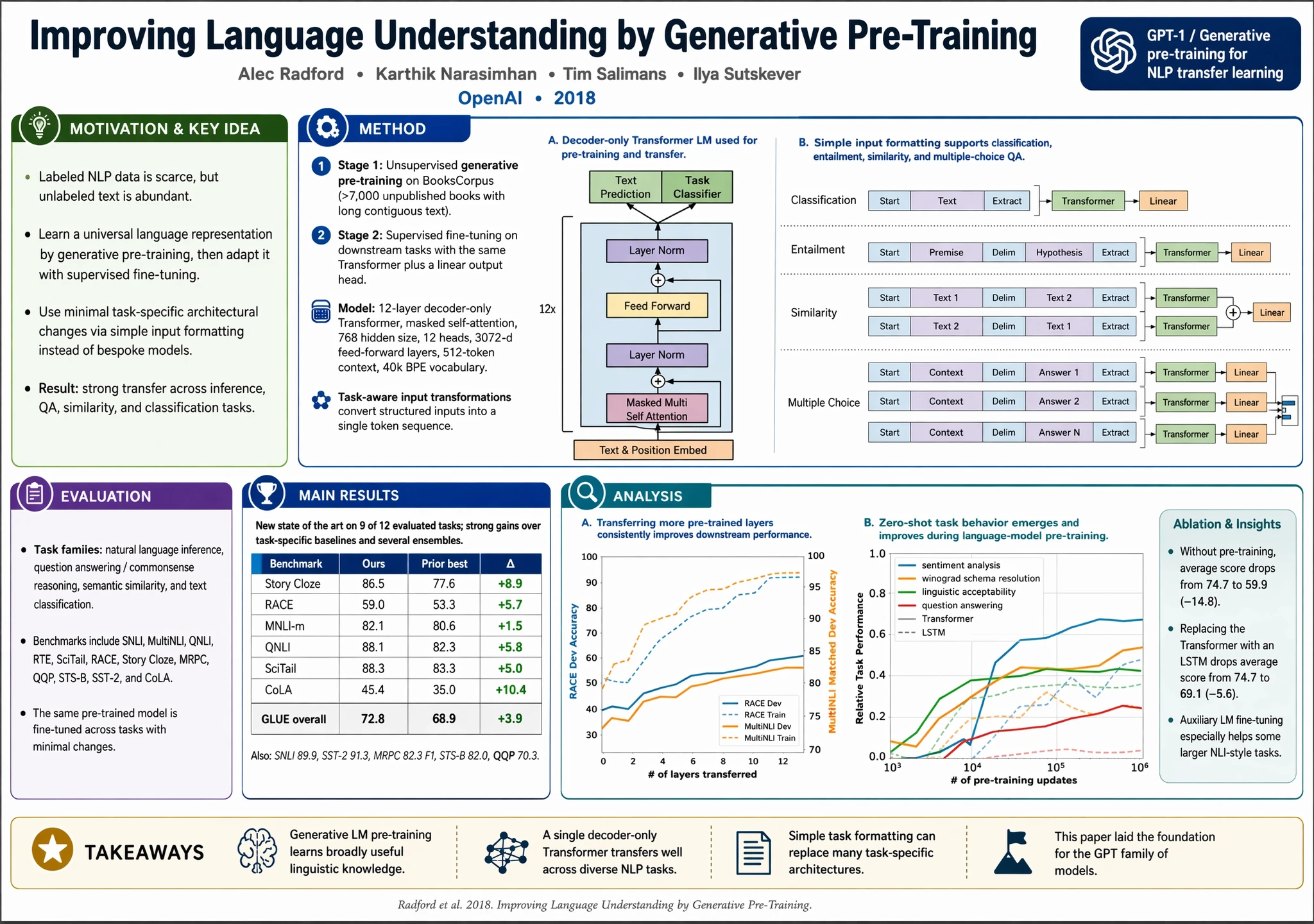
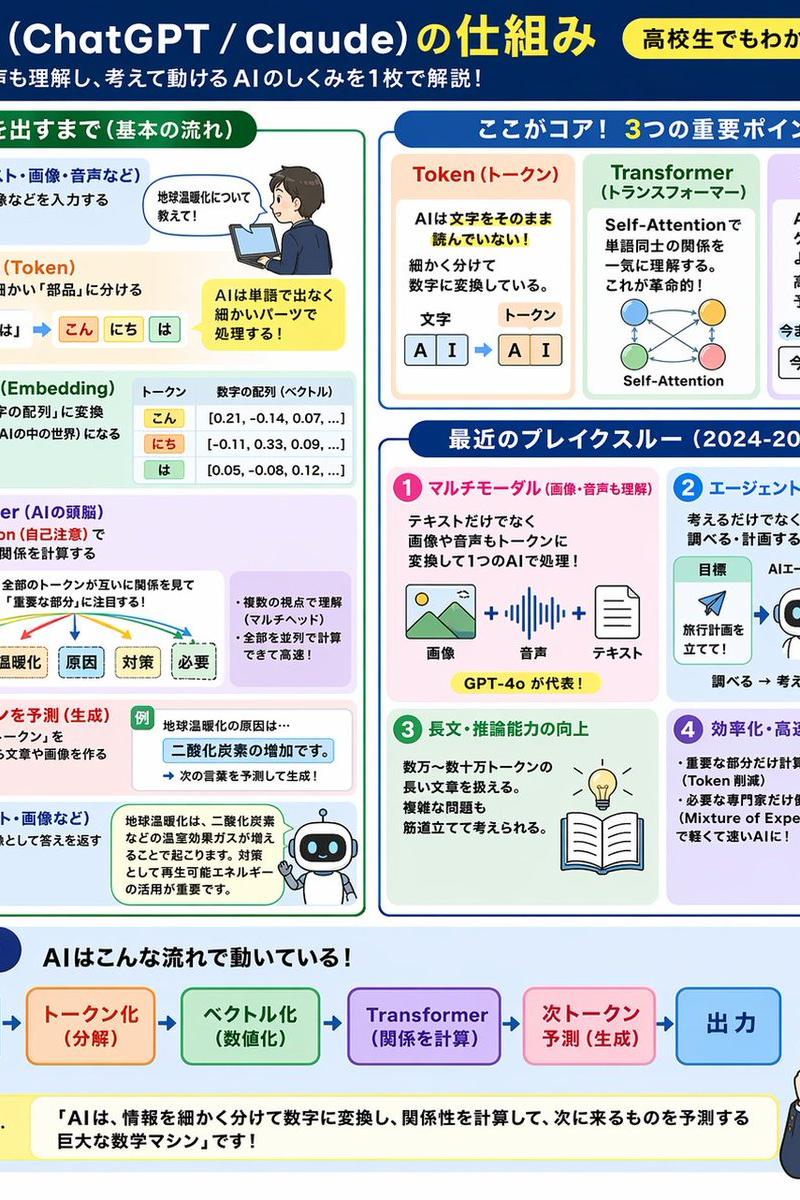
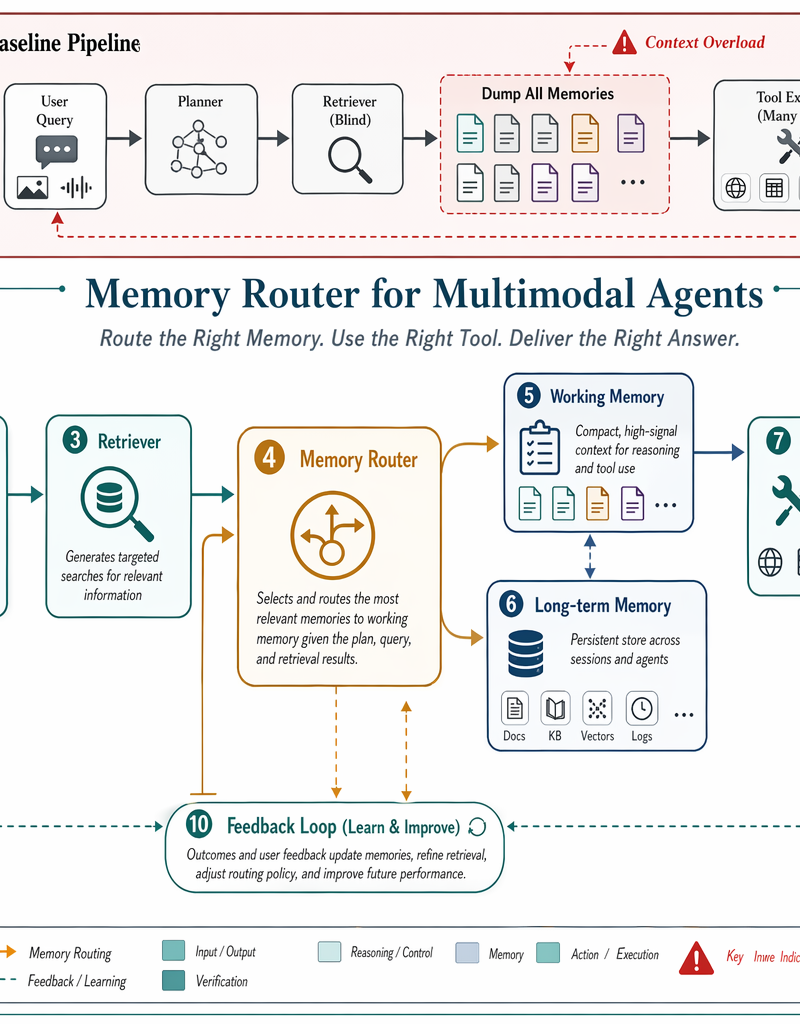
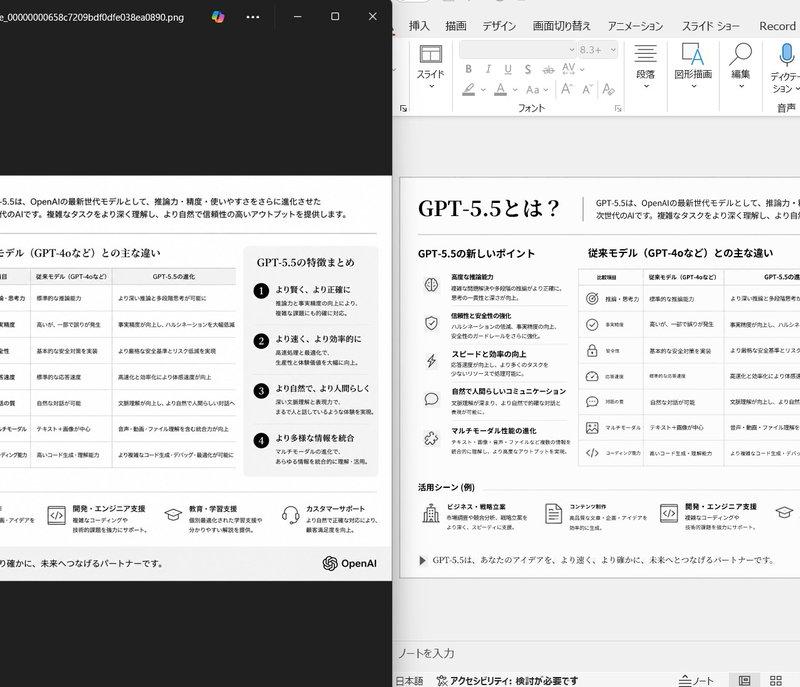
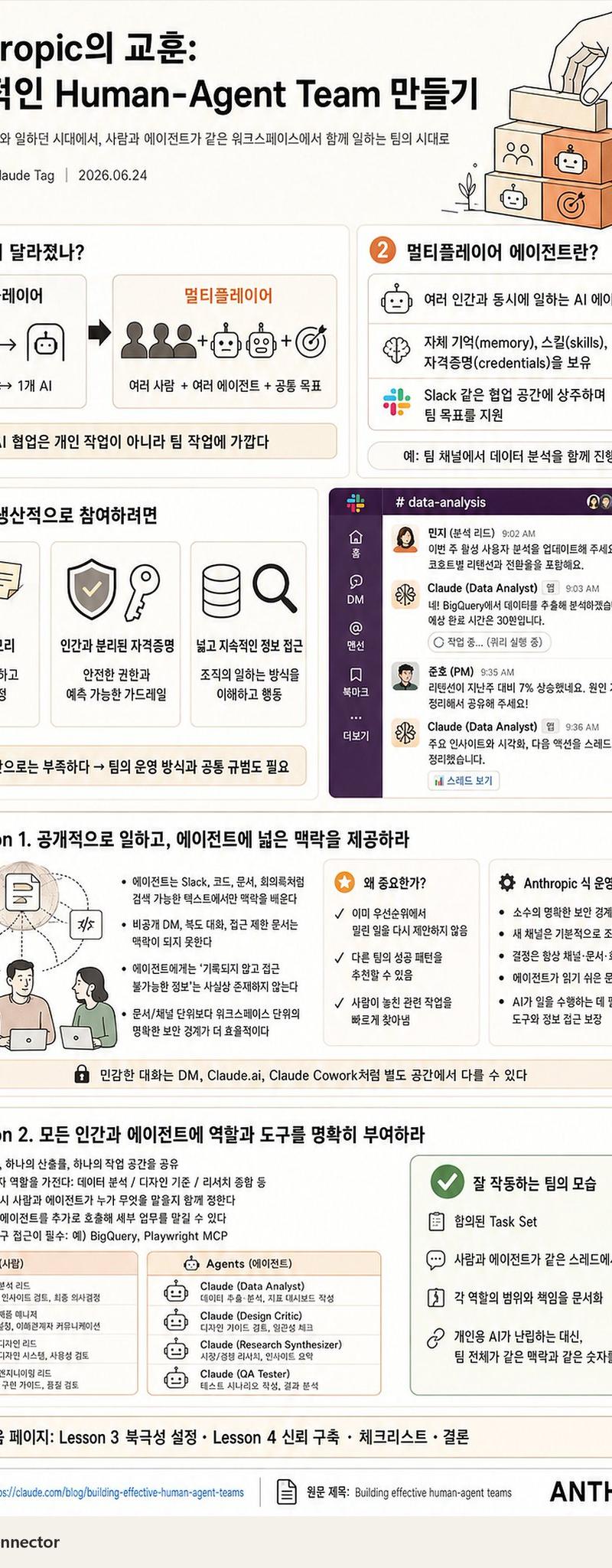
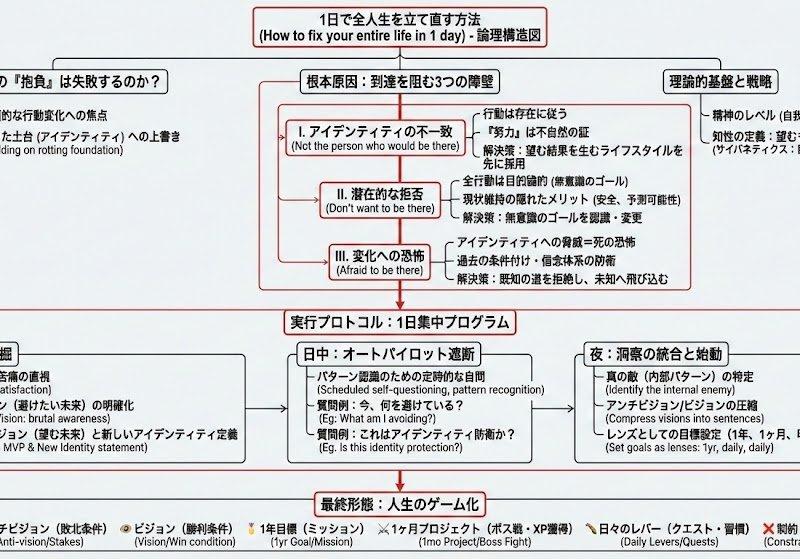
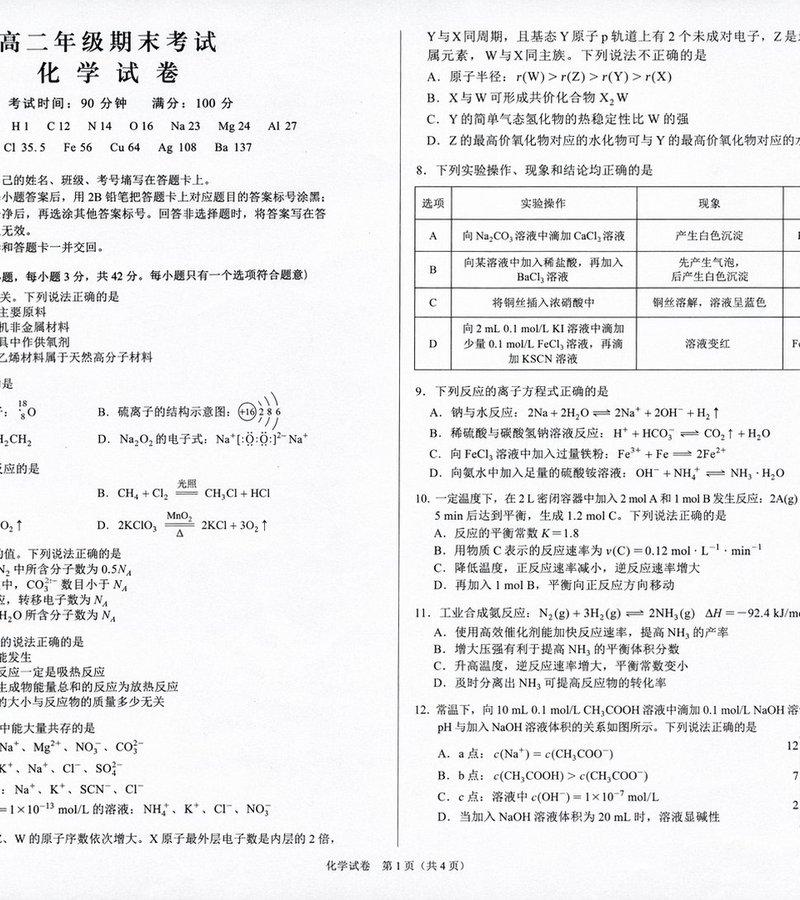
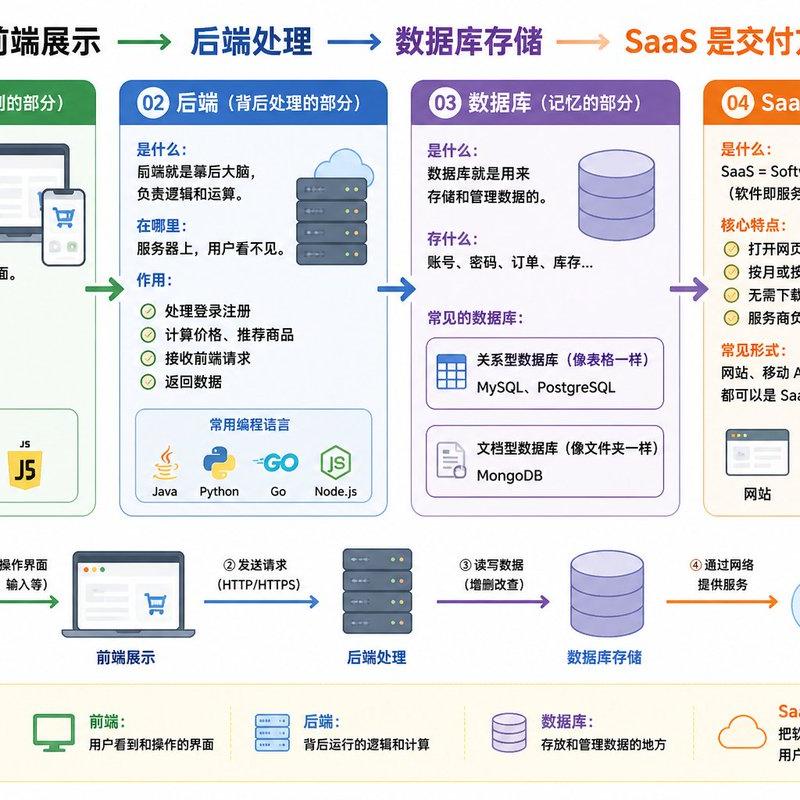
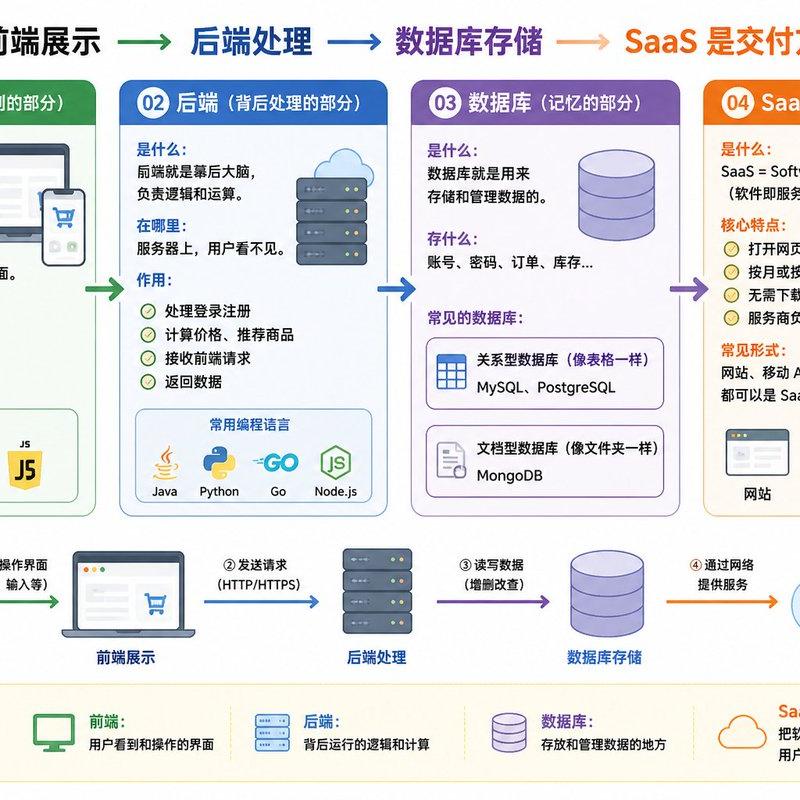
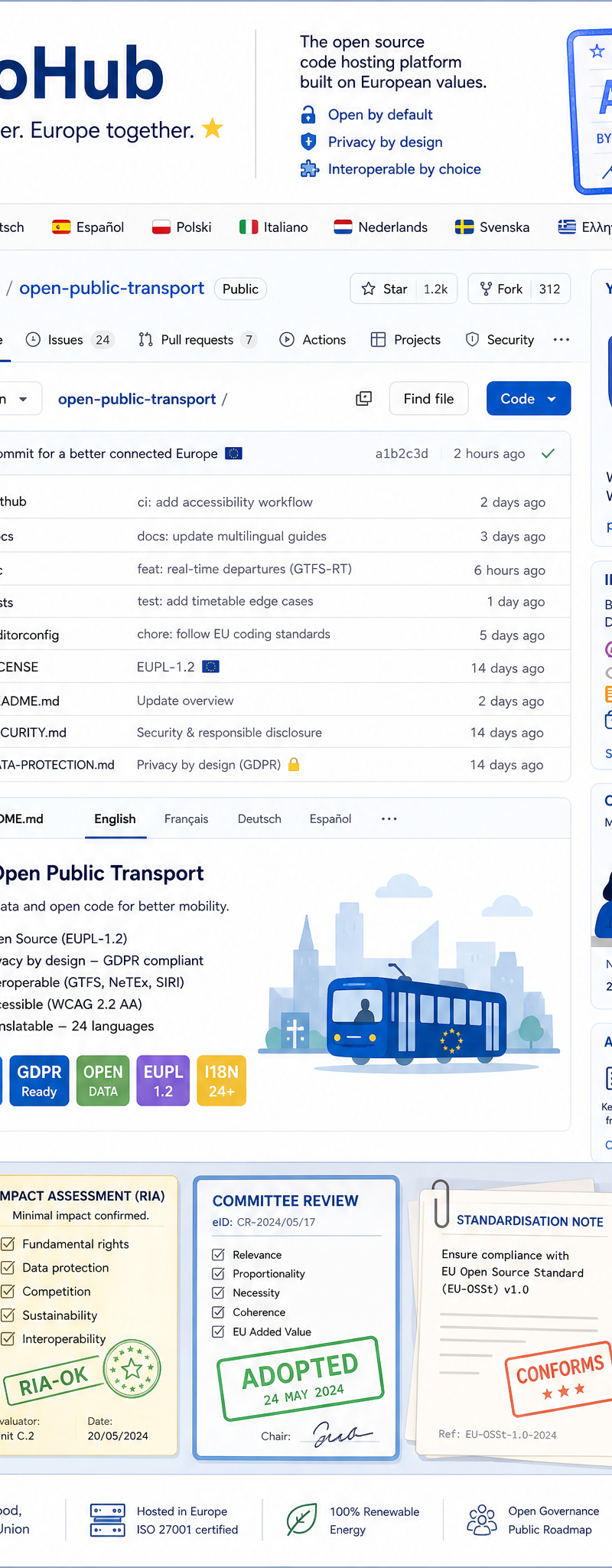
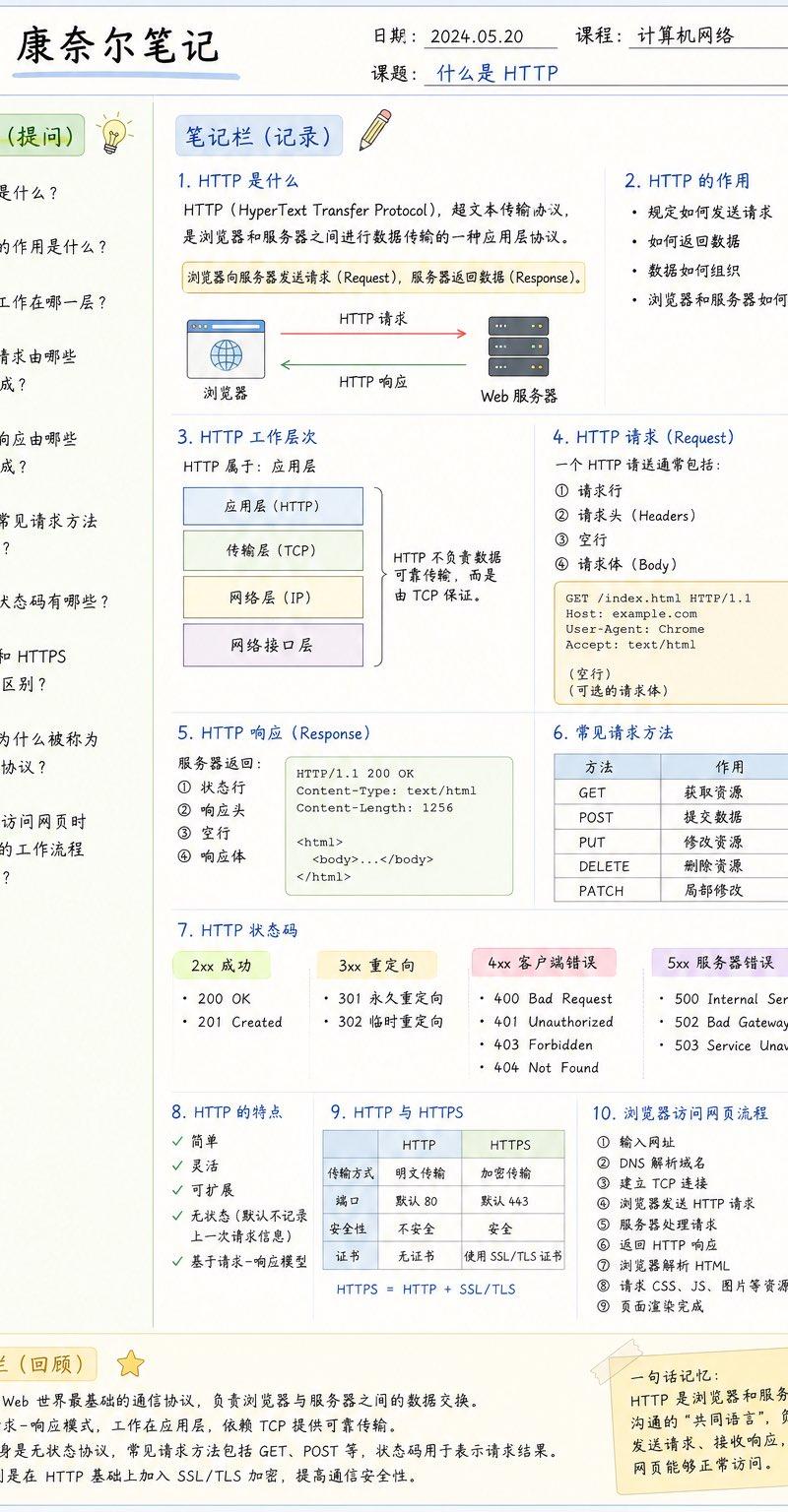
GPT-Image分享一套生成康奈尔笔记学习各种知识的提示词模版 提示词如下 请设计一张高质量的信息图(Infographic),采用「康奈尔笔...
Enlarge

Example images

GPT-Image分享一套生成康奈尔笔记学习各种知识的提示词模版 提示词如下 请设计一张高质量的信息图(Infographic),采用「康奈尔笔...

Prompt
GPT-Image分享一套生成康奈尔笔记学习各种知识的提示词模版 提示词如下 请设计一张高质量的信息图(Infographic),采用「康奈尔笔记(Cornell Notes)」版式,用于学习【主题】。 整体要求: 风格: - A4竖版 - 高清(4K) - 扁平化设计(Flat Design) - 清爽、干净、现代 - 白色背景 - 马卡龙配色(蓝、绿、橙) - 适合打印和电子阅读 - 中文字体清晰 - 留有充足留白 - 类似优秀学习资料、Notion、GoodNotes风格 整体布局: 顶部: 包含 - 标题(康奈尔笔记) - 日期 - 科目 - 课题 左侧约25%宽度: 标题: 线索栏(提问) 放置8~12个与主题相关的问题,每个问题采用编号排列。 右侧约75%宽度: 标题: 笔记栏(记录) 按照知识点进行模块化排版。 每个知识点包括: ① 小标题 ② 简洁解释 ③ 项目符号 ④ 流程图 ⑤ 箭头关系 ⑥ 表格 ⑦ 示意图 ⑧ 图标 要求图文结合,不要只有文字。 底部: 总结栏(回顾) 使用2~5句话总结整页内容。 右下角增加: 一句话记忆 用一句最容易记住的话总结整个知识点。 内容要求: 围绕【主题】进行知识整理。 要求: - 内容准确 - 层次清晰 - 重点突出 - 易于复习 - 像一本高质量教材 视觉元素: 适当加入: 书本 灯泡 笔记 流程图 网络图 模块框 箭头 勾选 重点 目标 要求图标统一风格。 排版要求: 大量模块化 大量留白 边框圆角 浅色分区 每个知识点单独一个模块 字体大小具有层级 最终效果: 像一本大学教材中的学习总结页, 又像B站百万播放课程里的知识总结, 具有专业信息图(Infographic)的质感。
Category
创意图片
Model
GPT Image 2
Creator
@knowledgefxg
Source language
zh-CN
Views0
Source ID
2081354526003712415
Published
Jul 26, 2026
Studio

Guide

About "GPT-Image分享一套生成康奈尔笔记学习各种知识的提示词模版 提示词如下 请设计一张高质量的信息图(Infographic),采用「康奈尔笔..."

What is this prompt for?

"GPT-Image分享一套生成康奈尔笔记学习各种知识的提示词模版 提示词如下 请设计一张高质量的信息图(Infographic),采用「康奈尔笔..." AI image prompt for GPT Image 2 (创意图片). Saved from X post by @knowledgefxg. GPT-I…

The full copyable prompt and example visuals above are ready for AI image generation or one-click recreate in Picva.

How to use this prompt

  1. Step 1

    Open the prompt detail

    Review the example visuals, category, and full prompt text for "GPT-Image分享一套生成康奈尔笔记学习各种知识的提示词模版 提示词如下 请设计一张高质量的信息图(Infographic),采用「康奈尔笔...".

  2. Step 2

    Copy the prompt

    Copy the prompt body from this page, or load it directly in Studio.

  3. Step 3

    Pick a model (GPT Image 2)

    Prefer GPT Image 2. If you switch models, keep subject and composition and tweak style terms.

  4. Step 4

    Generate and export

    Recreate the look in Picva, or export into your workflow for editing and publishing.

FAQ

What is the "GPT-Image分享一套生成康奈尔笔记学习各种知识的提示词模版 提示词如下 请设计一张高质量的信息图(Infographic),采用「康奈尔笔..." prompt?
It is an AI image-generation prompt for GPT Image 2 in the 创意图片 category. This page includes the full prompt text, example visuals, and a one-click recreate path in Picva.
How do I use this prompt to generate an image?
Copy the prompt from this page, or use Generate / Studio. Paste it into a compatible image model, or recreate the look in Picva with optional reference images.
Which model is this prompt for?
This page lists GPT Image 2. Most descriptive prompts also transfer to nearby image models such as GPT Image, Flux, or Midjourney with light style tweaks.
Can I use the result commercially?
You can usually copy the prompt for creation, but commercial use of the final image depends on the model terms, reference-image rights, and the generated content. Follow the source author and platform rules.