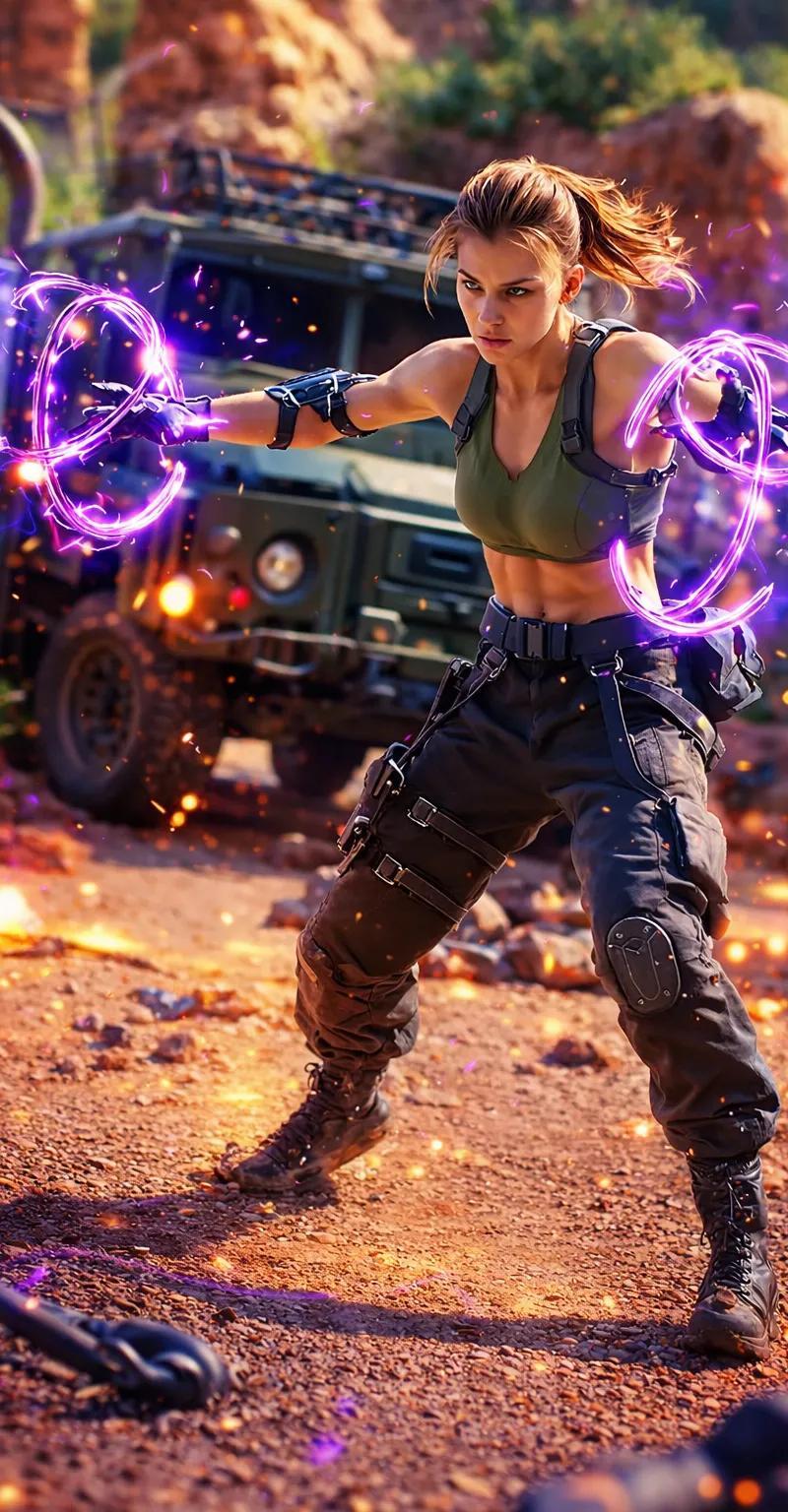
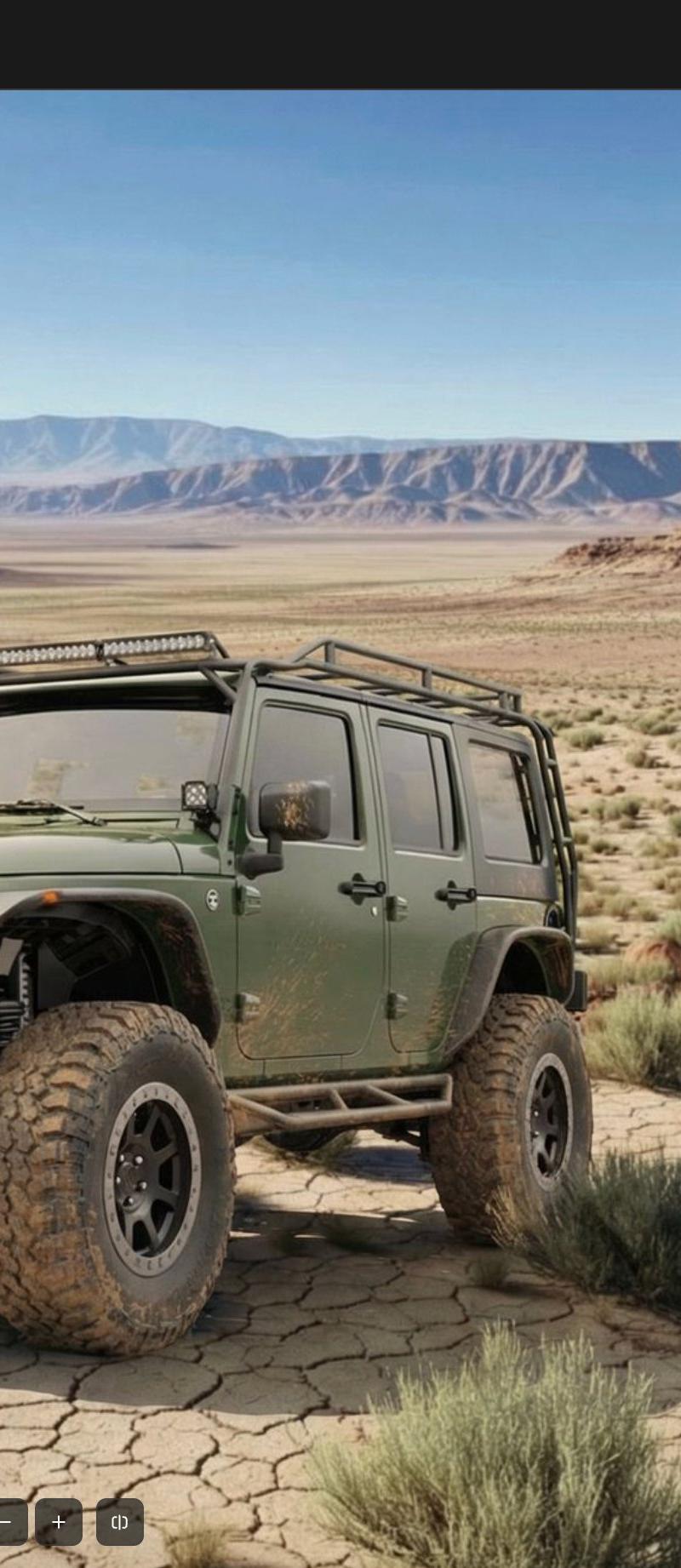
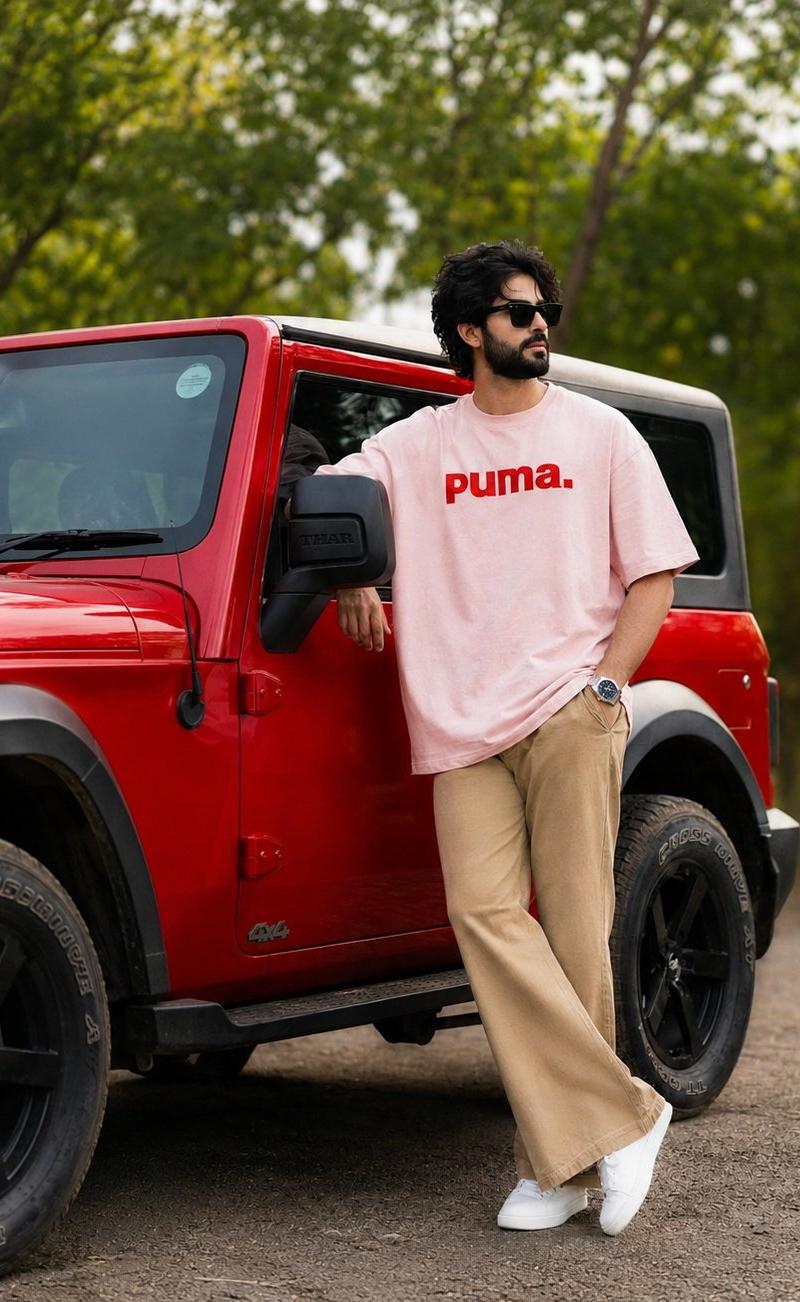
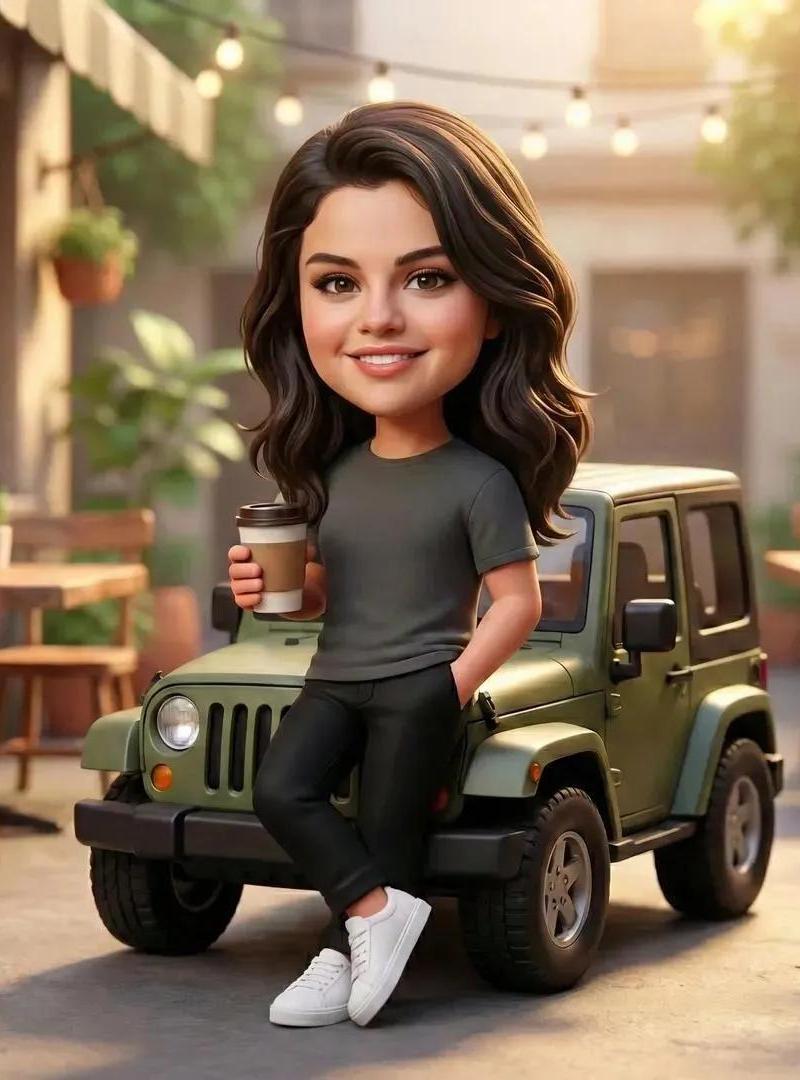
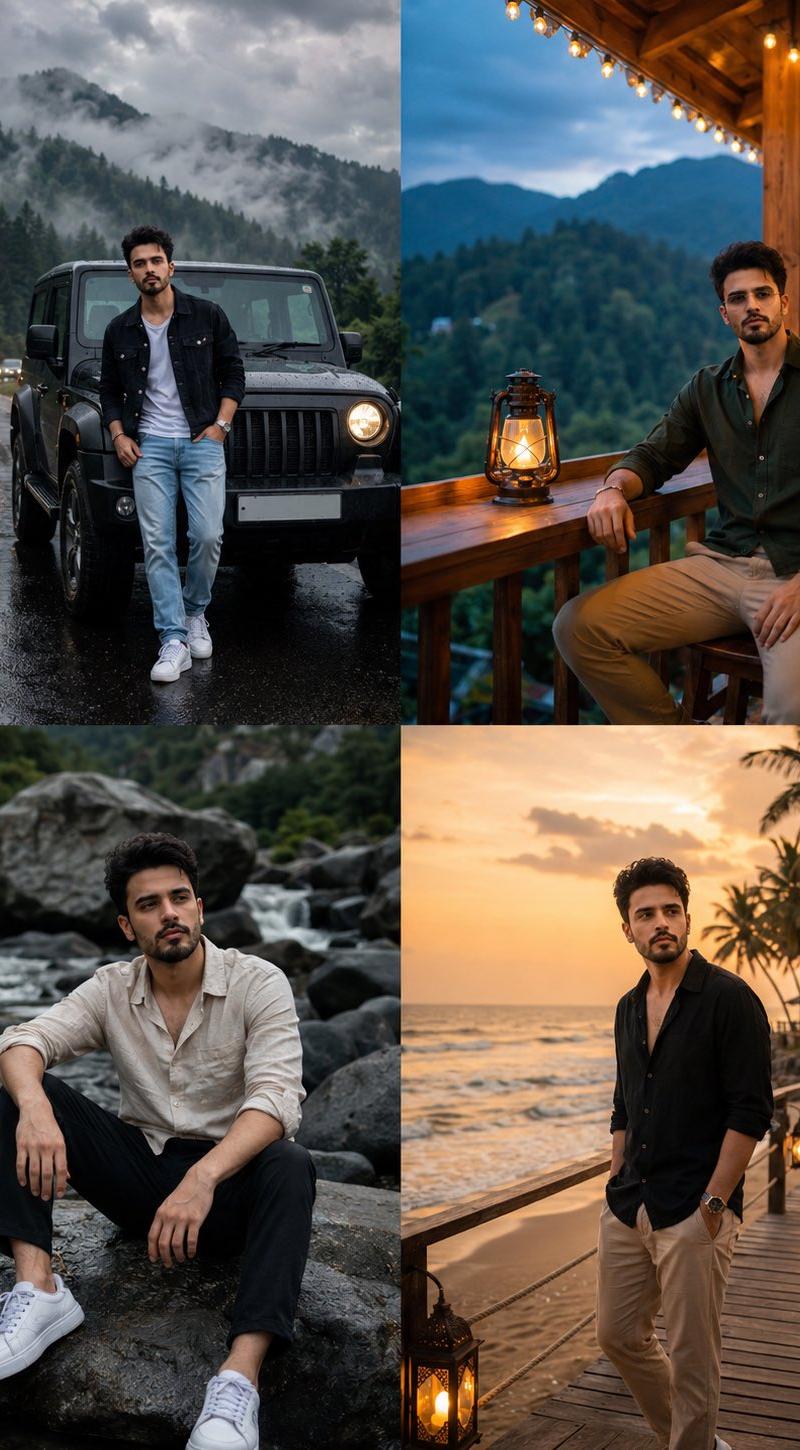
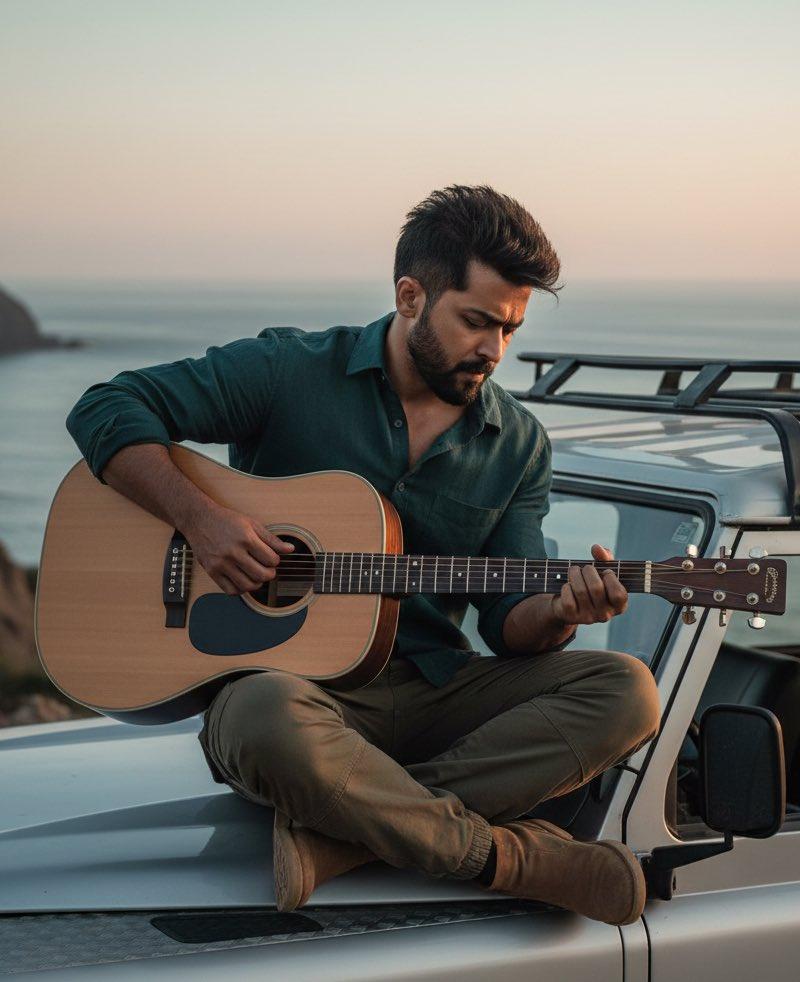
20

High-impact automotive poster featuring [VEHICLE] in a sharp side-front...
Enlarge

Example images

High-impact automotive poster featuring [VEHICLE] in a sharp side-front...

Prompt
High-impact automotive poster featuring [VEHICLE] in a sharp side-front three-quarter view, placed across the lower half of the frame and surrounded by a dense orbital composition of concentric wheel-sized circles, segmented [ACCENT] discs, black radial lines, white circular windows, and offset mechanical rings. Use [COLOR PALETTE]. Build a visually rich background in which the circular modules expand from the rear wheel and continue beyond the poster edges. Place an oversized cropped numeral “[NUMERAL]” behind the main body section. Add a [LOGO] near the upper-left corner and the slogan “[TITLE]” in tightly controlled uppercase typography. Maintain accurate [VEHICLE] proportions, crisp technical illustration, layered flat shapes, subtle lithographic grain, small registration marks, selective ink outlines, and clean editorial hierarchy. Vertical 4:5.
Category
创意图片
Model
GPT Image 2
Creator
@aatif_j
Source language
en
Views4
Source ID
2082470026100015526
Published
Jul 29, 2026
Studio

Guide

About "High-impact automotive poster featuring [VEHICLE] in a sharp side-front..."

What is this prompt for?

"High-impact automotive poster featuring [VEHICLE] in a sharp side-front..." AI image prompt for GPT Image 2 (创意图片). Saved from X post by @aatif_j. GPT IMAGE 2…

The full copyable prompt and example visuals above are ready for AI image generation or one-click recreate in Picva.

How to use this prompt

  1. Step 1

    Open the prompt detail

    Review the example visuals, category, and full prompt text for "High-impact automotive poster featuring [VEHICLE] in a sharp side-front...".

  2. Step 2

    Copy the prompt

    Copy the prompt body from this page, or load it directly in Studio.

  3. Step 3

    Pick a model (GPT Image 2)

    Prefer GPT Image 2. If you switch models, keep subject and composition and tweak style terms.

  4. Step 4

    Generate and export

    Recreate the look in Picva, or export into your workflow for editing and publishing.

FAQ

What is the "High-impact automotive poster featuring [VEHICLE] in a sharp side-front..." prompt?
It is an AI image-generation prompt for GPT Image 2 in the 创意图片 category. This page includes the full prompt text, example visuals, and a one-click recreate path in Picva.
How do I use this prompt to generate an image?
Copy the prompt from this page, or use Generate / Studio. Paste it into a compatible image model, or recreate the look in Picva with optional reference images.
Which model is this prompt for?
This page lists GPT Image 2. Most descriptive prompts also transfer to nearby image models such as GPT Image, Flux, or Midjourney with light style tweaks.
Can I use the result commercially?
You can usually copy the prompt for creation, but commercial use of the final image depends on the model terms, reference-image rights, and the generated content. Follow the source author and platform rules.