15

粉色,粉色,粉色,可爱 GPT-图像2提示 创建一张逼真的3:4比例镜前自拍肖像,描绘一位美丽的成年东亚女性在现代公寓的更衣区摆姿势。她拥有柔和...
Enlarge

Example images

粉色,粉色,粉色,可爱 GPT-图像2提示 创建一张逼真的3:4比例镜前自拍肖像,描绘一位美丽的成年东亚女性在现代公寓的更衣区摆姿势。她拥有柔和...

Prompt
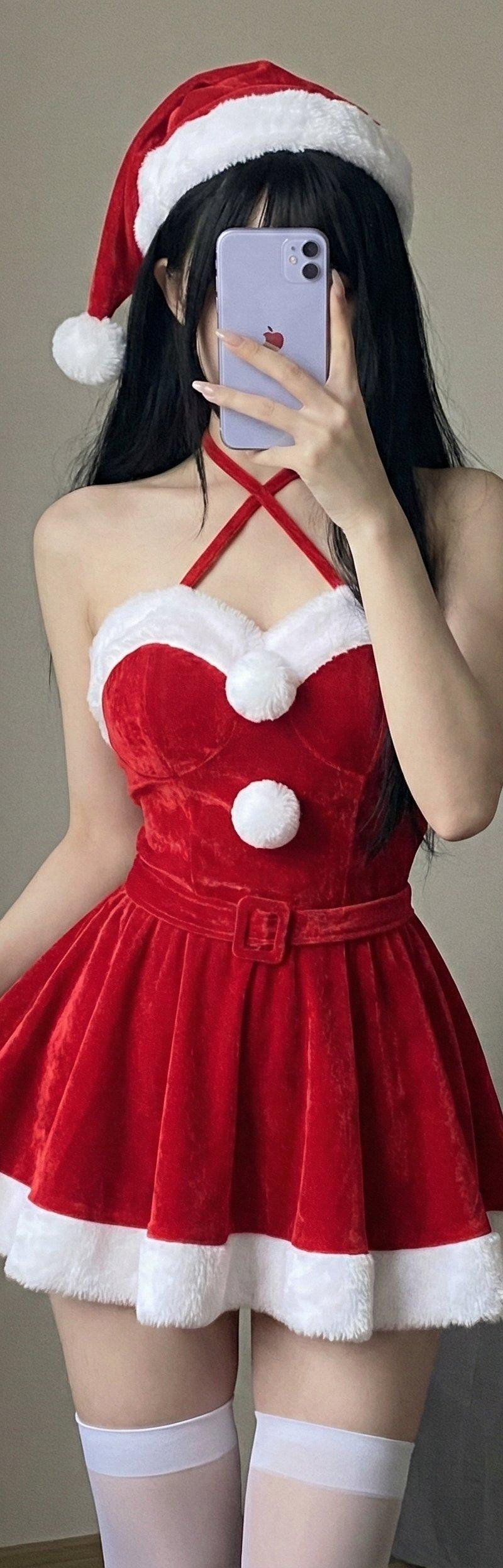
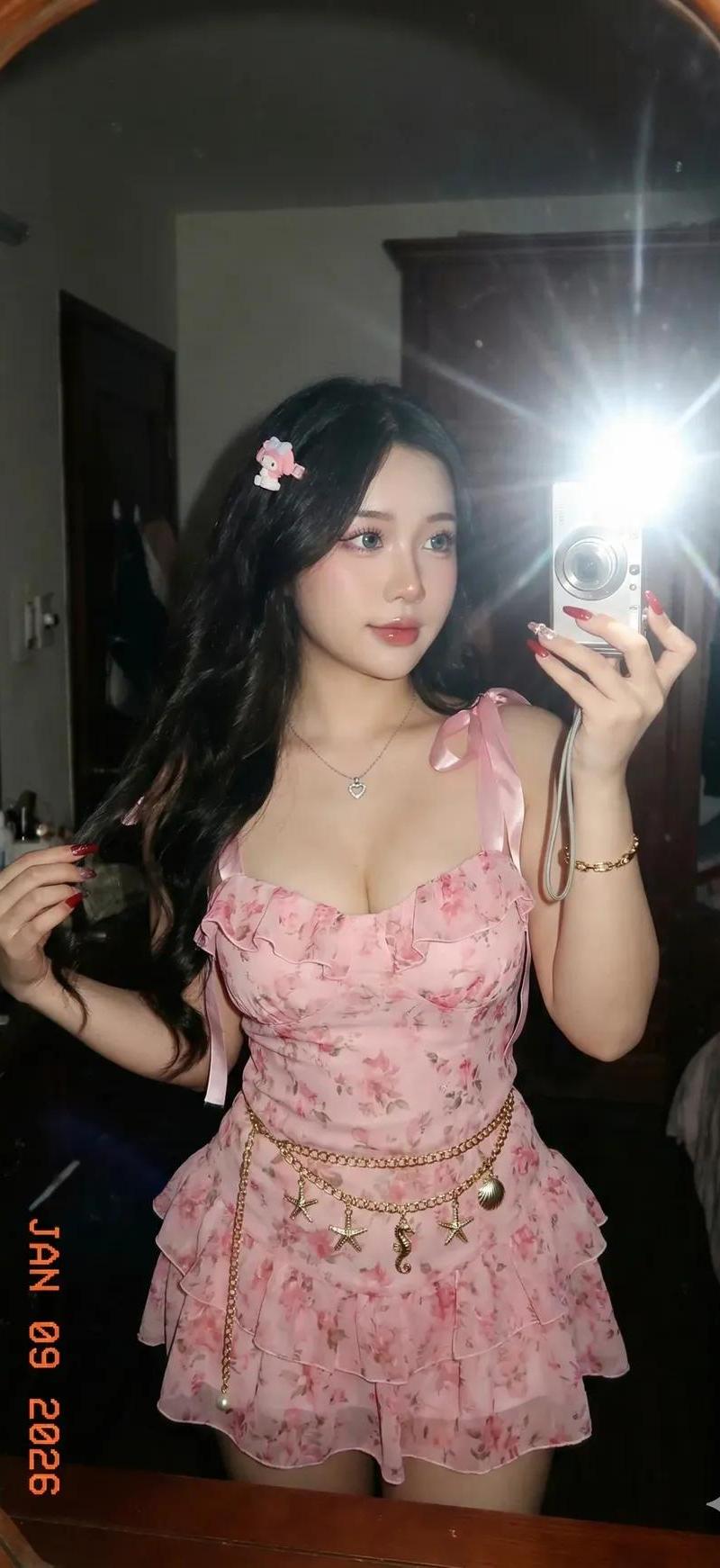
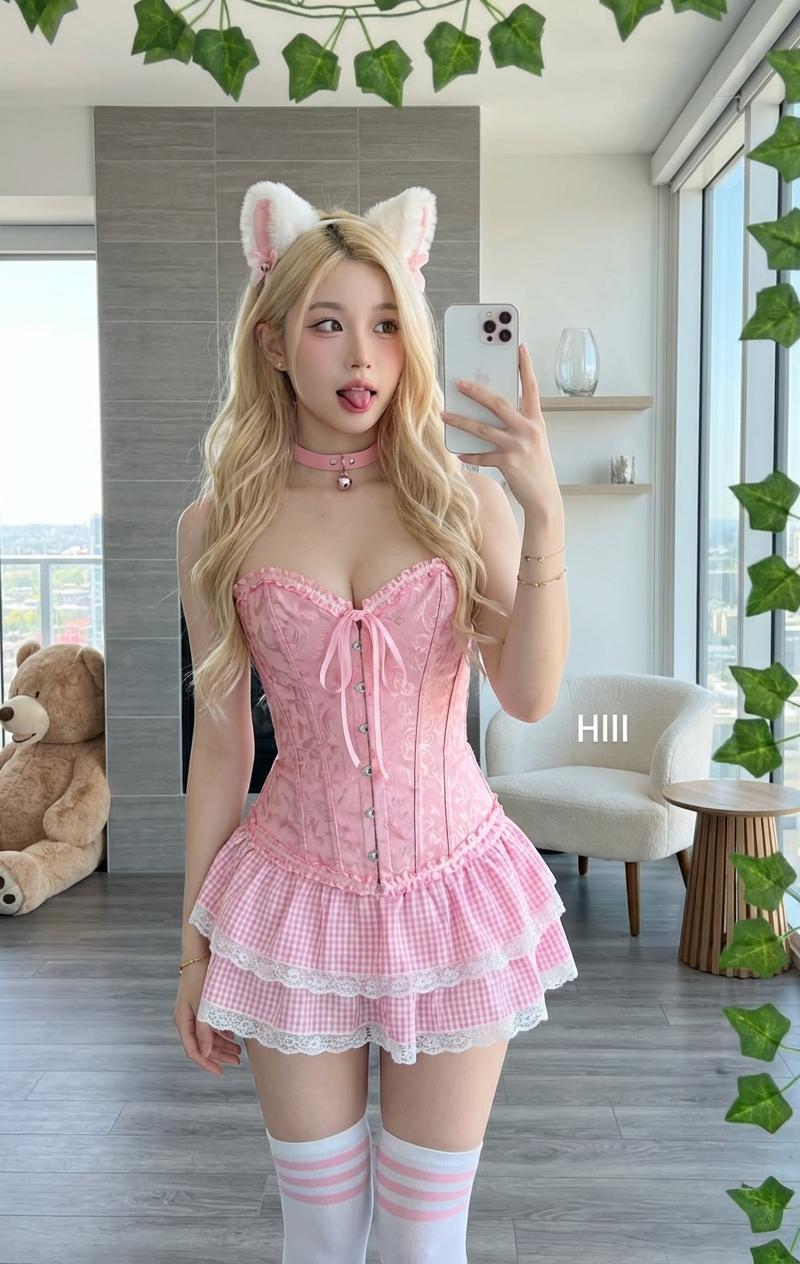
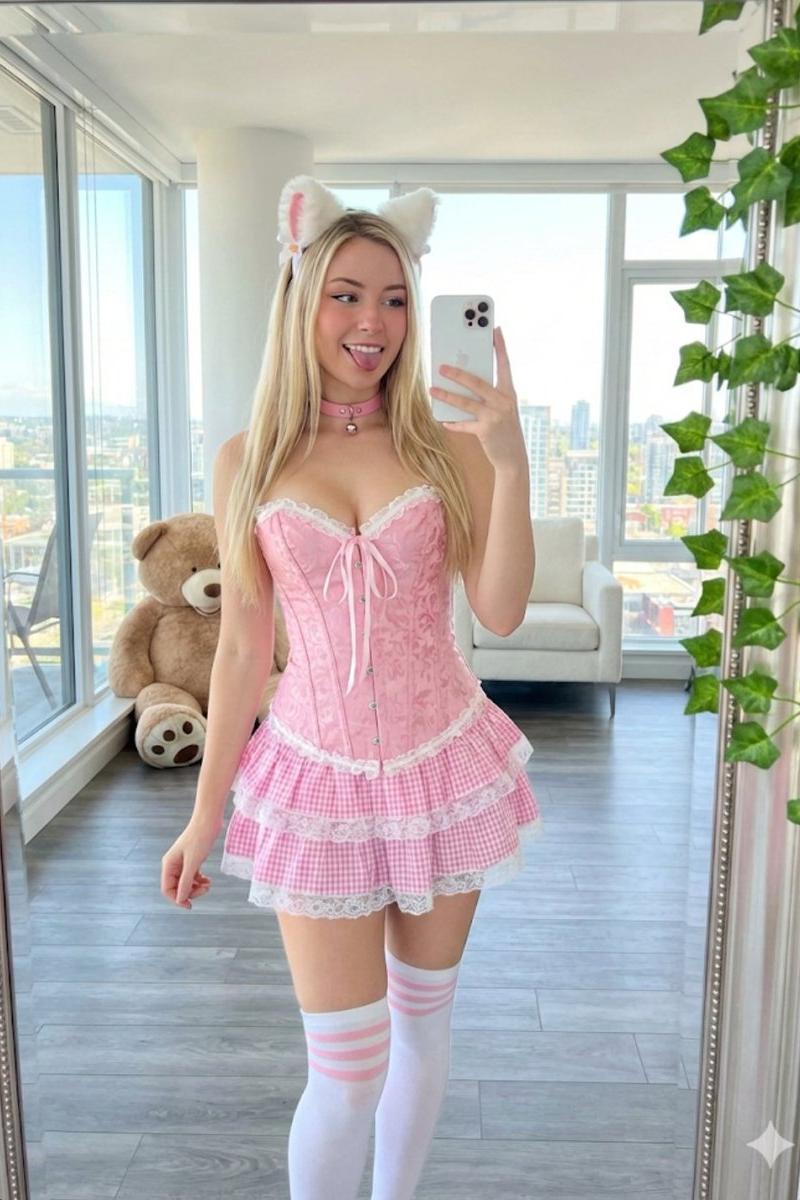
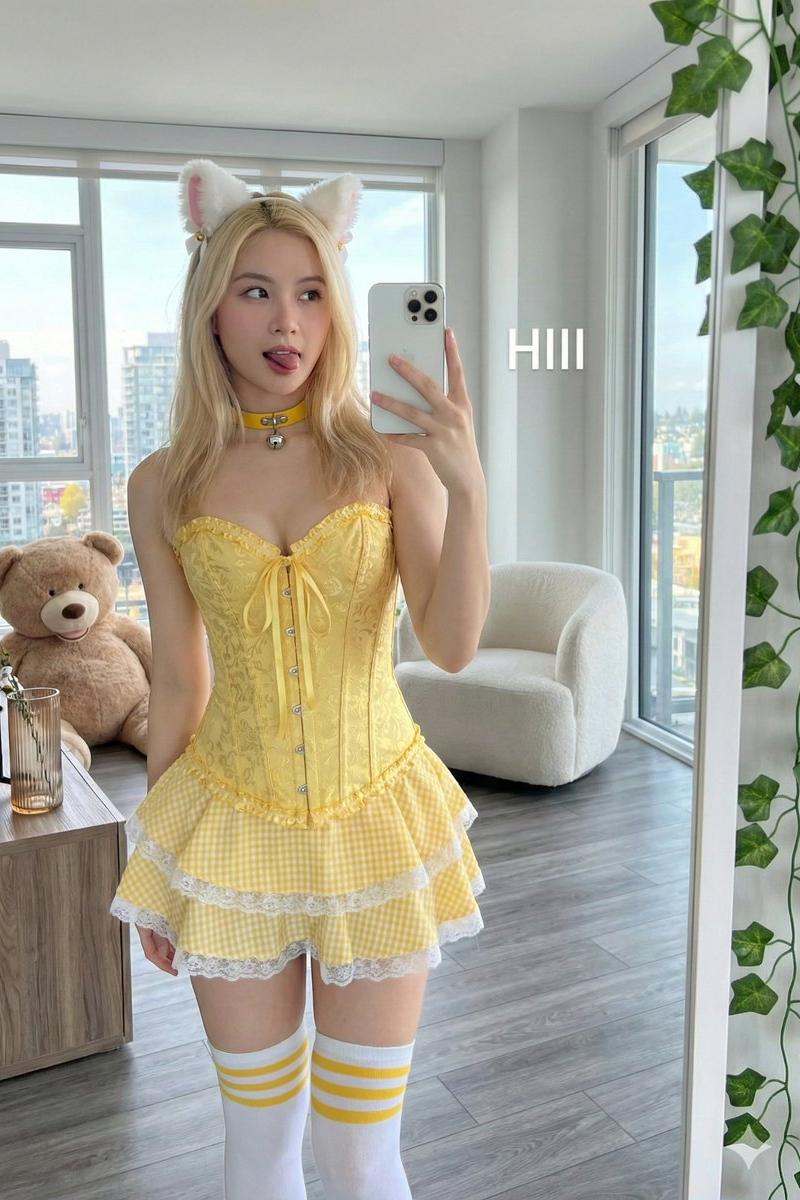
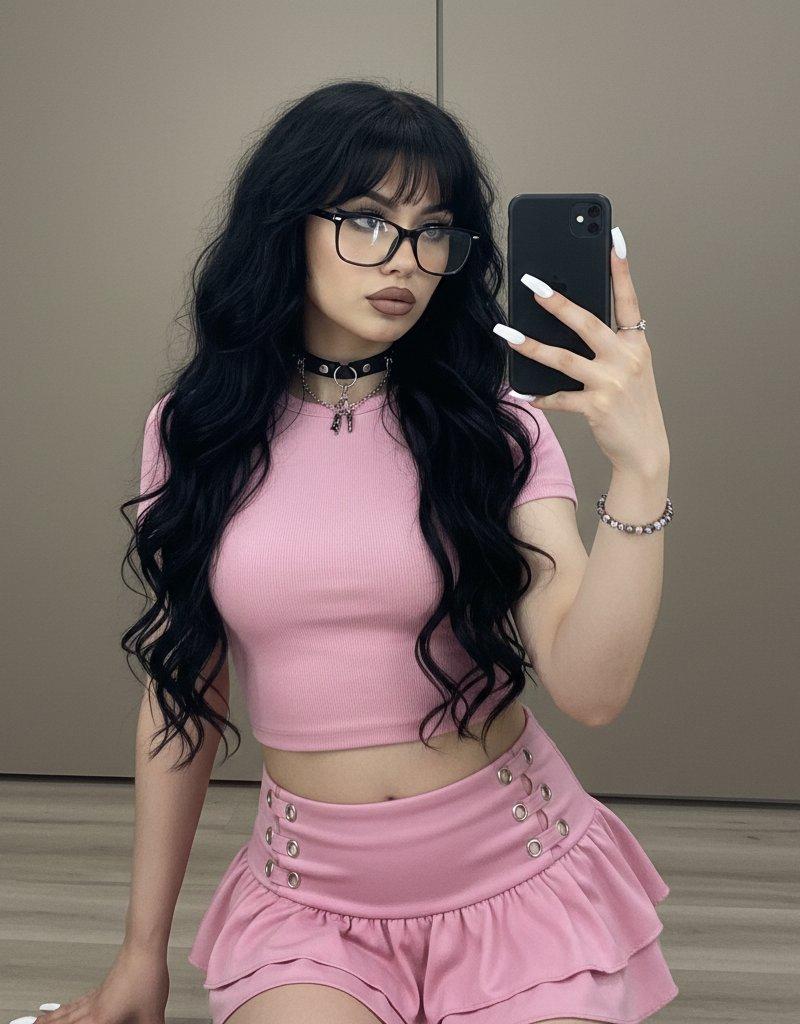
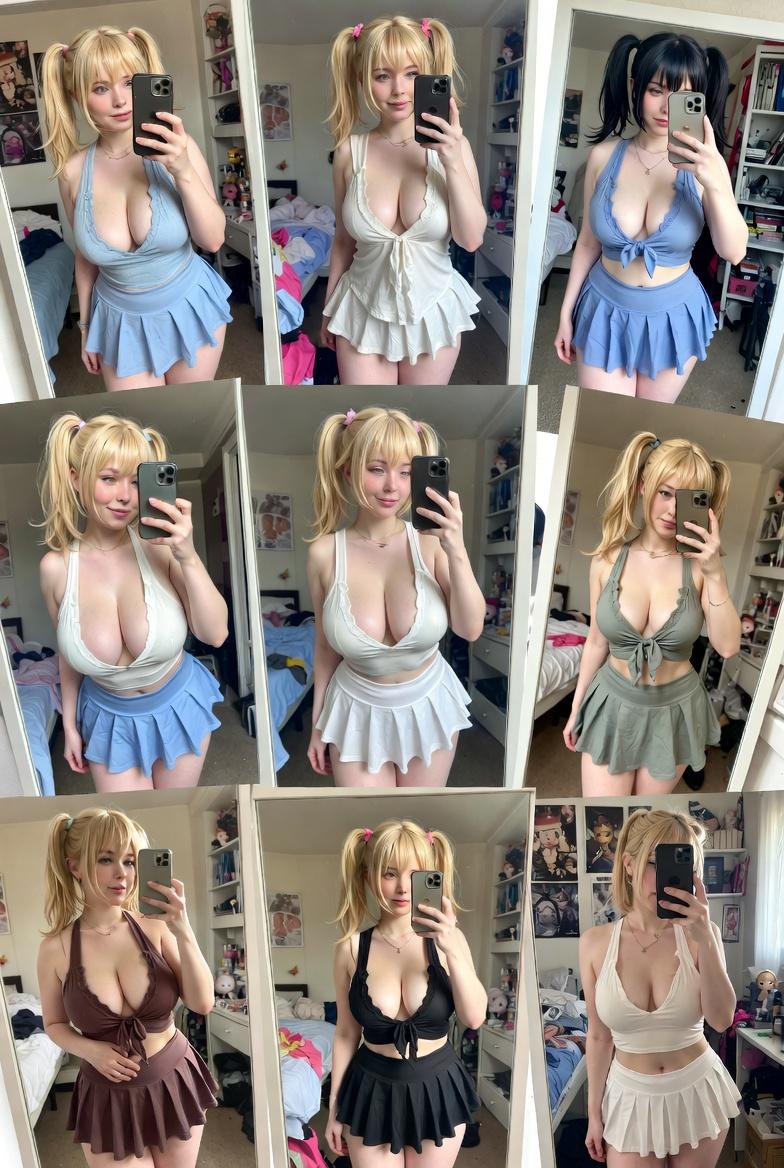
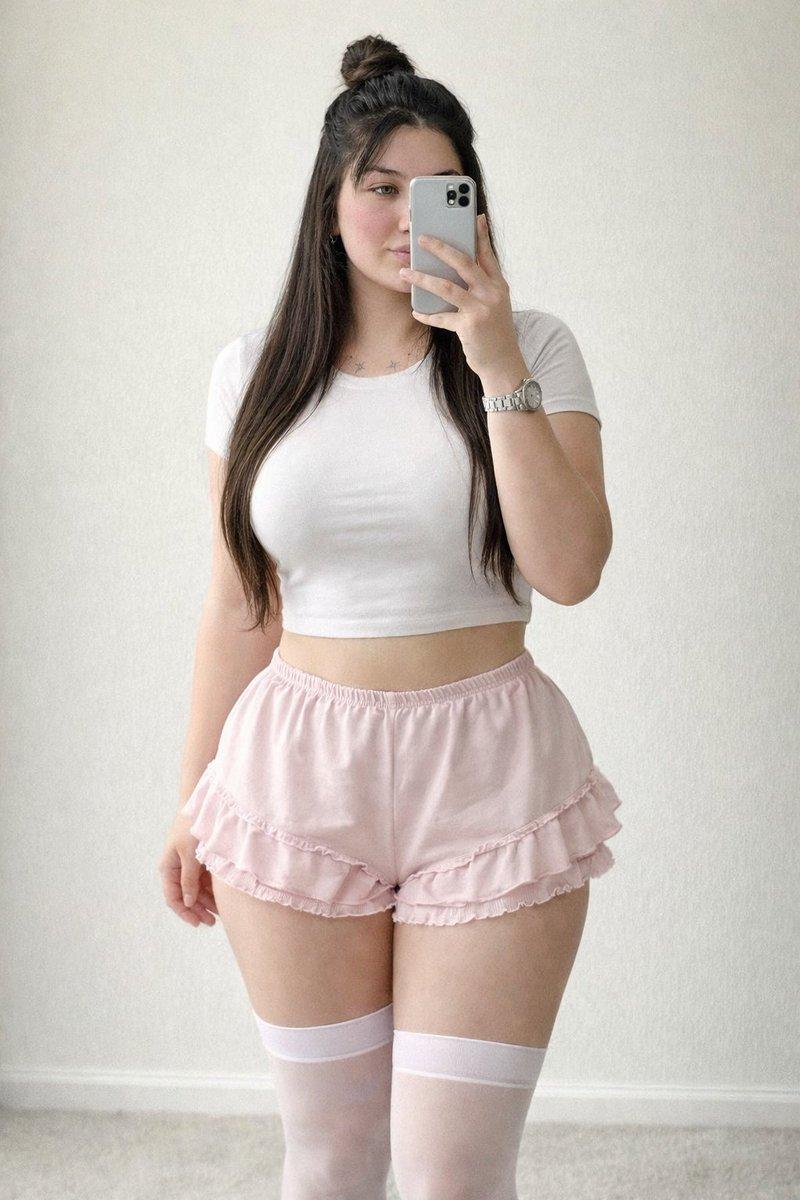
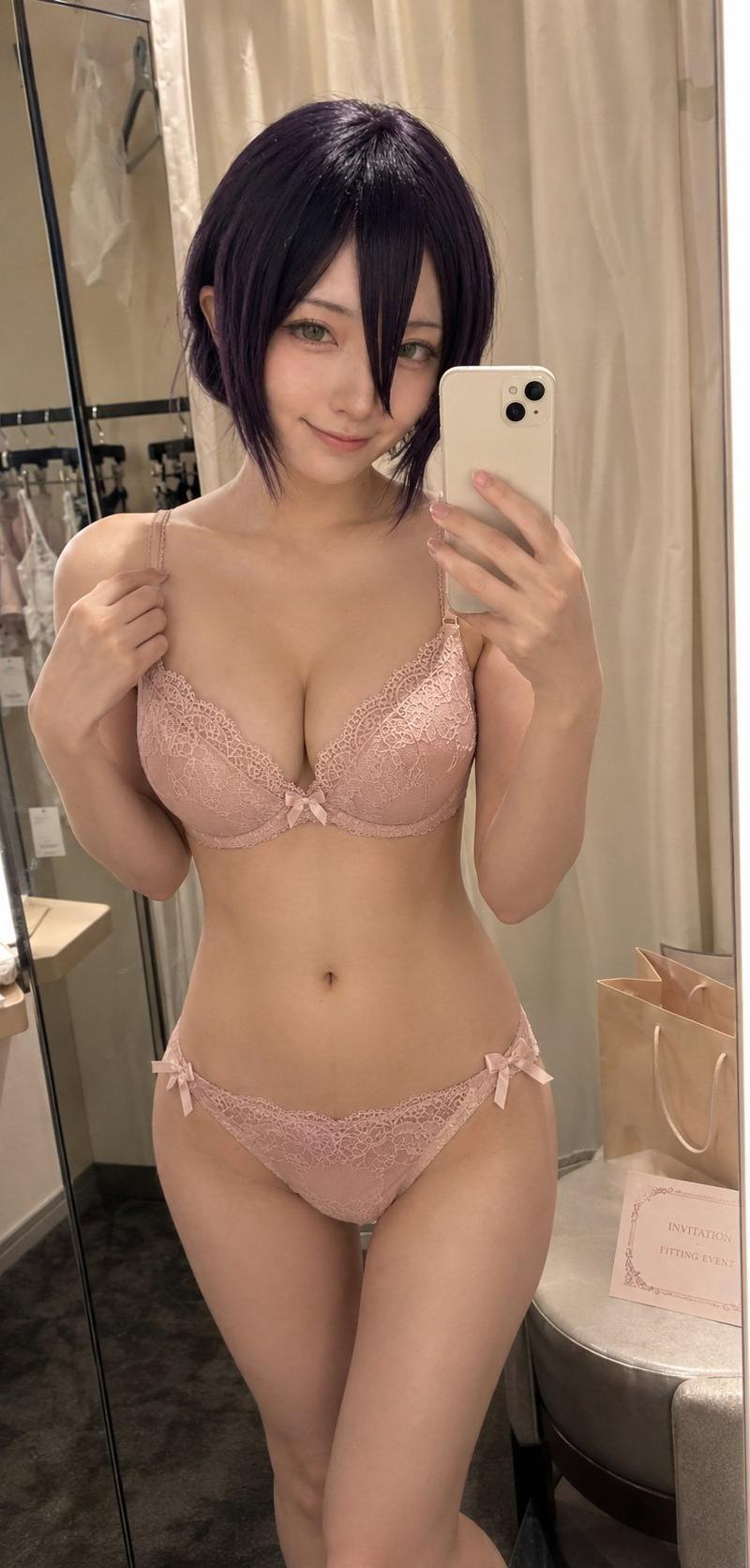
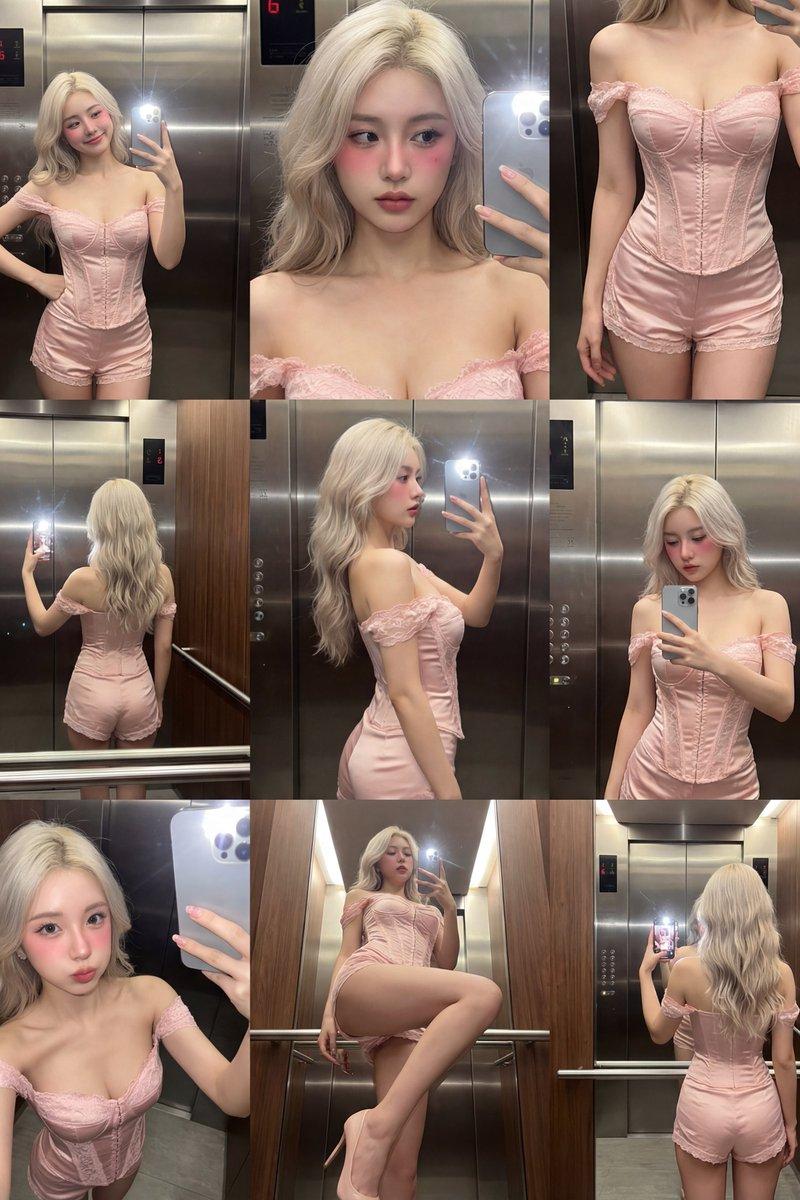
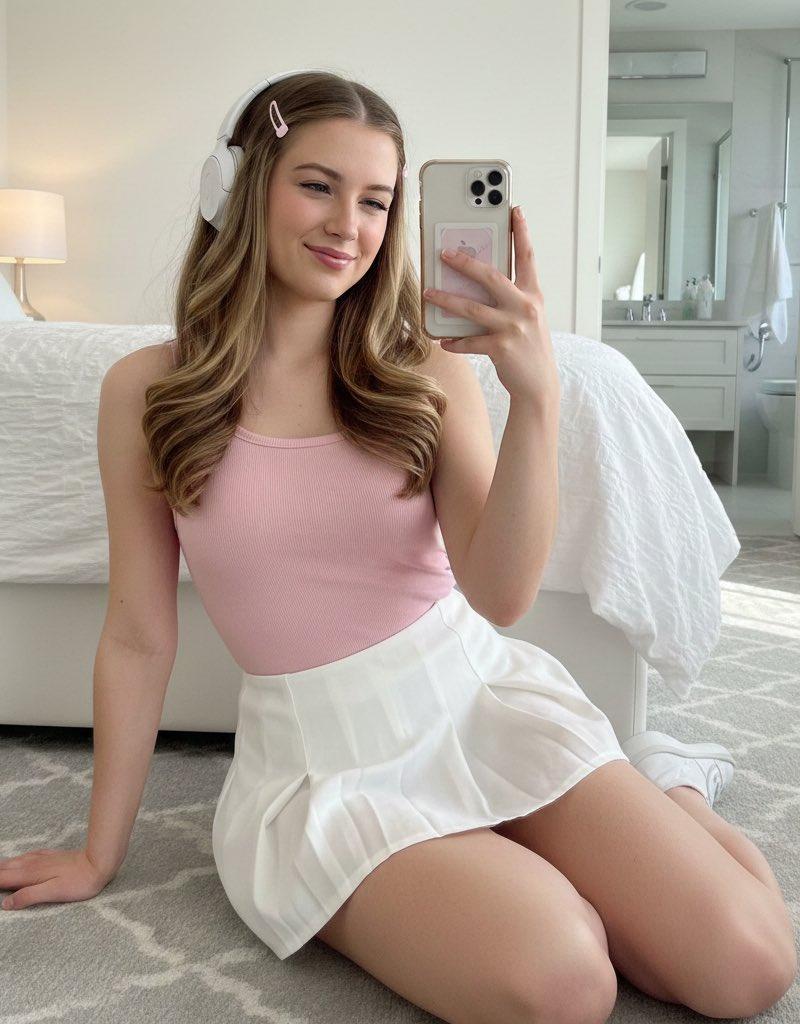
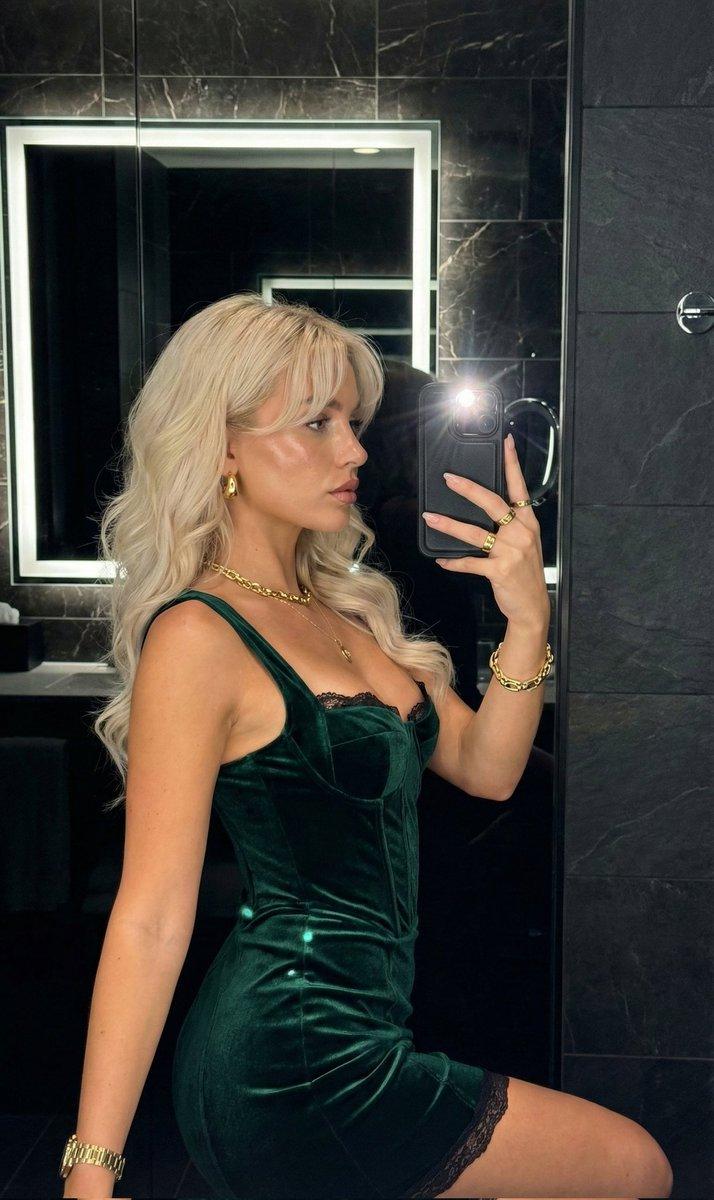
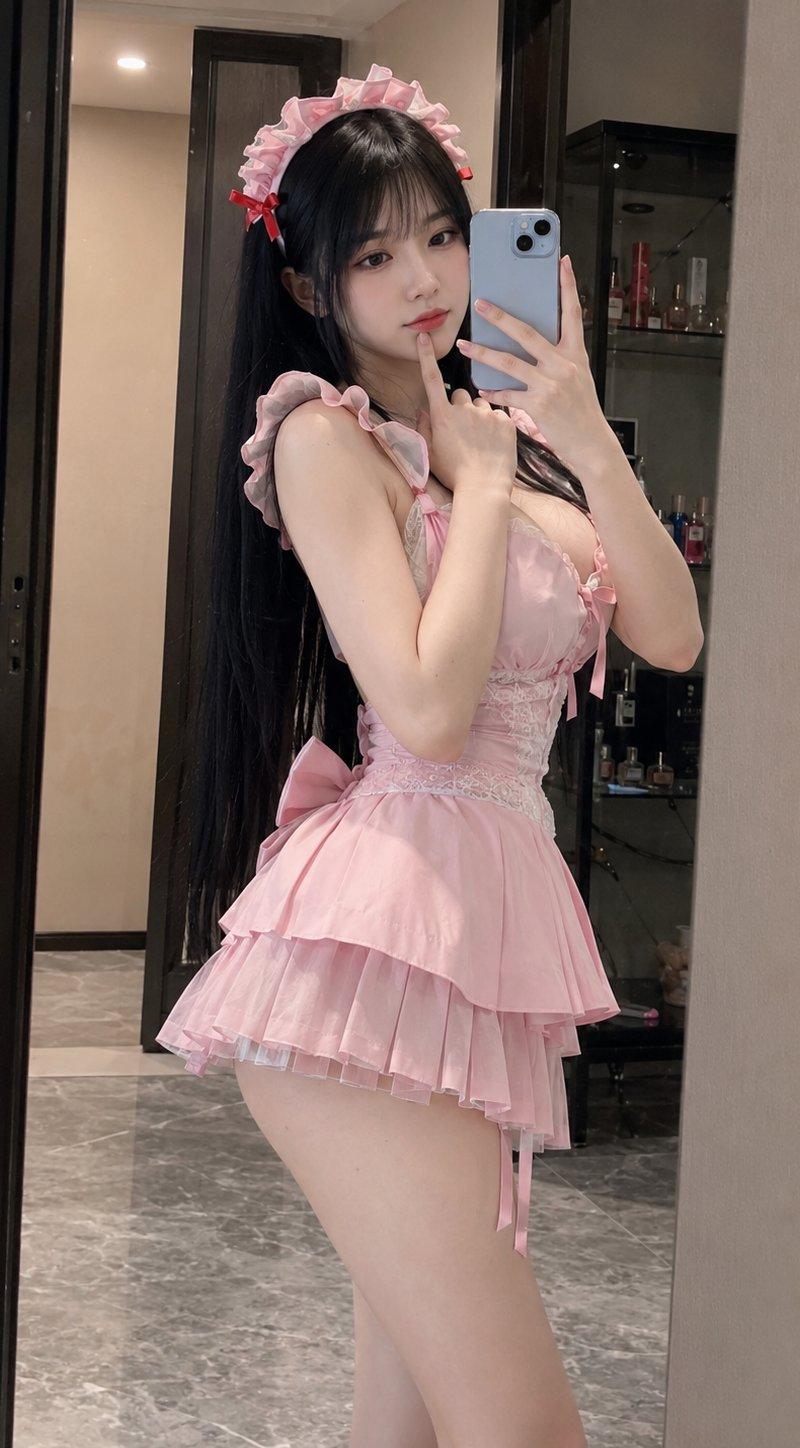
粉色,粉色,粉色,可爱 GPT-图像2提示 创建一张逼真的3:4比例镜前自拍肖像,描绘一位美丽的成年东亚女性在现代公寓的更衣区摆姿势。她拥有柔和曲线玲珑有致的身材,白皙发光的肌肤,精致娃娃般的脸庞,大而深邃的杏仁形眼睛,小巧精致的鼻子,以及柔软光泽的粉色嘴唇。她那非常长的直黑发垂过腰际,厚实饱满的刘海和层层发丝勾勒出她的脸颊。 她穿着一件可爱的浅粉色女仆风格迷你连衣裙,肩带带有褶边,腰部贴合蕾丝设计,饰以缎面缎带细节,后背有一个大蝴蝶结,裙摆是短款多层褶皱设计。一顶匹配的粉色褶边女仆发带,饰以小红蝴蝶结,整齐地戴在她的头上。 她几乎呈侧面站立,腰部轻轻向镜子扭转,下背微微拱起,一侧臀部向外突出。一只手拿着浅蓝色智能手机举到脸前,另一只手的食指轻轻搭在下巴下方,营造出害羞而俏皮的姿势。她的眼睛注视着手机屏幕,表情平静,略带撅嘴。 镜中反射出真实的公寓内部,带有深色门框、奶油色墙壁、灰色大理石地板,以及一个小黑展示柜,里面装着香水瓶和私人物品。温暖柔和的室内灯光,真实的手机手持拍摄质感,略微不完美的焦距,细微的数字颗粒感,逼真的镜面视角和身体比例,自然的皮肤纹理,无悬浮字幕,无添加文字,无水印。
Category
创意图片
Model
GPT Image 2
Creator
@johnAGI168
Source language
zh-CN
Views4
Source ID
2082836269927674172
Published
Aug 1, 2026
Studio

Guide

About "粉色,粉色,粉色,可爱 GPT-图像2提示 创建一张逼真的3:4比例镜前自拍肖像,描绘一位美丽的成年东亚女性在现代公寓的更衣区摆姿势。她拥有柔和..."

What is this prompt for?

"粉色,粉色,粉色,可爱 GPT-图像2提示 创建一张逼真的3:4比例镜前自拍肖像,描绘一位美丽的成年东亚女性在现代公寓的更衣区摆姿势。她拥有柔和..." AI image prompt for GPT Image 2 (创意图片). Saved from X post by @johnAGI168. 粉色,粉色,粉…

The full copyable prompt and example visuals above are ready for AI image generation or one-click recreate in Picva.

How to use this prompt

  1. Step 1

    Open the prompt detail

    Review the example visuals, category, and full prompt text for "粉色,粉色,粉色,可爱 GPT-图像2提示 创建一张逼真的3:4比例镜前自拍肖像,描绘一位美丽的成年东亚女性在现代公寓的更衣区摆姿势。她拥有柔和...".

  2. Step 2

    Copy the prompt

    Copy the prompt body from this page, or load it directly in Studio.

  3. Step 3

    Pick a model (GPT Image 2)

    Prefer GPT Image 2. If you switch models, keep subject and composition and tweak style terms.

  4. Step 4

    Generate and export

    Recreate the look in Picva, or export into your workflow for editing and publishing.

FAQ

What is the "粉色,粉色,粉色,可爱 GPT-图像2提示 创建一张逼真的3:4比例镜前自拍肖像,描绘一位美丽的成年东亚女性在现代公寓的更衣区摆姿势。她拥有柔和..." prompt?
It is an AI image-generation prompt for GPT Image 2 in the 创意图片 category. This page includes the full prompt text, example visuals, and a one-click recreate path in Picva.
How do I use this prompt to generate an image?
Copy the prompt from this page, or use Generate / Studio. Paste it into a compatible image model, or recreate the look in Picva with optional reference images.
Which model is this prompt for?
This page lists GPT Image 2. Most descriptive prompts also transfer to nearby image models such as GPT Image, Flux, or Midjourney with light style tweaks.
Can I use the result commercially?
You can usually copy the prompt for creation, but commercial use of the final image depends on the model terms, reference-image rights, and the generated content. Follow the source author and platform rules.