20

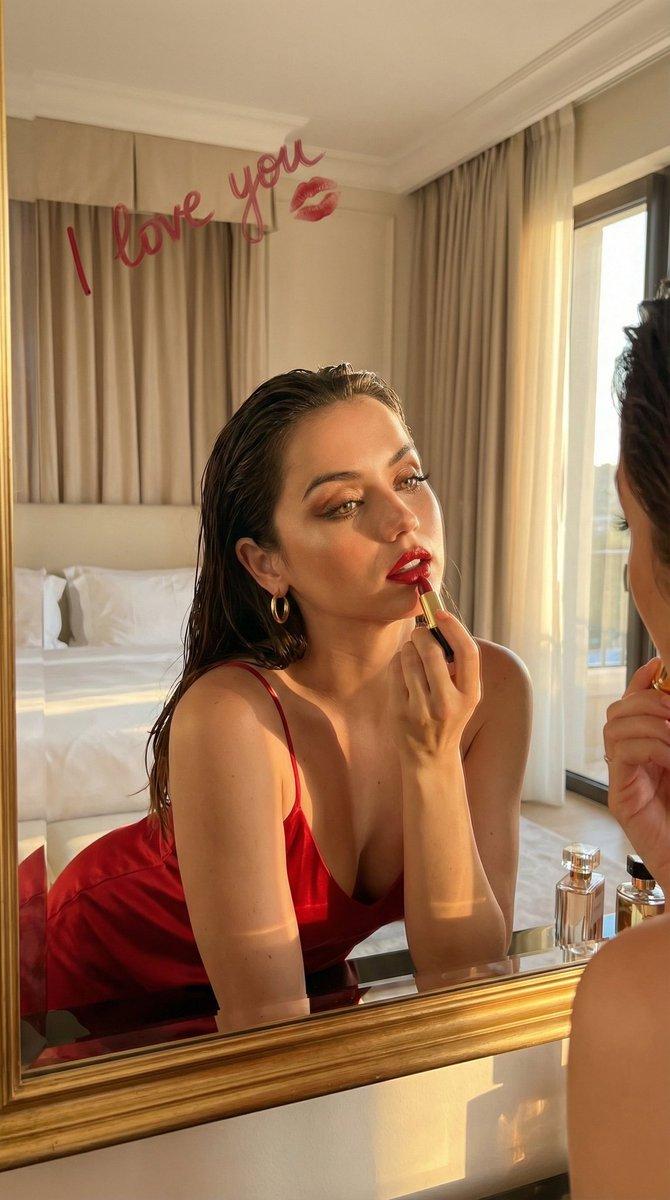
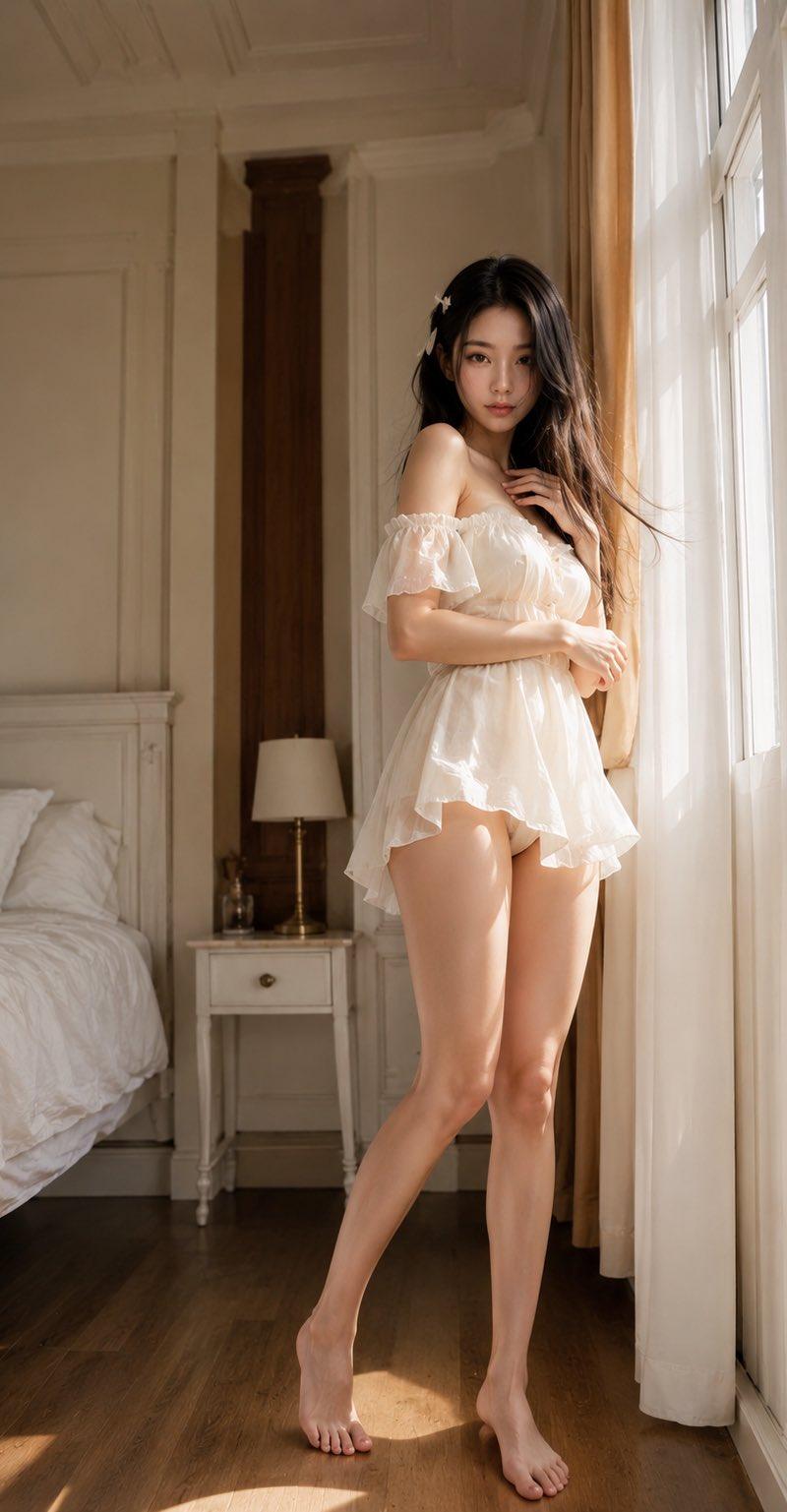
模特站在床边,一侧臀部自然偏移,形成优雅的 S 曲线。一只手轻轻触碰领口边缘,另一只手柔和地放在腰部附近。她的身体朝向镜头倾斜约 45 度,同时...
Enlarge

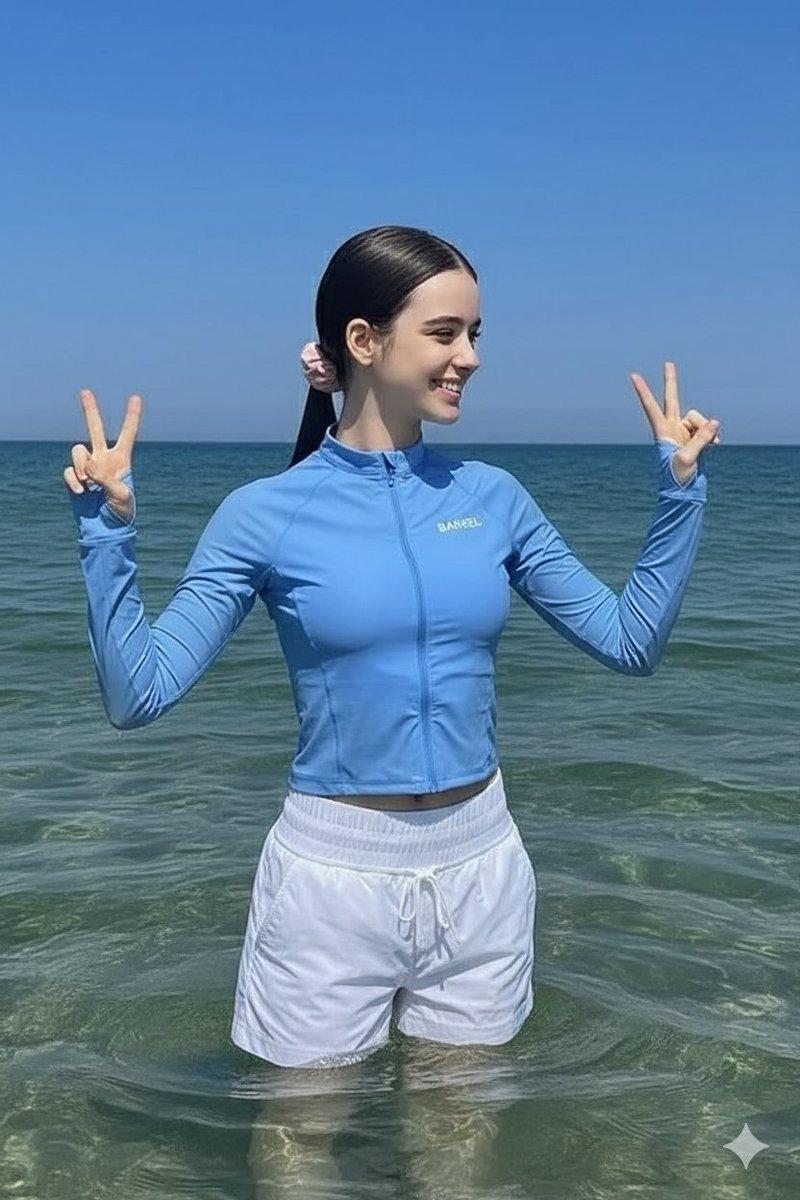
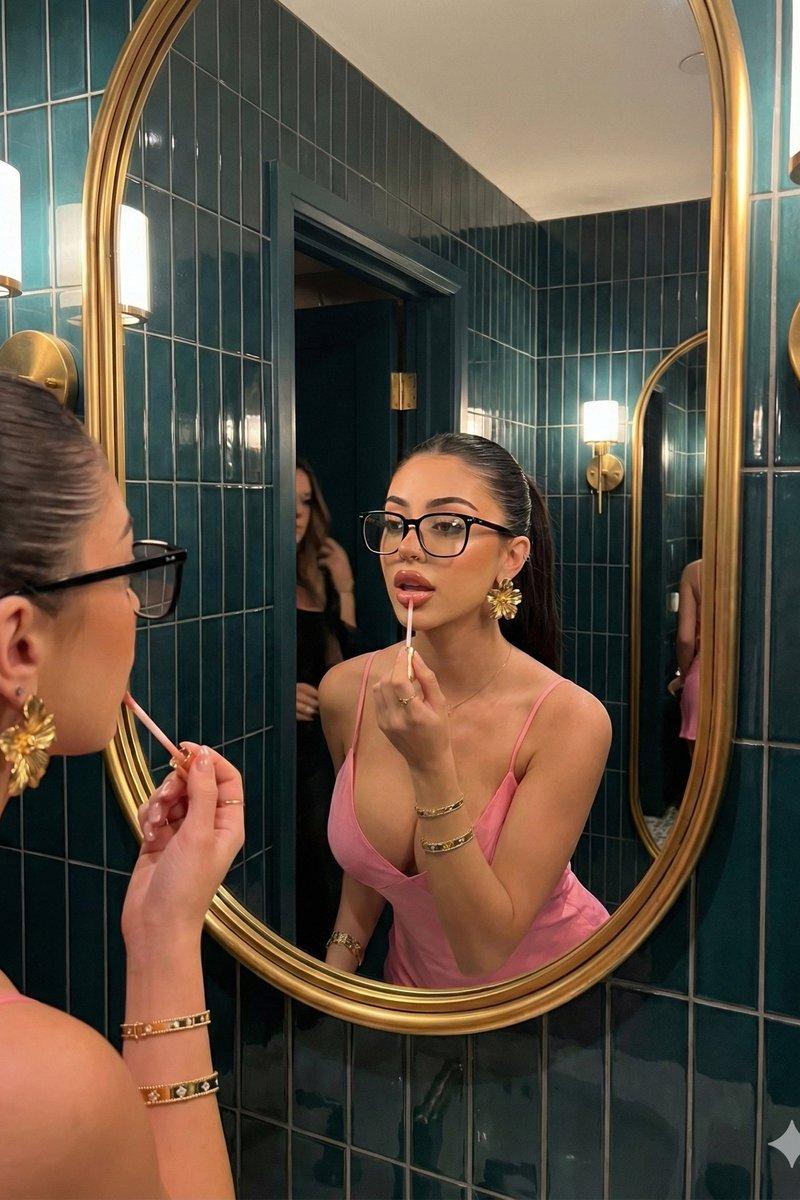
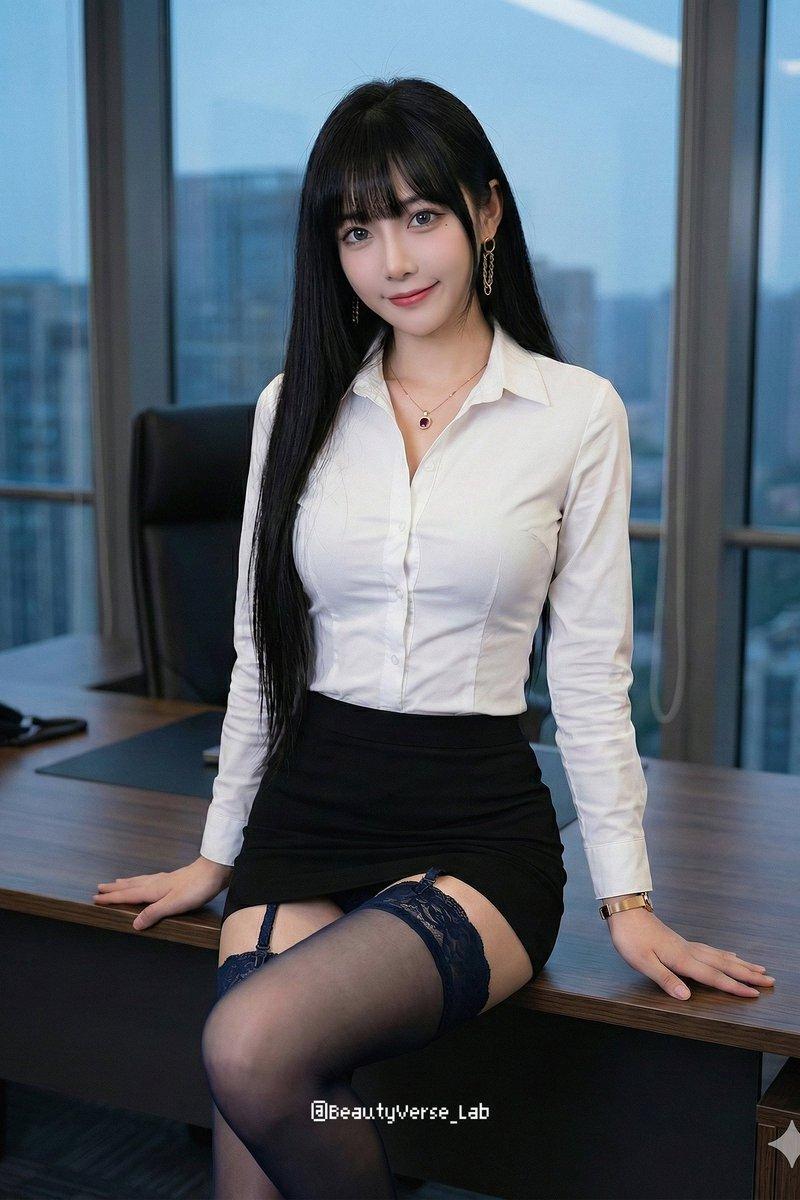
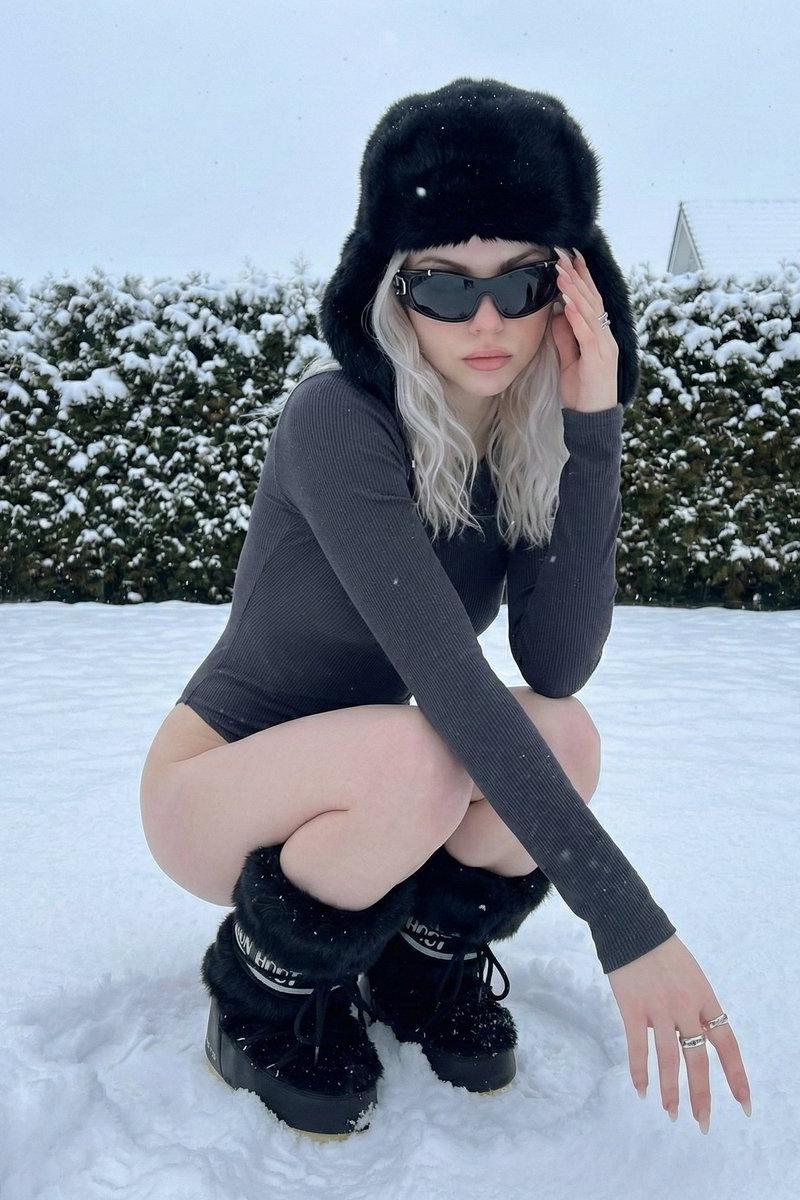
Example images

模特站在床边,一侧臀部自然偏移,形成优雅的 S 曲线。一只手轻轻触碰领口边缘,另一只手柔和地放在腰部附近。她的身体朝向镜头倾斜约 45 度,同时...

Prompt
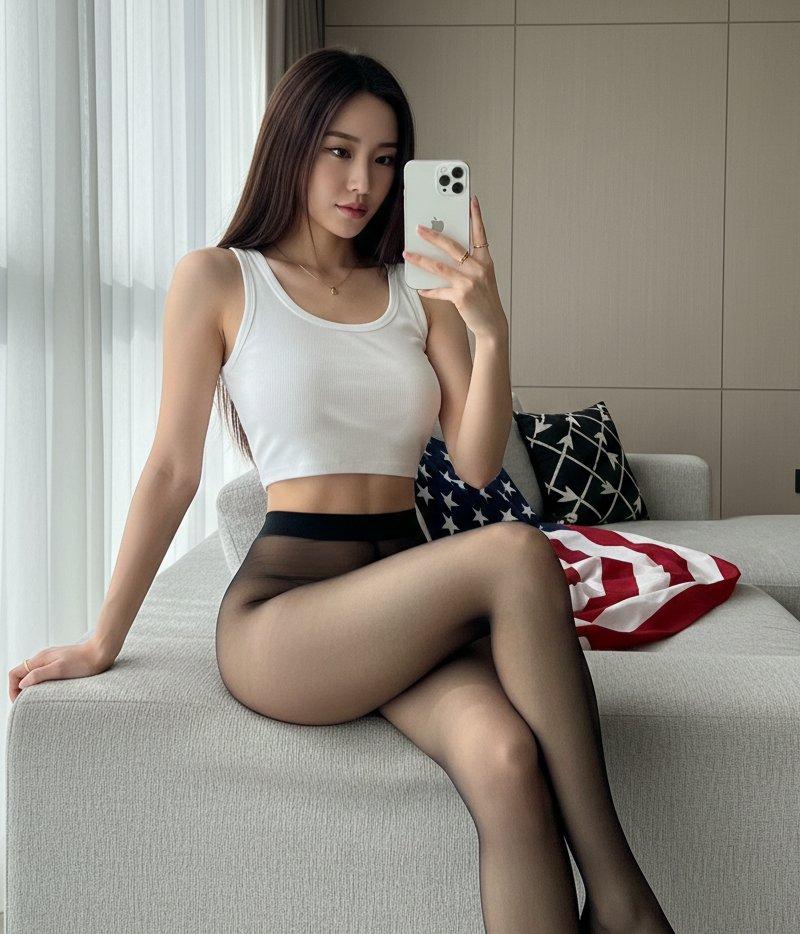
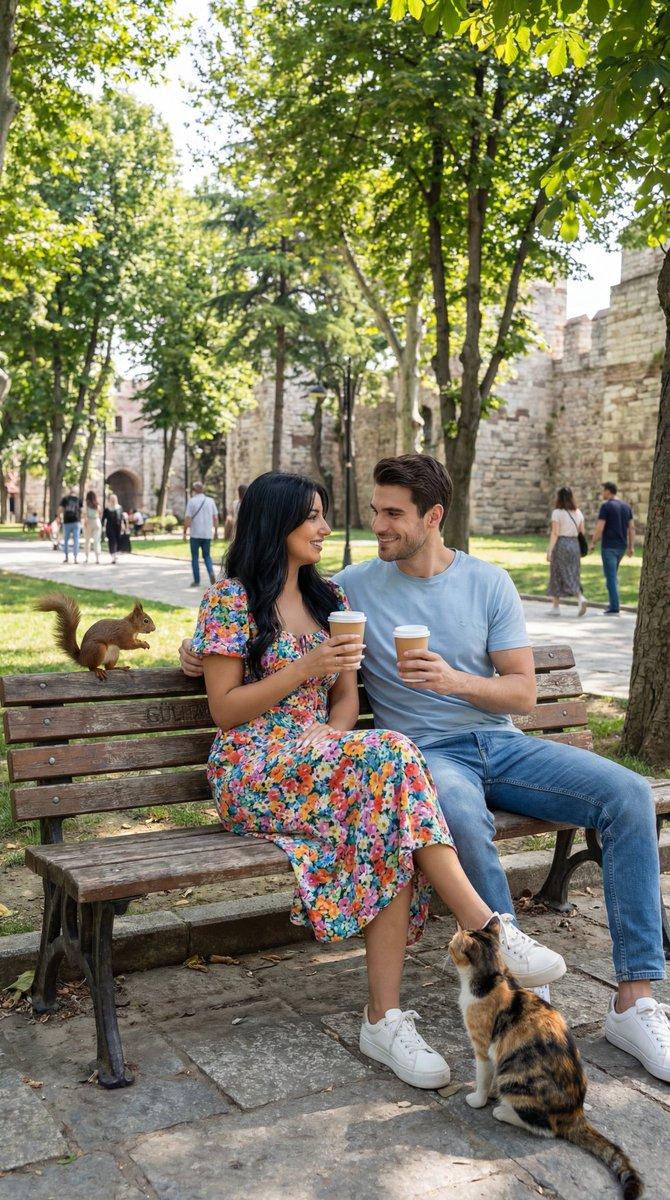
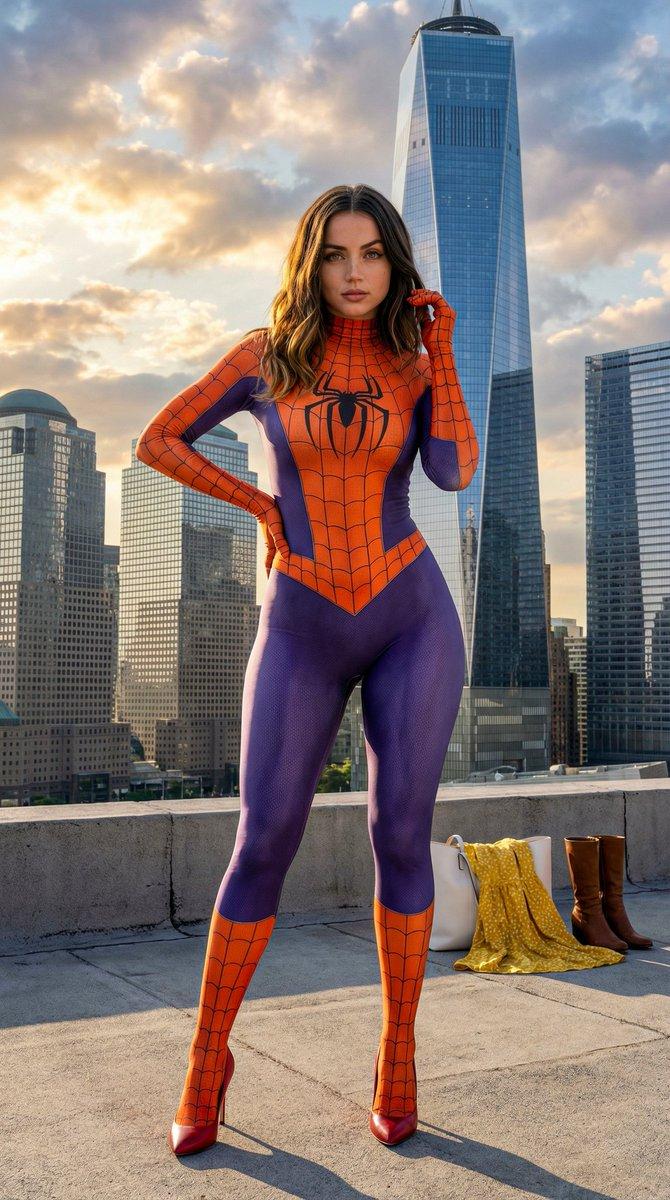
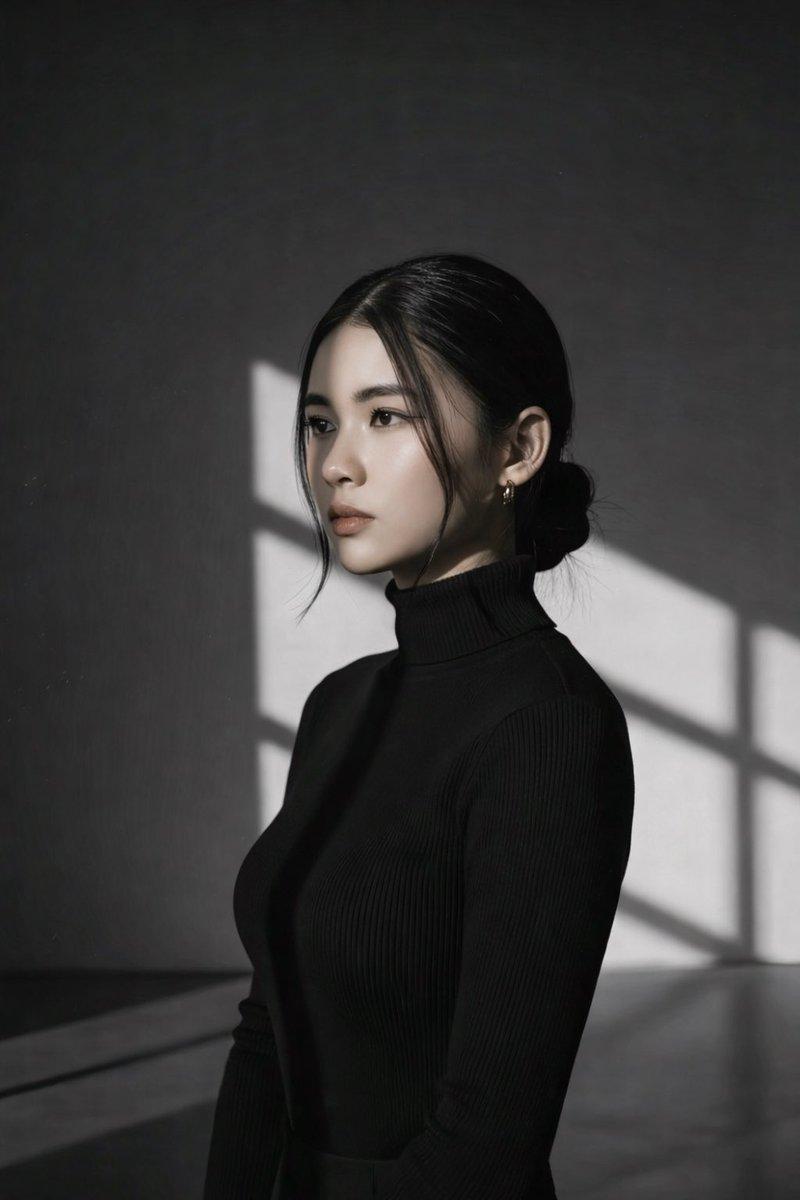
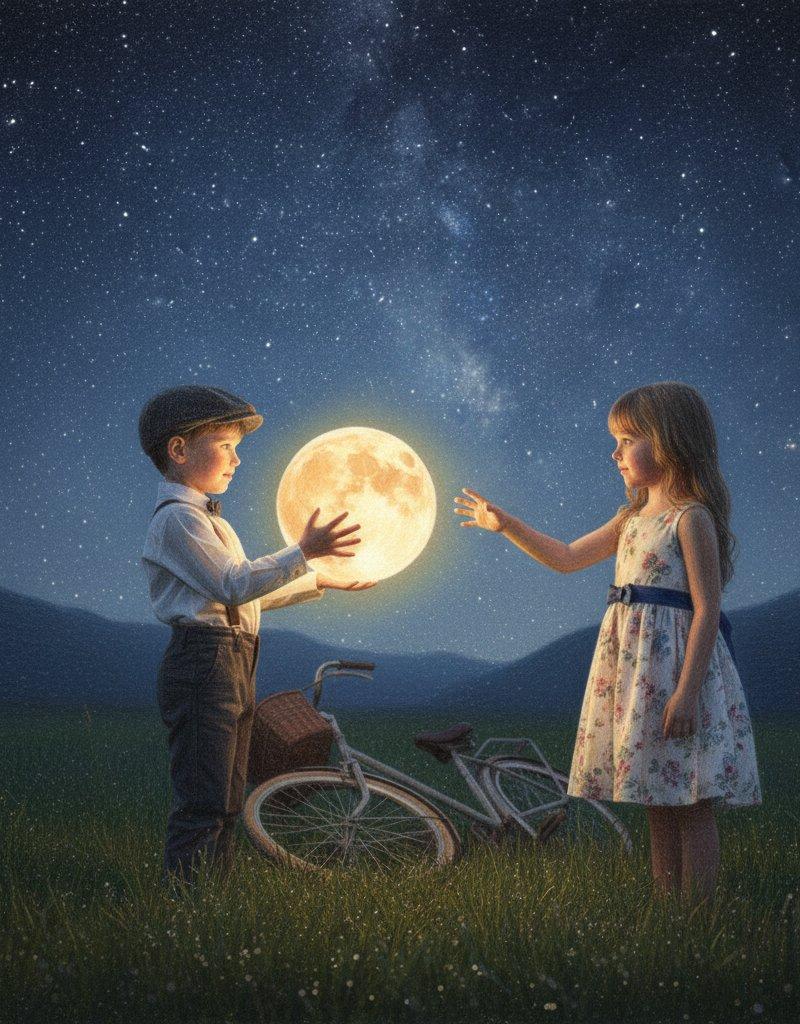
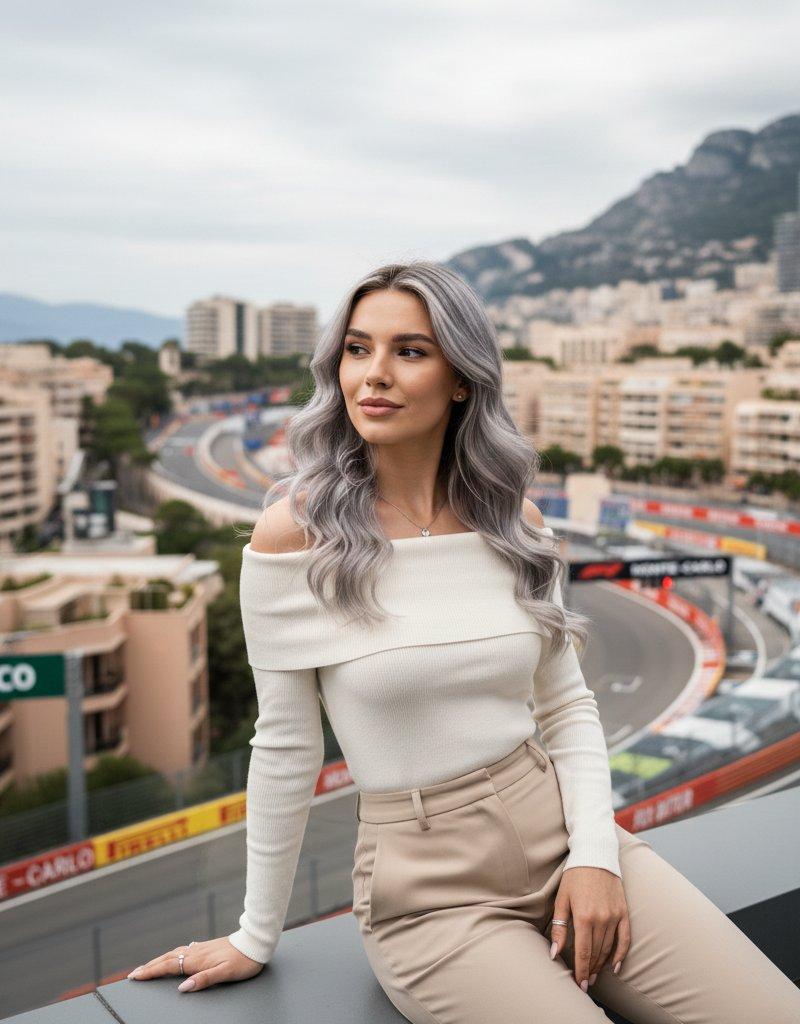
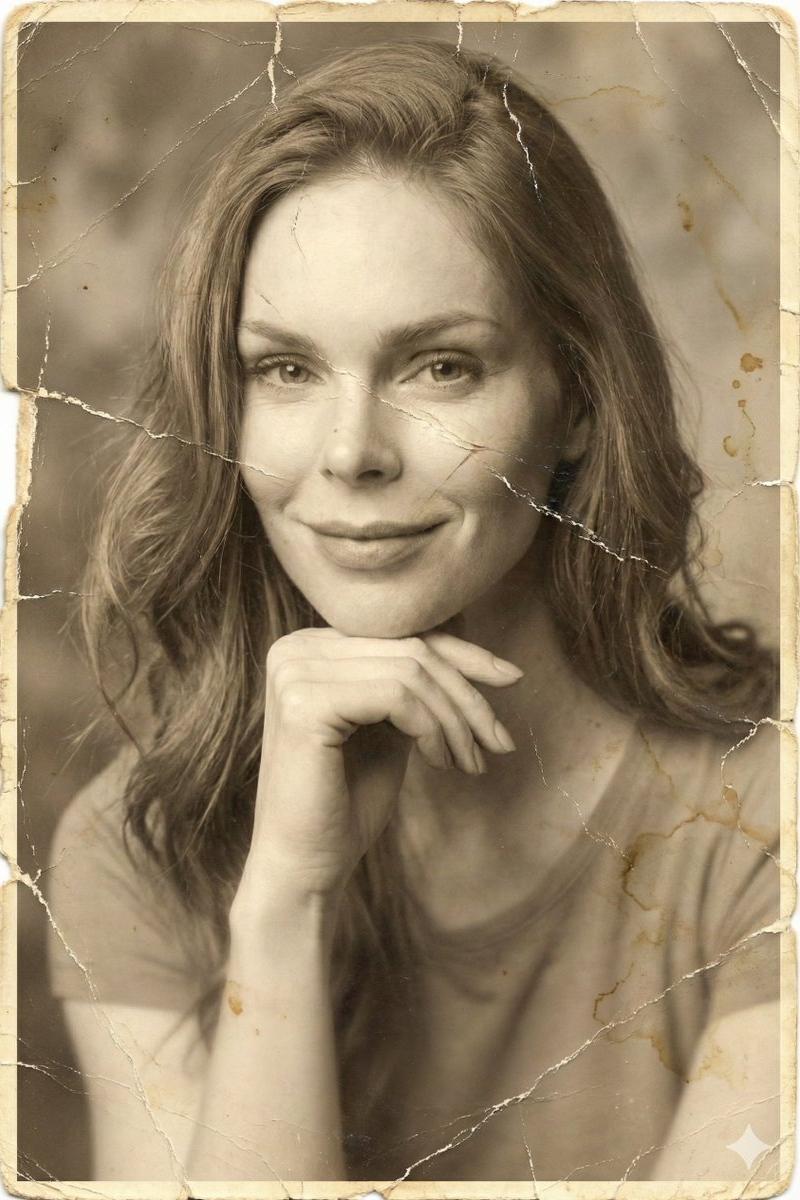
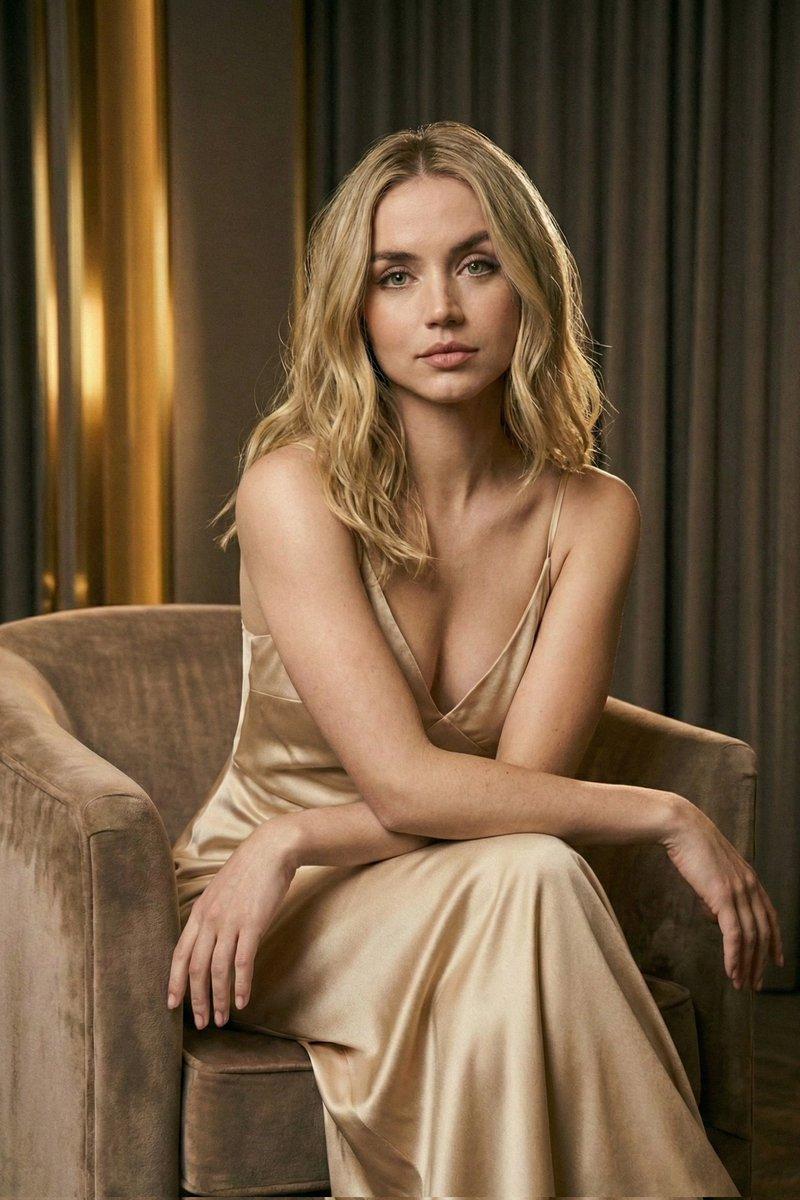
模特站在床边,一侧臀部自然偏移,形成优雅的 S 曲线。一只手轻轻触碰领口边缘,另一只手柔和地放在腰部附近。她的身体朝向镜头倾斜约 45 度,同时将脸正对着镜头,以平静而优雅的眼神接触。一阵微风自然地吹动几缕散落的发丝。 相机:戏剧性的虫眼视角,28mm 广角镜头,电影般的建筑深度,温暖的窗光,奢侈杂志构图,徕卡色彩科学,高端 RAW 摄影,逼真的皮肤纹理,超详细,8K。
Category
创意图片
Model
GPT Image 2
Creator
@YUKIMASTERAI
Source language
zh-CN
Views0
Source ID
2085402874444755247
Published
Aug 8, 2026
Studio

Guide

About "模特站在床边,一侧臀部自然偏移,形成优雅的 S 曲线。一只手轻轻触碰领口边缘,另一只手柔和地放在腰部附近。她的身体朝向镜头倾斜约 45 度,同时..."

What is this prompt for?

"模特站在床边,一侧臀部自然偏移,形成优雅的 S 曲线。一只手轻轻触碰领口边缘,另一只手柔和地放在腰部附近。她的身体朝向镜头倾斜约 45 度,同时..." AI image prompt for GPT Image 2 (创意图片). Saved from X post by @YUKIMASTERAI. 模特站在床…

The full copyable prompt and example visuals above are ready for AI image generation or one-click recreate in Picva.

How to use this prompt

  1. Step 1

    Open the prompt detail

    Review the example visuals, category, and full prompt text for "模特站在床边,一侧臀部自然偏移,形成优雅的 S 曲线。一只手轻轻触碰领口边缘,另一只手柔和地放在腰部附近。她的身体朝向镜头倾斜约 45 度,同时...".

  2. Step 2

    Copy the prompt

    Copy the prompt body from this page, or load it directly in Studio.

  3. Step 3

    Pick a model (GPT Image 2)

    Prefer GPT Image 2. If you switch models, keep subject and composition and tweak style terms.

  4. Step 4

    Generate and export

    Recreate the look in Picva, or export into your workflow for editing and publishing.

FAQ

What is the "模特站在床边,一侧臀部自然偏移,形成优雅的 S 曲线。一只手轻轻触碰领口边缘,另一只手柔和地放在腰部附近。她的身体朝向镜头倾斜约 45 度,同时..." prompt?
It is an AI image-generation prompt for GPT Image 2 in the 创意图片 category. This page includes the full prompt text, example visuals, and a one-click recreate path in Picva.
How do I use this prompt to generate an image?
Copy the prompt from this page, or use Generate / Studio. Paste it into a compatible image model, or recreate the look in Picva with optional reference images.
Which model is this prompt for?
This page lists GPT Image 2. Most descriptive prompts also transfer to nearby image models such as GPT Image, Flux, or Midjourney with light style tweaks.
Can I use the result commercially?
You can usually copy the prompt for creation, but commercial use of the final image depends on the model terms, reference-image rights, and the generated content. Follow the source author and platform rules.