19

成年女性户外写真,亚洲女性面孔,黑色中长发扎起低丸子头,额前自然碎发和轻薄刘海,发丝略微凌乱,保持真实户外状态;清淡自然妆容,皮肤细腻真实,脸上...
Enlarge

Example images

成年女性户外写真,亚洲女性面孔,黑色中长发扎起低丸子头,额前自然碎发和轻薄刘海,发丝略微凌乱,保持真实户外状态;清淡自然妆容,皮肤细腻真实,脸上...

Prompt
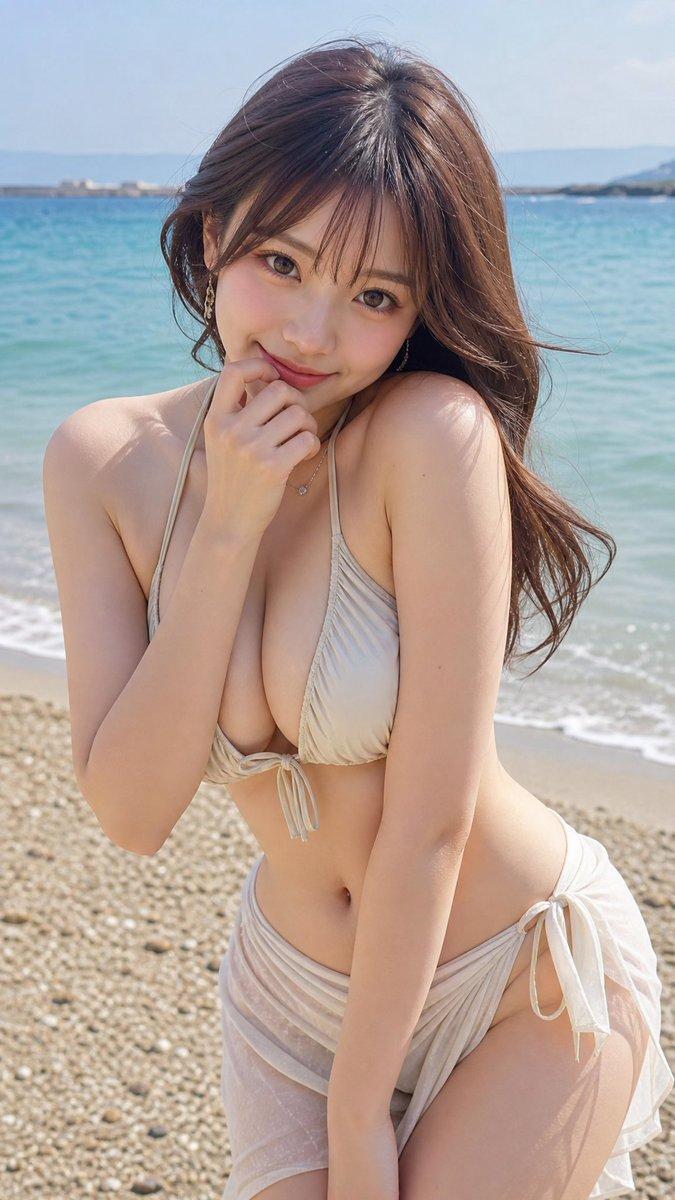
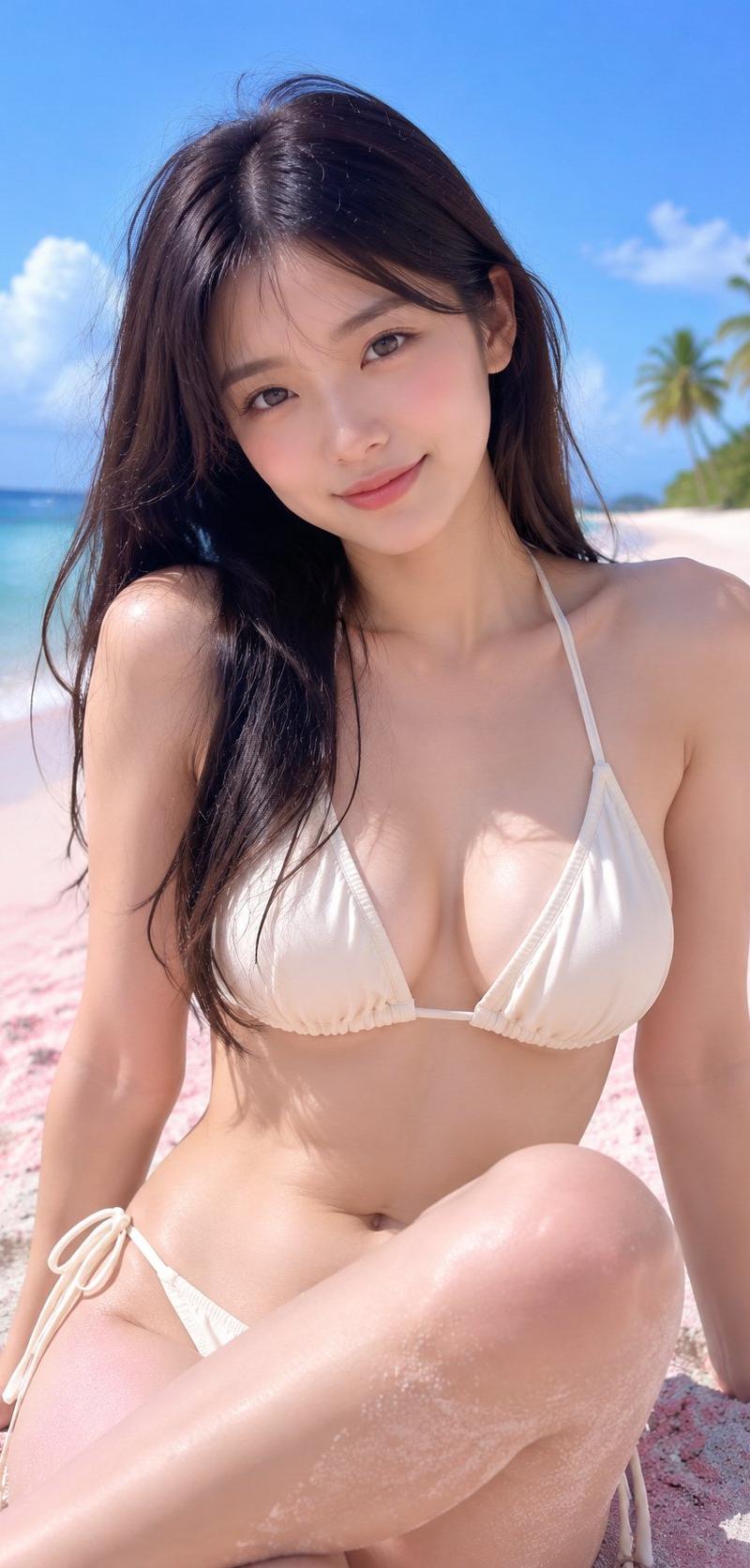
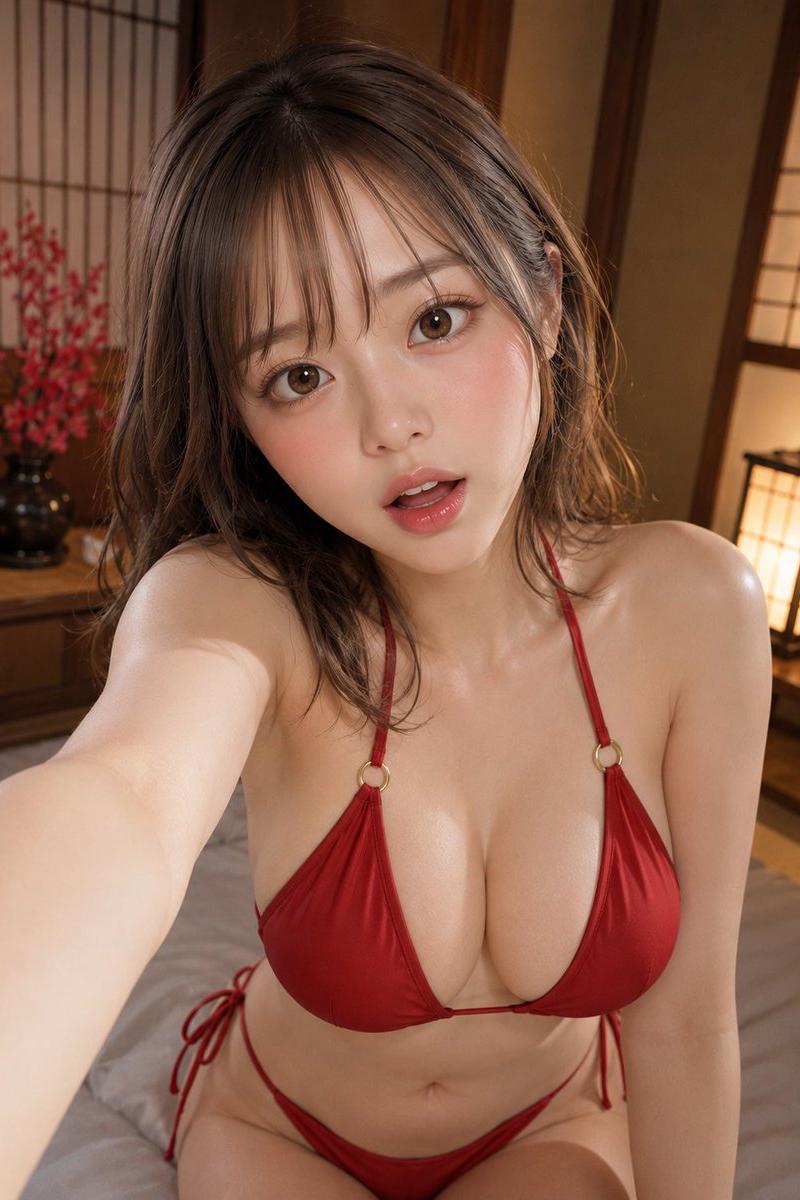
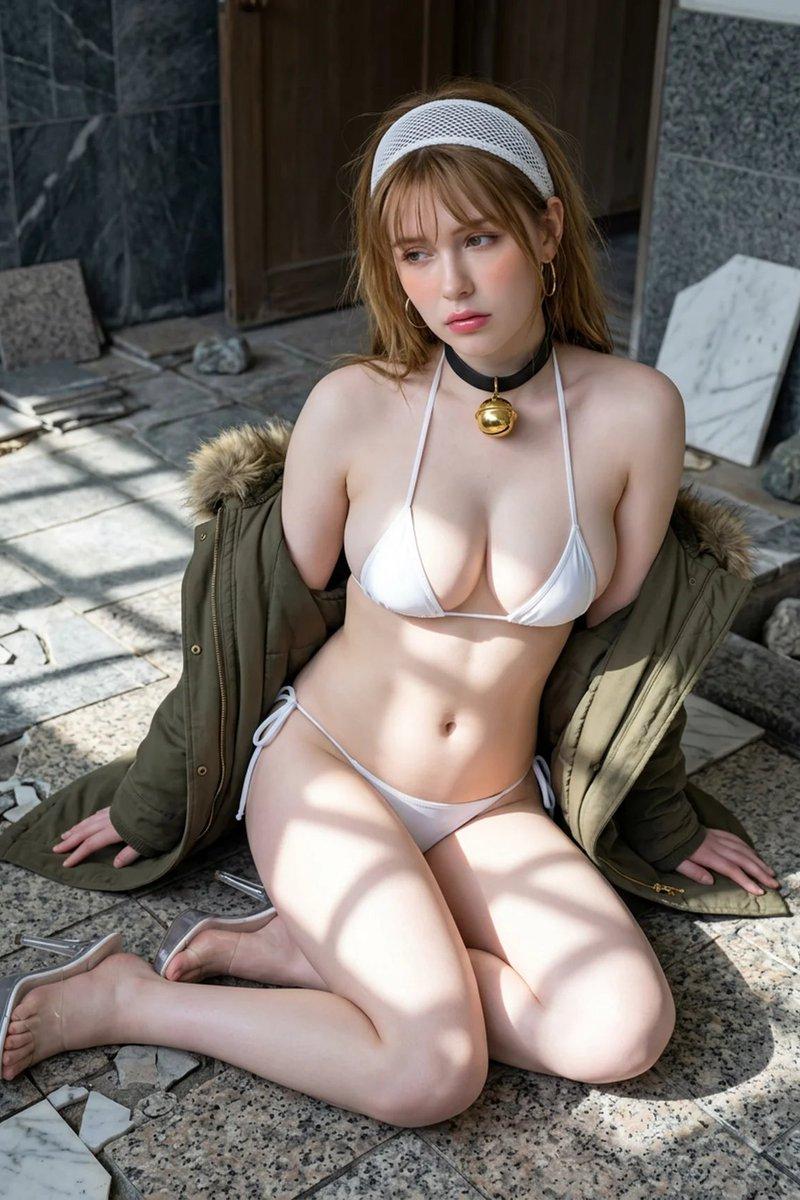
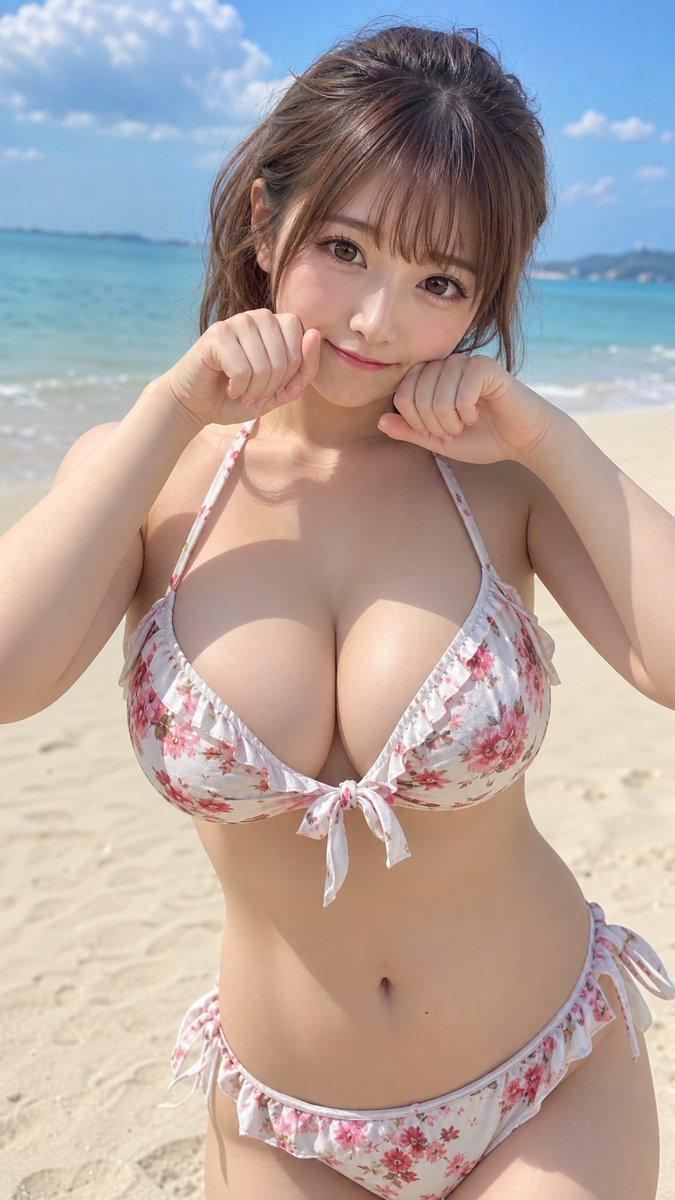
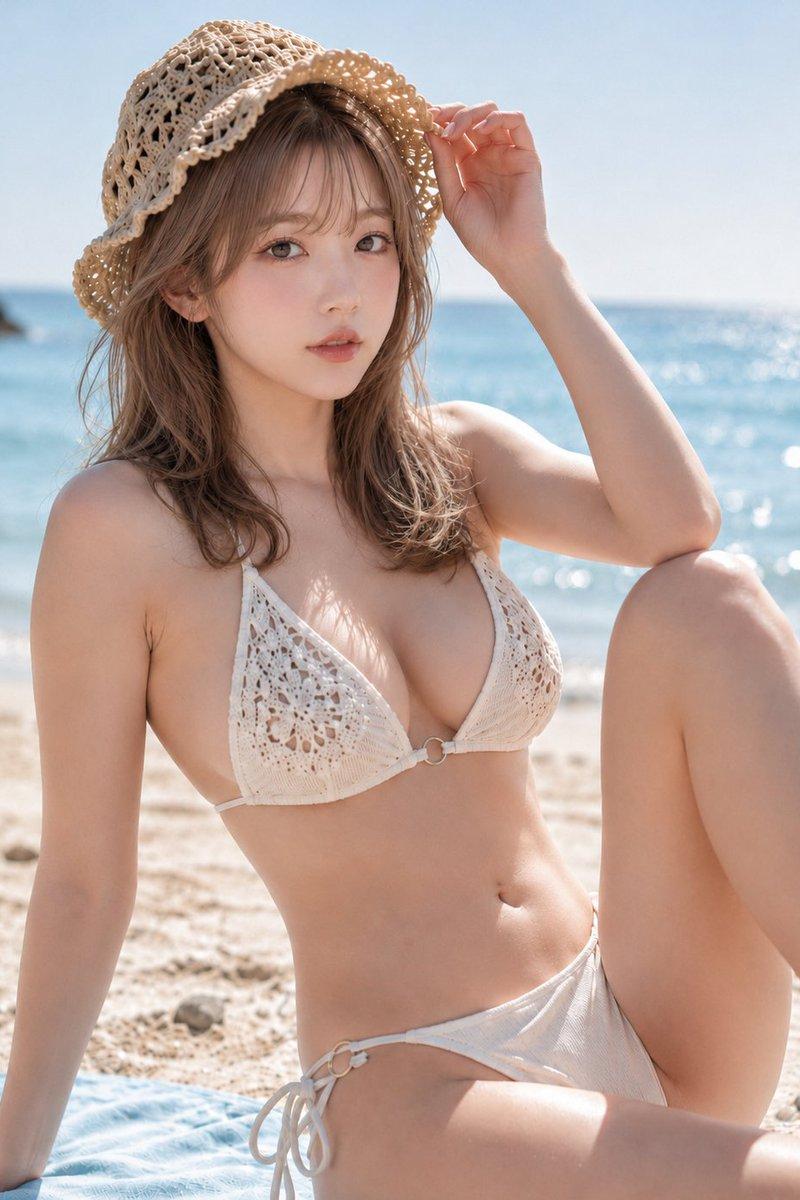
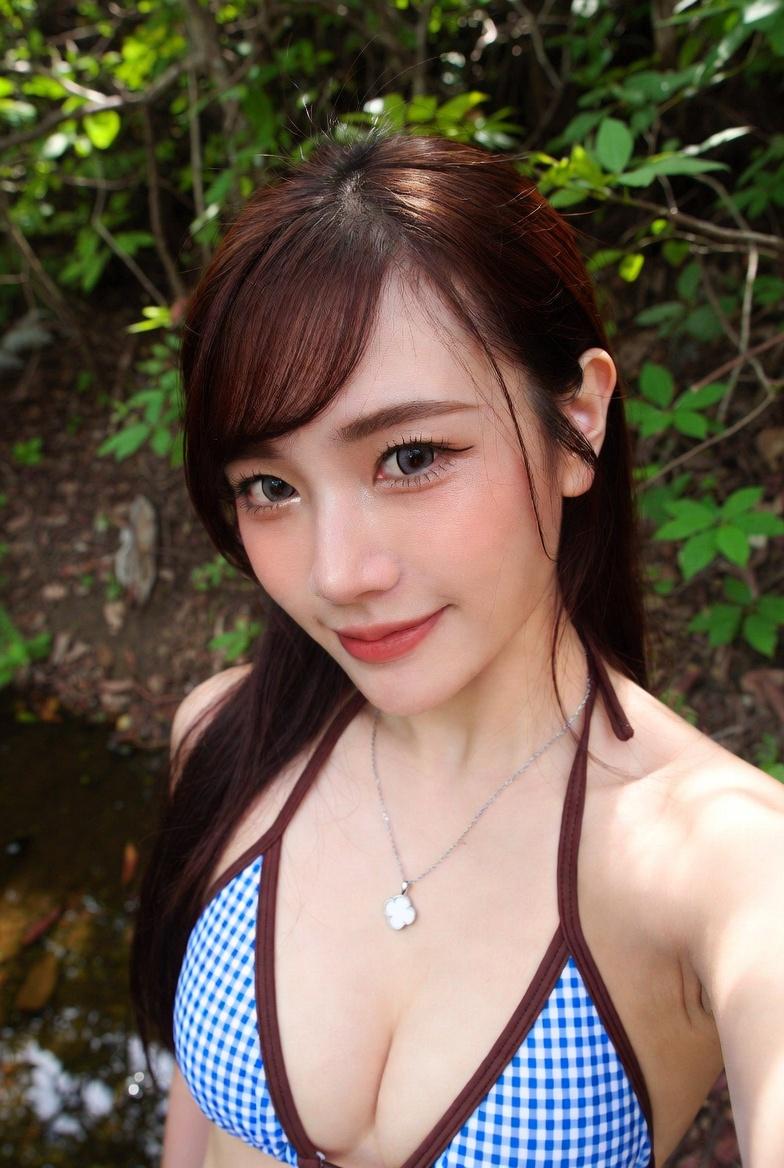
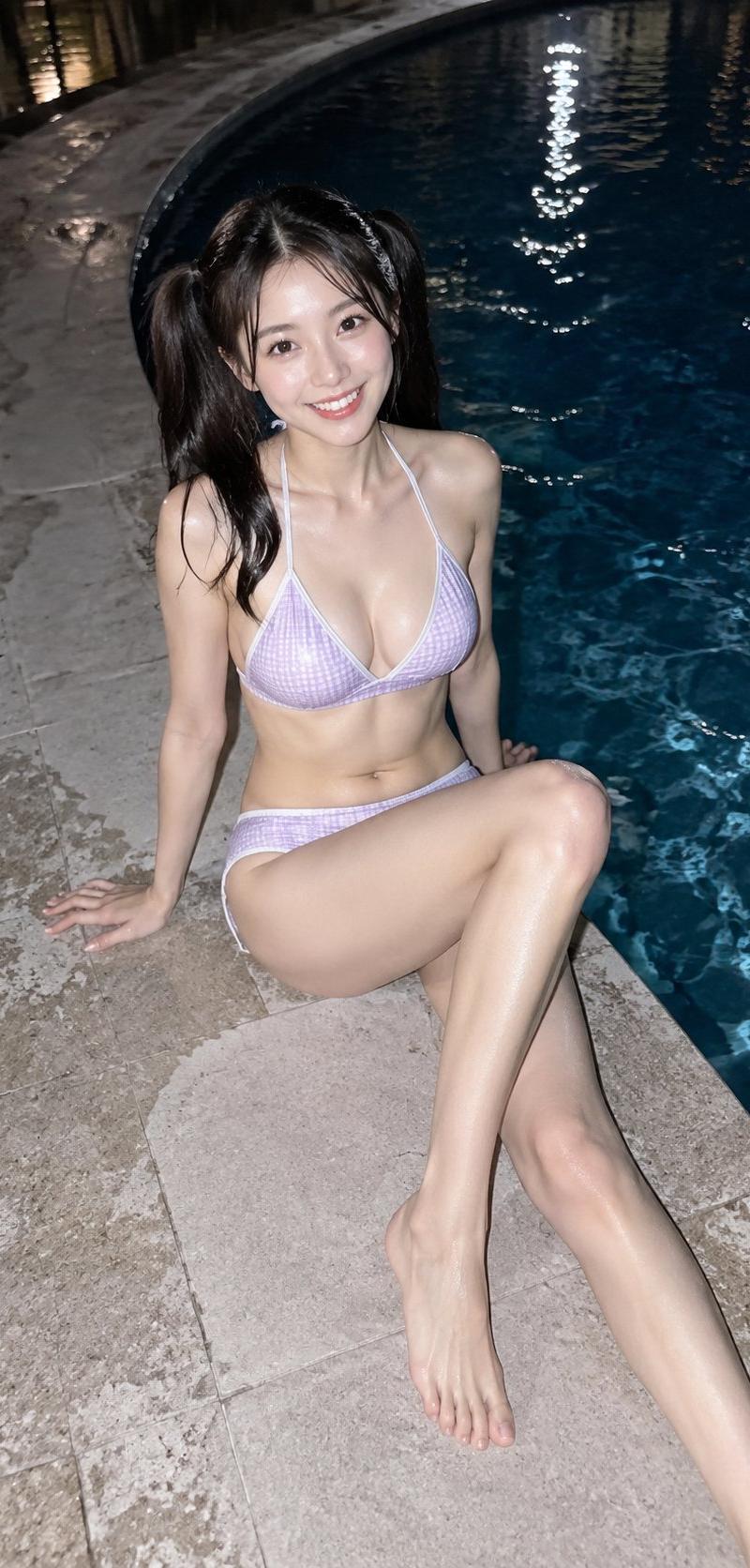
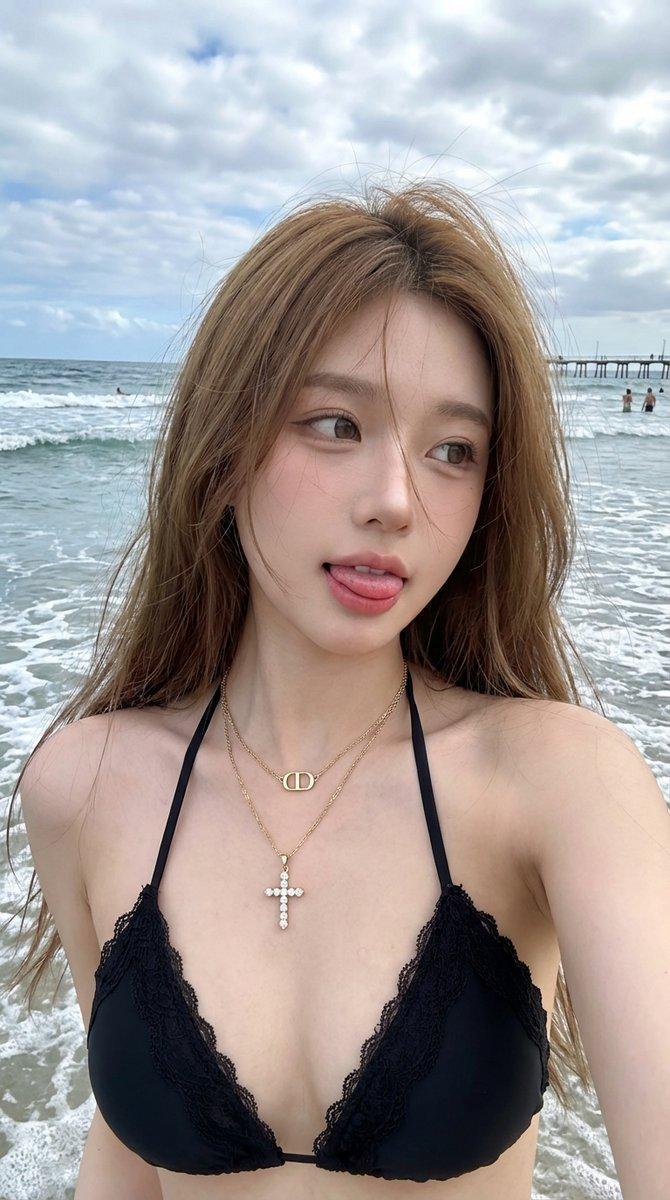
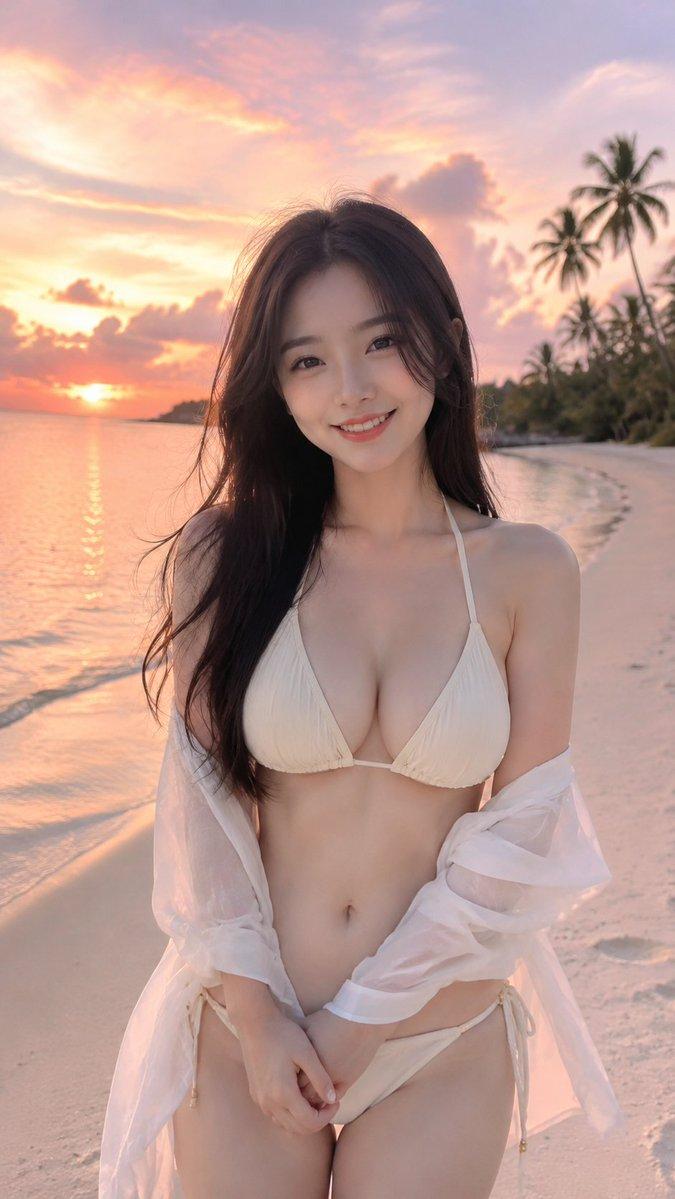
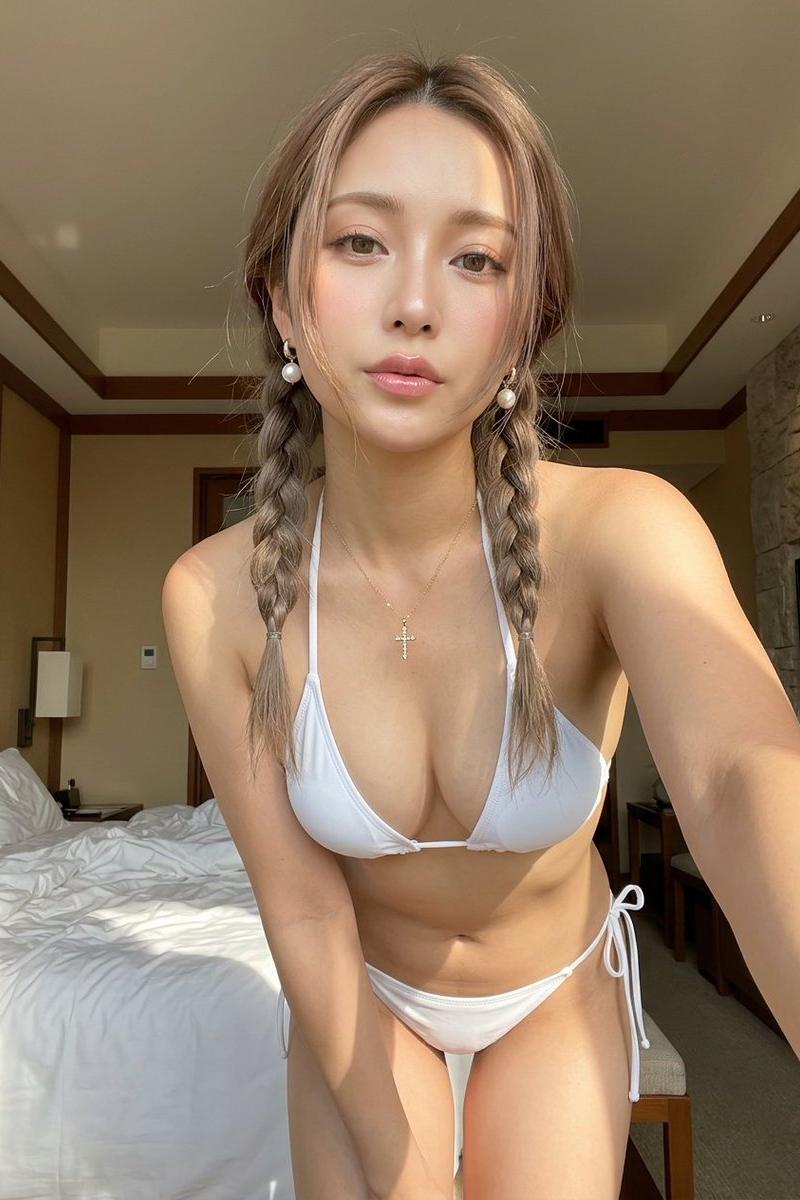
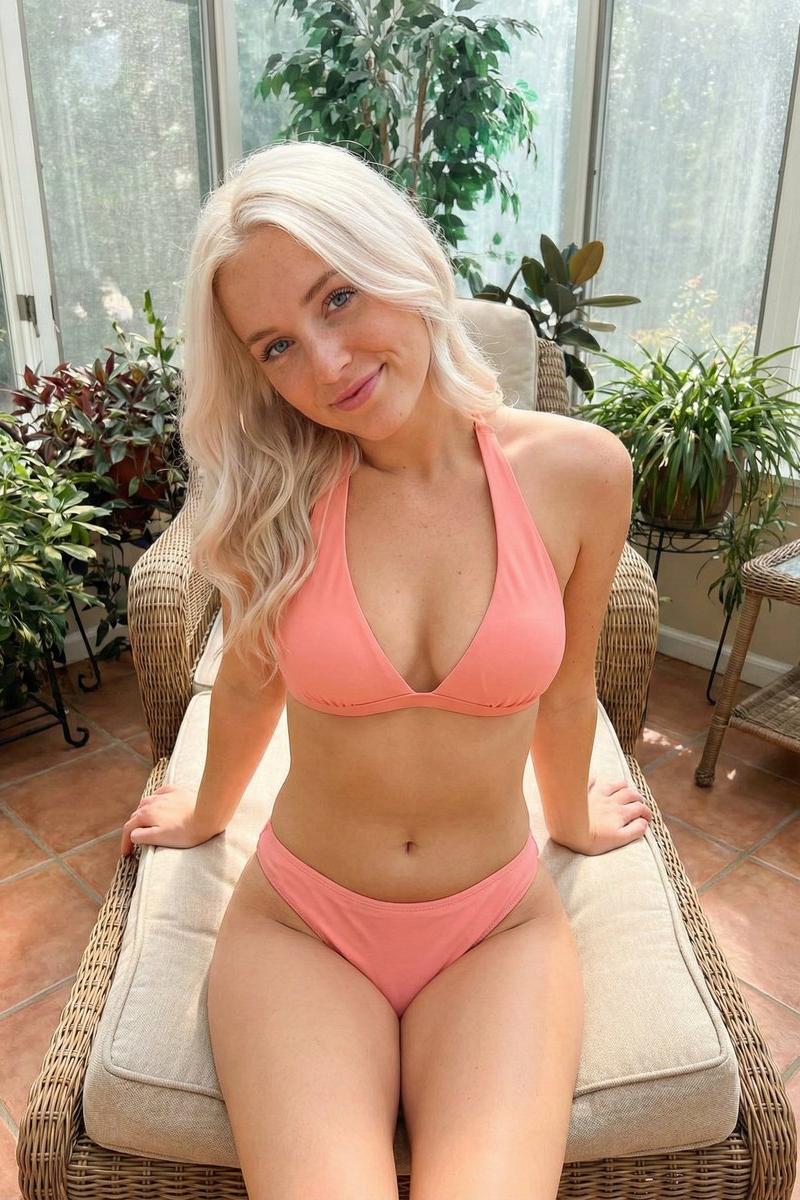
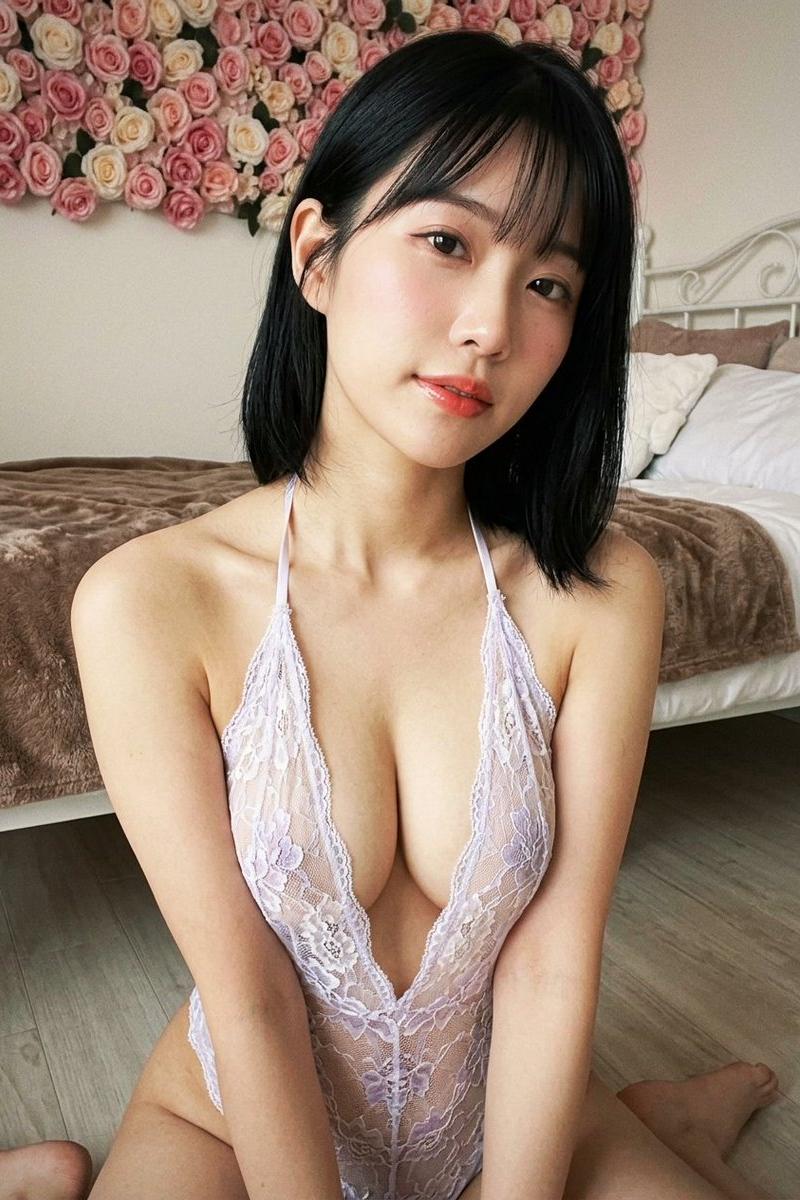
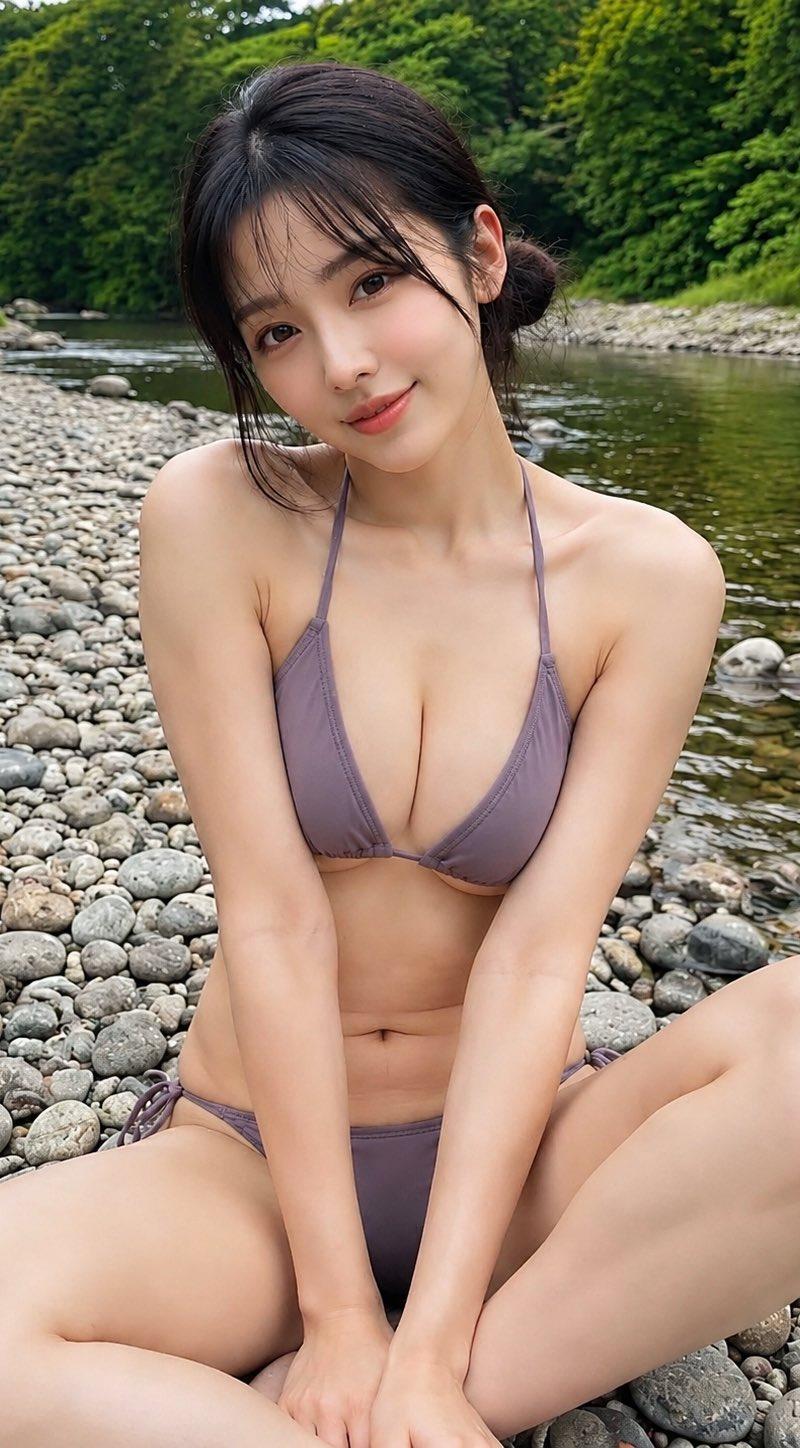
成年女性户外写真,亚洲女性面孔,黑色中长发扎起低丸子头,额前自然碎发和轻薄刘海,发丝略微凌乱,保持真实户外状态;清淡自然妆容,皮肤细腻真实,脸上带有温柔微笑,眼神看向镜头,表情放松自然。 人物坐在河边鹅卵石地面上,身体正面对镜头,双腿自然弯曲坐姿,双手放在腿前,姿态随意舒适;穿紫灰色系细肩带比基尼,简洁三角款式,布料贴合身体,材质柔软真实,颜色低调自然。 户外河岸环境,背景有浅水河流、灰色石滩、远处绿色树林和岸边植被;左侧有烧烤架和升起的烟雾,后方隐约有人影,形成真实野外聚会氛围;前景为鹅卵石和人物腿部,中景为人物主体,背景为河流和树林,具有自然空间层次。 竖版手机摄影构图,近距离半身到全身人像,略微俯视视角,普通手机广角镜头感觉,人物位于画面中央,主体占据主要区域;背景保持环境信息,轻微景深虚化,真实旅行随拍风格。 自然户外漫射光,阴天或傍晚柔和光线,从正面和上方均匀照射,人物皮肤受光柔和,无明显硬阴影;整体色调偏自然暖灰,绿色背景与紫灰色服装形成低饱和搭配,真实手机摄影色彩,不夸张调色。 高清真实摄影质感,保留自然皮肤纹理、发丝细节、鹅卵石纹理、水面反光、烟雾层次,生活写真风格,画面干净稳定,无水印,无文字,无额外主体,无畸形结构。
Category
创意图片
Model
GPT Image 2
Creator
@DDJCXX
Source language
zh-CN
Views0
Source ID
2085570181405999323
Published
Aug 8, 2026
Studio

Guide

About "成年女性户外写真,亚洲女性面孔,黑色中长发扎起低丸子头,额前自然碎发和轻薄刘海,发丝略微凌乱,保持真实户外状态;清淡自然妆容,皮肤细腻真实,脸上..."

What is this prompt for?

"成年女性户外写真,亚洲女性面孔,黑色中长发扎起低丸子头,额前自然碎发和轻薄刘海,发丝略微凌乱,保持真实户外状态;清淡自然妆容,皮肤细腻真实,脸上..." AI image prompt for GPT Image 2 (创意图片). Saved from X post by @DDJCXX. Prompt:成年女性…

The full copyable prompt and example visuals above are ready for AI image generation or one-click recreate in Picva.

How to use this prompt

  1. Step 1

    Open the prompt detail

    Review the example visuals, category, and full prompt text for "成年女性户外写真,亚洲女性面孔,黑色中长发扎起低丸子头,额前自然碎发和轻薄刘海,发丝略微凌乱,保持真实户外状态;清淡自然妆容,皮肤细腻真实,脸上...".

  2. Step 2

    Copy the prompt

    Copy the prompt body from this page, or load it directly in Studio.

  3. Step 3

    Pick a model (GPT Image 2)

    Prefer GPT Image 2. If you switch models, keep subject and composition and tweak style terms.

  4. Step 4

    Generate and export

    Recreate the look in Picva, or export into your workflow for editing and publishing.

FAQ

What is the "成年女性户外写真,亚洲女性面孔,黑色中长发扎起低丸子头,额前自然碎发和轻薄刘海,发丝略微凌乱,保持真实户外状态;清淡自然妆容,皮肤细腻真实,脸上..." prompt?
It is an AI image-generation prompt for GPT Image 2 in the 创意图片 category. This page includes the full prompt text, example visuals, and a one-click recreate path in Picva.
How do I use this prompt to generate an image?
Copy the prompt from this page, or use Generate / Studio. Paste it into a compatible image model, or recreate the look in Picva with optional reference images.
Which model is this prompt for?
This page lists GPT Image 2. Most descriptive prompts also transfer to nearby image models such as GPT Image, Flux, or Midjourney with light style tweaks.
Can I use the result commercially?
You can usually copy the prompt for creation, but commercial use of the final image depends on the model terms, reference-image rights, and the generated content. Follow the source author and platform rules.