16

创建两张独立的顶级时尚编辑照片,主题为同一个角色:一位皮肤白皙的年轻女性,带有自然雀斑、富有表现力的棕色眼睛,以及齐耳紫色波波头短发,配以柔和刘...
Enlarge

Example images

创建两张独立的顶级时尚编辑照片,主题为同一个角色:一位皮肤白皙的年轻女性,带有自然雀斑、富有表现力的棕色眼睛,以及齐耳紫色波波头短发,配以柔和刘...

Prompt
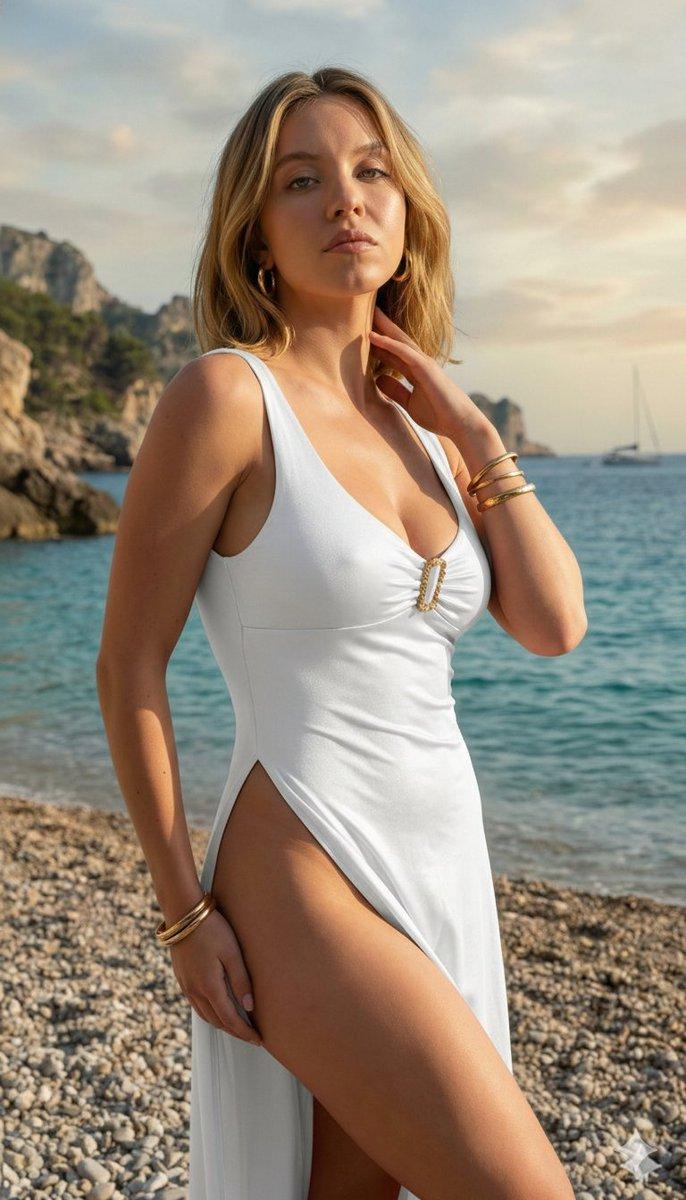
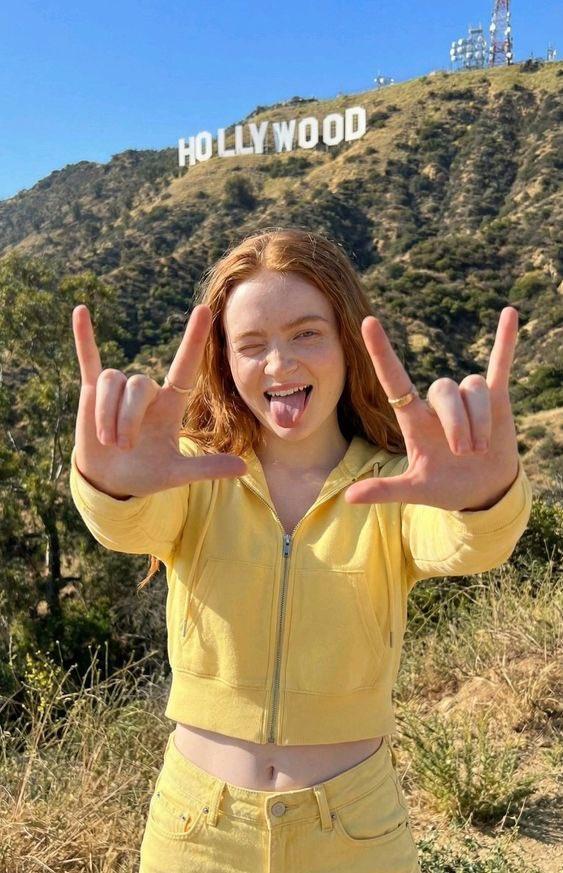
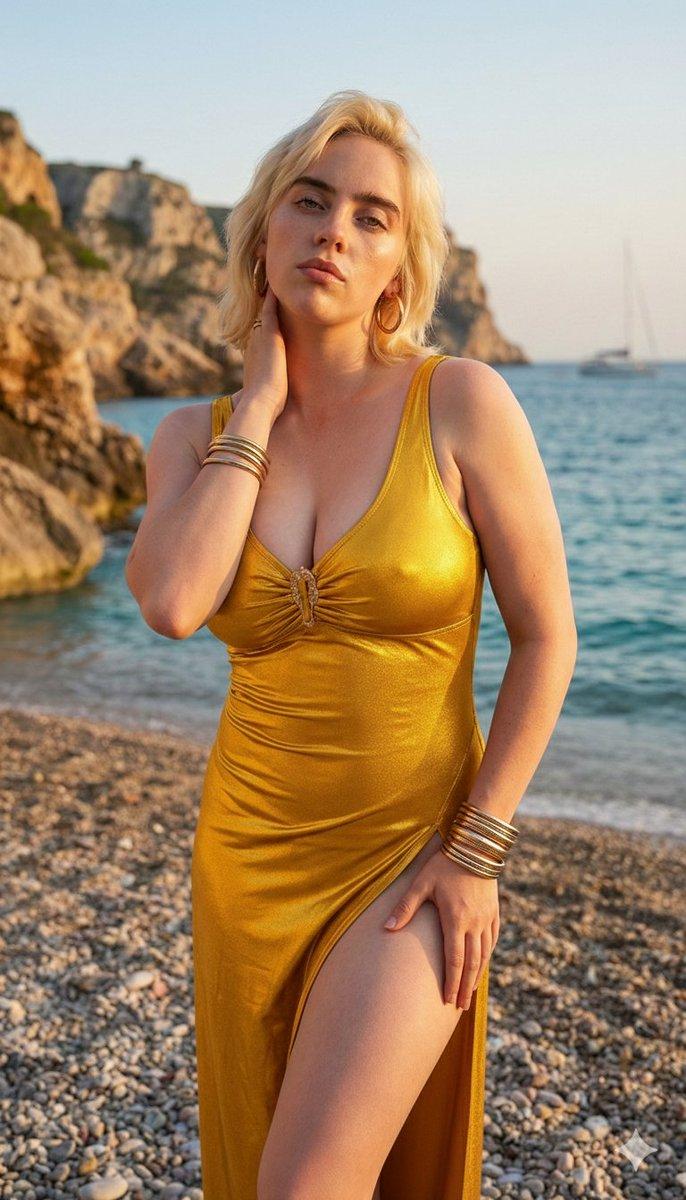
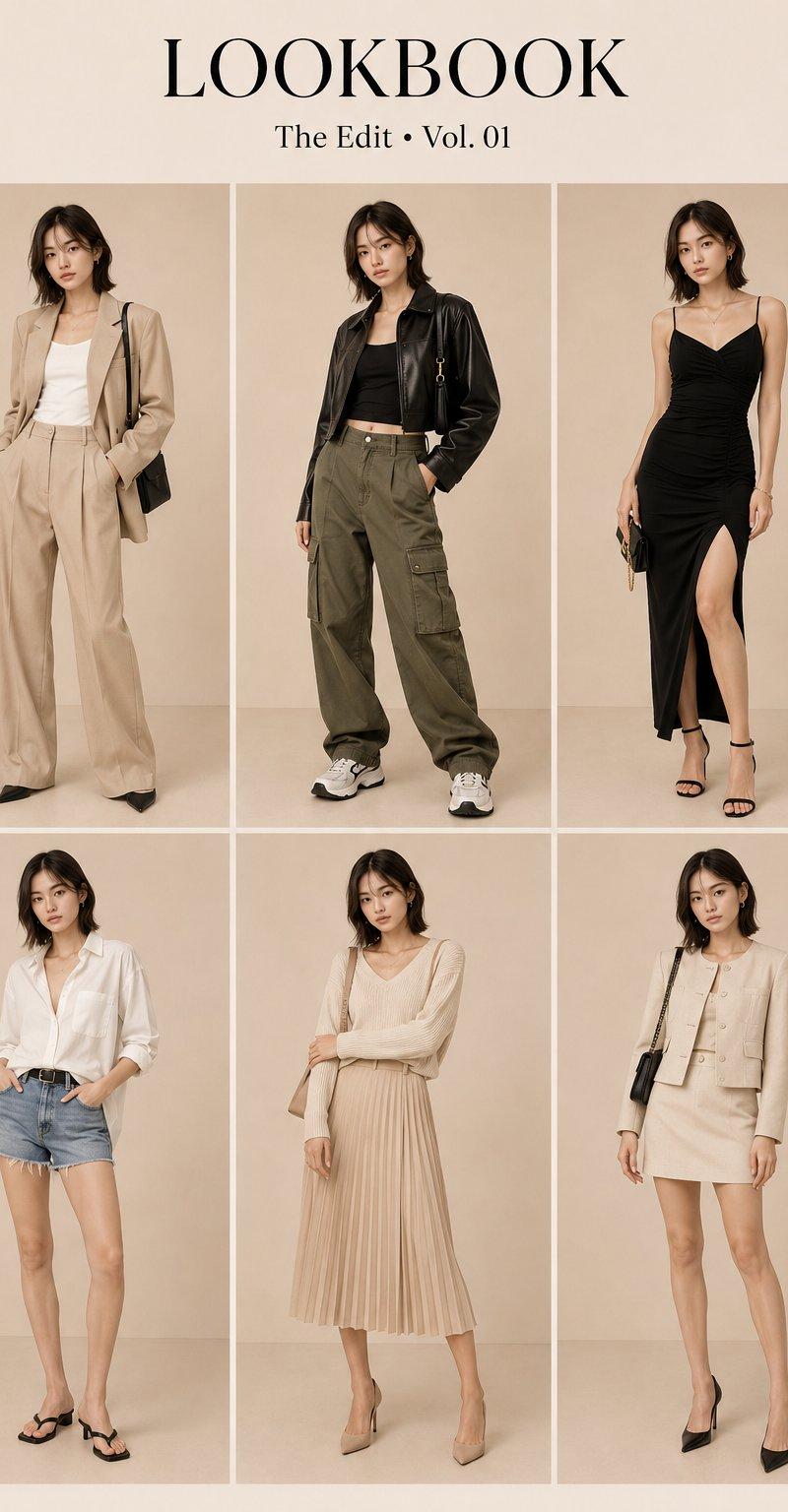
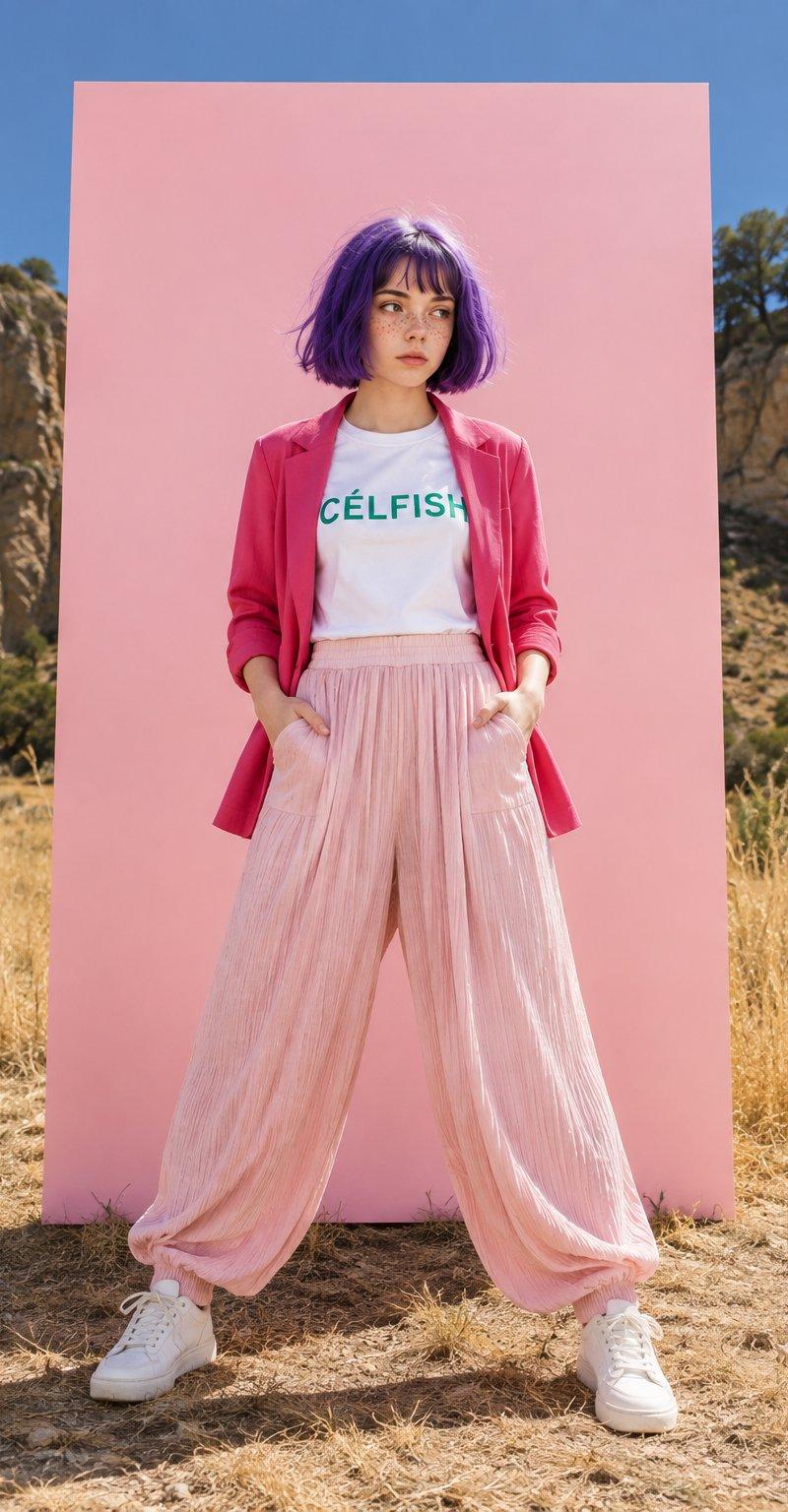
创建两张独立的顶级时尚编辑照片,主题为同一个角色:一位皮肤白皙的年轻女性,带有自然雀斑、富有表现力的棕色眼睛,以及齐耳紫色波波头短发,配以柔和刘海。 她穿着白色圆领 T 恤,上面印有绿色“CÉLFISH”文字,一件敞开的红粉色西装外套,袖子卷起,搭配飘逸的浅粉色宽腿褶皱裤,以及干净的白色运动鞋。两张图像均设置在户外干燥的草地上,背景有岩石丘陵、稀疏的树木和晴朗的蓝天,并在她身后中央放置一个大型竖直的浅粉色背景板。 图像 1:更宽的全身构图,自信的站姿,双脚略微分开,双手插在裤袋里,目光略微转向一侧。 图像 2:更干净的居中全身时尚肖像,直立的放松姿势,双手插在口袋里,目光微妙地转向一侧。 明亮的直射阳光、清晰的自然阴影、生动的色彩、逼真的皮肤和头发纹理、详细的服装质感、超现实的户外工作室时尚美学、顶级杂志摄影、超现实主义、8K。
Category
创意图片
Model
GPT Image 2
Creator
@Wareenaa
Source language
zh-CN
Views0
Source ID
2085590938781647305
Published
Aug 8, 2026
Studio

Guide

About "创建两张独立的顶级时尚编辑照片,主题为同一个角色:一位皮肤白皙的年轻女性,带有自然雀斑、富有表现力的棕色眼睛,以及齐耳紫色波波头短发,配以柔和刘..."

What is this prompt for?

"创建两张独立的顶级时尚编辑照片,主题为同一个角色:一位皮肤白皙的年轻女性,带有自然雀斑、富有表现力的棕色眼睛,以及齐耳紫色波波头短发,配以柔和刘..." AI image prompt for GPT Image 2 (创意图片). Saved from X post by @Wareenaa. GPT 图像 2…

The full copyable prompt and example visuals above are ready for AI image generation or one-click recreate in Picva.

How to use this prompt

  1. Step 1

    Open the prompt detail

    Review the example visuals, category, and full prompt text for "创建两张独立的顶级时尚编辑照片,主题为同一个角色:一位皮肤白皙的年轻女性,带有自然雀斑、富有表现力的棕色眼睛,以及齐耳紫色波波头短发,配以柔和刘...".

  2. Step 2

    Copy the prompt

    Copy the prompt body from this page, or load it directly in Studio.

  3. Step 3

    Pick a model (GPT Image 2)

    Prefer GPT Image 2. If you switch models, keep subject and composition and tweak style terms.

  4. Step 4

    Generate and export

    Recreate the look in Picva, or export into your workflow for editing and publishing.

FAQ

What is the "创建两张独立的顶级时尚编辑照片,主题为同一个角色:一位皮肤白皙的年轻女性,带有自然雀斑、富有表现力的棕色眼睛,以及齐耳紫色波波头短发,配以柔和刘..." prompt?
It is an AI image-generation prompt for GPT Image 2 in the 创意图片 category. This page includes the full prompt text, example visuals, and a one-click recreate path in Picva.
How do I use this prompt to generate an image?
Copy the prompt from this page, or use Generate / Studio. Paste it into a compatible image model, or recreate the look in Picva with optional reference images.
Which model is this prompt for?
This page lists GPT Image 2. Most descriptive prompts also transfer to nearby image models such as GPT Image, Flux, or Midjourney with light style tweaks.
Can I use the result commercially?
You can usually copy the prompt for creation, but commercial use of the final image depends on the model terms, reference-image rights, and the generated content. Follow the source author and platform rules.