14

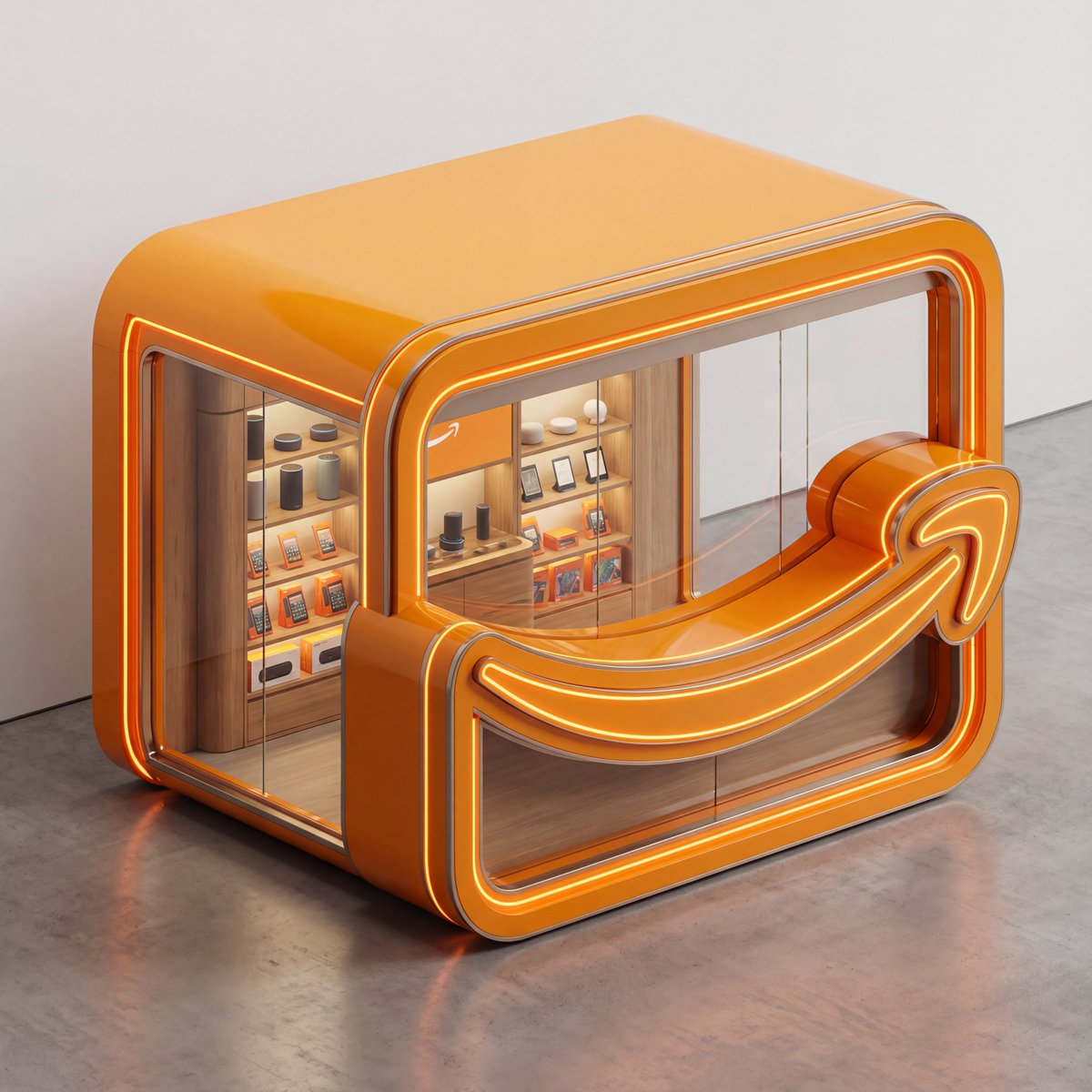
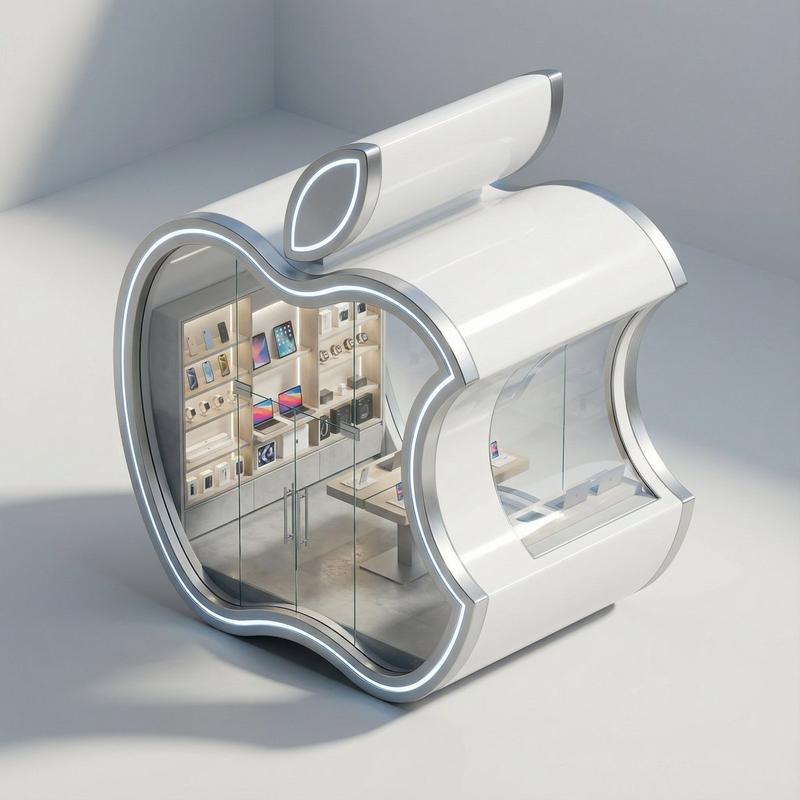
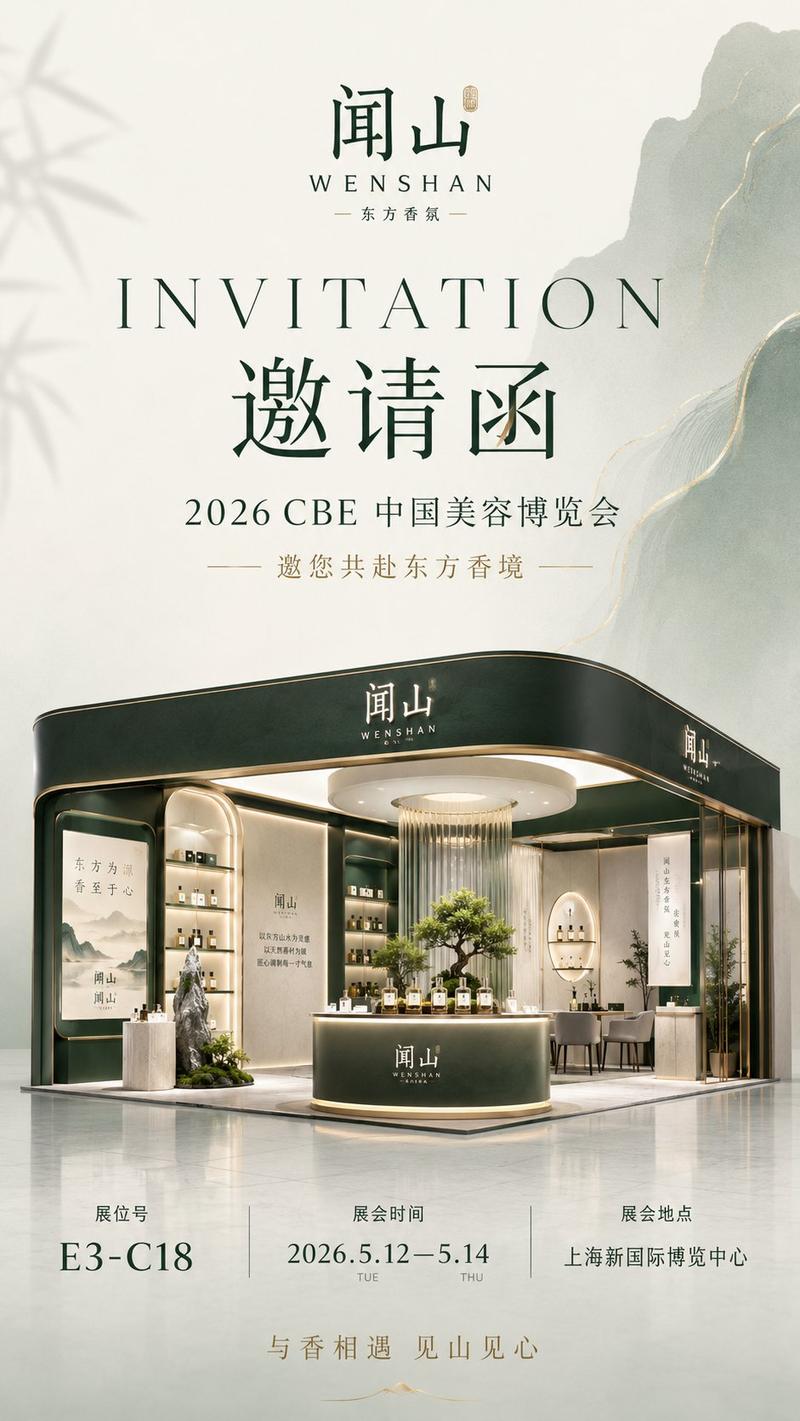
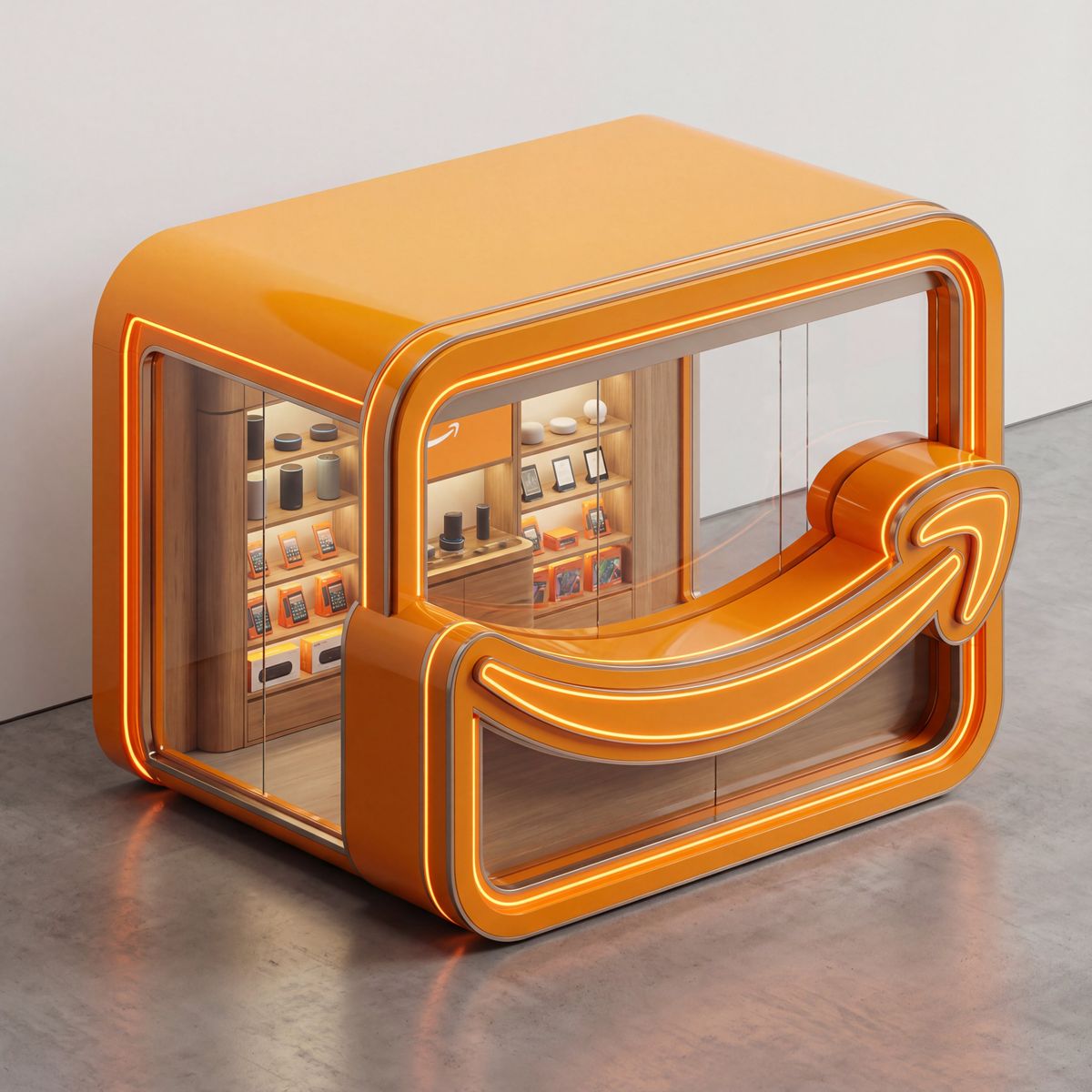
3D纳米香蕉专业品牌概念店
Enlarge

3D纳米香蕉专业品牌概念店

Prompt
3D micro brand store concepts with Nano Banana Pro
- Prompt 👇
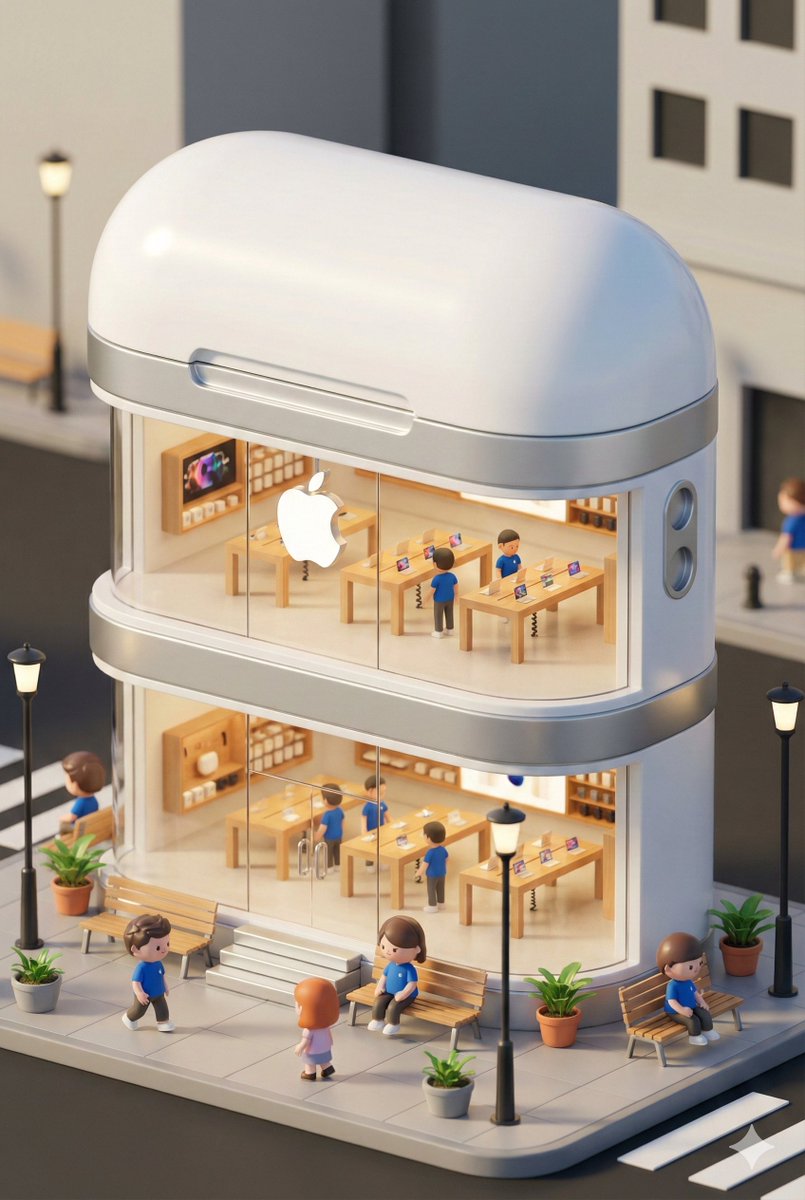
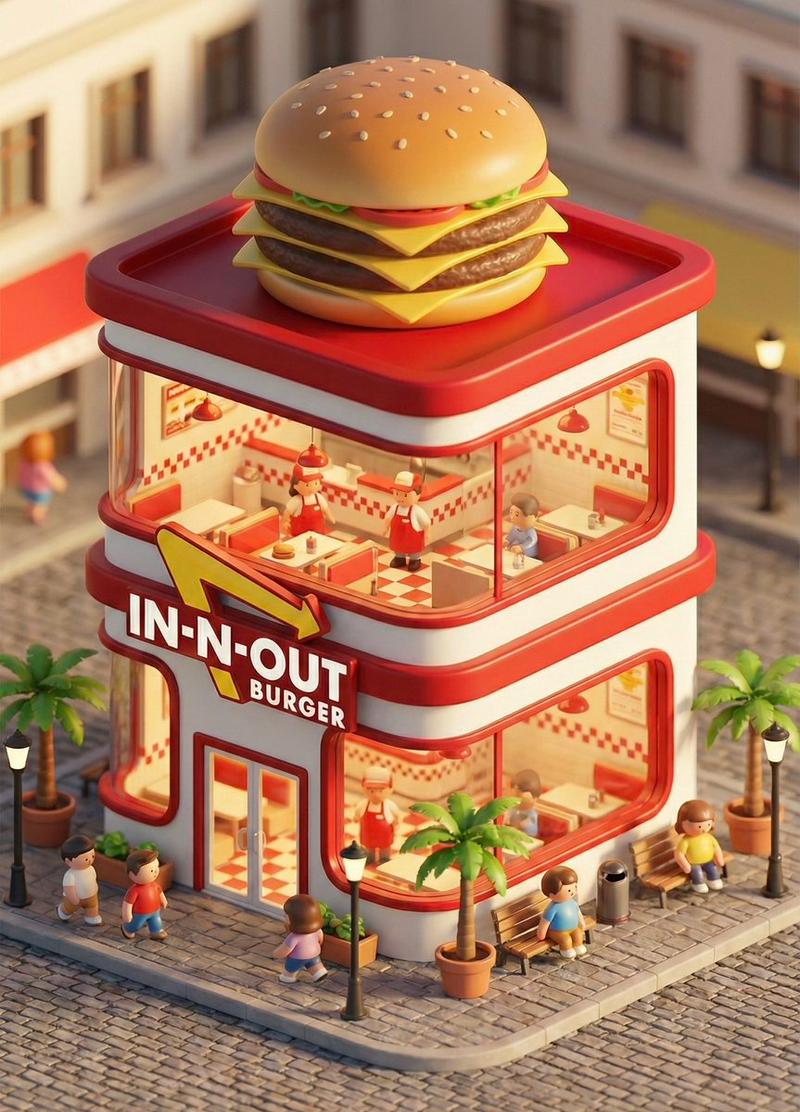
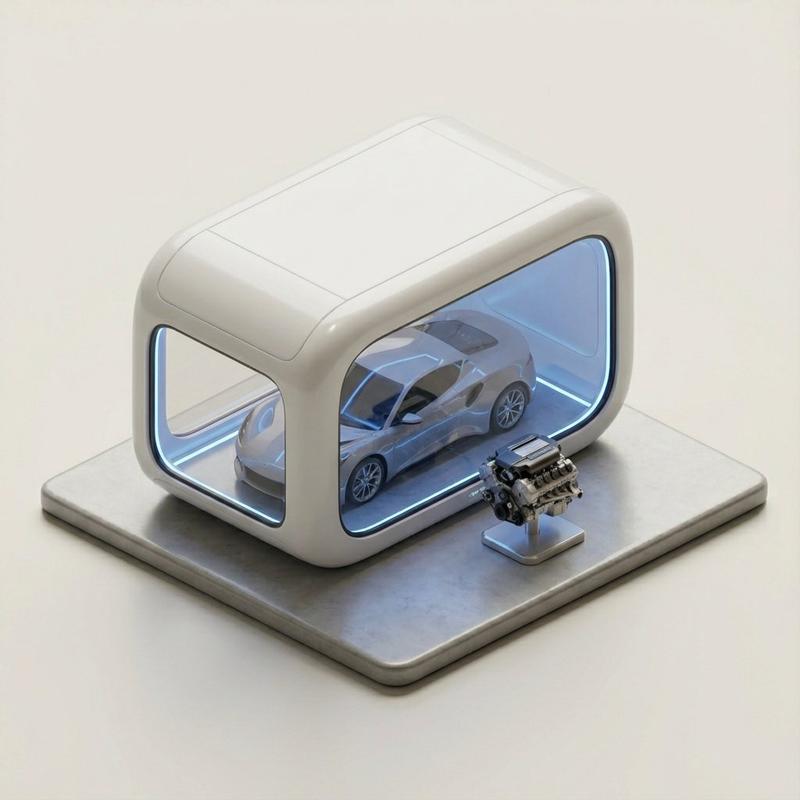
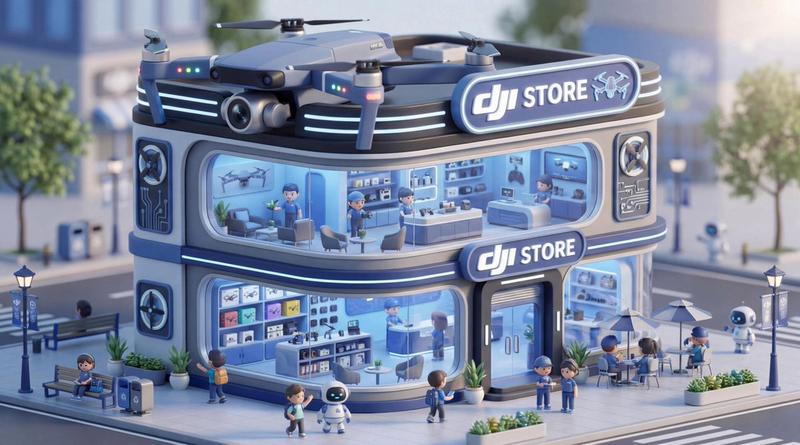
3D isometric render of a luxury pop-up shop kiosk shaped exactly like the [BRAND_NAME_AND_LOGO_SHAPE]. The architecture is a thick 3D extrusion of the logo symbol, constructed from high-end polished architectural materials in glossy [BRAND_COLOR] with subtle brushed metal accents. Thin, glowing neon LED strips trace the entire outer silhouette and edges of the logo shape. Large, seamless museum-grade glass windows showcase a meticulously detailed interior. Inside, bespoke shelves present [PRODUCT_TYPE] with integrated micro-LED lighting. Dramatic high-end studio lighting creates soft shadows and highlights, emphasizing textures and form. Set against a clean, neutral gallery background. Ultra-photorealistic, 8k resolution, highly detailed, octane render quality, luxury design aesthetic.
Category
Photography & Realism
Model
Nano Banana Pro
Views0
Source ID
3d-micro-brand-store-concept-with-nano-banana-pro

Guide

About "3D纳米香蕉专业品牌概念店"

What is this prompt for?

"3D纳米香蕉专业品牌概念店" AI image prompt for Nano Banana Pro (Photography & Realism). 3D micro brand store concepts with Nano Banana Pro - Prompt 👇 3D isometric render…

The full copyable prompt and example visuals above are ready for AI image generation or one-click recreate in Picva.

How to use this prompt

  1. Step 1

    Open the prompt detail

    Review the example visuals, category, and full prompt text for "3D纳米香蕉专业品牌概念店".

  2. Step 2

    Copy the prompt

    Copy the prompt body from this page, or load it directly in Studio.

  3. Step 3

    Pick a model (Nano Banana Pro)

    Prefer Nano Banana Pro. If you switch models, keep subject and composition and tweak style terms.

  4. Step 4

    Generate and export

    Recreate the look in Picva, or export into your workflow for editing and publishing.

FAQ

What is the "3D纳米香蕉专业品牌概念店" prompt?
It is an AI image-generation prompt for Nano Banana Pro in the Photography & Realism category. This page includes the full prompt text, example visuals, and a one-click recreate path in Picva.
How do I use this prompt to generate an image?
Copy the prompt from this page, or use Generate / Studio. Paste it into a compatible image model, or recreate the look in Picva with optional reference images.
Which model is this prompt for?
This page lists Nano Banana Pro. Most descriptive prompts also transfer to nearby image models such as GPT Image, Flux, or Midjourney with light style tweaks.
Can I use the result commercially?
You can usually copy the prompt for creation, but commercial use of the final image depends on the model terms, reference-image rights, and the generated content. Follow the source author and platform rules.