20

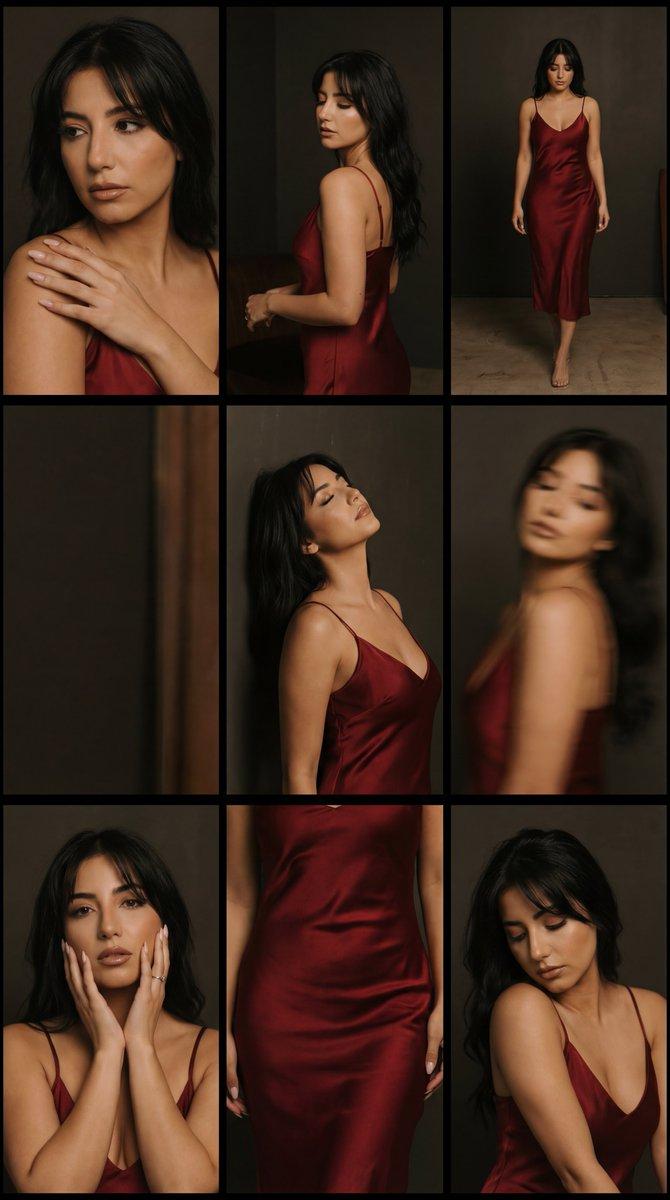
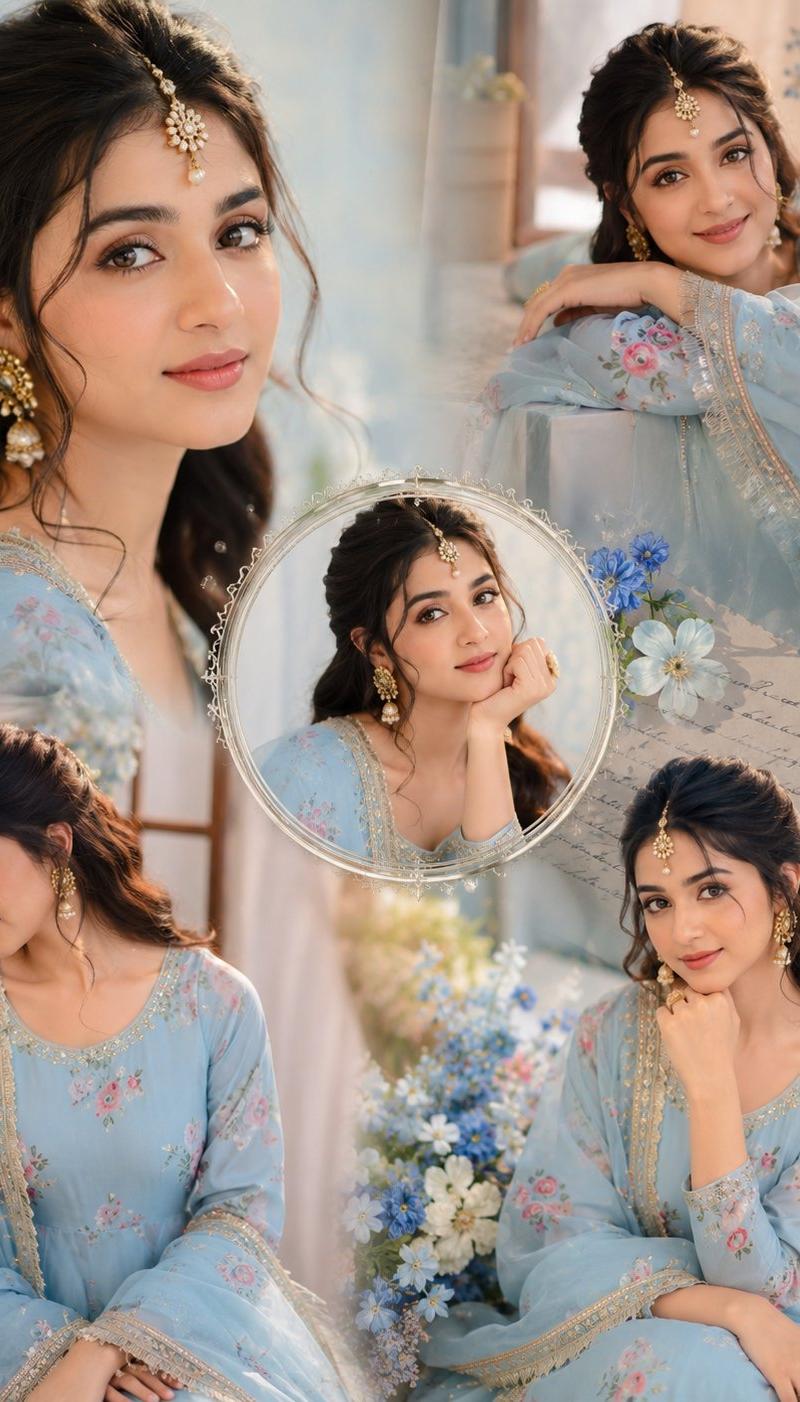
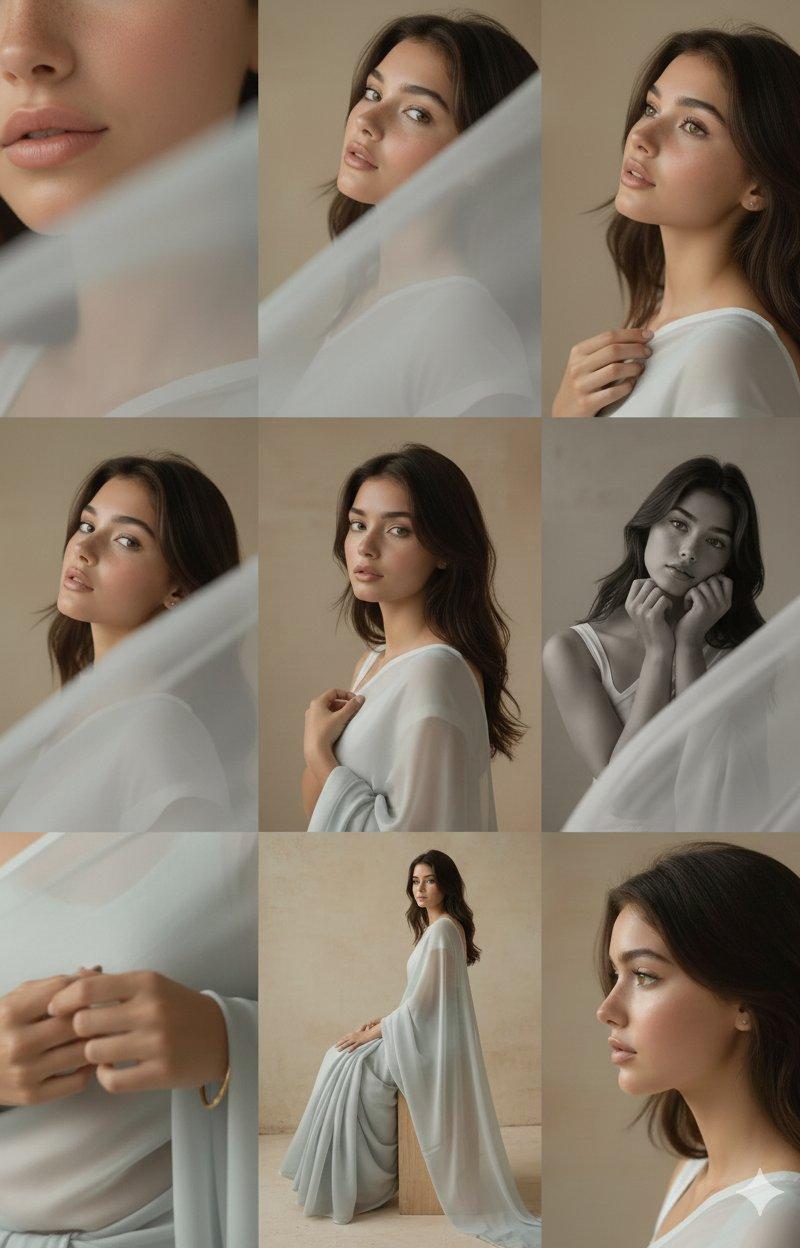
3x3网格构图进行拍摄照片
Enlarge

Example images

3x3网格构图进行拍摄照片

Prompt
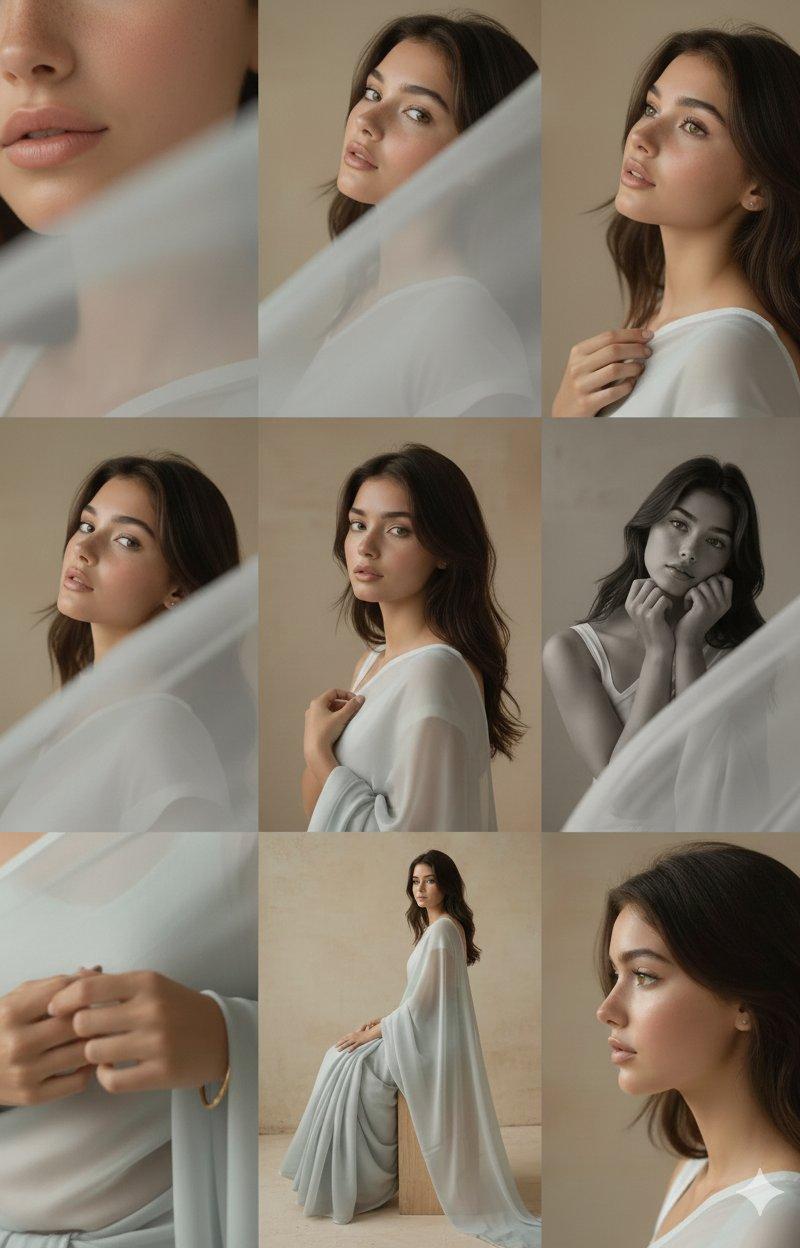
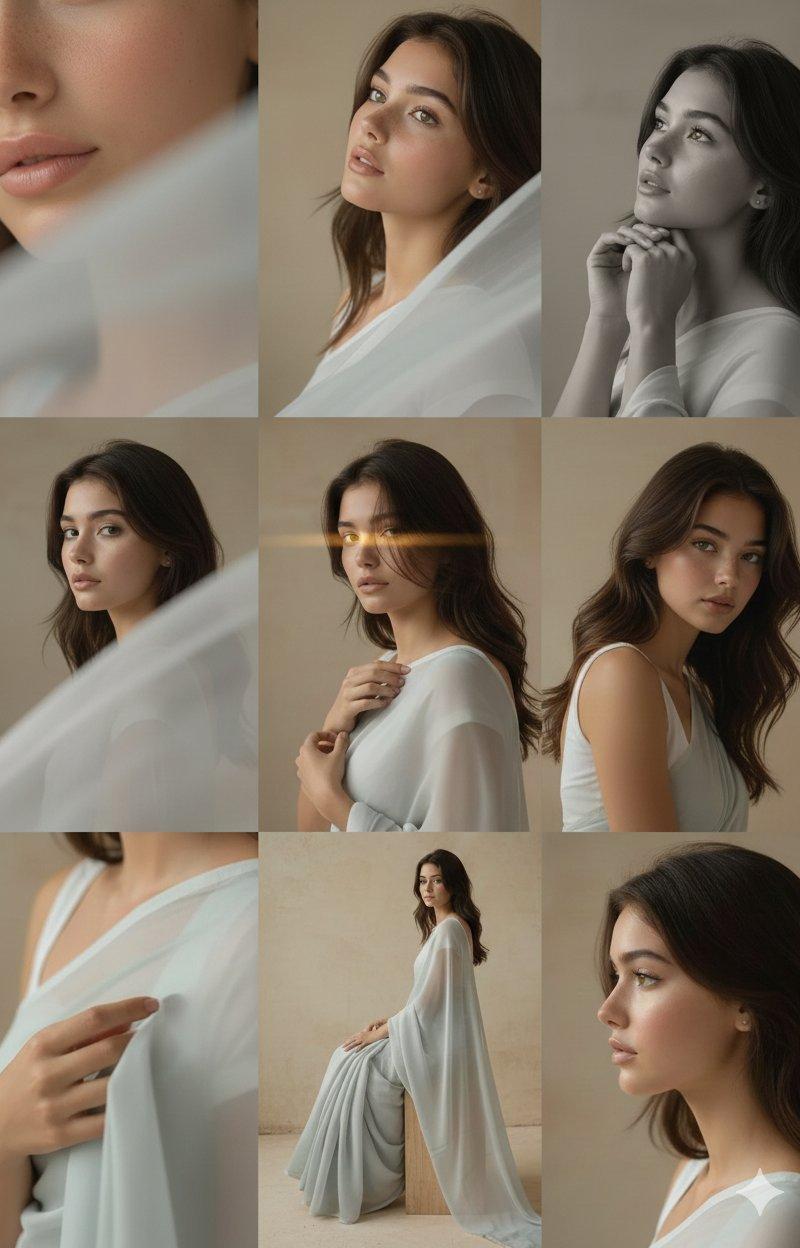
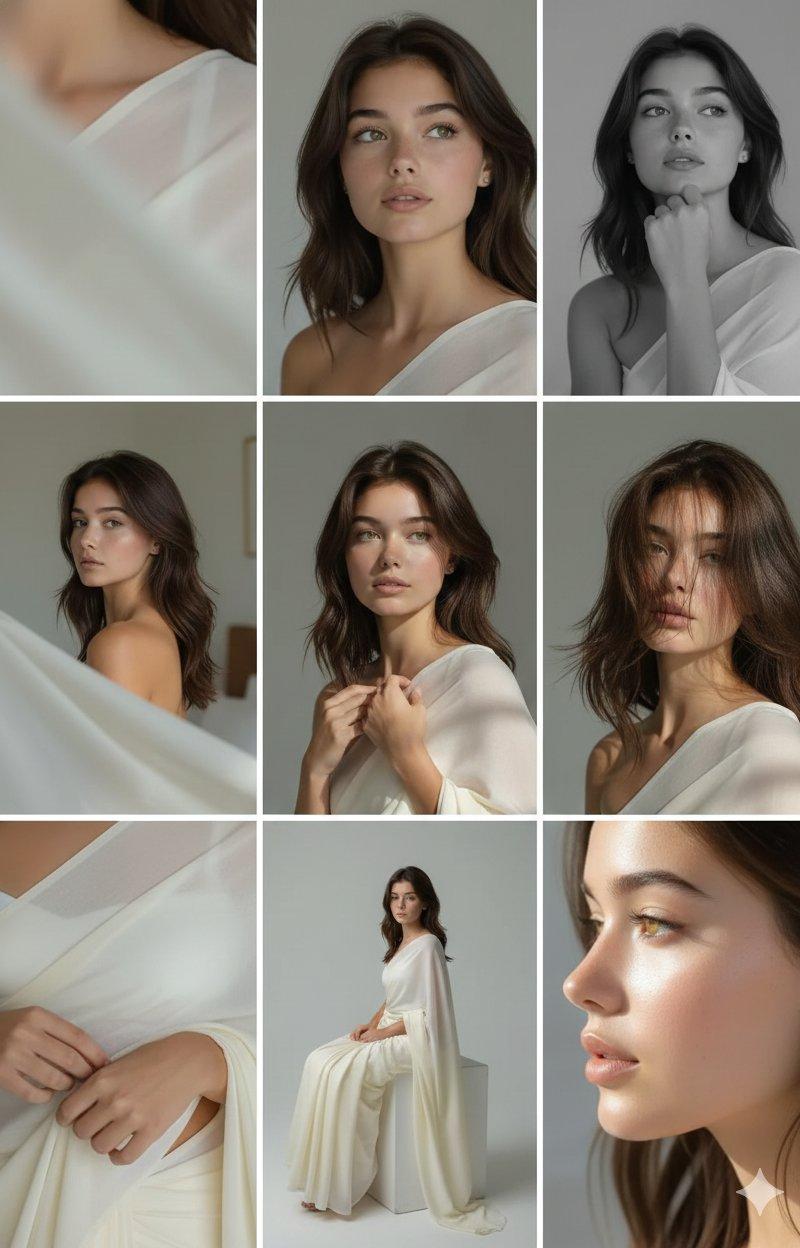
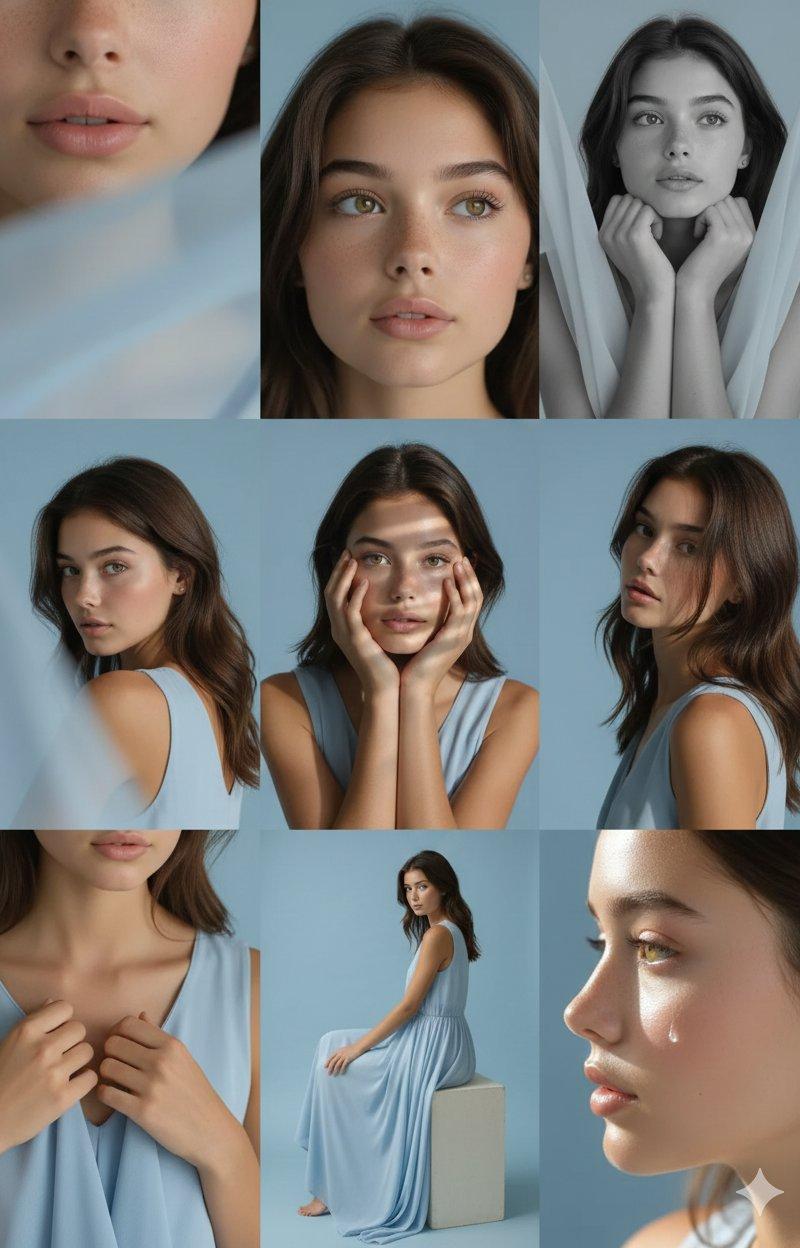
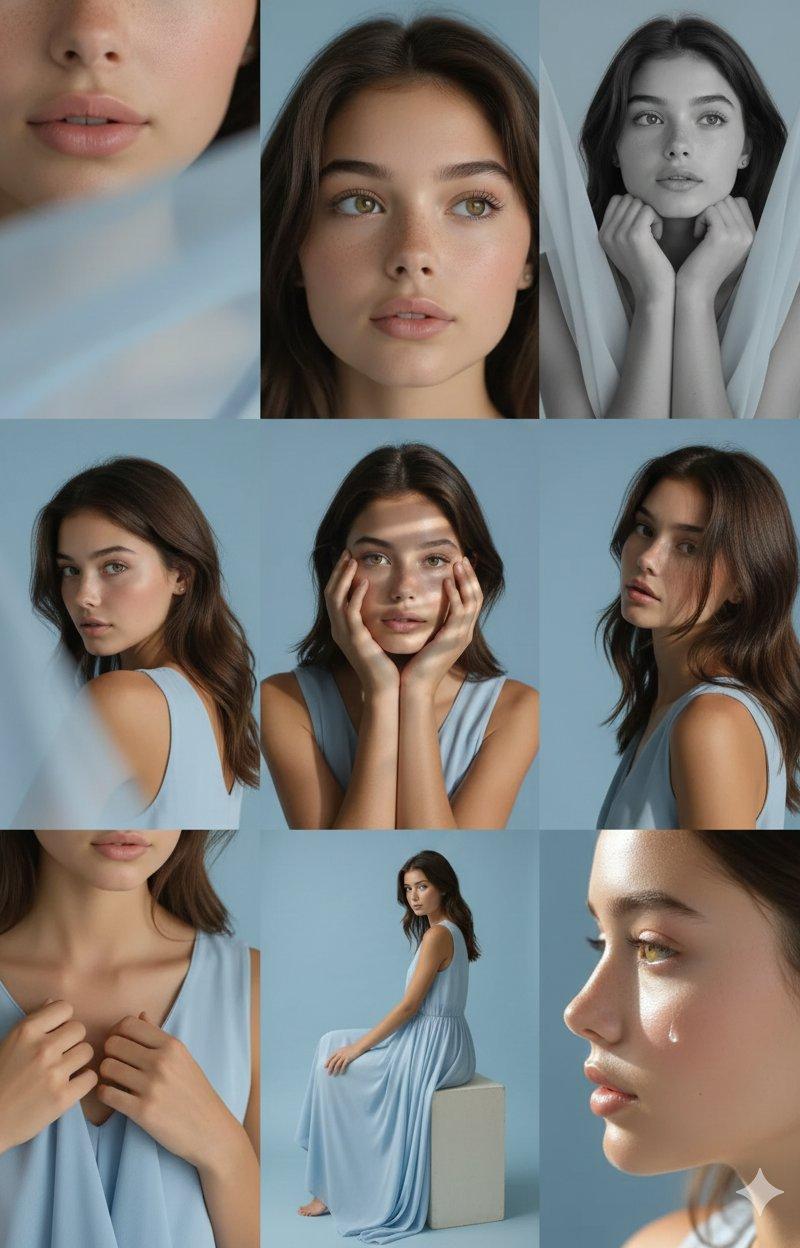
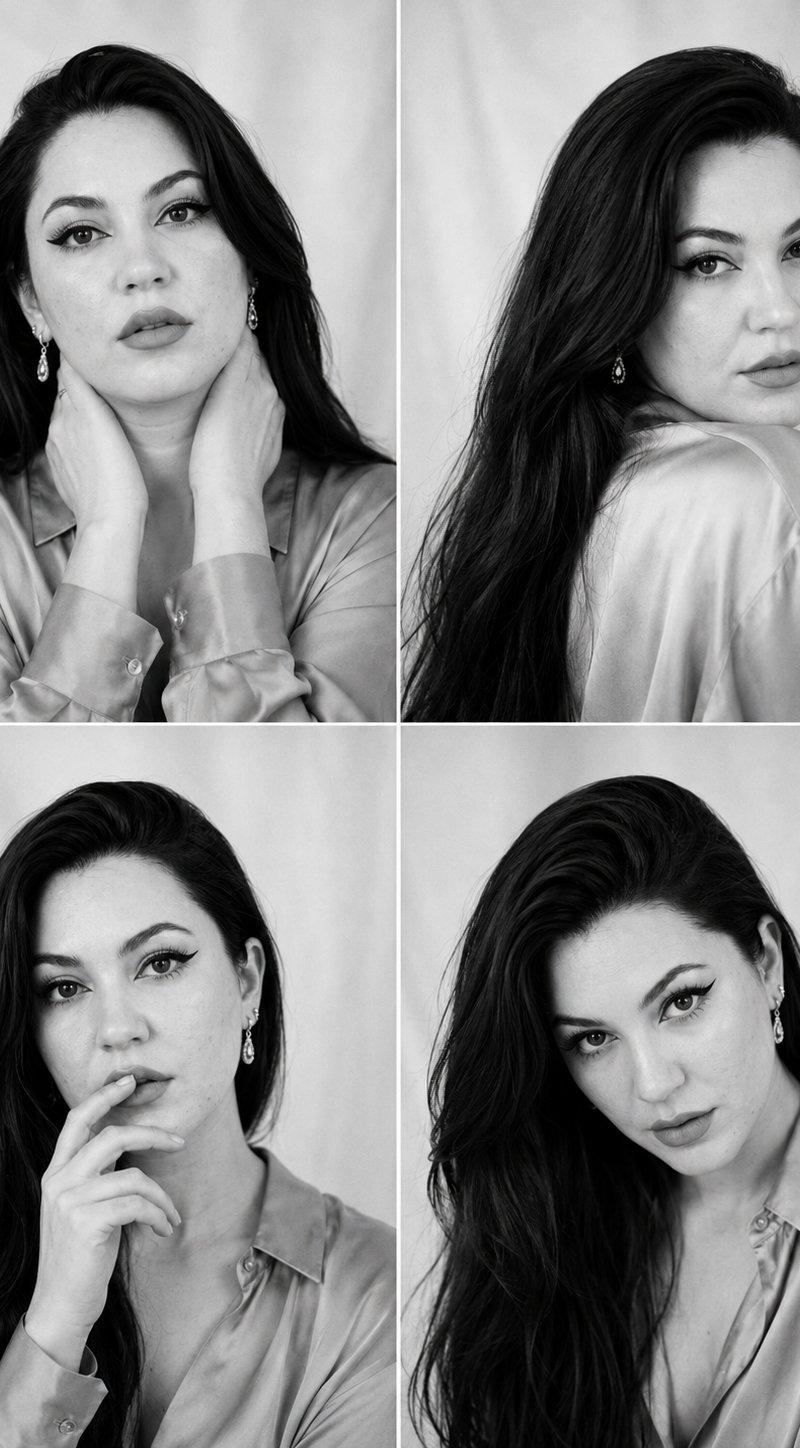
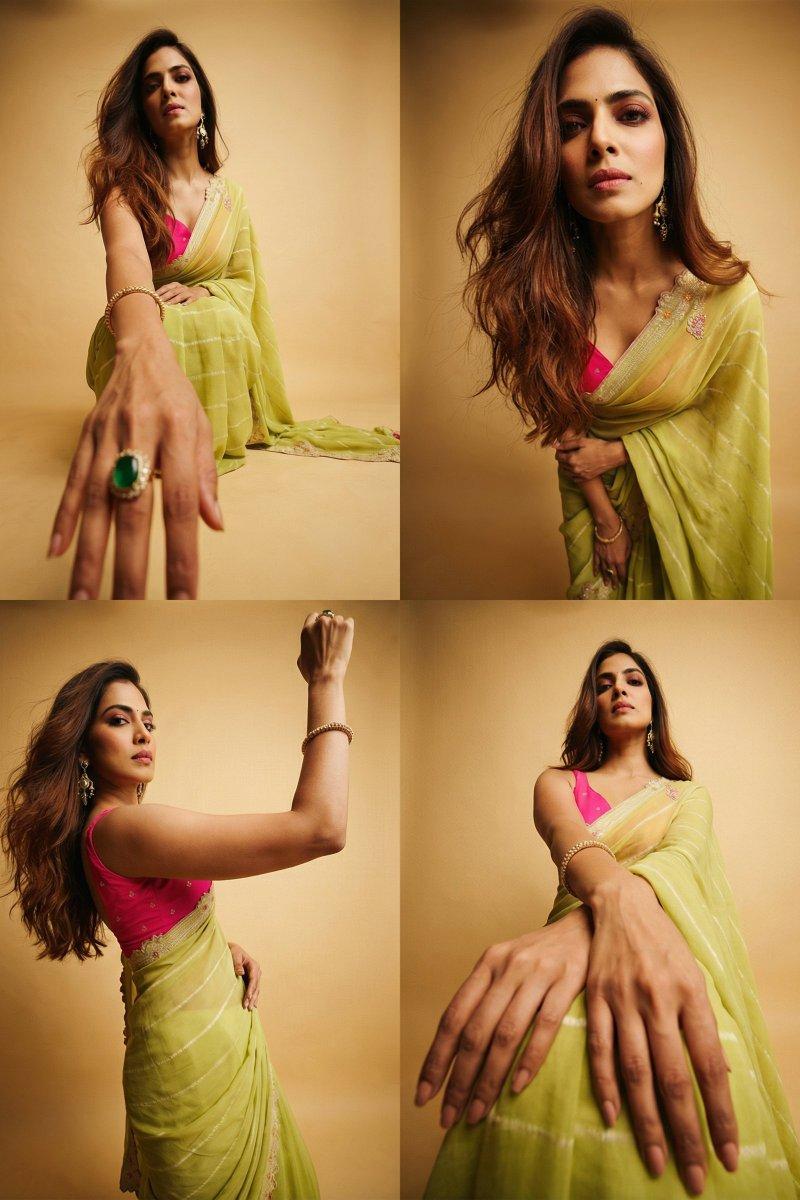
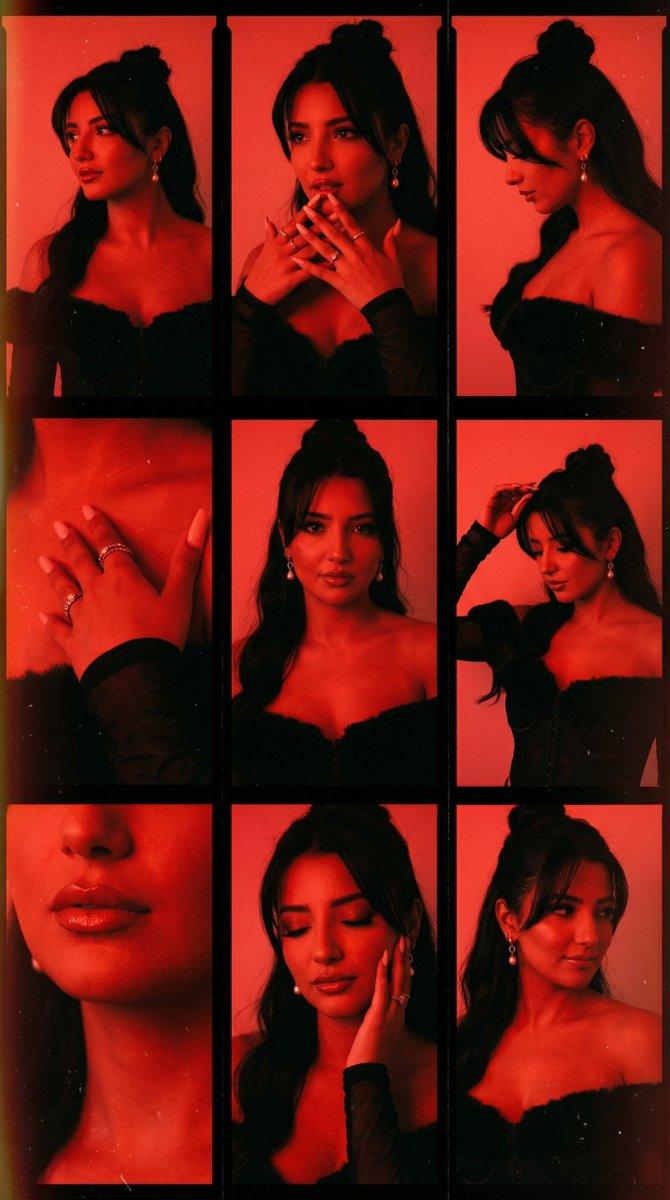
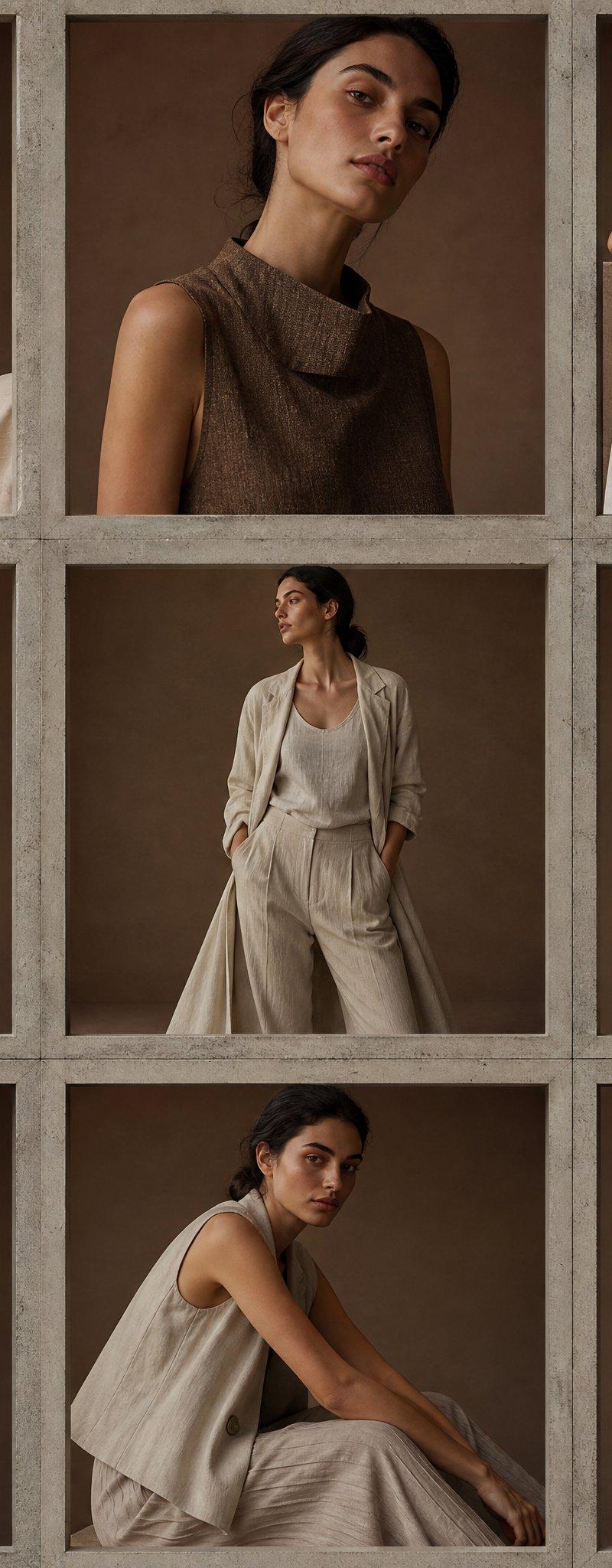
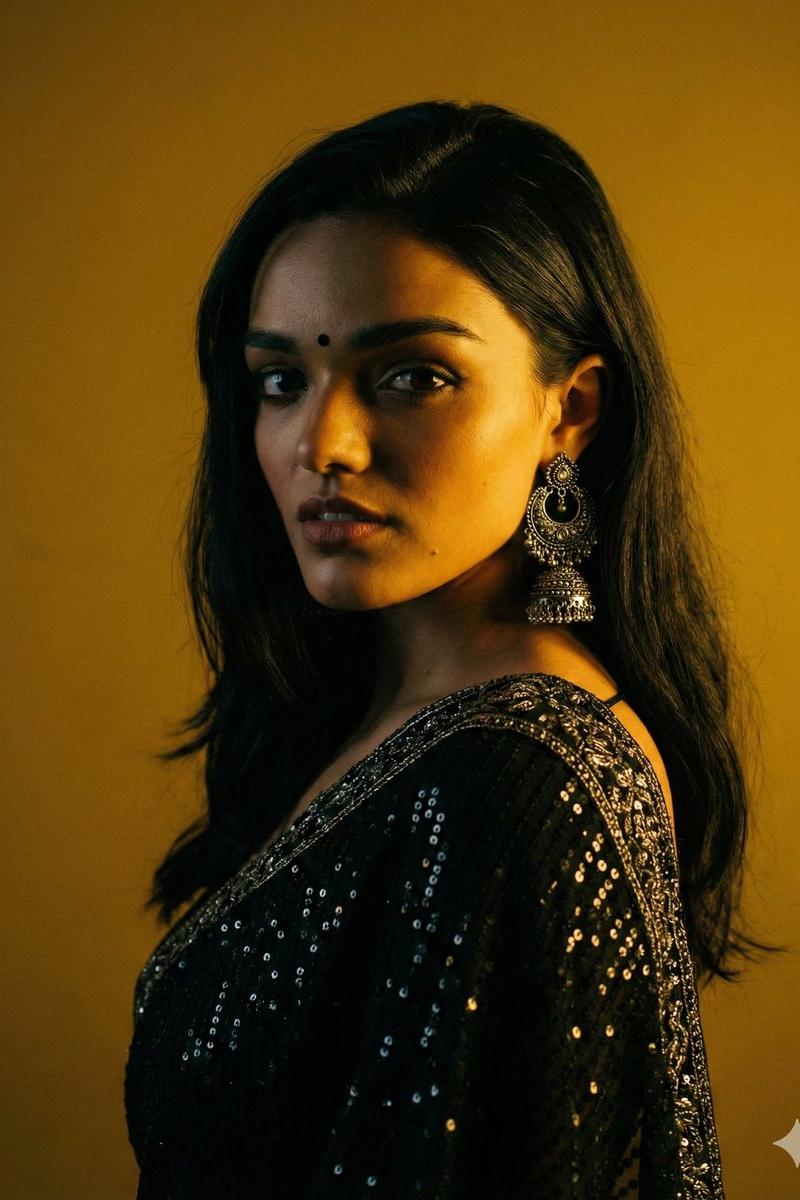
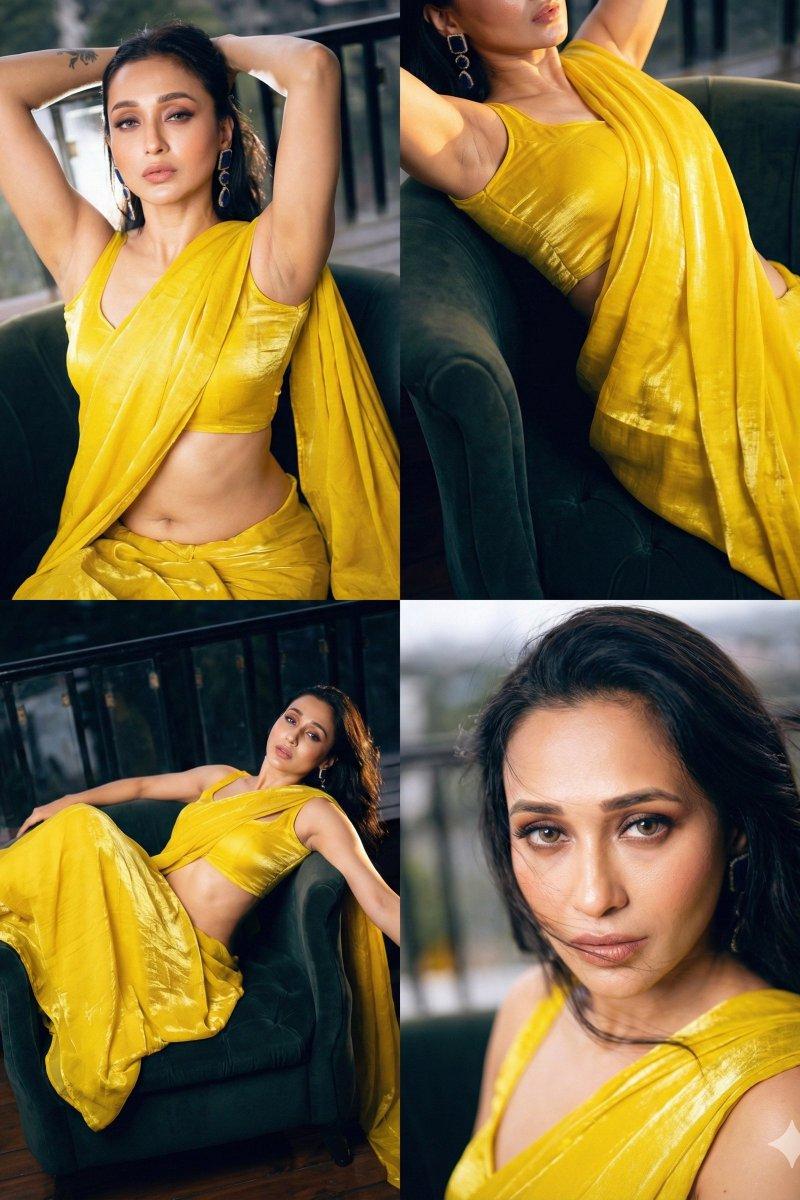
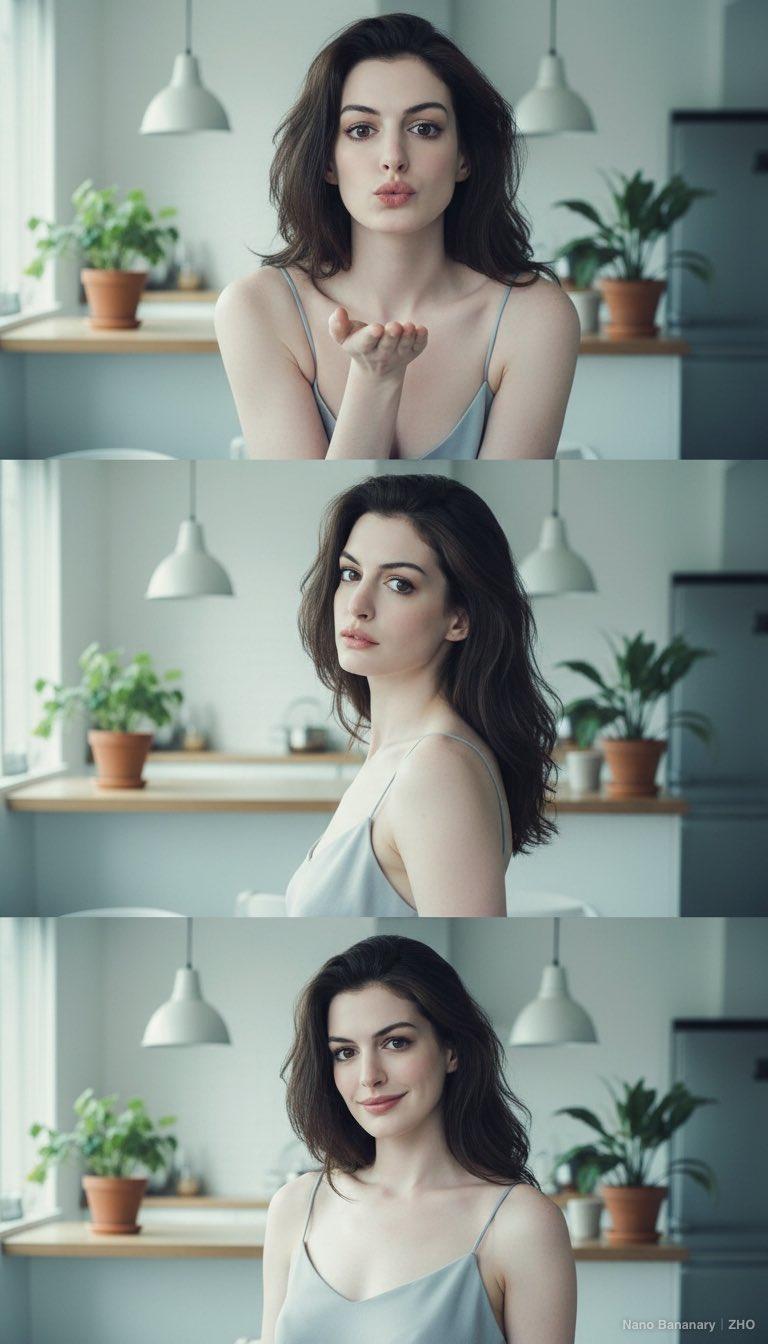
Editorial 3x3 grid in soft golden-beige studio. Character (face characteristics 100% same as uploaded image) wearing a glossy silk saree with minimal jewelry. Lighting: warm soft key from right, reflector fill left. Shots match original structure: extreme lip/cheek macro with blurred silk, tight eye reflection crop, B&W chin-on-fist frame-fill, fabric-framed shoulder view, frontal close-up with hand-light pattern, angled portrait with loose strands, jawline-focused hand crop, half-body seated on cube, profile with rim slice. Same lens & aperture set. RAW, elegant tonal grade, smooth cinematic grain.
在柔和的金米色摄影棚内,采用3x3网格构图进行拍摄。人物(面部特征与上传图片完全一致)身着光泽丝绸纱丽,佩戴极简首饰。灯光:右侧暖色调柔光主光,左侧反光板补光。拍摄构图与原图一致:极致唇颊微距特写(丝绸虚化)、眼部特写(反光)、黑白下巴托拳构图、织物框肩部特写、正面特写(手光图案)、斜角人像(头发散落)、下颌线特写(手部特写)、半身像(坐在立方体上)、侧面轮廓(镜框特写)。镜头和光圈设置相同。RAW格式,色调优雅,颗粒感柔和。
Category
Photography & Realism
Model
Unknown
Creator
MonetizeXWithAb
Source language
zh-CN
Views0
Source ID
3x3-grid-composition-photo
Studio

Guide

About "3x3网格构图进行拍摄照片"

What is this prompt for?

"3x3网格构图进行拍摄照片" AI image prompt for Unknown (Photography & Realism). Editorial 3x3 grid in soft golden-beige studio. Character (face characteristics 100% same…

The full copyable prompt and example visuals above are ready for AI image generation or one-click recreate in Picva.

How to use this prompt

  1. Step 1

    Open the prompt detail

    Review the example visuals, category, and full prompt text for "3x3网格构图进行拍摄照片".

  2. Step 2

    Copy the prompt

    Copy the prompt body from this page, or load it directly in Studio.

  3. Step 3

    Pick a model (Unknown)

    Prefer Unknown. If you switch models, keep subject and composition and tweak style terms.

  4. Step 4

    Generate and export

    Recreate the look in Picva, or export into your workflow for editing and publishing.

FAQ

What is the "3x3网格构图进行拍摄照片" prompt?
It is an AI image-generation prompt for Unknown in the Photography & Realism category. This page includes the full prompt text, example visuals, and a one-click recreate path in Picva.
How do I use this prompt to generate an image?
Copy the prompt from this page, or use Generate / Studio. Paste it into a compatible image model, or recreate the look in Picva with optional reference images.
Which model is this prompt for?
This page lists Unknown. Most descriptive prompts also transfer to nearby image models such as GPT Image, Flux, or Midjourney with light style tweaks.
Can I use the result commercially?
You can usually copy the prompt for creation, but commercial use of the final image depends on the model terms, reference-image rights, and the generated content. Follow the source author and platform rules.