19

抽象时尚肖像:NanoBananaPro的创意助力
Enlarge

Example images

抽象时尚肖像:NanoBananaPro的创意助力

Prompt
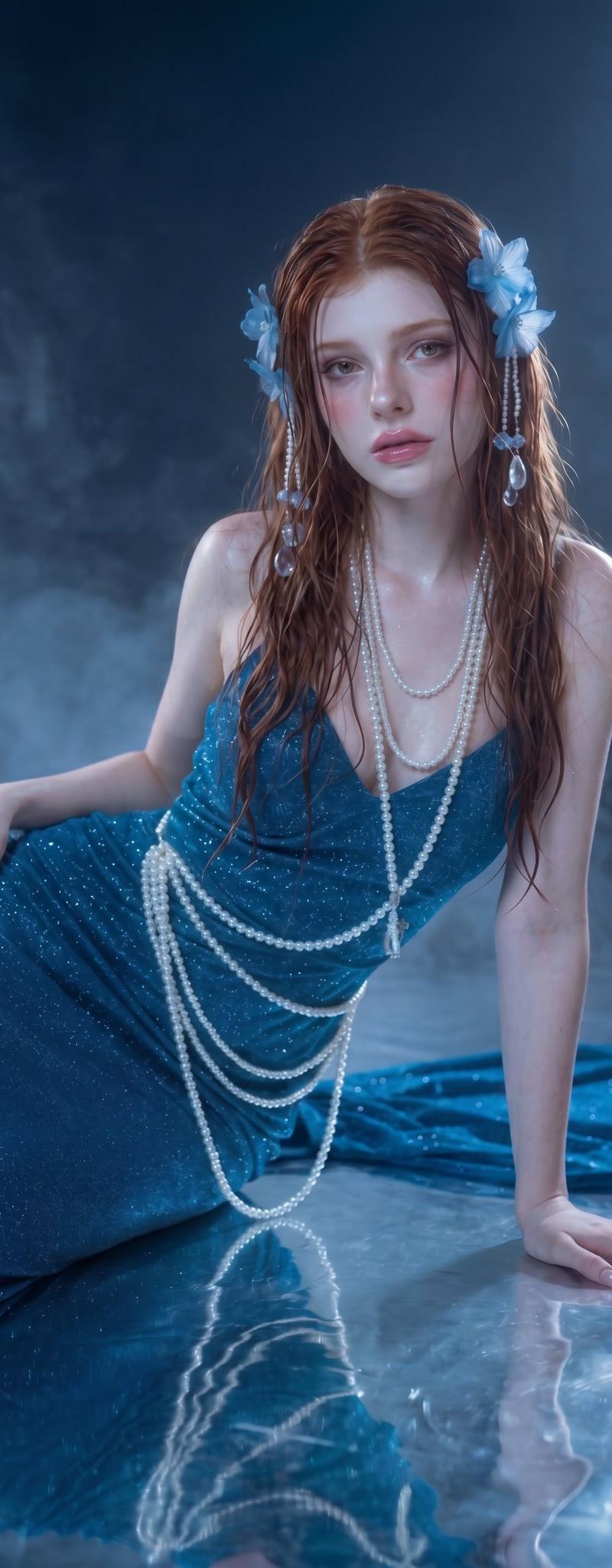
アブストラクトなファッションポートレートは、かなりのガチャを引かないと
納得できるクリエイティブがなかなか出ません💦
そこで #NanoBananaPro のパターン出しがかなり役立ちます🪄
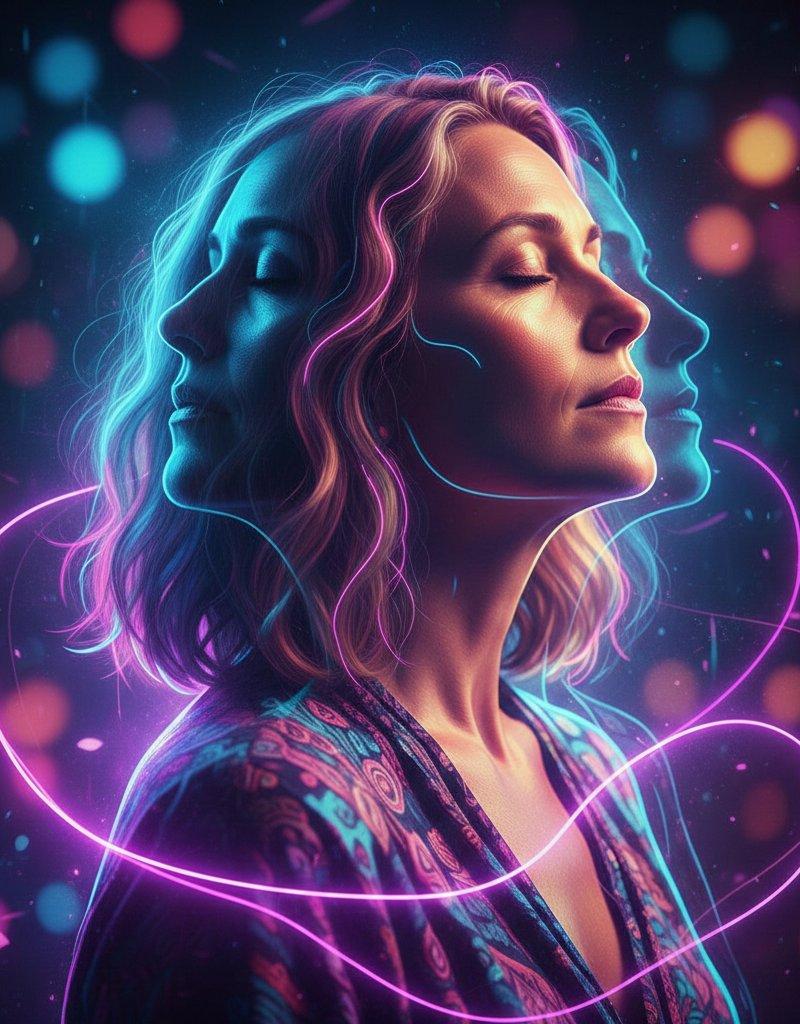
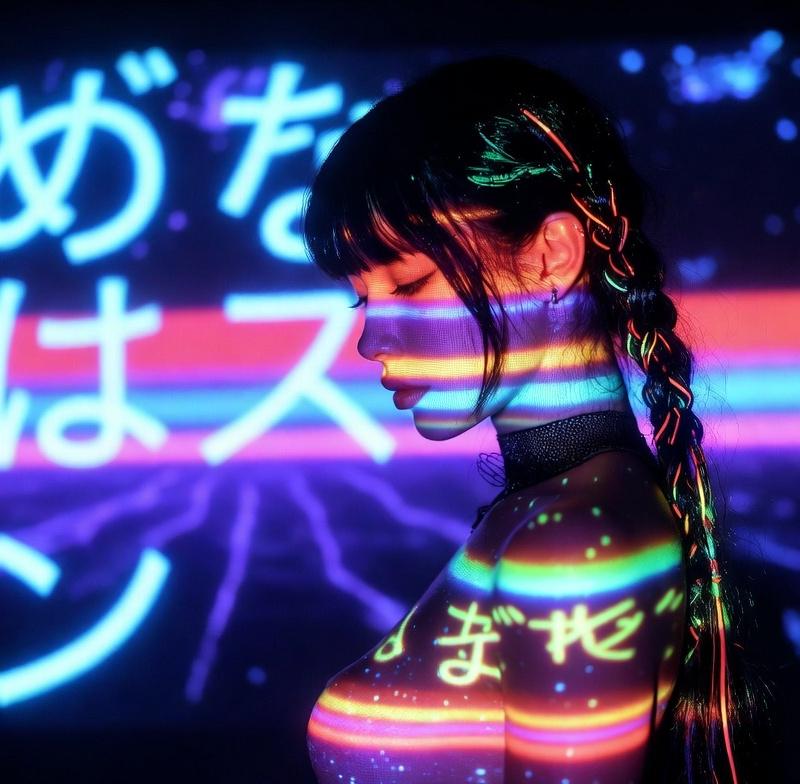
#Midjourney で書いた画像、そこまで納得いかなくても
「そこそこ求めている世界観が書けた」の時点で
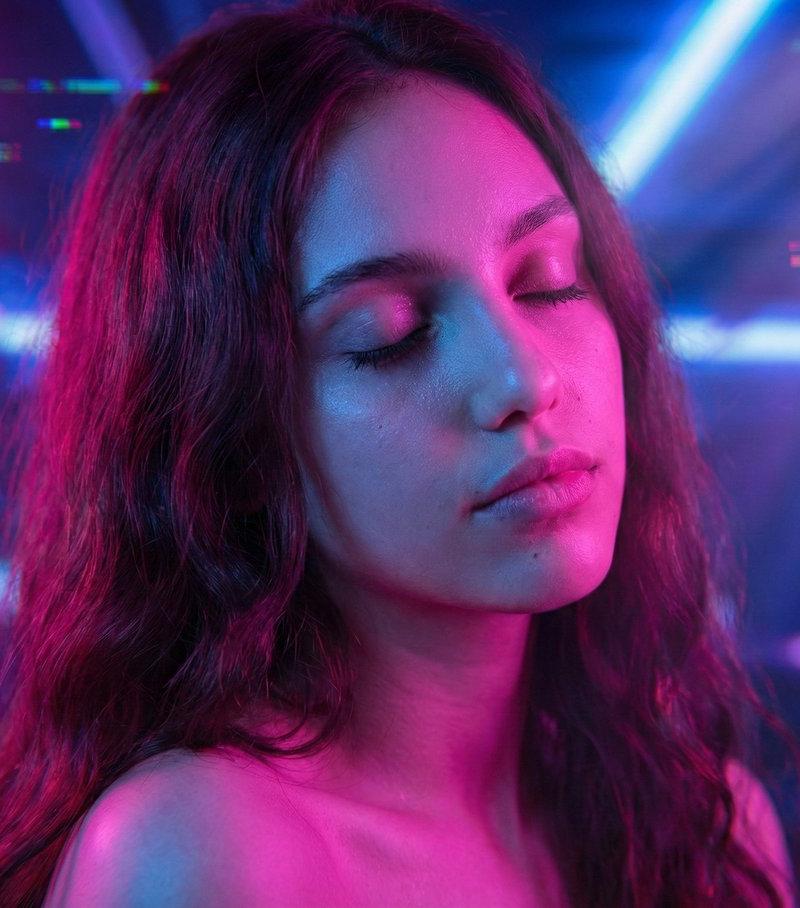
NanoBananaProにバリエーションを出させます❣️
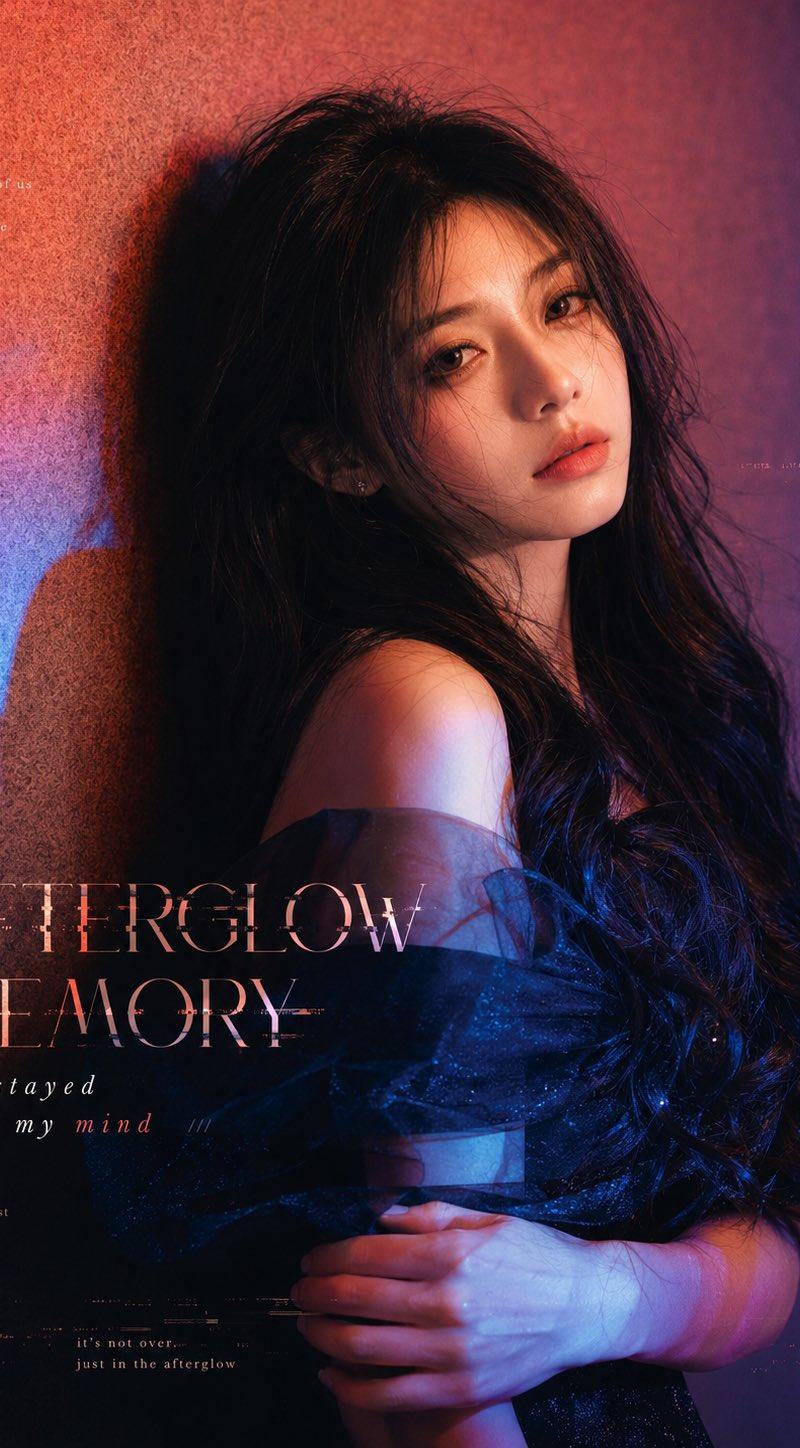
さらにそこからNanoBananaProで1枚を抽出。
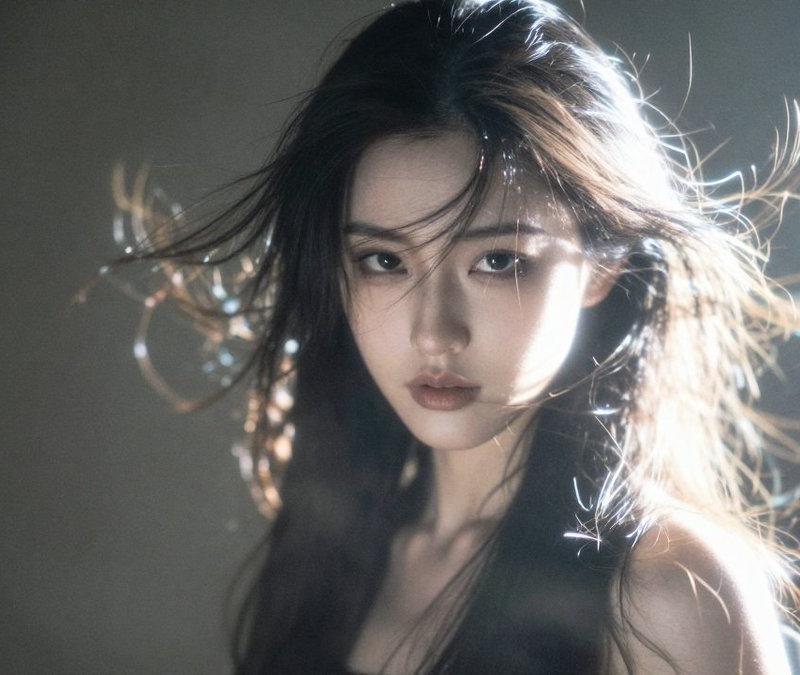
それをKling2.6 @Kling_ai でi2vしました✨
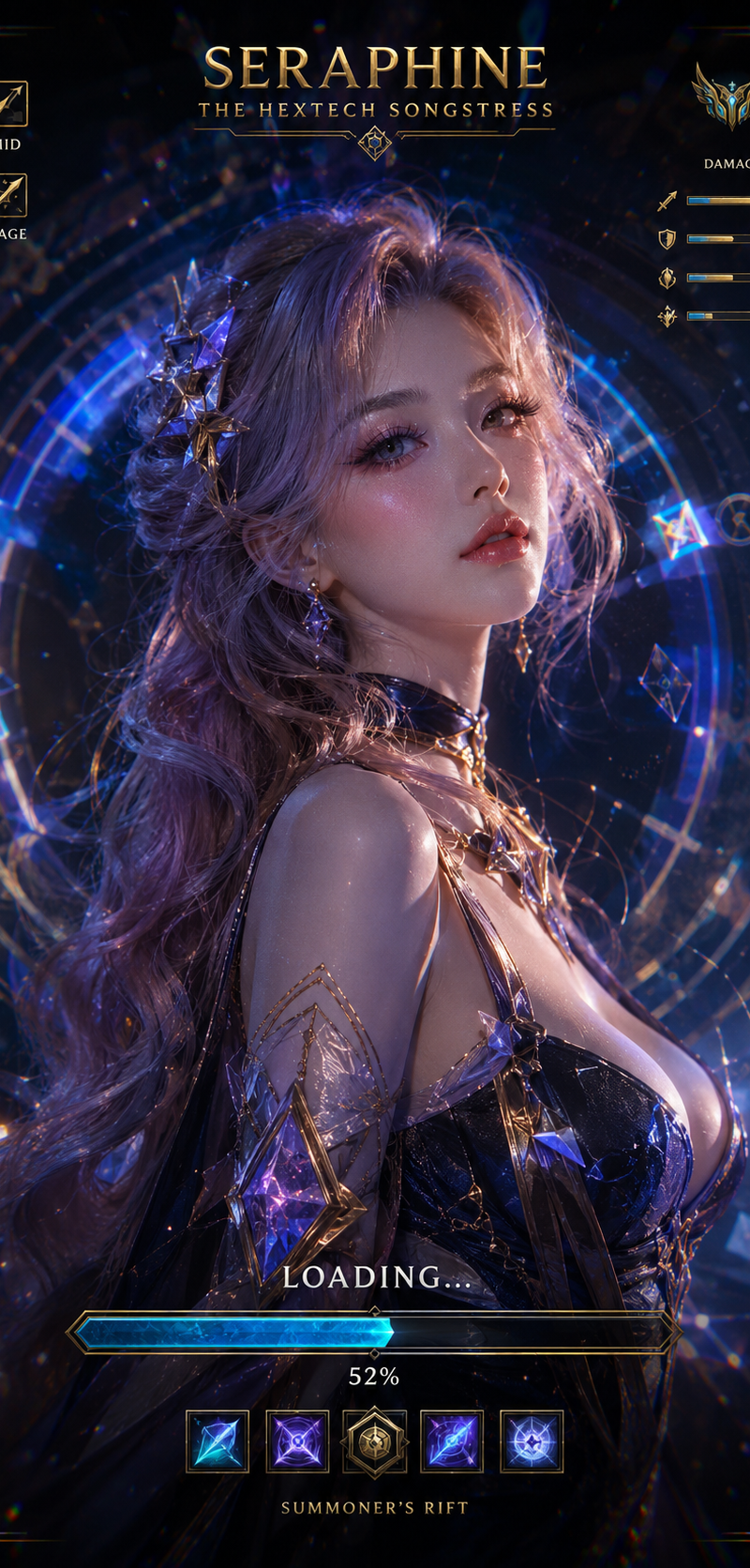
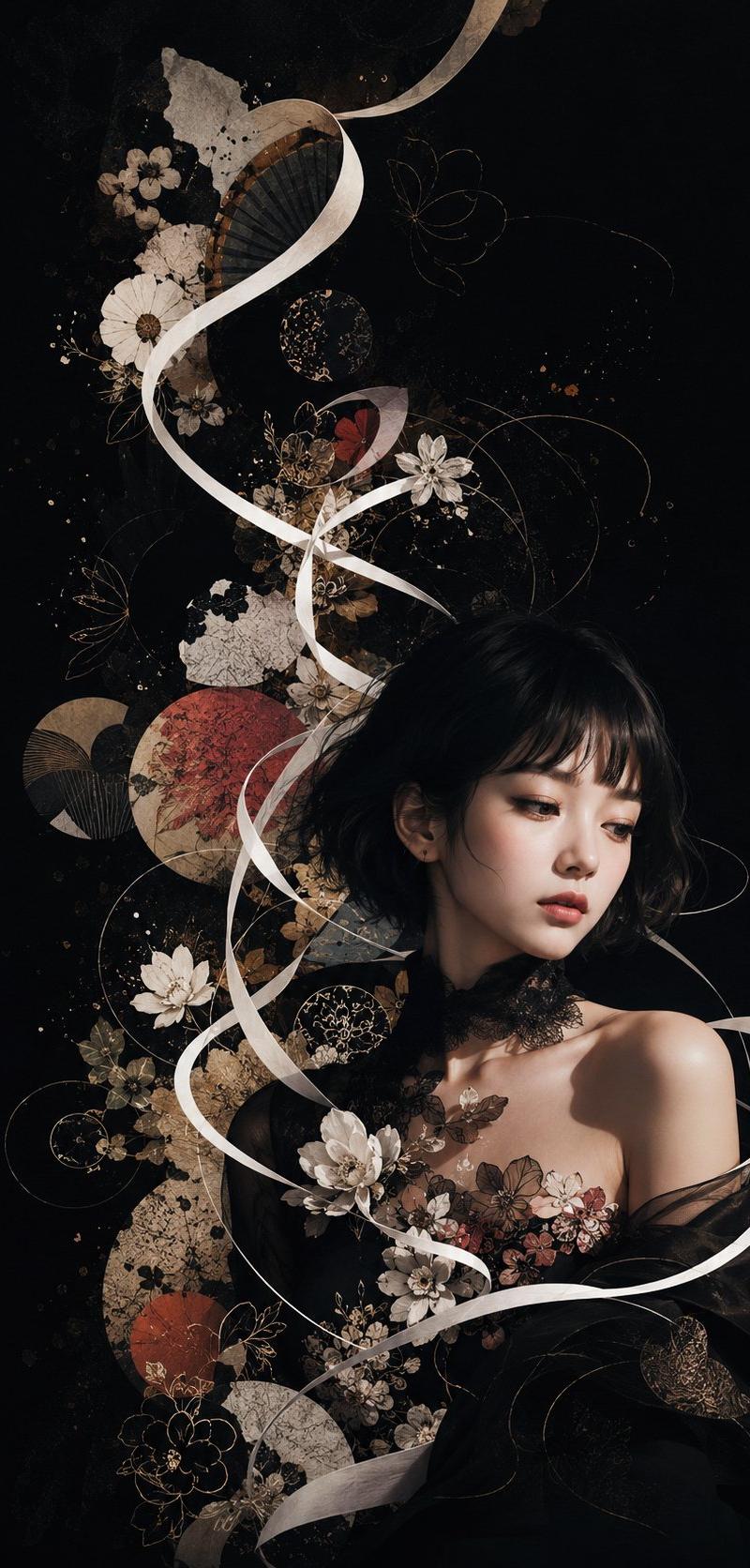
1枚目:Midjourney
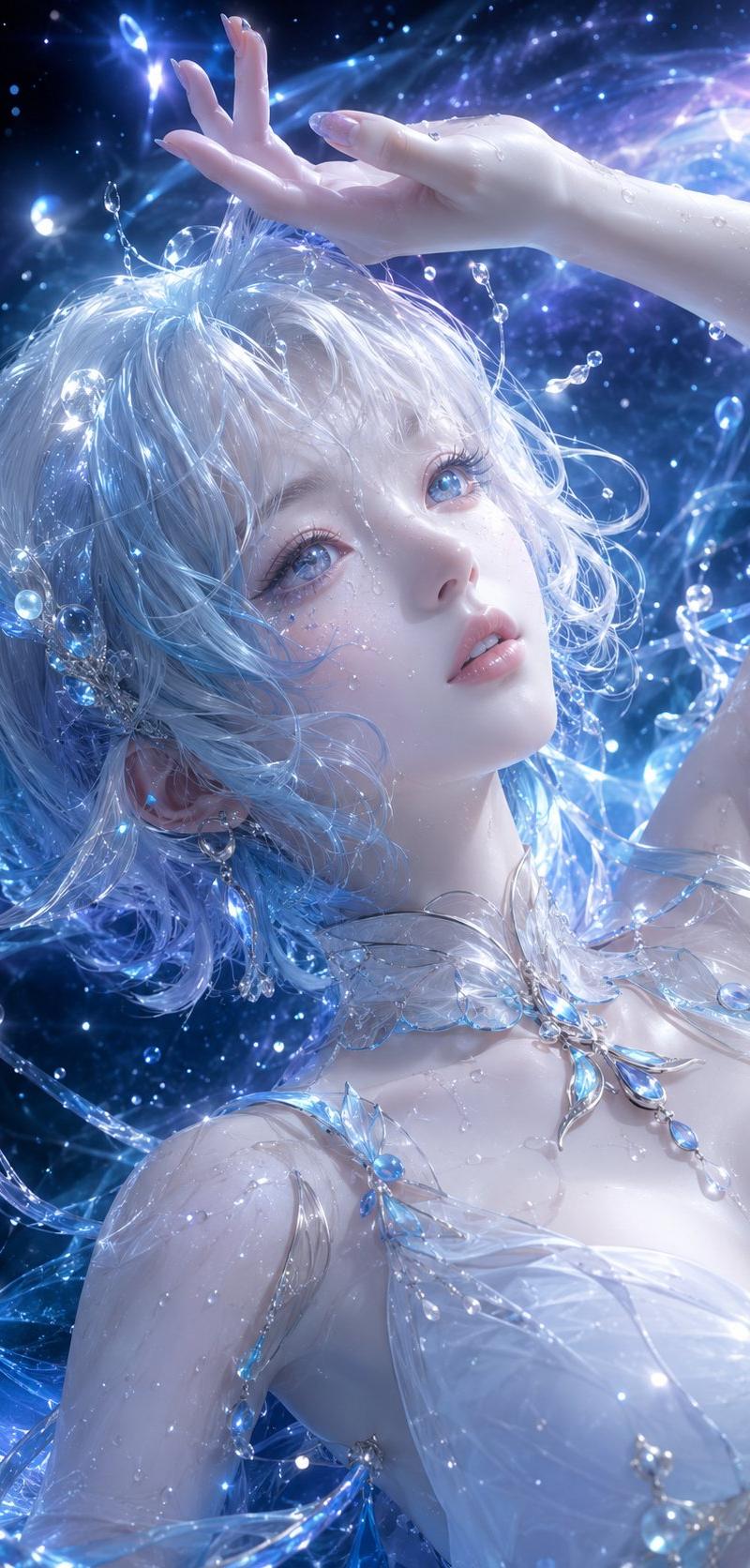
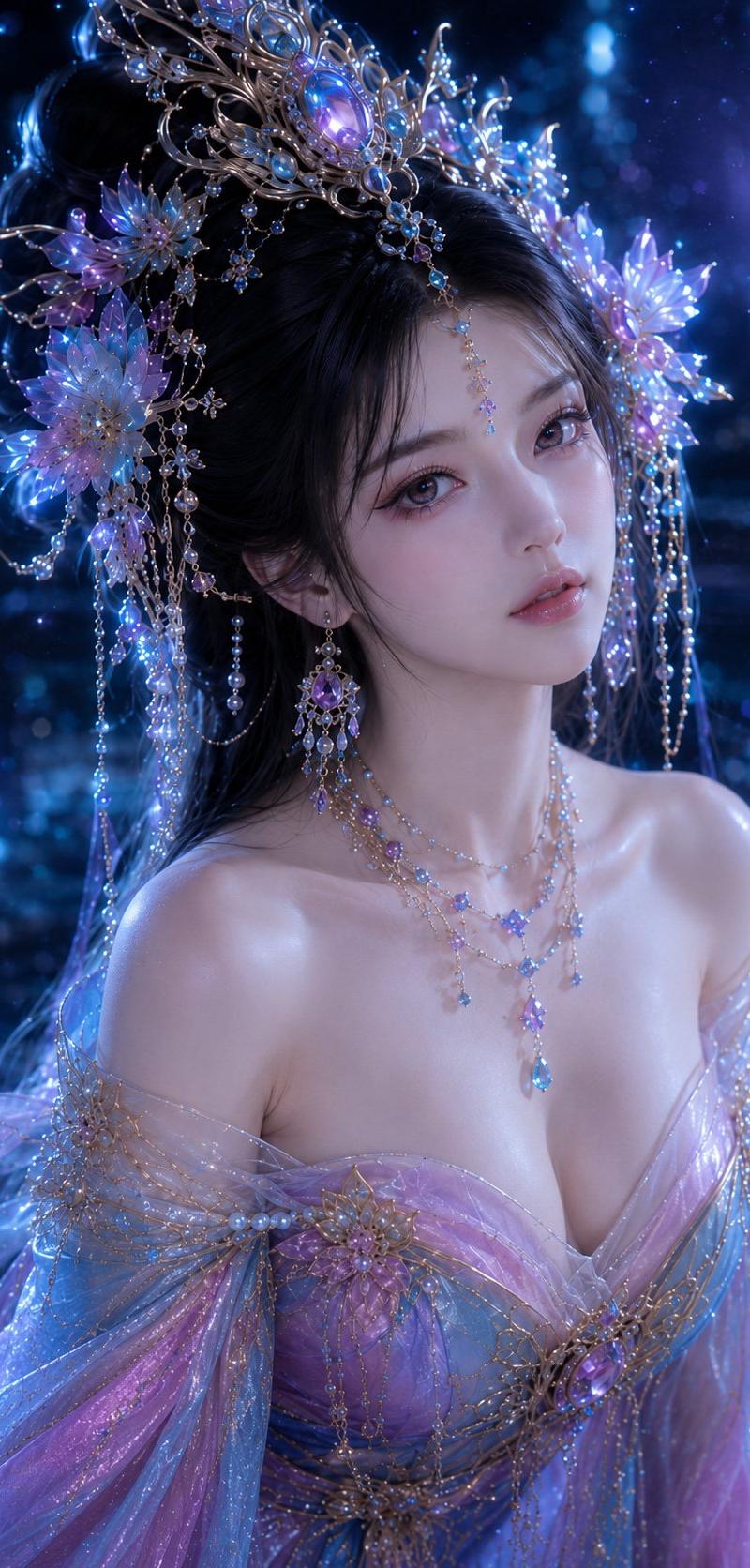
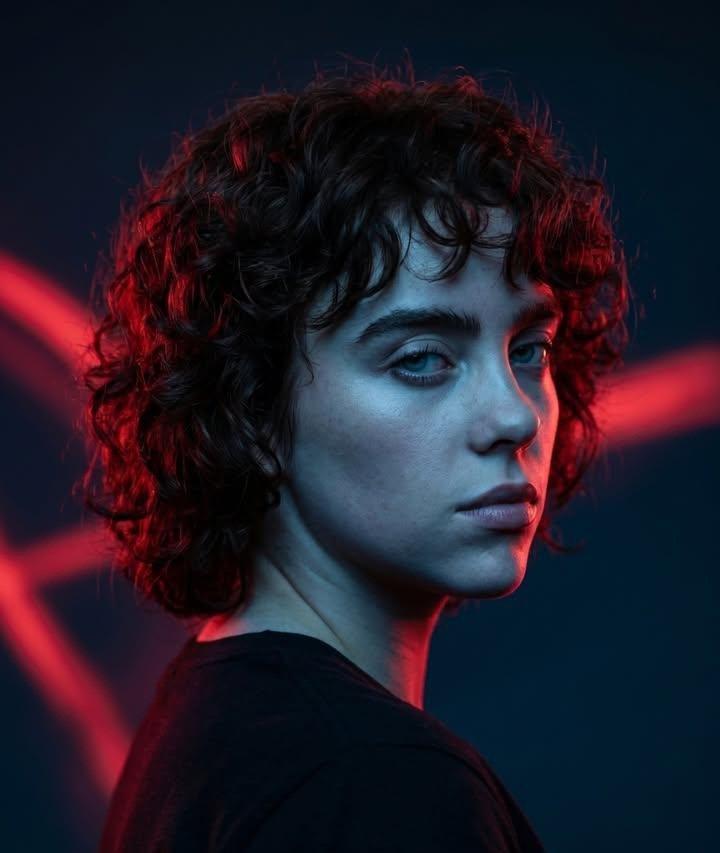
2枚目:NanoBananaProでバリエ出し
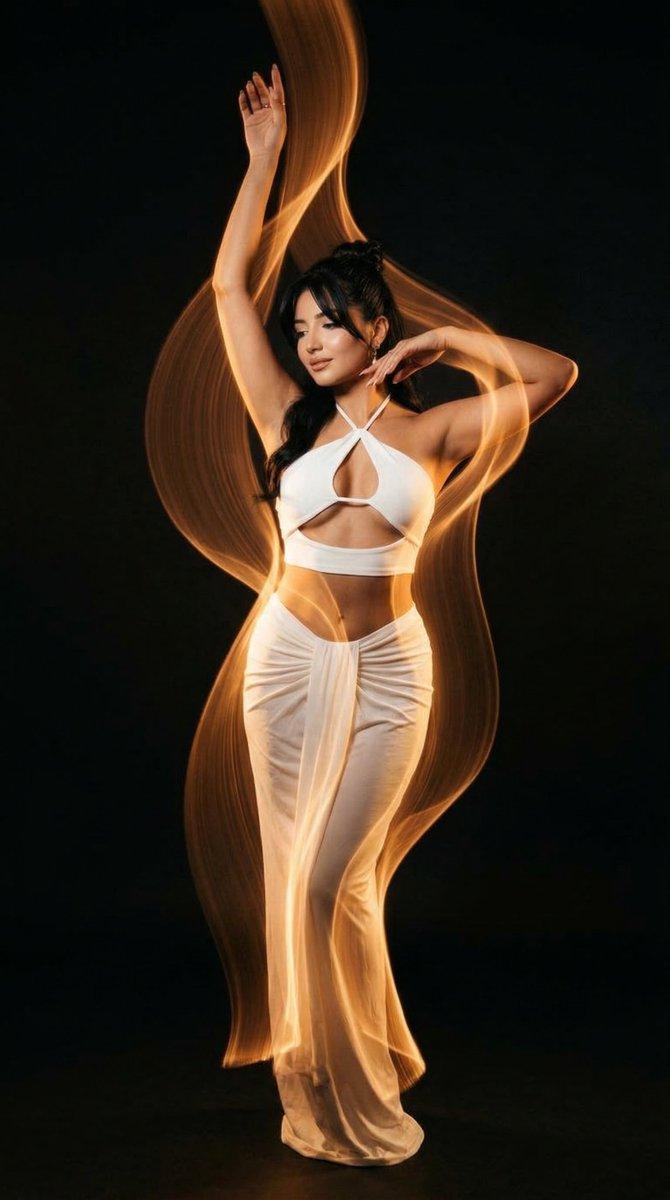
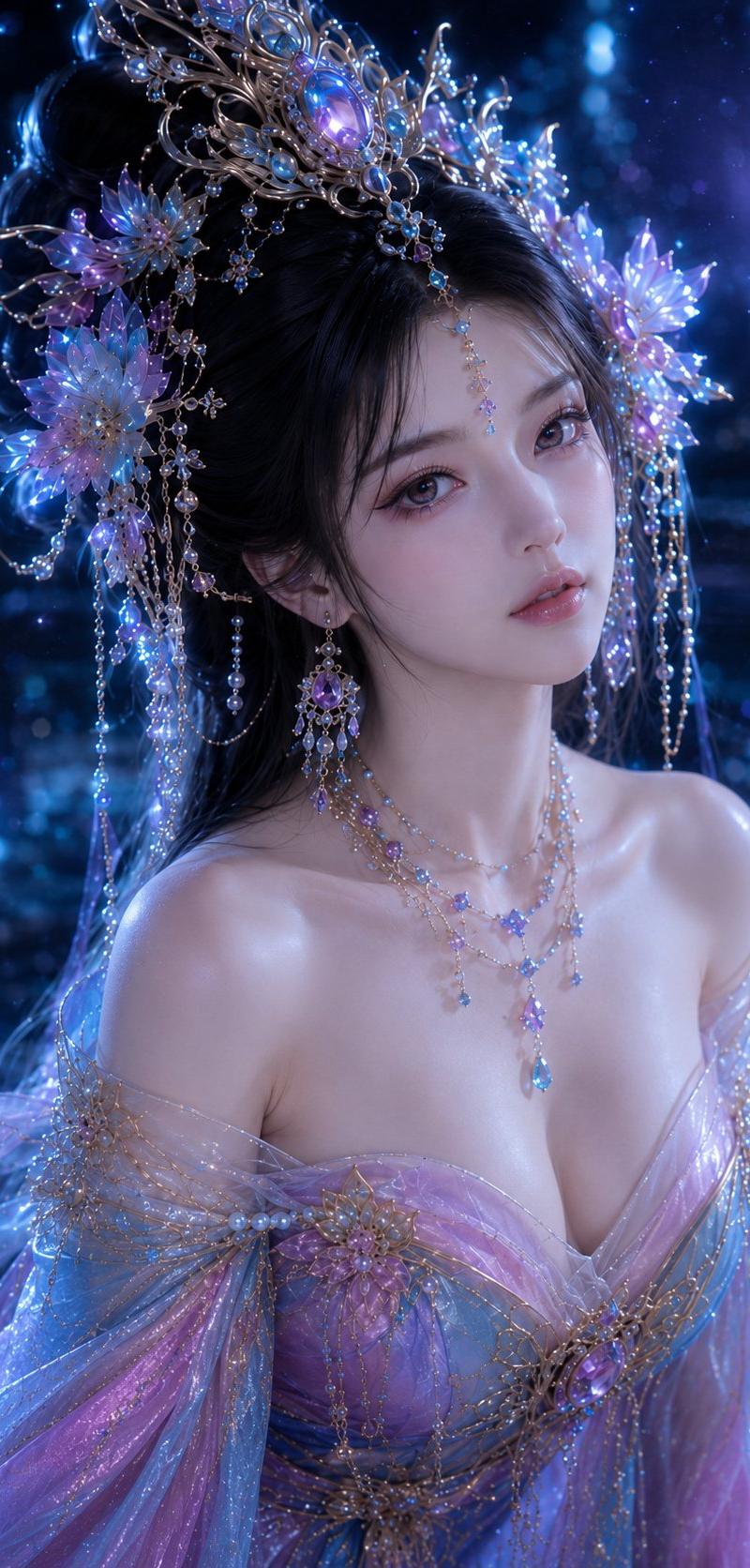
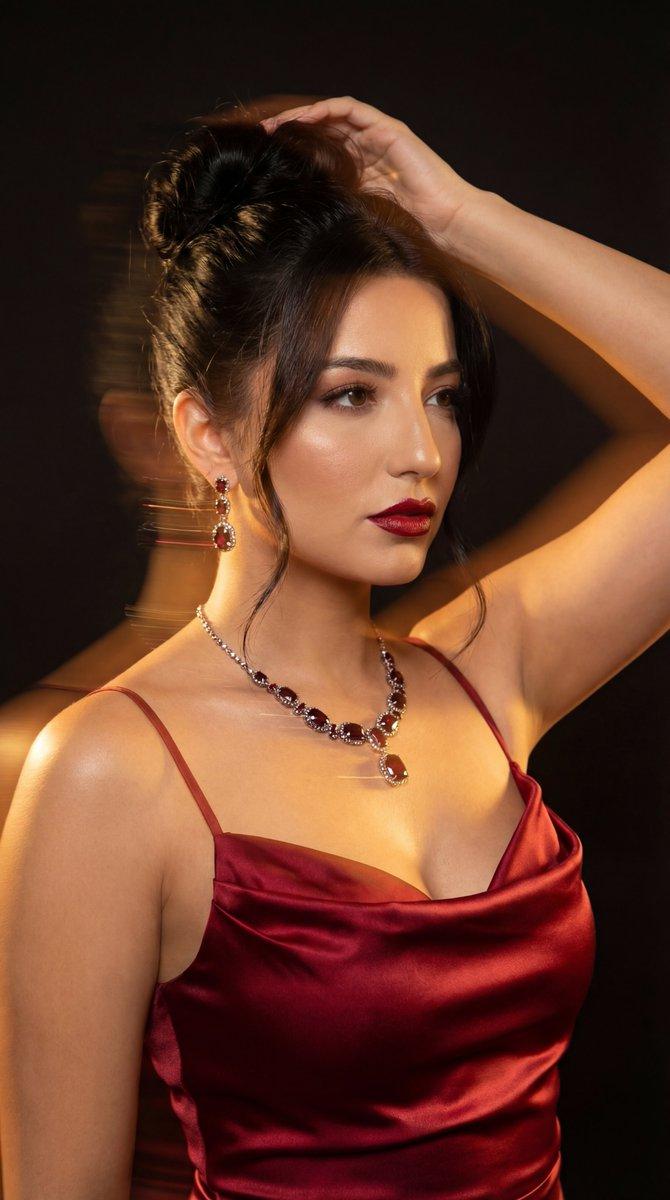
3枚目:NanoBananaProで抽出
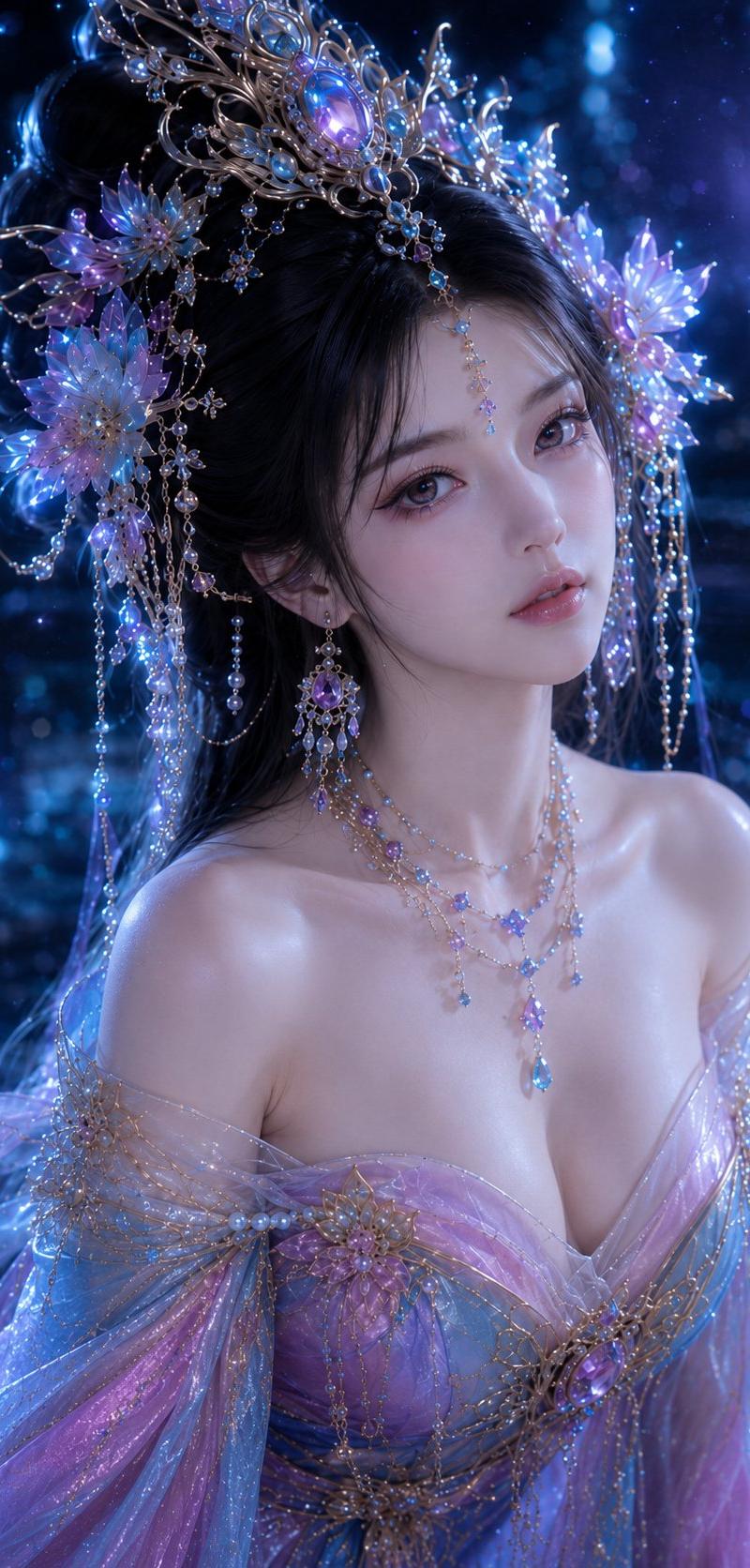
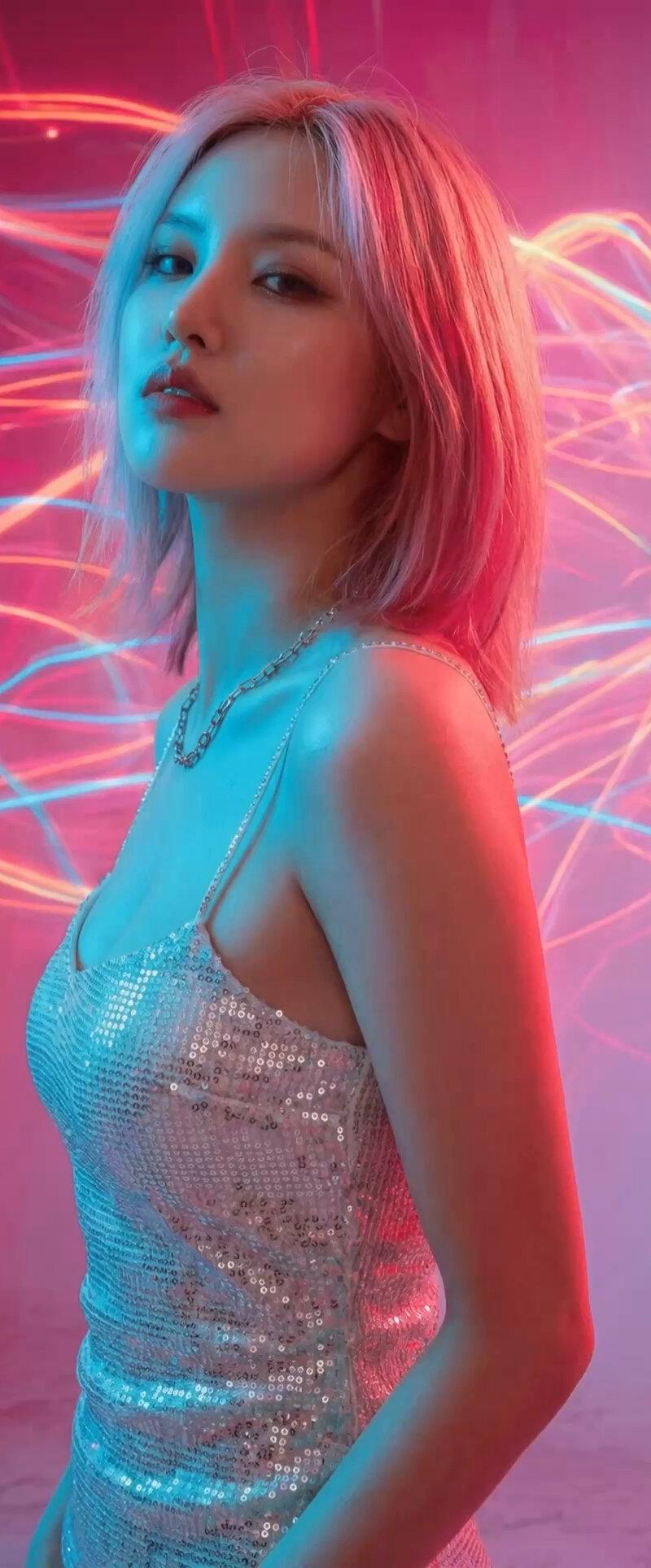
4枚目:Kling2.6でi2v
#Promptshare
[バリエ出し]
この写真の人物の、リアルのファッション撮影であるような、ちょっとした視線や顔の角度や光が違う、別バージョンのマルチカットを生成。画像を5×4で区切って、20カットを作って。各カットの左上に通し番号を1から順に表示して。
[抽出]
この画像には20個のカットが書かれています。左上がカット番号です。17番目のカットだけを抽出して、高解像度で再現して。
[Kling2.6]@higgsfield_ai
Fashion image video
-人物はファッションモデルとしてたくさん、自然に動く。no talk
-camera work:slow push-in
-光は意志を持っているかのように自由自在に動きまくる。常に高速に動いている
-BGM:Deep-house.
Category
Photography & Realism
Model
Midjourney
Creator
Kyohei Fukuda
Source language
zh-CN
Views0
Source ID
abstract-fashion-portrait-creative-boost-from-nanobananapro
Studio

Guide

About "抽象时尚肖像:NanoBananaPro的创意助力"

What is this prompt for?

"抽象时尚肖像:NanoBananaPro的创意助力" AI image prompt for Midjourney (Photography & Realism). アブストラクトなファッションポートレートは、かなりのガチャを引かないと 納得できるクリエイティブがなかなか出ません💦 そこで #NanoBanana…

The full copyable prompt and example visuals above are ready for AI image generation or one-click recreate in Picva.

How to use this prompt

  1. Step 1

    Open the prompt detail

    Review the example visuals, category, and full prompt text for "抽象时尚肖像:NanoBananaPro的创意助力".

  2. Step 2

    Copy the prompt

    Copy the prompt body from this page, or load it directly in Studio.

  3. Step 3

    Pick a model (Midjourney)

    Prefer Midjourney. If you switch models, keep subject and composition and tweak style terms.

  4. Step 4

    Generate and export

    Recreate the look in Picva, or export into your workflow for editing and publishing.

FAQ

What is the "抽象时尚肖像:NanoBananaPro的创意助力" prompt?
It is an AI image-generation prompt for Midjourney in the Photography & Realism category. This page includes the full prompt text, example visuals, and a one-click recreate path in Picva.
How do I use this prompt to generate an image?
Copy the prompt from this page, or use Generate / Studio. Paste it into a compatible image model, or recreate the look in Picva with optional reference images.
Which model is this prompt for?
This page lists Midjourney. Most descriptive prompts also transfer to nearby image models such as GPT Image, Flux, or Midjourney with light style tweaks.
Can I use the result commercially?
You can usually copy the prompt for creation, but commercial use of the final image depends on the model terms, reference-image rights, and the generated content. Follow the source author and platform rules.