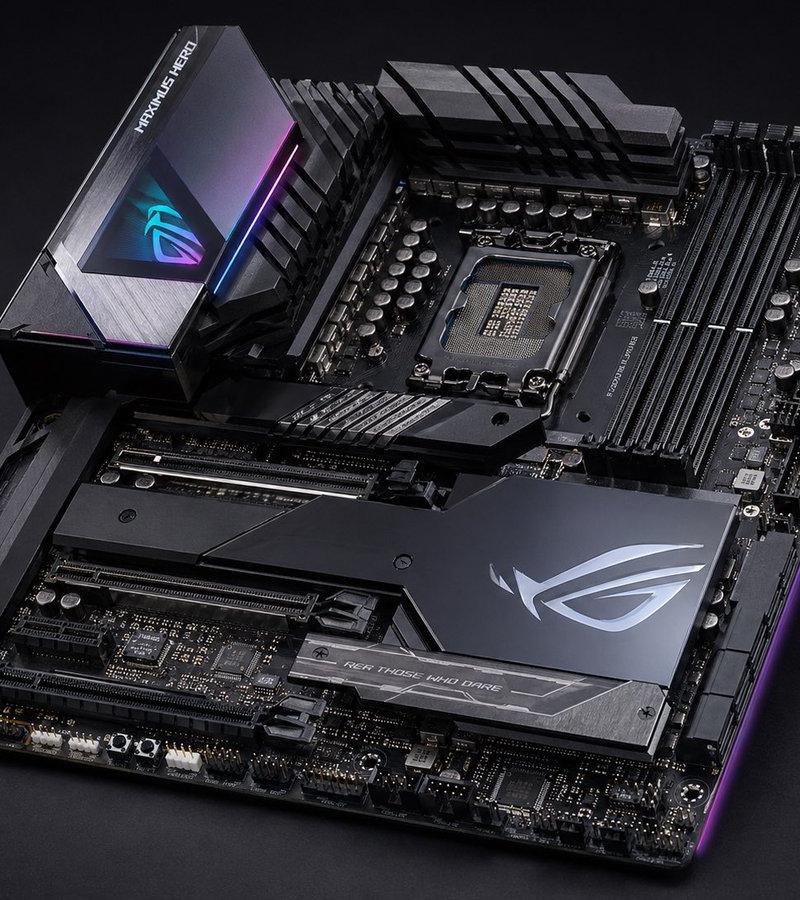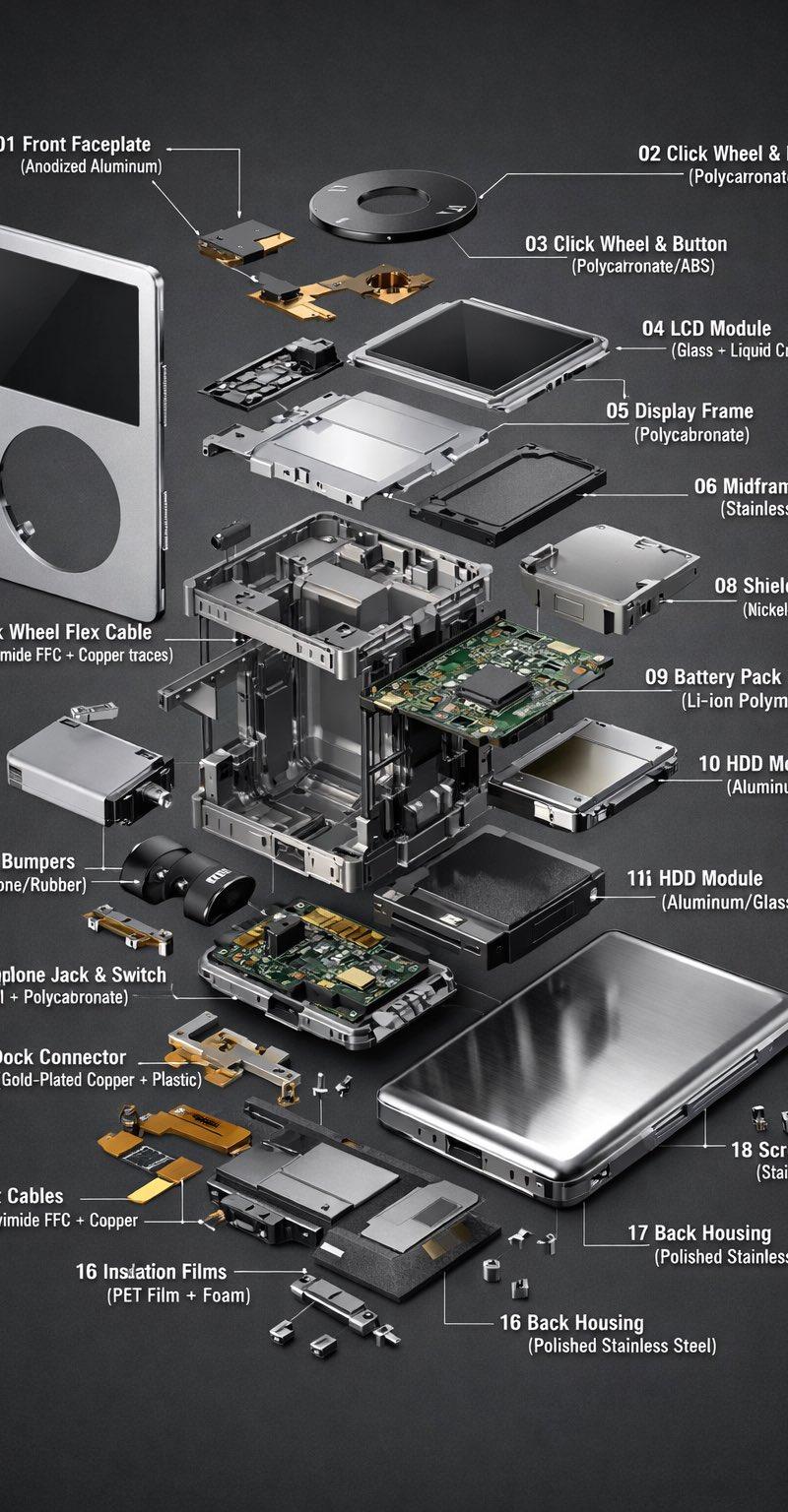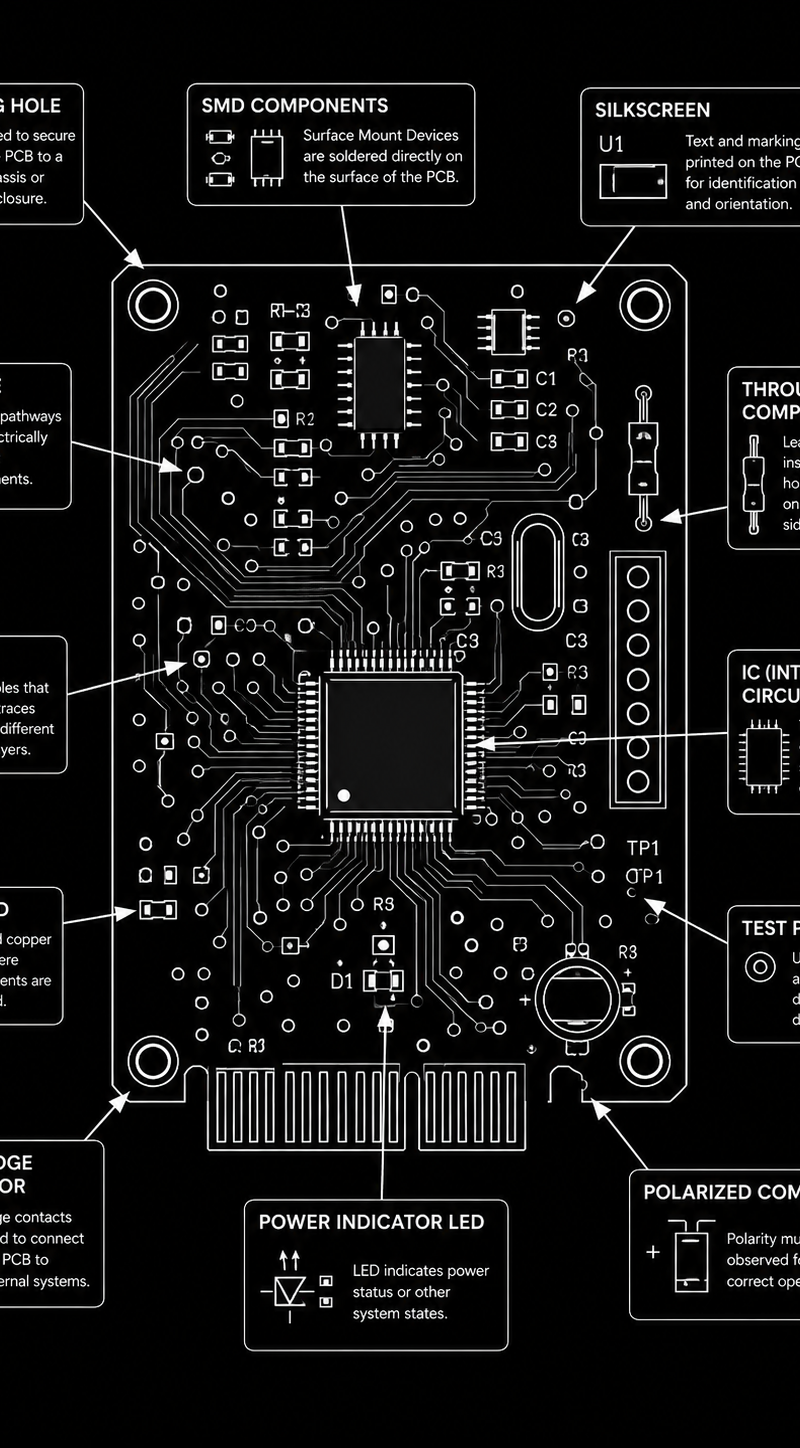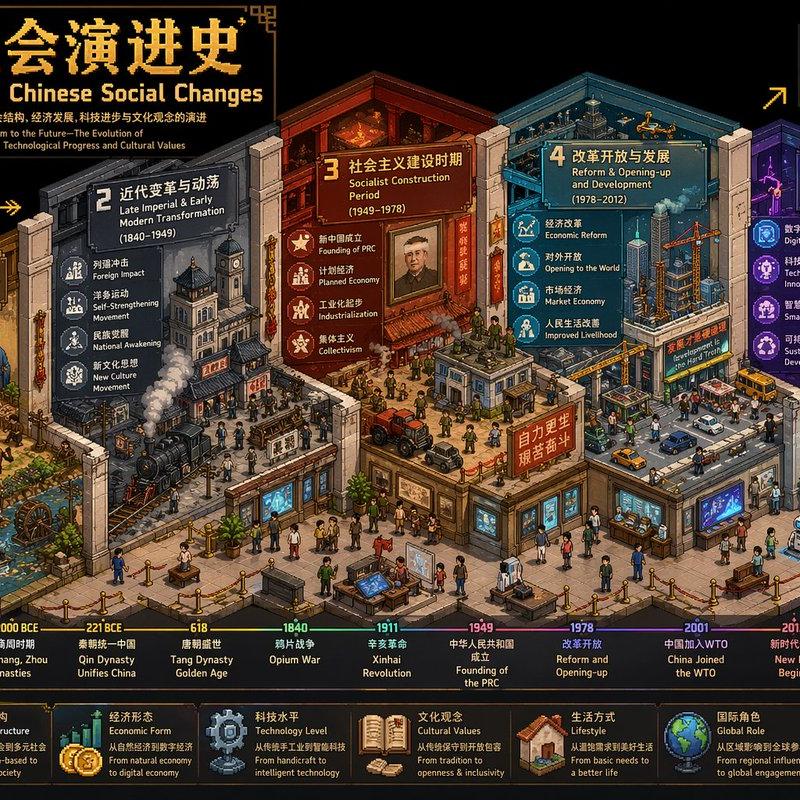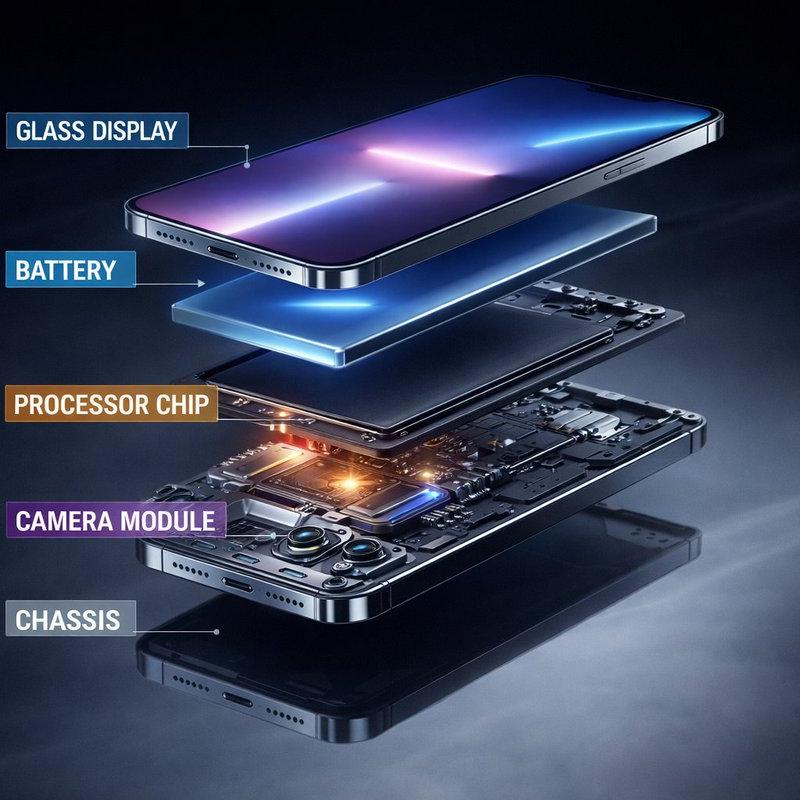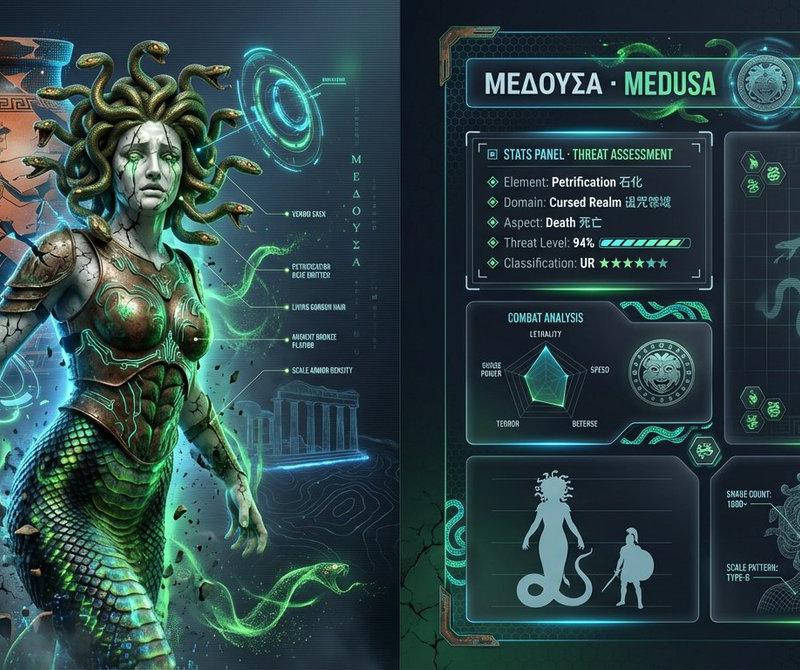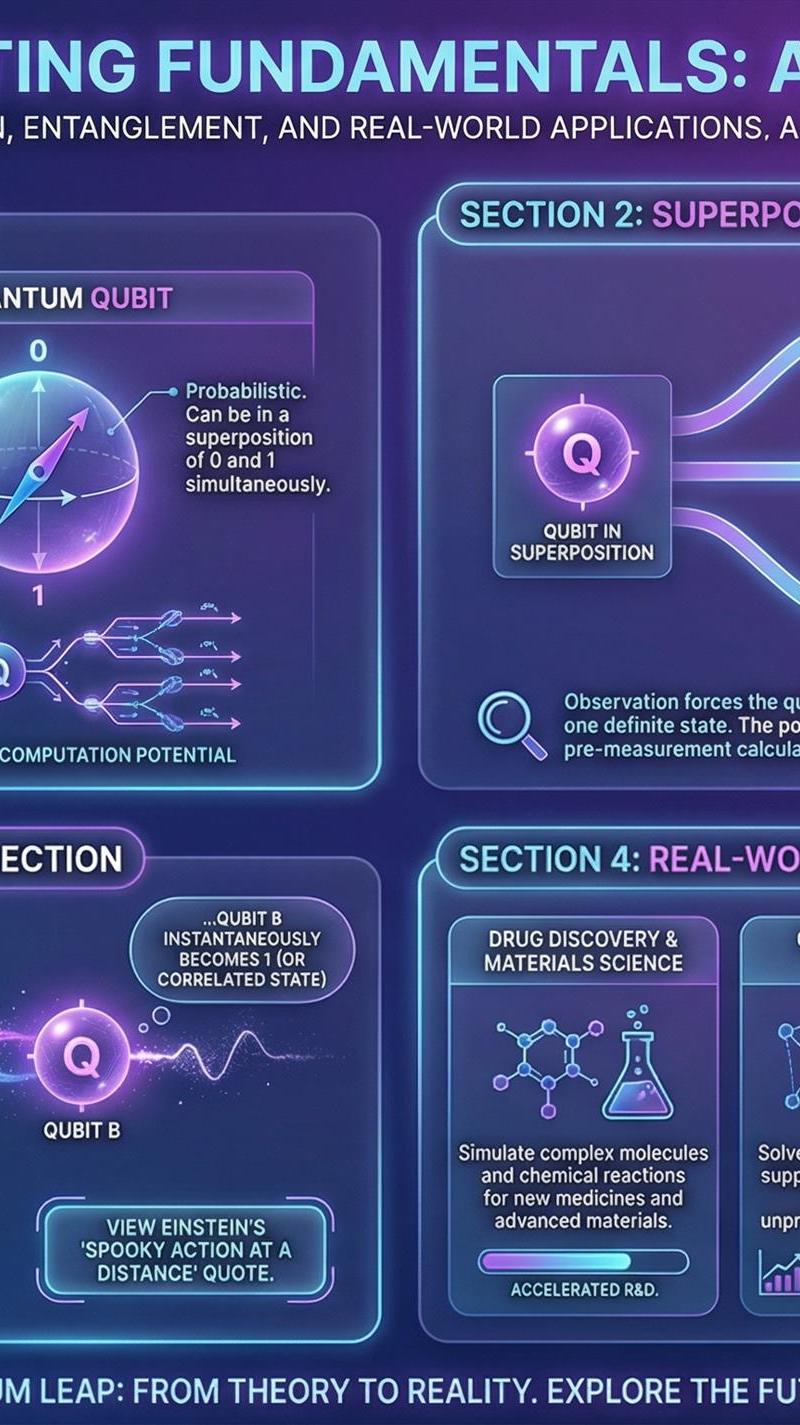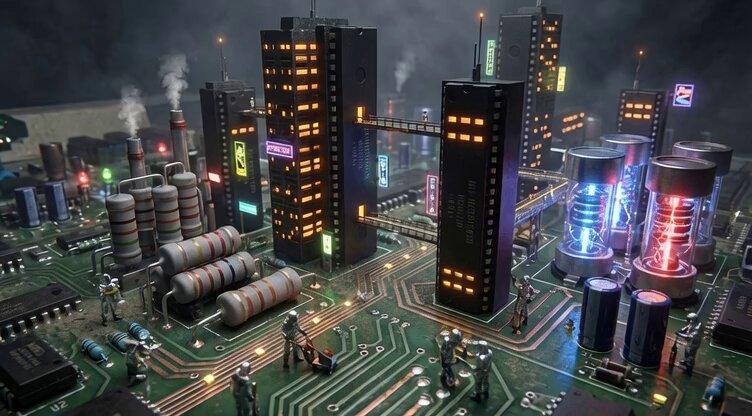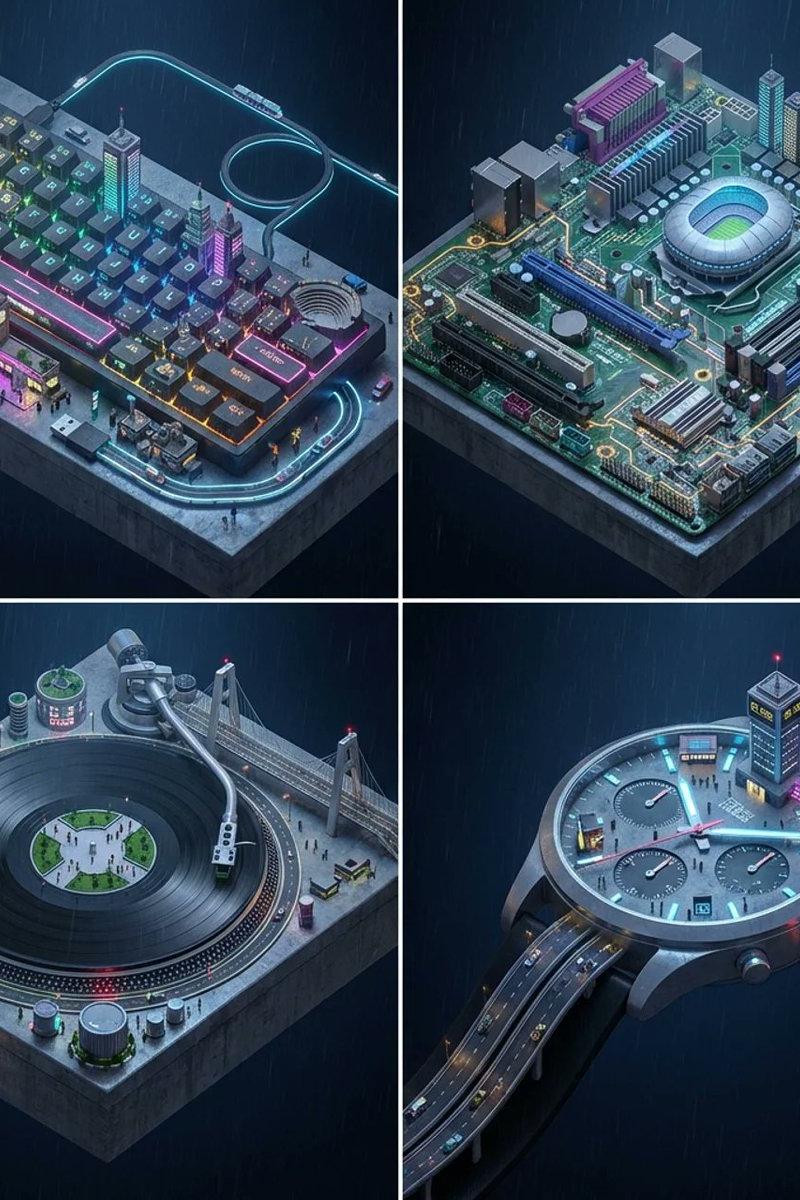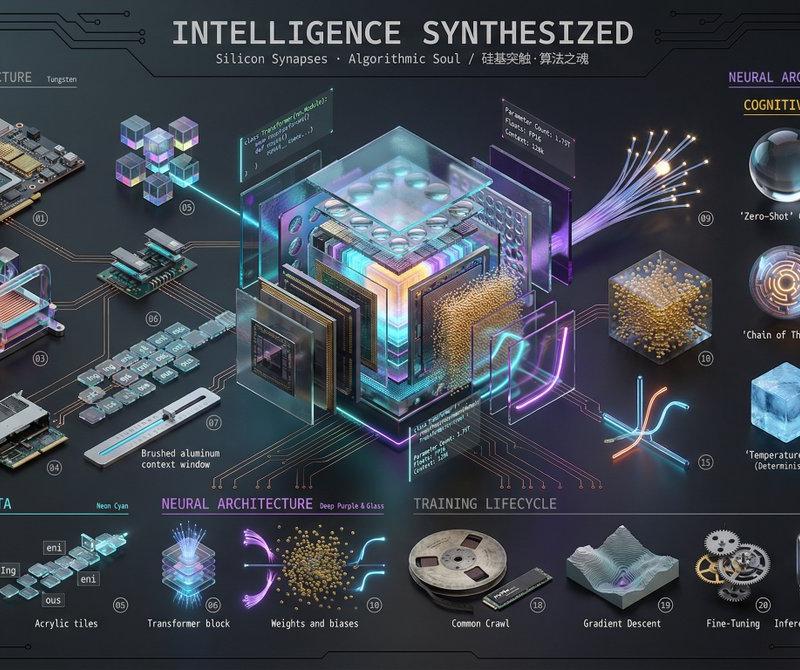
LLM解剖图
Prompt
这个提示词太神了,可玩度太高了👍
略微一改:
This is a modification of your prompt to apply the "3D Realistic Deconstruction" framework to a Large Language Model (LLM).
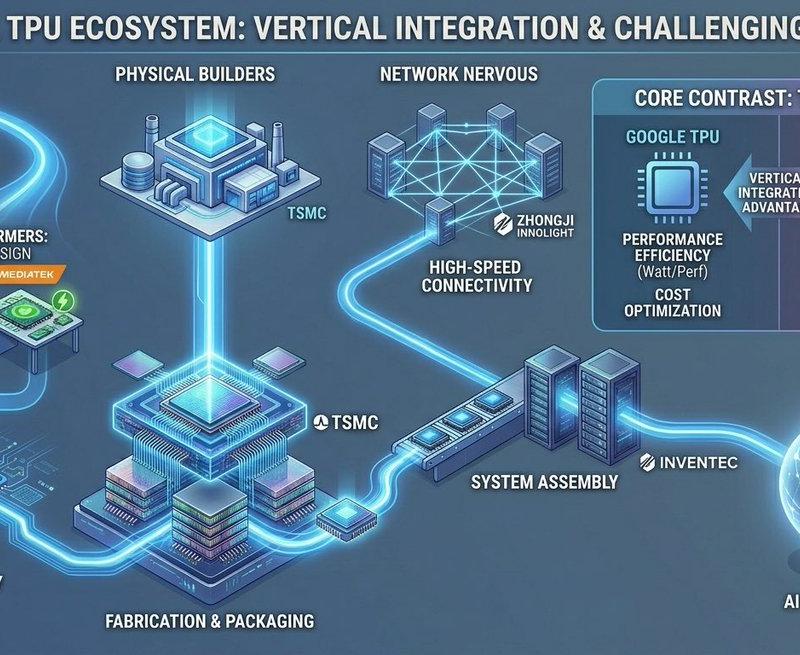
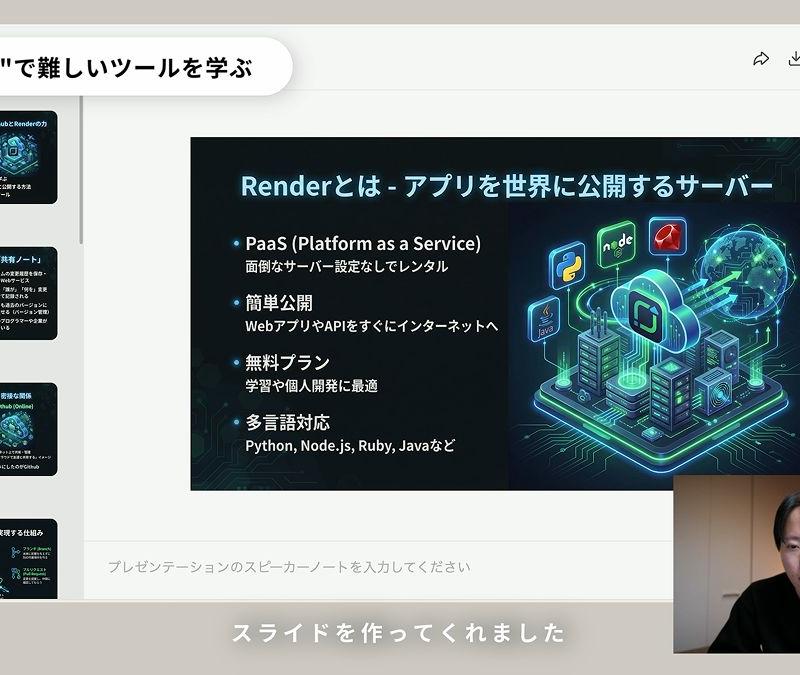
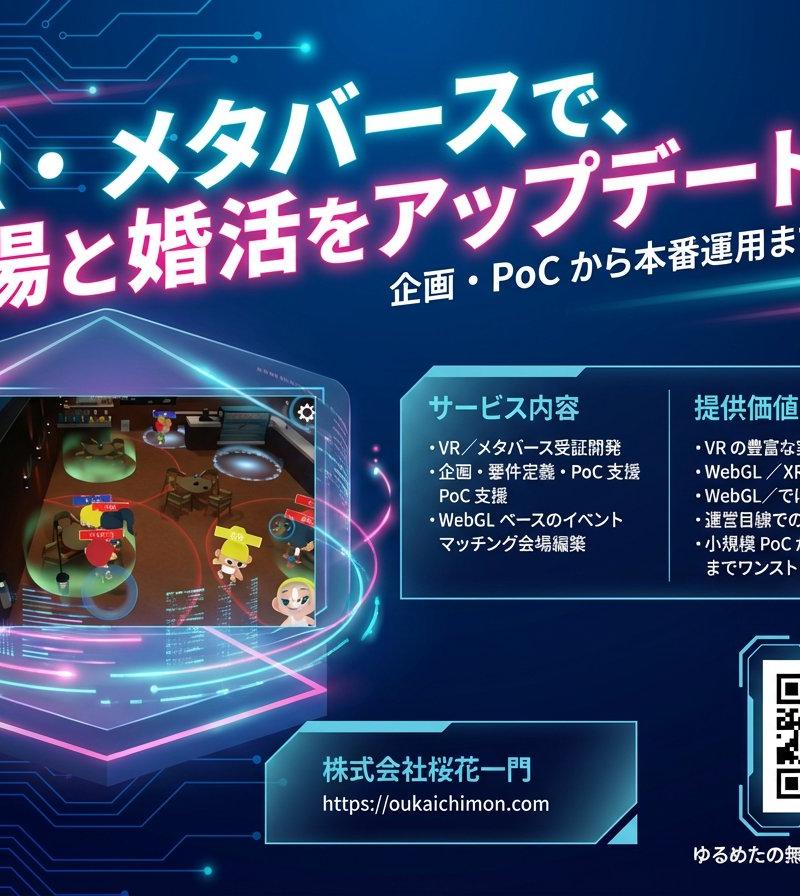
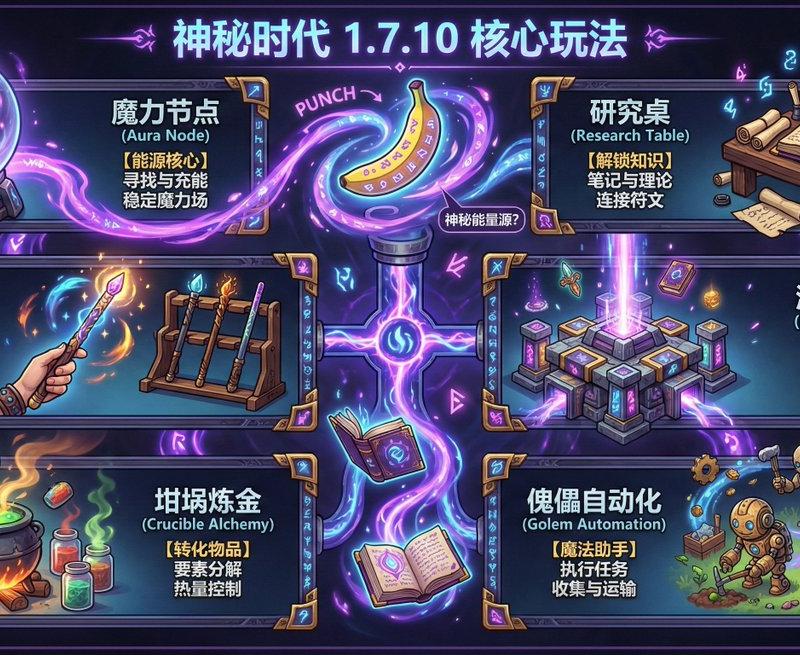
It retains the rigorous "Knolling" layout, exploded view technique, and ultra-high fidelity requirements, but translates the subject from "Human" to "Digital Intelligence (AI/LLM)," visualizing abstract software concepts as photorealistic physical artifacts (silicon, glass, light, and data).
*
# 3D Realistic Deconstruction Prompt: The Anatomy of an LLM
📷 Core Instruction (Core Instruction)
Task: Create an ultra-high-quality, cinematic 3D realistic deconstruction art poster of a Large Language Model (LLM). Visualize the AI not as a robot, but as a complex, exploded "Digital Brain" artifact combining high-end server hardware with materialized software architecture. Use the disciplined \'Knolling\' (orthogonal alignment) layout.
Remove biological elements. Introduce new thematic zones: "Neural Architecture" (Deep Learning layers), "Tokenization Stream" (Data representation), and a "Cognitive State Gallery" (visualizing AI "emotions" like hallucination, reasoning, and alignment).
Aspect Ratio: 16:9 landscape.
Artistic Style Core: Cyber-Physical Realism — grounded in industrial design, semiconductor photolithography, optical computing aesthetics, volumetric lighting, and ray-traced glass refraction.
Quality Benchmark: Visually indistinguishable from high-end tech hardware editorials (Apple/NVIDIA product reveals) or sci-fi prop design (e.g., *Ex Machina*, *Westworld* intro).
---
📷 Item Layout (Item Layout) – Knolling Radiating Composition
Total Items: 30–36 pieces, arranged at precise 90-degree angles around the central "Core Model."
Category 1: Hardware Foundation (The Body) – Tungsten & Matte Black Label
- Compute Unit: Deconstructed H100-style GPU logic board, showing silicon die, gold pins, and heat spreader separated in mid-air.
- Cooling: Liquid cooling block with transparent pipes, iridescent coolant fluid, and copper radiator fins.
- Memory: HBM (High Bandwidth Memory) stacks hovering like skyscrapers, VRAM chips with laser-etched serial numbers.
- *Example: A server blade exploded into chassis, motherboard, tensor cores, and optical interconnect cables.*
Category 2: Tokenization & Data (The Language) – Neon Cyan Label
- Embeddings: Cube clusters made of dichroic glass, representing vector space. Each cube reflects different colors depending on the angle.
- The Token Stream: A physical stream of "text blocks" (translucent acrylic tiles) breaking down from words into sub-tokens (e.g., "Ing" - "eni" - "ous").
- Context Window: A long, graduated ruler or sliding gauge made of brushed aluminum, indicating the limit of memory.
Category 3: Neural Architecture (The Brain) – Deep Purple & Glass Label
- Transformer Blocks: Represented as layered distinct panes of glass and lens arrays.
- Attention Heads: A cluster of fiber optic cables glowing at the tips, focusing light onto a single focal point (representing the "Attention Mechanism").
- Weights & Biases: Billions of tiny floating gold ball-bearings or microscopic distinct nodes suspended in a gel medium, organized in matrices.
- Activation Functions: Physical curves (ReLU, Sigmoid) rendered as neon-lit bent glass tubes.
Category 4: Cognitive State Gallery (AI "Expressions") – Warning Amber/Electric Blue Label
- A series of 6–8 floating "Macro Processors" or spherical displays capturing distinct model states:
• 'Zero-Shot' Clarity: A perfectly clear, flawless crystal sphere.
• 'Hallucination' Glitch: A voxelated, distorted sphere with chromatic aberration and glitch artifacts.
• 'Chain of Thought': A sphere with an internal glowing labyrinth or tree-branching lightning structure.
• \'RLHF\' (Alignment): A sphere constrained by a metal cage or "guardrails."
• 'Temperature 0.0' (Deterministic): A solid, frozen, ice-blue matte cube (rigid).
• 'Temperature 1.5' (Chaos/Creativity): A fluid, swirling plasma orb, volatile and multicolored.
Category 5: Training Lifecycle (Evolution Zone) – Slate Gray Label
- Dataset Tape: A vintage-style reel-to-reel tape or modern NVMe drive, visibly worn, labeled "Common Crawl."
- Loss Function Curve: A 3D printed topographical landscape showing a "Gradient Descent" valley (optimizing error).
- Fine-Tuning Gears: Precision watch-movement gears interlocking with the main silicon chip.
- Inference Spark: A captured lightning bolt or laser pulse inside a vacuum tube.
Every item requirement:
- Materials: Anodized aluminum, chemically strengthened glass, monocrystalline silicon, gold plating, copper, and optical fiber.
- Numbered tags: Circular badges labeled 01–36 with metallic finish.
---
📷 Exploded View Technique (Exploded View Technique)
- Connection lines: Laser-projected beam lines or thin copper traces connecting the hardware to the floating software elements.
- Guiding arrows: Holographic UI elements or etched markings on the background.
- Technical annotations:
- Code Snippets: Floating holographic text of Python/PyTorch code (`class Transformer(nn.Module):...`).
- Specs: "Parameter Count: 1.75T", "Floats: FP16", "Context: 128k".
---
📷 The Art of Deconstruction · INTELLIGENCE SYNTHESIZED 📷
Typography: Monospace coding font (e.g., JetBrains Mono, Fira Code) mixed with clean Swiss Sans-Serif (Helvetica Now).
- Subtitle:
`"Silicon Synapses · Algorithmic Soul / 硅基突触·算法之魂"`
- Category Headers: Pill-shaped UI tags:
"📷 Neural Architecture" (Purple)
"📷 Cognitive States" (Amber)
"📷 Hardware Infrastructure" (Tungsten)
---
📷 Design Elements (Design Elements)
- Geometric frames: Circuit board traces (PCB lines) forming the borders and grouping clusters.
- Radar Chart: A "Model Card" pentagon showing: Reasoning, Coding, Creativity, Multilingual, Safety.
- Background: Dark mode aesthetic. Deep charcoal (#111111) to Slate (#222222).
- Lighting: Global Illumination from the glowing components themselves (emissive materials).
---
📷 Color Palette (Color Palette)
- Logic & Structure: Tungsten Grey (#333333), Pure White (#FFFFFF), Electric Blue (#007BFF).
- Creativity & Data: Neon Purple (#9D00FF), Cyan (#00FFFF), Magenta (#FF00FF).
- Warning/Heat: Amber (#FFBF00) for high temperature/processing load.
---
📷 Technical Specifications (Technical Specifications)
Rendering Engine: Path Tracing (Octane/Redshift style).
- Materials: High index of refraction (IOR 2.4) for silicon, sub-surface scattering for "translucent plastic" components, anisotropy for brushed metals.
- Micro-Detail: Visible dust on cooling fans, fingerprints on glass servers, microscopic lithography lines on the chips.
- Post-Processing: Slight bloom on emissive lights, chromatic aberration on the edges (lens imperfection), cinematic grain (ISO 800).
Special Instructions:
- No Anthropomorphism: Do not put a human face on the AI. The "Face" of the AI is the chip and the code.
- Scale: Macro photography feel. The viewer should feel small, looking at a massive, complex city of technology.
- Complexity: The center should be dense with "layers" of glass and light, representing the Deep Learning "Black Box."
- Category
- Photography & Realism
- Model
- Unknown
- Creator
- 岚叔
- Source language
- zh-CN
- Source ID
- anatomy-of-an-llm
Views0