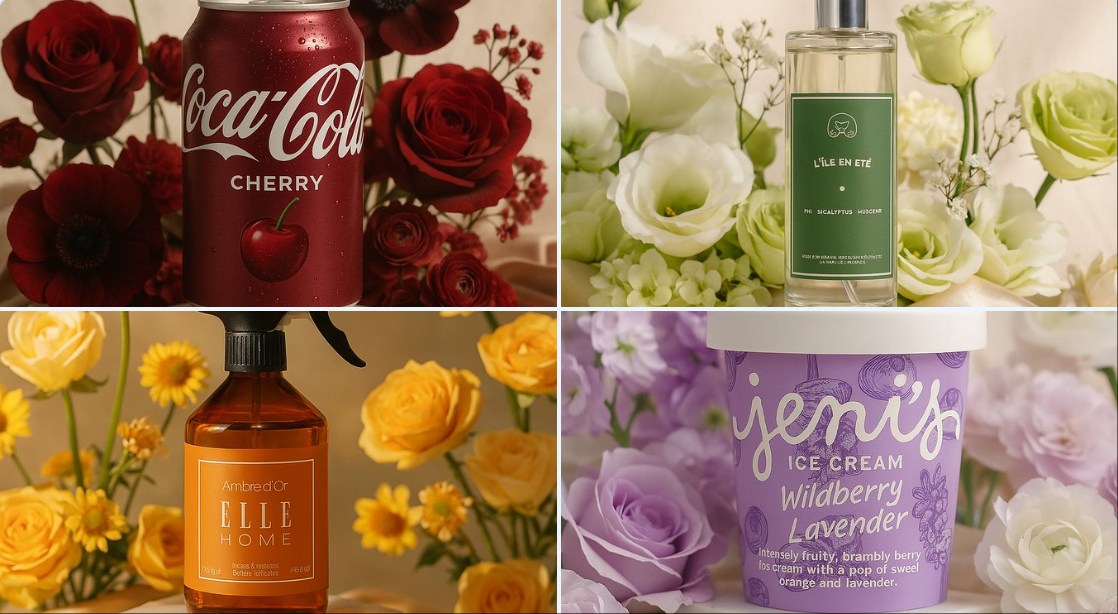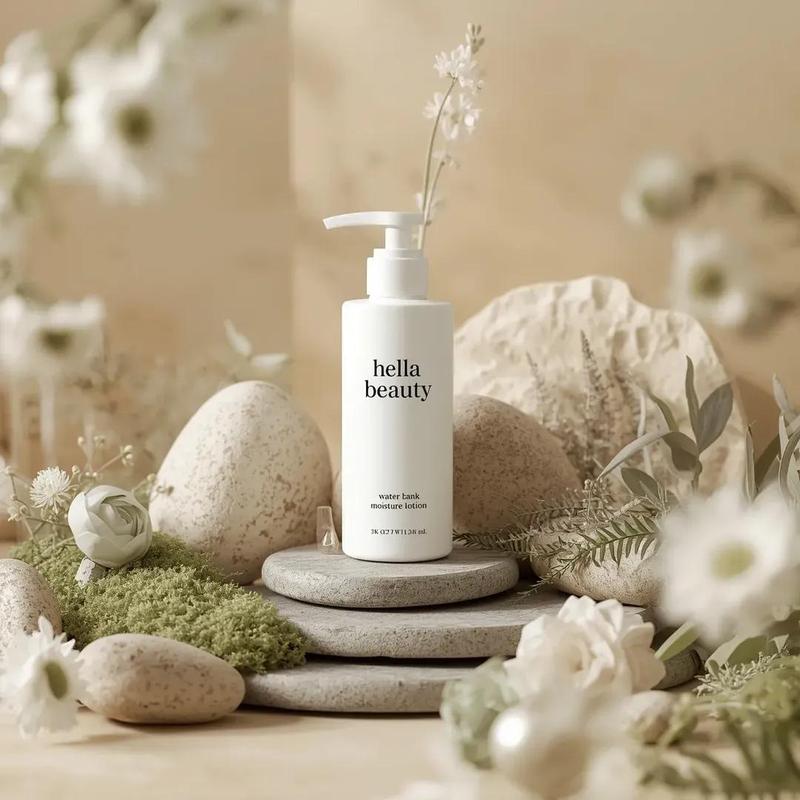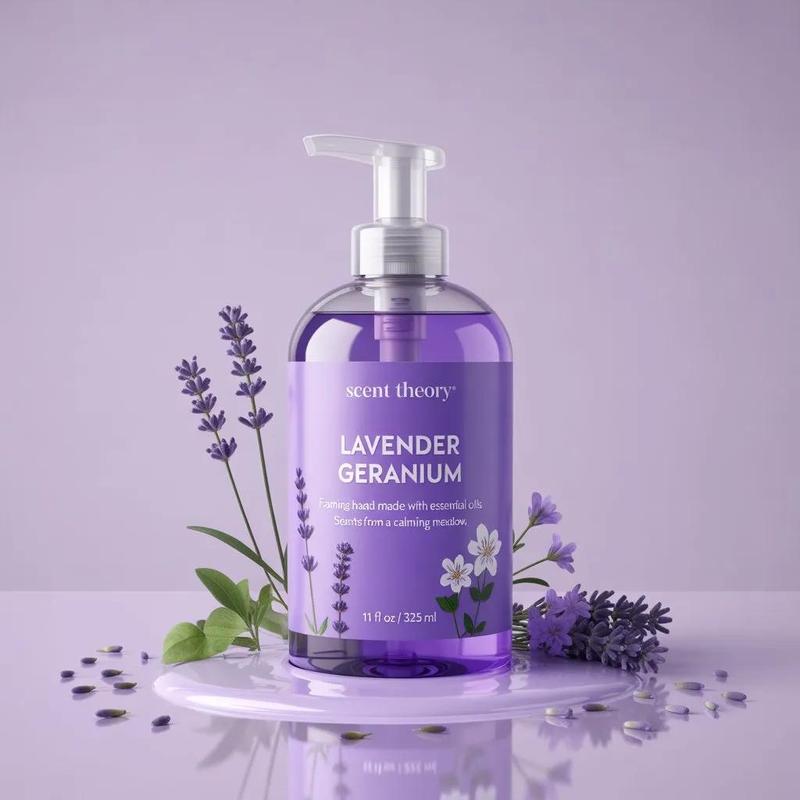
20

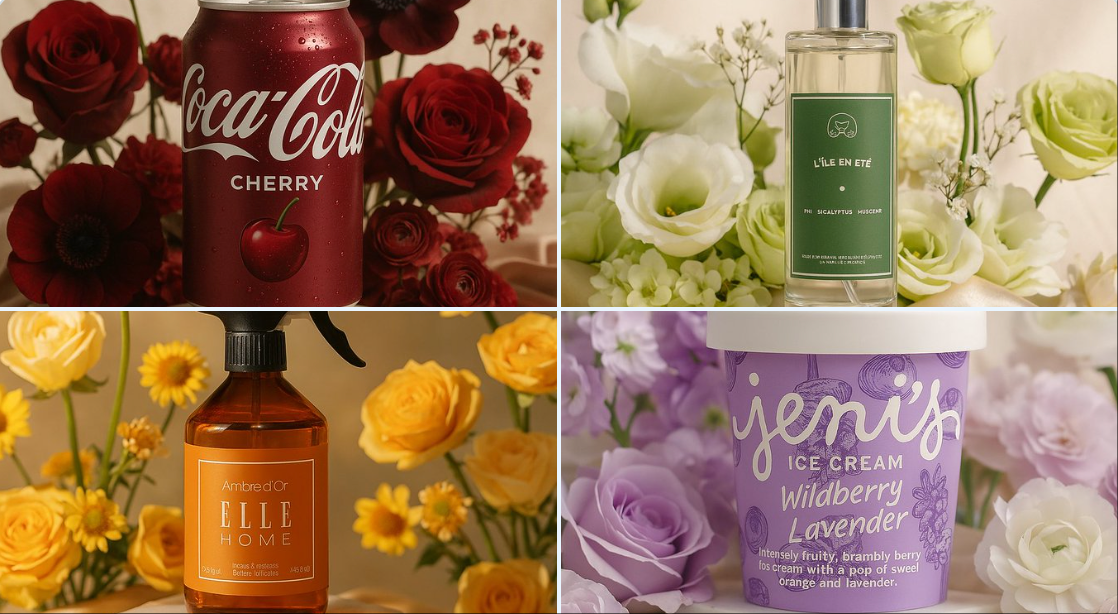
用花朵美化你的产品
Enlarge

用花朵美化你的产品

Prompt
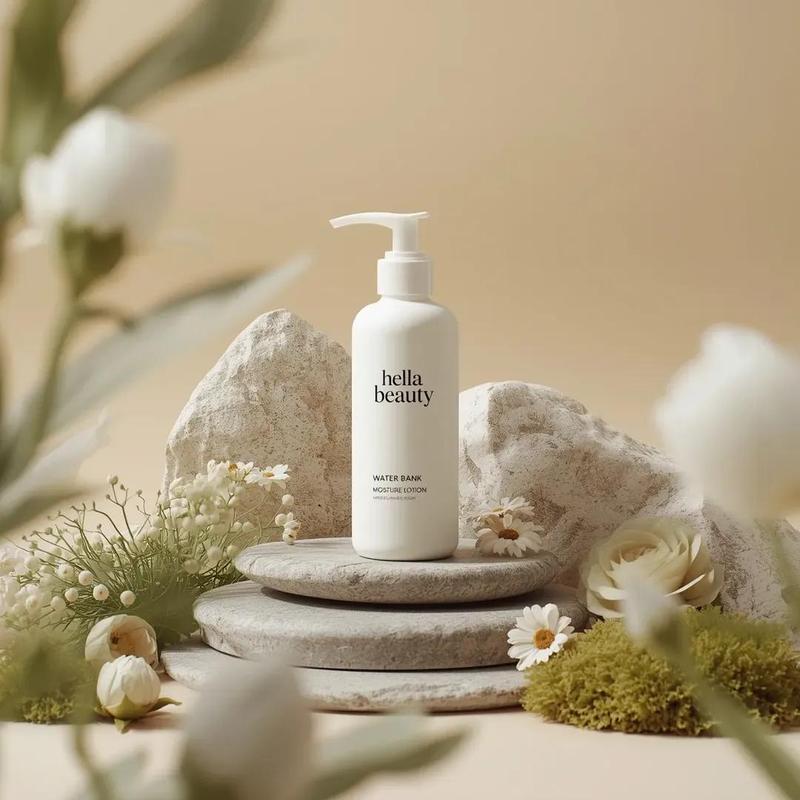
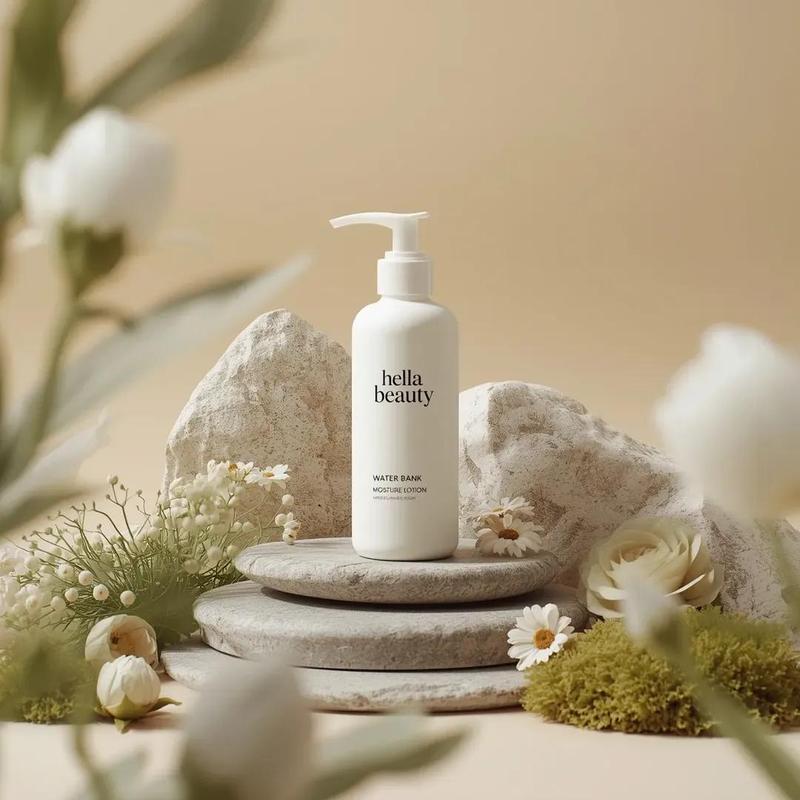
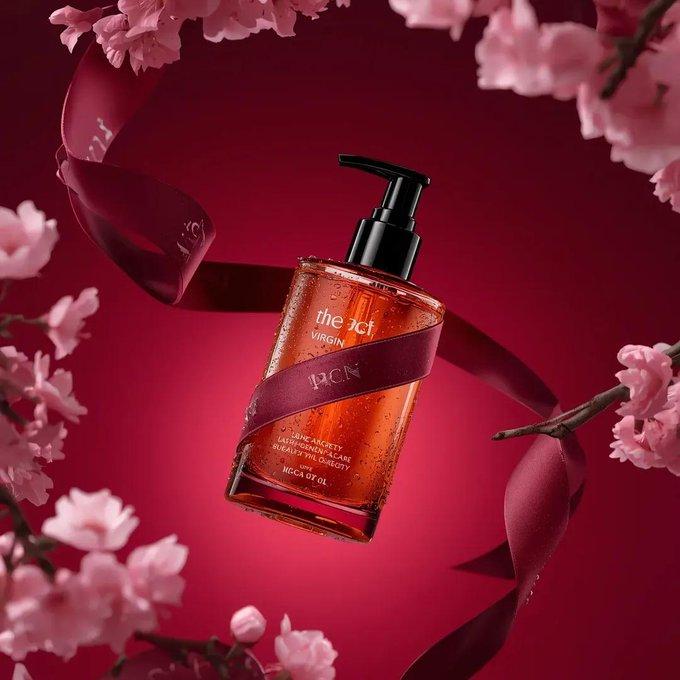
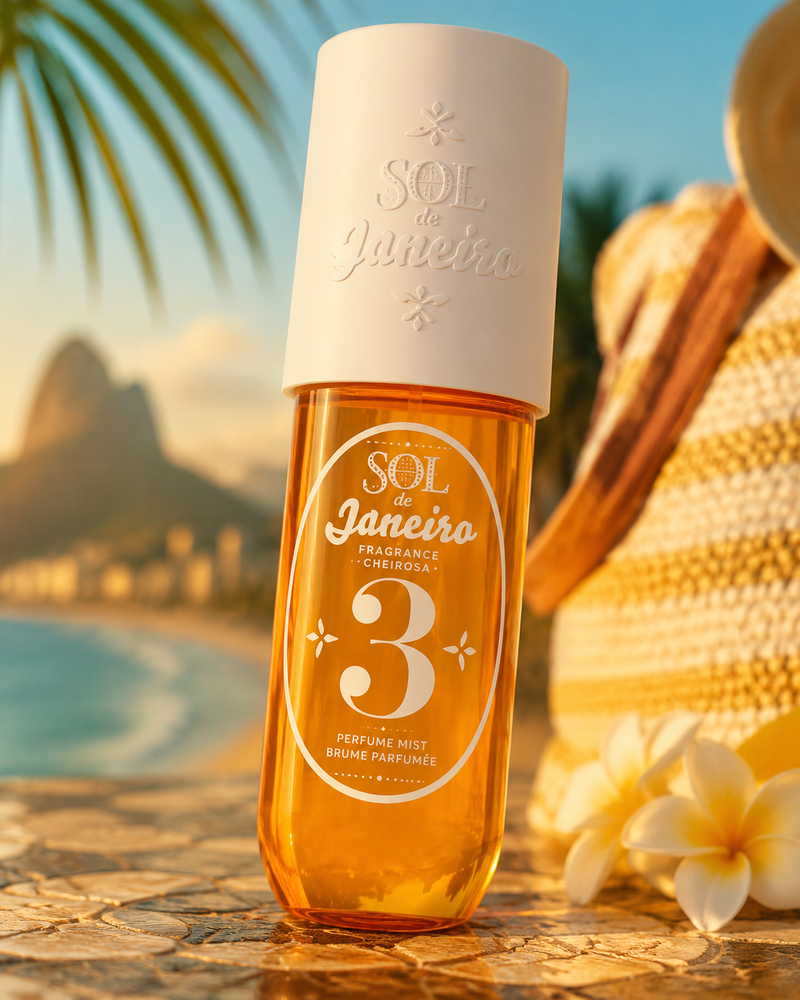
A high-end editorial photo of (PRODUCT NAME OR IMAGE) placed on a white marble pedestal, resting on champagne-colored silk. It is surrounded by pastel flowers whose type and color naturally harmonize with the product’s primary colors (COLOR PALETTE) — complementing and enhancing its tones. Soft natural light from the upper left. 3D realism, luxury product photography, shallow depth of field, 1:1 format.
(产品名称或图片)放置在白色大理石底座上,休息在香槟色丝绸上,的高端编辑照片。它被淡色花朵环绕,其类型和颜色自然与产品的主要颜色(调色板)协调——补充并增强其色调。来自左上方的柔和自然光。3D 现实主义,奢华产品摄影,浅景深,1:1 格式。
Category
Photography & Realism
Model
Unknown
Creator
Kerroudjm
Views0
Source ID
beautify-your-product-with-flowers

Guide

About "用花朵美化你的产品"

What is this prompt for?

"用花朵美化你的产品" AI image prompt for Unknown (Photography & Realism). A high-end editorial photo of (PRODUCT NAME OR IMAGE) placed on a white marble pedestal, resti…

The full copyable prompt and example visuals above are ready for AI image generation or one-click recreate in Picva.

How to use this prompt

  1. Step 1

    Open the prompt detail

    Review the example visuals, category, and full prompt text for "用花朵美化你的产品".

  2. Step 2

    Copy the prompt

    Copy the prompt body from this page, or load it directly in Studio.

  3. Step 3

    Pick a model (Unknown)

    Prefer Unknown. If you switch models, keep subject and composition and tweak style terms.

  4. Step 4

    Generate and export

    Recreate the look in Picva, or export into your workflow for editing and publishing.

FAQ

What is the "用花朵美化你的产品" prompt?
It is an AI image-generation prompt for Unknown in the Photography & Realism category. This page includes the full prompt text, example visuals, and a one-click recreate path in Picva.
How do I use this prompt to generate an image?
Copy the prompt from this page, or use Generate / Studio. Paste it into a compatible image model, or recreate the look in Picva with optional reference images.
Which model is this prompt for?
This page lists Unknown. Most descriptive prompts also transfer to nearby image models such as GPT Image, Flux, or Midjourney with light style tweaks.
Can I use the result commercially?
You can usually copy the prompt for creation, but commercial use of the final image depends on the model terms, reference-image rights, and the generated content. Follow the source author and platform rules.