20

夜晚昏暗客厅中的父亲与孩子
Enlarge

Example images

夜晚昏暗客厅中的父亲与孩子

Prompt
GPT Image 1.5 is now live on Higgsfield.
Clean pictures from structured prompt
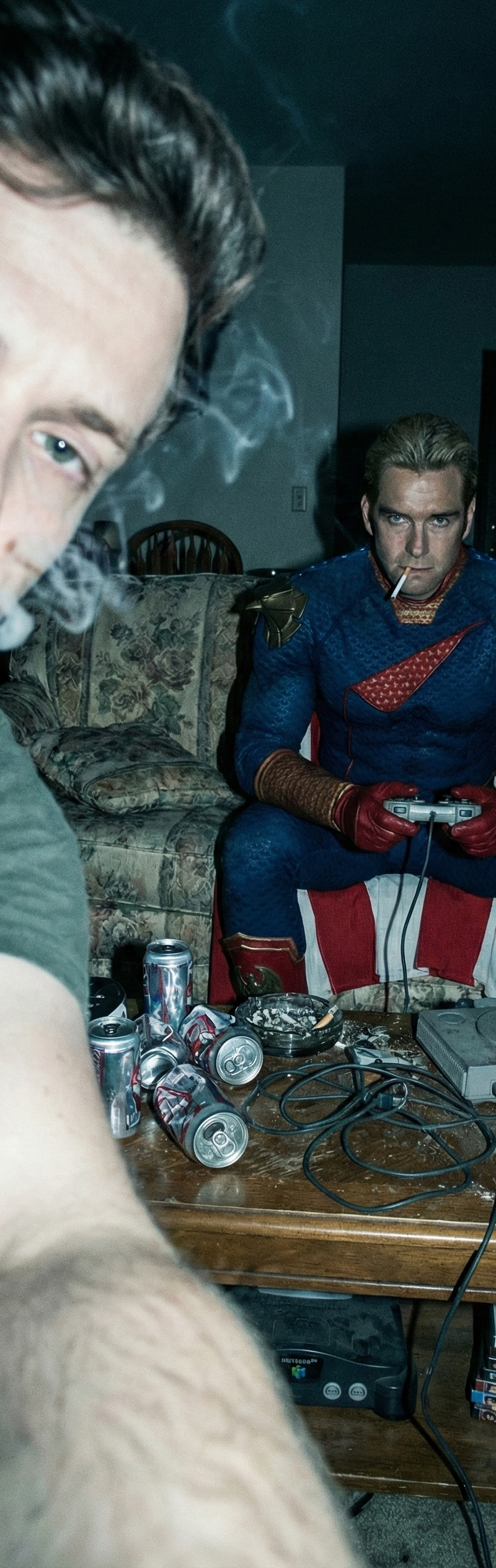
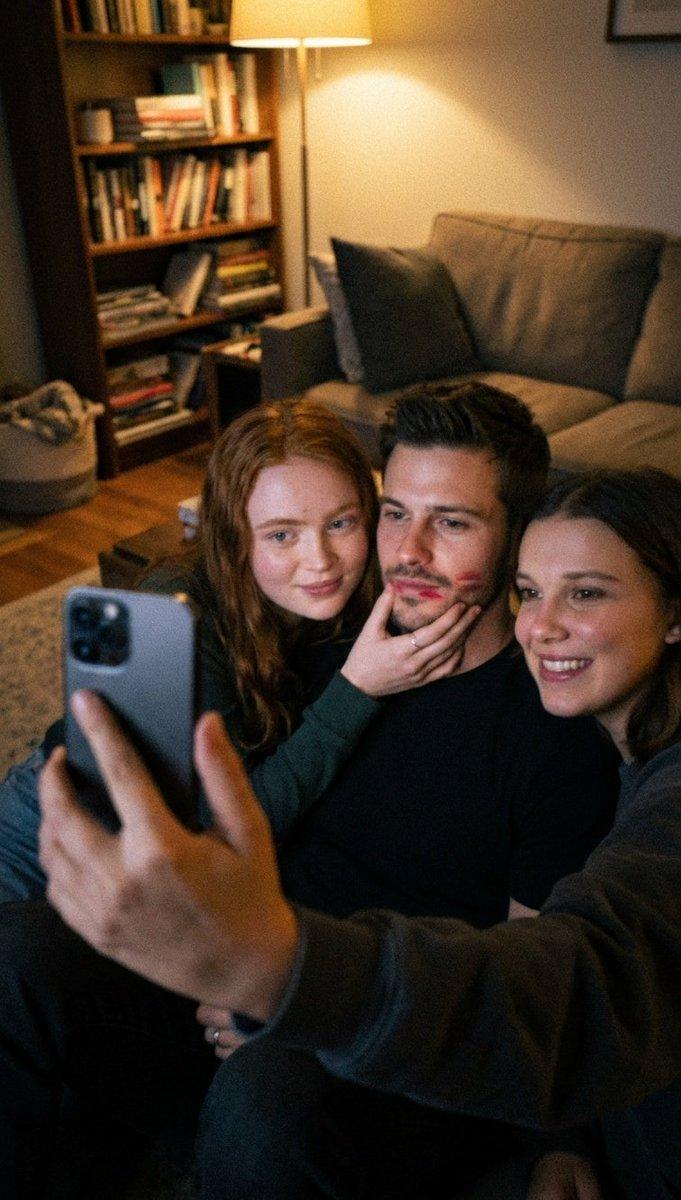
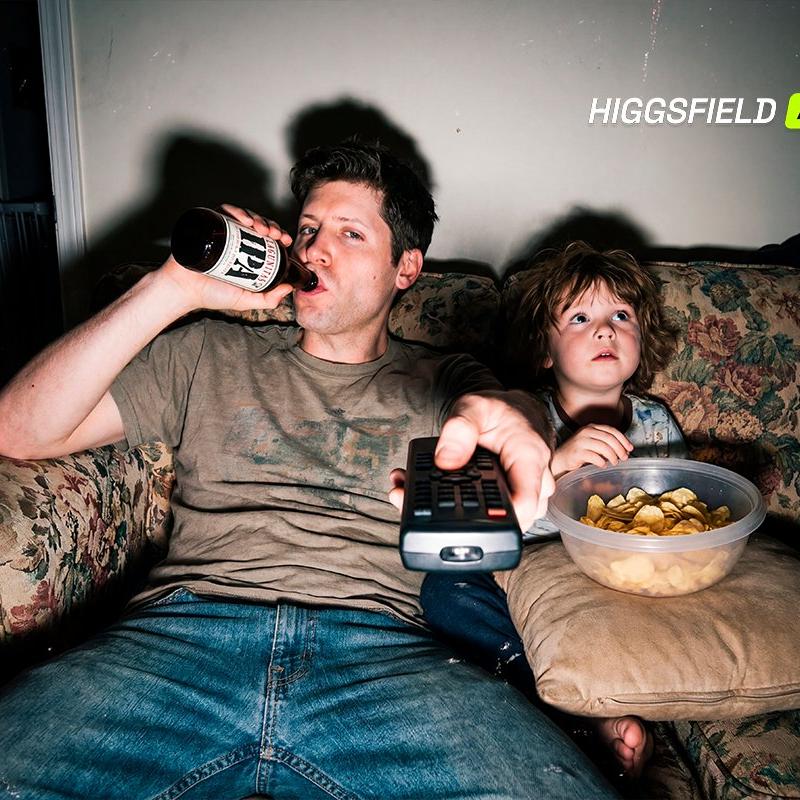
A candid, cinematic lifestyle photograph of a tired father and his young child sitting together on a worn vintage couch in a dimly lit living room at night. The father reclines casually, holding a TV remote toward the camera with one hand while drinking from a glass bottle with the other, relaxed yet exhausted. Beside him, the child sits quietly with a bowl of potato chips, wide-eyed and absorbed in whatever is playing on the television. Soft, moody tungsten lighting casts gentle shadows on the wall behind them, creating an intimate, realistic atmosphere. Shot from a low, front-facing angle with slight wide-angle distortion for a raw, documentary feel.
Category
Photography & Realism
Model
GPT Image
Creator
Smiling Khan
Source language
zh-CN
Views0
Source ID
candid-lifestyle-photo-father-child-dimly-lit-living-room-night
Studio

Guide

About "夜晚昏暗客厅中的父亲与孩子"

What is this prompt for?

"夜晚昏暗客厅中的父亲与孩子" AI image prompt for GPT Image (Photography & Realism). GPT Image 1.5 is now live on Higgsfield. Clean pictures from structured prompt A candid,…

The full copyable prompt and example visuals above are ready for AI image generation or one-click recreate in Picva.

How to use this prompt

  1. Step 1

    Open the prompt detail

    Review the example visuals, category, and full prompt text for "夜晚昏暗客厅中的父亲与孩子".

  2. Step 2

    Copy the prompt

    Copy the prompt body from this page, or load it directly in Studio.

  3. Step 3

    Pick a model (GPT Image)

    Prefer GPT Image. If you switch models, keep subject and composition and tweak style terms.

  4. Step 4

    Generate and export

    Recreate the look in Picva, or export into your workflow for editing and publishing.

FAQ

What is the "夜晚昏暗客厅中的父亲与孩子" prompt?
It is an AI image-generation prompt for GPT Image in the Photography & Realism category. This page includes the full prompt text, example visuals, and a one-click recreate path in Picva.
How do I use this prompt to generate an image?
Copy the prompt from this page, or use Generate / Studio. Paste it into a compatible image model, or recreate the look in Picva with optional reference images.
Which model is this prompt for?
This page lists GPT Image. Most descriptive prompts also transfer to nearby image models such as GPT Image, Flux, or Midjourney with light style tweaks.
Can I use the result commercially?
You can usually copy the prompt for creation, but commercial use of the final image depends on the model terms, reference-image rights, and the generated content. Follow the source author and platform rules.