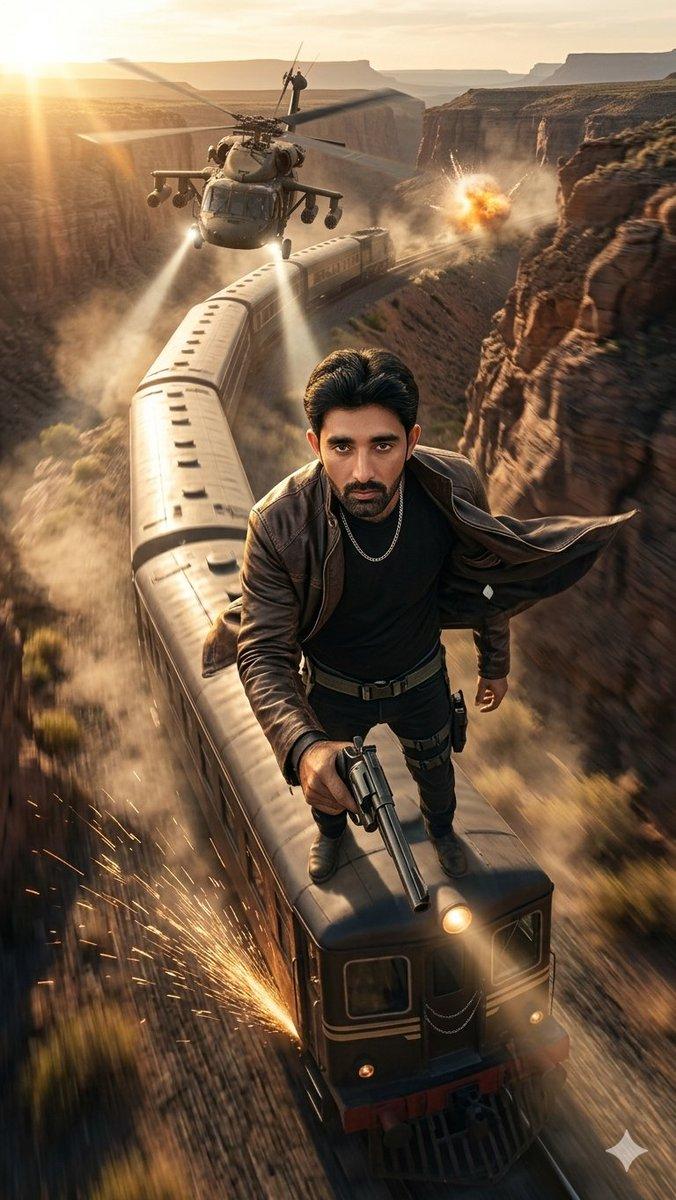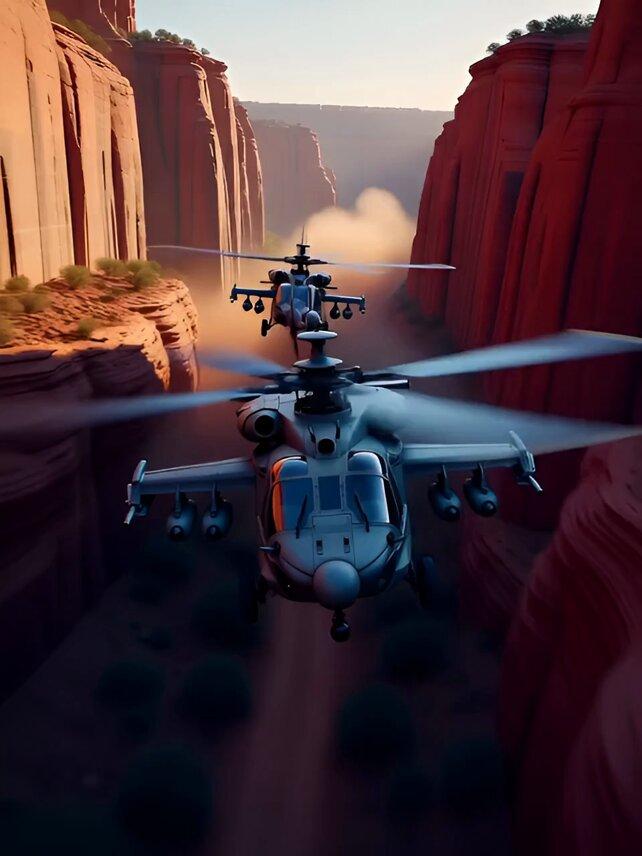
峡谷追逐战
Prompt
Grok JSON prompt
{
 "shot": {
 "composition": "dynamic tracking shot from behind the lead helicopter, sweeping through tight canyon turns",
 "lens": "telephoto lens with shallow depth of field",
 "frame_rate": "24fps",
 "camera_movement": "fast aerial dolly with sudden pans and tilts to follow the chase"
 },
 "subject": {
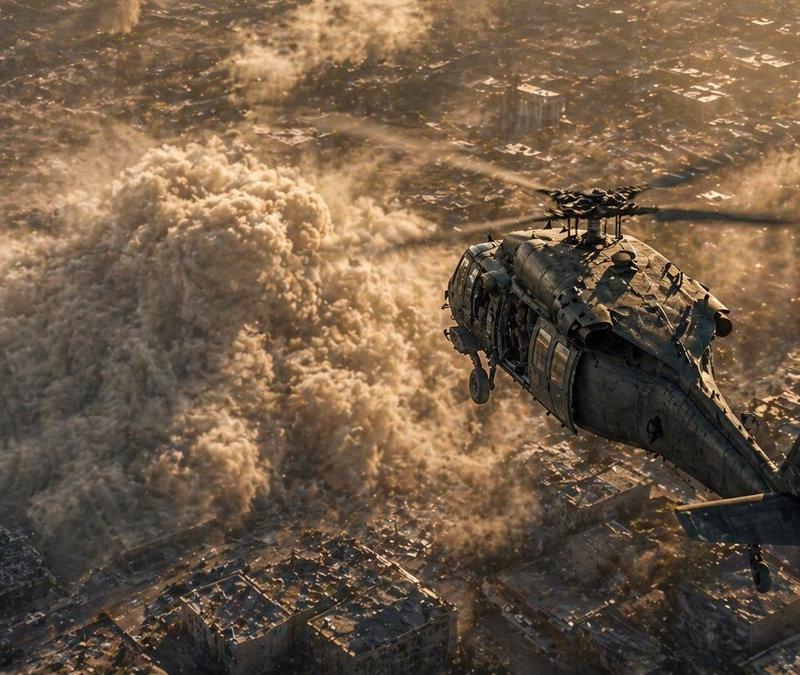
 "description": "two military attack helicopters engaged in a high-speed canyon pursuit",
 "wardrobe": "N/A",
 "props": "rotating turret guns, missile pods, flickering cockpit lights"
 },
 "scene": {
 "location": "rugged desert canyon with towering red rock walls",
 "time_of_day": "twilight",
 "environment": "dust clouds swirling from rotor wash, loose stones falling from cliff edges"
 },
 "visual_details": {
 "action": "the lead helicopter dives and weaves through narrow turns as the pursuing helicopter fires a missile that narrowly misses",
 "special_effects": "missile trail with smoke and sparks, subtle heat shimmer from engines",
 "hair_clothing_motion": "N/A"
 },
 "cinematography": {
 "lighting": "low-angle sunlight casting long shadows, rim lighting on rotor blades",
 "color_palette": "muted ochres, steel grays, and shadow blues",
 "tone": "intense, suspenseful, and high-stakes"
 },
 "audio": {
 "music": "cinematic score with rising tension and percussion hits",
 "ambient": "whirring rotor blades, wind rushing past canyon walls",
 "sound_effects": "missile launch, echoing explosions, metal stress creaks",
 "mix_level": "film standard with emphasis on midrange and impact"
 },
 "dialogue": {
 "character": "",
 "line": "",
 "subtitles": false
 }
}- Category
- Photography & Realism
- Model
- Unknown
- Creator
- Amira Zairi
- Source language
- zh-CN
- Source ID
- canyon-chase
Views0