17

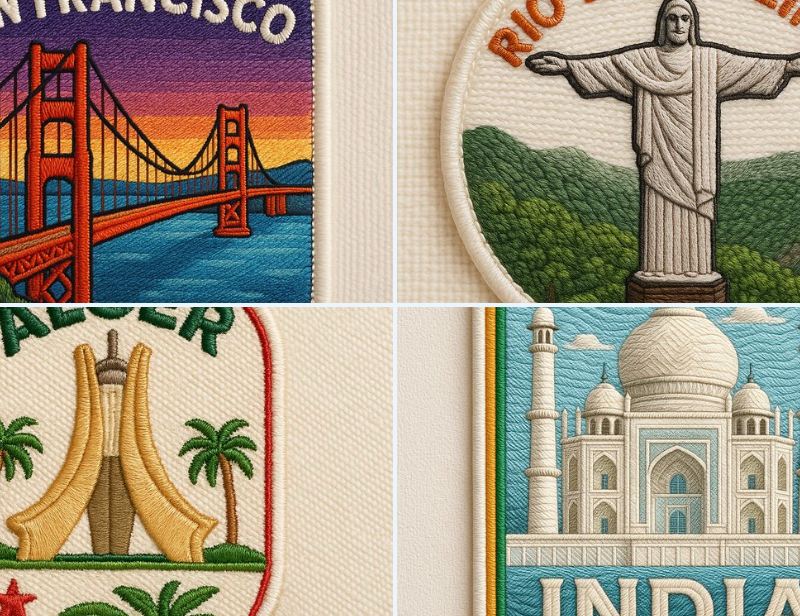
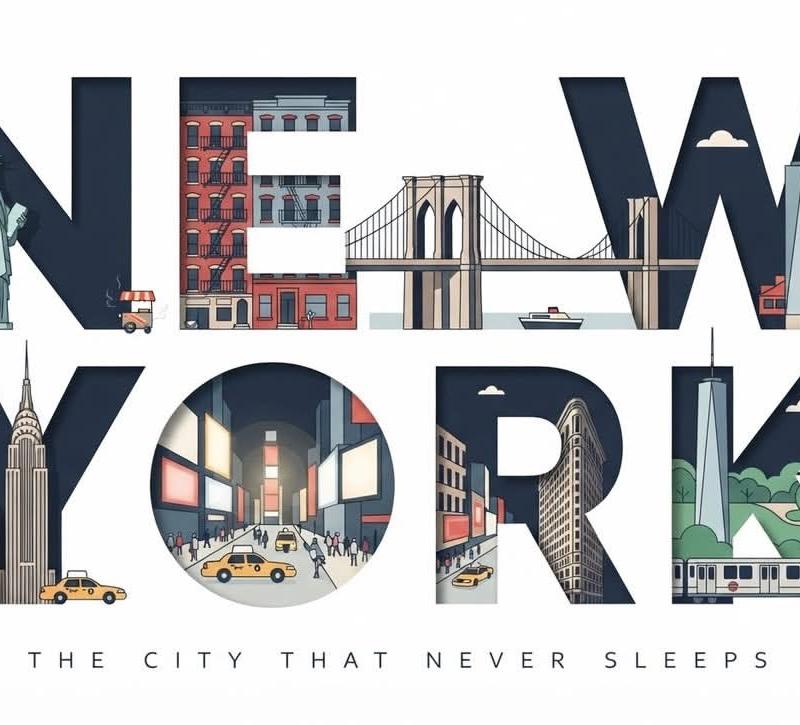
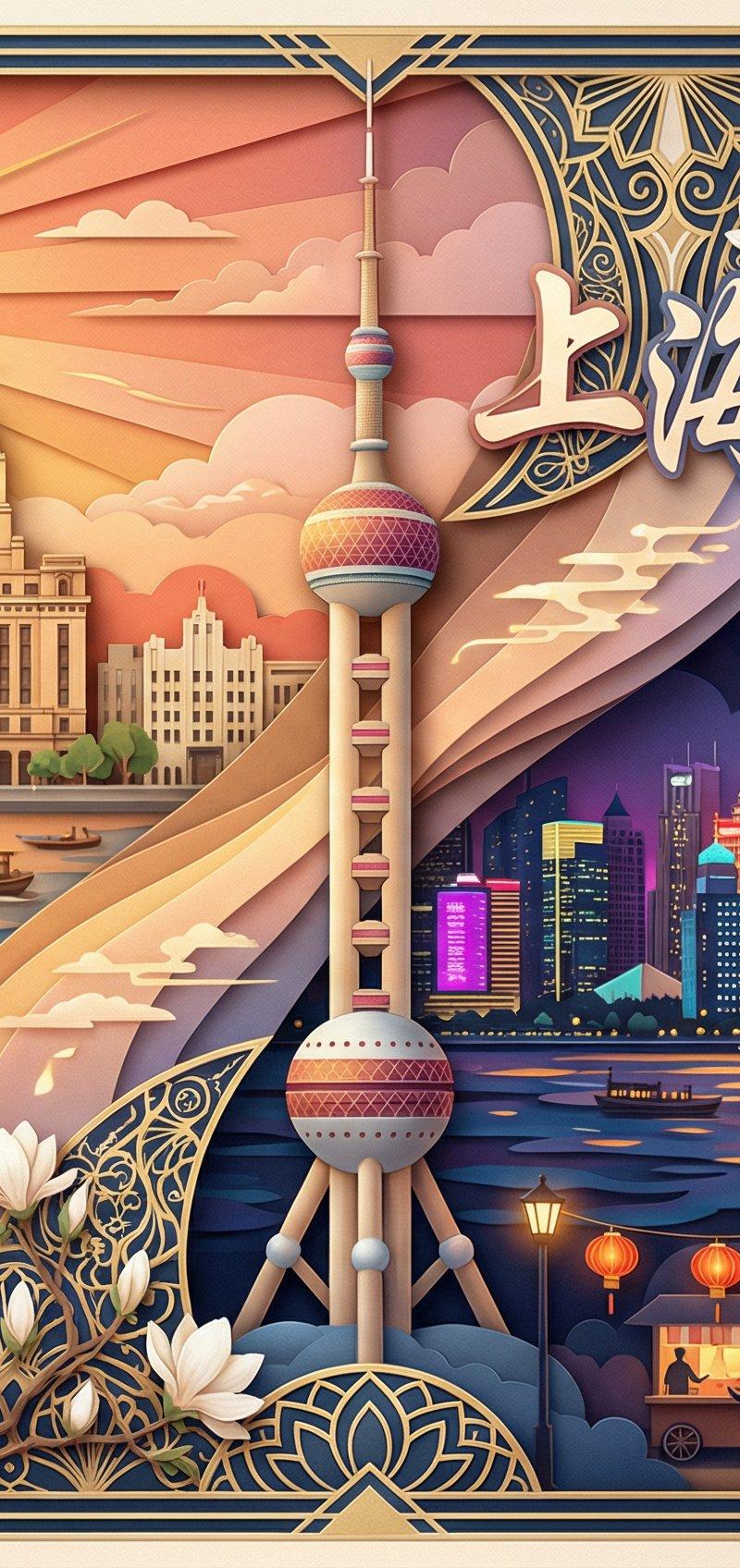
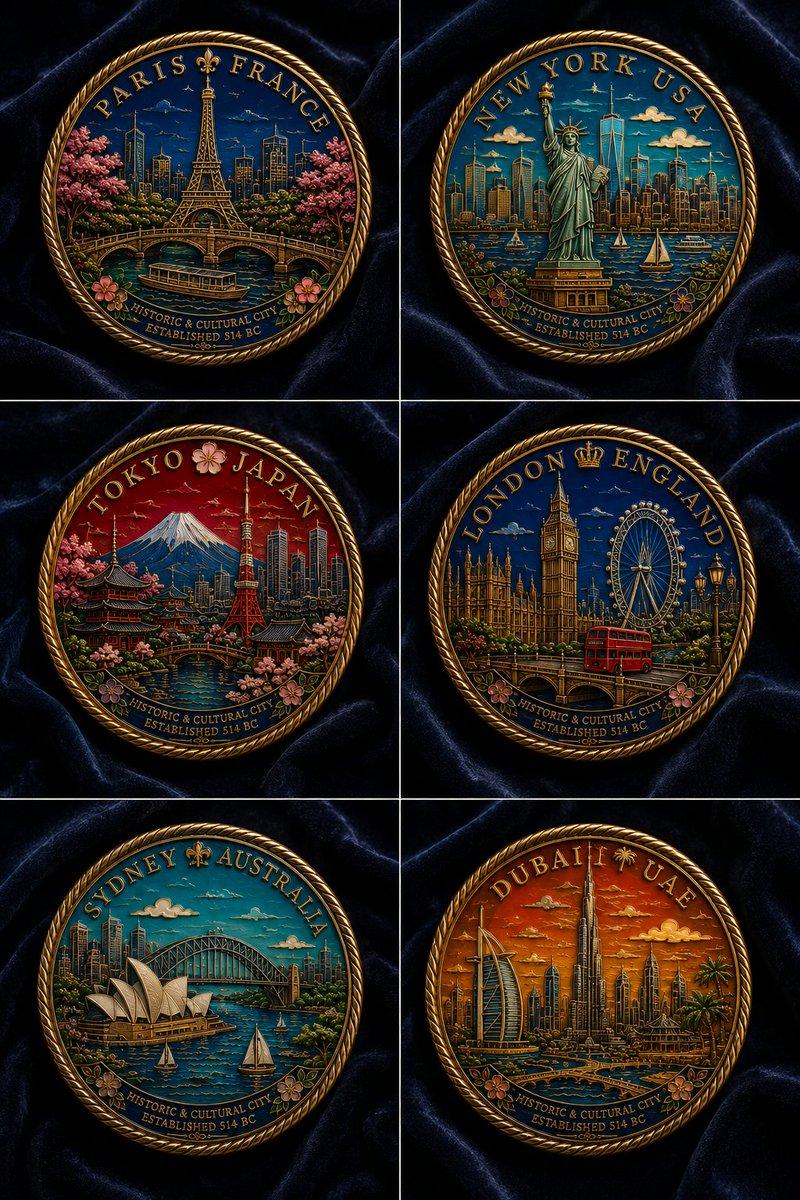
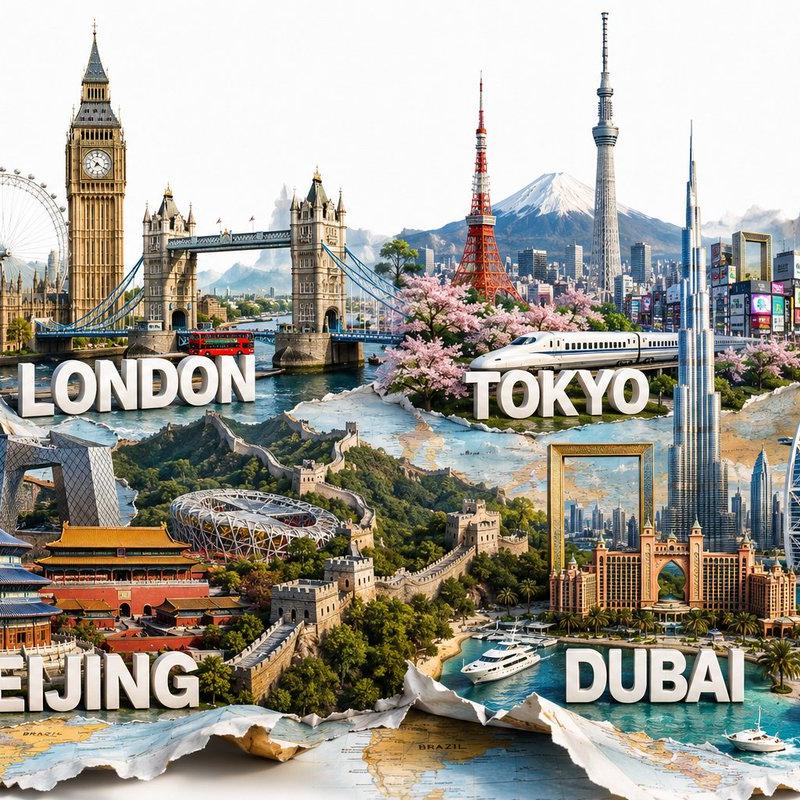
城市绣花贴纸照片
Enlarge

城市绣花贴纸照片

Prompt
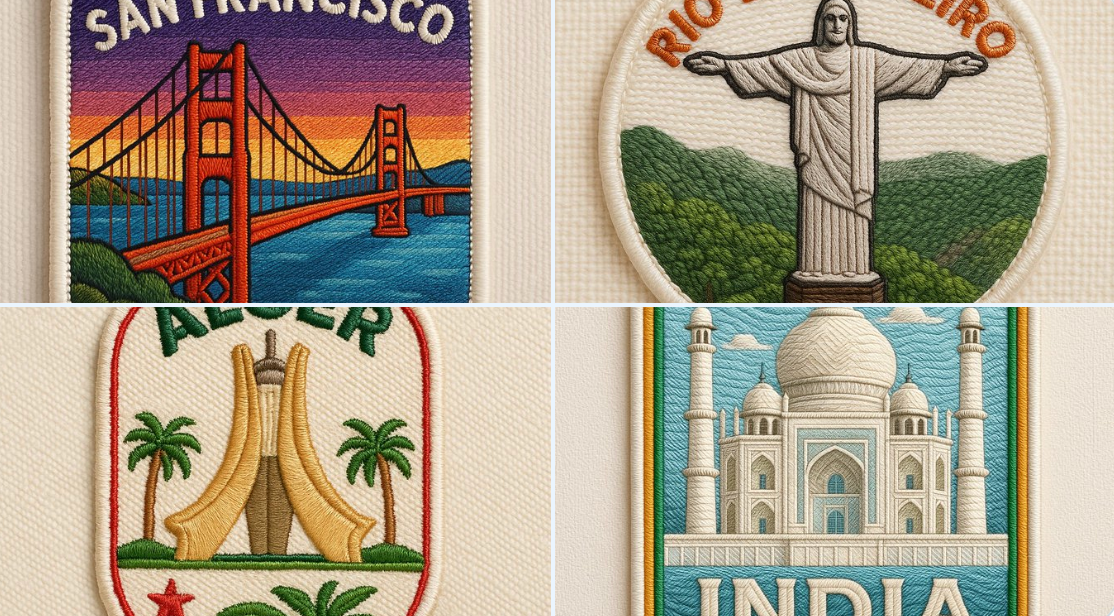
Create a close-up, square-format (1:1) photo of an embroidered patch inspired by the uploaded image. The design should feature a clean, cartoon-style embroidered interpretation of the original subject with rich thread texture and vibrant colors. The shape of the patch can vary (round, oval, shielded, silhouette-based), but the output image must remain square.\nIntegrate the national colors of the country represented—such as in the text, the border, or small decorative accents—drawing inspiration from the flag to enhance local identity. Add embroidered capital-letter text like the name of the city or country, either curved or straight. Use a soft off-white fabric background and natural lighting to bring out texture and depth.
创建一个近景、正方形格式(1:1)的绣花贴片照片,以上传的图片为灵感。设计应采用干净的卡通风格刺绣诠释原图主题,具有丰富的线紡纹理和鲜艳的颜色。贴片的形状可以变化(圆形、椭圆形、盾形、轮廓形),但输出图片必须保持正方形。\n融入所代表国家的国色——如文本、边框或小装饰细节中,从国旗中汲取灵感,增强地方身份。添加刺绣的大写字母文字,如城市或国家的名字,可以是曲线或直线。使用柔和的米白色背景布料和自然光线,以突出纹理和深度。
Category
Photography & Realism
Model
Unknown
Creator
Kerroudjm
Source language
zh-CN
Views0
Source ID
city-embroidery-sticker-photo
Studio

Guide

About "城市绣花贴纸照片"

What is this prompt for?

"城市绣花贴纸照片" AI image prompt for Unknown (Photography & Realism). Create a close-up, square-format (1:1) photo of an embroidered patch inspired by the uploaded i…

The full copyable prompt and example visuals above are ready for AI image generation or one-click recreate in Picva.

How to use this prompt

  1. Step 1

    Open the prompt detail

    Review the example visuals, category, and full prompt text for "城市绣花贴纸照片".

  2. Step 2

    Copy the prompt

    Copy the prompt body from this page, or load it directly in Studio.

  3. Step 3

    Pick a model (Unknown)

    Prefer Unknown. If you switch models, keep subject and composition and tweak style terms.

  4. Step 4

    Generate and export

    Recreate the look in Picva, or export into your workflow for editing and publishing.

FAQ

What is the "城市绣花贴纸照片" prompt?
It is an AI image-generation prompt for Unknown in the Photography & Realism category. This page includes the full prompt text, example visuals, and a one-click recreate path in Picva.
How do I use this prompt to generate an image?
Copy the prompt from this page, or use Generate / Studio. Paste it into a compatible image model, or recreate the look in Picva with optional reference images.
Which model is this prompt for?
This page lists Unknown. Most descriptive prompts also transfer to nearby image models such as GPT Image, Flux, or Midjourney with light style tweaks.
Can I use the result commercially?
You can usually copy the prompt for creation, but commercial use of the final image depends on the model terms, reference-image rights, and the generated content. Follow the source author and platform rules.