18

自信优雅的黑色西装女士
Enlarge

Example images

自信优雅的黑色西装女士

Prompt
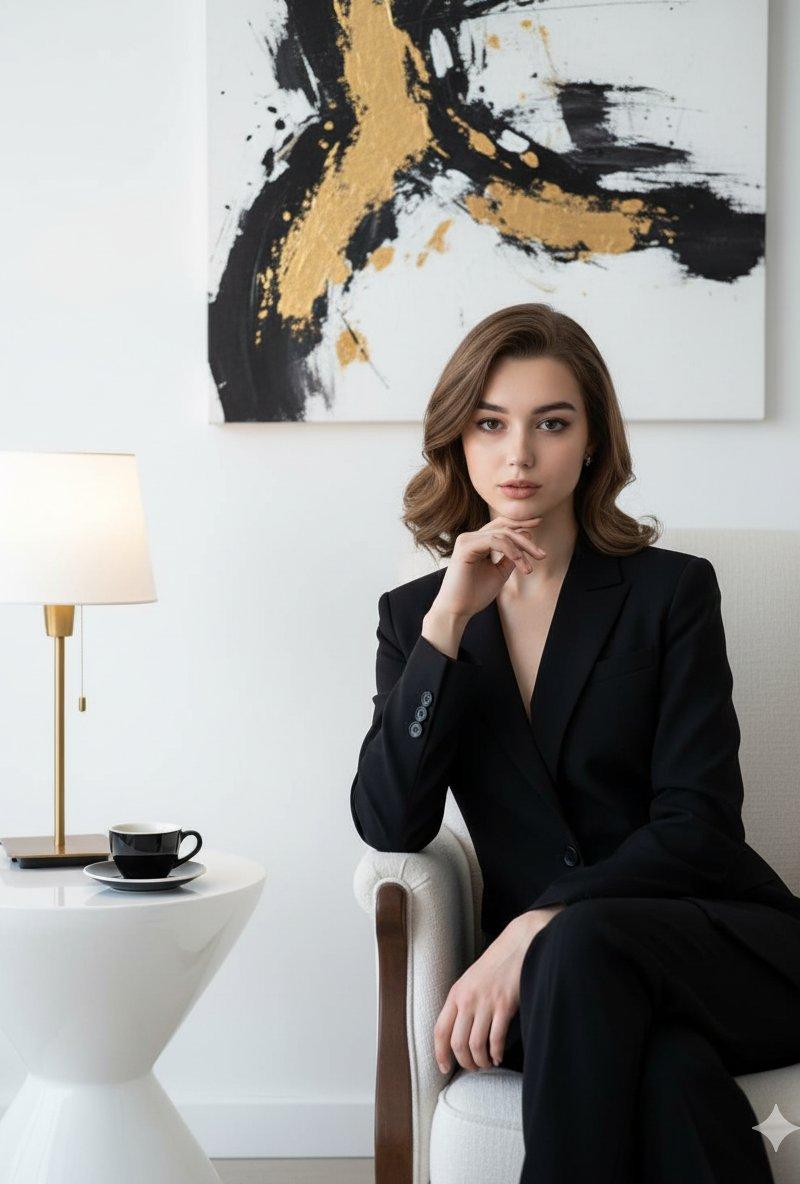
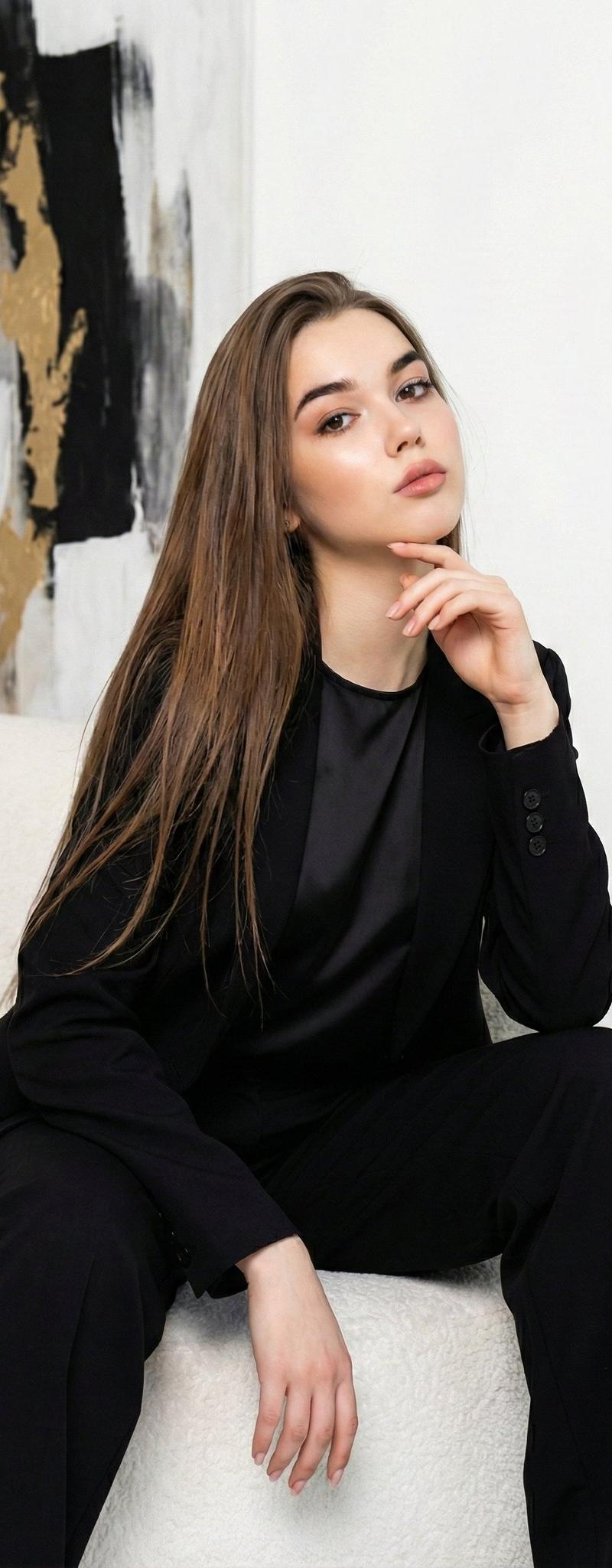
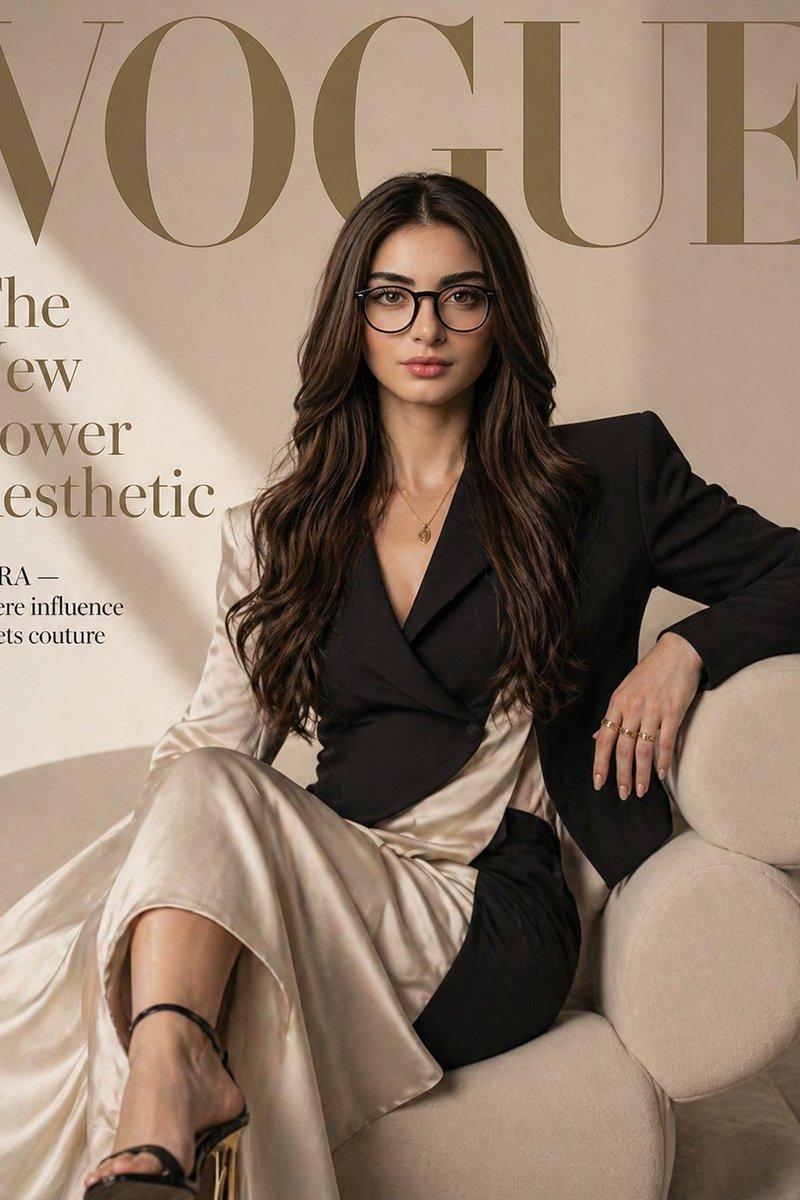
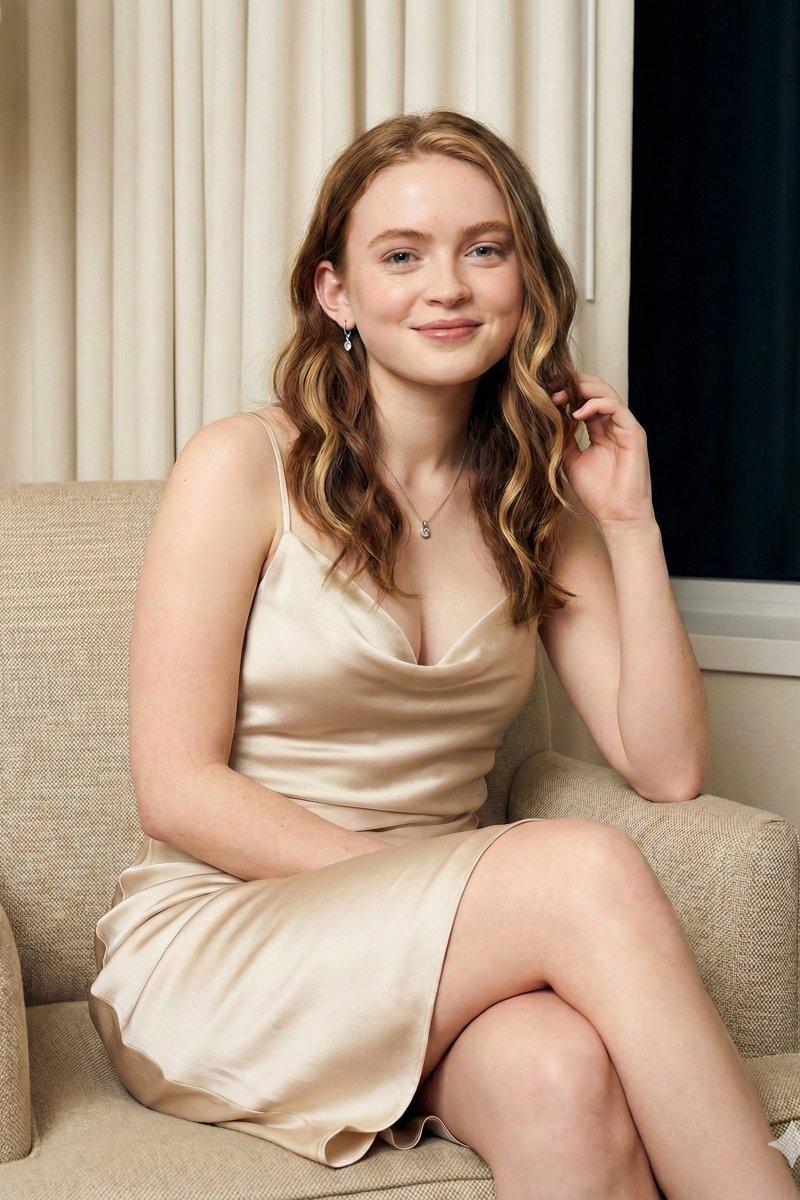
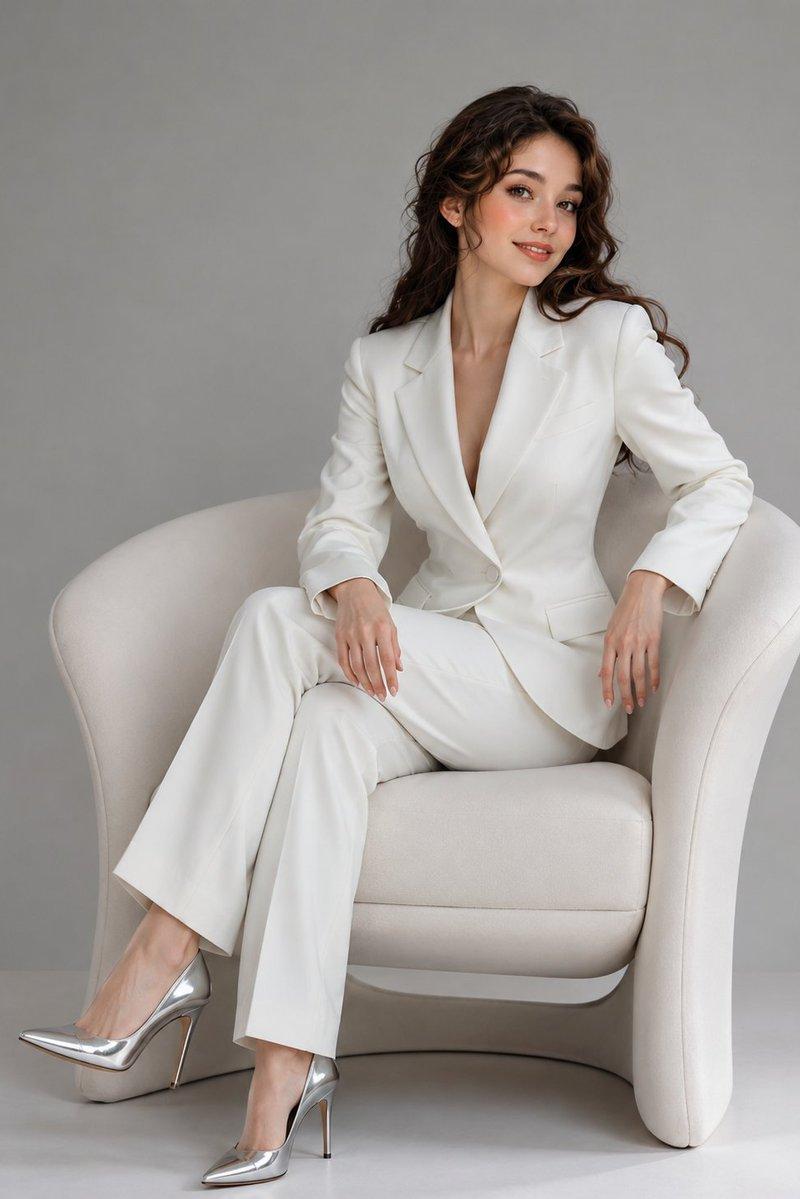
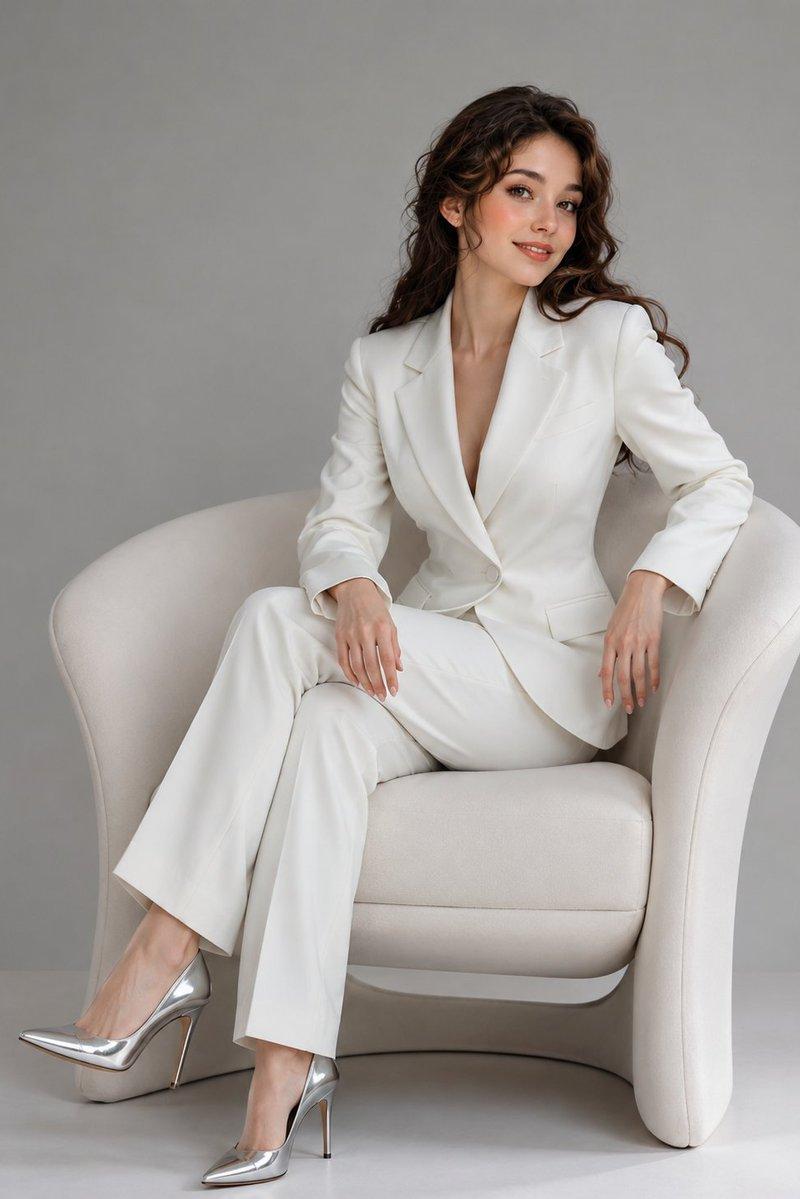
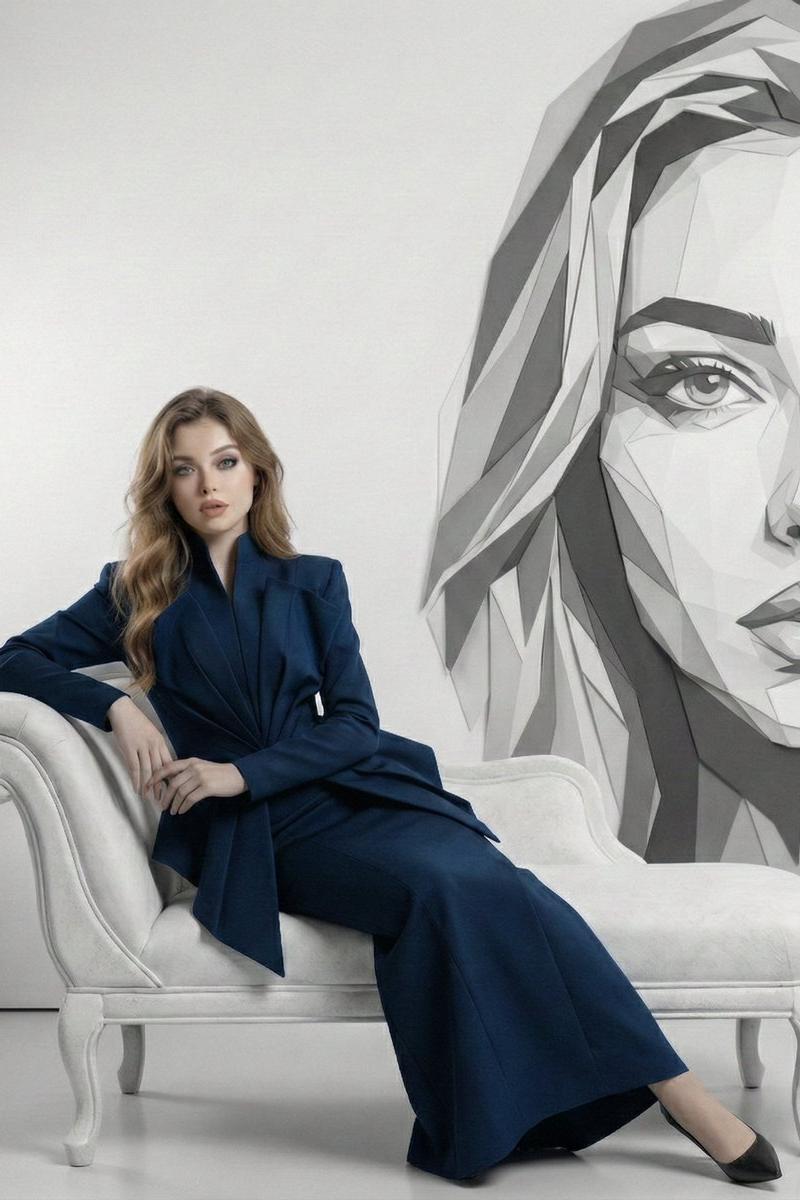
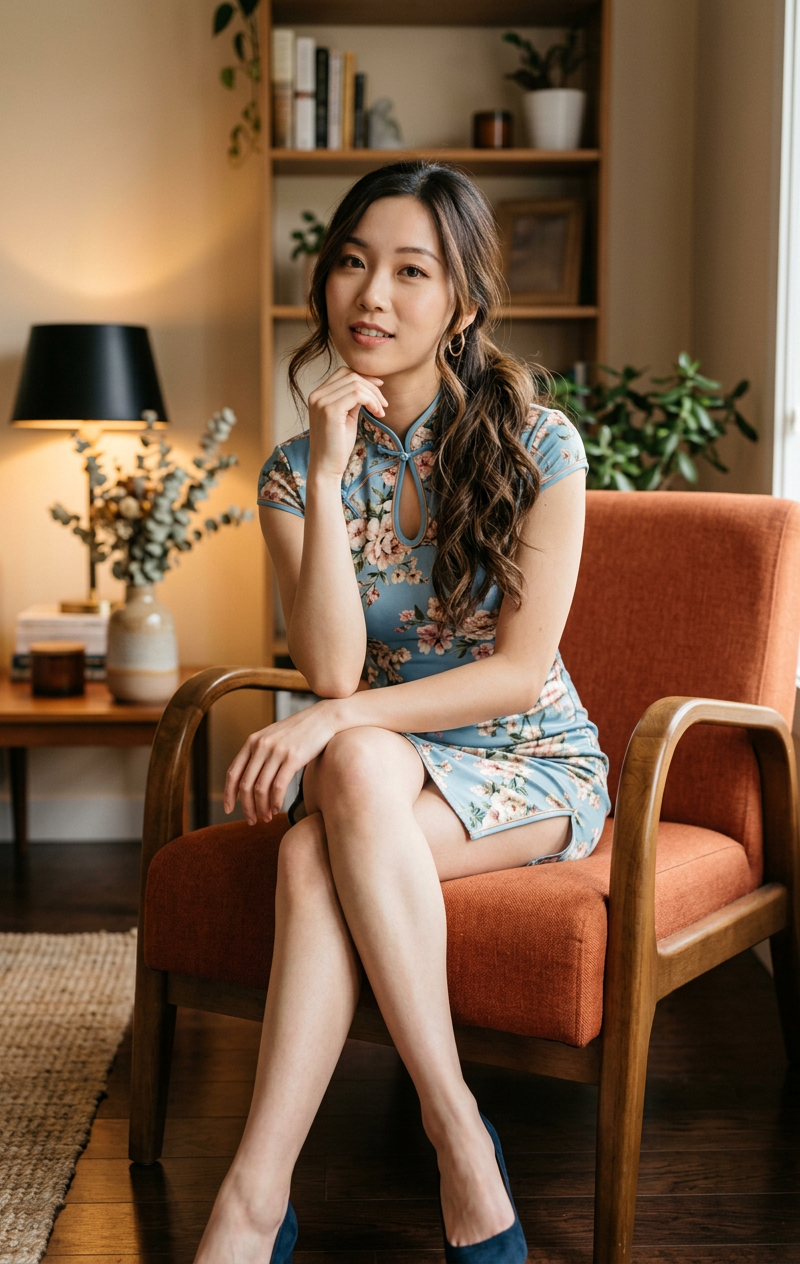
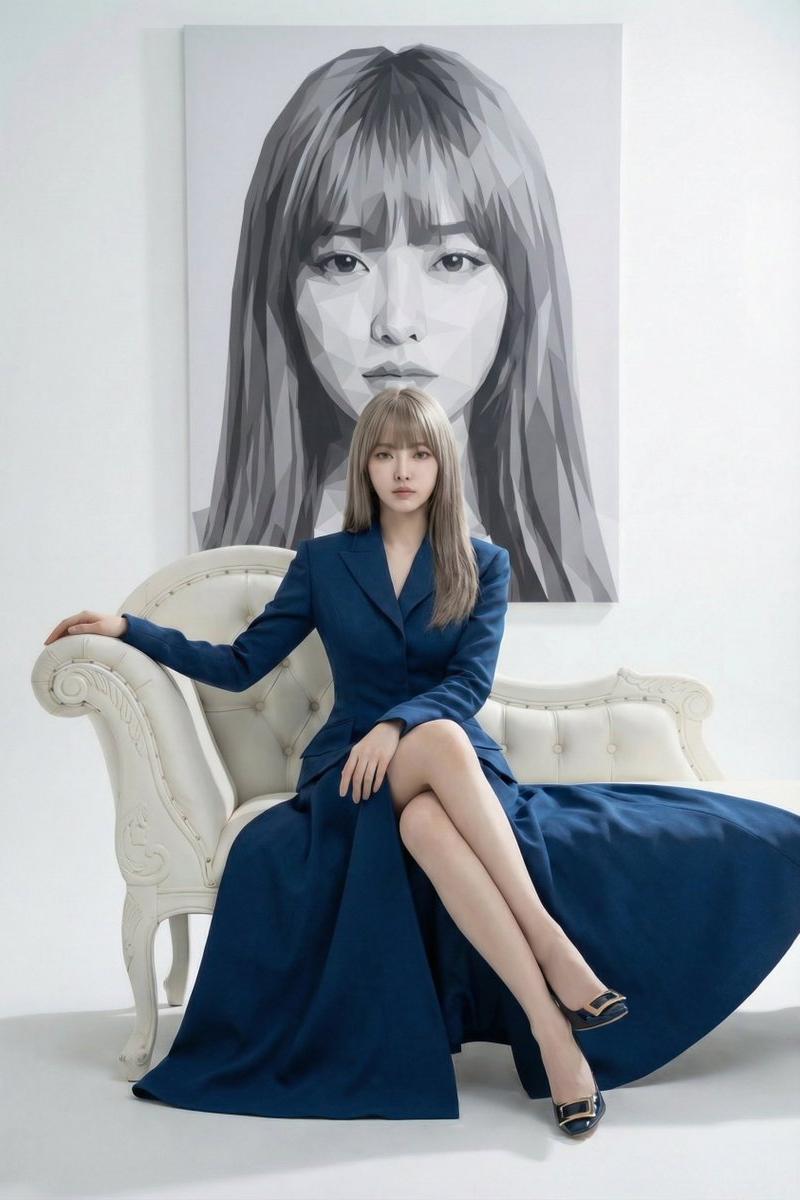
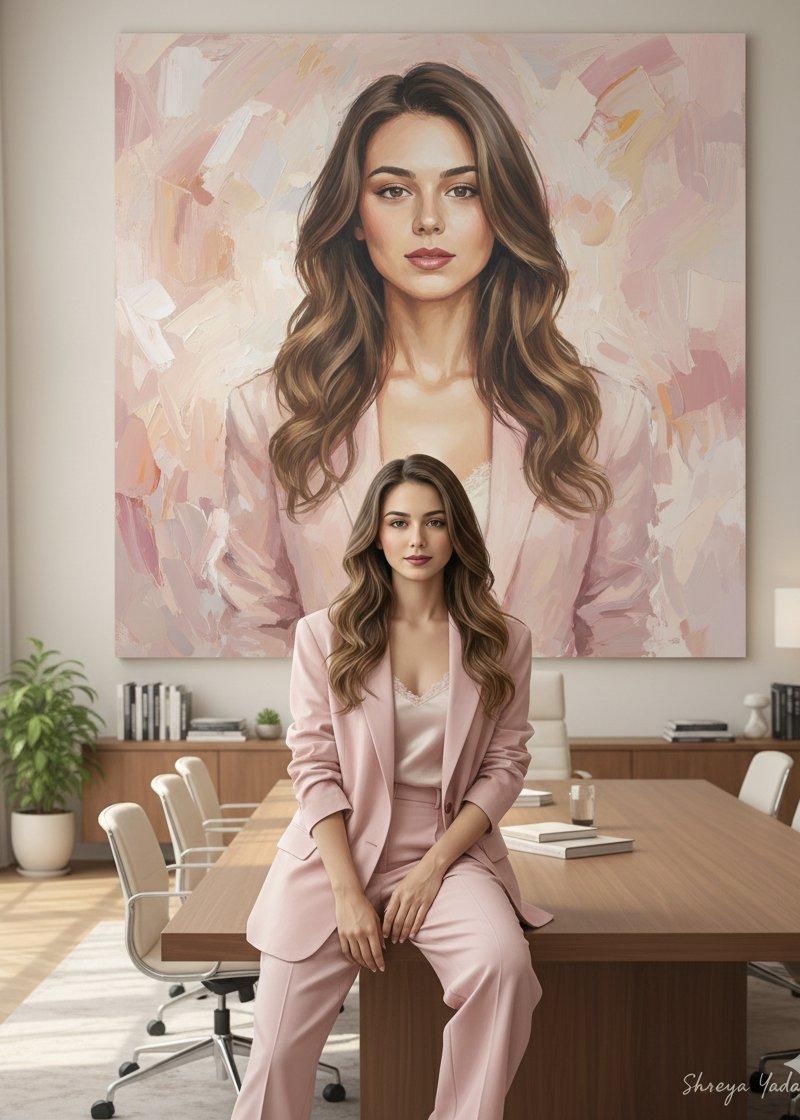
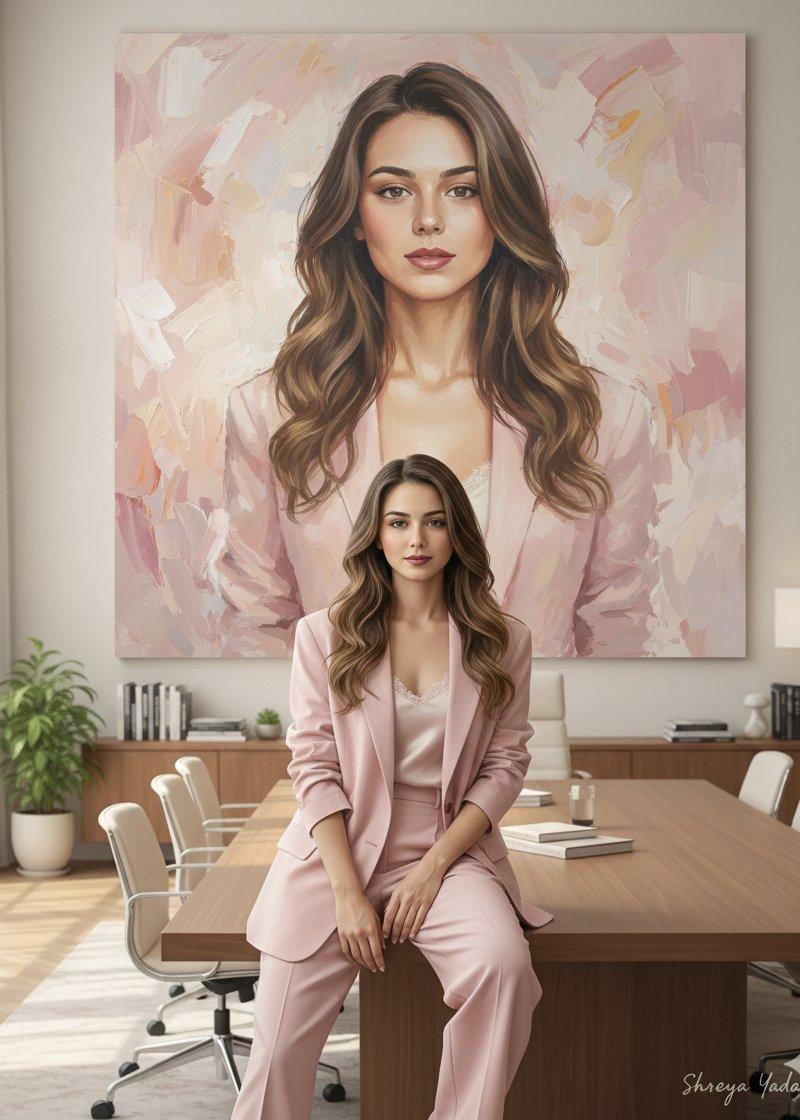
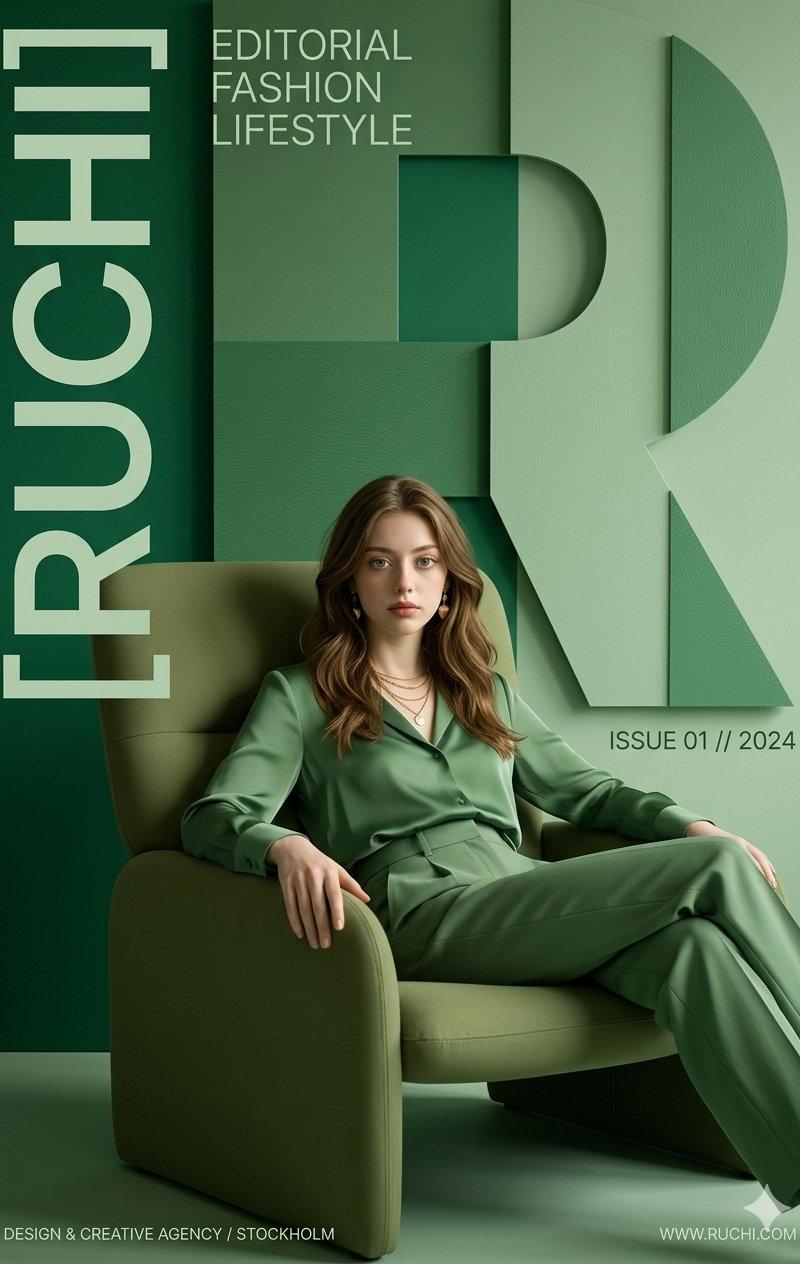
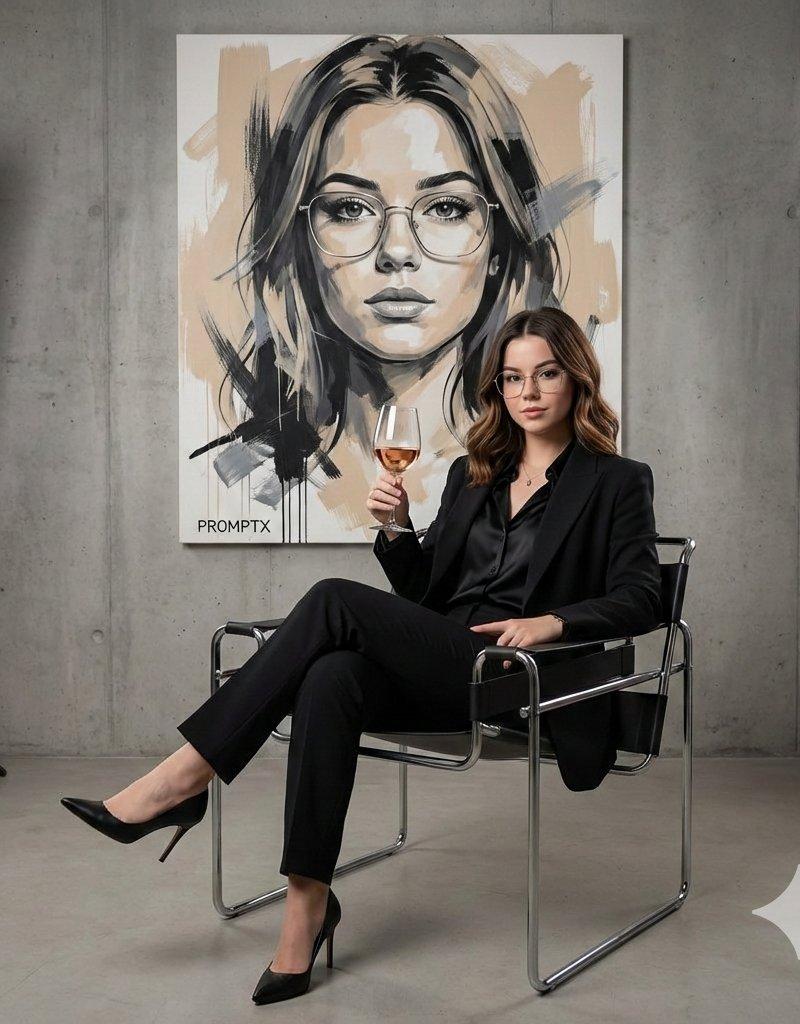
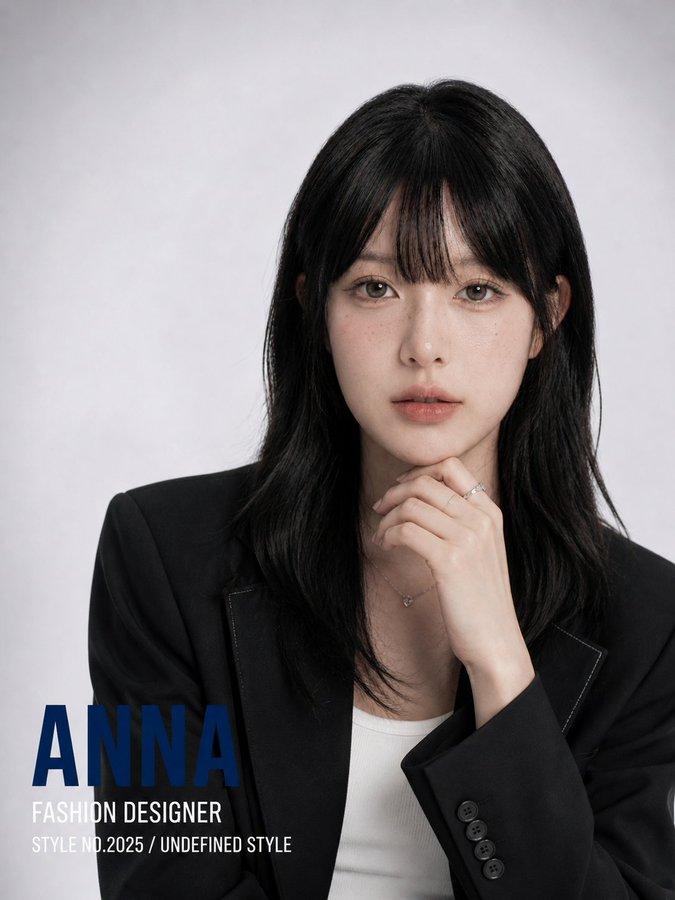
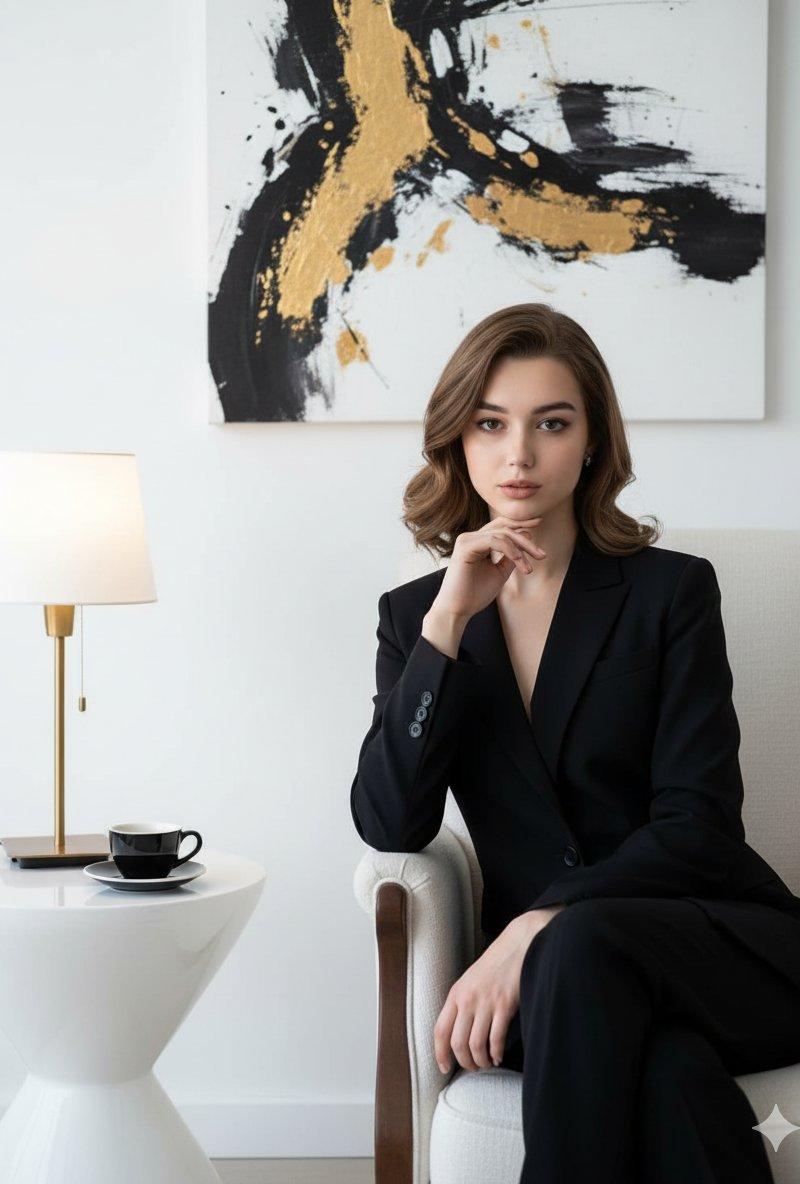
A beautiful, confident woman wearing a black suit sits elegantly on a luxurious white chair that highlights her slim, graceful figure. Her right hand rests gently beneath her chin, with her chin slightly raised in a pose of self-assurance. Her head tilts subtly to the right, eyes steady and looking forward with confidence. Her facial features glow under high-quality cinematic lighting, enhancing her natural beauty. The background is pure white, featuring a rare art painting and soft, cinematic illumination. Beside the chair stands a unique white table topped with a black coffee cup and a stylish lamp decor, creating a refined and elegant atmosphere.
一位美丽自信的女士身着黑色西装,优雅地坐在奢华的白色椅子上,衬托出她窈窕的身姿。她的右手轻抚下巴,下巴微微上扬,展现出自信的姿态。她的头微微向右倾斜,目光坚定,充满自信地向前看去。在高品质的电影级灯光下,她的五官更加光彩夺目,更显自然之美。纯白的背景,点缀着一幅罕见的艺术画作,柔和的电影级灯光营造出一种别致的氛围。椅子旁边摆放着一张独特的白色桌子,桌上摆放着黑色咖啡杯和时尚的灯饰,营造出精致优雅的氛围。
Category
UI & Interfaces
Model
Unknown
Creator
𝗦𝗮𝗻𝗶𝗮
Source language
zh-CN
Views0
Source ID
confident-elegant-lady-in-black-suit
Studio

Guide

About "自信优雅的黑色西装女士"

What is this prompt for?

"自信优雅的黑色西装女士" AI image prompt for Unknown (UI & Interfaces). A beautiful, confident woman wearing a black suit sits elegantly on a luxurious white chair that h…

The full copyable prompt and example visuals above are ready for AI image generation or one-click recreate in Picva.

How to use this prompt

  1. Step 1

    Open the prompt detail

    Review the example visuals, category, and full prompt text for "自信优雅的黑色西装女士".

  2. Step 2

    Copy the prompt

    Copy the prompt body from this page, or load it directly in Studio.

  3. Step 3

    Pick a model (Unknown)

    Prefer Unknown. If you switch models, keep subject and composition and tweak style terms.

  4. Step 4

    Generate and export

    Recreate the look in Picva, or export into your workflow for editing and publishing.

FAQ

What is the "自信优雅的黑色西装女士" prompt?
It is an AI image-generation prompt for Unknown in the UI & Interfaces category. This page includes the full prompt text, example visuals, and a one-click recreate path in Picva.
How do I use this prompt to generate an image?
Copy the prompt from this page, or use Generate / Studio. Paste it into a compatible image model, or recreate the look in Picva with optional reference images.
Which model is this prompt for?
This page lists Unknown. Most descriptive prompts also transfer to nearby image models such as GPT Image, Flux, or Midjourney with light style tweaks.
Can I use the result commercially?
You can usually copy the prompt for creation, but commercial use of the final image depends on the model terms, reference-image rights, and the generated content. Follow the source author and platform rules.