18

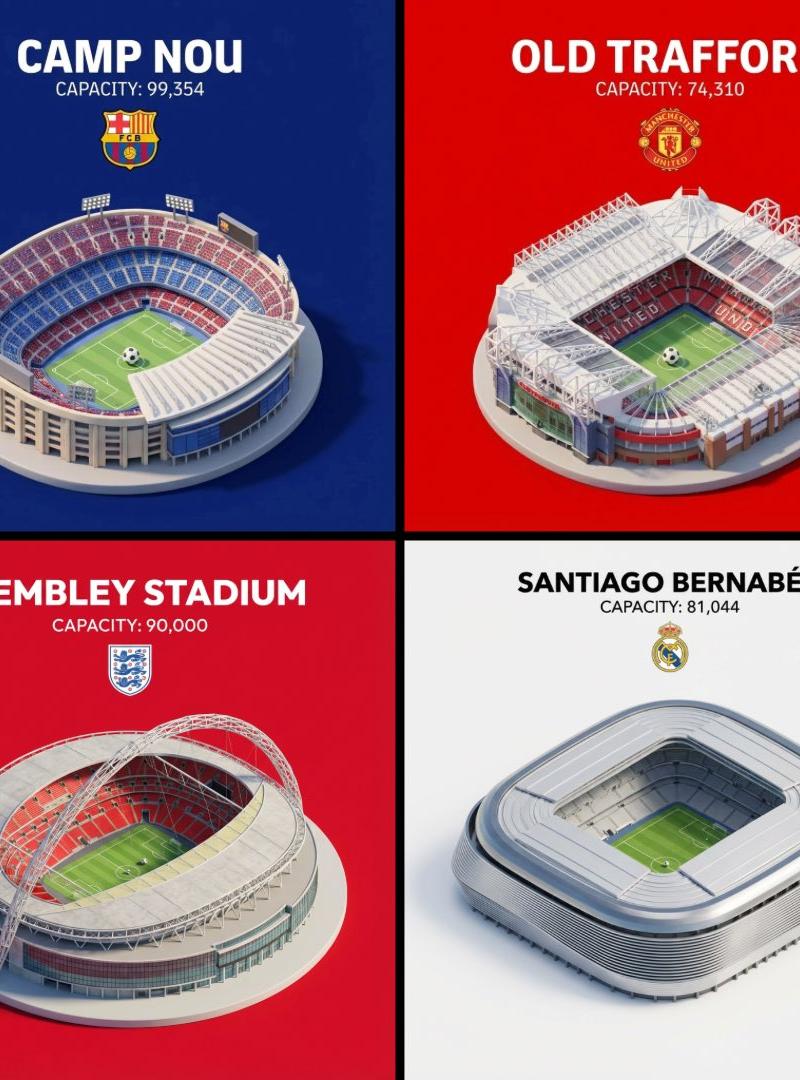
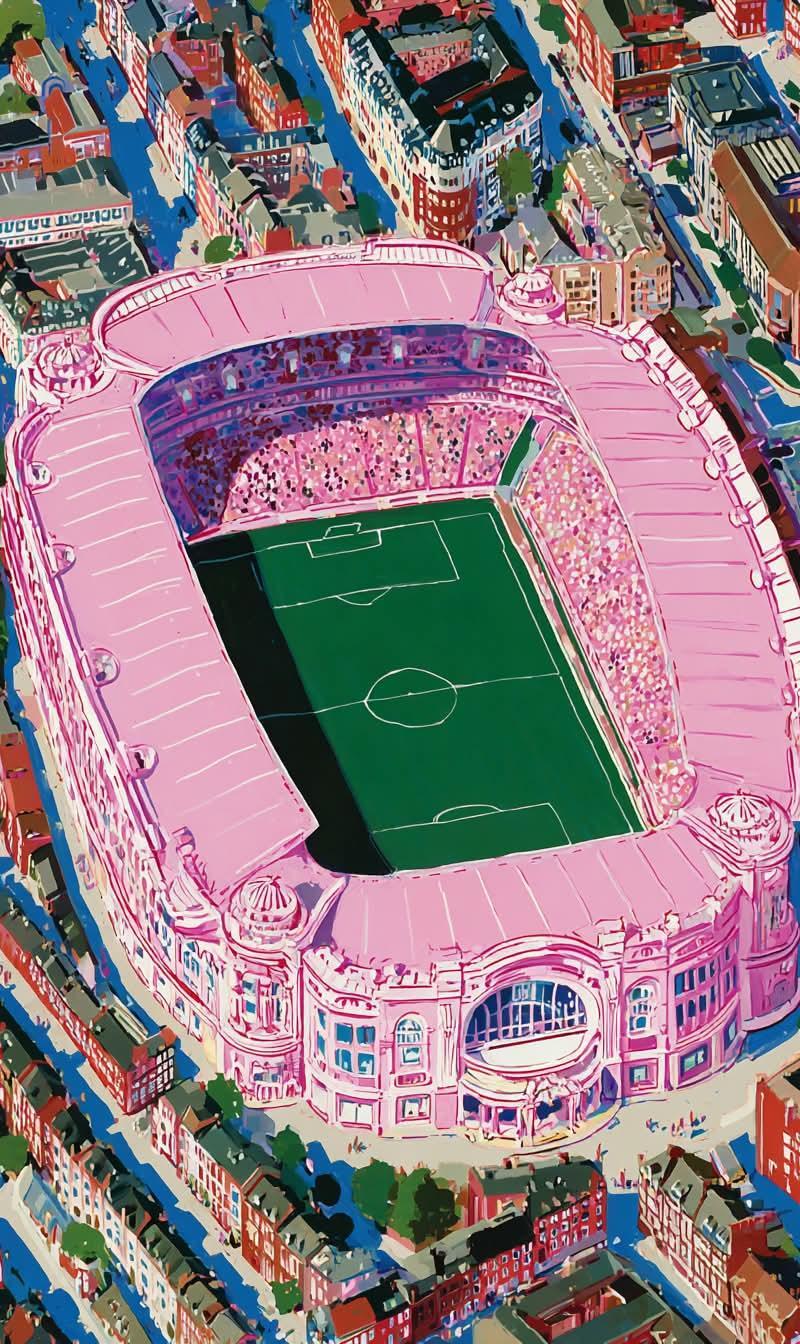
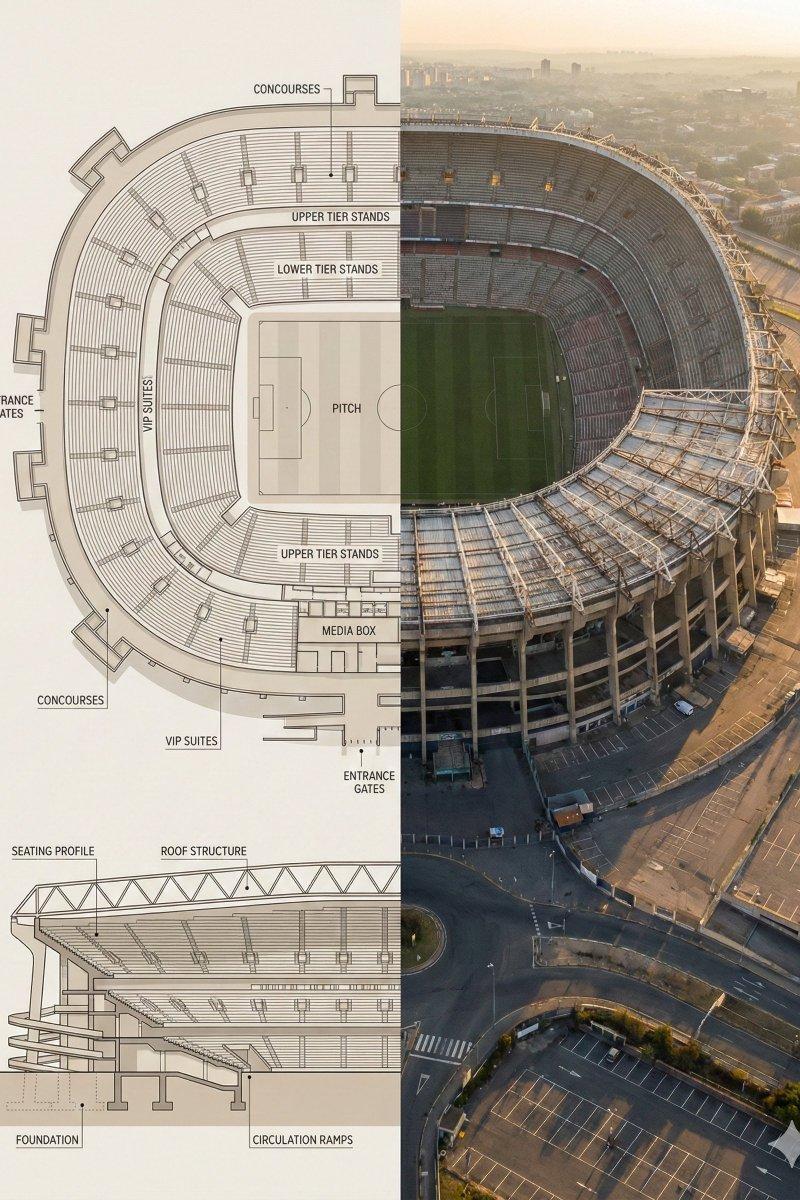
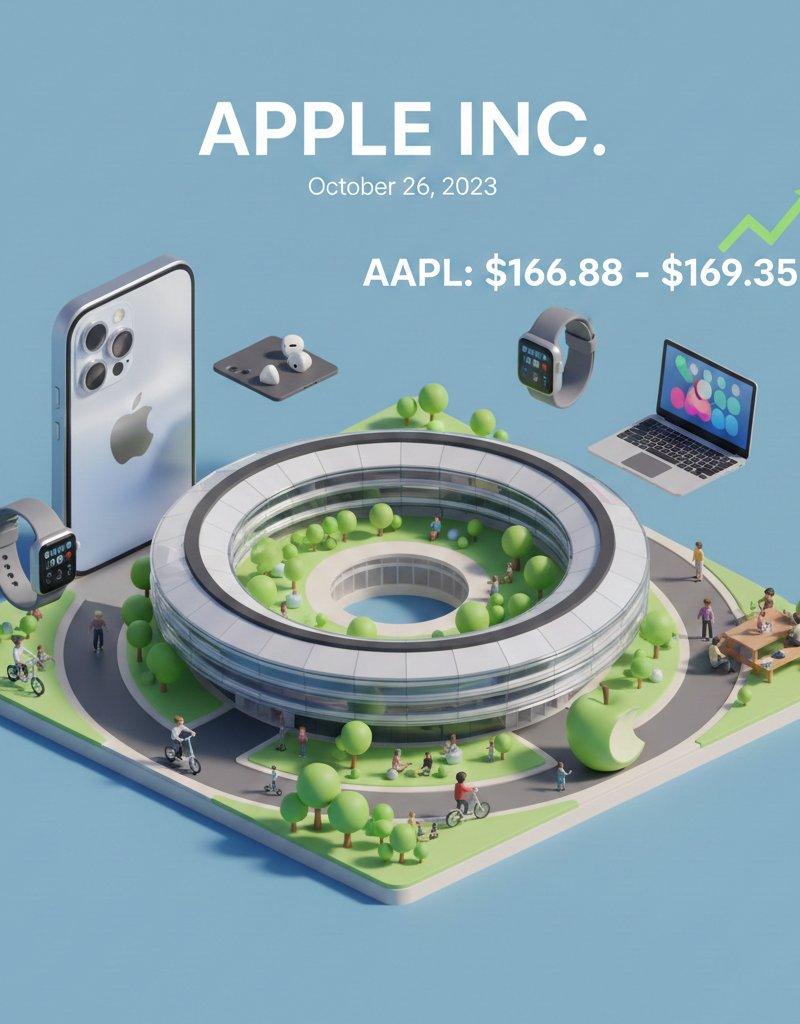
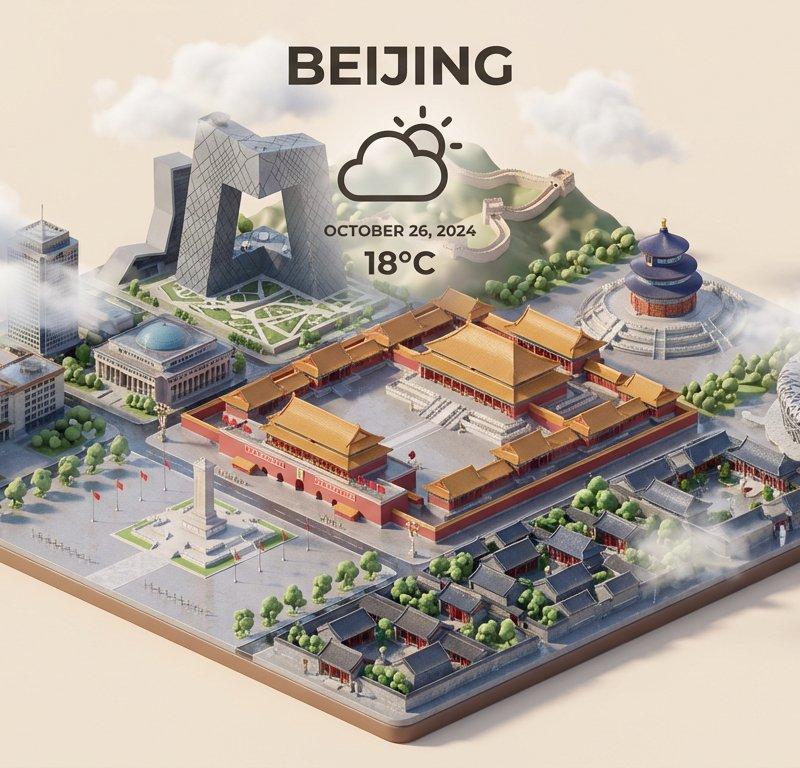
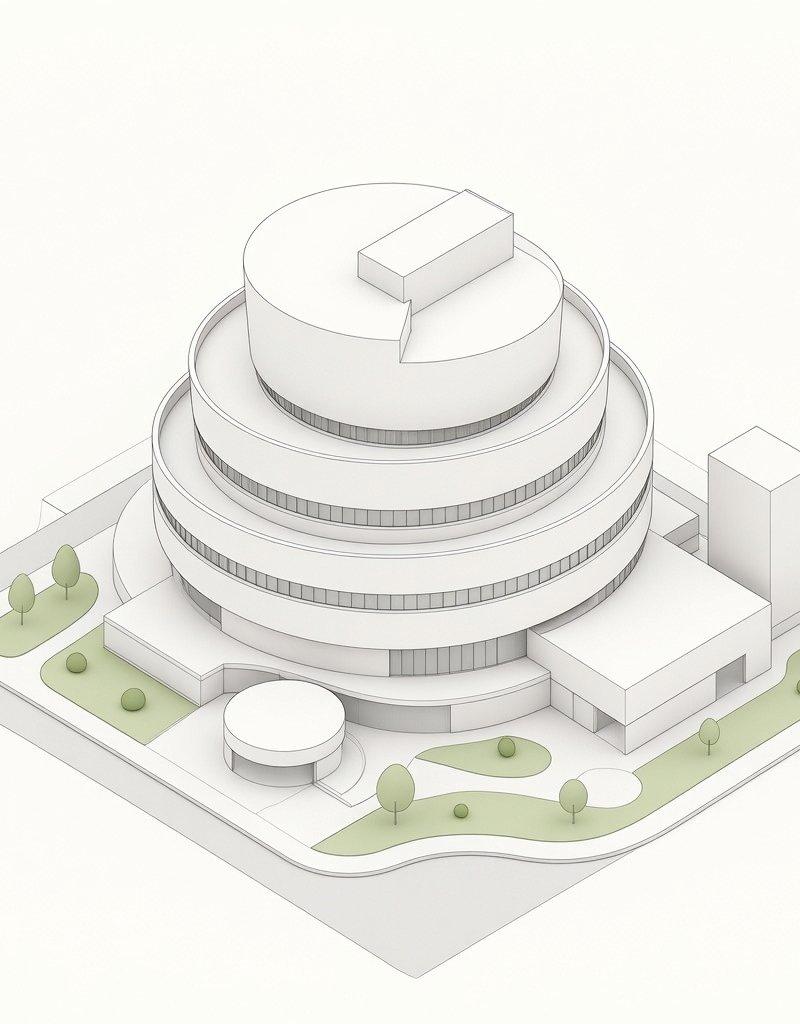
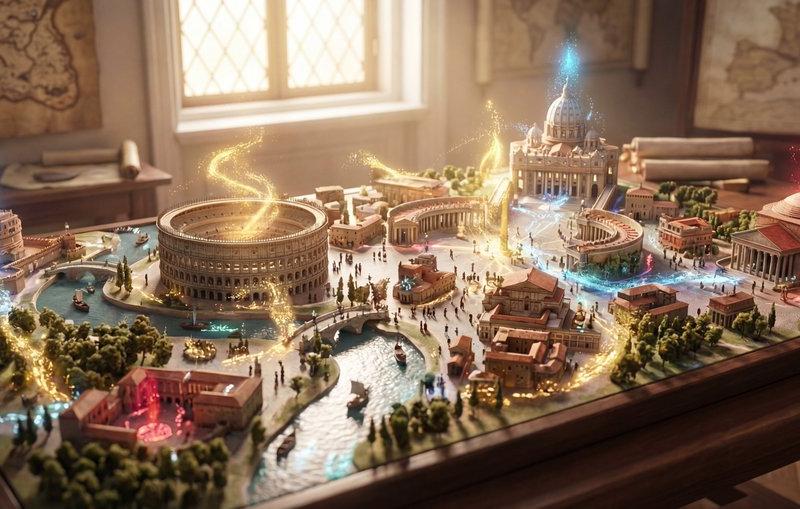
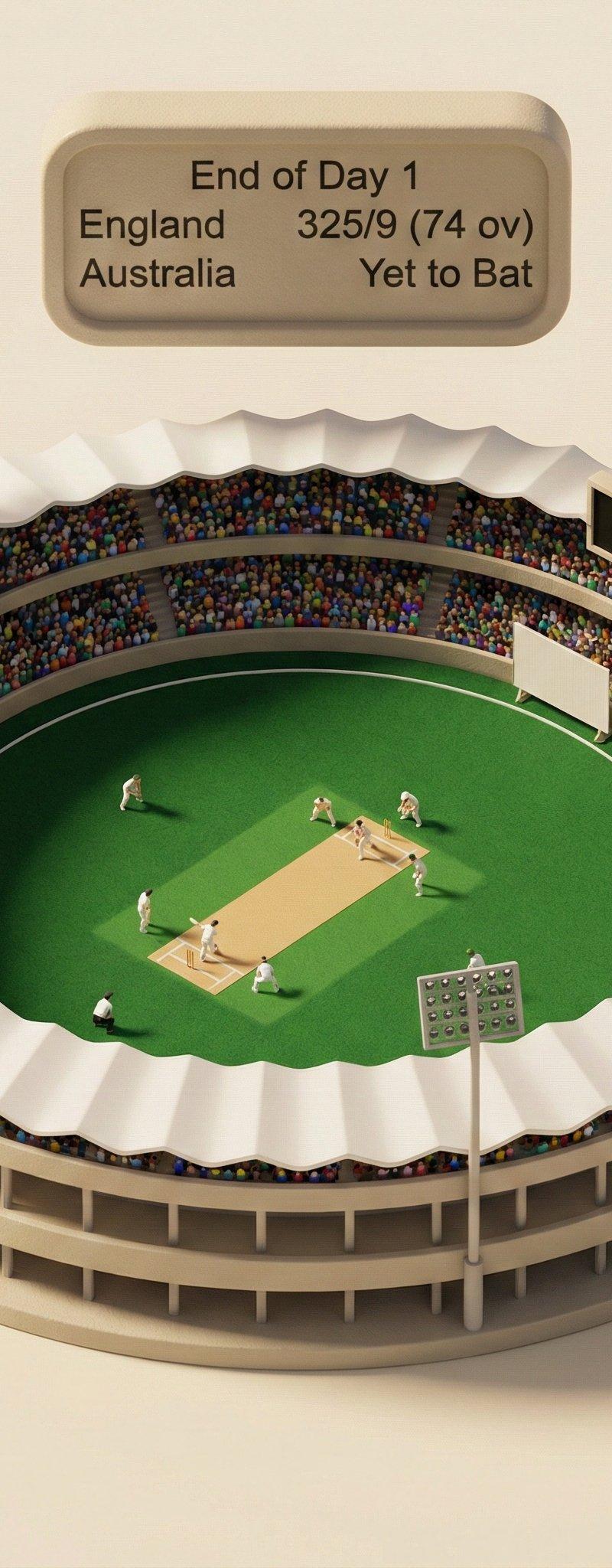
爱看使用Nano Banana Pro的等距3D趋势,并实时拉取数据 - 为纪念正在进行的英澳系列赛第二场测试,我也想尝试一下。
Click to enlarge

Example images

Photography & RealismXCbotaiart.picsNano Banana Pro图片

爱看使用Nano Banana Pro的等距3D趋势,并实时拉取数据 - 为纪念正在进行的英澳系列赛第二场测试,我也想尝试一下。

Prompt
Love seeing all the isometric 3D trends using Nano Banana Pro and pulling in live data - thought I’d give it a try myself in honor of the Ashes second test underway. Thanks to @dotey and @TechieBySA for the inspiration. https://t.co/GAu1g3SvaZ
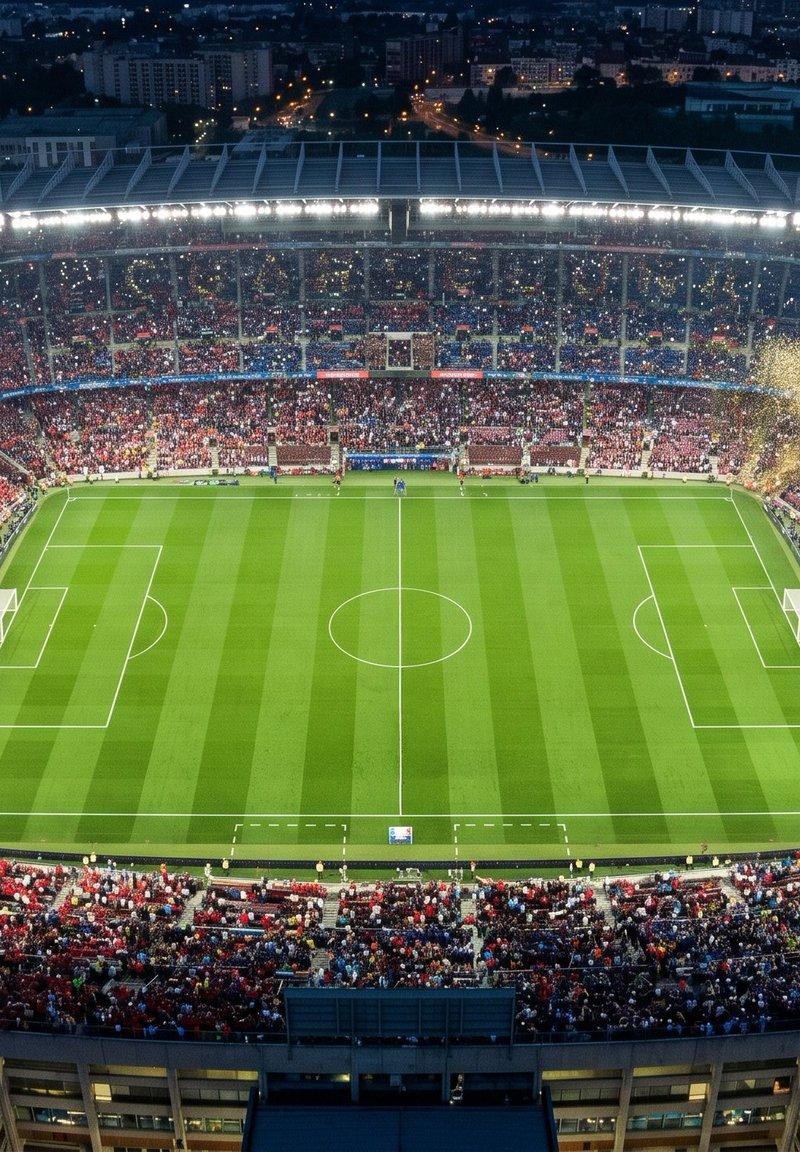
Prompt: Research yesterday\'s score from the England vs Australia Test Match, then create a 45° top-down photorealistic isometric miniature cricket stadium diorama, use soft, refined textures with realistic PBR materials and gentle, lifelike lighting and shadows. Floating rounded beige scoreboard centered above stadium that reads "End of Day 1" and includes yesterday\'s score. Ground with real research. Circular two-tiered stands, multicolored dot crowd, white scalloped roof. Felt field, central pitch, tiny low-poly white players. Four floodlights, side black scoreboard (placeholder rectangle shape), sight screen. Seamless cream background, soft warm lighting, gentle bottom-right shadows. 1:1 aspect ratio.
Category
Photography & Realism
Model
Nano Banana Pro
Creator
Sundar Pichai
Source language
zh-CN
Views0
Source ID
creating-a-45-degree-top-down-photorealistic-isometric-cricket-stadium-diorama-with-live-data
Studio

Guide

About "爱看使用Nano Banana Pro的等距3D趋势,并实时拉取数据 - 为纪念正在进行的英澳系列赛第二场测试,我也想尝试一下。"

What is this prompt for?

"爱看使用Nano Banana Pro的等距3D趋势,并实时拉取数据 - 为纪念正在进行的英澳系列赛第二场测试,我也想尝试一下。" AI image prompt for Nano Banana Pro (Photography & Realism). Love seeing all the isometric 3…

The full copyable prompt and example visuals above are ready for AI image generation or one-click recreate in Picva.

How to use this prompt

  1. Step 1

    Open the prompt detail

    Review the example visuals, category, and full prompt text for "爱看使用Nano Banana Pro的等距3D趋势,并实时拉取数据 - 为纪念正在进行的英澳系列赛第二场测试,我也想尝试一下。".

  2. Step 2

    Copy the prompt

    Copy the prompt body from this page, or load it directly in Studio.

  3. Step 3

    Pick a model (Nano Banana Pro)

    Prefer Nano Banana Pro. If you switch models, keep subject and composition and tweak style terms.

  4. Step 4

    Generate and export

    Recreate the look in Picva, or export into your workflow for editing and publishing.

FAQ

What is the "爱看使用Nano Banana Pro的等距3D趋势,并实时拉取数据 - 为纪念正在进行的英澳系列赛第二场测试,我也想尝试一下。" prompt?
It is an AI image-generation prompt for Nano Banana Pro in the Photography & Realism category. This page includes the full prompt text, example visuals, and a one-click recreate path in Picva.
How do I use this prompt to generate an image?
Copy the prompt from this page, or use Generate / Studio. Paste it into a compatible image model, or recreate the look in Picva with optional reference images.
Which model is this prompt for?
This page lists Nano Banana Pro. Most descriptive prompts also transfer to nearby image models such as GPT Image, Flux, or Midjourney with light style tweaks.
Can I use the result commercially?
You can usually copy the prompt for creation, but commercial use of the final image depends on the model terms, reference-image rights, and the generated content. Follow the source author and platform rules.