18

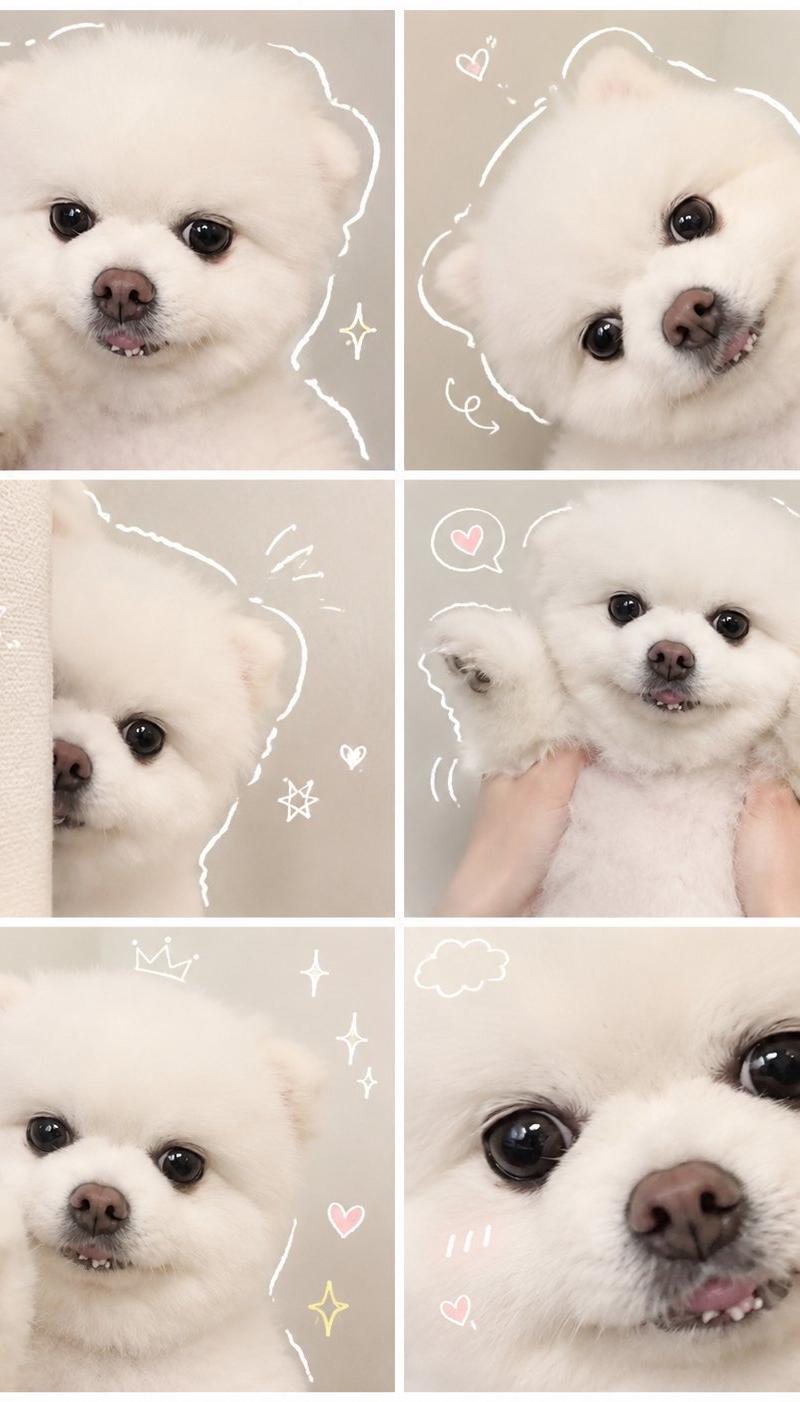
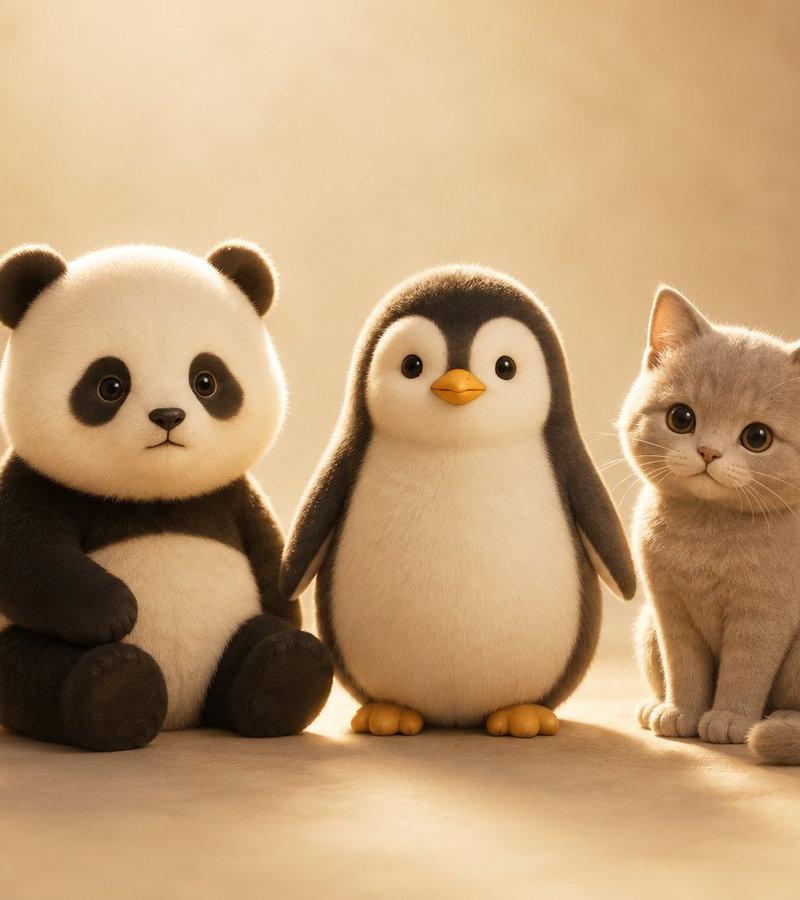
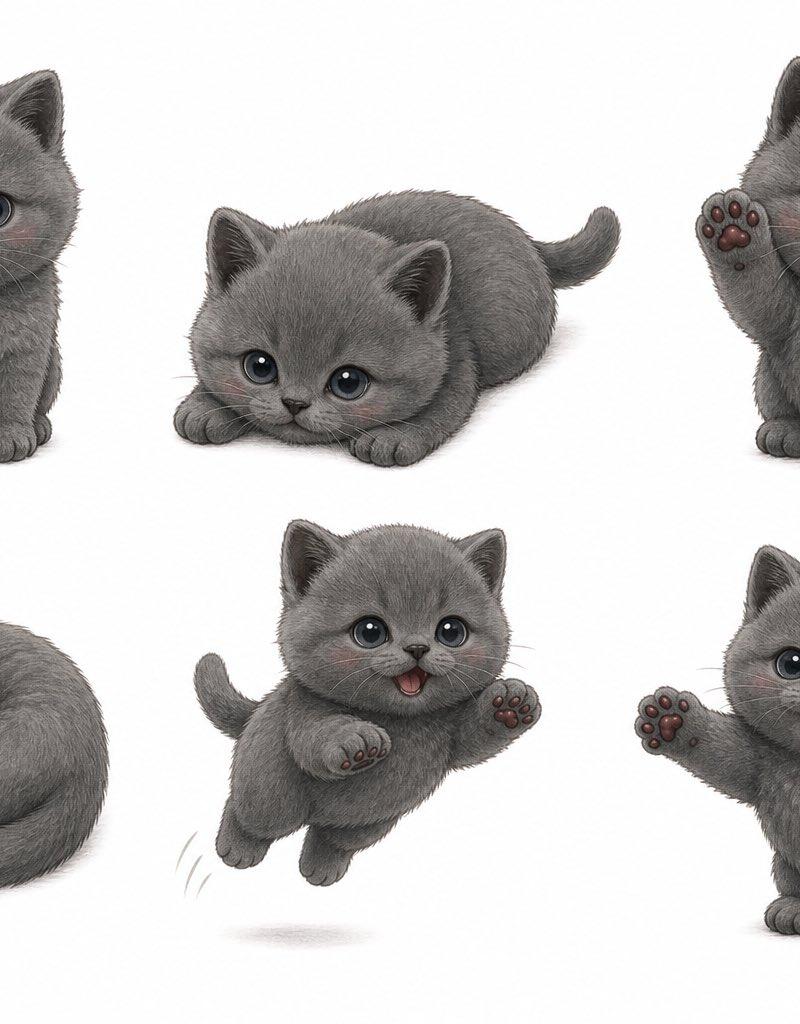
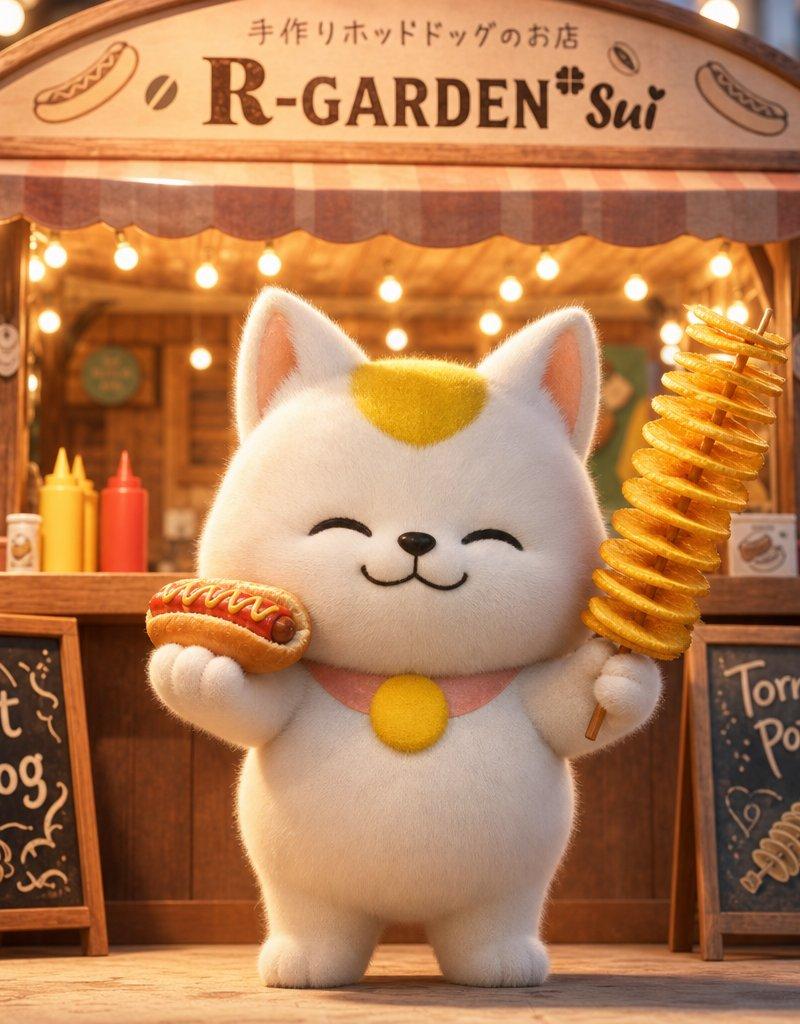
毛茸茸表情包创作
Enlarge

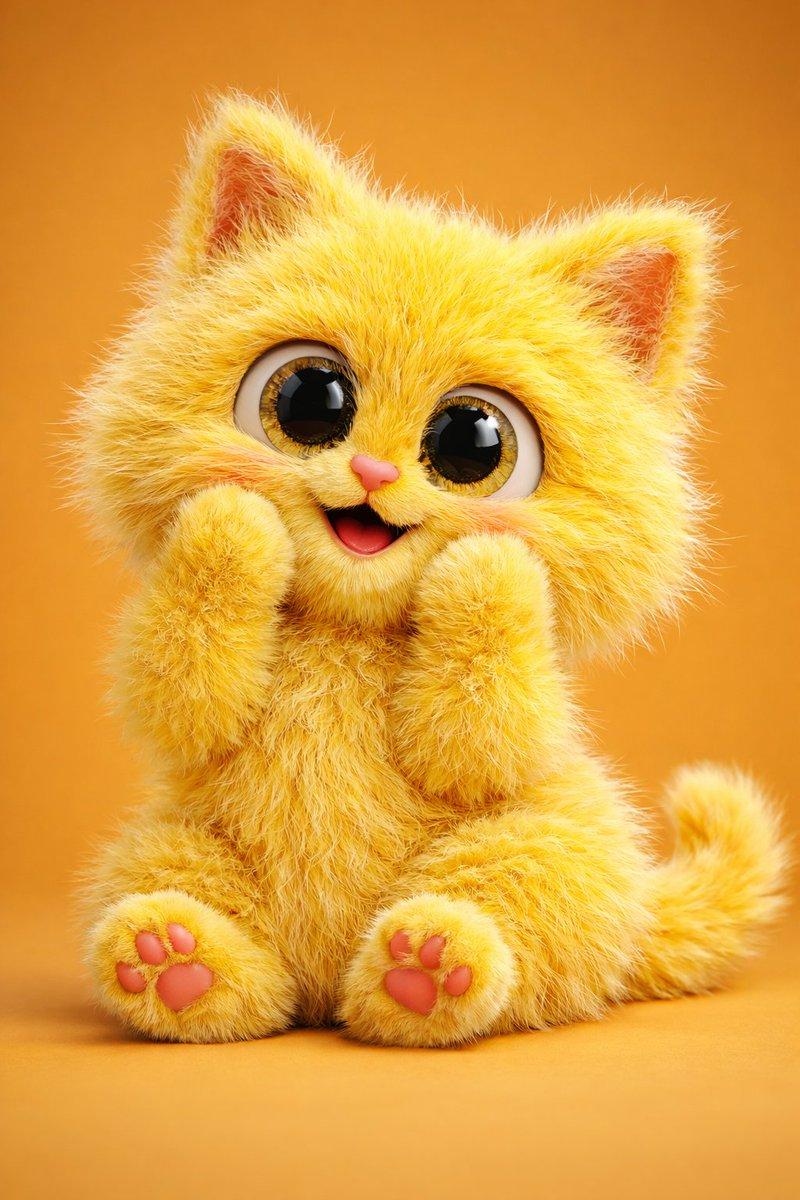
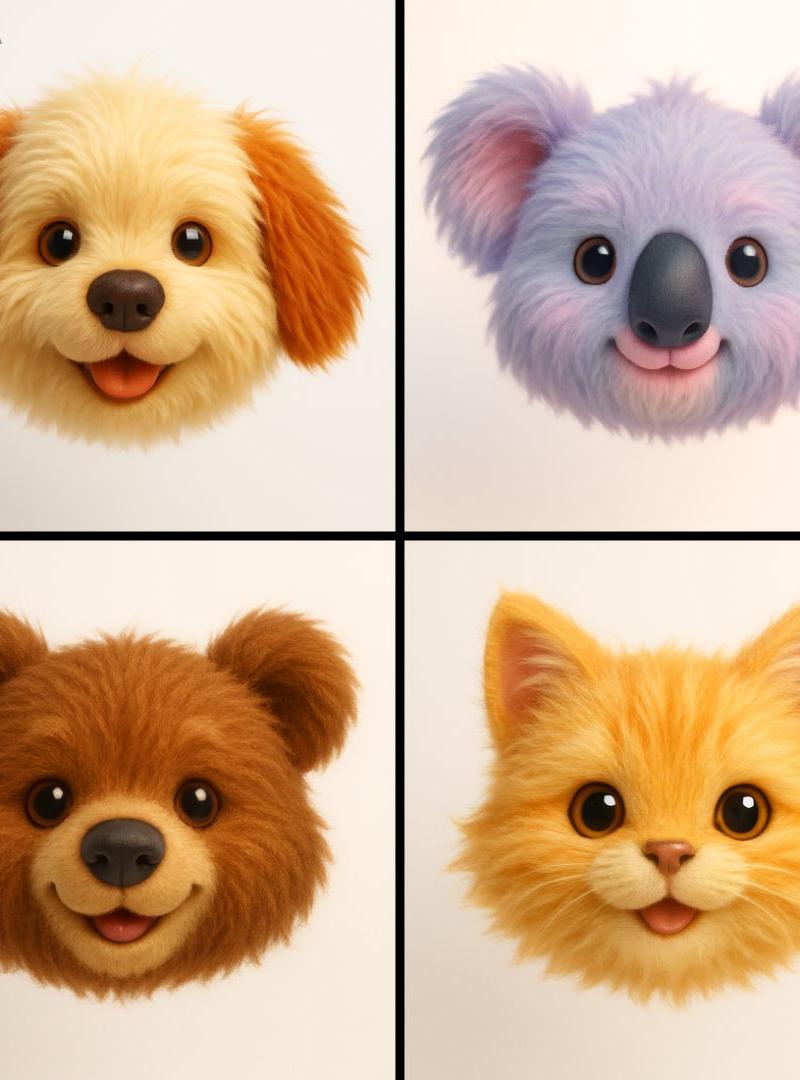
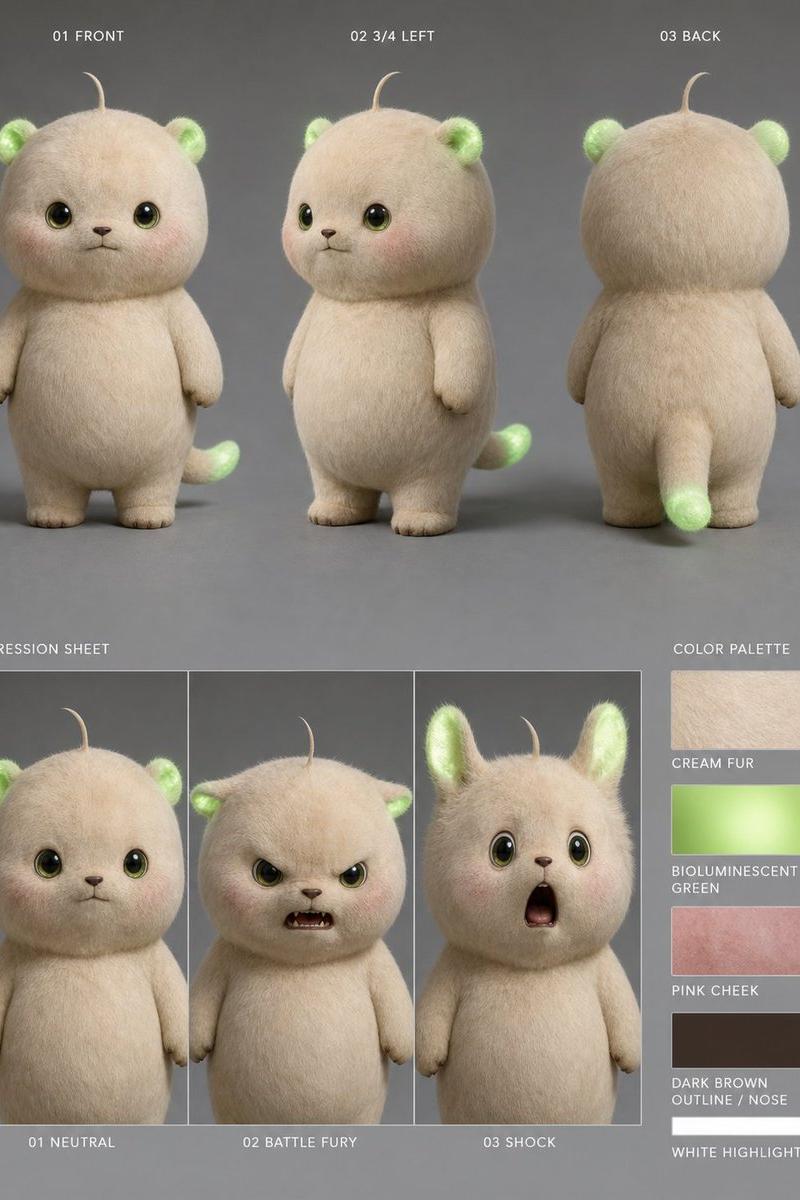
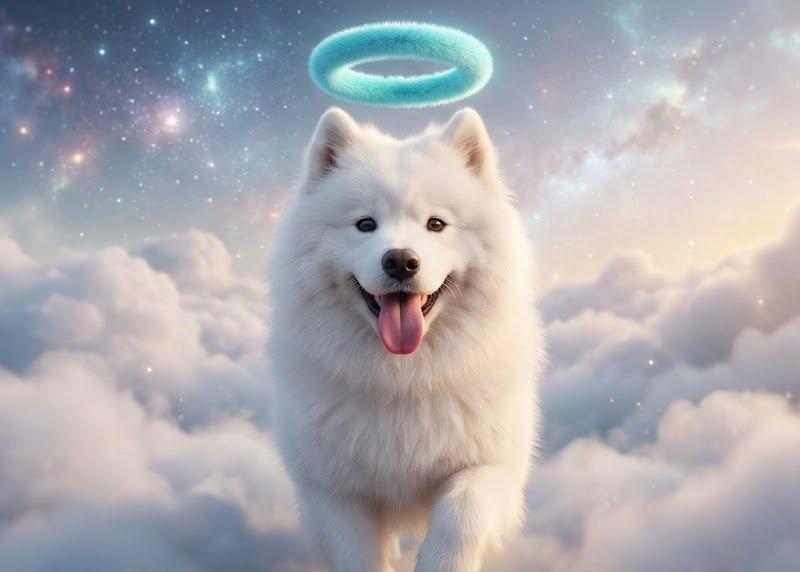
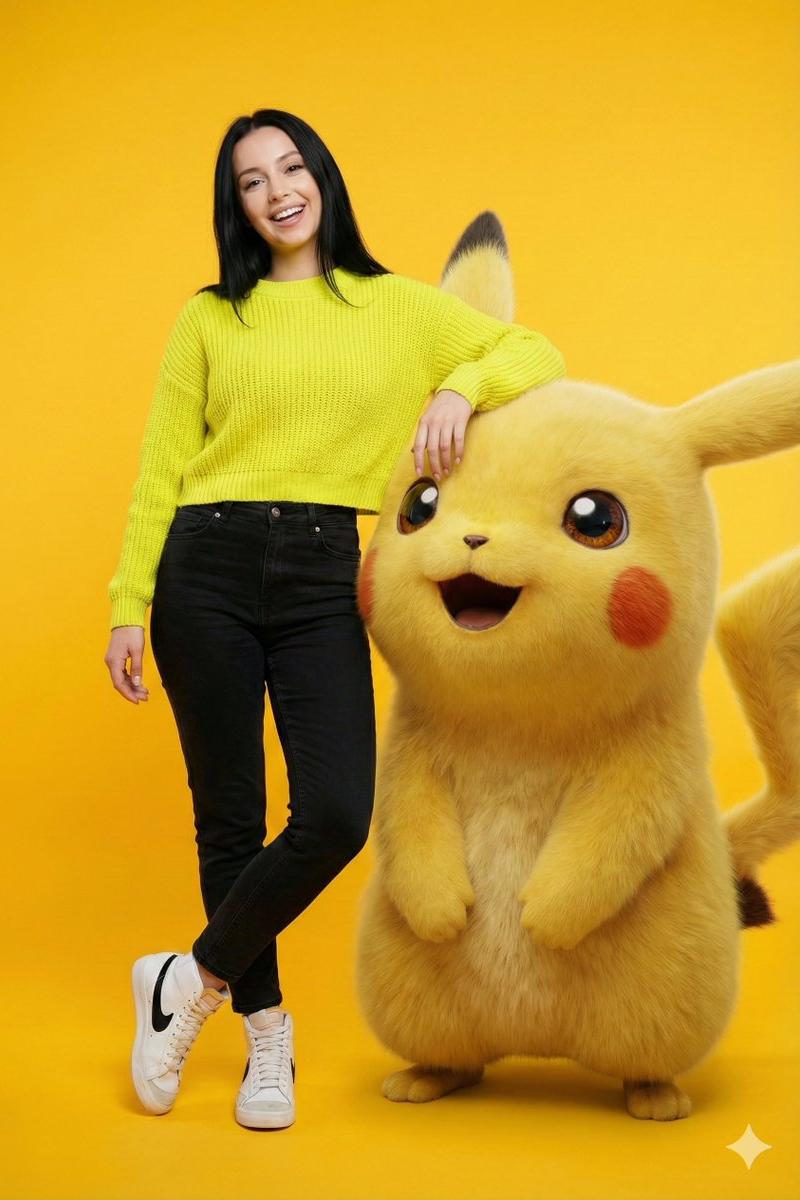
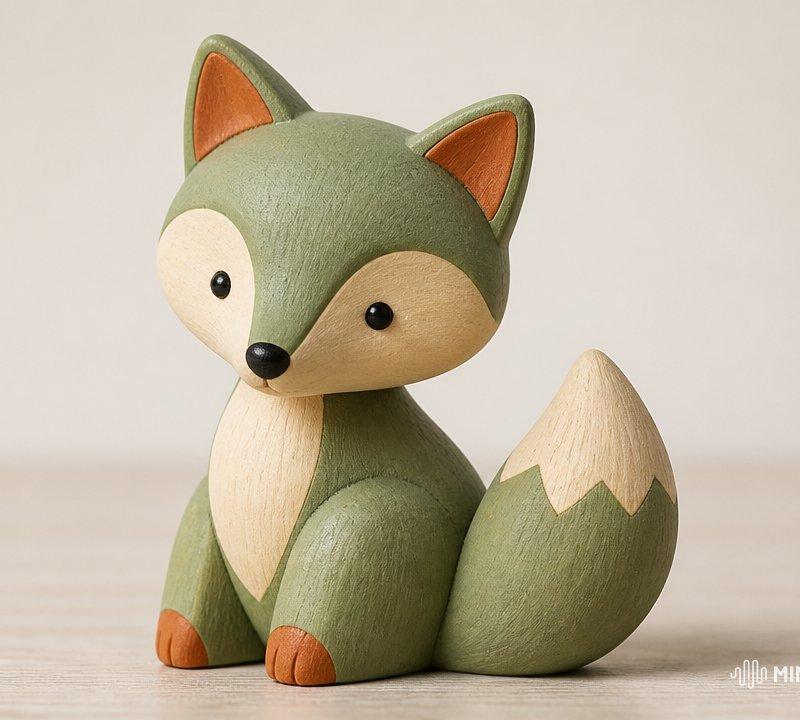
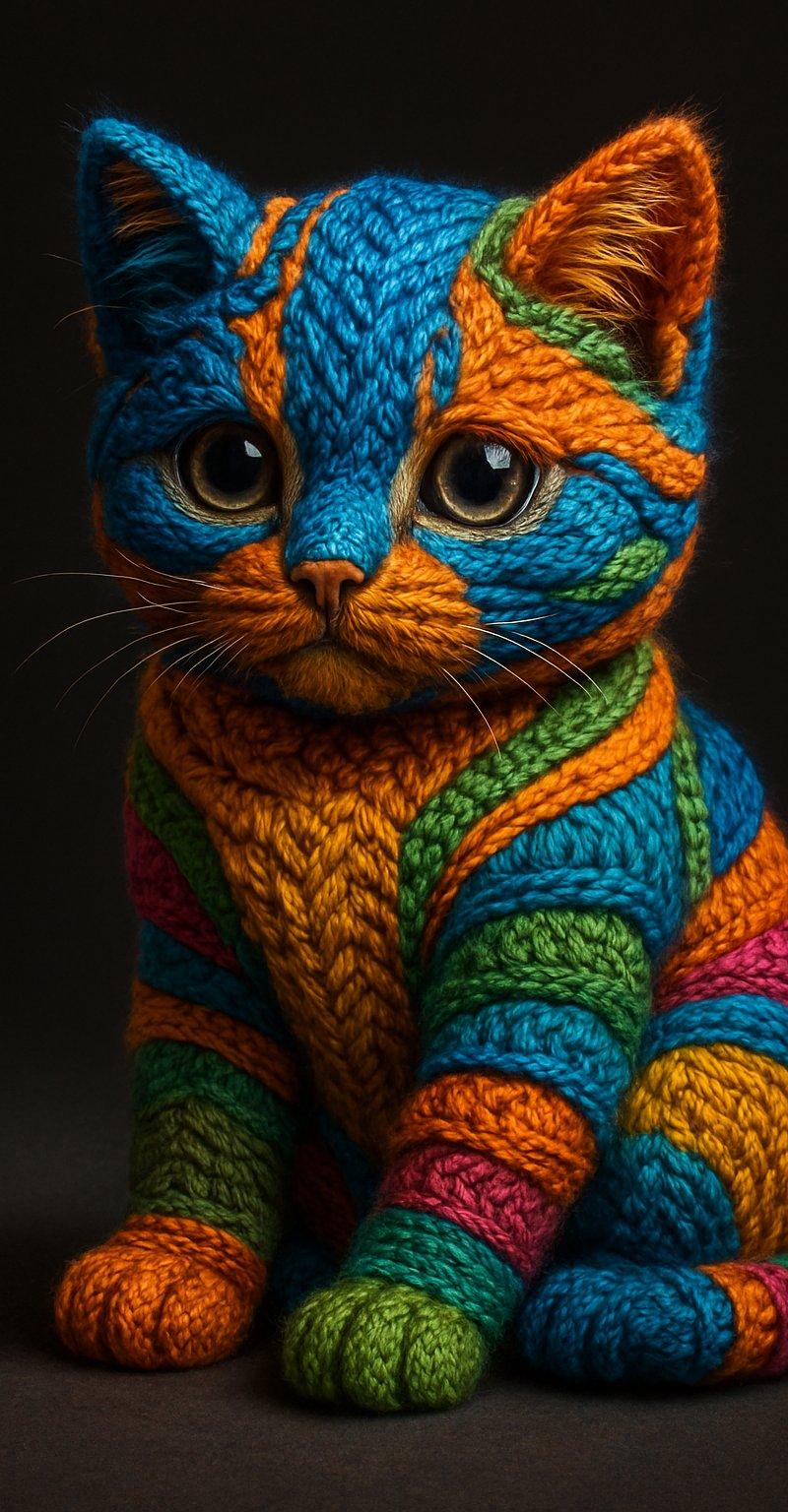
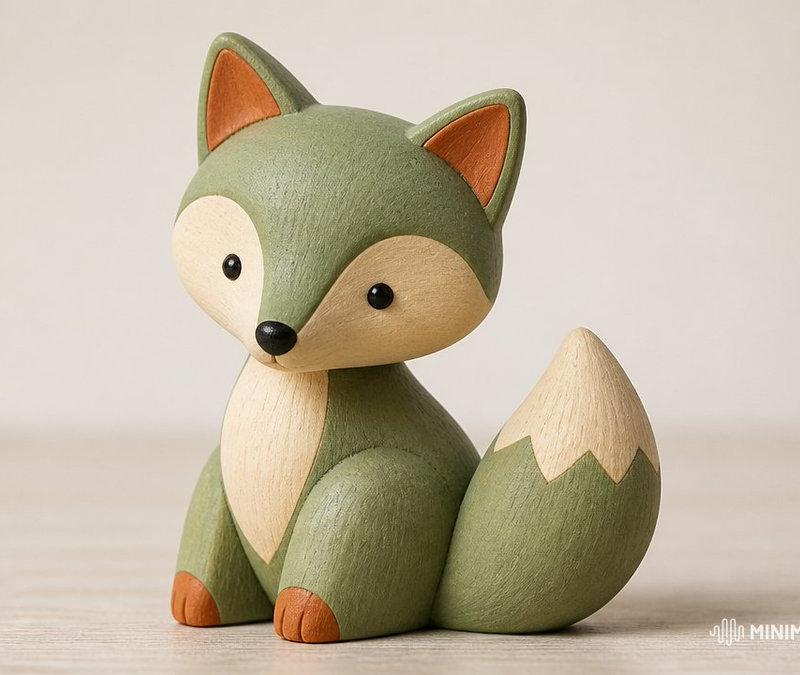
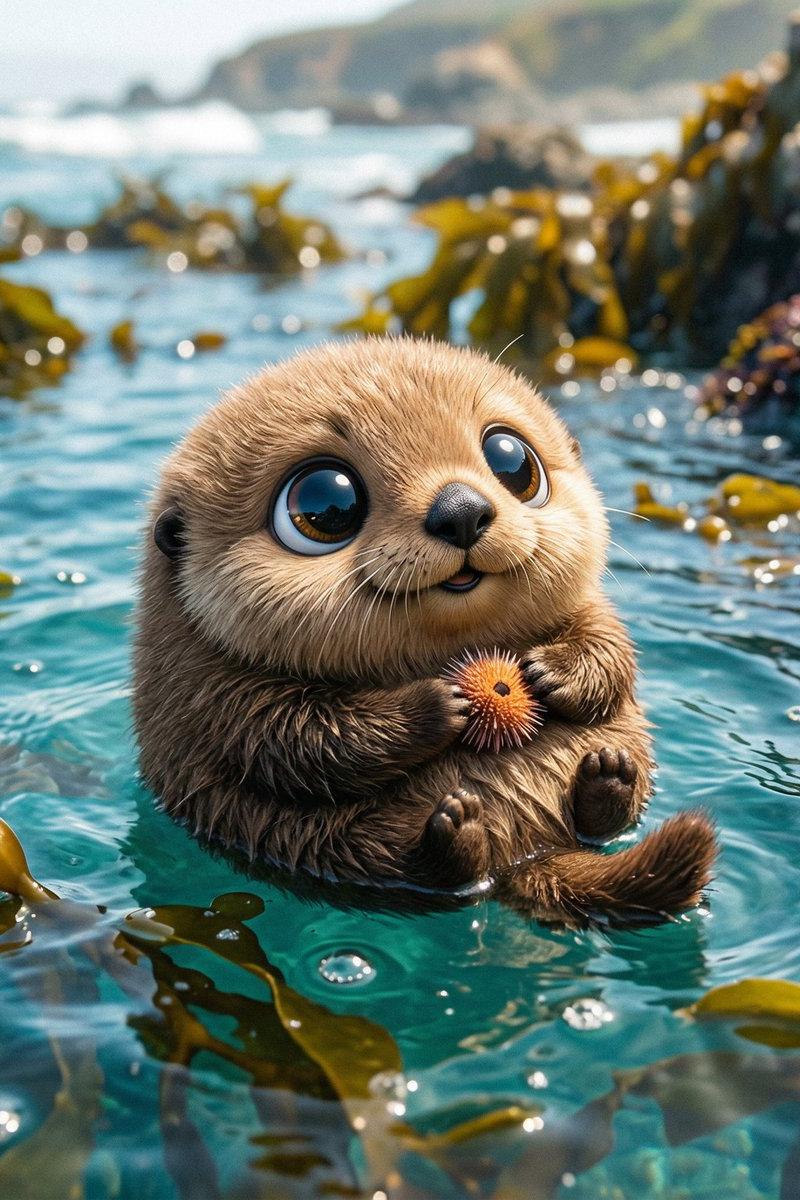
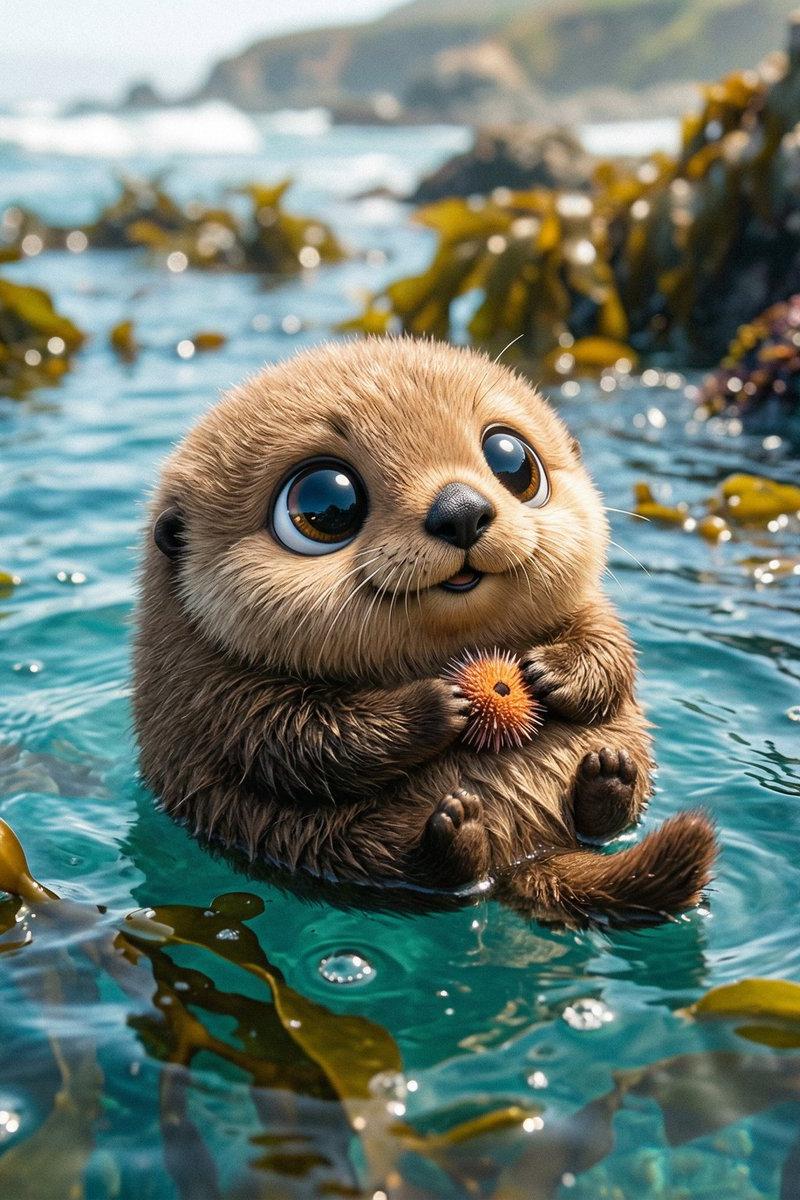
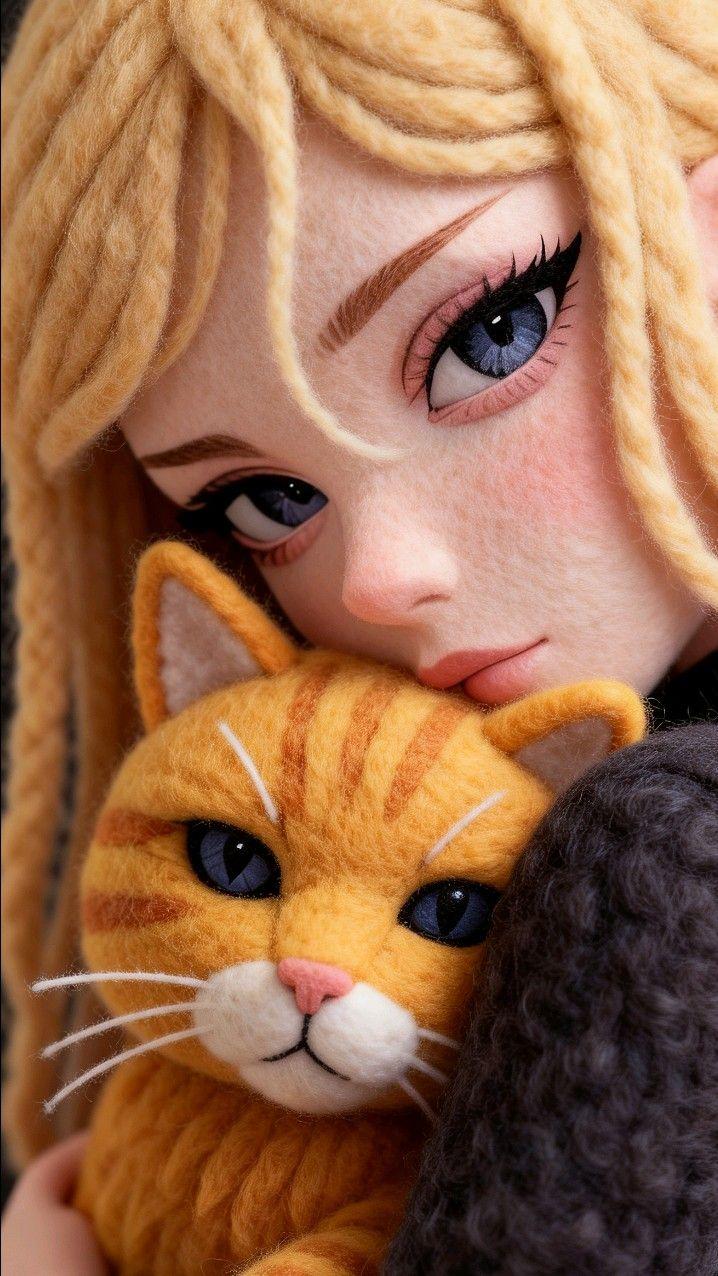
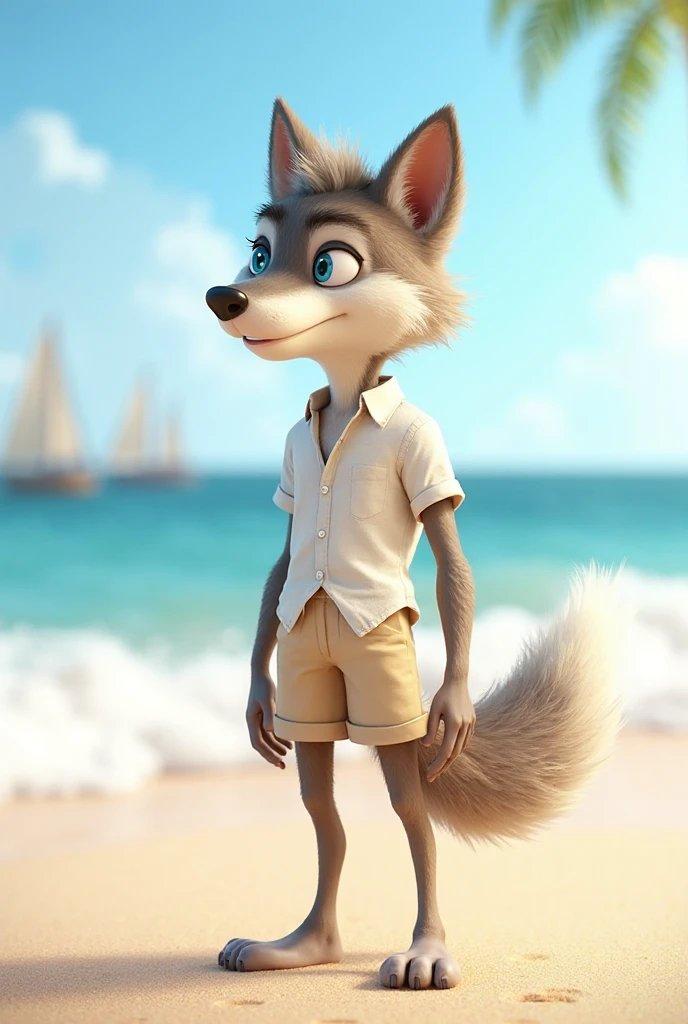
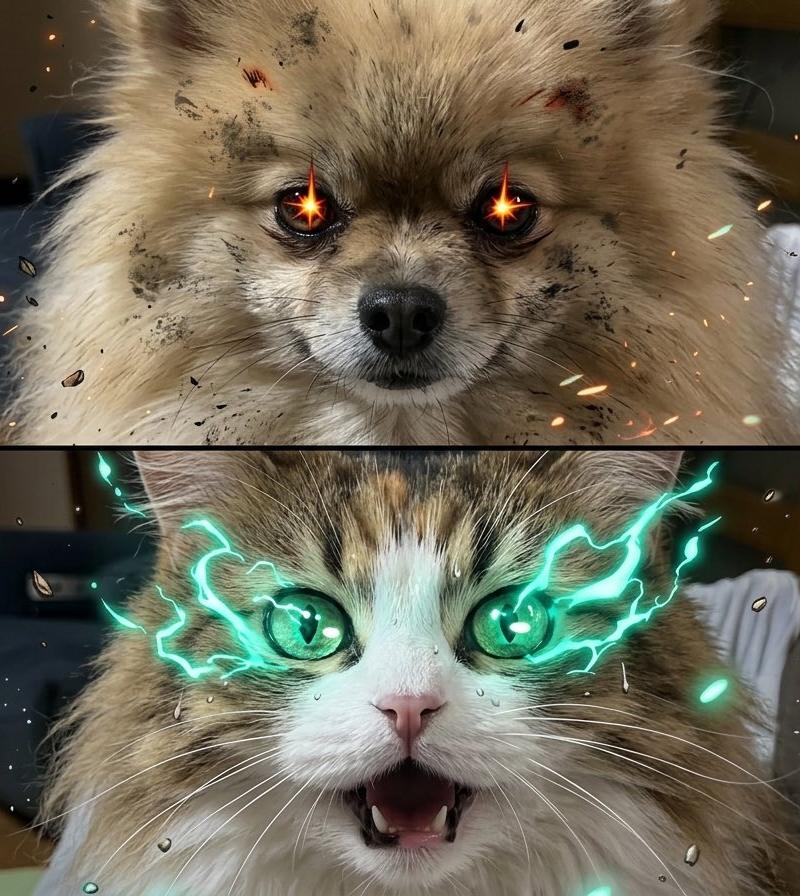
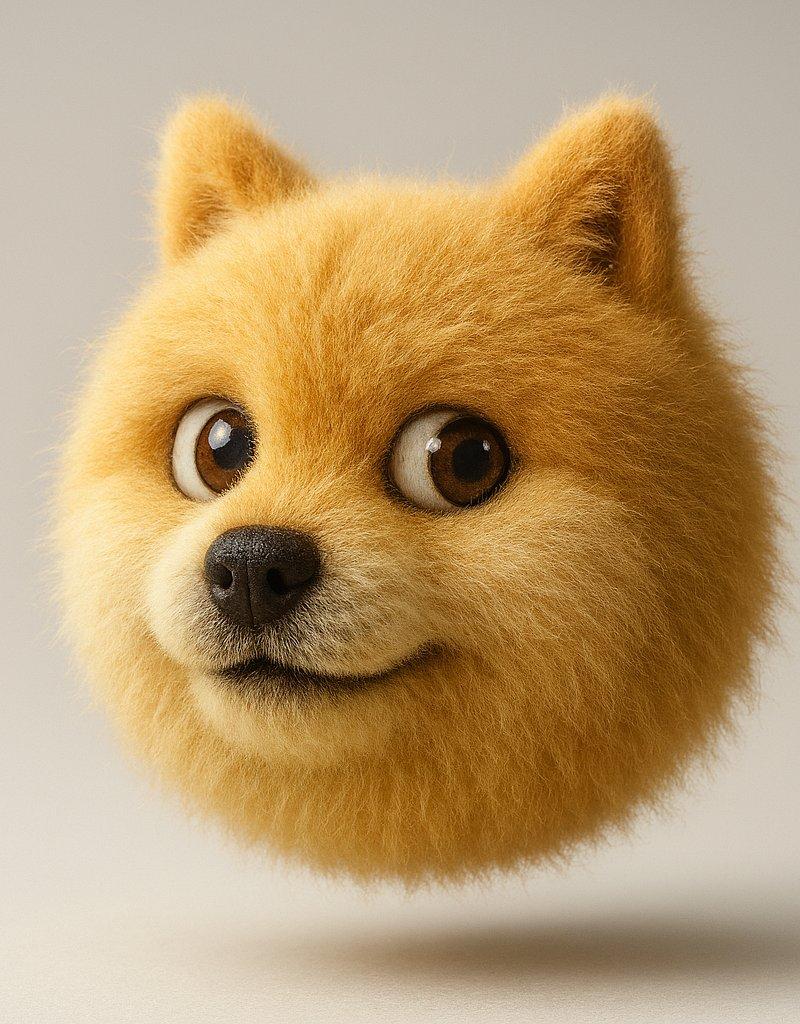
Example images

毛茸茸表情包创作

Prompt
画毛茸茸的表情包
工具:Sora 或者 GPT-4o
注意:
请替换[]中括号内的表情为你想生成的表情
如果有单张表情图片,可以作为附件上传,然后把中括号内的文字修改为[参考附件图]
提示词:
将一个简单平面的矢量图标 [💩] 转化为柔软、立体、毛茸茸的可爱物体。整体造型被浓密的毛发完全覆盖,毛发质感极其真实,带有柔和的阴影。物体居中悬浮于干净的浅灰色背景中,轻盈漂浮。整体风格超现实,富有触感和现代感,带来舒适和俏皮的视觉感受。采用摄影棚级灯光,高分辨率渲染,比例为1:1。
Category
Photography & Realism
Model
Unknown
Creator
宝玉
Source language
zh-CN
Views0
Source ID
creation-of-a-fluffy-emoji
Studio

Guide

About "毛茸茸表情包创作"

What is this prompt for?

"毛茸茸表情包创作" AI image prompt for Unknown (Photography & Realism). 画毛茸茸的表情包 工具:Sora 或者 GPT-4o 注意: 请替换[]中括号内的表情为你想生成的表情 如果有单张表情图片,可以作为附件上传,然后把中括号内的文字修改为[参考附件图] 提示词…

The full copyable prompt and example visuals above are ready for AI image generation or one-click recreate in Picva.

How to use this prompt

  1. Step 1

    Open the prompt detail

    Review the example visuals, category, and full prompt text for "毛茸茸表情包创作".

  2. Step 2

    Copy the prompt

    Copy the prompt body from this page, or load it directly in Studio.

  3. Step 3

    Pick a model (Unknown)

    Prefer Unknown. If you switch models, keep subject and composition and tweak style terms.

  4. Step 4

    Generate and export

    Recreate the look in Picva, or export into your workflow for editing and publishing.

FAQ

What is the "毛茸茸表情包创作" prompt?
It is an AI image-generation prompt for Unknown in the Photography & Realism category. This page includes the full prompt text, example visuals, and a one-click recreate path in Picva.
How do I use this prompt to generate an image?
Copy the prompt from this page, or use Generate / Studio. Paste it into a compatible image model, or recreate the look in Picva with optional reference images.
Which model is this prompt for?
This page lists Unknown. Most descriptive prompts also transfer to nearby image models such as GPT Image, Flux, or Midjourney with light style tweaks.
Can I use the result commercially?
You can usually copy the prompt for creation, but commercial use of the final image depends on the model terms, reference-image rights, and the generated content. Follow the source author and platform rules.